Docking Stations Reviews
-
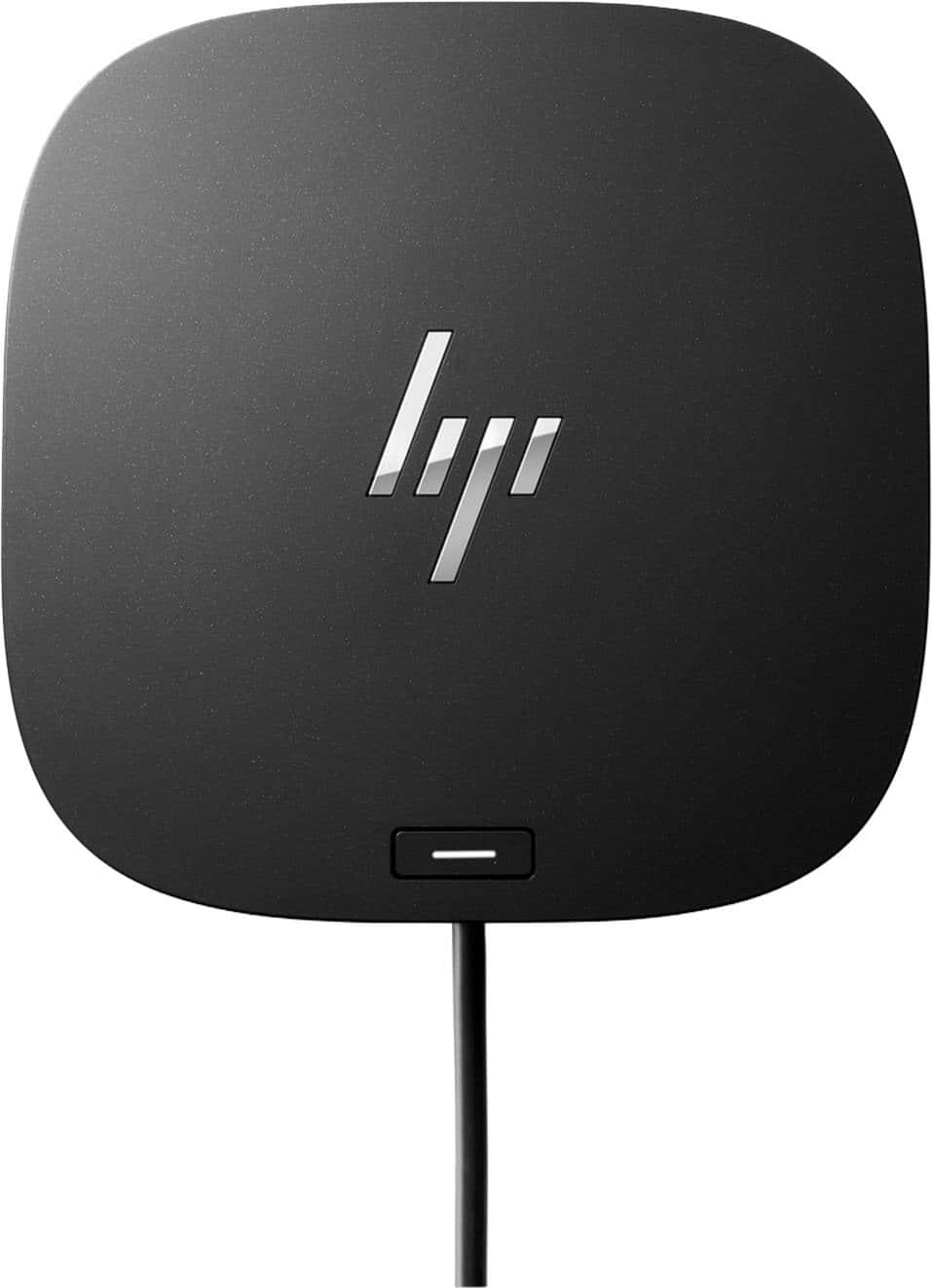
HP - G5 USB-C Universal Docking Station - Black
SKU: JJ8VY9SWSHA great hub!
See all Docking StationsProduct Description
A versatile black USB-C docking station supporting up to three displays, wired network, and multiple accessories.Your price for this item is $109.99Save $40The previous price was $149.99 -
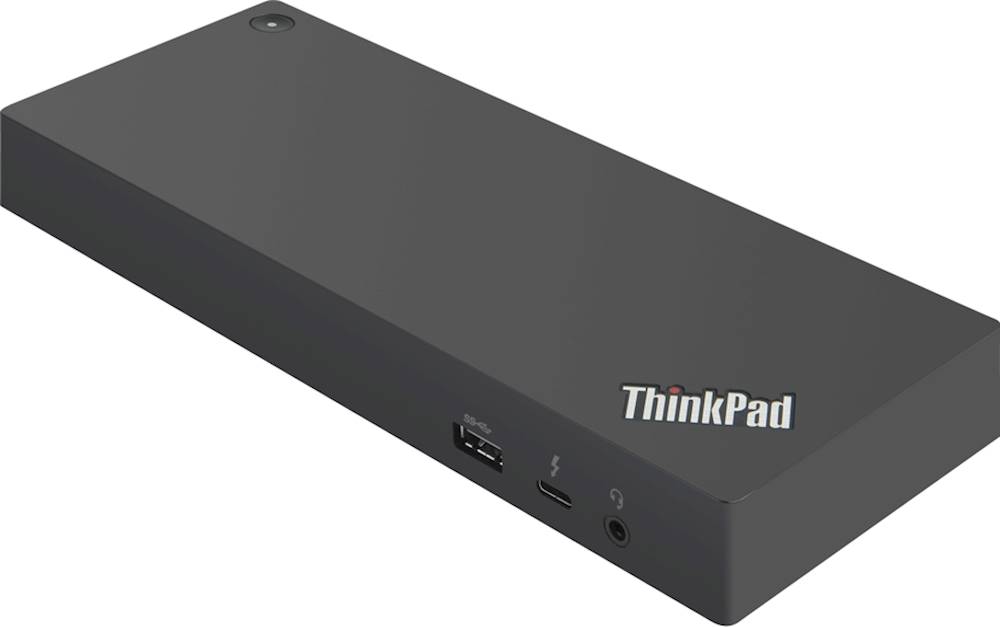
Lenovo - ThinkPad Thunderbolt 3 Docking Station
SKU: JJ89C7CLRXGreat speeds, plenty of connectivity, and love the single cable connection....Great product
See all Docking StationsProduct Description
A black docking station offering Thunderbolt 3 connectivity, dual DisplayPort, HDMI, and five USB ports.Your price for this item is $409.59 -
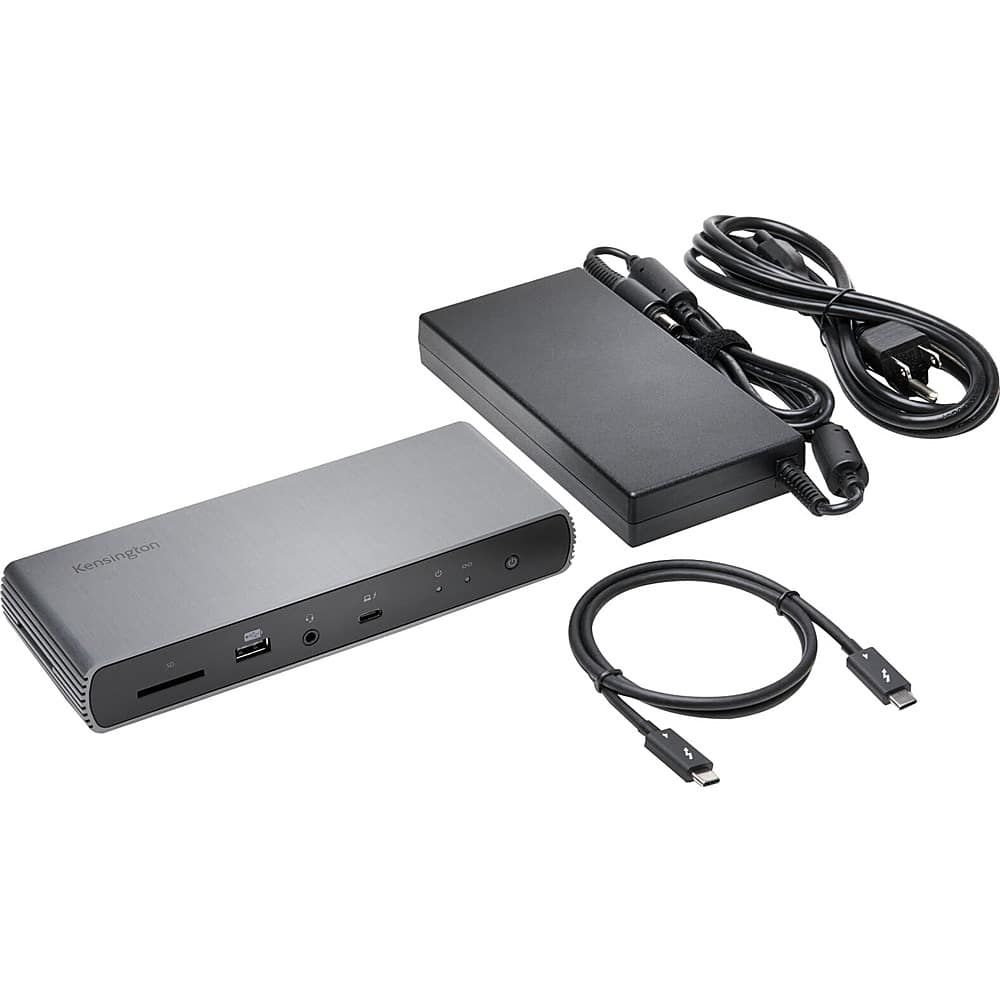
Kensington - SD5700T Thunderbolt 4 Dual 4K Docking Station with 90W PD - Gray
SKU: J7RJZKH9ZGSee all Docking StationsProduct Description
A gray docking station offering dual 4K display support, 90W power delivery, and 11 connectivity ports.Your price for this item is $269.80 -
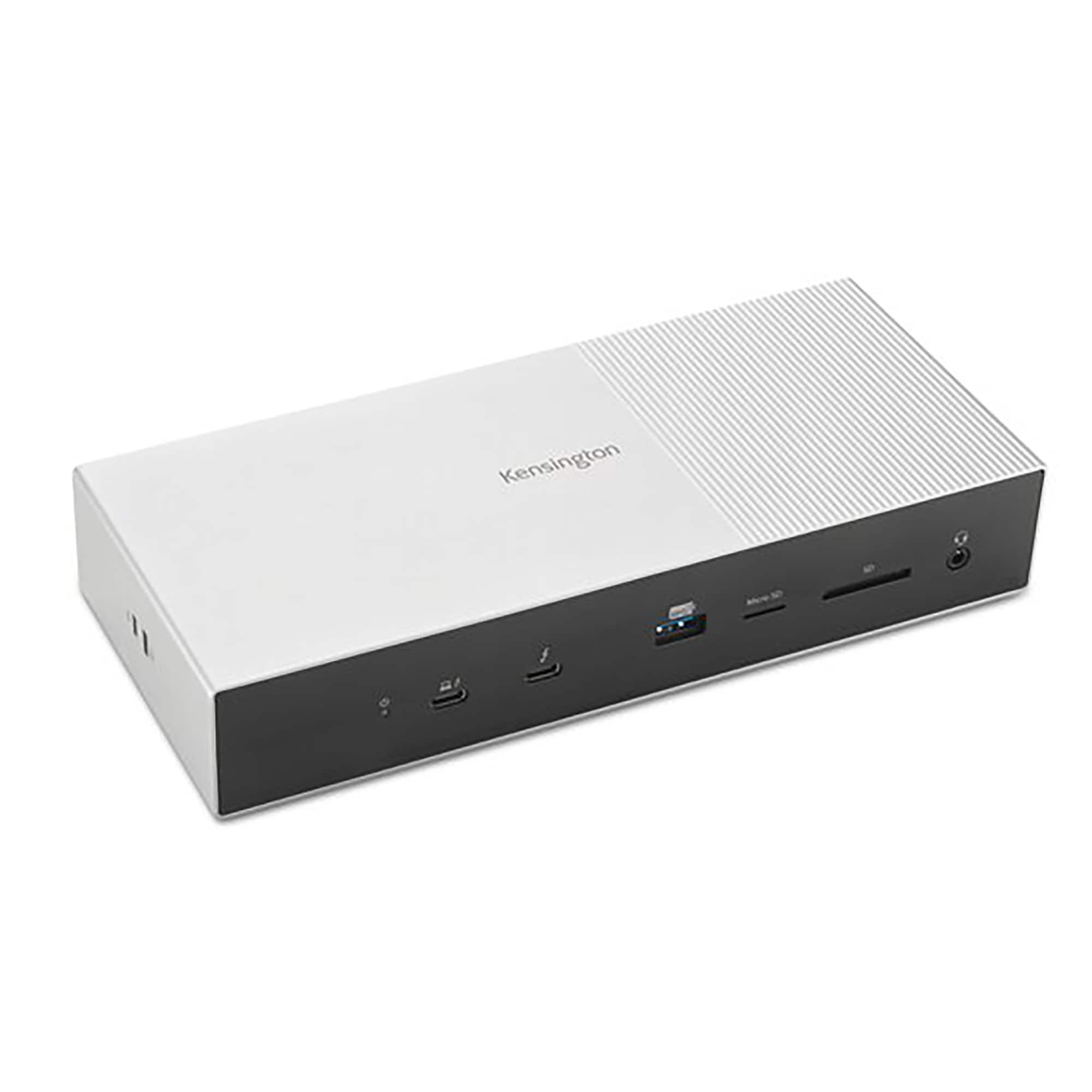
Kensington - SD5000T5-EQ Thunderbolt 5 Triple 4K Docking Station - Space Gray/Black
SKU: J7RJZKH636See all Docking StationsProduct Description
A space gray and black PCR aluminum docking station supporting triple 4K displays, fast data transfer, and universal compatibility.Your price for this item is $276.49Save $22The previous price was $298.86 -
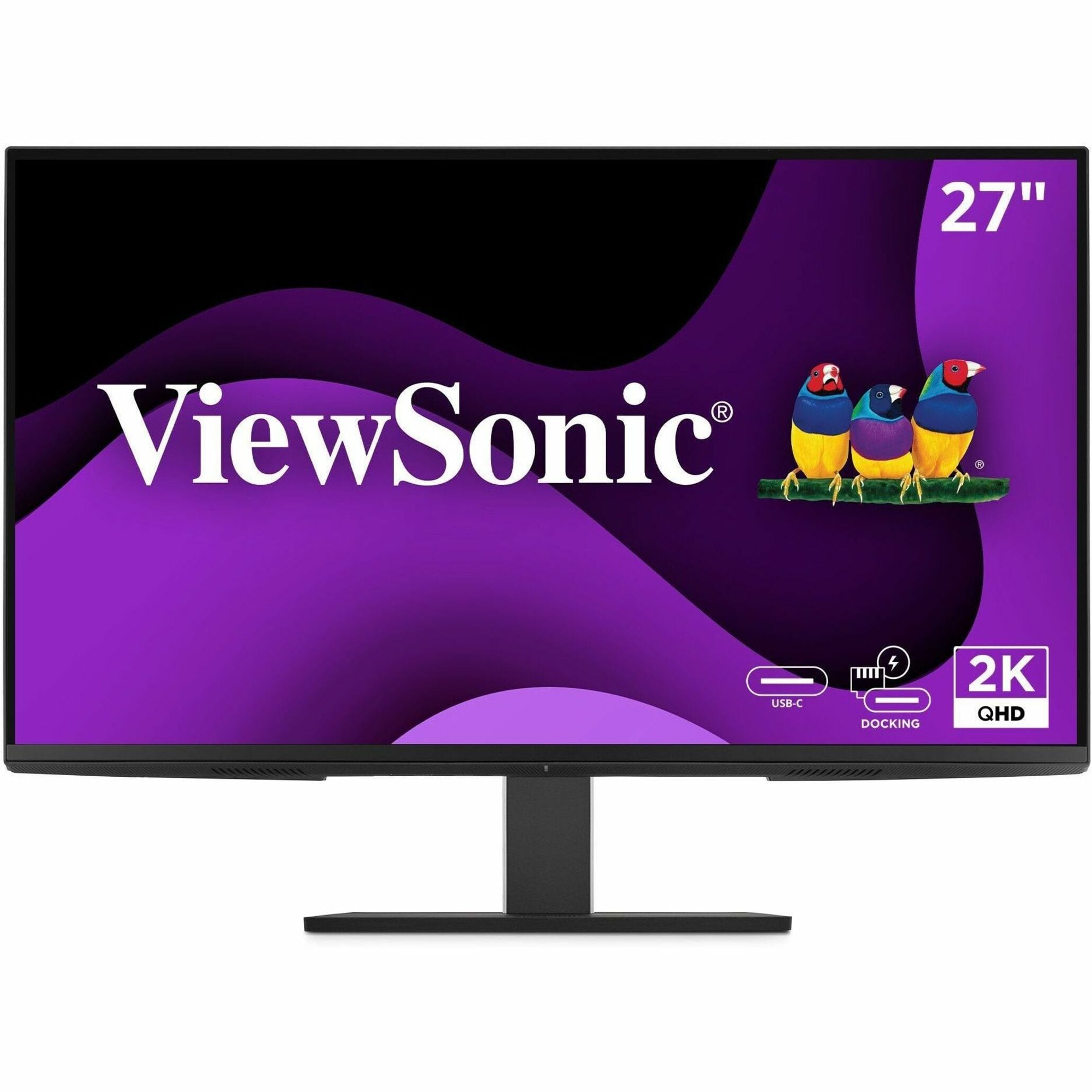
ViewSonic - VG2758-2K 27" IPS LED 100Hz Monitor (USB, HDMI) - Black
SKU: J37H88VKWCSee all All MonitorsProduct Description
A black IPS LED monitor with 100Hz refresh rate, USB-C docking, ergonomic stand, and integrated speakers.Your price for this item is $350.12 -
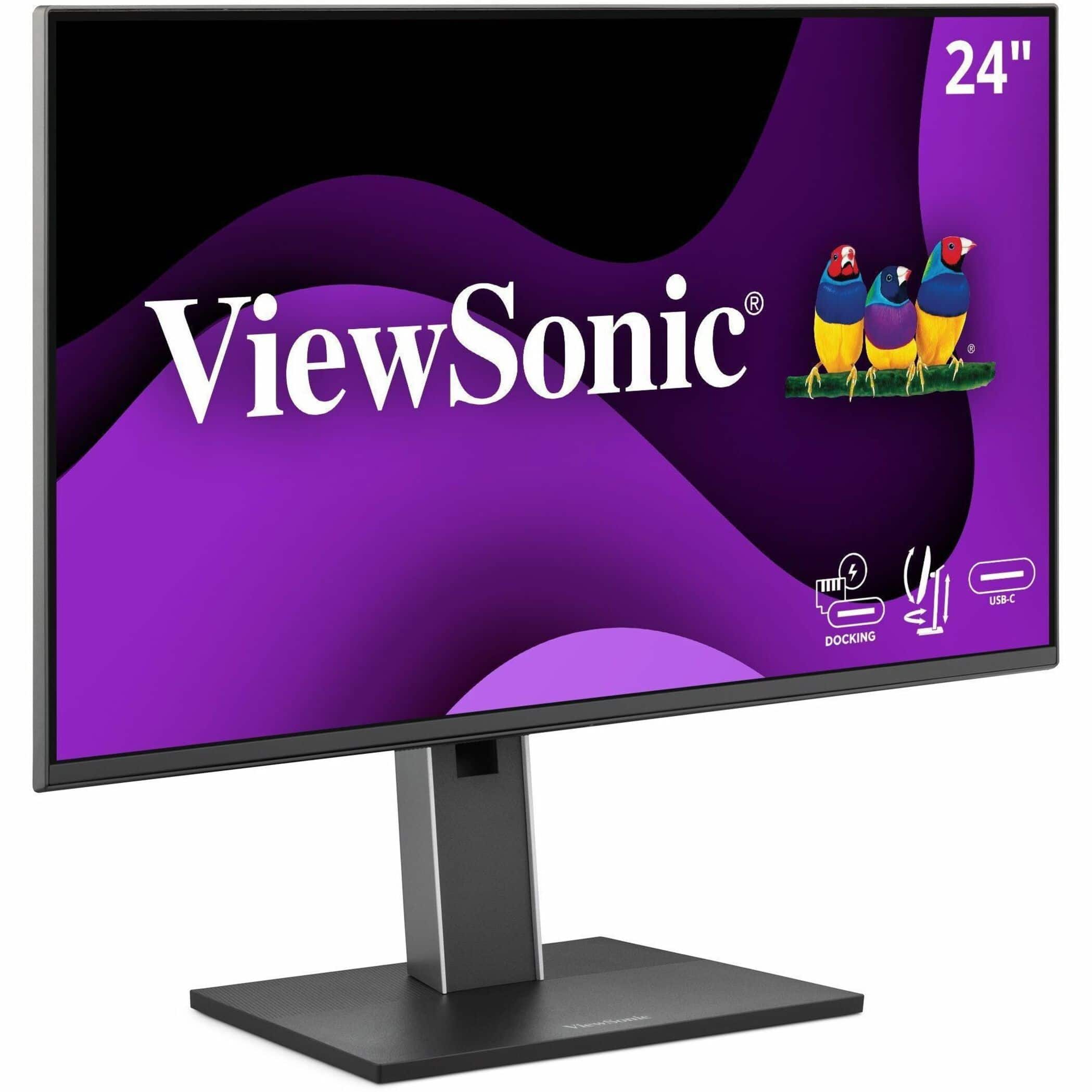
ViewSonic - VG2458 23.8" IPS LED FHD 100Hz Monitor (USB, HDMI) - Black
SKU: J37H88VKTZSee all All MonitorsProduct Description
A black IPS LED monitor with 100Hz refresh rate, USB-C connectivity, ergonomic stand, and integrated speakers.Your price for this item is $279.99
Best Sellers






Related Pages




FAQ
When choosing a docking station, consider the types and number of ports (such as USB, HDMI, Ethernet), compatibility with your devices, charging capabilities, and support for multiple monitors. Additional features like SD card readers or audio jacks may also be important depending on your needs.
Yes, many docking stations are compatible with both laptops and desktops, provided the devices have the appropriate ports or connections. Always check the product specifications to ensure compatibility with your specific device model.
Most docking stations list compatible operating systems in their product details. Common supported systems include Windows, macOS, and sometimes Linux. If you're unsure, check the manufacturer's website or the product's user manual for compatibility information.
USB-C docking stations use the USB-C connection standard and offer data transfer, charging, and video output. Thunderbolt docking stations use the Thunderbolt protocol, providing faster data transfer speeds and support for more demanding peripherals, such as multiple 4K monitors. Always confirm your device supports the chosen connection type.
Some docking stations are plug-and-play and work immediately once connected, while others may require you to install specific drivers or software for full functionality. Refer to the product documentation or manufacturer's website for installation requirements.