Top Rated Docking Stations
Explore top-rated docking stations to connect your laptop to monitors and other peripherals. Compare computer compatibility, port options, display support, and charging capabilities to find a laptop dock that fits your workspace and the devices you use.
What to look for in top-rated docking stations
When comparing top-rated docking stations, consider how each option connects your computer to the displays, accessories, and power you need.
1. Computer Compatibility
2. Port Selection
3. Display Support
4. Power Delivery
-
1
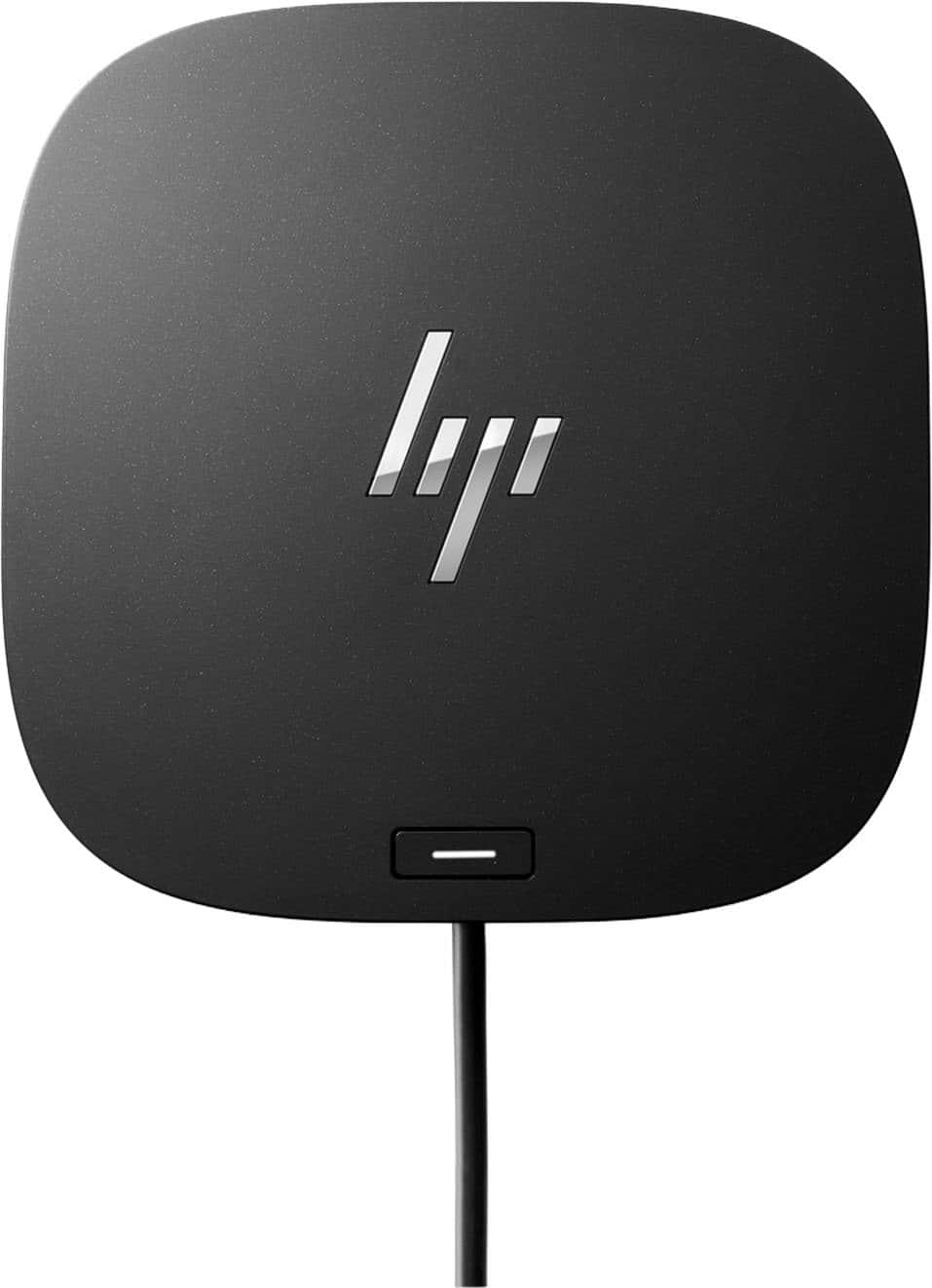
HP - G5 USB-C Universal Docking Station - Black
About this product
A versatile black USB-C docking station supporting up to three displays, wired network, and multiple accessories.
What customers like
(64)$139.99Your price for this item is $139.99SAVE $10.00 -
2
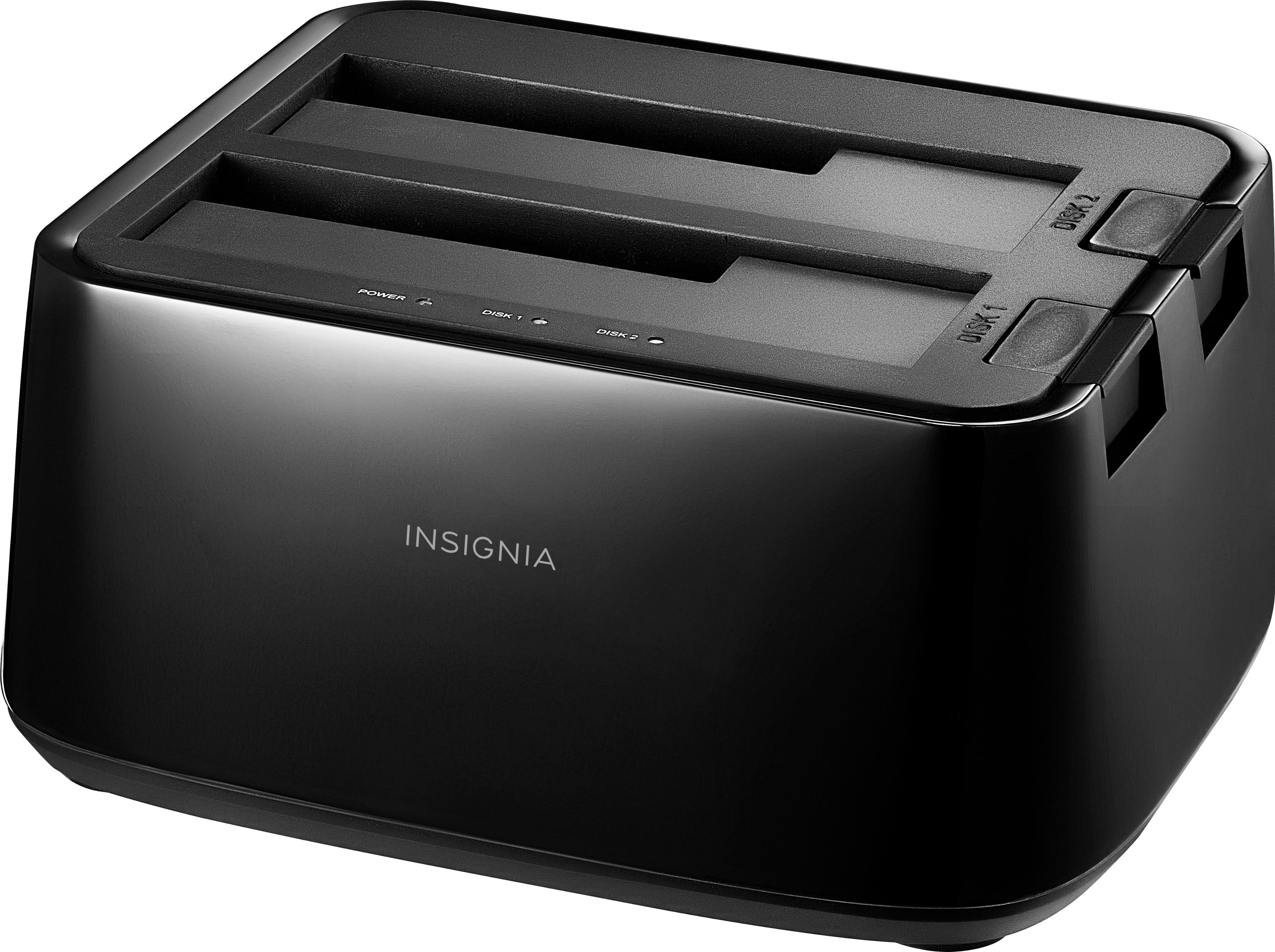
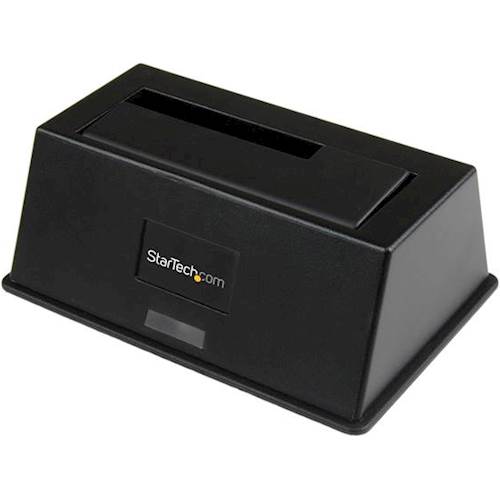
Insignia™ - 2-Bay HDD docking station
About this product
A plug-in docking station with two bays for simultaneous SSD/HDD use and fast USB 3.0 transfers.
What customers like
(2,039)$49.99 Your price for this item is $49.99 -
3
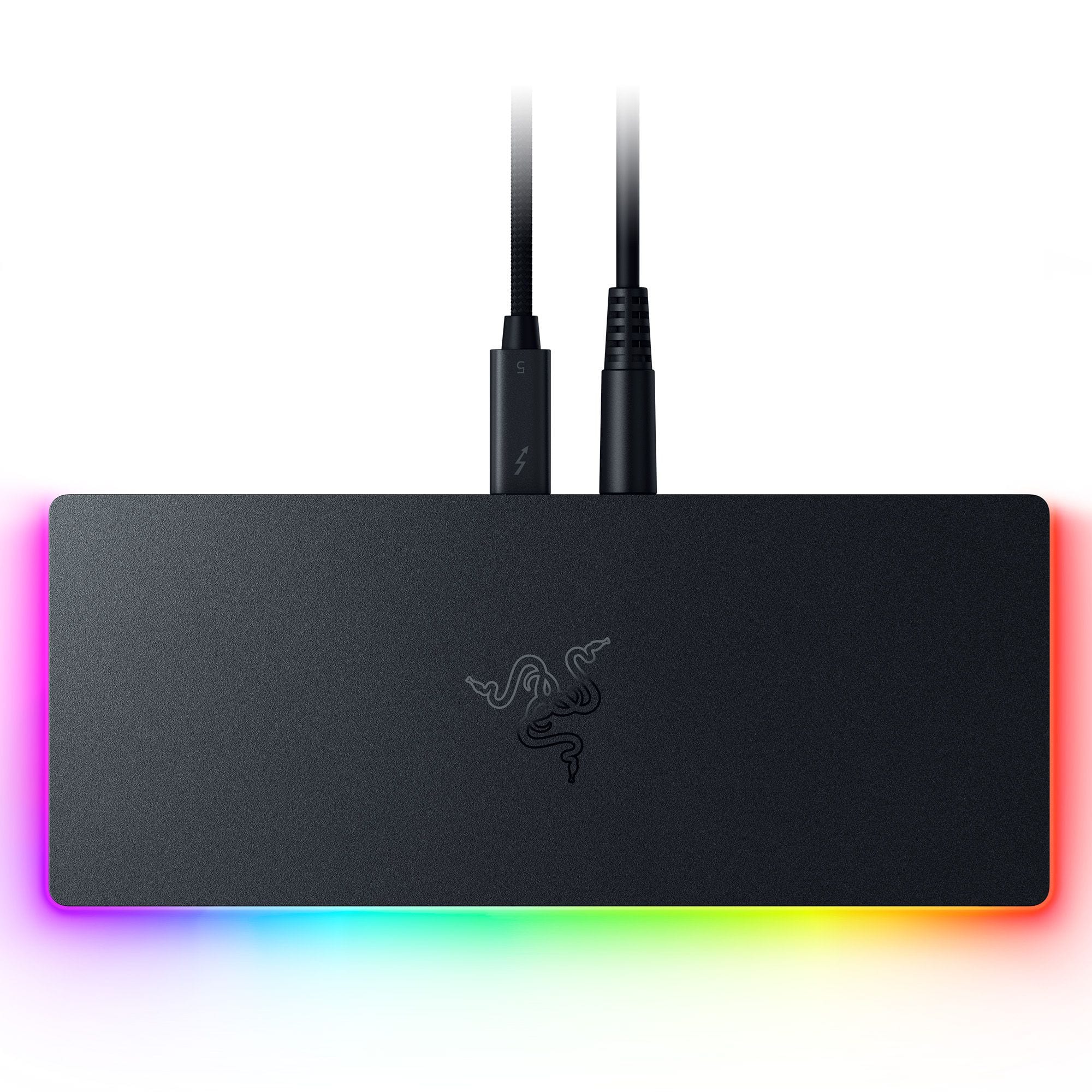
Razer - Thunderbolt 5 Dock Chroma: 11-Port Docking Station - 120Gbps Transfer - Triple 4K 144Hz or 8K 60Hz Display - PC & Mac - Black
About this product
A sleek black anodized aluminum dock with 10 ports, M.2 storage slot, Chroma RGB, and triple 4K support.
(8)$399.99 Your price for this item is $399.99 -
4

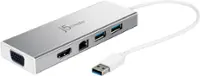
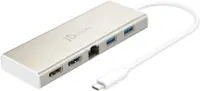
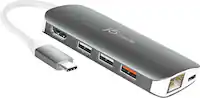
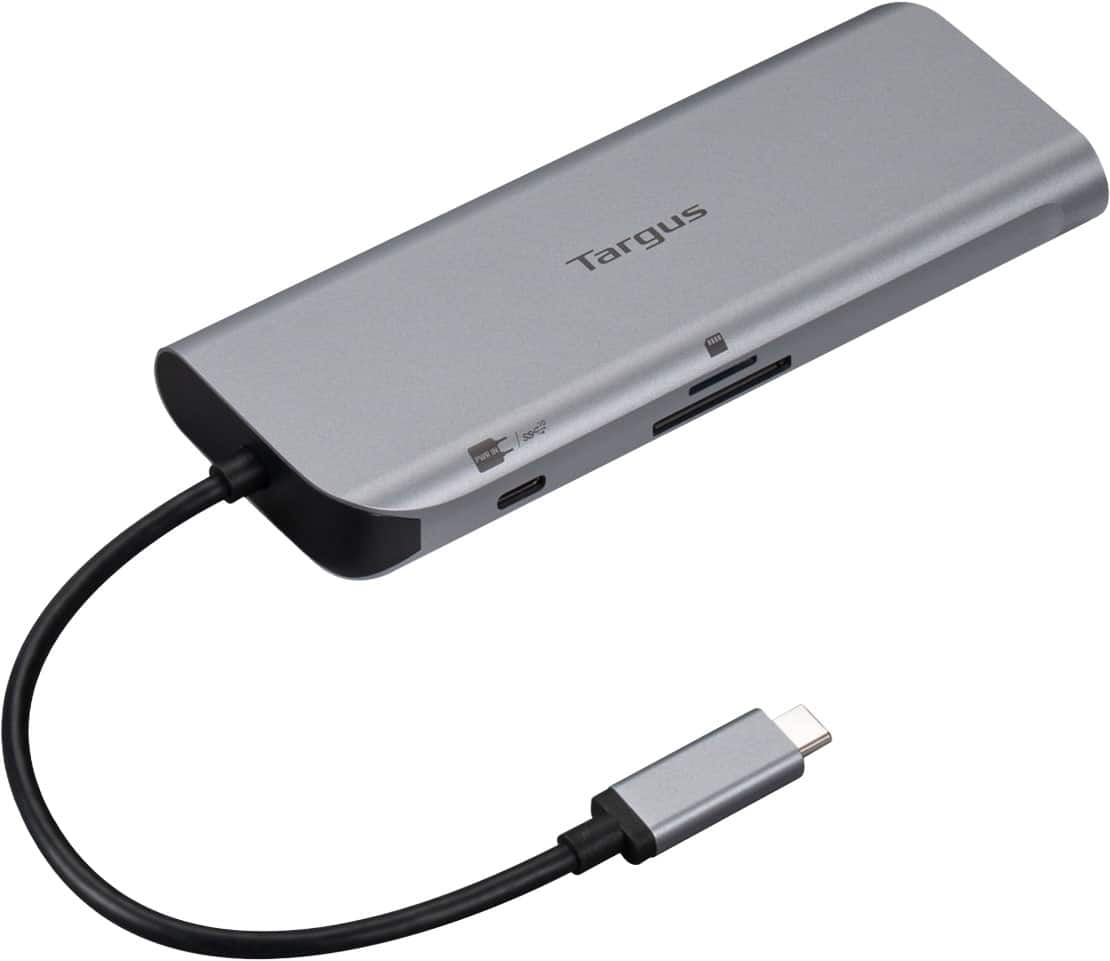
Aluratek - USB Type-C Multimedia Hub and Card Reader with HDMI - Silver
About this product
A silver USB-C multimedia hub and card reader with HDMI and high-speed USB 3.1 Gen 1 ports.
(159)$19.99 Your price for this item is $19.99 -
5

Razer - USB C Dock Station with 11 Ports for Windows 10 or later (PC with USB‑C); macOS 10.13 or later (Mac) - Black
About this product
A sleek black aluminum alloy dock offering 11 ports, including USB, Ethernet, and audio for PC and Mac.
(8)$79.99Your price for this item is $79.99SAVE $50.00 -
6
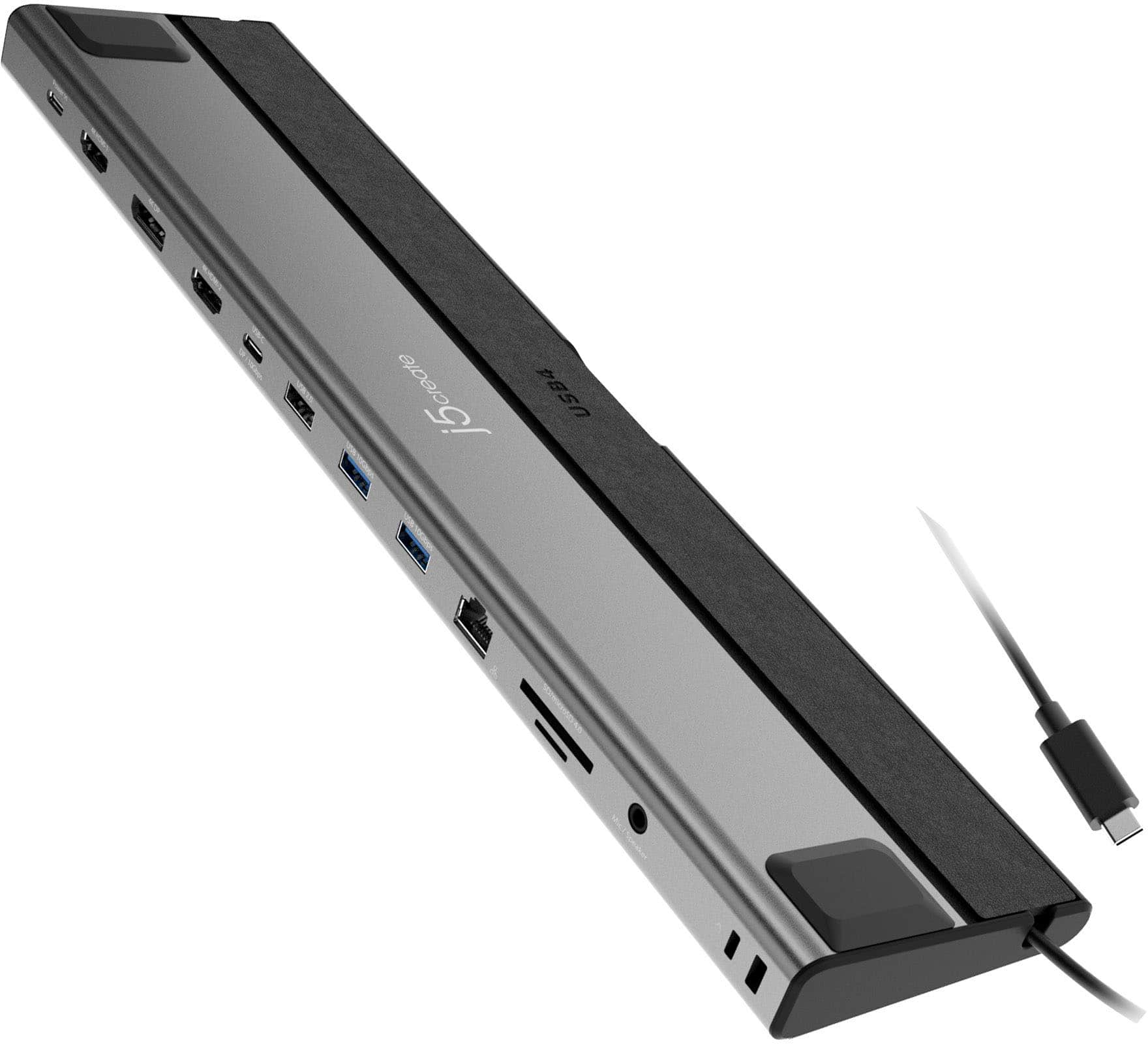
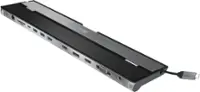
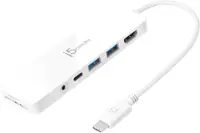
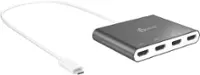
j5create - USB4 Triple 4K Multi-Port Docking Station - Space Gray & Black
About this product
A high-performance aluminum docking station in space gray and black supporting triple 4K displays and USB4 connectivity.
What customers like
(27)$179.99 Your price for this item is $179.99 -
7
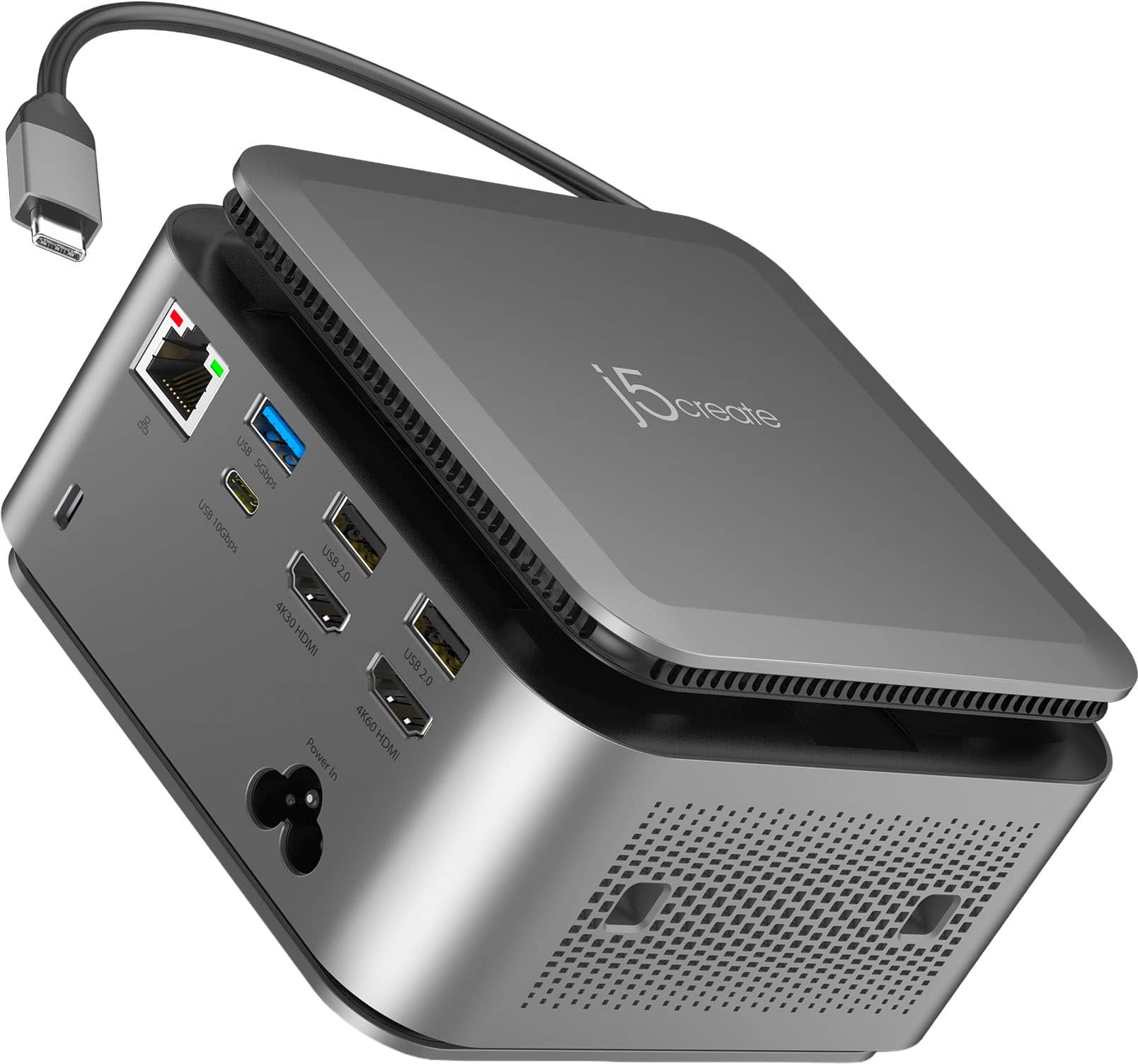
j5create - USB-C Powerbase Docking Station - Space Gray
About this product
A versatile space gray docking station with built-in GaN power adapter, smart cable storage, and multiple charging ports.
(12)$164.99 Your price for this item is $164.99 -
8
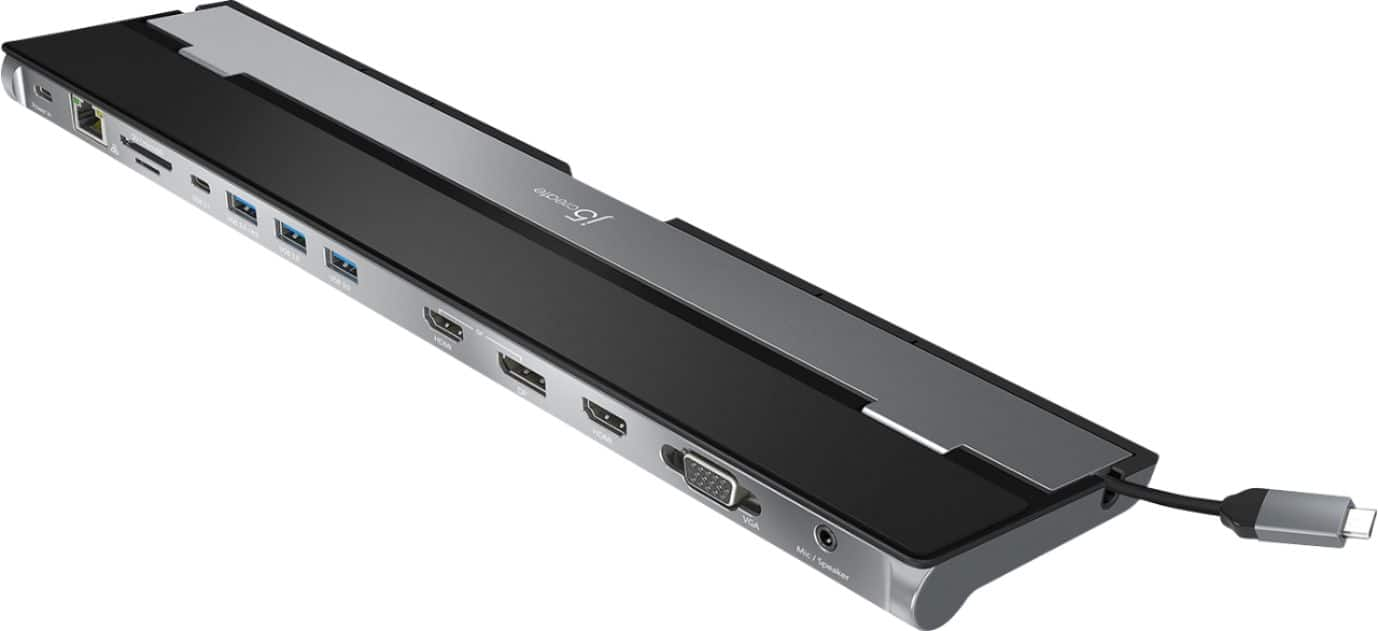
j5create - USB-C Triple Display Docking Station - Black
About this product
A versatile black docking station offering triple display support, 100W Power Delivery, and 13 essential ports.
What customers like
(3,157)$99.99 Your price for this item is $99.99 -
9

Anker - Laptop Docking Station, 13-in-1 USB-C Docking Station - Gray
About this product
A gray 13-in-1 USB-C dock supporting triple displays, fast data transfer, Ethernet, SD, and 85W charging.
(1)$199.99 Your price for this item is $199.99 -
10

Plugable - Thunderbolt 5 Dock: 140W Power Delivery, Up to Dual 6K@60Hz for Mac, Up to Dual 8K for Windows - Space Gray
About this product
A versatile space gray docking station offering dual 8K or 6K display support, 140W charging, and extensive connectivity.
(1)$299.95 Your price for this item is $299.95
Top Rated Docking Stations
FAQs
A laptop docking station connects a computer to accessories through a single host connection. Depending on its features, a dock may include connections for external monitors, a keyboard, a mouse, wired networking, audio devices, and other peripherals.
Docking stations may include USB-A, USB-C, HDMI, DisplayPort, Ethernet, and audio ports, along with memory card readers. Port combinations vary, so compare the dock’s specifications with the connections required by your computer and accessories.
Check your laptop’s operating system and the connection standards supported by its ports, then compare those details with the dock’s requirements. A USB-C connector alone does not confirm support for video output, charging, or Thunderbolt. Some docks also require drivers or software.
USB-C describes a connector type, while Thunderbolt is a connection standard that uses the USB-C connector on recent versions. USB-C docking stations can use different underlying standards. Check the supported standards on both your laptop and the dock rather than relying on connector shape alone.
Look for reviews that identify the reviewer’s laptop model, operating system, connected monitors, and accessories. These details provide context for the rating. Also check the number and recency of reviews, since an average rating alone does not tell you whether a dock matches your setup.