Aluratek - USB Type-C Multimedia Hub and Card Reader with HDMI - Silver
About this product
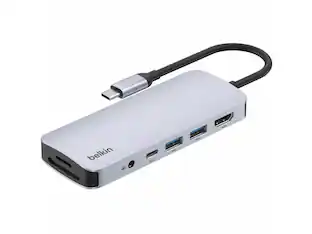
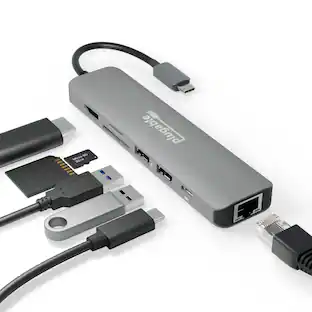
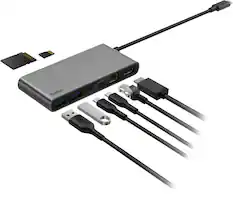
This Aluratek USB Type-C docking station is designed to connect to your MacBook, Chromebook or other devices that support the USB-C port. With high-speed USB 3.1 Gen 1, you will be able to transfer your digital files, photos, music, and videos at a transfer rate of up to 5 Gbps.
Designed for use with a variety of laptops
This docking station is compatible with Apple MacBook, Google Pixel Chromebook or other devices that support the USB-C port and connector.
Supports Extended and Mirror modes through HDMI output
View data across multiple screens or with display continuity to multitask more effectively without overlapping windows. The attached cable design is perfect for mobile professionals.
Two USB 3.1 Gen 1 ports
Offer a simple and convenient connection and fast data transfer. Compliant with the USB 3.1 Gen 1 specification (backward compatible with USB 3.0, USB 2.0, and USB 1.1).
Built-in media reader for simple data transfer
Supports SD and microSD memory card formats.
Bus-powered USB
No external power adapter is required.
- Number of USB Port(s)2
Reviews
Rating 4.5 out of 5 stars with 159 reviews
Customer Images
The vast majority of our reviews come from verified purchases. Reviews from customers may include My Best Buy members, employees, and Tech Insider Network members (as tagged). Select reviewers may receive discounted products, promotional considerations or entries into drawings for honest, helpful reviews.
Compare similar products
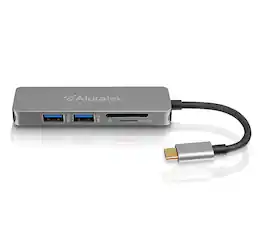
This Aluratek USB Type-C docking station is designed to connect to your MacBook, Chromebook or other devices that support the USB-C port. With high-speed USB 3.1 Gen 1, you will be able to transfer your digital files, photos, music, and videos at a transfer rate of up to 5 Gbps.

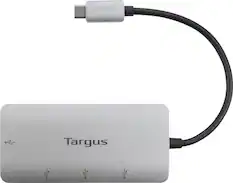
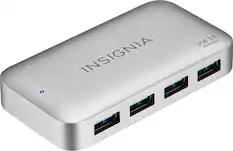
If you’re like many busy people, you have a dozen things going on at once, and working on the computer is no different. You likely need your computer’s USB ports to connect a keyboard or mouse, transfer files and charge devices – it’s no surprise that there aren’t enough ports for everything. This hub helps optimize your workspace by providing four extra USB ports to connect accessories – simply plug it into your computer’s USB-C port. Transfer speeds up to 5 Gbps move files quickly and efficiently. Its compact size makes it perfect for slipping into a purse or backpack. You really can do it all with the Insignia 4-Port USB-C Hub.
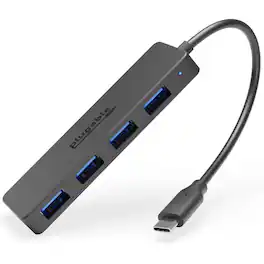
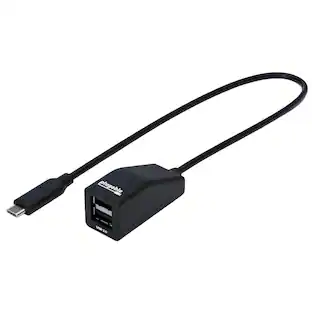
The Plugable USBC-HUB4A might look pretty simple, and that’s because it is. Simply plug it in and sprout 4x USB 3.0 data ports. For MacBook Air. For Dell XPS. For just about anything with a USB-C port. Each port can transfer data up to 5Gbps. At that speed it would only take about 21 seconds to transfer the entirety of the 1984 science fiction hit, The Last Star Fighter. So, yeah, it’s pretty fast. That means you can be transferring files from a flash drive on USB port 1, connecting a keyboard to port 2, a mouse in 3, and downloading clips from your camera on 4. Sure, these hubs are quite handy to have on your desk, but they’re just as happy to hit the road. Lightweight and compact, the hubs are encased in black plastic with a matte finish to resist scuffs and scratches. The plastic carapace also helps to avoid damaging the other gadgets in your bag. It is worth mentioning, however, that the hub is only designed for data. This USB port expander will not charge. Plug it in and go. No driver downloads required. This usb c splitter transfers data at up to 5Gbps. Small and durable with an integrated 15cm flexible cord, this hub is handy to have on your desk, but it’s just as happy to hit the road. Compatible with Windows, macOS, ChromeOS, and Linux systems with a USB-C port. Designed for data, this device doesn’t charge.
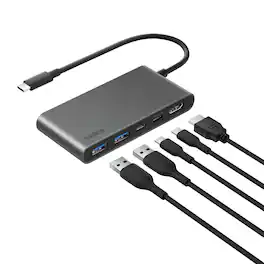
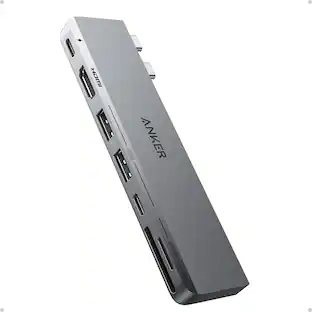
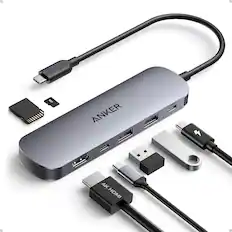
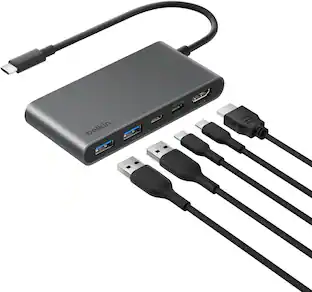
Hybrid working professionals on the go can instantly expand the number of USB-C and USB-A ports on their laptops to connect up to five devices and optimize workstations. Upgraded HDMI 2.0 delivers crystal clear monitor resolutions, fast data transfer speeds reach up to 5Gbps and a USB-C port delivers up to 100W PD to your host device. This portable USB-C hub goes with you when you’re at the office or at home.
| Pros for Aluratek - USB Type-C Multimedia Hub and Card Reader with HDMI - Silver | |||
|---|---|---|---|
| There were no pros for this product— | Overall Performance, USB-C, Ease of use, Connectivity, Size | There were no pros for this product— | There were no pros for this product— |
| Cons for Aluratek - USB Type-C Multimedia Hub and Card Reader with HDMI - Silver | |||
| There were no cons for this product— | Cord Length, Power | There were no cons for this product— | There were no cons for this product— |
Specs




Explore tech essentials Sponsored
 $404.99The price was $465.99



Discover related products
 $12.99The price was $13.99
 $30.99The price was $32.99
 $24.99The price was $27.99
 $59.99The price was $69.99
 $21.99The price was $40.66
 $18.51The price was $22.89








Keep exploring
 $142.69The price was $144.49
 $20.99The price was $24.99