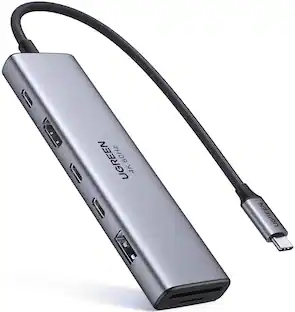
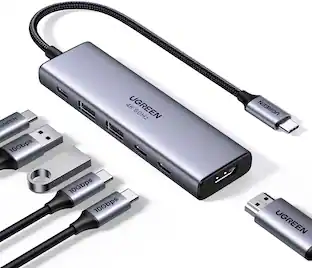
Plugable - Thunderbolt 5 Dock: 140W Power Delivery, Up to Dual 6K@60Hz for Mac, Up to Dual 8K for Windows - Space Gray
About this product
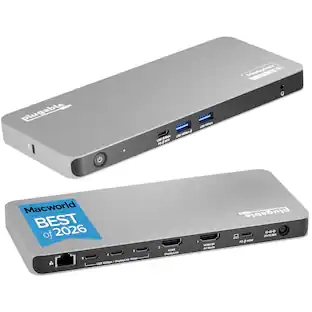
Awarded "Best-Value Thunderbolt 5 Dock" by Macworld and Named “Best of 2026” by PC World, meet the Plugable 11-in-1 Thunderbolt 5 docking station (TBT-UDT3), built for power users, creatives, and anyone tired of adapter overload. With 3x Thunderbolt 5 ports (each support video output, 80/120Gbps, 15W charging), 3x USB (10Gbps) ports, SD and microSD UHS-II card readers, 2.5Gbps Ethernet, 3.5mm audio, and 140W host charging, the TBT-UDT3 covers every port you’ve ever wished your laptop had. The TBT-UDT3 supports up to 2x 8K 120Hz or 2x 4K 144Hz displays on Windows, and up to 3x 6K 60Hz or 3x 4K 144Hz on macOS, including compatible Mac systems with base M5 chips in MacBook Air and MacBook Pro models, as well as M5 Pro and M5 Max. That makes it perfect for content creation, live editing, and pixel perfection. Thunderbolt Share makes it easy to share between machines. It’s basically your entire desk, in one cable. Compatible with Thunderbolt 5, Thunderbolt 4, and USB4, this docking station for MacBook Pro and Windows 11 systems works out of the box—no IT ticket required. From dual-monitor productivity to high-speed file wrangling, the TBT-UDT3 turns your setup from “just okay” to “hotdang?”
Features
11-in-1 Productivity Multiplier
Recognized with the MacWorld Best of 2026 award and the PCWorld Editors’ Choice badge, the Plugable 11-in-1 Thunderbolt 5 docking station (TBT-UDT3), features 3x Thunderbolt 5 ports (up to 120Gbps) with 15W Charging and video support for up 3x displays (dependent on system specifications). Additionally offers 2x USB 10Gbps, 1x USB 3.0, SD and MicroSD slots, 140W charging, 2.5Gbps Ethernet, and Thunderbolt Share
For Ultra-Smooth Visuals
This dock supports up to 3x 6K 60Hz or 3x 4K 144Hz displays on Mac or 2x 8K 120Hz or 2x 4K 144Hz on Windows via the 3x Thunderbolt 5 ports—thanks to Thunderbolt 5’s Bandwidth Boost, which prioritizes video performance for demanding creative workflows and high-refresh displays
Powered Ports
Get charged up with 3x downstream Thunderbolt 5 ports, each delivering up to 15W charging for connected devices, while the upstream port provides up to 140W to your PD 3.1 laptop (PD 3.0 up to 100W). That’s one powerful Windows and Mac docking station
Driverless Compatibility
Plug and play with macOS and Windows systems with Thunderbolt 5, Thunderbolt 4, and full-featured USB4 ports. Great for MacBook Pro, Mac Studio, and high-performance Windows 11 laptops
Lifetime Support
This Windows and MacBook docking station has been designed with reliability at its core and was built to meet the deployment demands of IT departments and the ease of use necessary for home offices. Includes lifetime support from our North American team of connectivity experts
Specifications
- Maximum Number of Displays Supported2Maximum Supported Resolution8K (4320p)Number of DisplayPort Outputs (Total)0Number of Thunderbolt Ports (Total)1Passthrough PowerYes
Reviews
Rating 3 out of 5 stars with 1 review
The vast majority of our reviews come from verified purchases. Reviews from customers may include My Best Buy members, employees, and Tech Insider Network members (as tagged). Select reviewers may receive discounted products, promotional considerations or entries into drawings for honest, helpful reviews.

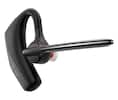
- Poly - Voyager 4310 Wireless Noise Cancelling Single Ear Headset with mic - Black$113.99The price was $157.99
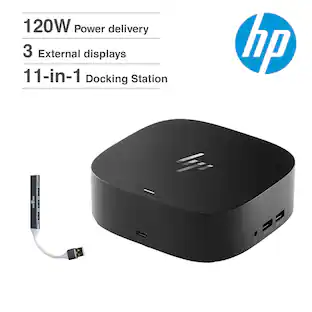
- HP - G6 USC-C 100W Docking Station - Black$199.99The price was $264.99

Compare similar products
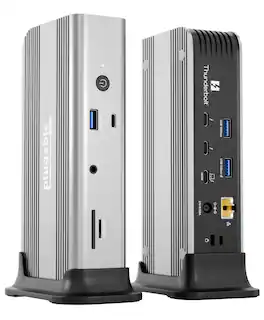
Awarded "Best-Value Thunderbolt 5 Dock" by Macworld and Named “Best of 2026” by PC World, meet the Plugable 11-in-1 Thunderbolt 5 docking station (TBT-UDT3), built for power users, creatives, and anyone tired of adapter overload. With 3x Thunderbolt 5 ports (each support video output, 80/120Gbps, 15W charging), 3x USB (10Gbps) ports, SD and microSD UHS-II card readers, 2.5Gbps Ethernet, 3.5mm audio, and 140W host charging, the TBT-UDT3 covers every port you’ve ever wished your laptop had. The TBT-UDT3 supports up to 2x 8K 120Hz or 2x 4K 144Hz displays on Windows, and up to 3x 6K 60Hz or 3x 4K 144Hz on macOS, including compatible Mac systems with base M5 chips in MacBook Air and MacBook Pro models, as well as M5 Pro and M5 Max. That makes it perfect for content creation, live editing, and pixel perfection. Thunderbolt Share makes it easy to share between machines. It’s basically your entire desk, in one cable. Compatible with Thunderbolt 5, Thunderbolt 4, and USB4, this docking station for MacBook Pro and Windows 11 systems works out of the box—no IT ticket required. From dual-monitor productivity to high-speed file wrangling, the TBT-UDT3 turns your setup from “just okay” to “hotdang?”
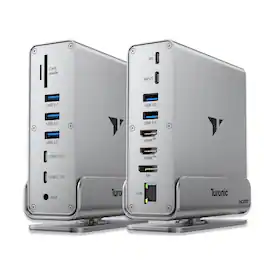
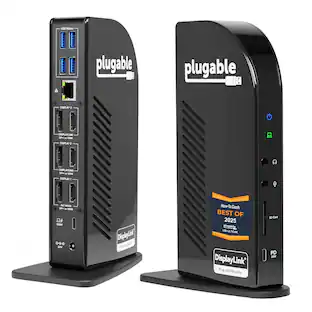
USBC docking station expands one USB-C port into a powerful 15-in-1 setup with USB 3.2 data, HDMI, DisplayPort, Gigabit Ethernet, SD/MicroSD, audio and stable 100W PD charging for daily work.

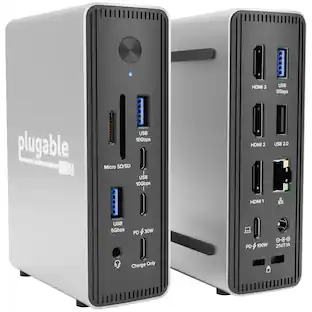
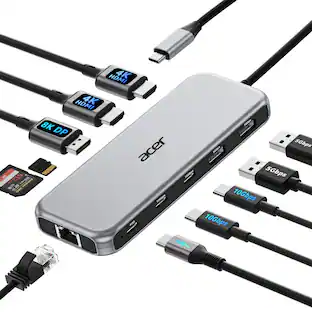
Meet the Plugable TBT-UDH2, a 16-in-1 Windows and Mac docking station with Thunderbolt 5 is built for serious productivity. With 140W host charging, native Dual HDMI 2.1 (up to 8K 60Hz or 4K 144Hz), 6x USB-C ports, including a downstream Thunderbolt 5 port, 2.5Gb Ethernet, and UHS-II SD/microSD readers. This dock delivers next-gen performance without adapters. Whether you're powering a MacBook Pro M4 or a high-end Windows laptop, the TBT-UDH2 docking station for laptops simplifies your setup with driverless, plug-and-play support and a full port lineup. And it’s all in a TAA-compliant design perfect for enterprise, education, or hybrid work. No dongles. No compromises.

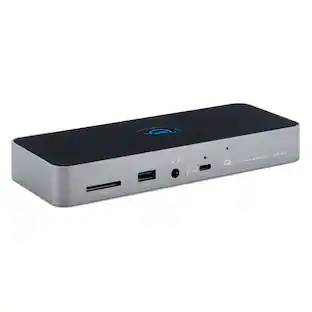
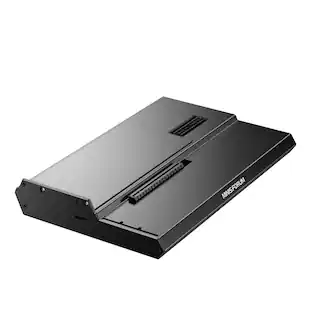
Transform your desk with the Thunderbolt 5 CubeDock, a compact precision-milled aluminum dock that powers your laptop, drives multi-displays up to 8K, and expands your entire setup through a single Thunderbolt 5 connection. With up to 120Gbps bandwidth (USB4 v2 compatible), built-in NVMe SSD enclosure supporting up to 8TB at 6000MB/s, 140W laptop charging, 30W USB-C PD, UHS-II SD/microSD (312 MB/s), USB-C/A 10Gbps, 2.5Gb Ethernet, and smart active cooling, it delivers workstation-level performance in a refined, desk-friendly form. Compatible with: Downwards compatible with Thunderbolt 4, USB 4 devices | MacBook Pro 14/16-inch (2026 M5/M4/M3/M2/M1), MacBook Air 13/15-inch (2026 M5/M4/M3/M2/M1), iPad Pro 11/13-inch (2025 M5/M4), Mac Mini (2026 M6, M5 Pro, M4 Pro, M4), iMac (2024 M4/M3/M1), Mac Studio (2026 M5 Max/Ultra, M4 Max, M3 Ultra M2, M1), Thinkpad X1, X13, Surface Studio 2/1, Surface Pro 11/10/9, Windows laptop, Thunderbolt devices.
Specs
Customers often buy these together
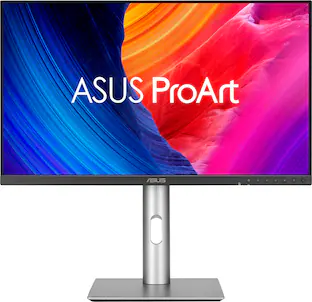 $707.95The price was $752.54
 Our 365-day lowest price$159.99The price was $249.00





Customers ultimately bought



Explore tech essentials Sponsored
 $111.00The price was $119.99

Discover related products









Keep exploring
Anker - Prime Docking Station (DL7400), 14-Port Triple Display with DisplayLink, 140W Max USB-C Port
$259.99The price was $299.99 $19.99The price was $22.99
 $357.98The price was $445.98