Docking Stations For Macs
-
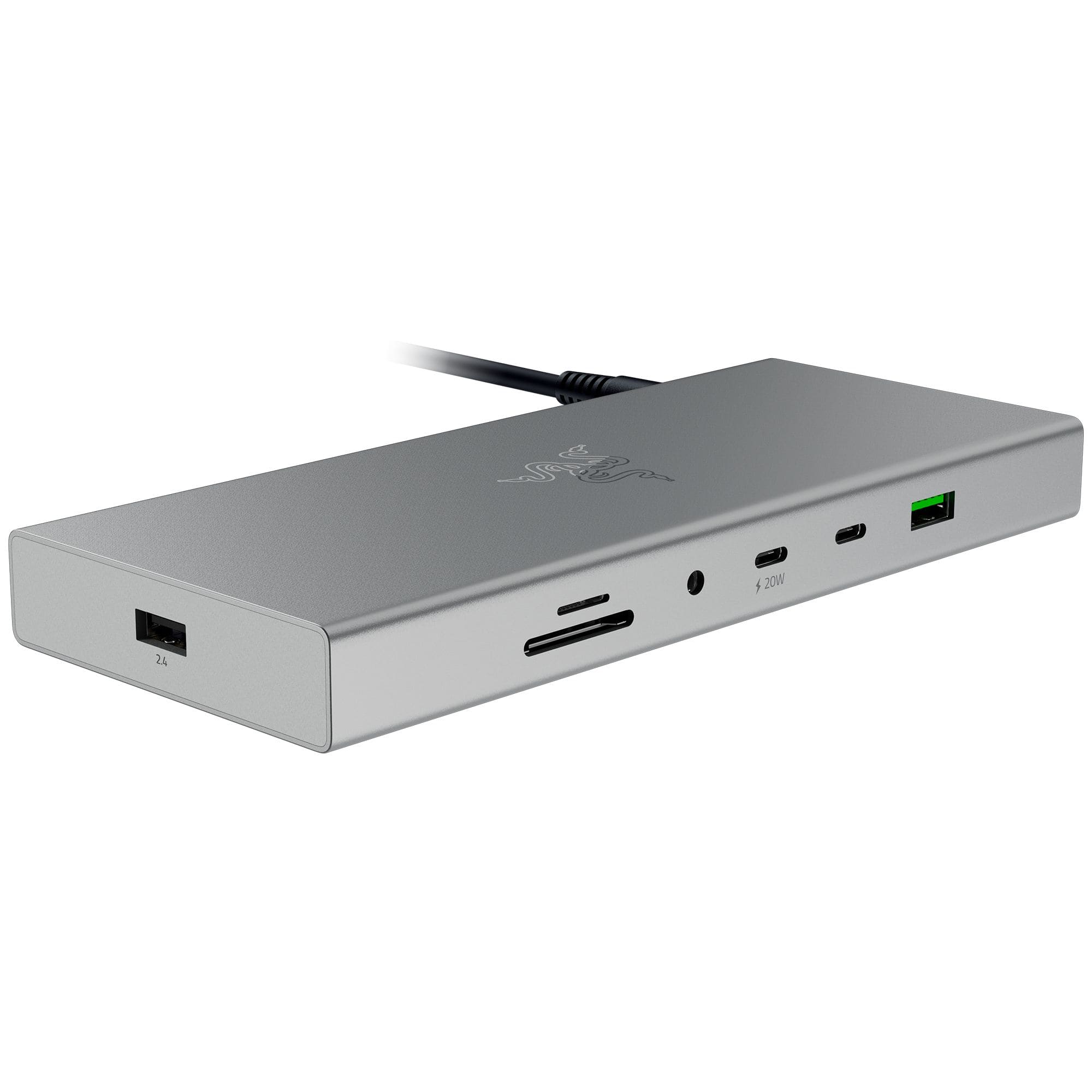
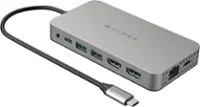
Razer - USB 4 Dock Station with 14 Ports for Windows 10 or later (PC with USB‑C); macOS 10.13 or later (Mac) - Mercury
SKU: J39HWFH95XSee all Docking StationsProduct Description
A versatile silver dock station offering 14 ports, dual display support, and ultra-fast USB 4 connectivity.Your price for this item is $259.99 -
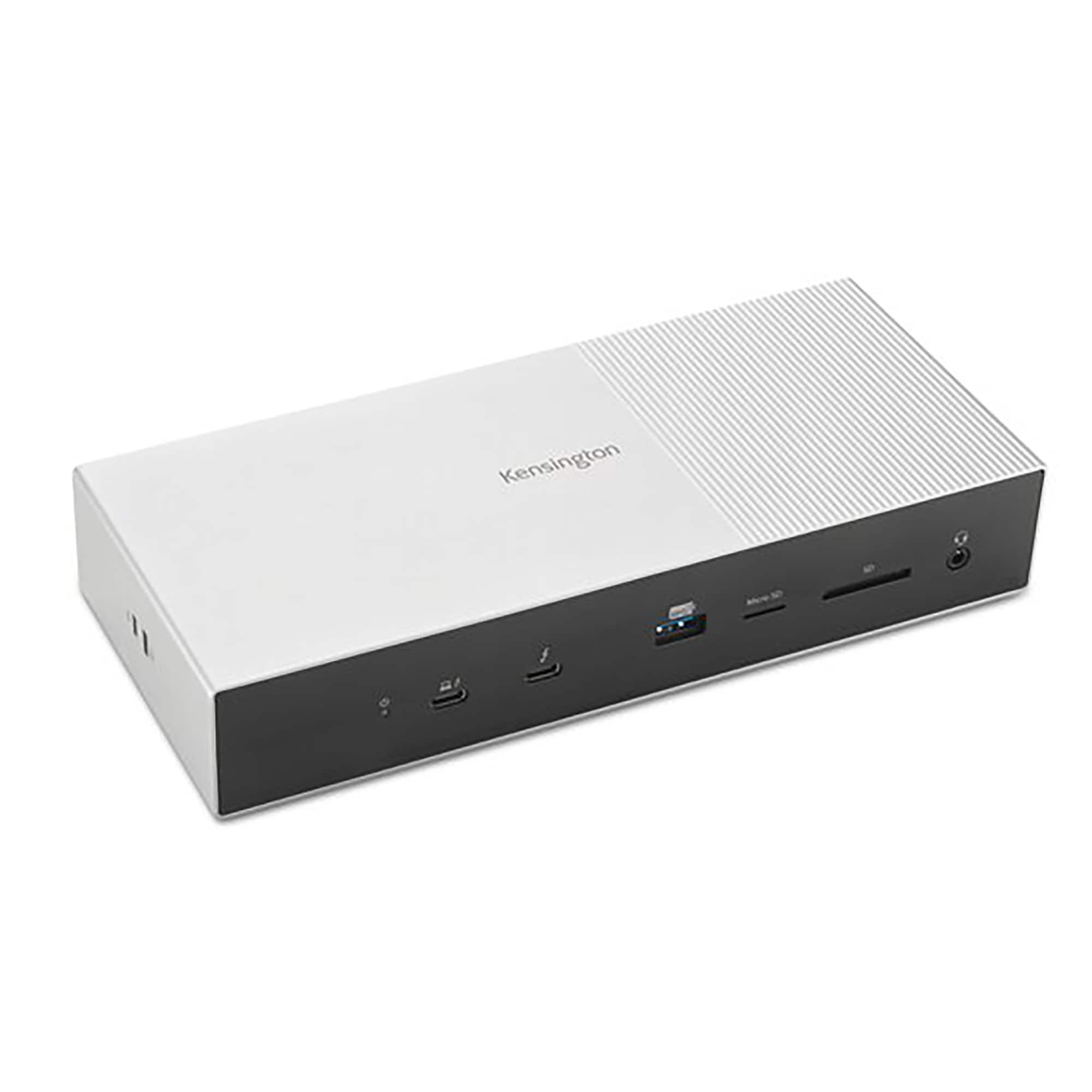
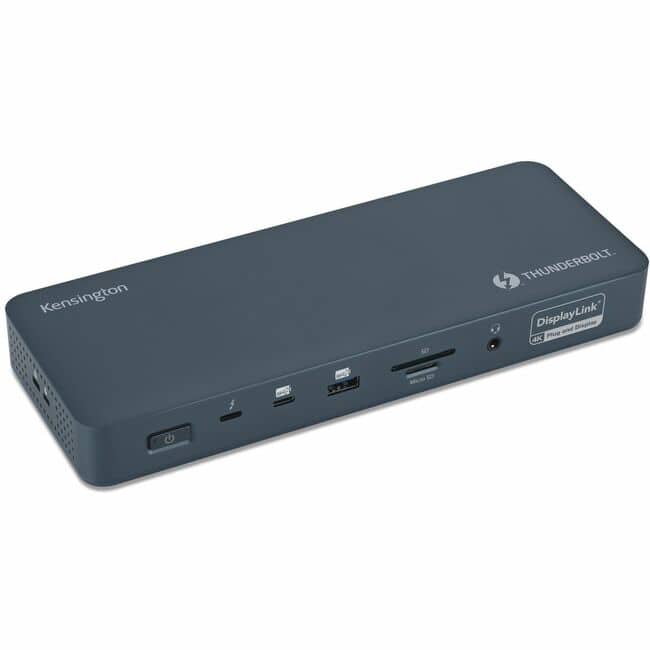
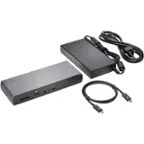
Kensington - SD5000T5-EQ Thunderbolt 5 Triple 4K Docking Station - Space Gray/Black
SKU: J7RJZKH636See all Docking StationsProduct Description
A space gray and black PCR aluminum docking station supporting triple 4K displays, fast data transfer, and universal compatibility.Your price for this item is $269.99Save $28The previous price was $298.86 -
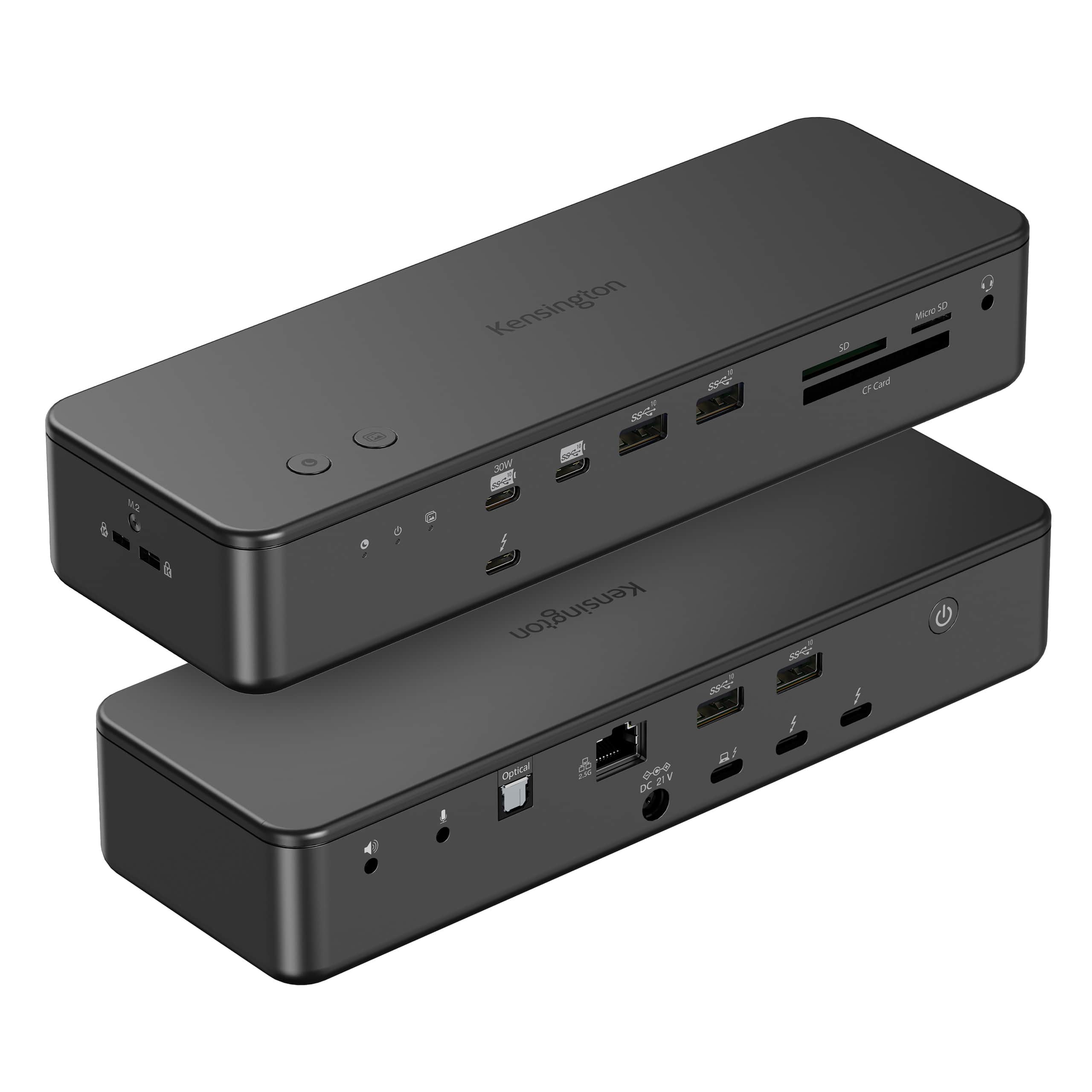
Kensington - EQ Pro Thunderbolt 5 Dock for MacBook, 19-in-1, Dual 6K at 60Hz, 140W Power, M.2 SSD Slot - K33612NA - Black
SKU: J7RJZWKGYQSee all Docking StationsProduct Description
A black, heat-dissipating Thunderbolt 5 docking station supporting up to four displays for seamless multitasking.Your price for this item is $449.99 -
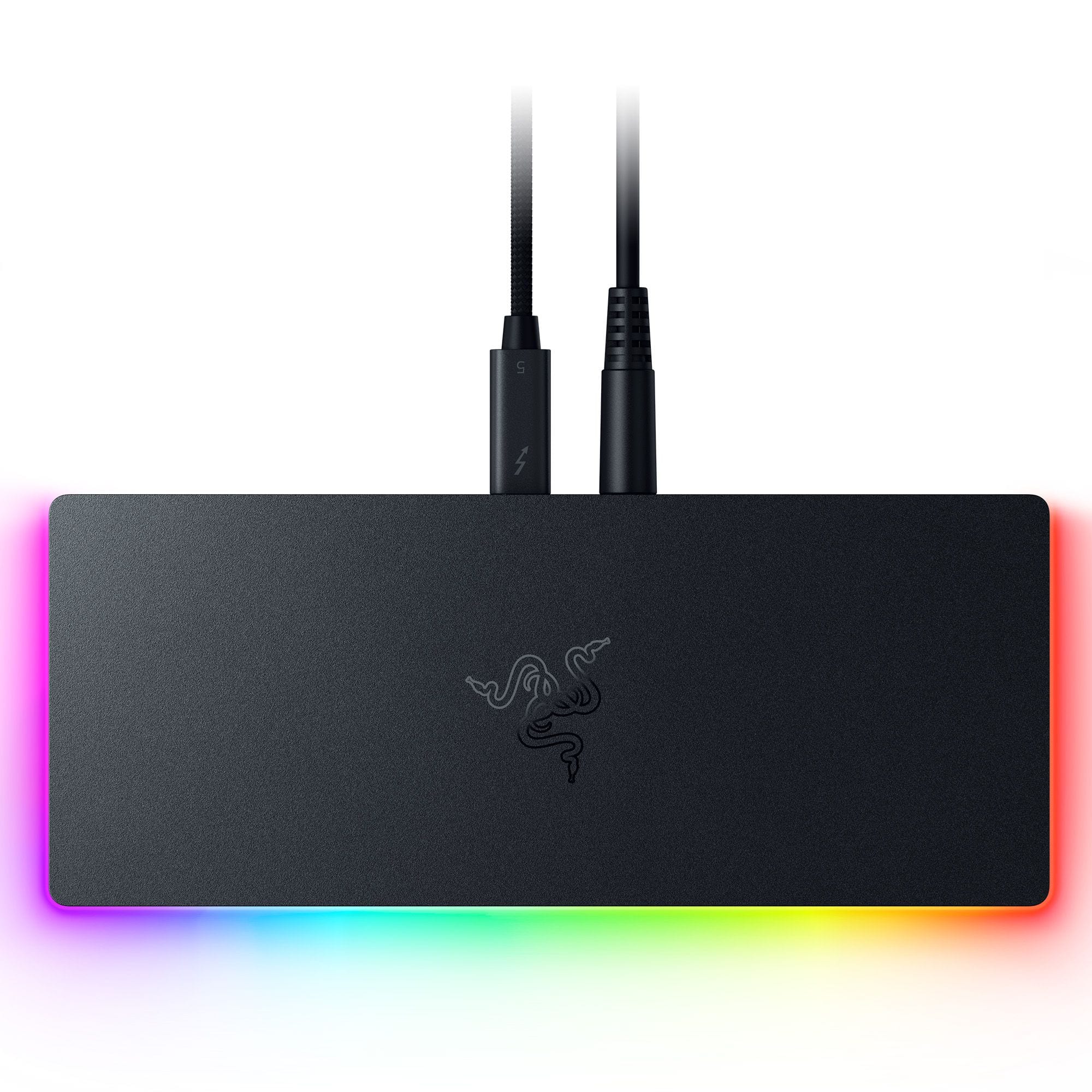
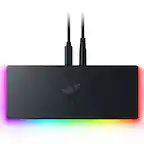
Razer - Thunderbolt 5 Dock Chroma: 11-Port Docking Station - 120Gbps Transfer - Triple 4K 144Hz or 8K 60Hz Display - PC & Mac - Black
SKU: J39HWFH95SLove this. Use for my laptop. All the plugins. This is great. Does see touches very easily....Great when its working
See all Docking StationsProduct Description
A sleek black anodized aluminum dock with 10 ports, M.2 storage slot, Chroma RGB, and triple 4K support.Your price for this item is $379.99Save $20The previous price was $399.99 -
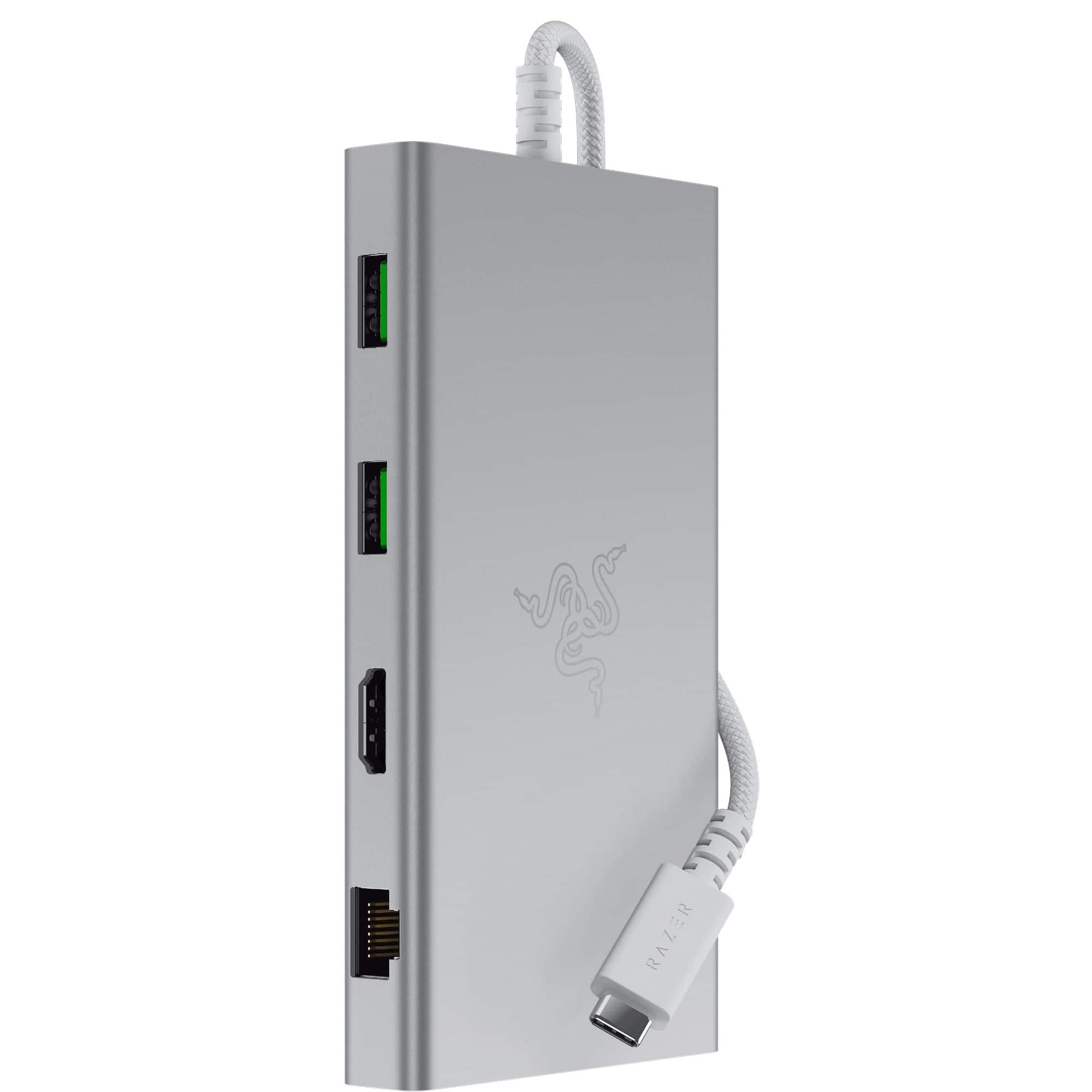
Razer - USB C Dock Station with 11 Ports for Windows 10 or later (PC with USB‑C); macOS 10.13 or later (Mac) - Mercury
SKU: J39HWFHPGLSee all Docking StationsProduct Description
A versatile silver USB-C dock offering 11 ports, including headphone jack, memory card slot, and Ethernet.Your price for this item is $92.99Save $37The previous price was $129.99 -
Kensington - SD5900T Docking Station - for Notebook, Smartphone, Memory Card Reader, Monitor, AirPods, Solid State Drive - Blue
SKU: J7RJZKH6WCSee all Docking StationsProduct Description
A versatile Thunderbolt 4 docking station supporting four displays, multiple USB ports, HDMI, and memory card readers.Your price for this item is $327.69 -
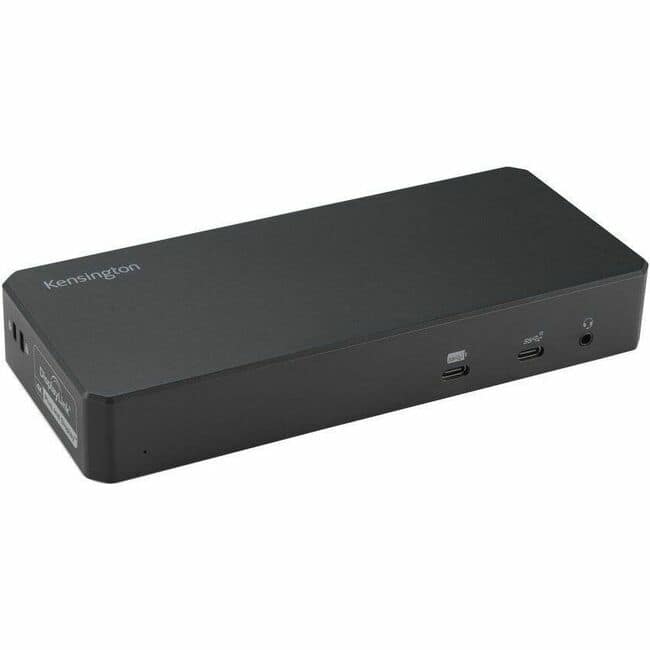
Kensington - SD5600T Docking Station USB Type C - Black/Silver
SKU: J7RJZKQK24See all Docking StationsProduct Description
A versatile black and silver docking station supporting two displays, Thunderbolt 3, USB-C, and headphone jack.Your price for this item is $330.49 -
Kensington - SD4790-MAC EQ USB-C Triple 4K Docking Station for MacBook - for Earset, Smartwatch, Smartphone, Notebook
SKU: J7RJZKQ9FSSee all Docking StationsProduct Description
A powered black USB-C docking station supporting triple 4K displays for enhanced productivity and connectivity.Your price for this item is $323.99 -
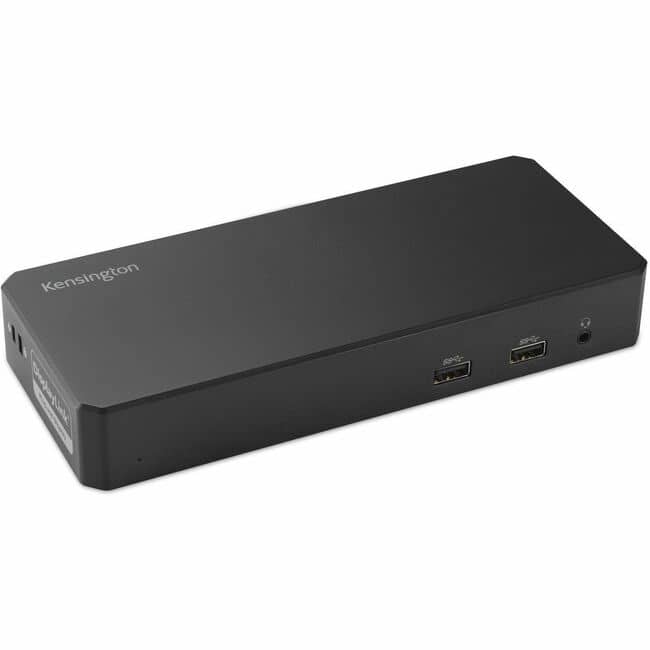
Kensington - SD4780P Docking Station - Black
SKU: J7RJZKQ9FXSee all Docking StationsProduct Description
A versatile black docking station supporting dual displays, six USB ports, and compatibility with Windows, Mac, and Chrome.Your price for this item is $320.20 -
Kensington - Docking Station - for Notebook, Desktop PC, Monitor, Printer, Speaker - USB Type C - 3 Displays Supported - 6
SKU: J7RJZKQ9V2See all Docking StationsProduct Description
An 11-in-1 USB-C dock offering triple HDMI, 100W charging, six USB-A ports, Ethernet, and audio support.Your price for this item is $149.99


Best Sellers






Related Pages




FAQ
When choosing a docking station for your Mac, look for compatibility with your Mac model, the types and number of ports offered (such as USB-C, Thunderbolt, HDMI, and Ethernet), support for dual or triple monitors, charging capabilities, and whether it supports high-speed data transfer.
Some docking stations designed for Windows PCs are also compatible with Macs, especially those using universal standards like USB-C or Thunderbolt. However, it's important to check the product specifications to ensure full functionality with your Mac.
Many docking stations offer pass-through charging, allowing you to power your MacBook while using the dock. Look for docking stations that specify 'Power Delivery' or 'PD charging' to ensure your MacBook will be charged during use.
The number of external monitors you can connect depends on your Mac model and the docking station's capabilities. Some docks support dual or even triple monitor setups, but always check both your Mac’s and the dock’s specifications for compatibility.
Yes, Thunderbolt 3 and Thunderbolt 4 docking stations are compatible with Macs that have Thunderbolt ports. These docks provide fast data transfer speeds, support for multiple displays, and often include charging capabilities.