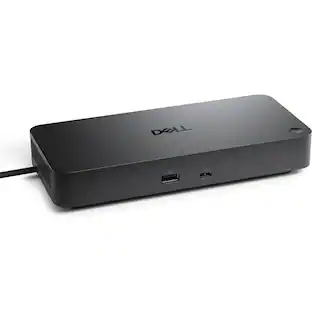
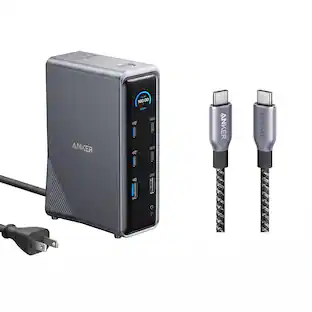
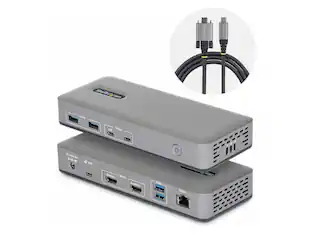
StarTech.com - StarTech Triple-Monitor USB4 Dock 4K HDMI/DP USB Hub 2.5GbE 100W USB-C
Reviews coming soon
About this product
StarTech Triple-Monitor USB4 Docking Station 4K 60Hz HDMI or DisplayPort 6x USB Hub 2.5GbE 100W Charging Driverless USB-C Dock
Features
Universal Power Adapter for North America
1 x Universal Power Adapter (North America)
Docking Station
1 x 3 ft [1 m] USB4 Host Cable
1 x Quick-Start Guide
Specifications
- Maximum Number of Displays Supported3Number of DisplayPort Outputs (Total)1
Reviews
This product doesn't have any reviews yet.





Compare similar products
StarTech Triple-Monitor USB4 Docking Station 4K 60Hz HDMI or DisplayPort 6x USB Hub 2.5GbE 100W Charging Driverless USB-C Dock

Equipped with an advanced USB-C E-Mark chip, this multi-monitor mini dock is compatible with USB4 hosts and devices, featuring everything you need, from triple video outputs to 10Gbps USB ports, as well as 100W Power Delivery pass-through charging. This USB-C mini dock supports DisplayPort 1.4 and Multi-Stream Transport (MST), giving you the ability to create a dual or triple 4K workstation with two HDMI and a DisplayPort output. It provides three USB SuperSpeed 10 Gbps ports (2 USB-C and 1 USB Type-A) for peripheral connectivity or downstream charging, an SD & microSD 4.0 memory card reader/writer to manage your media files, and a Gigabit Ethernet port to access a wired network. It also supports Power Delivery 3.0, providing up to 100W pass-through charging to power the connected peripherals and charge your host laptop with a USB-C power adapter.
This triple display docking station turns your Mac or Windows laptop into a full workstation with a DisplayPort output, two HDMI outputs, and a VGA output, with resolution support up to 4K (3840 x 2160) on two displays and 1080p on the other one. You can also use your laptop screen for four displays in total, making it easy to access multiple applications at once. With 100W Power Delivery, three USB 3.0 ports, and a USB-C port, this docking station is perfect for your MacBook, Dell XPS, or other USB-C laptop requiring additional ports. This USB 3.0 docking station is also equipped with a RJ45 Gigabit Ethernet port, memory card reader/writer, and combo audio jack for maximum productivity. The elevated design assists with heat dissipation and, with its double-sided cable storage compartment, ensures an easy connection regardless of your USB-C port’s location. All 13 ports are combined into one slim docking station, so you’ll have all the connections you need to stay productive!
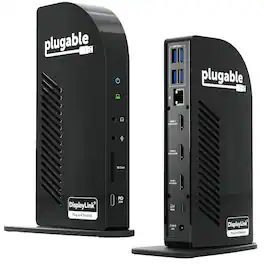
The Plugable UD-ULTCDL Triple Monitor USB-C Docking Station is an all-in-one solution for reliable multi-monitor productivity on Mac, Windows, and ChromeOS. Designed for home offices, corporate desks, and shared workspaces, this laptop dock connects displays, networking, audio, storage, and peripherals through a single USB-C cable. Powered by DisplayLink, this MacBook docking station can drive up to three extended displays from one USB-C connection, including on Macs that normally support only one external monitor. It also works as a usb c docking station dual monitor setup when you only need two screens. Video support depends on the HDMI port: HDMI 1 uses the computer’s native DisplayPort Alt Mode over USB-C for up to 4K@30Hz (or 1080p@60Hz when supported by the host), while HDMI 2 and HDMI 3 use DisplayLink USB graphics for up to 1920x1200@60Hz. DisplayLink outputs require DisplayLink drivers/DisplayLink Manager; with DisplayLink Manager installed, triple displays work on MacBook Neo, M1, M2, M3, M4, and M5. Note: DisplayLink outputs do not support HDCP, so protected streaming (Netflix/Disney+/Hulu) may not play on HDMI 2/3. If you need 4K@60Hz to a TV, choose a dock that explicitly supports it, such as the Plugable UD-ULTC4K. This 13-in-1 dock provides up to 100W USB-C Power Delivery to charge a laptop (rear USB-C) plus up to 20W USB-C PD on the front port for phones/accessories. Ports include 3x HDMI, 4x USB-A (up to 5Gbps), Gigabit Ethernet, SD card reader (SD/SDHC/SDXC/MMC), and 3.5mm audio in/out. UD-ULTCDL is not a Thunderbolt docking station. TAA compliant for government purchasing. VGA via an active HDMI-to-VGA adapter or a USB graphics adapter (e.g., Plugable UGA-3000); DisplayPort monitors not supported. In the box: dock, 1m USB-C cable, power adapter + 2m AC cord, quick start guide. Includes 2-year coverage with lifetime support from Plugable’s North American team
| Pros for StarTech.com - StarTech Triple-Monitor USB4 Dock 4K HDMI/DP USB Hub 2.5GbE 100W USB-C | |||
|---|---|---|---|
| There were no pros for this product— | Overall Performance, Ease of use, USB-C, Connectivity, Size | Ease of use, Overall Performance, USB-C, Connectivity, Ports | There were no pros for this product— |
| Cons for StarTech.com - StarTech Triple-Monitor USB4 Dock 4K HDMI/DP USB Hub 2.5GbE 100W USB-C | |||
| There were no cons for this product— | Compatibility, Heat, Power Delivery, Price, Cable Length | Compatibility, Power Supply | There were no cons for this product— |
Specs
Be the first to ask a question.
We’ll try to get your question answered within 24 hours by a Best Buy customer or brand representative.
Find more like this



More to consider
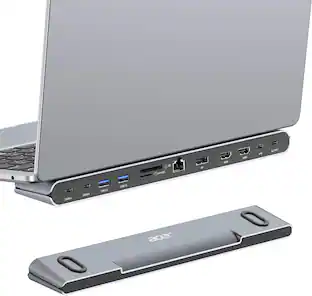
StarTech.com StarTech USB-C Dock 4K HDMI 100W Charge 1GbE Multi-Monitor 196NUSBCDOCK
$137.98The price was $139.66StarTech.com Thunderbolt 4 Multi-Display Docking Station 132N-TB4USB4DOCK
$306.85The price was $325.84Targus USB-C Universal Dual HD Docking Station with 80W PD Pass-Thru
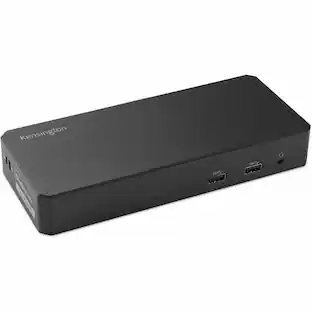
Clearance$34.99The price was $69.99Kensington SD4790P USB-C 4K Dock, 100W Charge, 3 DP/HDMI, Windows/macOS/ChromeOS
$268.99The price was $319.99
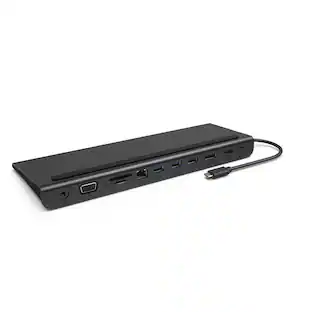

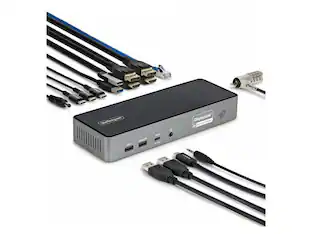
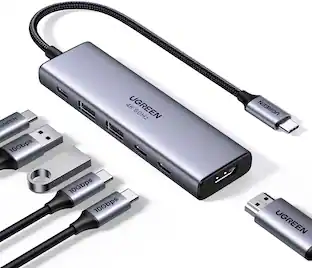
Explore tech essentials Sponsored
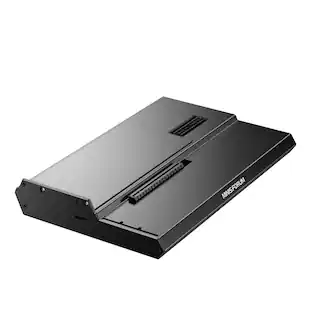
Minisforum DEG1 eGPU Dock, OCuLink 4i PCIe 4.0x4, ATX/SFX PSU, PCIe x16 GPU, Signal Amplifier, Follow Startup
$111.00The price was $119.99

Keep exploring
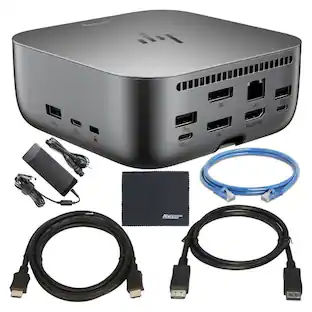
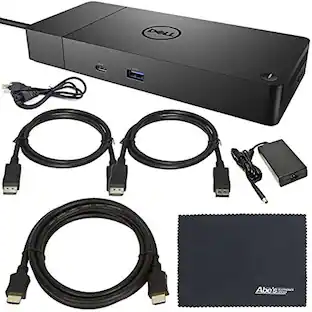
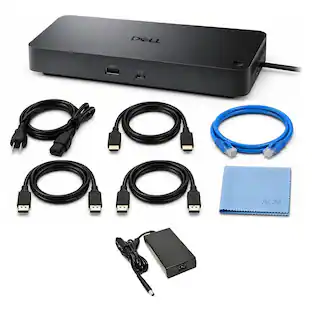
Dell SD25TB4 Pro 13-in-1 Quad Display Thunderbolt 4 Smart Docking Station
$229.00The price was $333.99Dell D6000 Universal Laptop Dock – USB-C & USB-A, 65W Power Delivery, 3 Monitors
$219.89The price was $249.99Minisforum DEG1 eGPU Dock, OCuLink 4i PCIe 4.0x4, ATX/SFX PSU, PCIe x16 GPU, Signal Amplifier, Follow Startup
$111.00The price was $119.99