USB C Docking Monitors
-
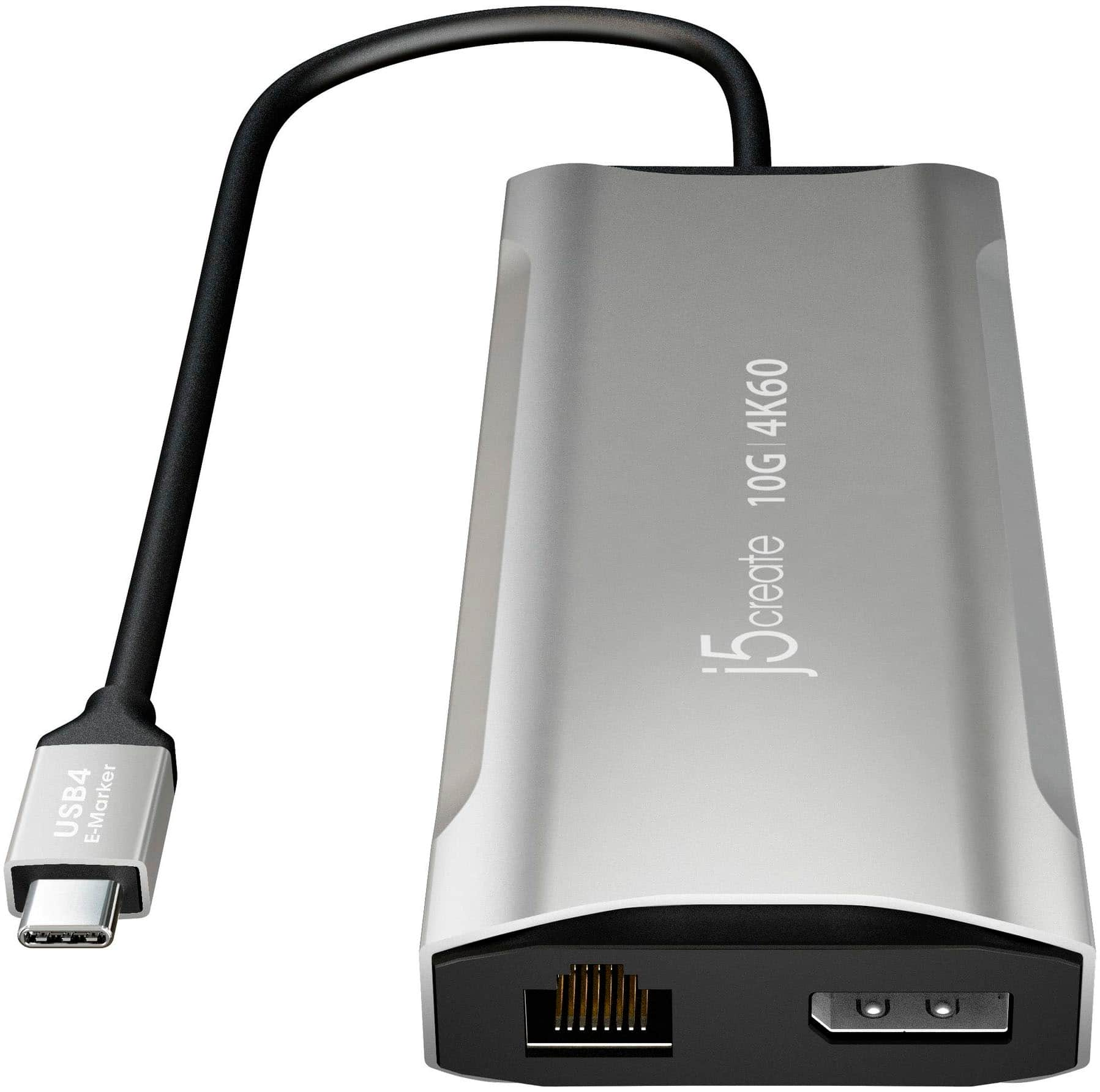
j5create - 4K60 Elite USB-C Triple-Monitor 10Gbps Mini Dock - Space Gray
SKU: J36445RYG7Best easy to use computer device ever purchased from best buy. works real good....Great Buy...I love it, works like it was intended and would love to purchase another.
See all Docking StationsProduct Description
An aluminum space grey mini dock enabling triple 4K monitor support, 10Gbps USB ports, and 100W charging.Your price for this item is $89.99Save $30The previous price was $119.99 -
ViewSonic - VG2756-4K 27" IPS 4K UHD Docking Monitor (HDMI, USB-C, DisplayPort) - Black
SKU: J37H88F6T3See all All MonitorsProduct Description
A black 27-inch IPS 4K UHD monitor with USB-C docking, Ethernet, ergonomic stand, and integrated speakers.Your price for this item is $449.74Save $0The previous price was $449.99 -
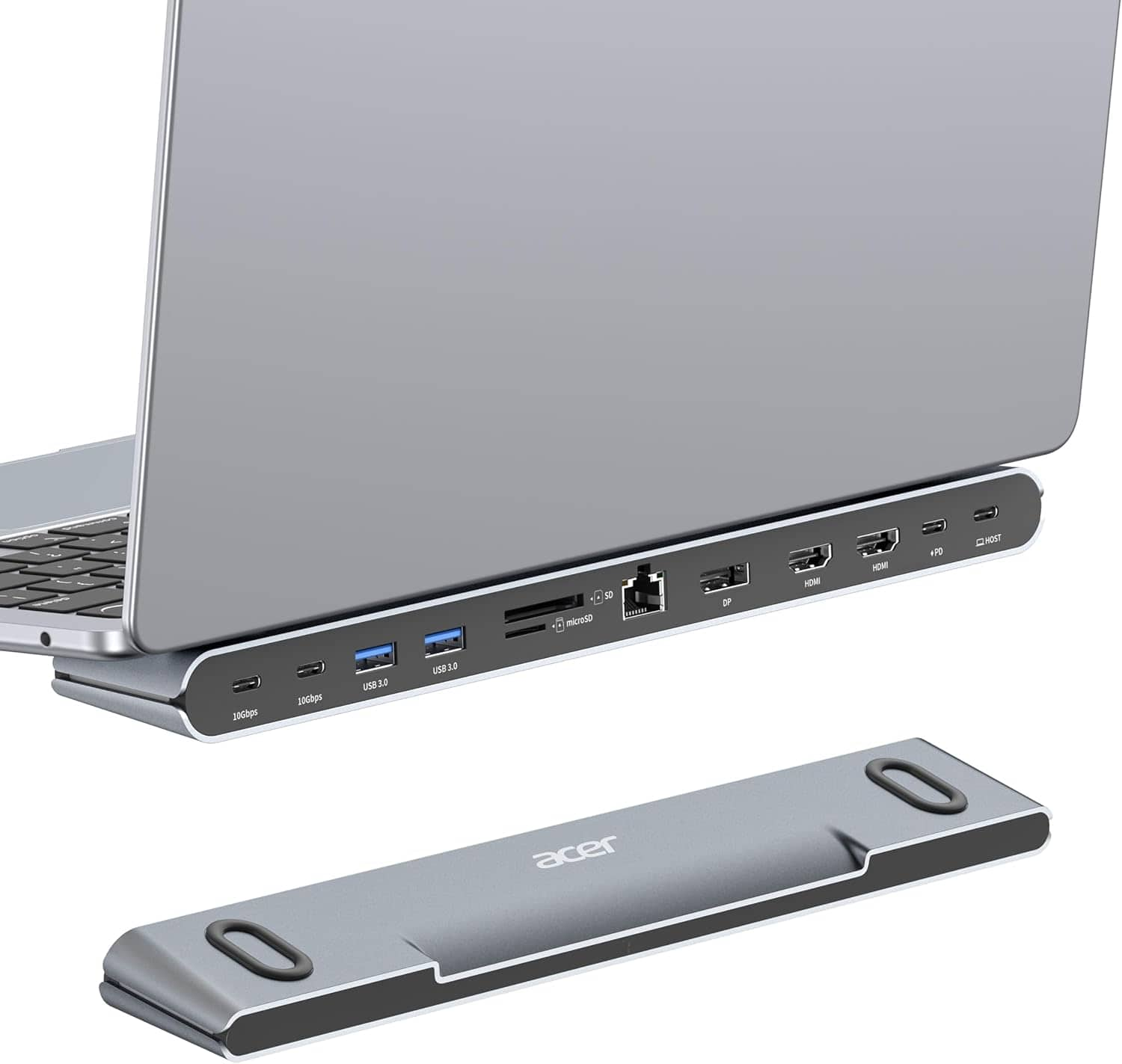
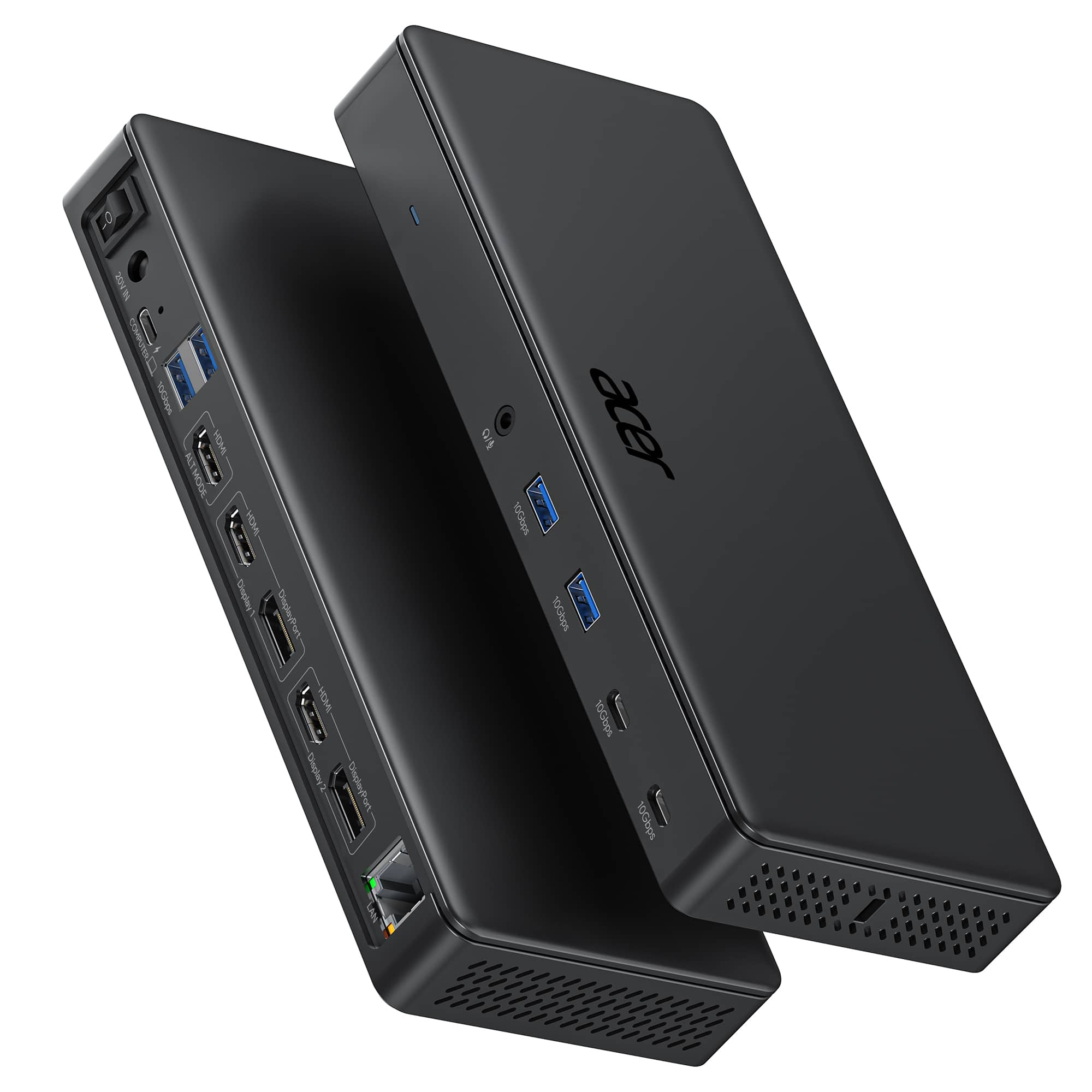
Acer - Laptop Docking Station Stand, 11-in-1 USB C Docking Station 3 Monitors with DP 8K + Dual HDMI 4K@60Hz, Ethernet - Silver
SKU: JJ8V8HLL74Great 4K monitor support and very easy to set up...It handles high-resolution displays smoothly, with sharp visuals and stable performance, making it great...It's worked great with no connectivity issues...
See all Docking StationsProduct Description
A versatile silver docking station supporting three monitors with DP 8K, dual HDMI 4K, Ethernet, and USB 3.0.Your price for this item is $69.99Save $10The previous price was $79.99 -
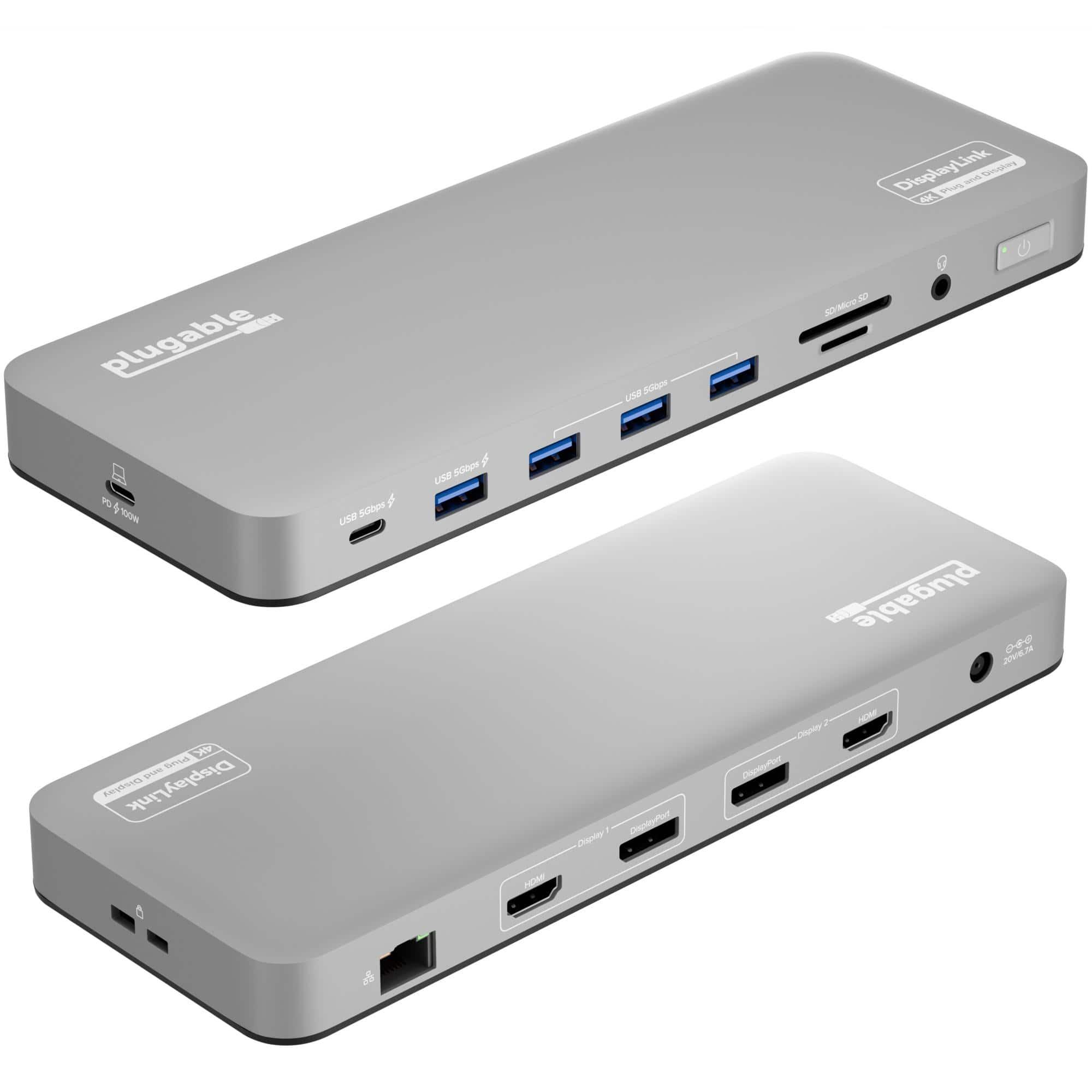
Plugable - USB C Laptop Docking Station-Dual Monitor 4K 60Hz Apple Mac M1/M2/M3-2x HDMI or 2x DisplayPort-100W Charging - Silver
SKU: J3YLP62K2LWorks great...It works great for dual monitors for laptop. Quick shipping....Great upgrade for my home office
See all Docking StationsProduct Description
A sleek silver aluminum dock offering dual 4K monitor support, 100W charging, and 14 versatile ports.Your price for this item is $199.99 -
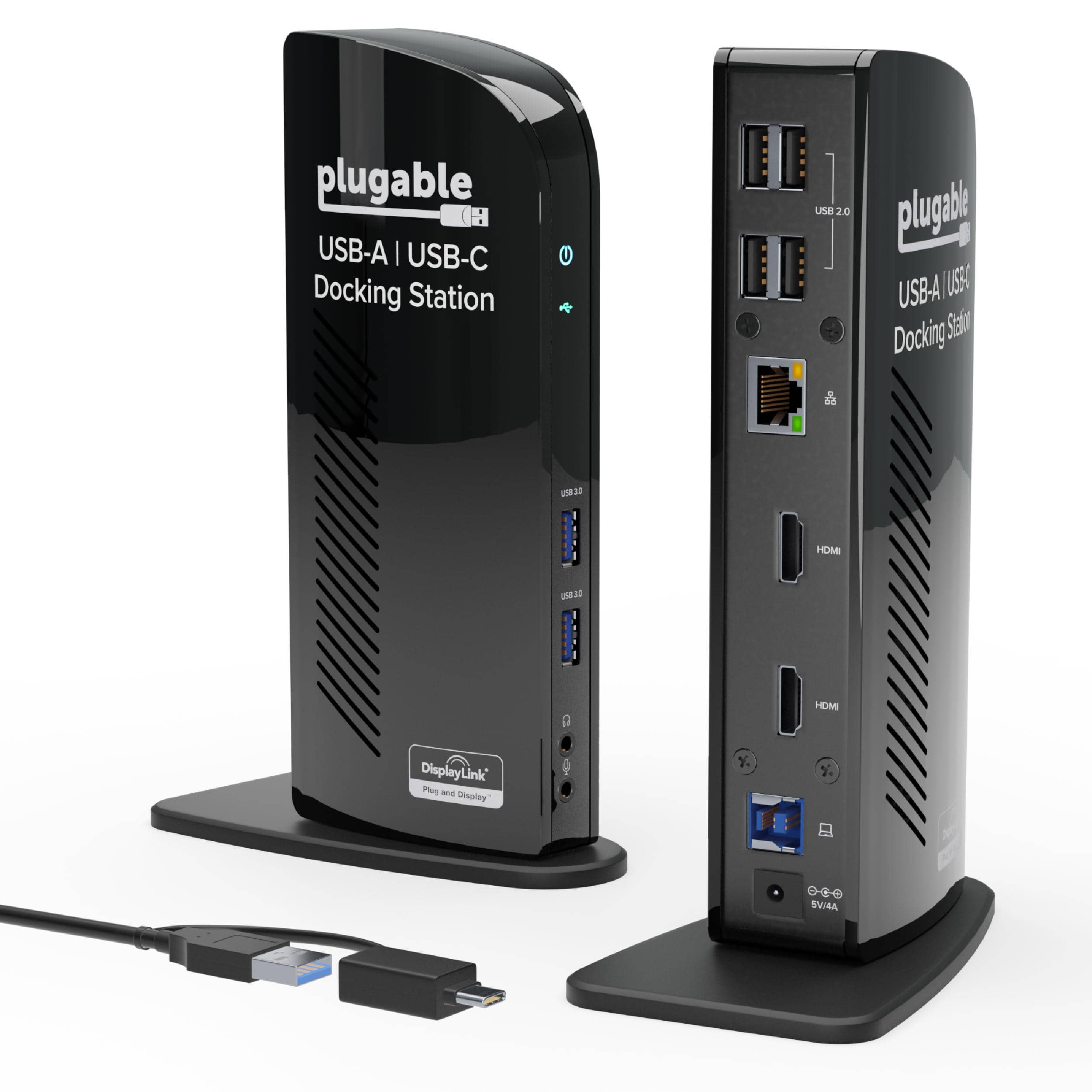
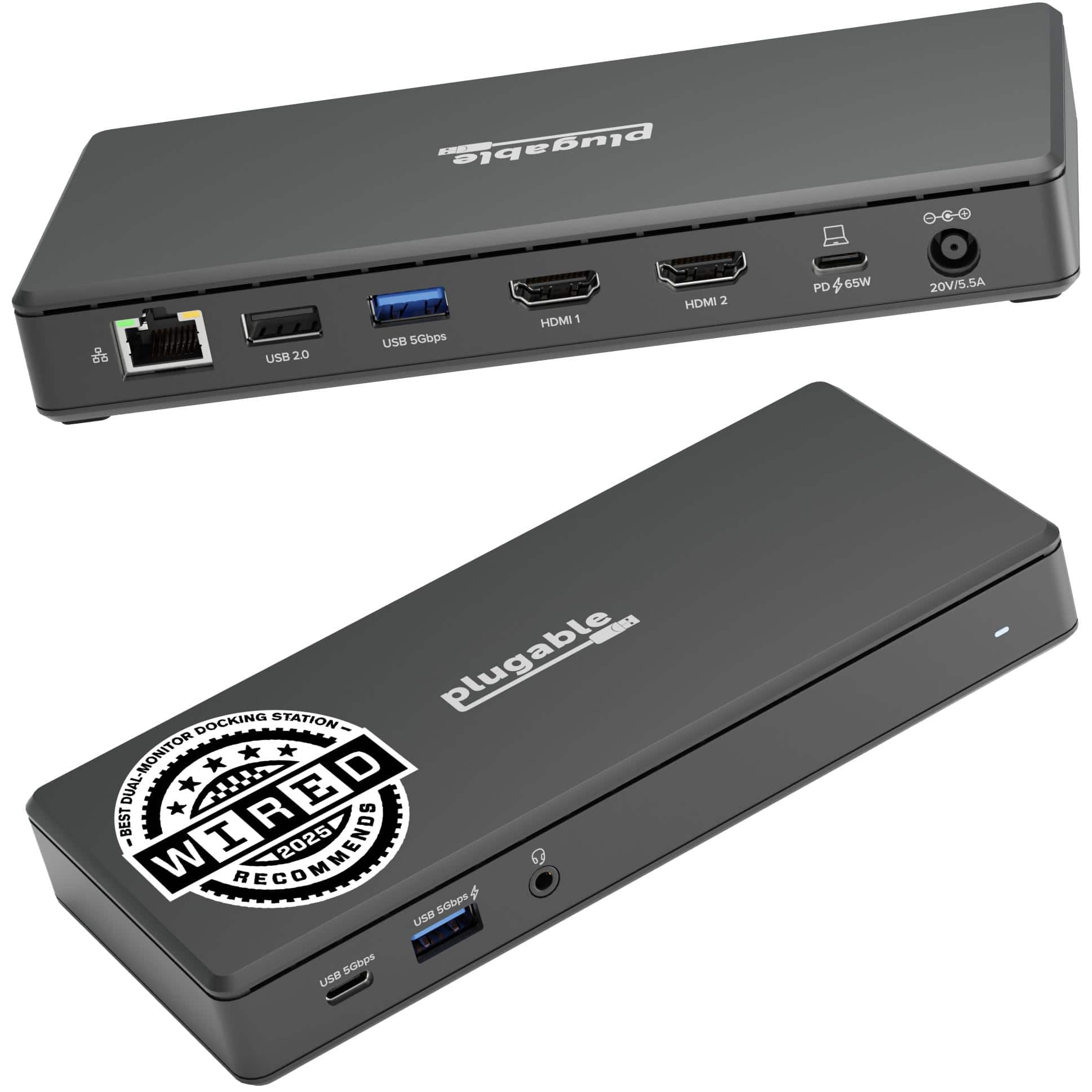
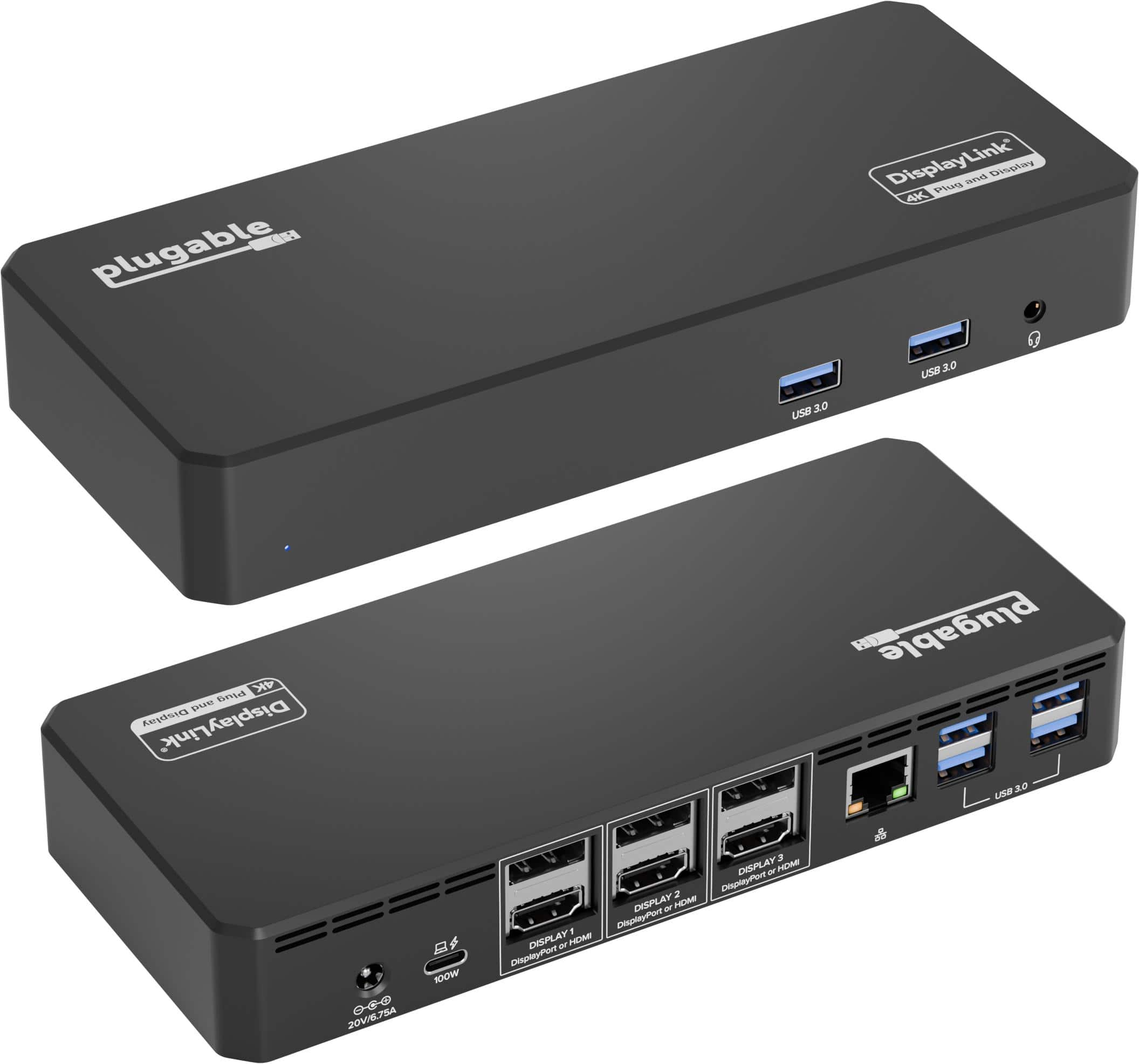
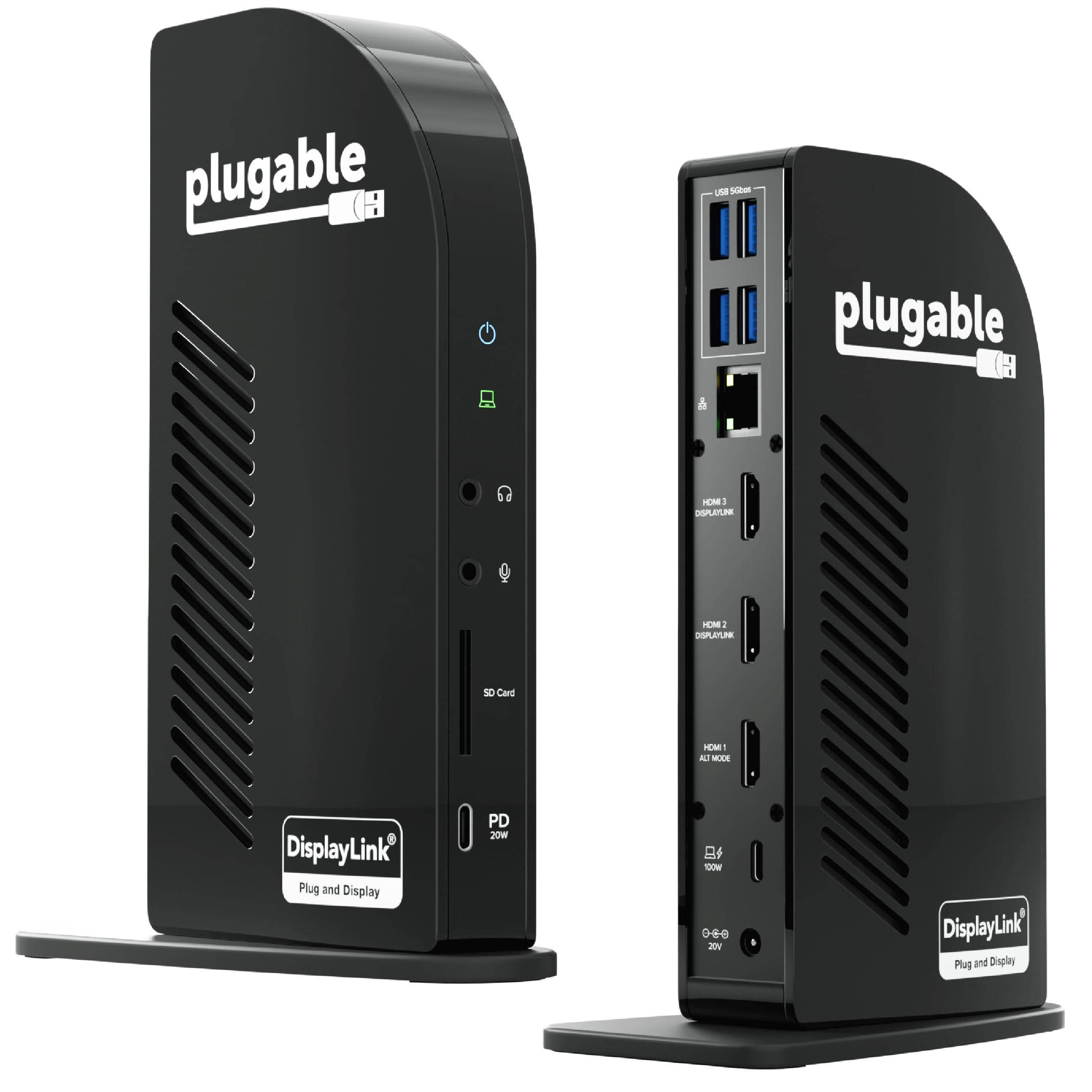
Plugable - USB 3.0 Universal Laptop Docking Station Dual HDMI Monitor for Windows and Mac USB 3.0 USB-C - TAA Compliant - Black
SKU: JX8YGYLXYHGreat Product...Great product, exactly what I needed to clean up my workstation. Recommend purchase....Great product
See all Docking StationsProduct Description
A black universal docking station offering dual HDMI, Ethernet, audio, and multiple USB ports for laptops.Your price for this item is $99.95 -
Plugable - 4K USB C Docking Station Triple Monitor -100W Power Delivery,USBC Dock for Thunderbolt 3/4,USB-C Windows,Mac - Black
SKU: J3YLP62WLPGreat features...Works perfectly and save space great features easy to setup and durability material and size very helpful...Great product!
See all Docking StationsProduct Description
A versatile black USB-C docking station supporting triple 4K monitors, 100W power delivery, and multiple ports.Your price for this item is $245.99 -
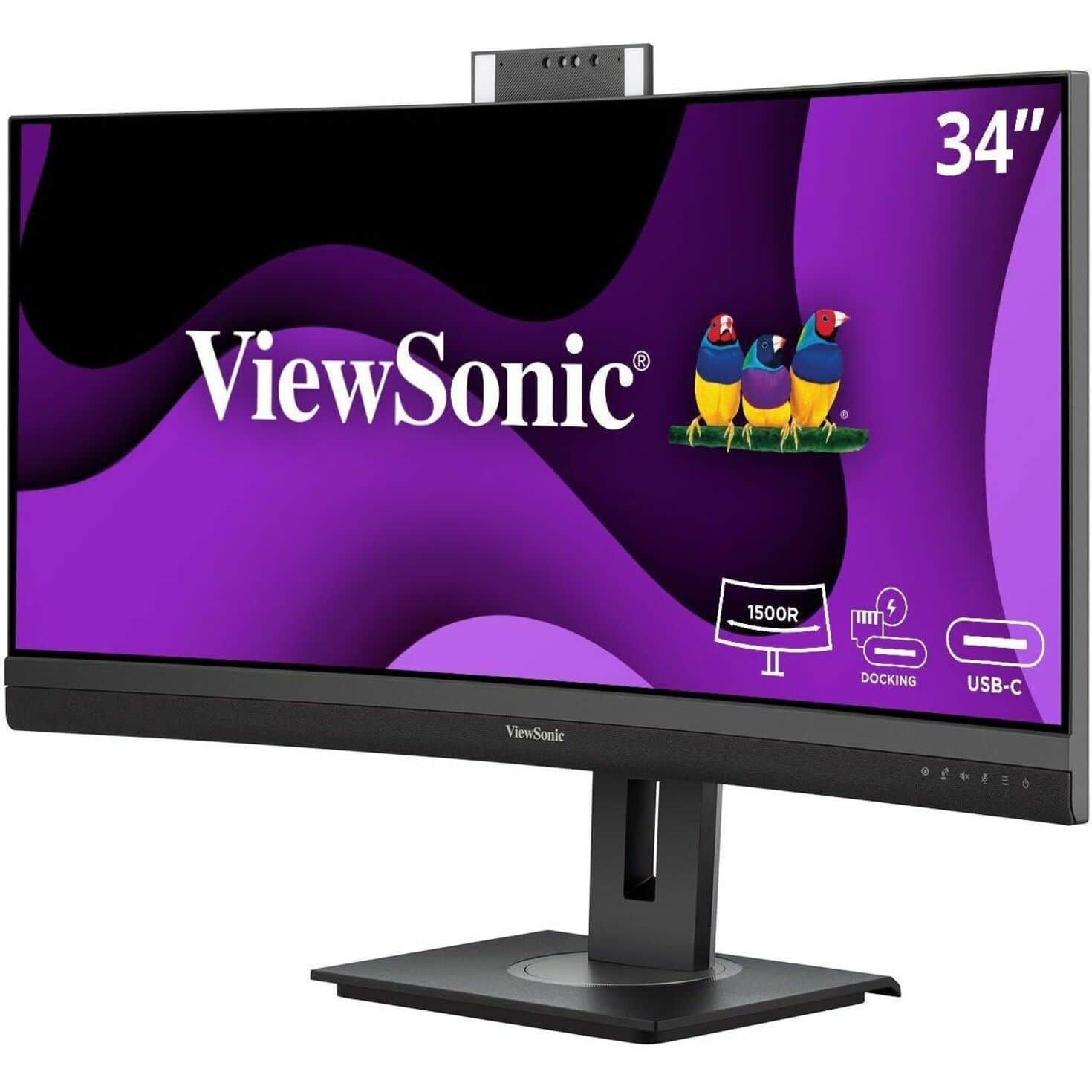
ViewSonic - VG3457CV 34" WUQHD Curved Video Conferencing Docking Monitor (USB-C) - Black
SKU: J37H88VHW2See all All MonitorsProduct Description
An ultrawide black curved monitor with Zoom-certified pop-up webcam, LED lighting, USB-C, and Ethernet connectivity.Your price for this item is $599.99 -
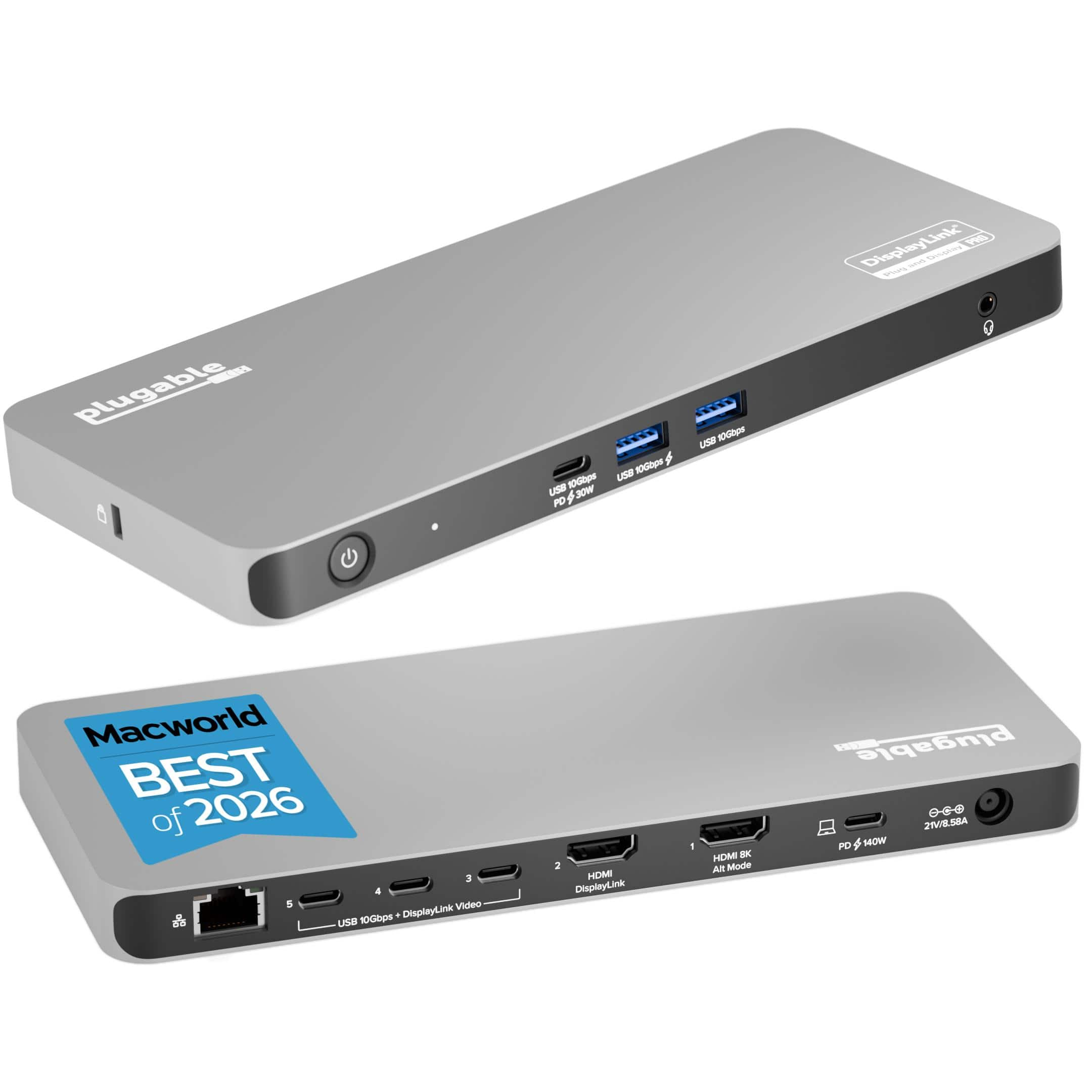
Plugable - USB C Docking Station 5 Monitors,140W DisplayLink Dock Connects up to Five 4K Displays for MacBook Windows Thunderbolt 4 - Space Gray
SKU: J3YLP624R6Great compact docking station...This docking station is great and compact....I’ve had no issues so far, everything seems to be working great.
See all Docking StationsProduct Description
A space gray docking station supporting five 4K displays, 140W charging, Ethernet, and universal compatibility.Your price for this item is $349.99 -
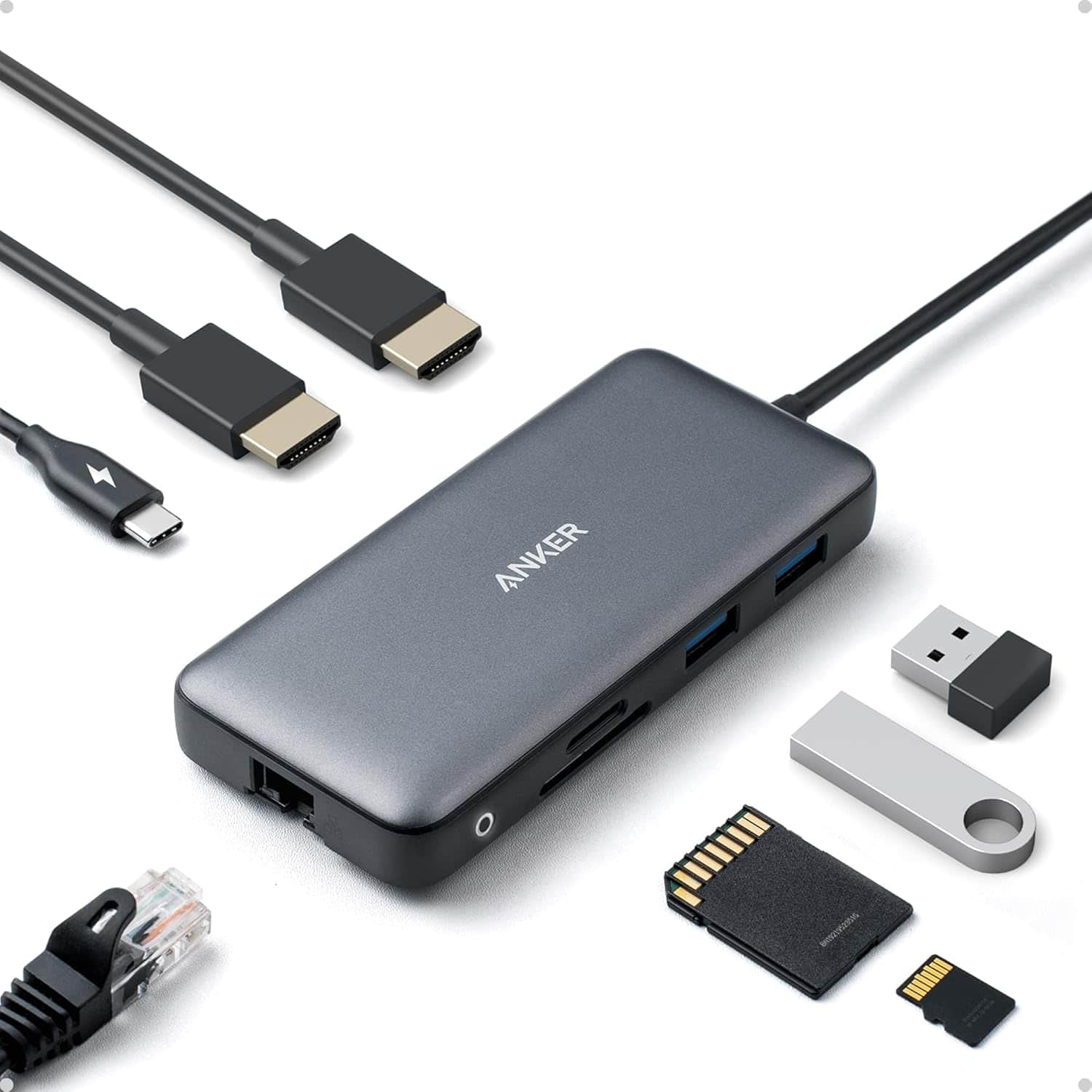
Anker - Laptop Docking Station Dual Monitor, 8-in-1 USB C Hub with 4K HDMI - Gray
SKU: JJ8586TPPSWorked great for getting a set up like I have in the office. # screens and makes it easy to bring laptop...I LOVE IT!!
See all Docking StationsProduct Description
A gray 8-in-1 USB-C hub supports dual 4K HDMI monitors, Ethernet, SD card, and 85W power delivery.Your price for this item is $37.98Save $16The previous price was $53.99 -
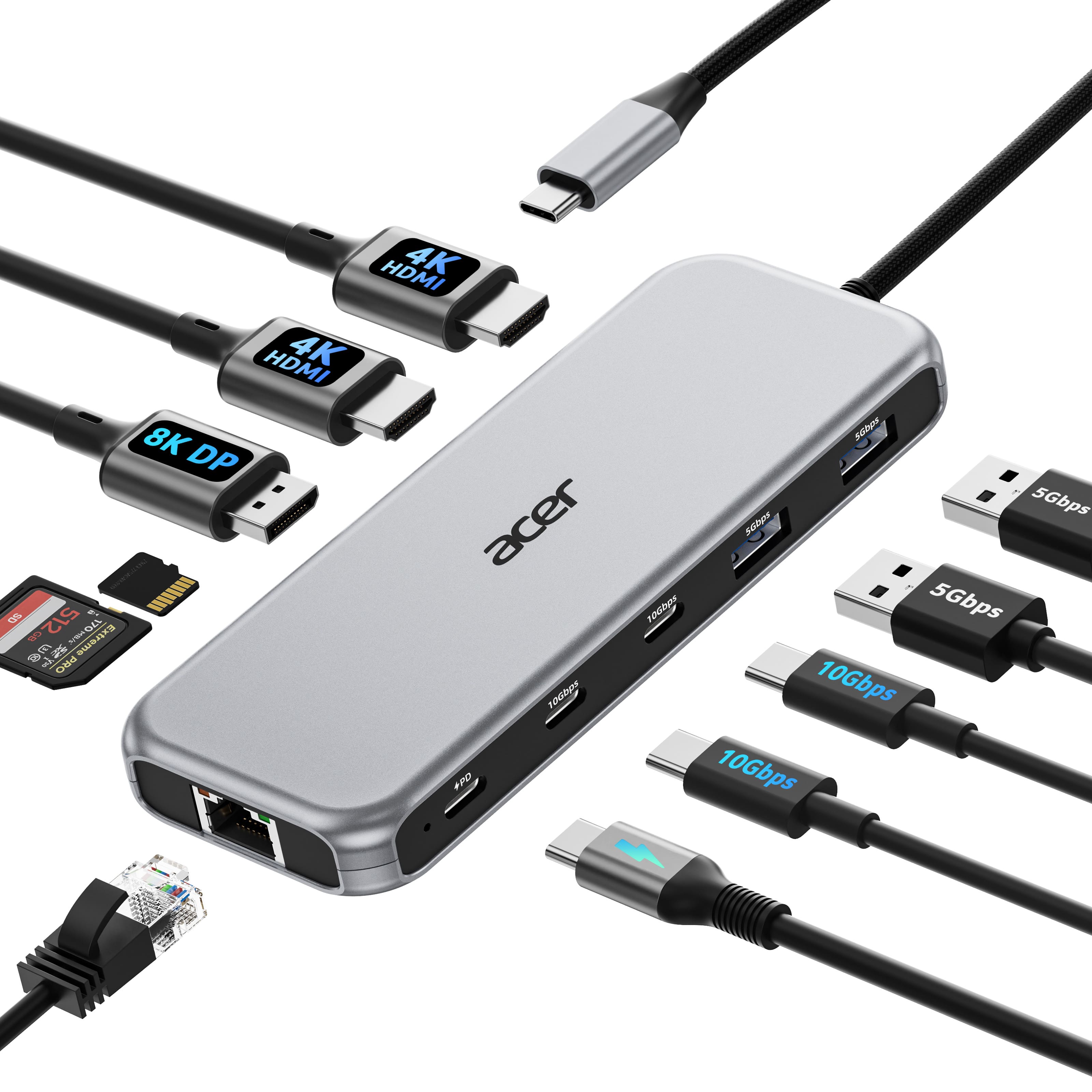
Acer - Laptop Docking Station 3 Monitors, 11-in-1 USB C Docking Station with 8K DP, HDMI 4K@60Hz, 10Gbps Data - Gray
SKU: JJ8V8HY86RGreat
See all Docking StationsProduct Description
A gray 11-in-1 USB-C docking station supporting triple displays, 8K DP, 4K HDMI, and 10Gbps data.Your price for this item is $61.99 -
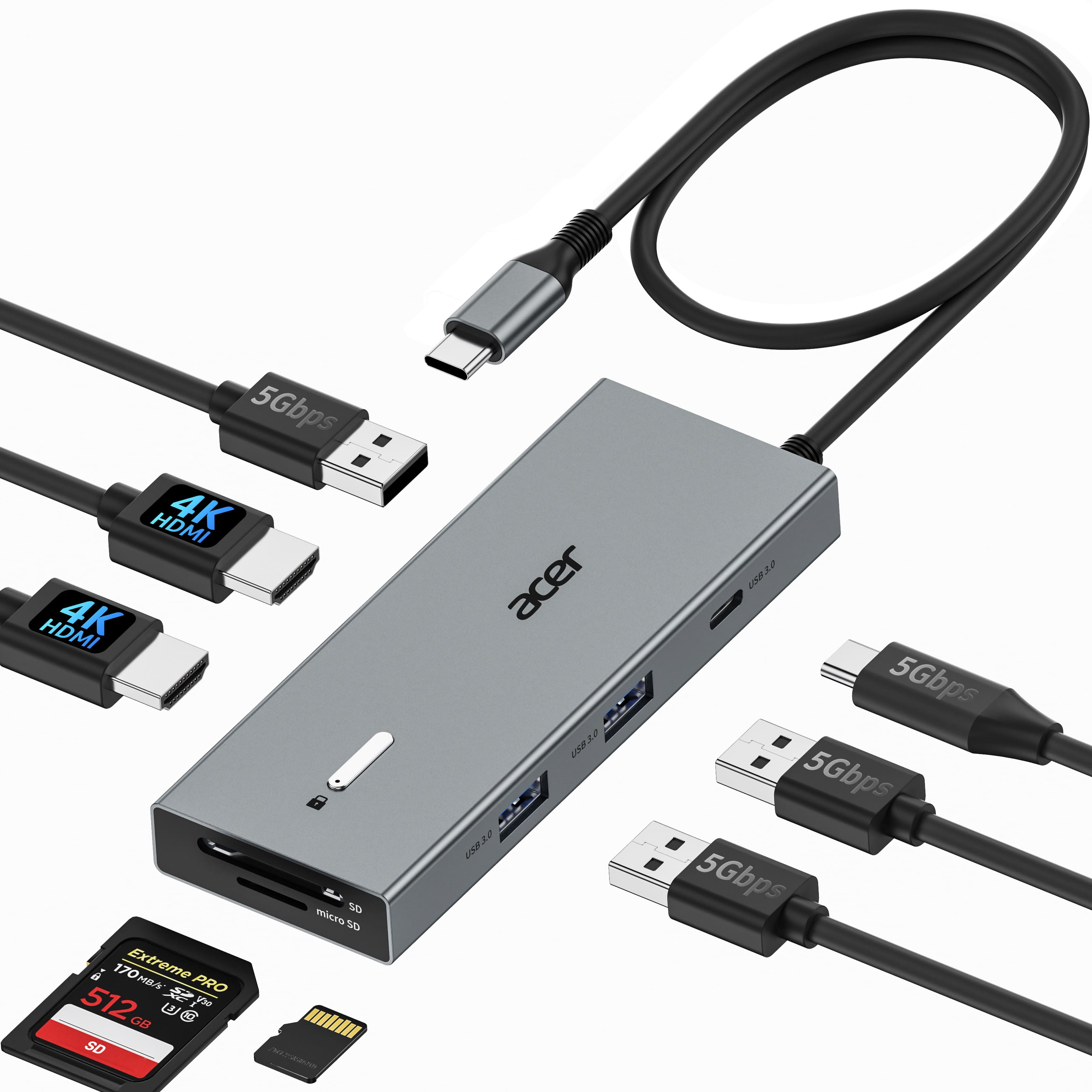
Acer - USB C Docking Station Dual Monitor With 4K HDMI, 9-IN-1 Docking Station with USB A&C 3.0, SD/Micro SD, 100W Charging - Gray
SKU: JJ8V8HGV84Works great
See all Docking StationsProduct Description
A versatile gray 9-in-1 USB-C docking station supporting dual 4K HDMI monitors, fast data transfer, and 100W charging.Your price for this item is $49.99 -
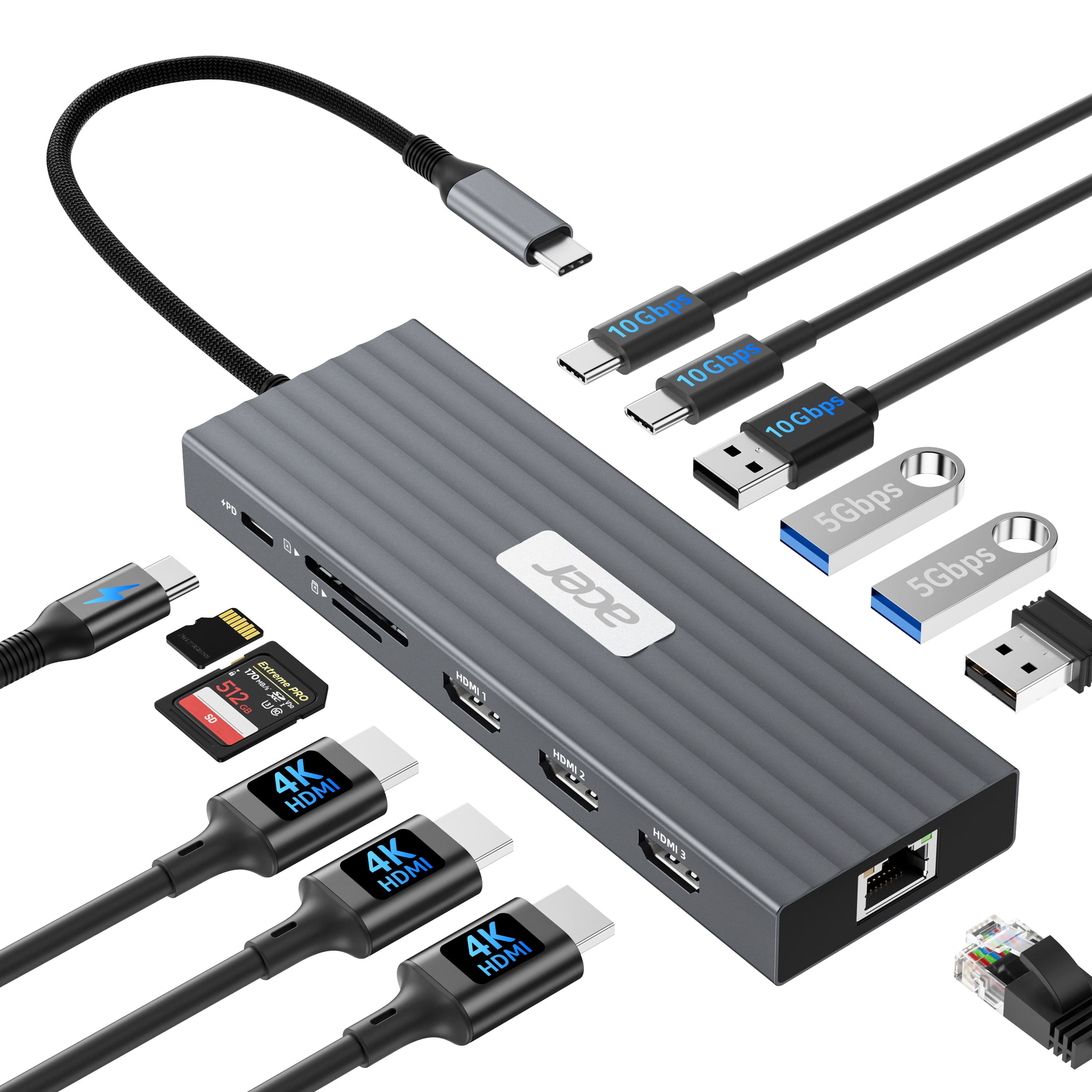
Acer - Docking Station 3 Monitors with 3 HDMI, 13-in-1 USB C Hub for Laptop with 4K@60Hz HDMI, 1 Gbps Ethernet, 10Gbps Data
SKU: JJ8V8HY895See all Docking StationsProduct Description
A versatile 13-in-1 USB-C hub supporting triple 4K HDMI displays, 1 Gbps Ethernet, and 10Gbps data transfer.Your price for this item is $61.99 -
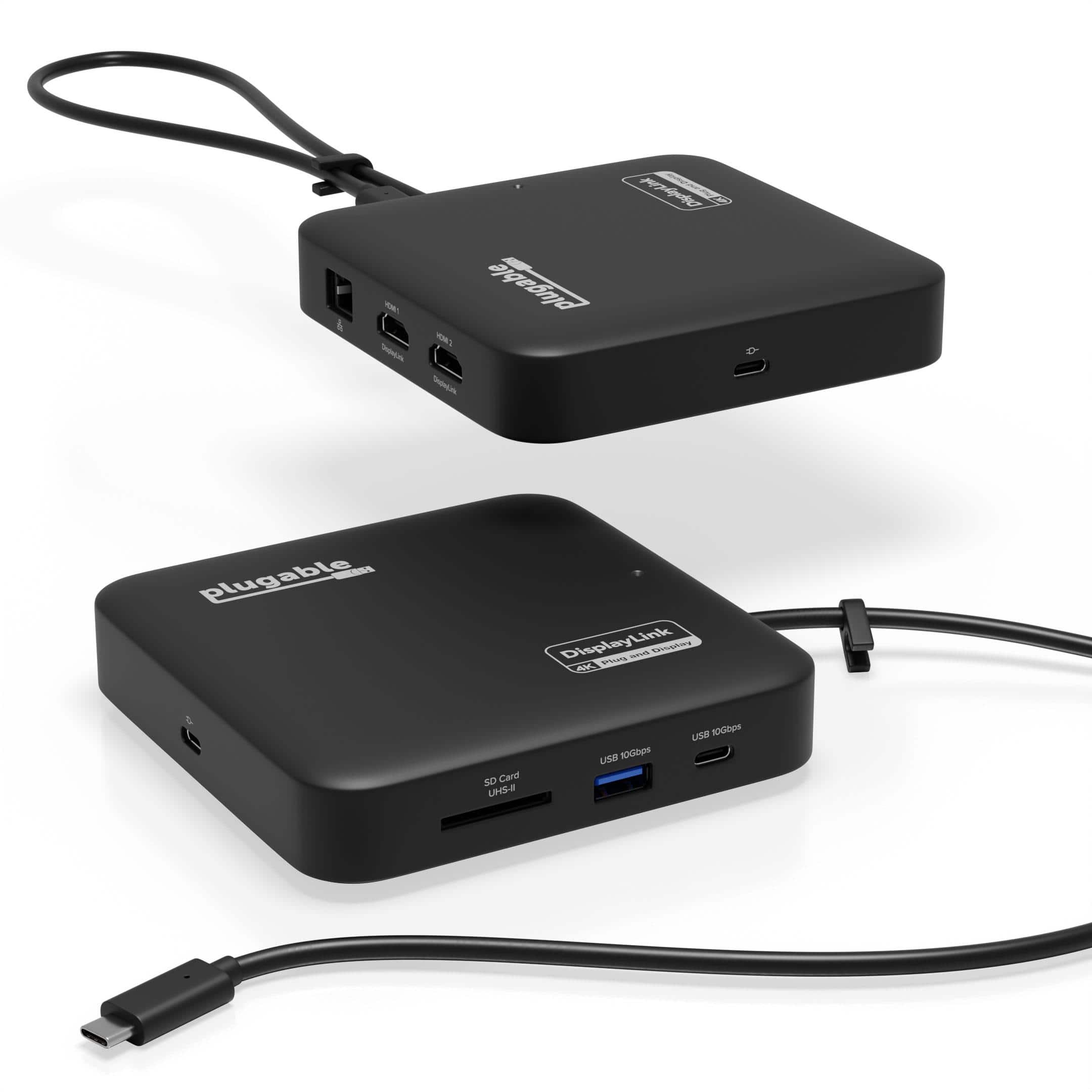
Plugable - USB C Docking Station Dual Monitor 2 HDMI Ports, Power Delivery Dock Dual 4K Monitor for Windows, ChromeOS - Black
SKU: J3YLP624JTGreat Dock, Excellent Service...Definitely a great product and more importantly (IMO) a company that is clearly customer-focused.
See all Docking StationsProduct Description
A black docking station supporting dual 4K HDMI monitors, USB-C connectivity, Ethernet, and audio for Windows or ChromeOS.Your price for this item is $119.95Save $37The previous price was $156.99 -
Plugable - 7-in-1 USB C Docking Station Dual Monitor - Dual HDMI Dock, for Mac and Windows, USB4, Thunderbolt or USB-C - Black
SKU: J3YLP62Z9WGreat!...I love this item and it has cleared up so much clutter on my table....I love that it allows me to plug a few things in and then just this into my laptop.
See all Docking StationsProduct Description
A compact black docking station offering dual 4K HDMI, USB-A/C, Ethernet, SD slot, and 82W charging.Your price for this item is $145.99 -
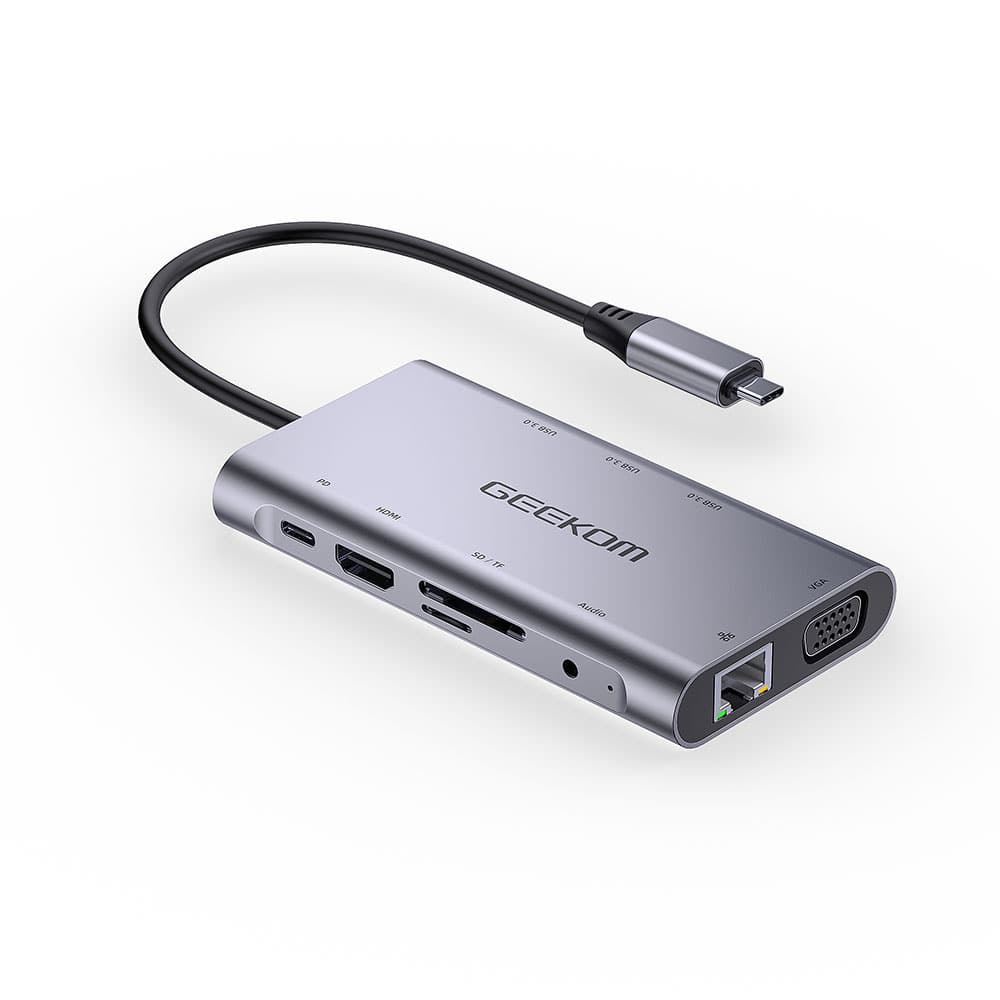
GEEKOM - Laptop Docking Station Dual Monitor, 10-in-1 USB C Hub
SKU: J3GW668SRXSee all Docking StationsProduct Description
A versatile 10-in-1 USB-C hub supporting dual monitors and multiple ports for enhanced laptop connectivity.Your price for this item is $40.00 -
Plugable - 12-in-1 USB C Triple Monitor Docking Station - 3X HDMI or 3X DisplayPort - Mac, Windows,Thunderbolt,USB4,USB-C - Black
SKU: J3YLP62K3YWorks great easy to use.
See all Docking StationsProduct Description
A versatile black docking station supporting triple 4K monitors, 100W charging, Ethernet, and multiple USB connections.Your price for this item is $229.99 -
Plugable - USB-C Triple Display Laptop Docking Station 3 Monitors, 15-in-1: 3x HDMI, Dual 4K or Triple (1x 4K60 + 2x 1080p - Space Gray
SKU: J3YLP62449See all Docking StationsProduct Description
A versatile space gray docking station supporting triple displays, dual 4K HDMI, 100W charging, and 10Gbps data transfer.Your price for this item is $149.99 -
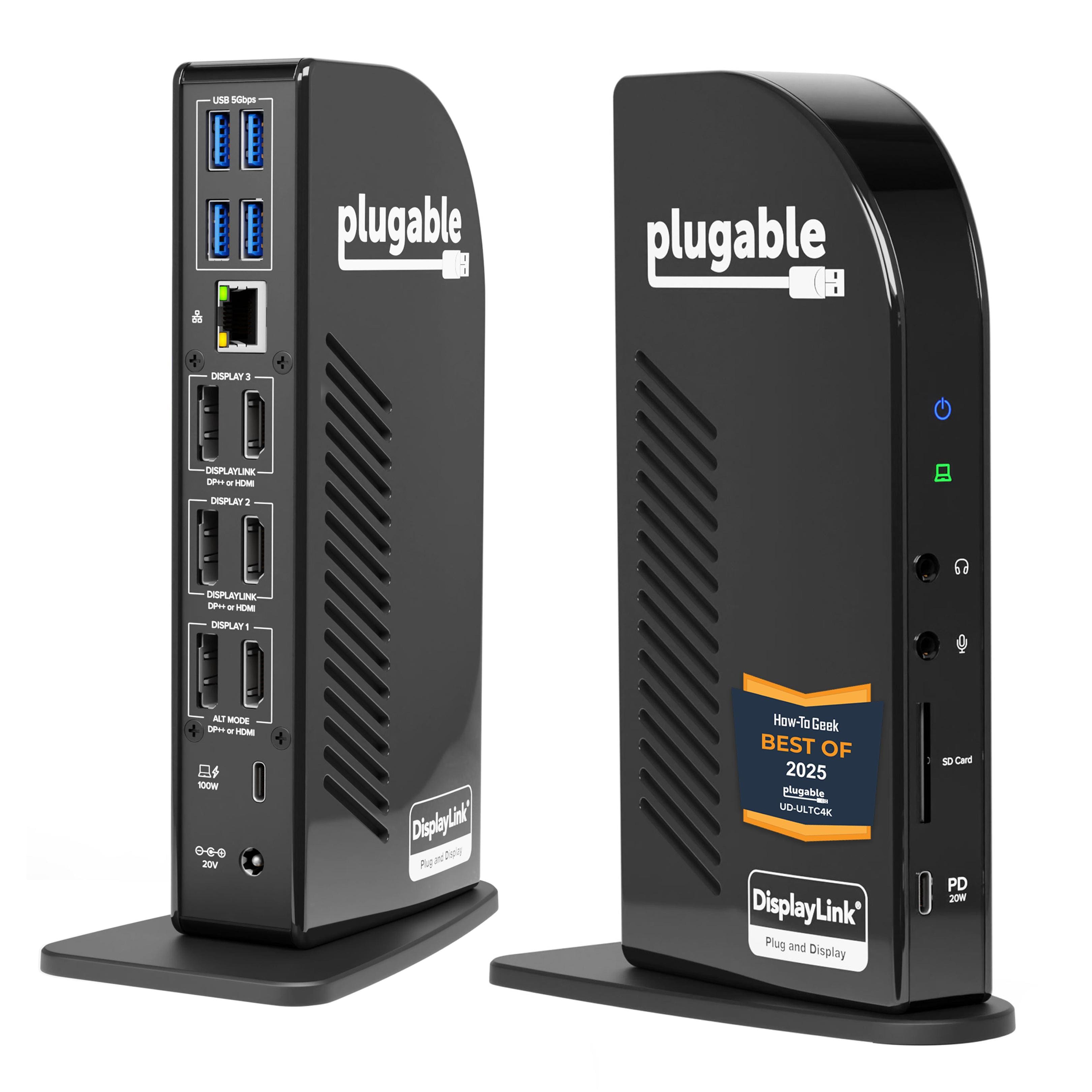
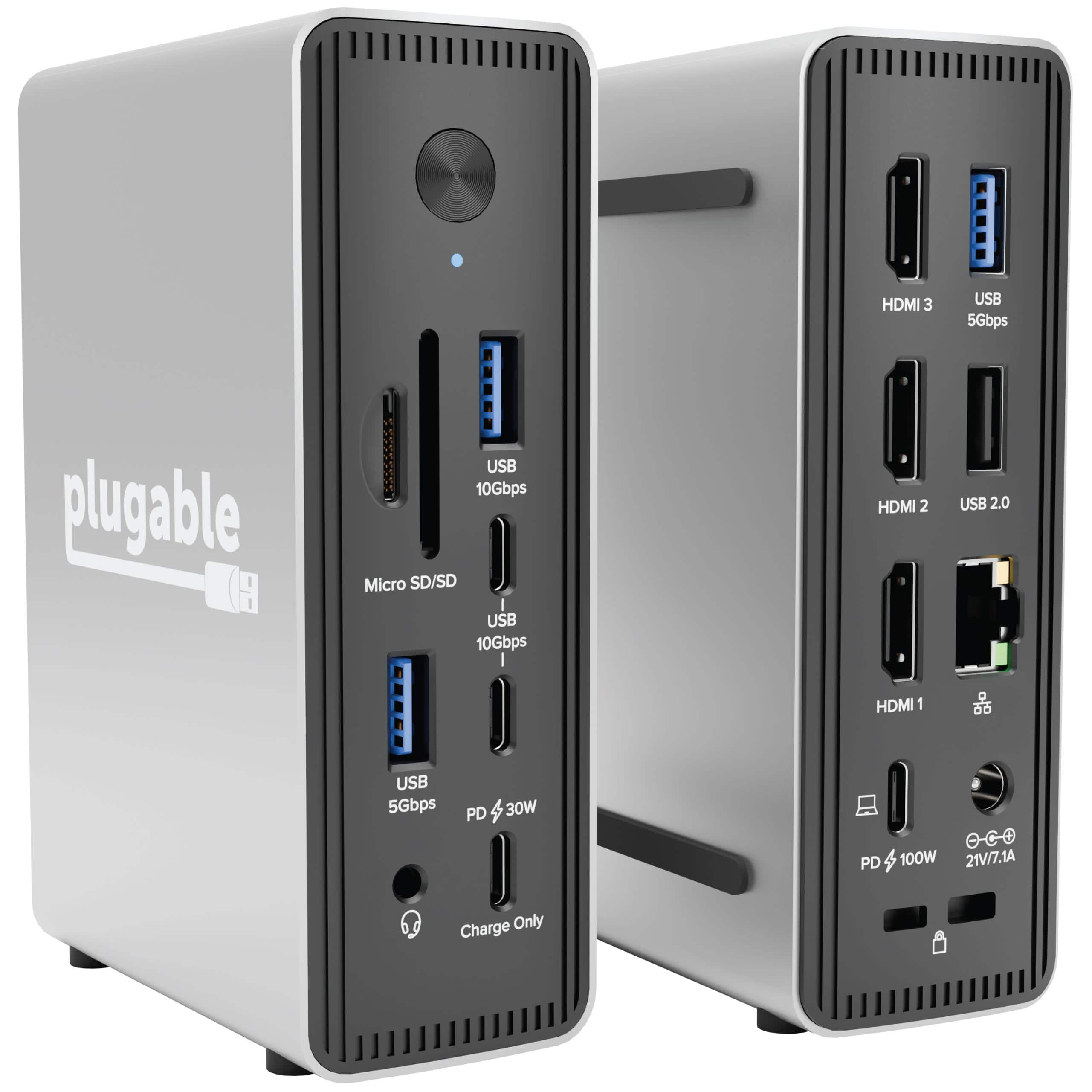
Plugable - 13-in-1 USB-C Triple Monitor Docking Station 100W - Windows Mac Chrome - Thunderbolt 3/4 USB-C - TAA Compliant - Black
SKU: J3YLP62TYCI love the fact that I can add three screens to my laptop....Having this many screens is great!...Great features!...I love the fact that there is 3 4k capable outlets!
See all Docking StationsProduct Description
A black vertical docking station supporting triple monitors, 100W charging, five USB ports, Ethernet, and SD card reader.Your price for this item is $194.99 -
StarTech.com - StarTech Dual-Monitor USB-C Docking Station DisplayPort & HDMI/VGA 101NUSBCDOCK
SKU: J7PHYXC3YPSee all Docking StationsProduct Description
A powered USB-C docking station supporting two monitors with DisplayPort, HDMI, and VGA outputs for versatile connectivity.Your price for this item is $175.32 -
StarTech.com - StarTech Triple-Monitor USB4 Dock 4K HDMI/DP USB Hub 2.5GbE 100W USB-C
SKU: J7PHYXC6PVSee all Docking StationsProduct Description
A black USB4 docking station supporting triple 4K displays, 2.5GbE, 100W charging, and six USB ports.Your price for this item is $207.36Save $57The previous price was $264.99 -
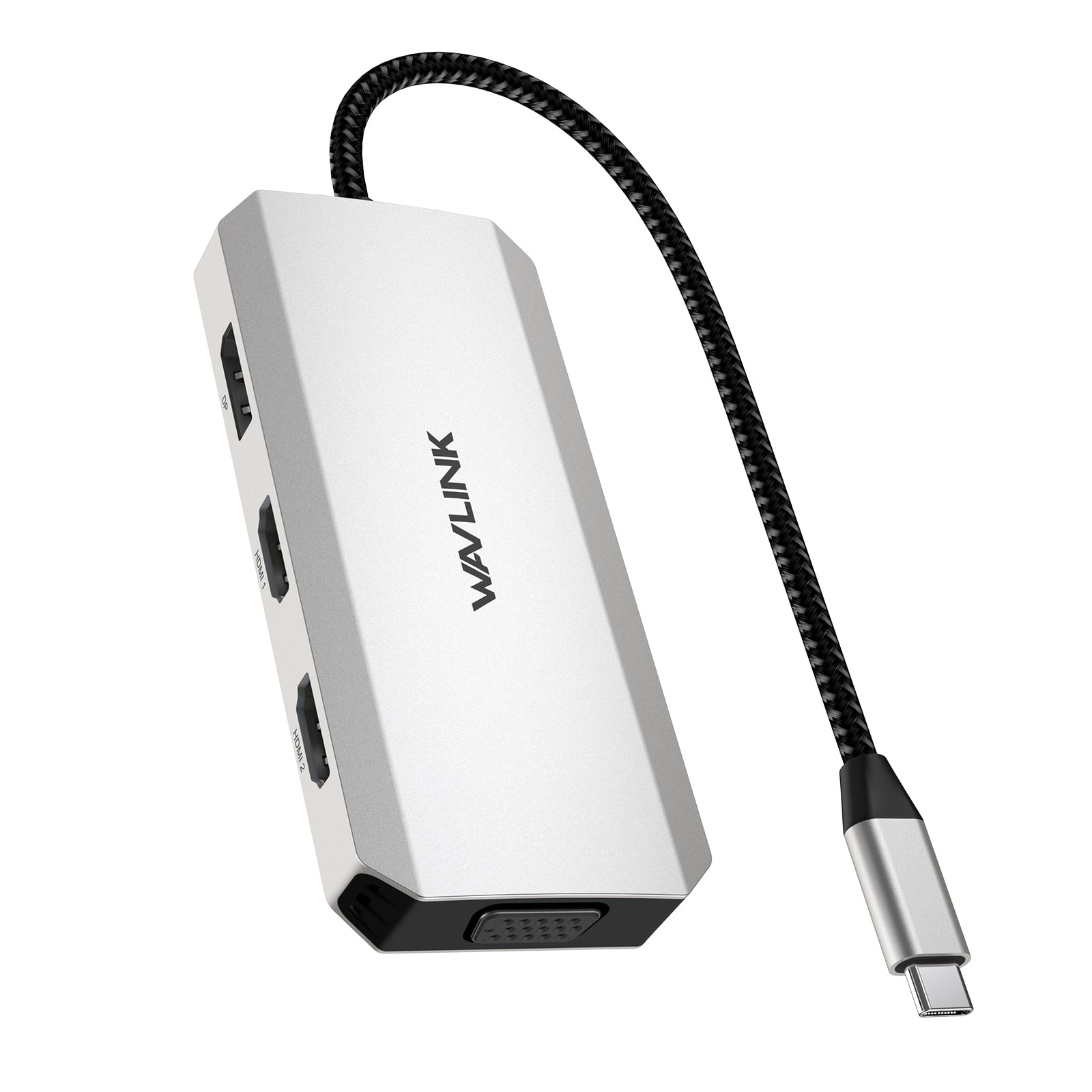
Bundle - WAVLINK - USB C Laptop Docking Station Quad Monitor, 7-IN-1 Multiport Adapter with dual 4K HDMI, 4K DP, VGA, 3xUSB2.0, For - Silver
SKU: CZRRXJ5962See all Docking StationsProduct Description
A silver aluminum dock supports four displays via dual 4K HDMI, 4K DisplayPort, VGA, and USB.Your price for this item is $34.00Save $9The previous price was $43.00 -
Acer - 15-in-1 Laptop Docking Station Support DisplayLink Triple Monitors, USB C Docking Station, 130W Power Adapter - Black
SKU: JJ8V8HX7HFSee all Docking StationsProduct Description
A versatile black USB-C docking station supporting triple monitors, 7 USB ports, and 130W power delivery.Your price for this item is $199.99 -
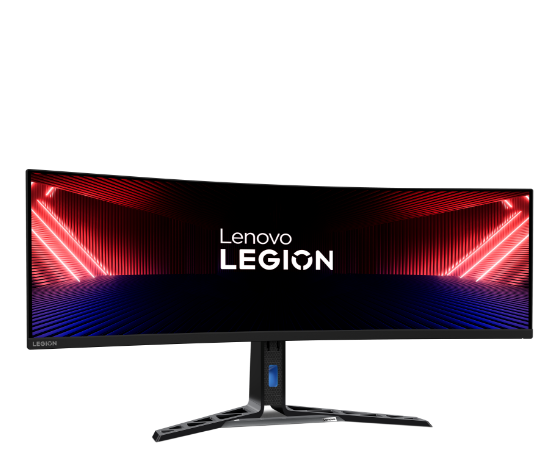
Lenovo - Legion R45w-30 44.5-inch VA Curved DualQHD 170Hz USB-C Docking Gaming Monitor - Black C
SKU: JJG8CTKLSGA great monitor!...Now that I have it, things are working well, with the refresh rate set to 144Hz for best color and stability
See all Curved Gaming MonitorsProduct Description
A curved, ultra-wide black gaming monitor with 170Hz refresh rate, 1ms response, and USB-C connectivity.Your price for this item is $1,252.70 -
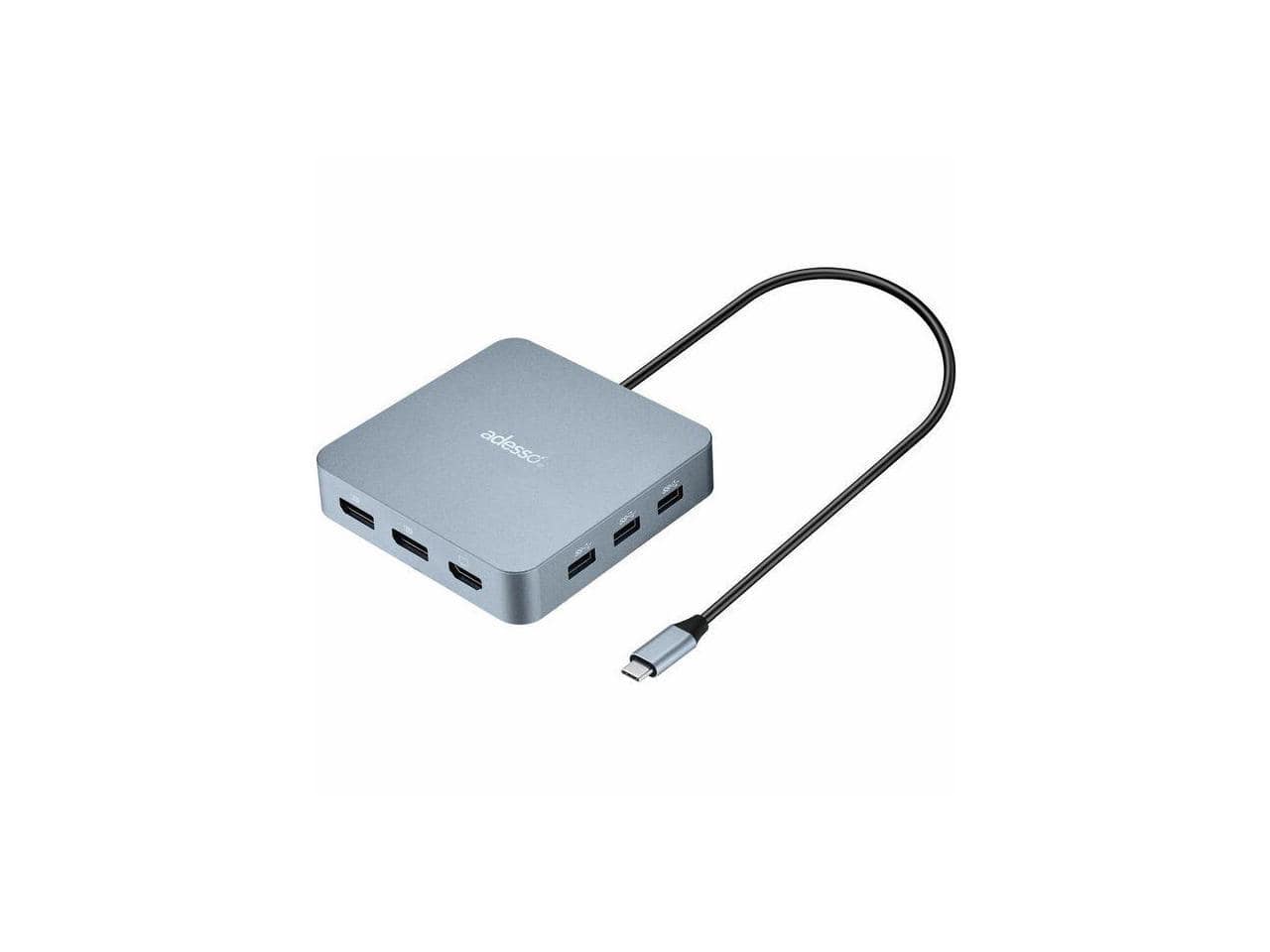
Adesso - AUH-4051 Docking Station - 65W USB-C, 3 Displays, 4K/8K, 5 USB Ports - Black
SKU: J32P8775GGSee all Docking StationsProduct Description
A black aluminum docking station supporting three 4K displays, fast charging, and secure device locking.Your price for this item is $139.74

Best Sellers


Related Pages


FAQ
A USB-C docking monitor combines a display with a built-in hub for connecting accessories. With a compatible computer and USB-C cable, one connection can carry video, transfer data and, on models with USB Power Delivery, charge a laptop. Available connections may include USB ports for peripherals, Ethernet and audio.
Your laptop needs a USB-C port that supports video output, such as DisplayPort Alt Mode, or a compatible Thunderbolt port. A USB-C connector alone does not guarantee video support. Check the laptop and monitor specifications, and use a cable that supports the required video, data and power features.
Many USB-C docking monitors support laptop charging through USB Power Delivery. The laptop must accept charging through its USB-C port, and the monitor's power output should meet the laptop's charging requirements. Some laptops may still need their own power adapter, especially during demanding tasks.
Depending on its built-in ports, a USB-C docking monitor can connect accessories such as a keyboard, mouse, webcam, headset or external storage drive. Models with an Ethernet port can also provide a wired network connection. To access these connections from your computer, the monitor needs a compatible USB upstream connection, which is often supplied by the same USB-C cable used for video.
Some USB-C docking monitors include DisplayPort output or Thunderbolt connectivity for daisy-chaining a second compatible monitor. Support depends on the computer, operating system, monitor connections and available bandwidth. Check whether your setup supports separate extended desktops, since some configurations may only mirror the displays or require a separate connection for each monitor.