USB C Monitors With Power Delivery
-
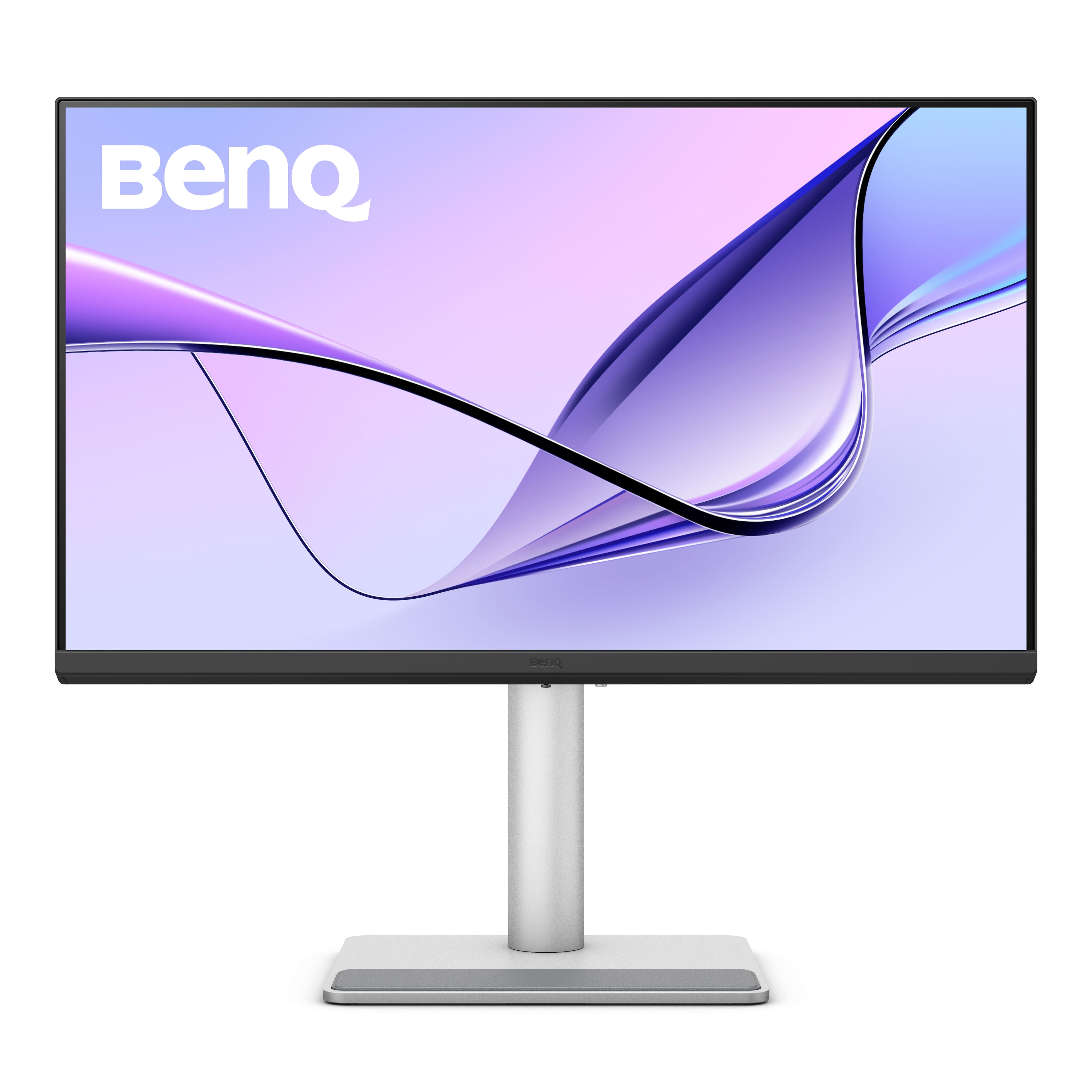
BenQ - MA270U 27" IPS LED 4K UHD Nano Matte Monitor for MacBook Pro and MacBook Air (HDMI/USB-C 90W) - Gray
SKU: J39QZT583GLove this monitor! Works so well with my MacBook Air laptop....I wish Best Buy had it at the store rather than only online....I love it...It’s a great option compared to the Apple version.
See all All MonitorsProduct Description
A gray IPS LED monitor with 4K UHD resolution, dual USB-C, HDR, and integrated speakers.Your price for this item is $549.99 -
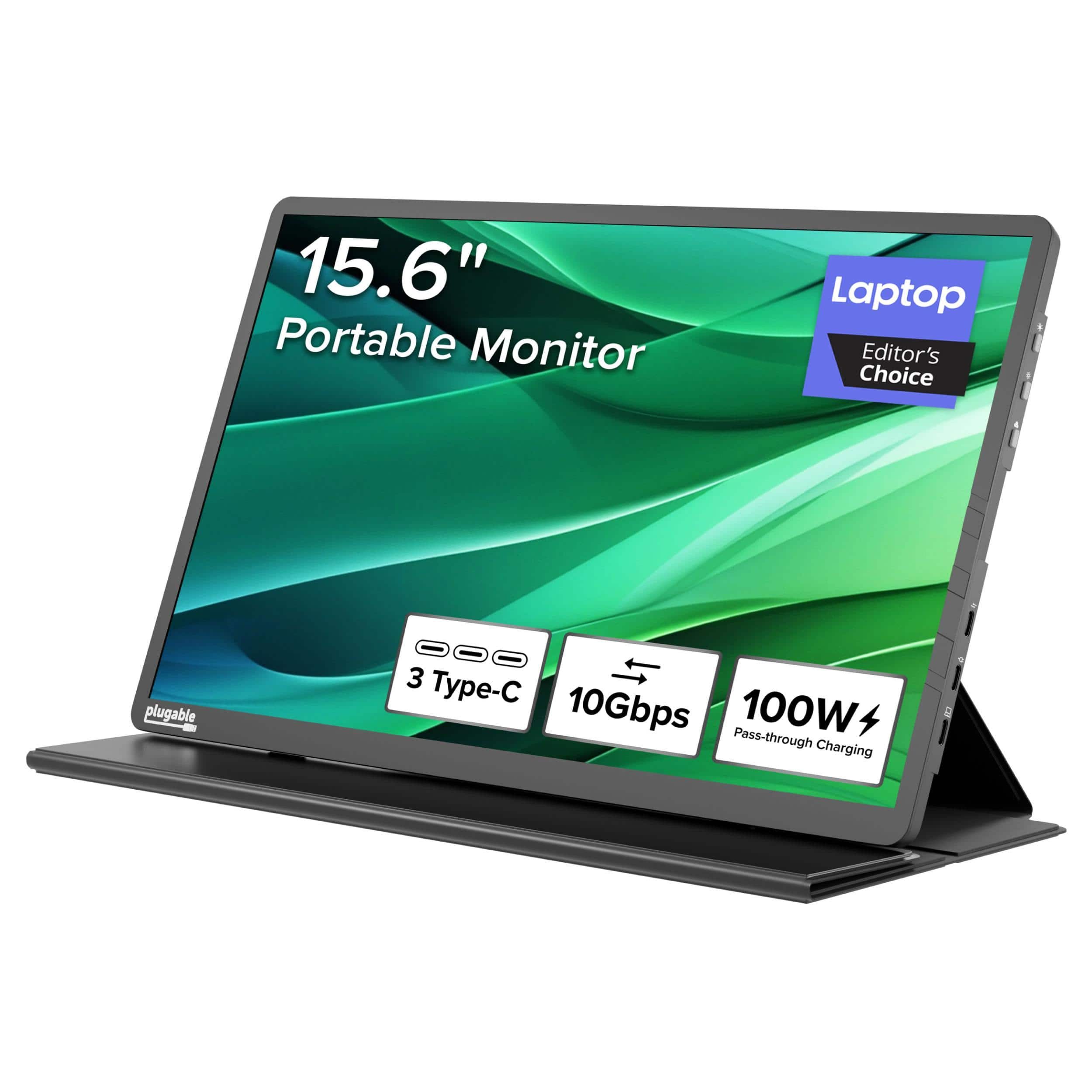
Plugable - USB-C Portable Monitor and Hub with Protective Case/Stand, 100W Pass-Through Charging - Black
SKU: J3YLP6249JAlway the best choice before i dont know abou plugable but now i know the size perfect for travel and...make me happy and more convient love so much will buy more...Love this product so so much!...Love...
See all Portable MonitorsProduct Description
A portable black LED monitor with 15.6" Full HD display, USB-C connectivity, and 100W pass-through charging.Your price for this item is $239.95 -
Alogic - Clarity Max Pro 32" 60 Hz UHD 4K Monitor with USB-C, 65W Power Delivery and 8MP Smart Webcam - Silver, Black, Multicolor
SKU: JXT8L5RK2XSee all All MonitorsProduct Description
A studio-grade 32" 4K IPS monitor in silver and black with HDR, USB-C, and 8MP webcam.Your price for this item is $1,399.99 -
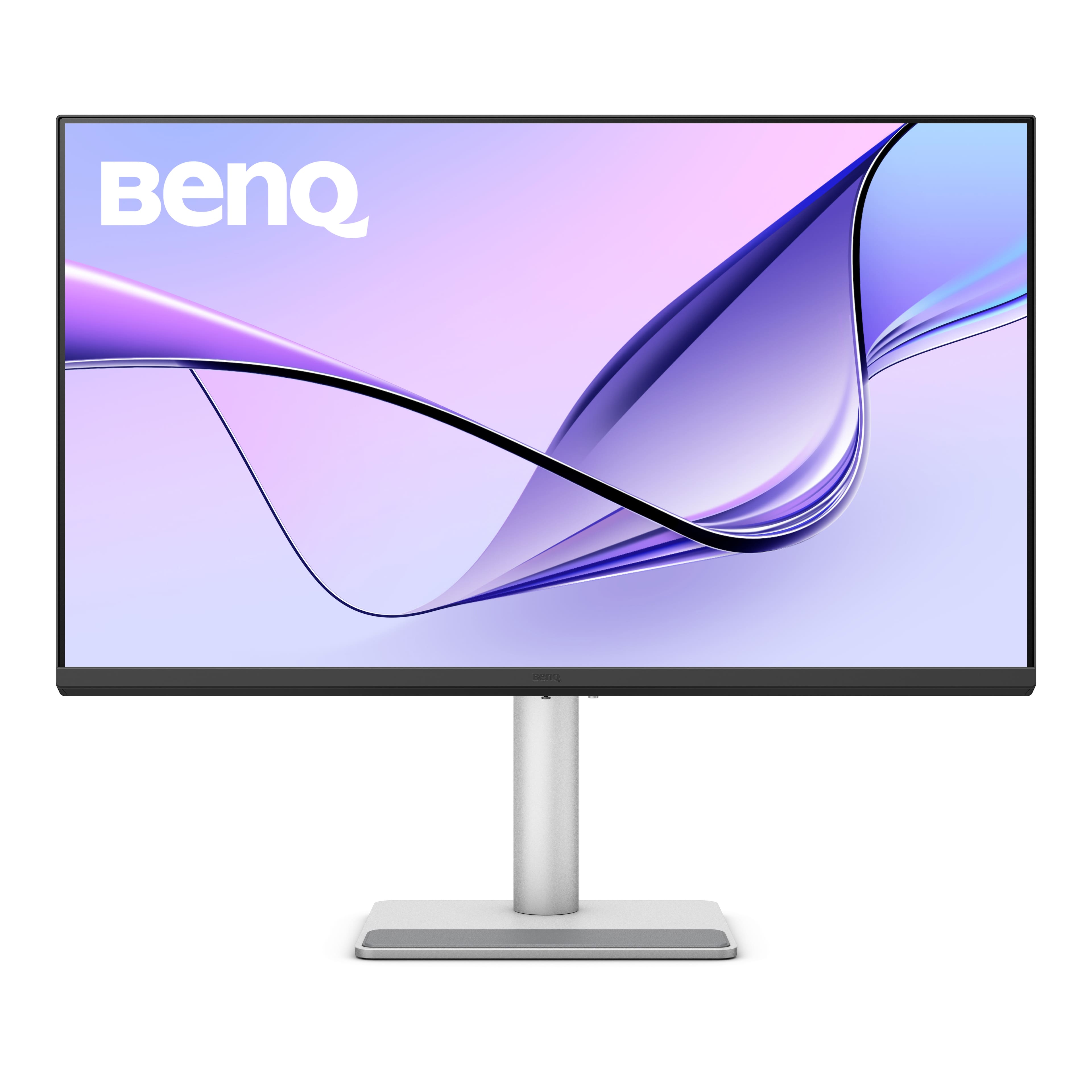
BenQ - MA320U 31.5" IPS LED 4K UHD Nano Matte Monitor for MacBook Pro and MacBook Air (HDMI/USB-C 90W) - Gray
SKU: J39QZT58XQSee all All MonitorsProduct Description
A gray IPS LED monitor featuring 4K UHD resolution, dual USB-C ports, HDR, and integrated speakers.Your price for this item is $549.99Save $180The previous price was $729.99 -
Alogic - Clarity Max 32" 60 Hz UHD 4K Monitor with 16:9 AR, USB-C and 65W Power Delivery - Silver, Black, Multicolor
SKU: JXT8L5RKC3See all All MonitorsProduct Description
A studio-grade 32" 4K UHD IPS monitor in silver and black with HDR, USB-C, and 65W power delivery.Your price for this item is $749.99 -
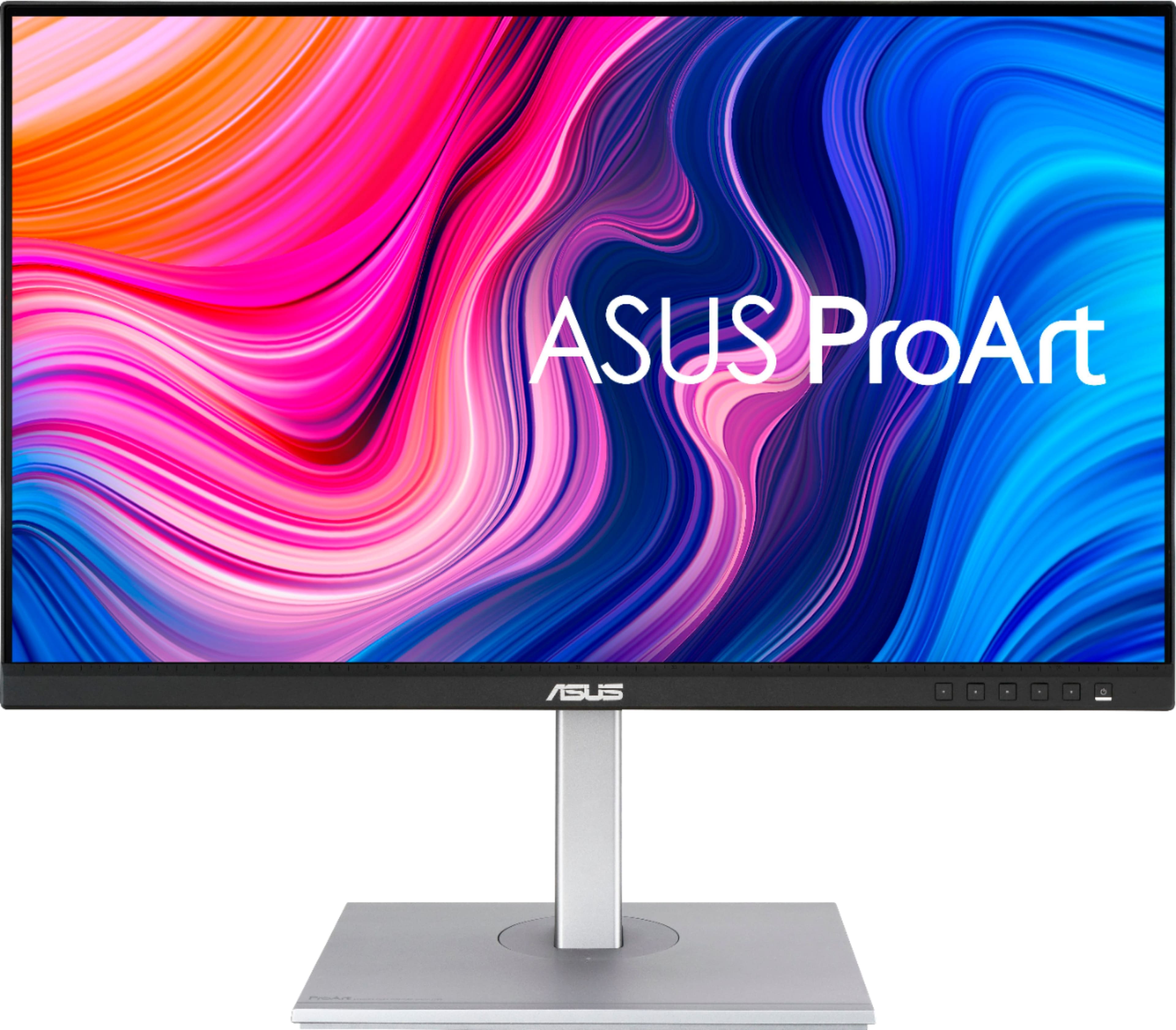
ASUS - ProArt 27" 4K IPS Professional Monitor with HDR (DisplayPort, HDMI, USB-C) - Black
SKU: JJ8Q7RWQ2RBest quality, Great Price...Absolute best monitor I've ever purchased....I love the quality and the ability to customize settings....Great Display...The display has nice coloring best for graphic design...
See all All MonitorsProduct Description
A professional black 4K UHD IPS monitor with HDR10, USB-C, and wide 178° viewing angles.Your price for this item is $299.99Save $100The previous price was $399.99 -
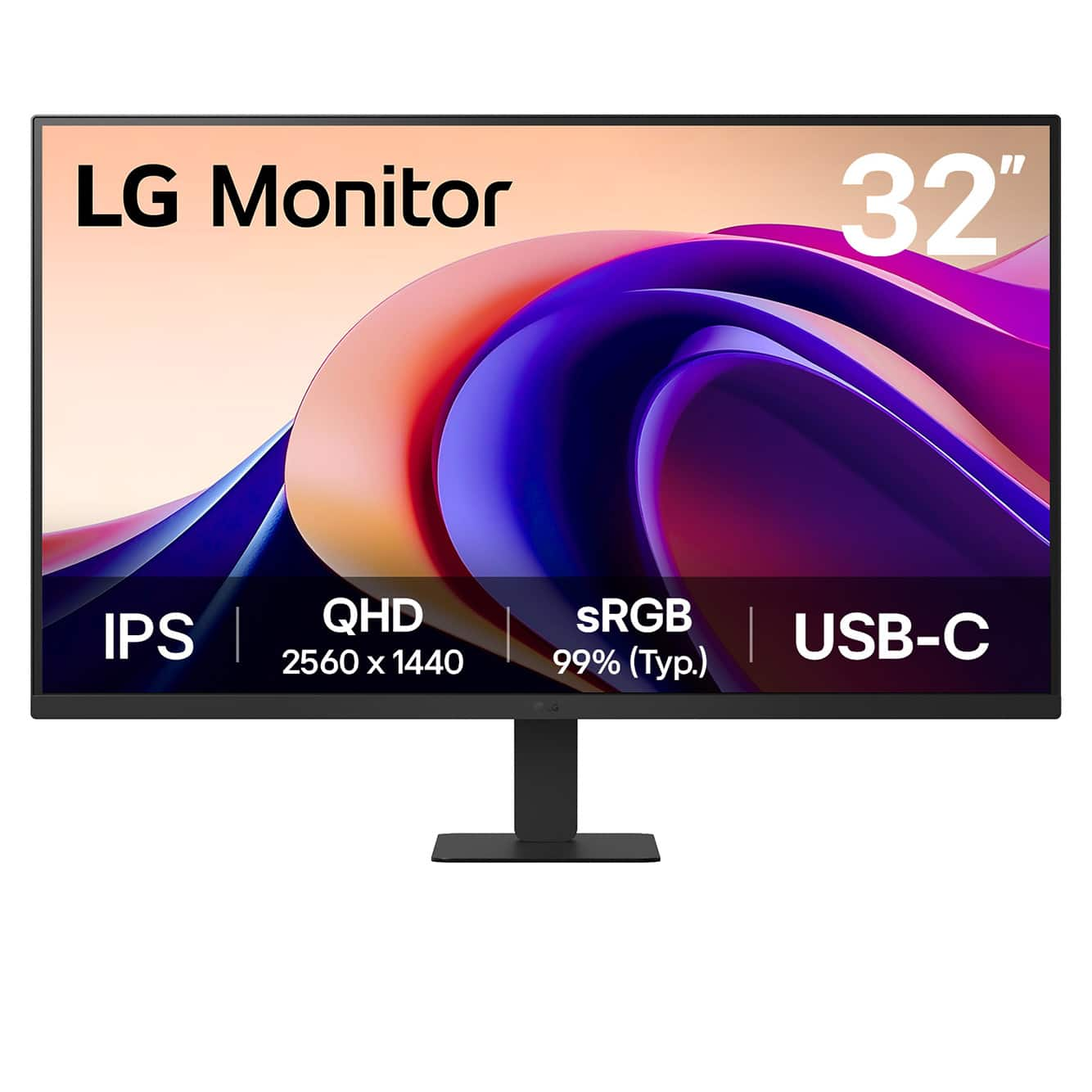
LG - 32" Monitor QHD IPS 100Hz with HDR10 (HDMI USB-C) - Black
SKU: JJ8VPZT536My Best Buy store has the Best Buy’s...Love my new large monitor because I sit at my desktop and watch movies occasionally....LG is best. No complaints, really. Has been a year and working pretty well....Contrast...
See all All MonitorsProduct Description
A black QHD IPS monitor with HDR10, 100Hz refresh rate, USB-C connectivity, and borderless design.Your price for this item is $169.99Save $80The previous price was $249.99 -
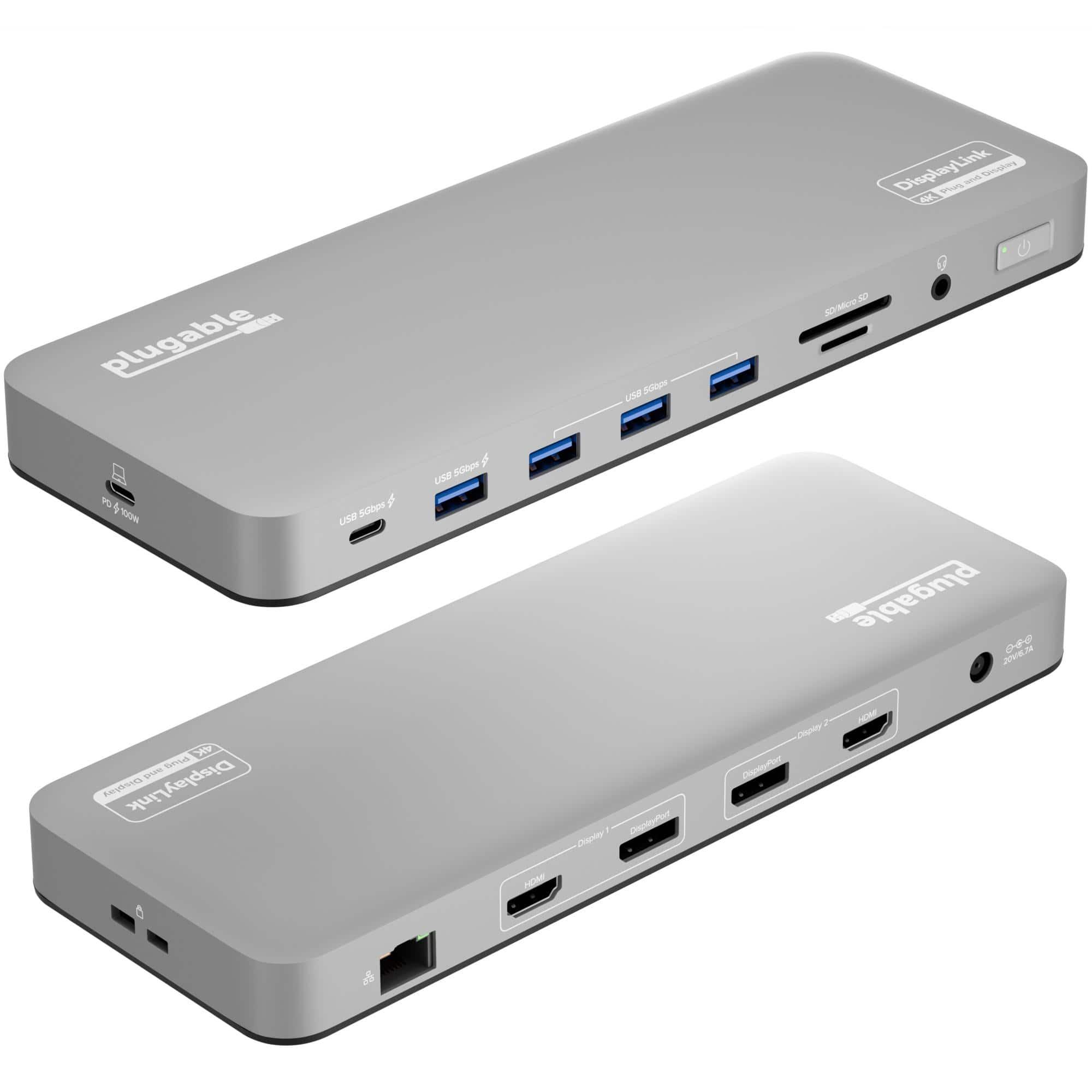
Plugable - USB C Laptop Docking Station-Dual Monitor 4K 60Hz Apple Mac M1/M2/M3-2x HDMI or 2x DisplayPort-100W Charging - Silver
SKU: J3YLP62K2LWorks great...It works great for dual monitors for laptop. Quick shipping....Great upgrade for my home office
See all Docking StationsProduct Description
A sleek silver aluminum dock offering dual 4K monitor support, 100W charging, and 14 versatile ports.Your price for this item is $199.99 -
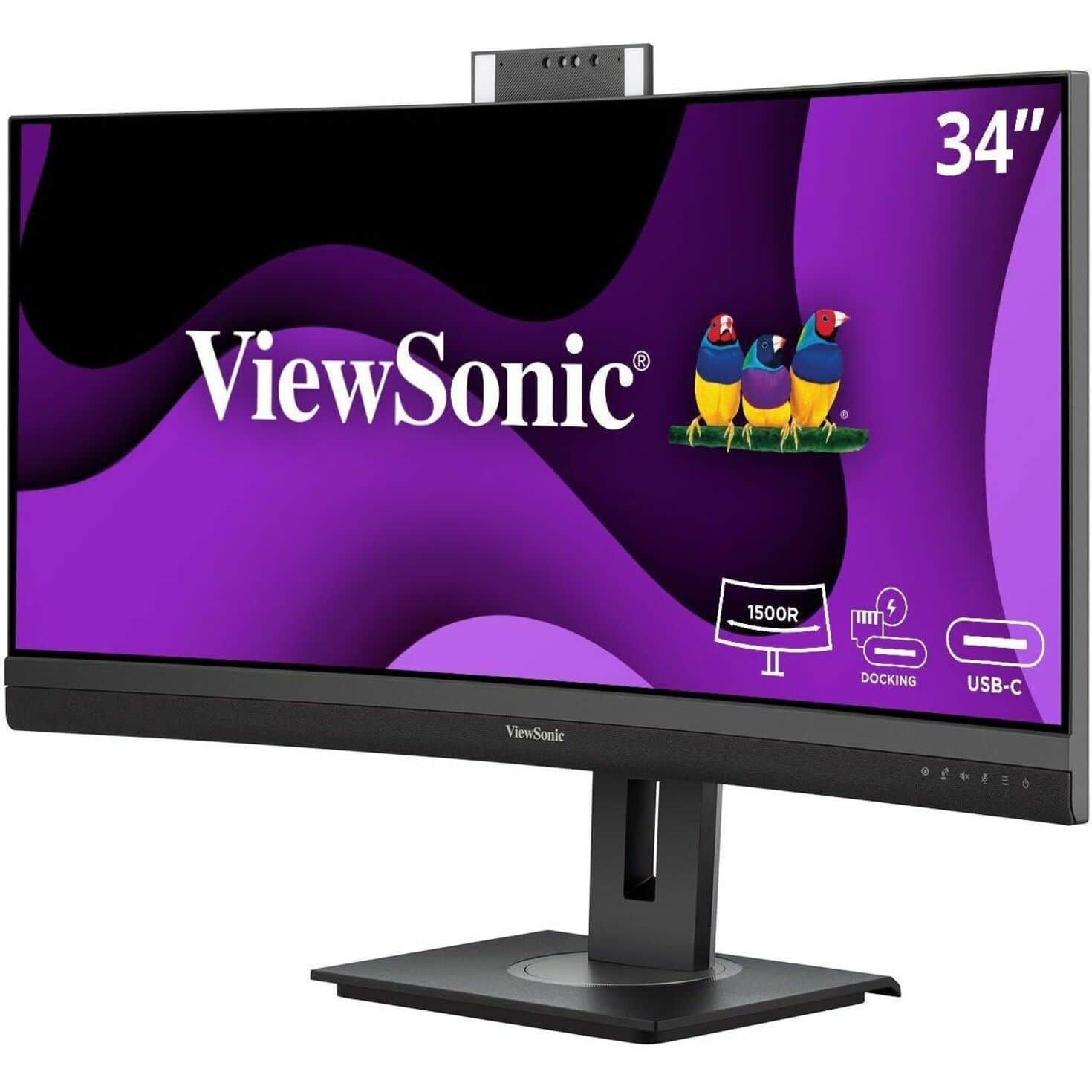
ViewSonic - VG3457CV 34" WUQHD Curved Video Conferencing Docking Monitor (USB-C) - Black
SKU: J37H88VHW2See all All MonitorsProduct Description
An ultrawide black curved monitor with Zoom-certified pop-up webcam, LED lighting, USB-C, and Ethernet connectivity.Your price for this item is $599.99 -
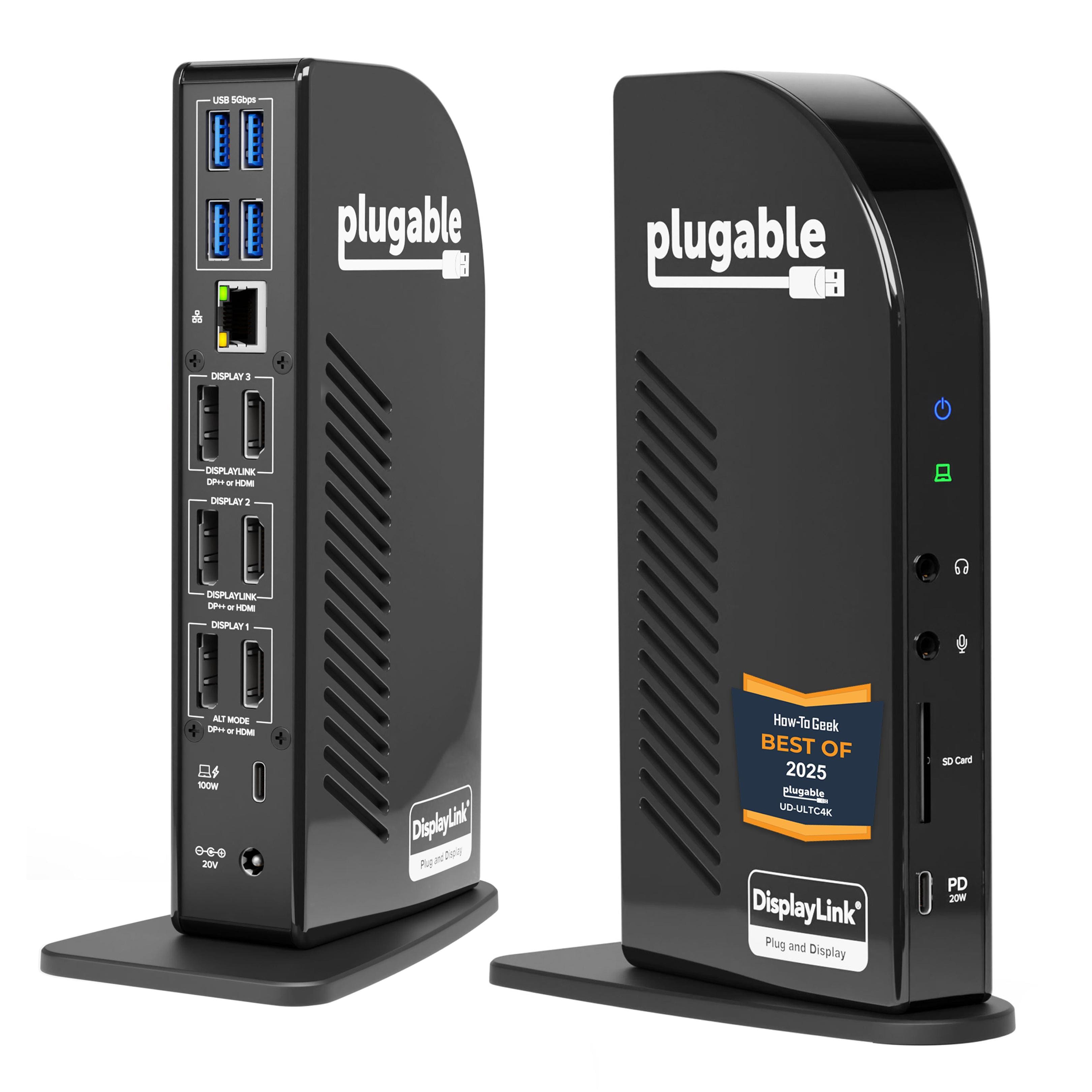
Plugable - 4K USB C Docking Station Triple Monitor -100W Power Delivery,USBC Dock for Thunderbolt 3/4,USB-C Windows,Mac - Black
SKU: J3YLP62WLPGreat features...Works perfectly and save space great features easy to setup and durability material and size very helpful...Great product!
See all Docking StationsProduct Description
A versatile black USB-C docking station supporting triple 4K monitors, 100W power delivery, and multiple ports.Your price for this item is $245.99 -
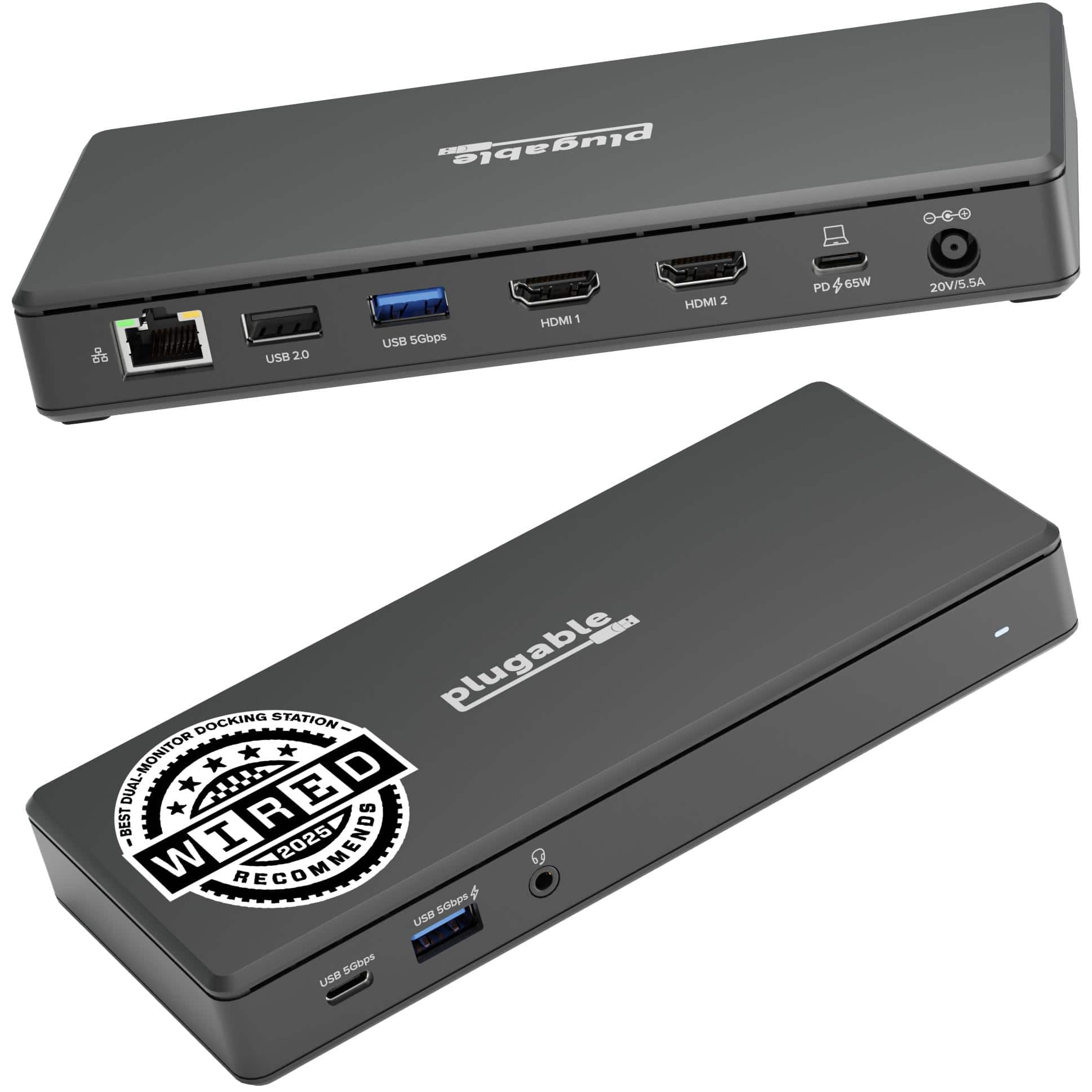
Plugable - USB C Docking Station Dual Monitor 2 HDMI Ports, Power Delivery Dock Dual 4K Monitor for Windows, ChromeOS - Black
SKU: J3YLP624JTGreat Dock, Excellent Service...Definitely a great product and more importantly (IMO) a company that is clearly customer-focused.
See all Docking StationsProduct Description
A black docking station supporting dual 4K HDMI monitors, USB-C connectivity, Ethernet, and audio for Windows or ChromeOS.Your price for this item is $119.95Save $37The previous price was $156.99 -
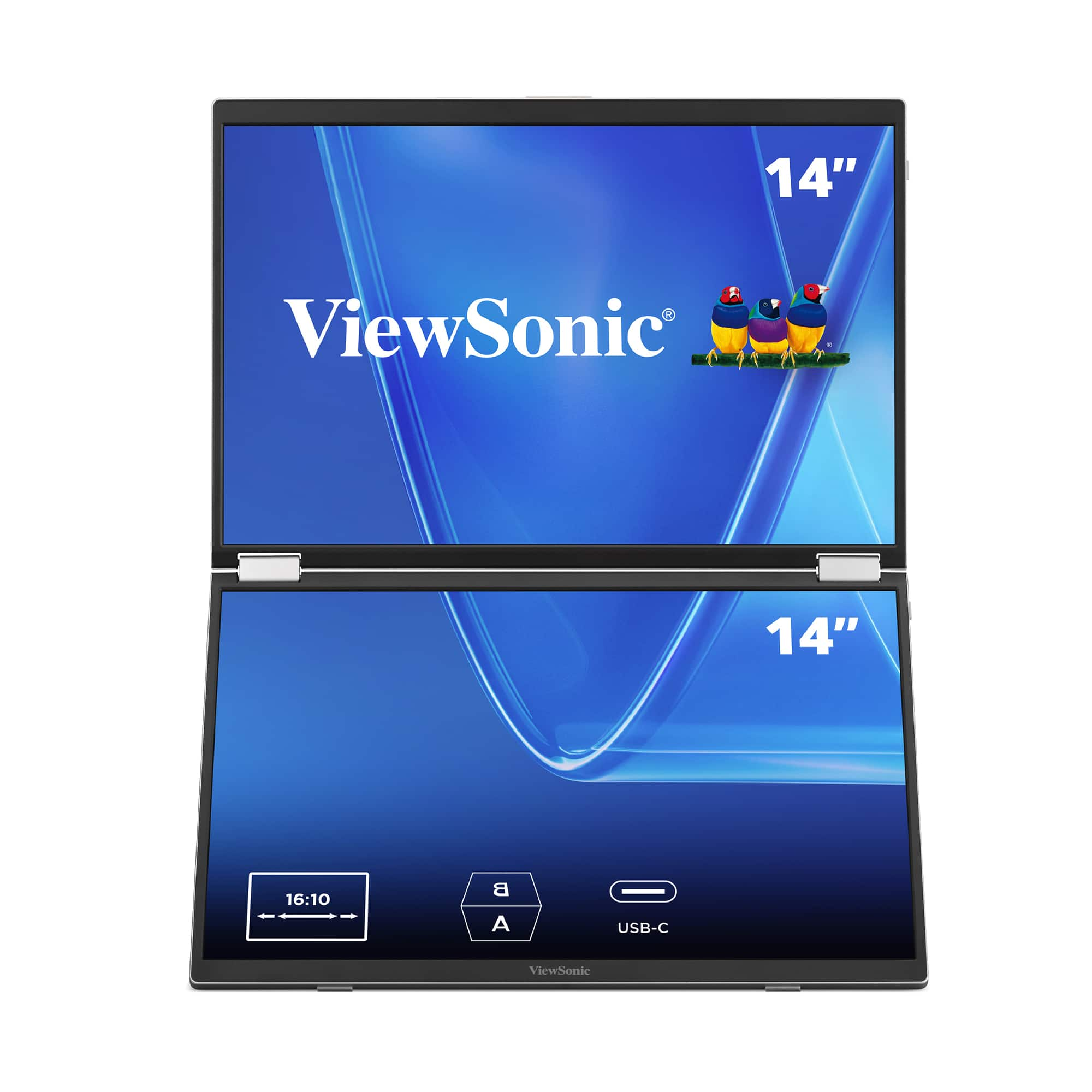
ViewSonic - 14" Dual Screen WUXGA Portable Monitor with USB-C and Protective Sleeve - Black
SKU: J37H8G7S57See all Portable MonitorsProduct Description
A dual 14" black portable monitor with WUXGA resolution, USB-C connectivity, and integrated speakers.Your price for this item is $356.48 -
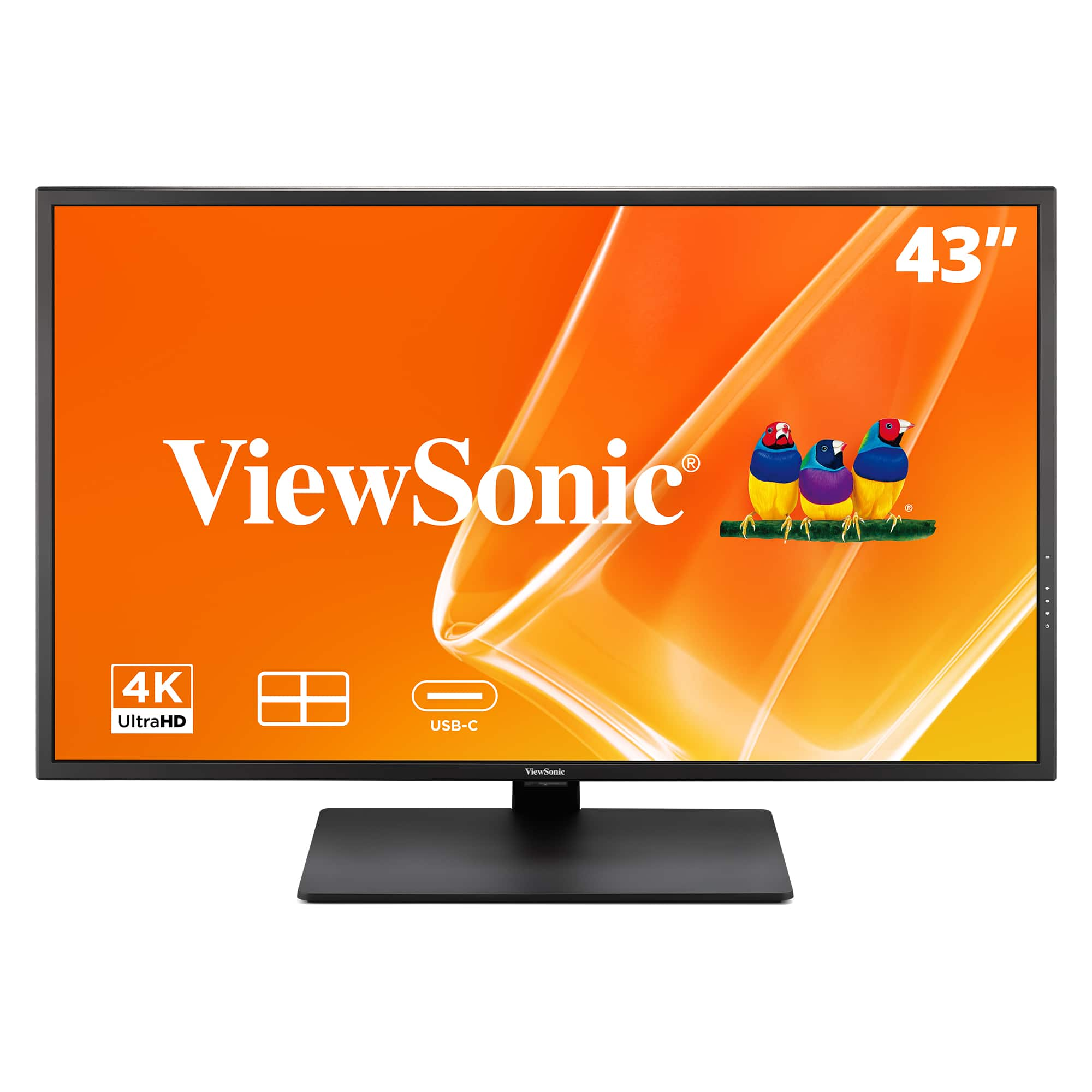
ViewSonic - 43" 4K UHD Monitor with Multipicture Functionality, PIP, PBP, USB-C, HDMI and DisplayPort - Black
SKU: J37H8G764VSee all All MonitorsProduct Description
A black LCD monitor offering 4K UHD resolution, HDR10 support, USB-C connectivity, and multipicture multitasking.Your price for this item is $569.99Save $226The previous price was $796.67 -
Samsung - ViewFinity 24" S6 (S60D) QHD HDR10 Monitor with USB-C and Daisy Chain (HDMI, USB, DisplayPort) - Black
SKU: J3ZYG2T9Y2See all All MonitorsProduct Description
A black IPS QHD monitor with HDR10, USB-C 90W charging, Ethernet, and daisy chain connectivity.Your price for this item is $296.99 -
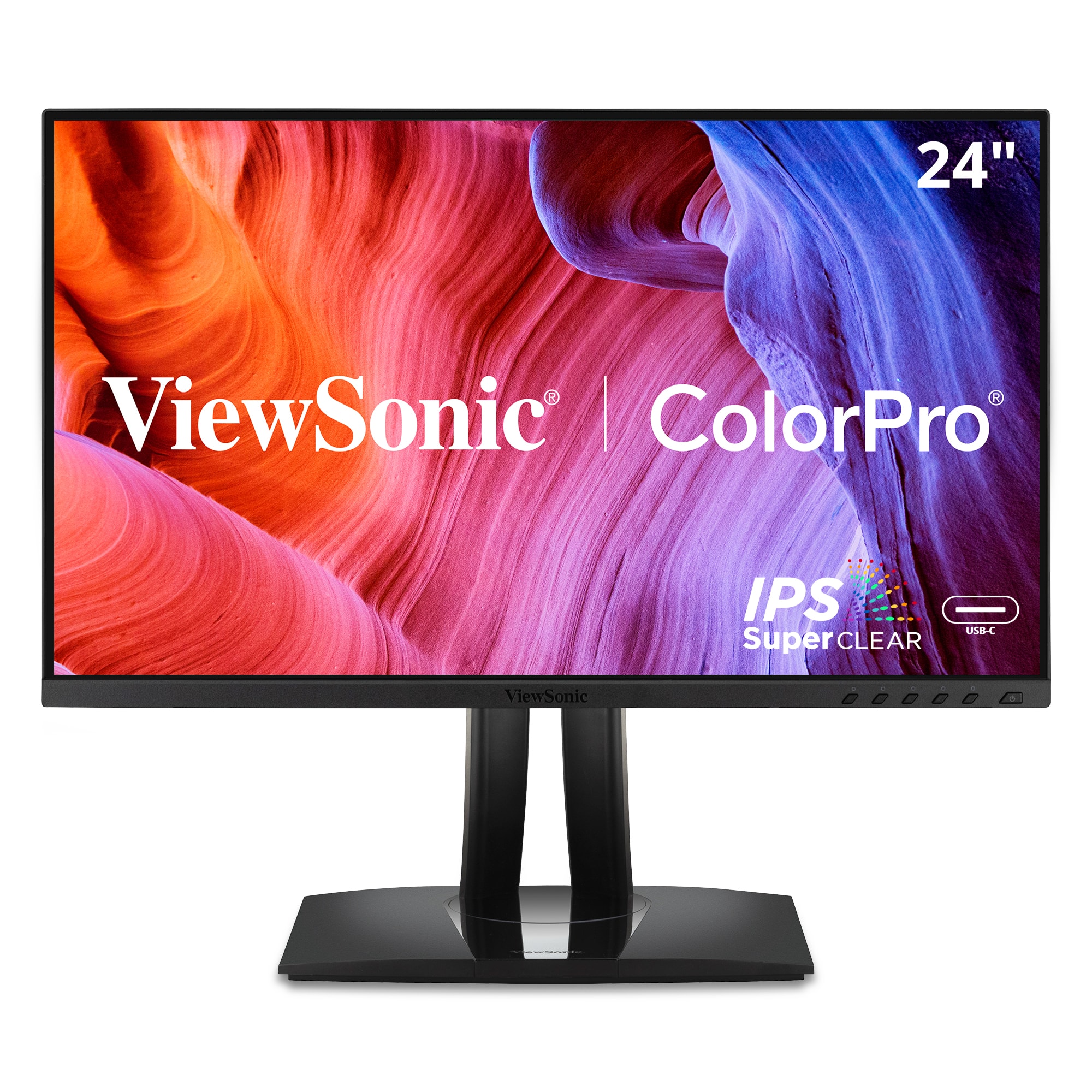
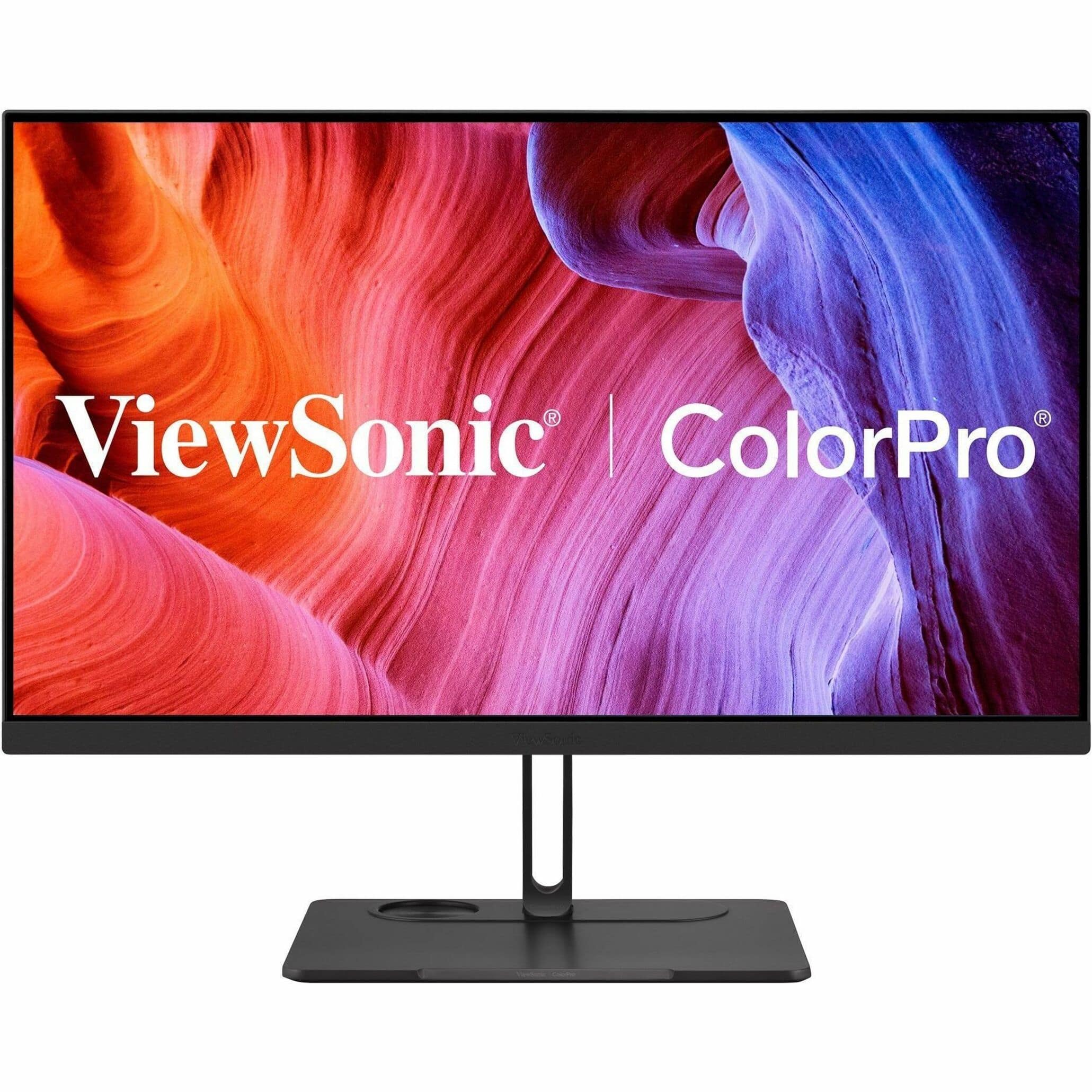
ViewSonic - ColorPro VP2456A 24" IPS FHD Ergonomic Monitor (USB, HDMI, DP, USB-C) - Black
SKU: J37H8G774GSee all All MonitorsProduct Description
A black IPS monitor with factory-calibrated color accuracy, 120Hz refresh rate, and versatile USB-C connectivity.Your price for this item is $199.99 -
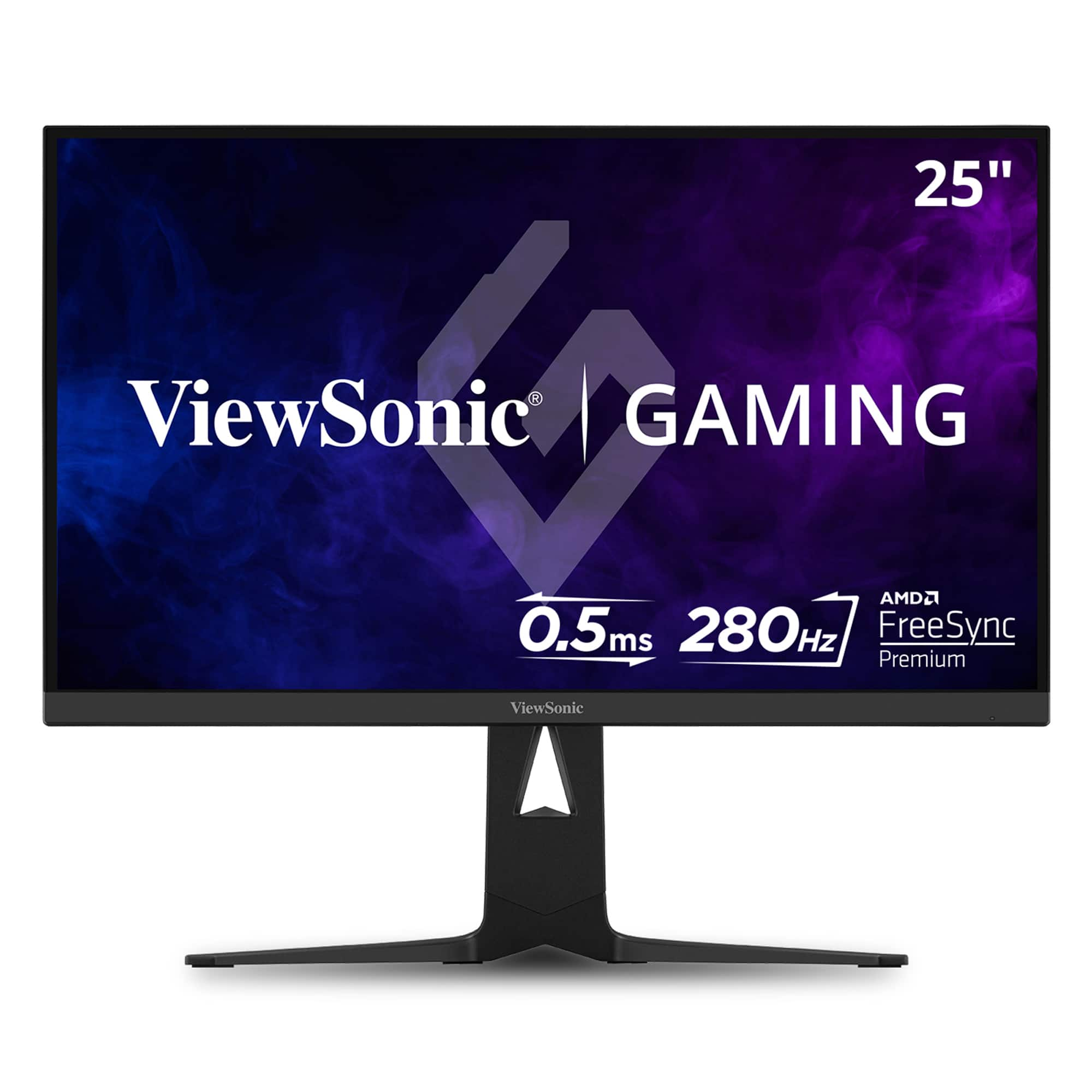
ViewSonic - XG2536 25" IPS LCD FHD FreeSync 0.5ms 280Hz Gaming Monitor (HDMI, USB-C) - Black
SKU: J37H88VWWHSee all Gaming MonitorsProduct Description
A black IPS gaming monitor featuring 280Hz refresh rate, 0.5ms response time, and AMD FreeSync Premium.Your price for this item is $239.99 -
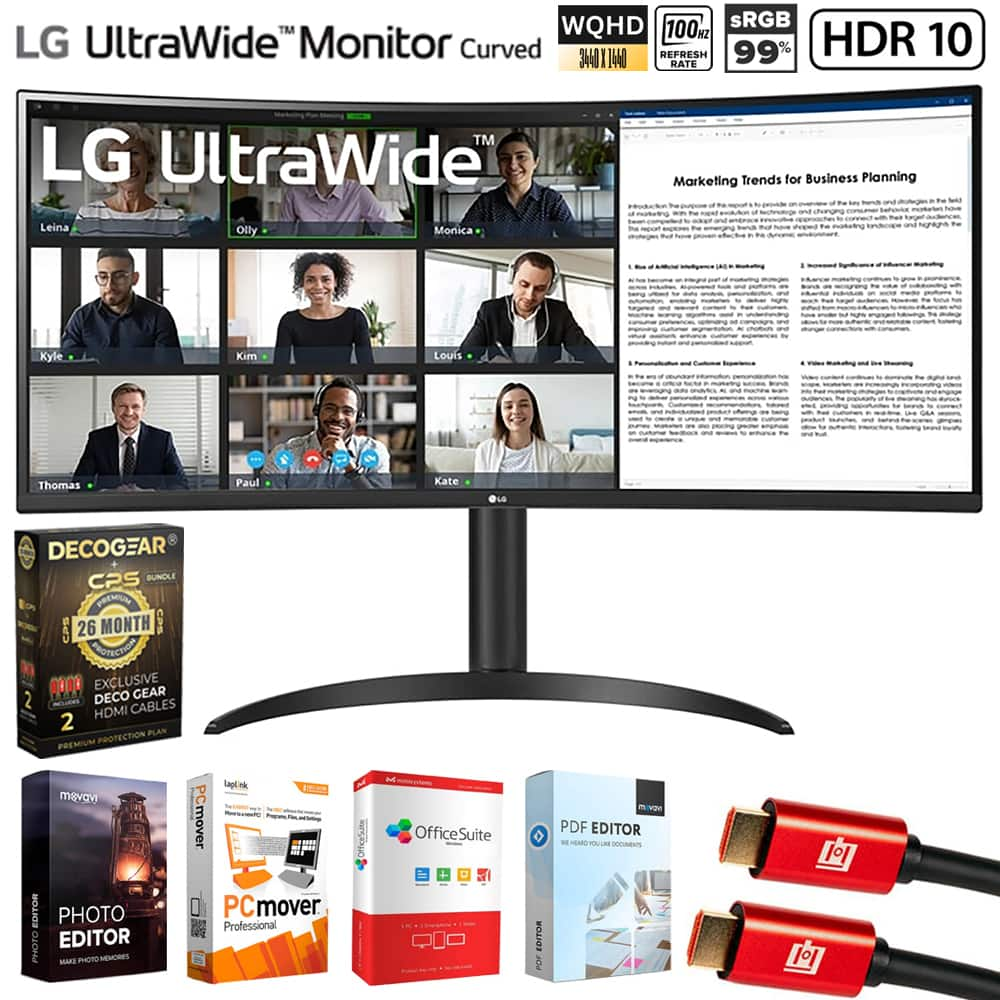
Bundle - LG - UltraWide 34" VA Curved WQHD 100Hz Monitor with HDR 10 (HDMI, DisplayPort, USB-C) + 26 Month Extended Warranty - Black
SKU: JJG3SJS85QSee all Curved MonitorsProduct Description
A black curved VA monitor with WQHD resolution, 100Hz refresh rate, HDR10, and USB-C connectivity.Your price for this item is $359.99Save $40The previous price was $399.99 -
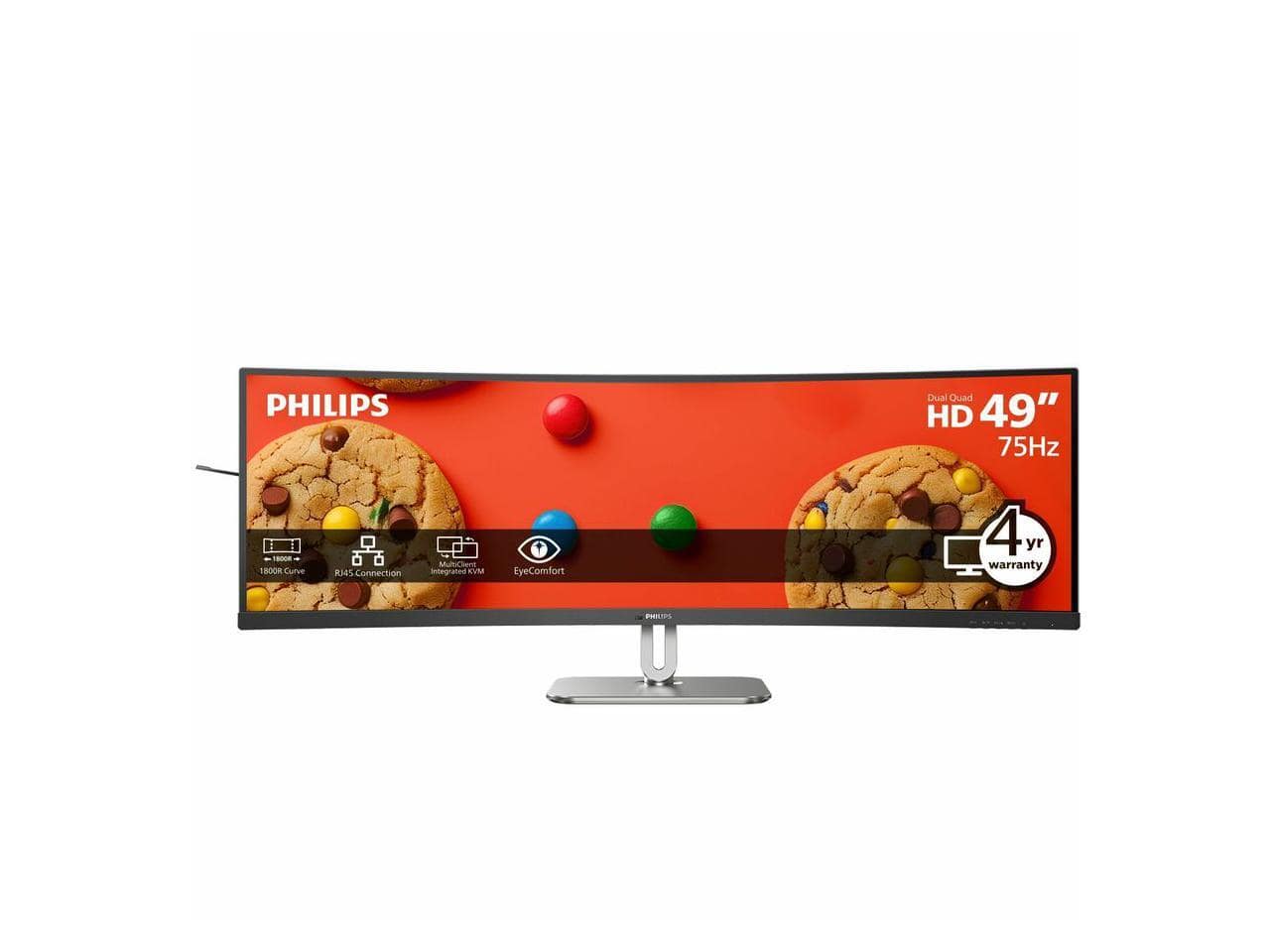
Philips - 49" Dual QHD Curved Monitor, 32:9, USB-C 100W, KVM, HDR400, Adaptive Sync - Silver
SKU: J3GW36WF8LSee all Curved MonitorsProduct Description
A curved ultrawide monitor with Dual QHD, 120Hz refresh rate, USB-C 100W charging, HDR400, and KVM.Your price for this item is $926.11 -
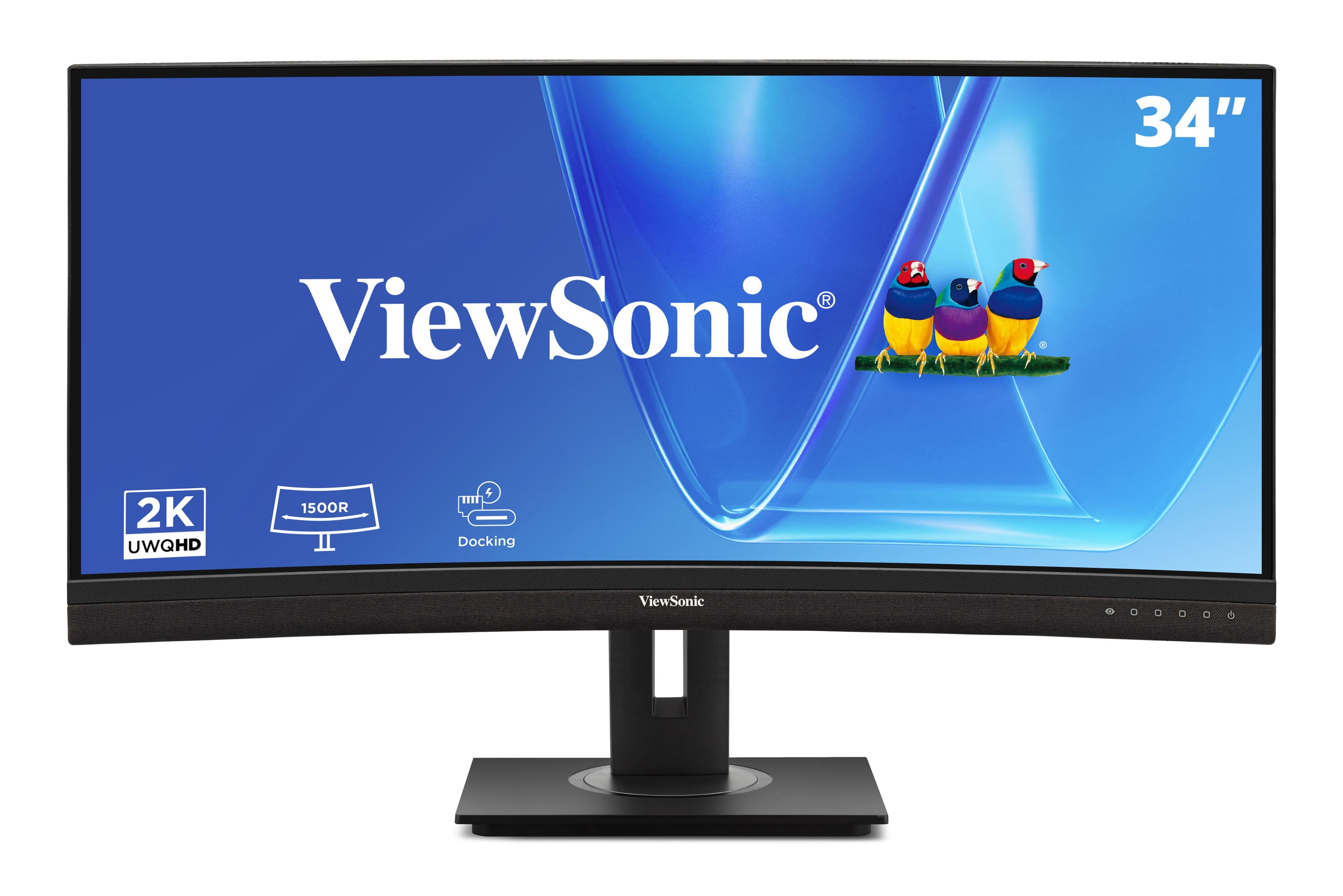
ViewSonic - VG3456CA 34" UWQHD Curved Docking Monitor w/ Advanced Ergonomics, 100W USB C, HDMI, DisplayPort, and USB Hub - Black
SKU: J37H8G724ZSee all Curved MonitorsProduct Description
A black curved ultrawide monitor featuring UWQHD resolution, 100W USB-C docking, HDMI, DisplayPort, and USB hub.Your price for this item is $499.99Save $89The previous price was $589.68 -
Samsung - ViewFinity 27" S6 (S60D) QHD HDR10 Monitor with USB-C and Daisy Chain (HDMI, USB, DisplayPort) - Black
SKU: J3ZYG2T9HCSee all All MonitorsProduct Description
A black QHD IPS monitor with HDR10, USB-C 90W charging, Ethernet, and daisy chain connectivity.Your price for this item is $393.11Save $0The previous price was $394.09 -
ViewSonic - VP2776T-4K 27" IPS 4K UHD Advanced Ergonomics Monitor w/ Pantone validated(USB-C, HDMI, DP) - Black
SKU: J37H88VHTSSee all All MonitorsProduct Description
A black IPS 4K UHD monitor featuring Pantone validation, HDR400, Thunderbolt 4 docking, and adjustable ergonomics.Your price for this item is $699.99 -
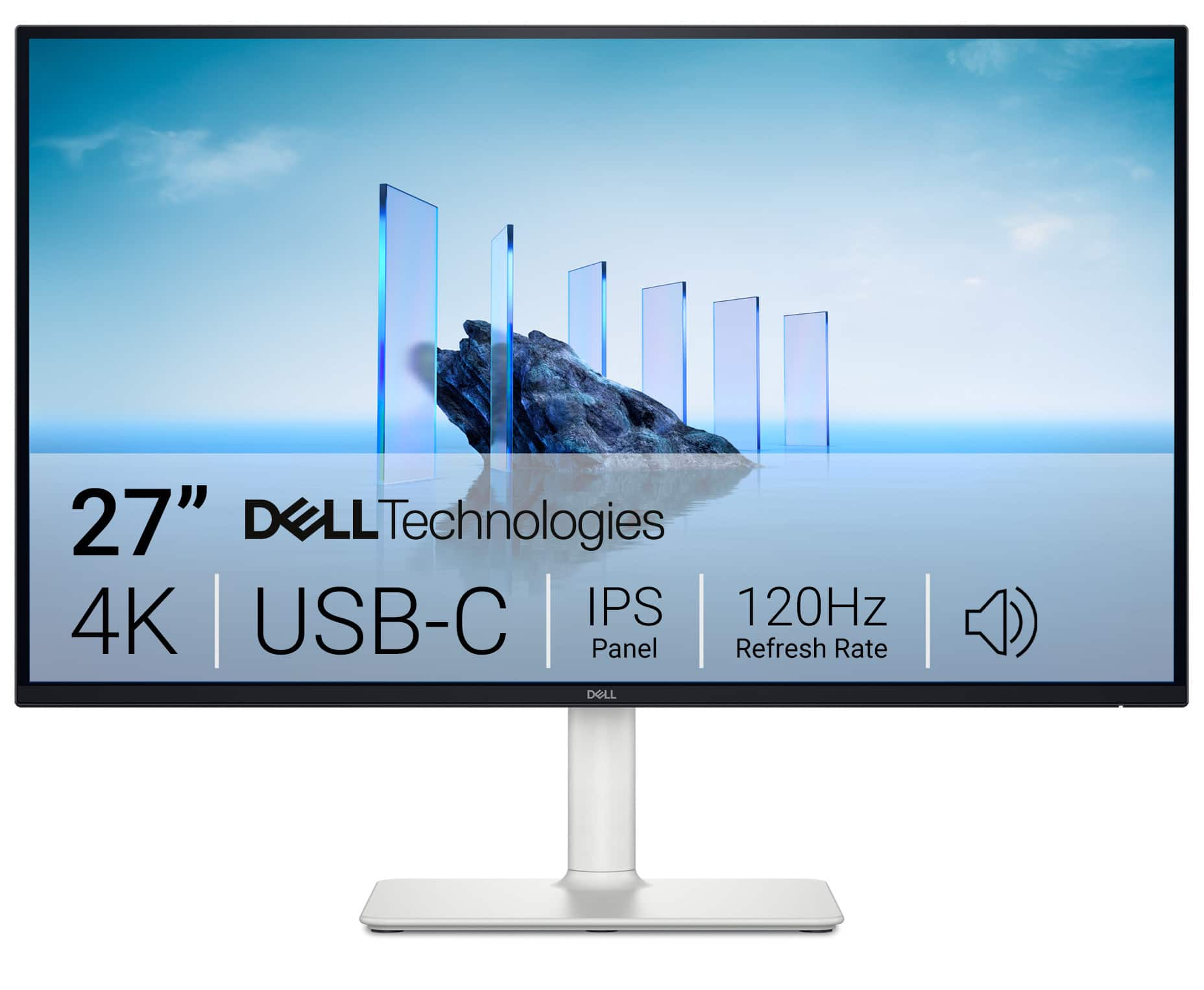
Dell - S2725QC 27" IPS LED 4K UHD 120Hz 8ms FreeSync Premium Monitor with HDR (HDMI, DisplayPort, USB) - Ash White
SKU: J3K4L63JXVI love this monitor!! It's the best size for work, and had the best picture on it....I love it...My best purchase in the year, the sound it’s so great and the quality of the screen it’s amazing!!!
See all All MonitorsProduct Description
A silver IPS LED monitor featuring 4K UHD resolution, 120Hz refresh rate, FreeSync, and USB-C connectivity.Your price for this item is $249.99Save $120The previous price was $369.99 -
ASUS - ProArt 27" 5K IPS Professional Monitor with HDR (DisplayPort, HDMI) - Black
SKU: JJGGLQP8YYSee all All MonitorsProduct Description
A professional 27-inch black IPS LED monitor with 5K resolution, HDR10, and exceptional color accuracy.Your price for this item is $635.37Save $210The previous price was $845.70 -
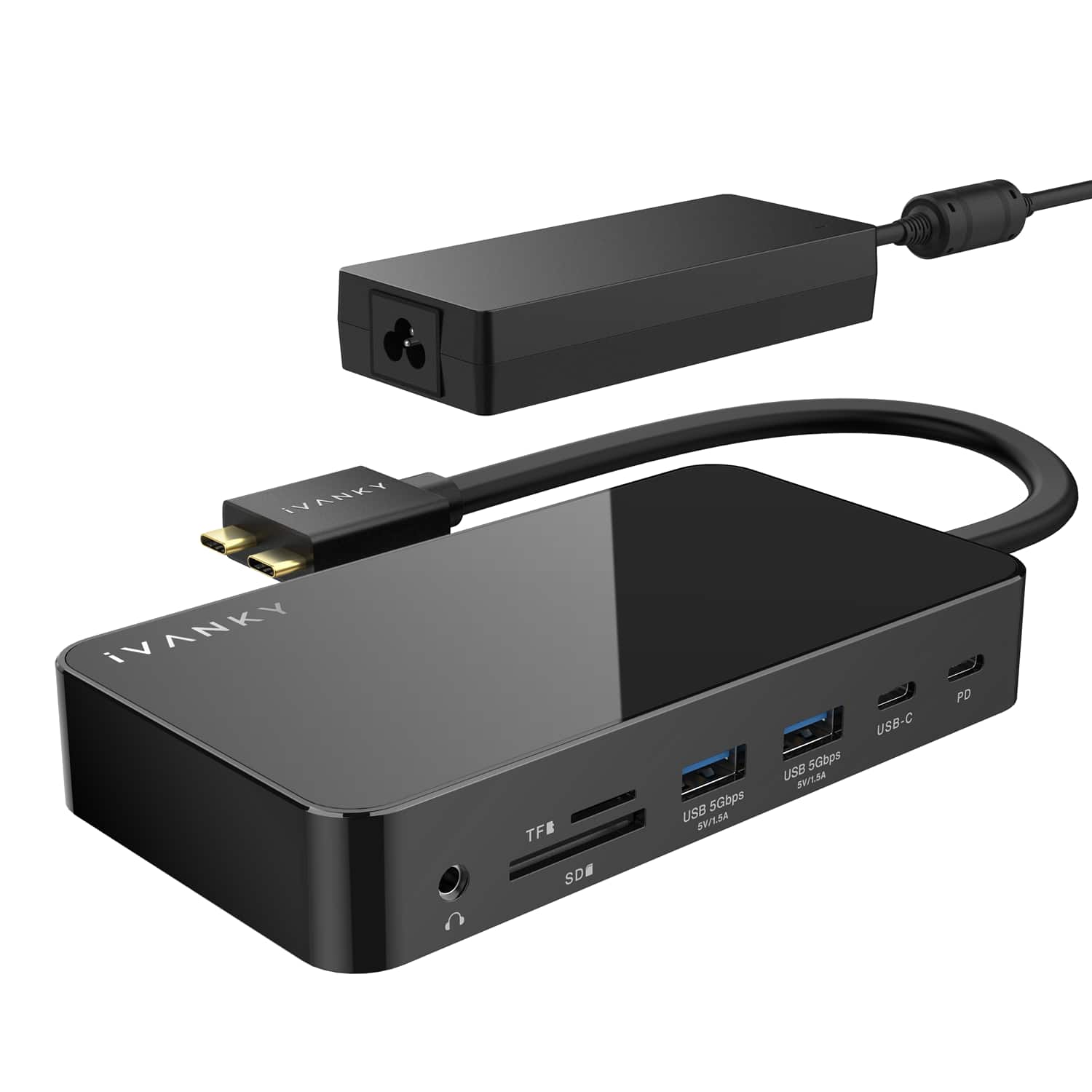
iVANKY - 12-in-2 FusionDock 1 for M1-M5 MacBook Pro Docking Station, Dual 4K@120Hz Monitor, 96W PD Charging, 150W Power Adapter
SKU: CZTZ2FCVT6Great Dock For Mac Users...The FusionDock 1 has honestly been a great fit.
See all Docking StationsProduct Description
A versatile docking station supporting dual 4K@60Hz displays, 6 USB ports, Ethernet, and 150W power delivery.Your price for this item is $114.99Save $10The previous price was $124.99





Best Sellers

Related Pages


FAQ
A USB-C monitor with Power Delivery can receive video from a compatible laptop while supplying power to it through the same USB-C cable. Depending on the monitor, that connection may also carry data for accessories connected to its USB hub.
For a single-cable connection, your laptop's USB-C port must support video output, such as DisplayPort Alt Mode, and accept USB Power Delivery charging. A USB-C connector alone does not confirm these features, so check the laptop's port specifications.
The wattage rating indicates the maximum power the monitor can supply to a connected device through its designated USB-C port. The laptop and monitor negotiate the power level, so the laptop does not automatically draw the full rated amount. Compare the monitor's USB-C power output with your laptop's power requirements to determine whether a separate laptop charger may be needed.
Use a USB-C cable that supports both video transmission and the power level required by your setup. Some USB-C cables support charging and basic data transfer but not video. Check the cable's video, data and power specifications, or use the monitor's included USB-C cable if it is designated for connecting a computer.
Yes, models with a built-in USB hub can connect accessories such as a keyboard, mouse or external drive to your computer through the monitor's upstream USB-C connection. Available ports and data speeds vary, and some monitors also include Ethernet or audio connections. Power Delivery alone does not indicate that a monitor includes these hub features.