USB C Hubs With Power Delivery
-
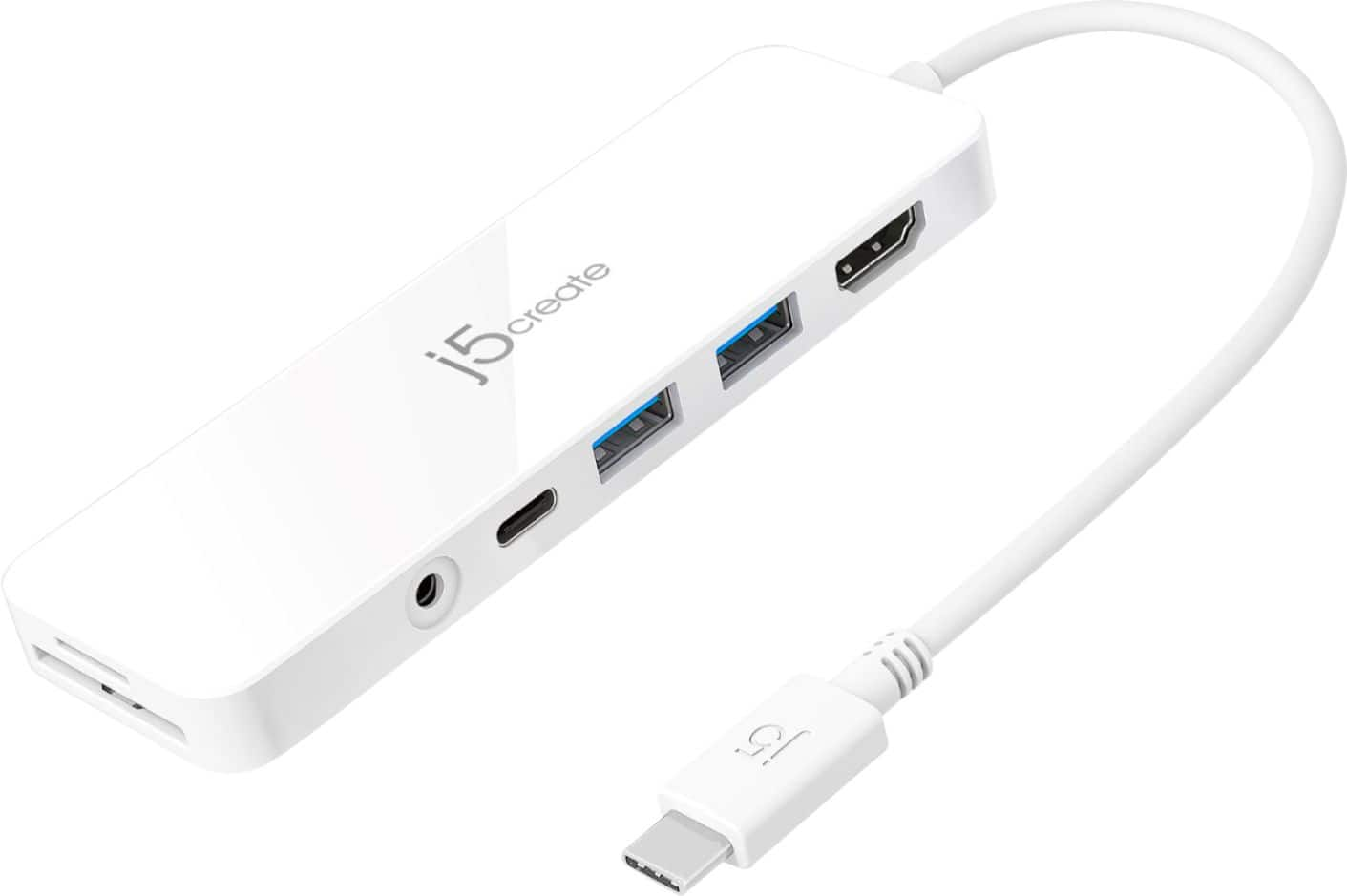
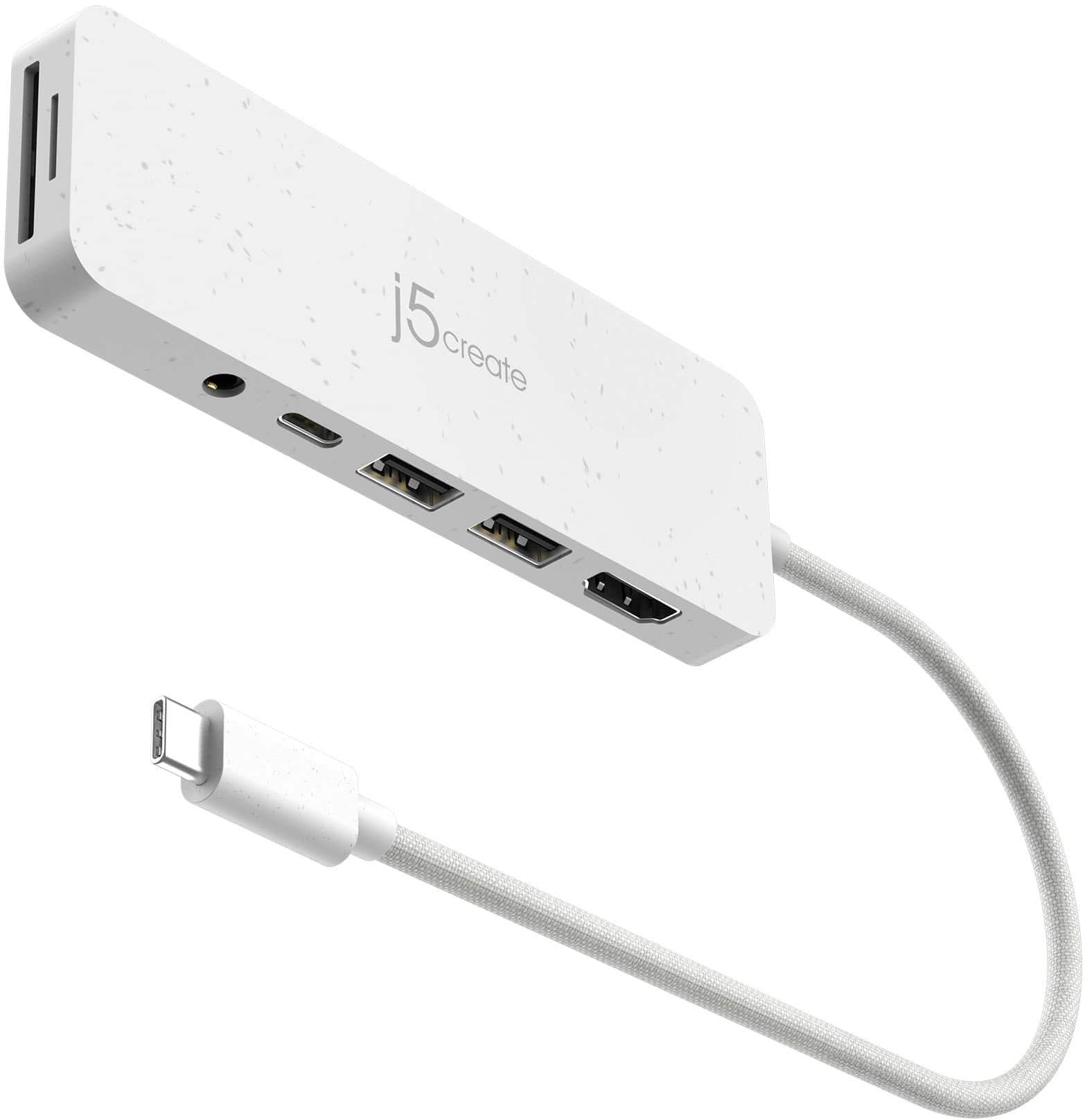
j5create - USB-C Multi-Port Hub with Power Delivery for Mac, PC and More - White
SKU: J36445RLFRI love Best Buy....Thanks Best Buy associates for the recommendation....best solution to hookups... works great for much needed port access
See all Docking StationsProduct Description
A white USB-C hub offering 4K HDMI, SD card slots, USB 3.1 ports, and 60W power delivery.Your price for this item is $29.99Save $10The previous price was $39.99 -
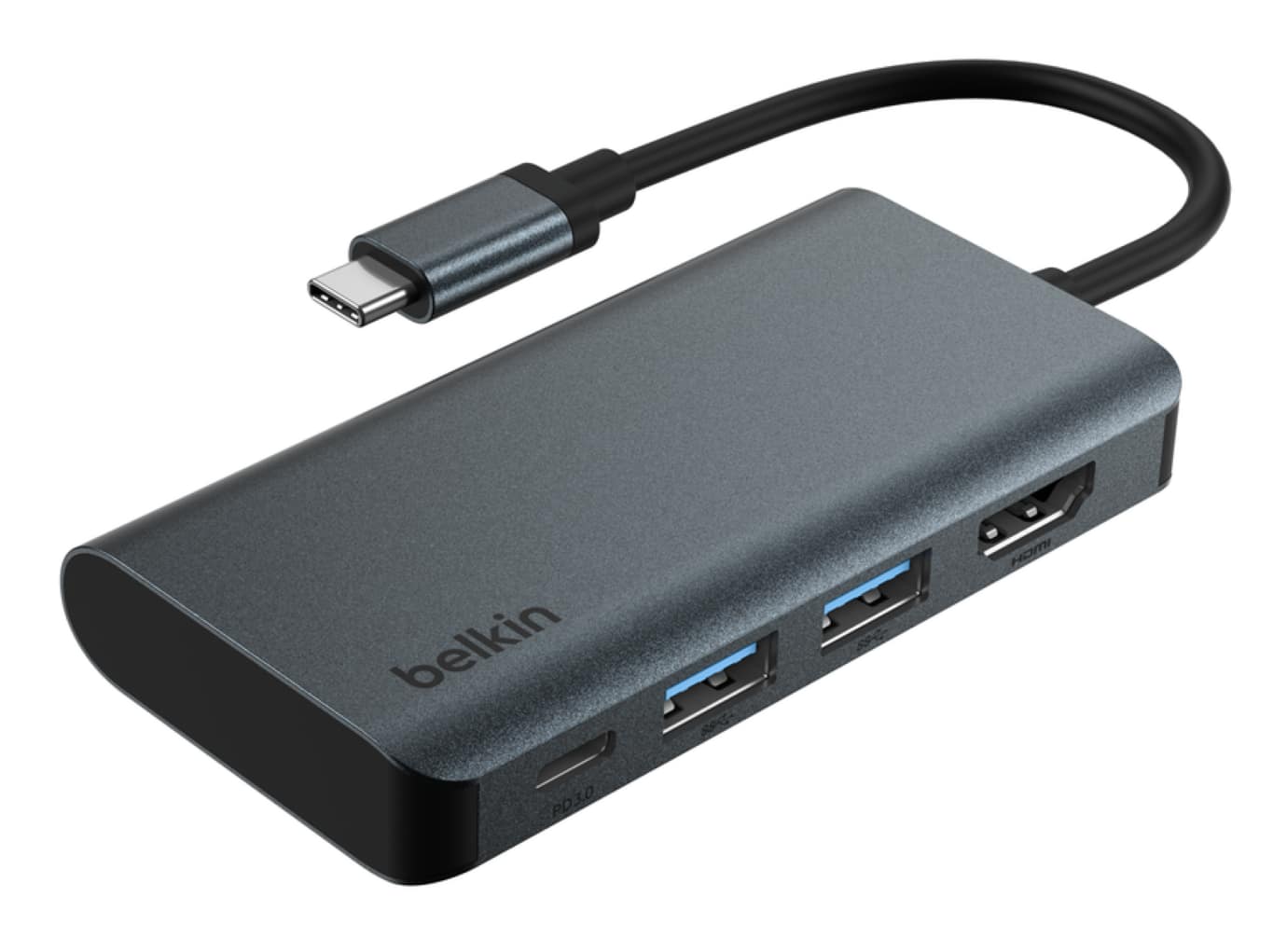
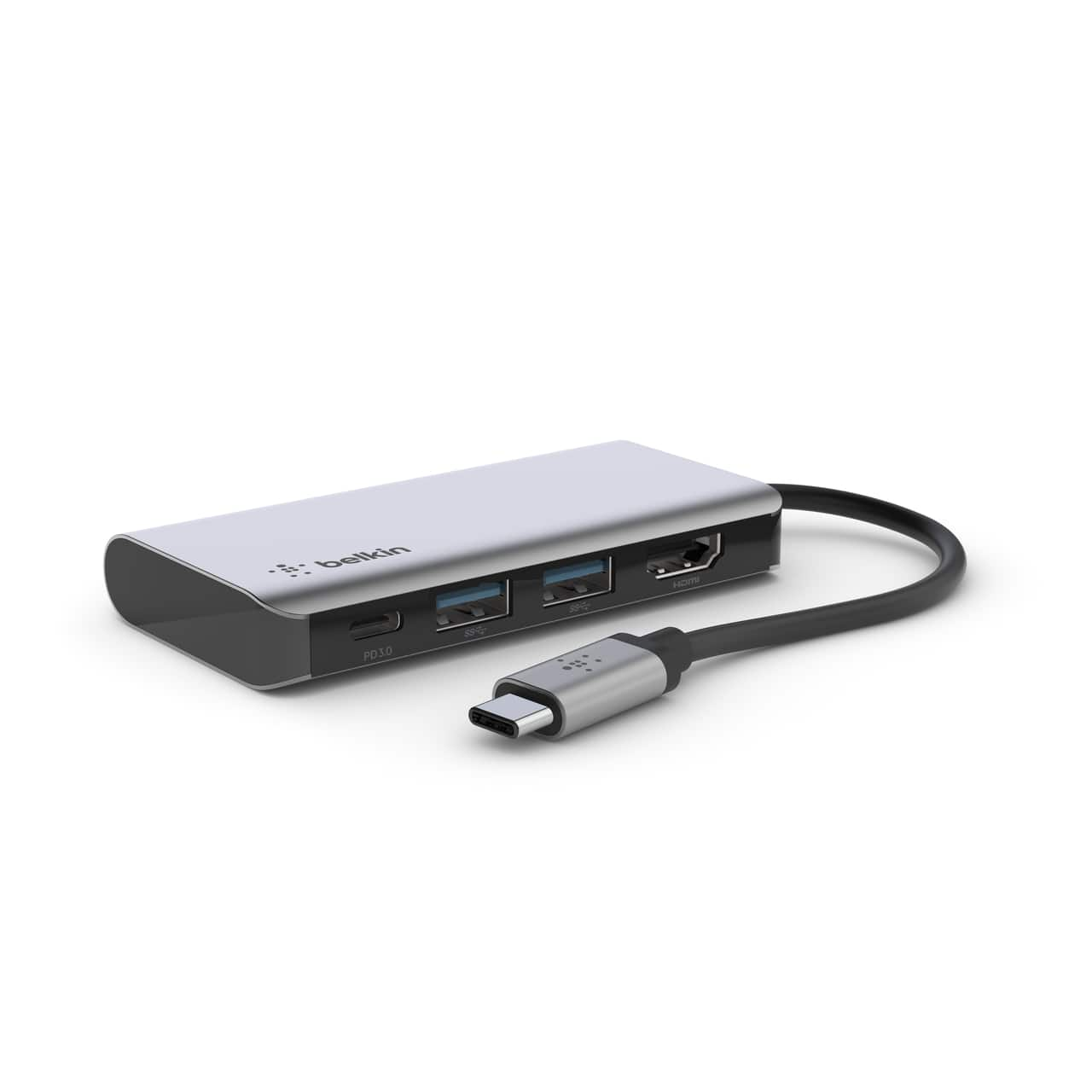
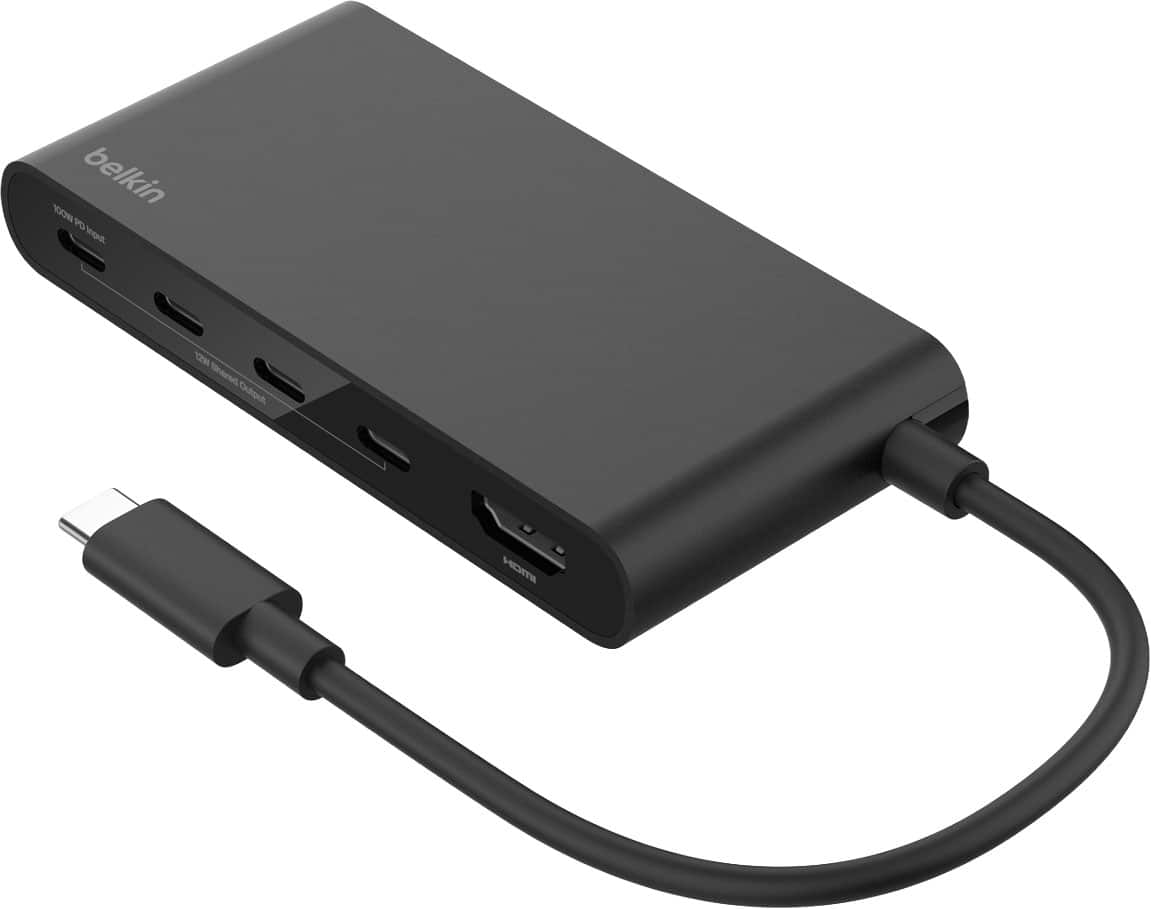
Belkin - USB-C Hub 4-in-1 Multi-Port Laptop Dock with 4K HDMI, Adapter with 100W Power Delivery - for Mac, PC, and More - Dark Gray
SKU: JX5329KYZKBest Buy , Best Deal...Great deal, works like a charm.Easy to carry around especially on the go...Love the size of this hub. Works great and connects perfect with my pc
See all Docking StationsProduct Description
A sleek dark gray aluminum hub offering 4K HDMI, two USB-A ports, and 100W USB-C power delivery.Your price for this item is $24.99Save $10The previous price was $34.99 -
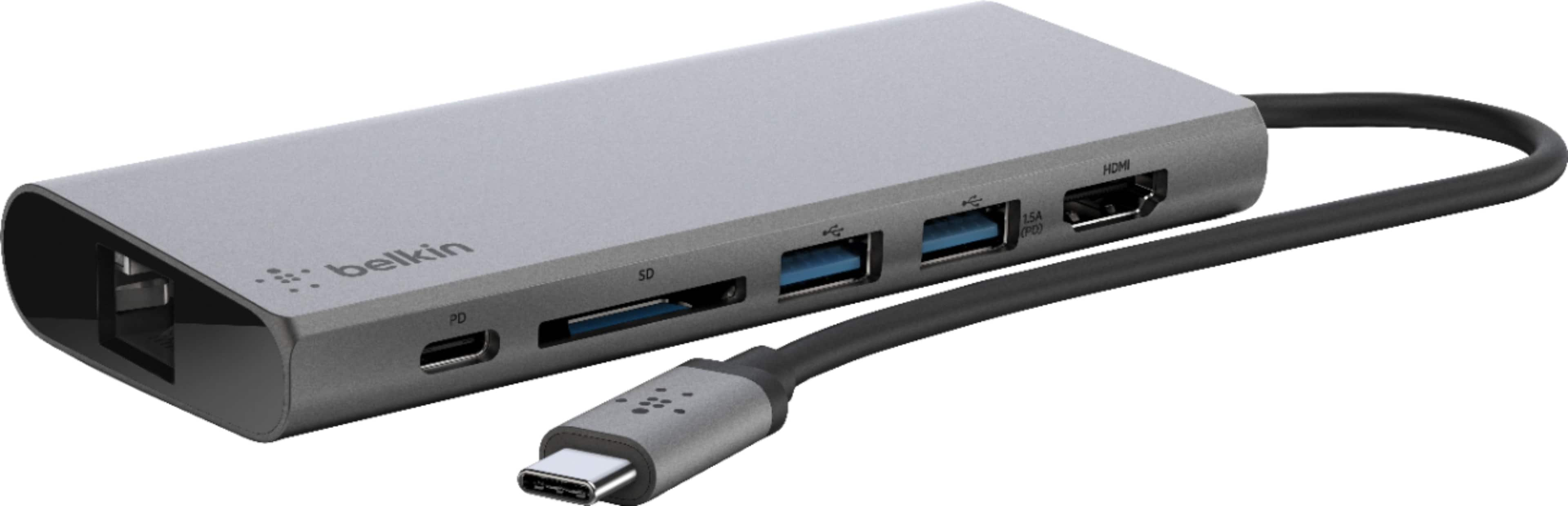
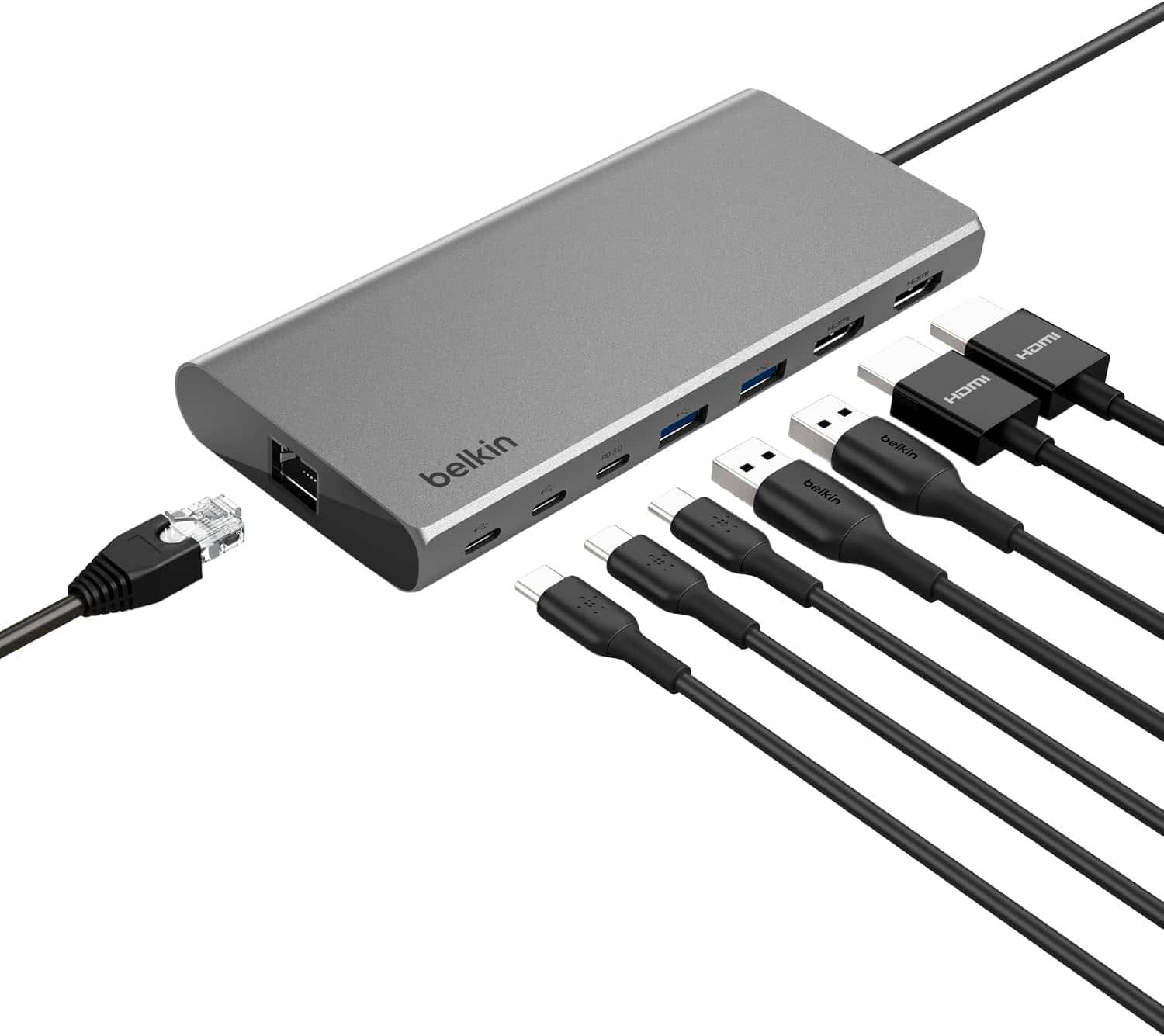
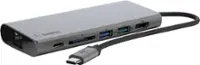
Belkin - 4-Port USB Type-C Hub with Gigabit Ethernet Adapter - Space Gray
SKU: JX5329GL4Fgreat...Best extended usb port for mac. Have 3 of them in the home. we all love them...Great quality on item. Best port out now for your Mac.
See all USB HubsProduct Description
A space gray USB-C hub offering four ports, Gigabit Ethernet, and 5 Gbps data transfer speeds.Your price for this item is $99.99 -
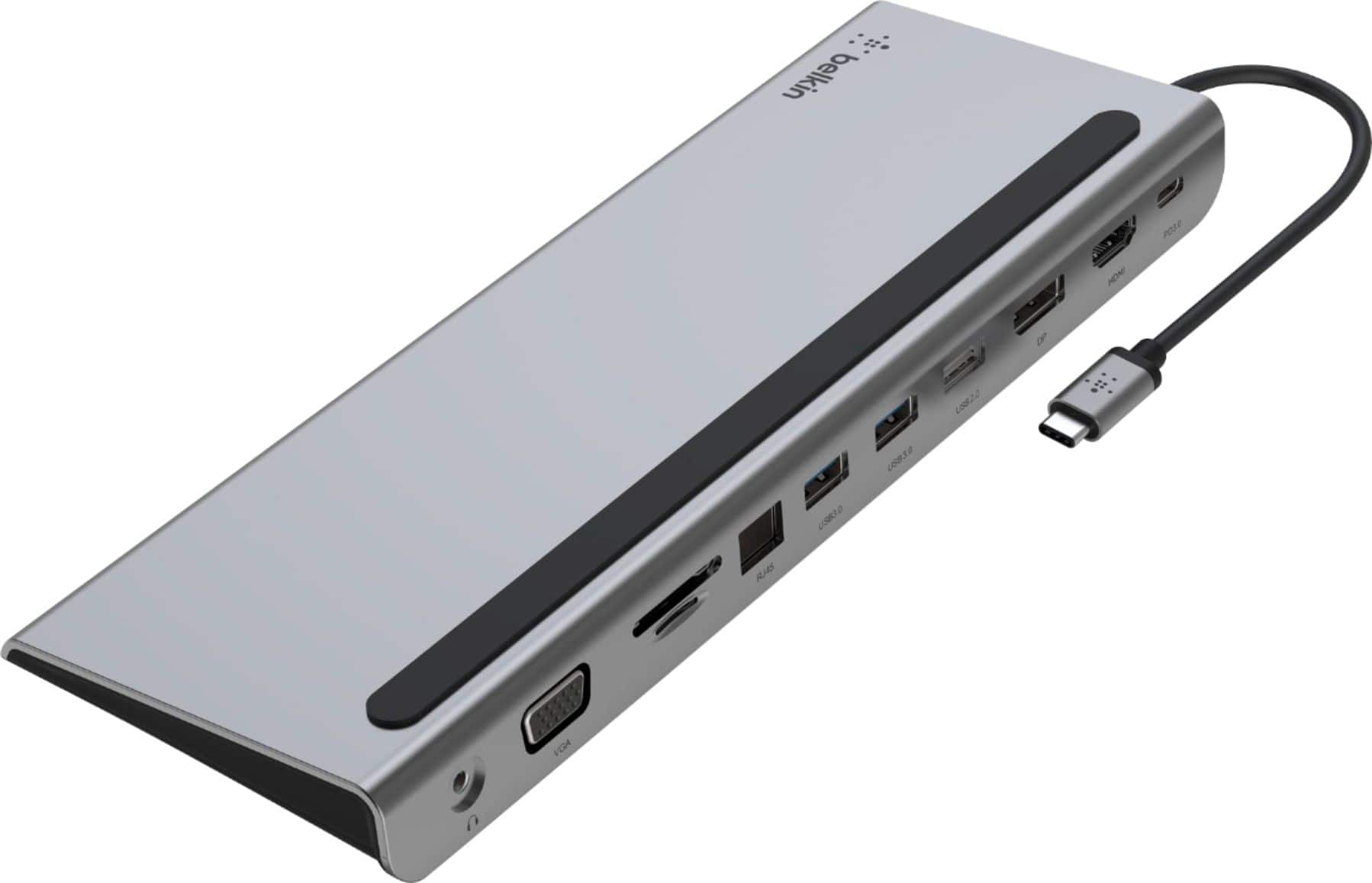
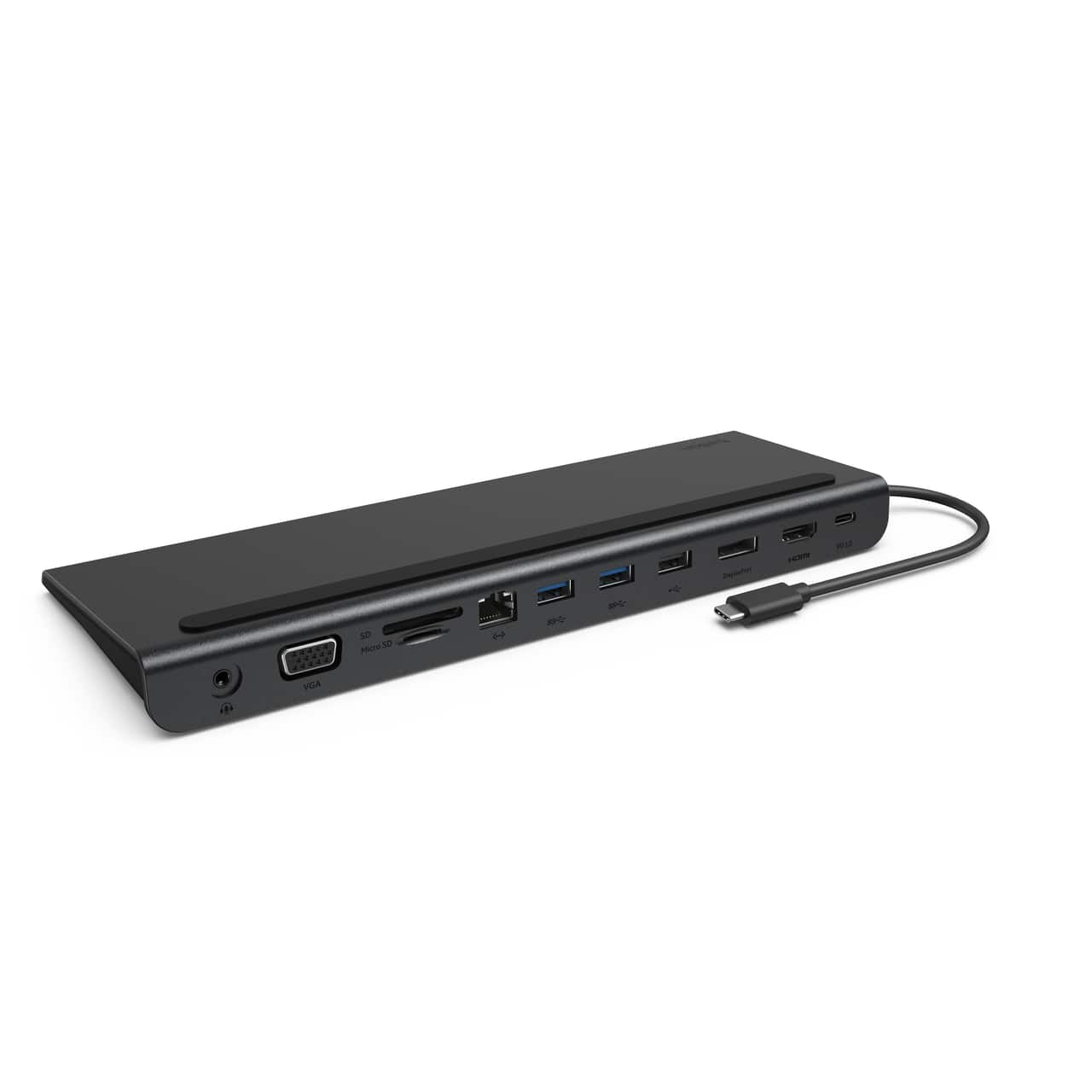
Belkin - 11-in-1 USB C Hub with 4K HDMI, DP, VGA, 100W PD Docking Station for MacBook Pro, Air, and more - Gray
SKU: JX5329RSWWGreat product
See all Docking StationsProduct Description
A versatile gray USB-C hub offering 11 ports, 4K video support, 100W charging, and Ethernet connectivity.Your price for this item is $97.49Save $47The previous price was $145.37 -
Belkin - USB-C Hub 4-in-1 Multi-Port Laptop Dock with 4K HDMI, Adapter with 100W Power Delivery - for Mac, PC, and More - Gray
SKU: JX5329RST3Works great...Works great, sleek looking...It works great and has no connectivity issues at all.
See all USB HubsProduct Description
A sleek gray aluminum USB-C hub offering 4K HDMI, two USB-A ports, and 100W power delivery.Your price for this item is $44.95Save $9The previous price was $53.99 -
Microsoft - USB-C Travel Hub - Black
SKU: JJGXP25VG5I love the purchase. Best Buy is one of my favorite stores....Great for Surface Laptop Go...This is the best! I am using it for a Surface Laptop Go and it is the best!
See all Docking StationsProduct Description
A portable black USB-C hub offering HDMI 4K support, Ethernet, and multiple USB ports for universal connectivity.Your price for this item is $119.99 -
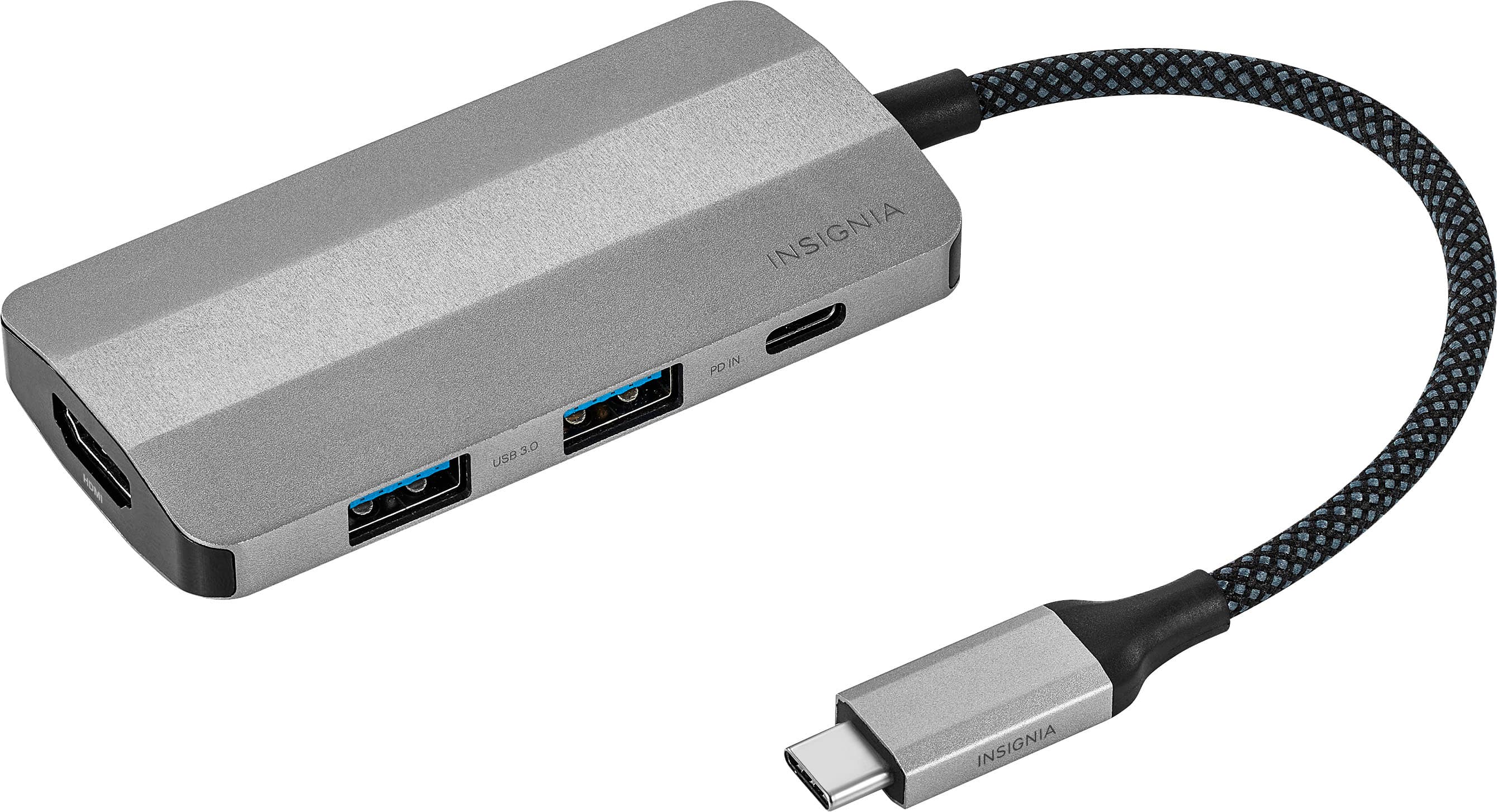
Insignia™ - 4-Port USB-C Hub - Gray
SKU: J2FPJK9338Another Great Product!...Great product, easy to use. Professionally recommended by a Best Buy employee. A+...Great...Great product works greats well. The employee helped me buy the best product.
See all USB HubsProduct Description
A compact gray hub offering four USB-C ports, 4K HDMI output, and fast 5 Gbps data transfer.Your price for this item is $29.99Save $15The previous price was $44.99 -
Belkin - 11-in-1 USB C Hub with 4K HDMI, DP, VGA, 100W PD Docking Station for MacBook Pro, Air, and more - Dark Gray
SKU: JX5329KY4LWorks as advertised, great for everyday use...Works like advertised, best value for basic everyday use...Works great and love the small profile. Using with a Lenovo Yoga 7i.
See all Docking StationsProduct Description
A dark gray 11-in-1 USB-C hub offering 4K HDMI, DisplayPort, VGA, 100W PD, and Ethernet connectivity.Your price for this item is $99.99 -
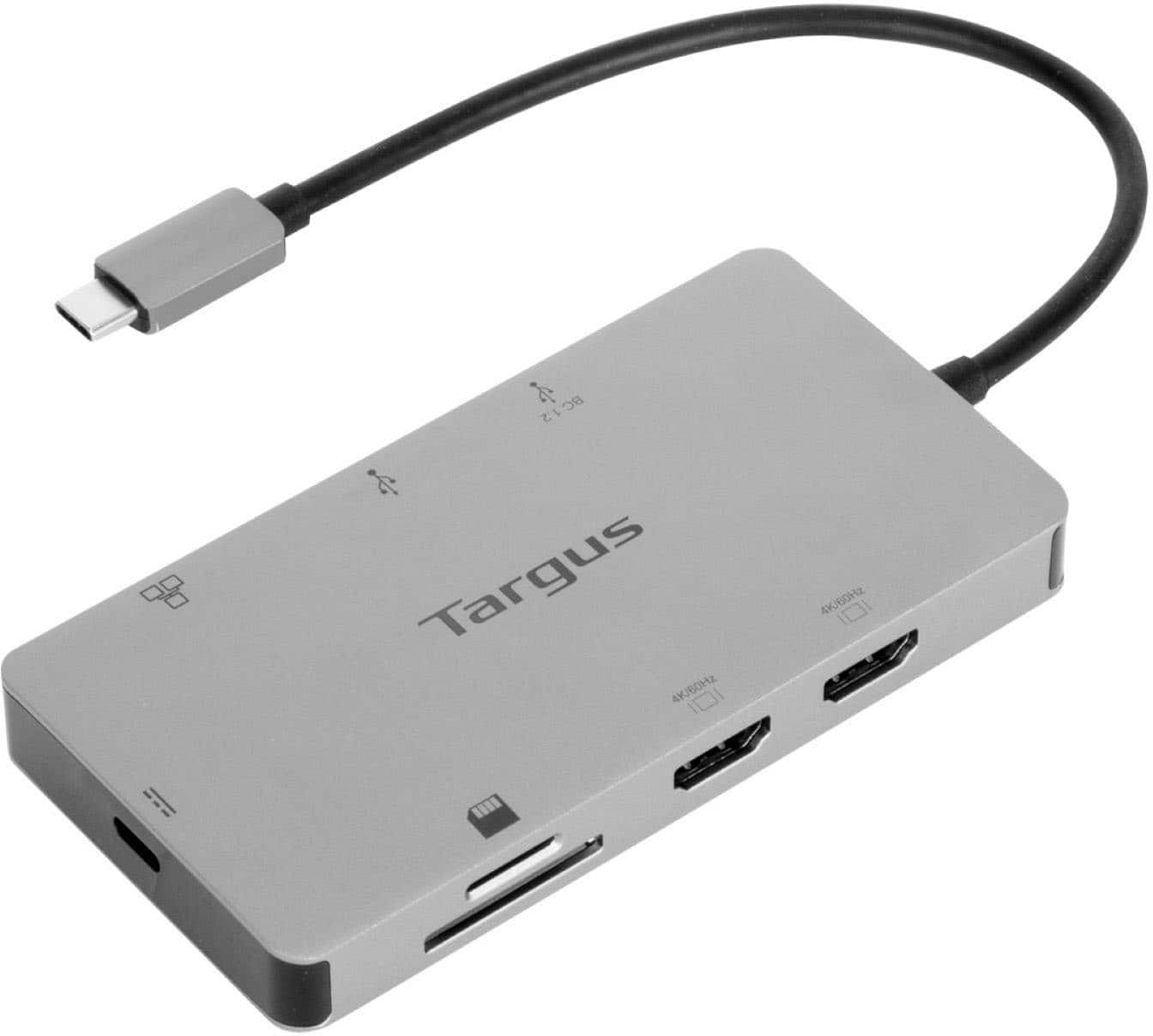
Targus - USB-C Dual HDMI 4K Docking Station with 100W PD Pass-Thru - Silver
SKU: J7QXPVJ4RZWhen the best buy monitor adaptor started acting up this one saved the say. I LOVE IT!!...Great hub!!...We love it....LOVE
See all Docking StationsProduct Description
A sleek silver docking station enabling dual 4K HDMI displays, 100W PD pass-thru, and versatile connectivity.Your price for this item is $79.99Save $20The previous price was $99.99 -
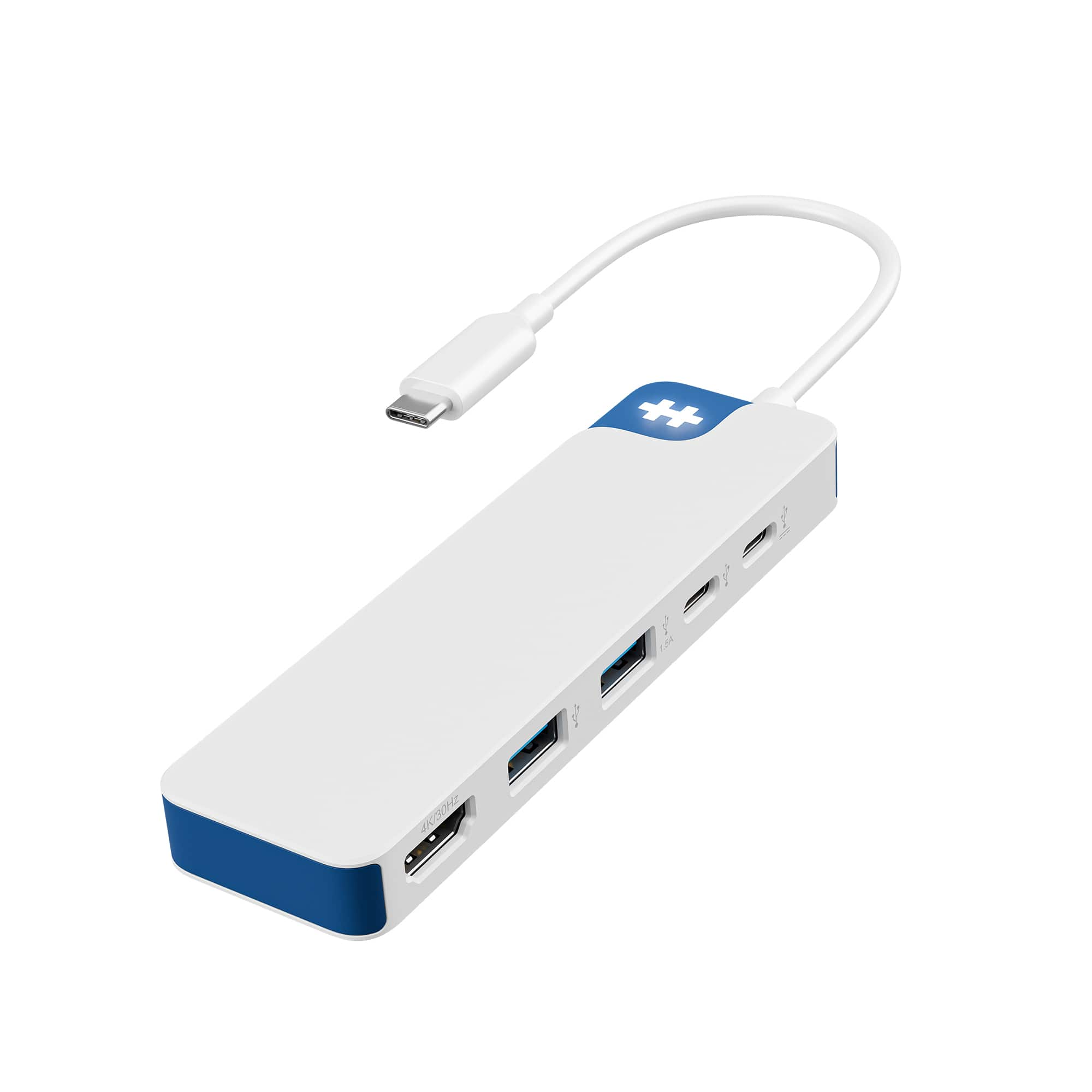
Hyper - HyperDrive Flex 5 Port USB-C Hub - Blue
SKU: J3GWPJ24XWThis is a great hub for any computer. I like the compact design....One of best buy’s many useful computer accessories....The best adapter...This adapter is the best one I’ve ever bought it let me connect...
See all USB HubsProduct Description
A sleek blue USB-C hub with 5 ports, 4K monitor support, and 100W Power Delivery.Your price for this item is $27.99Save $7The previous price was $34.99 -
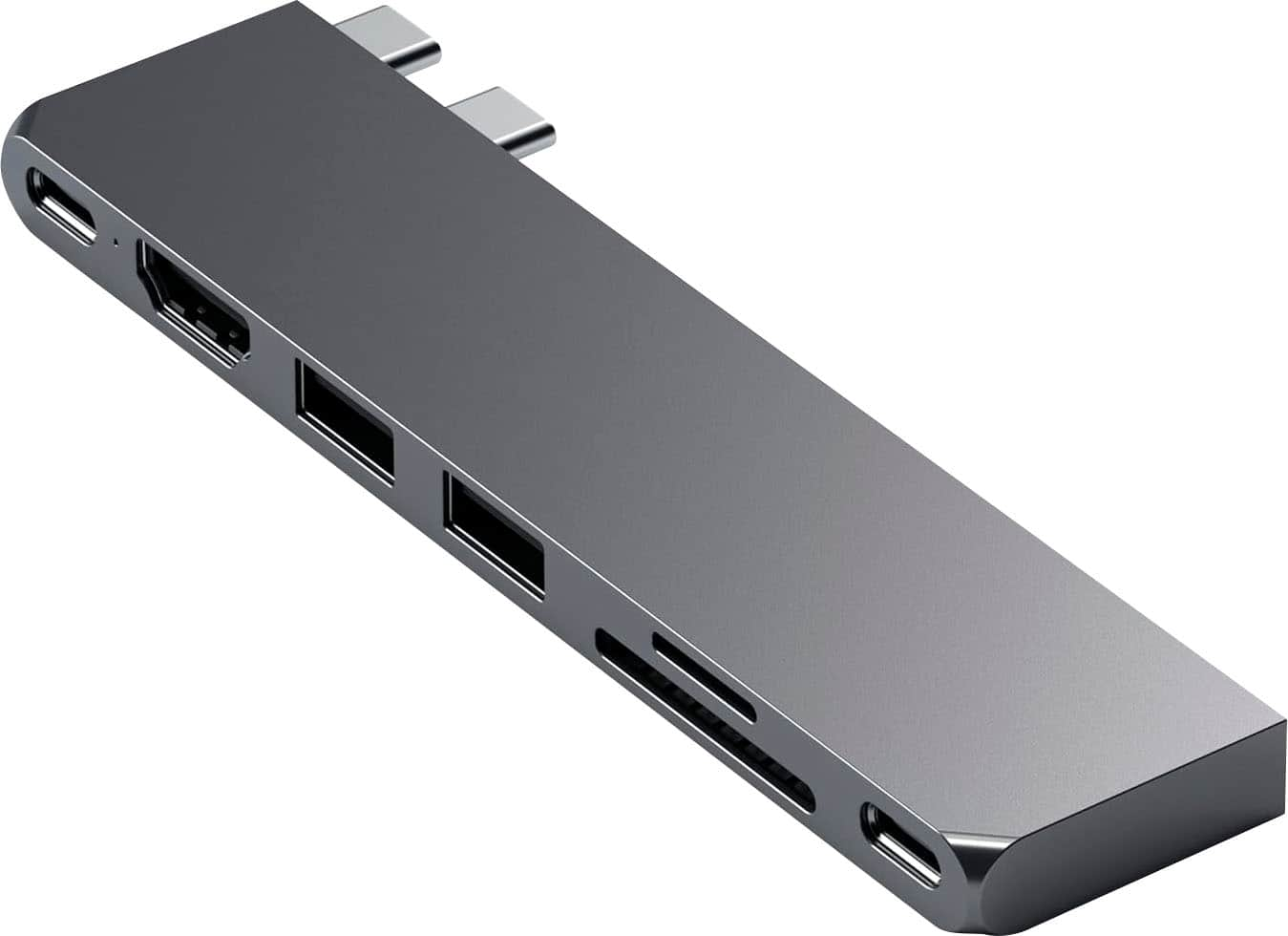
Satechi - PRO Hub Slim USB-C Hub 7-in-1 w/ USB 4 Port, 4K HDMI, USB3.2 Gen 2, SD/TF Card Reader, and 100W USB C PD for Mac - Space Gray
SKU: J3GWC4CJVSpoint blank one of the best investments...best thing ive purchased for my macbook EVER, i love this thing to DEATH...Best accessory so far. gets great use.
See all Docking StationsProduct Description
A sleek aluminum hub in space gray offering USB4, 4K HDMI, SD card slots, and fast charging.Your price for this item is $55.99Save $24The previous price was $79.99 -
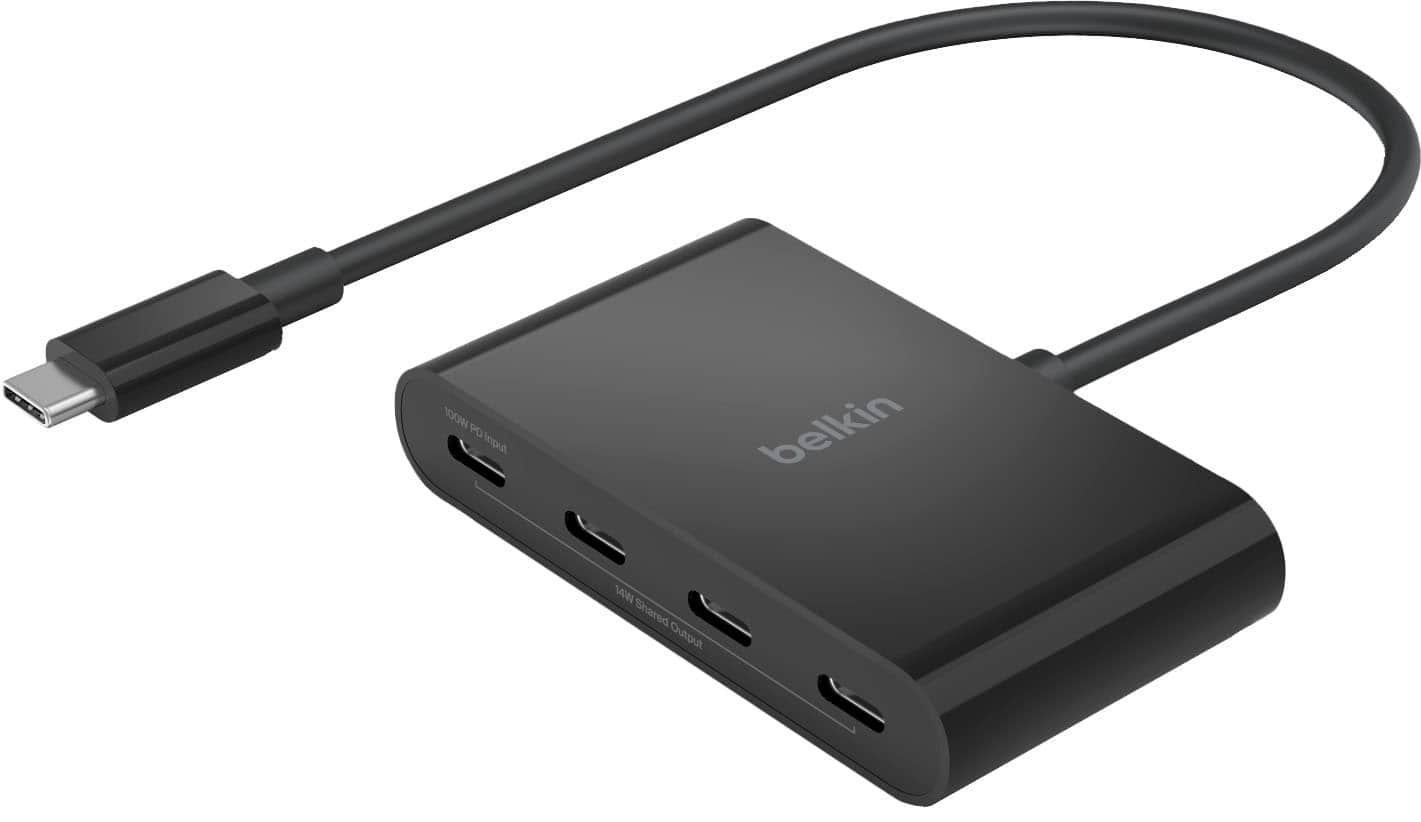
Belkin - Connect USB-C to 4-Port USB-C Hub, Multiport Adapter Dongle with 4 USB-C 3.2 Gen2 Ports & 100W PD with Max 10Gbps High - Black
SKU: JX5329HPG8Great Product...It works great. We love it and the convenience of it....Great...It is great for my Mac book. I’ve always hated the small amount of usb ports on my laptop.
See all USB HubsProduct Description
A black multiport adapter offering four USB-C 3.2 Gen2 ports with 10Gbps transfer and 100W power delivery.Your price for this item is $80.65 -
Belkin - Connect Thunderbolt 4, 5-in-1 USB-C Hub, 96W Power Delivery, Dual Display, with Thunderbolt 4 Cable & Power Supply - Gray
SKU: JX5329HHF7I love being able to charge all of my devices with it.
See all USB HubsProduct Description
A gray 5-in-1 USB-C hub offering Thunderbolt 4 connectivity, dual display support, and 96W power delivery.Your price for this item is $159.99Save $3The previous price was $163.49 -
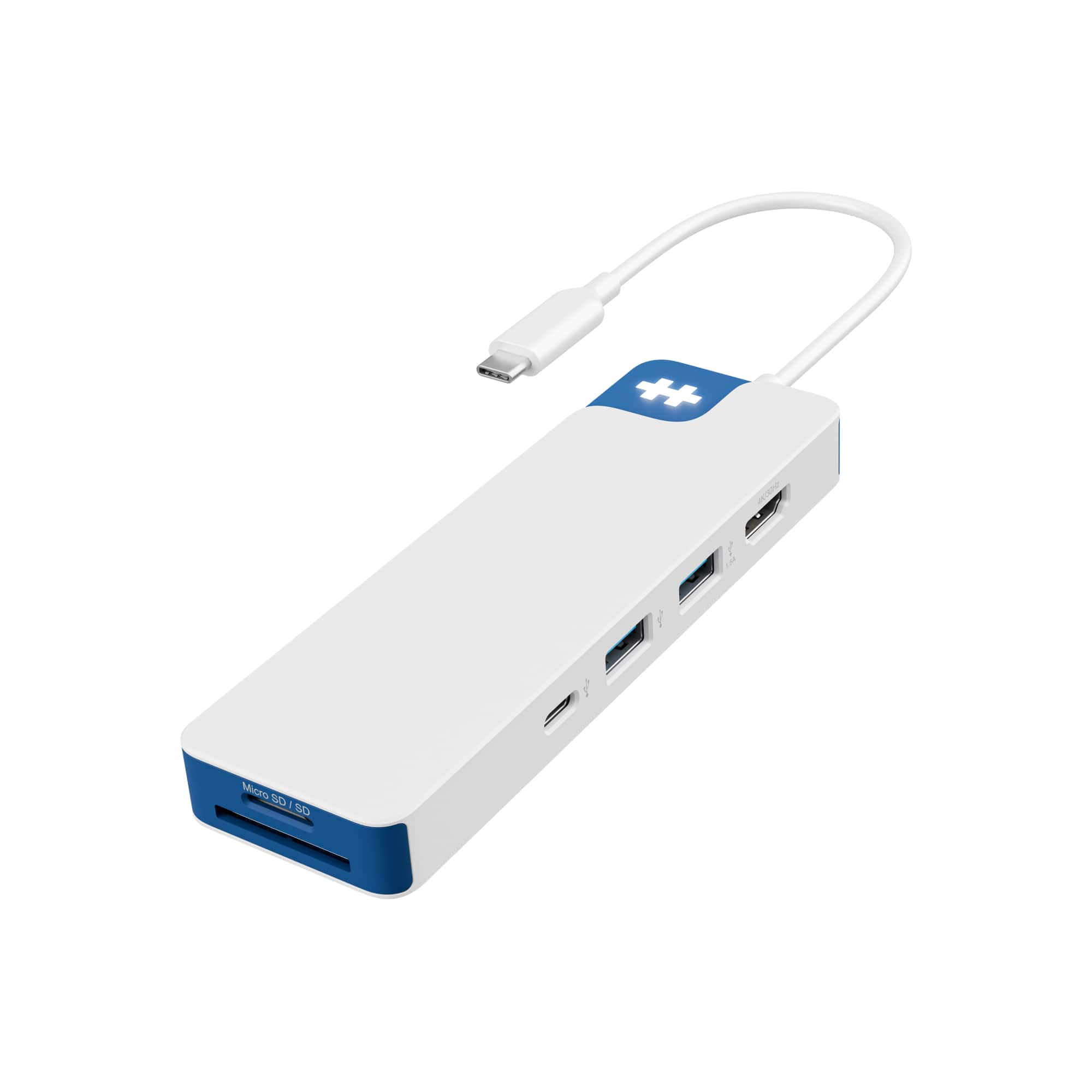
Hyper - HyperDrive Flex 8 Port USB-C Hub - Blue
SKU: J3GWPJ24XSLove it...Competitive price for best brands highly recommended
See all USB HubsProduct Description
A sleek blue USB-C hub with 8 ports, 4K monitor support, 100W Power Delivery, and recycled materials.Your price for this item is $31.99Save $13The previous price was $44.99 -
Belkin - Connect Universal USB-C 8-in-1 Dual Display Core Hub Compatible with 100W PD with 10Gbps Transfer Speeds & 1GbE Ethernet - Gray
SKU: JX5329TTV5best place...Love it
See all Docking StationsProduct Description
A gray USB-C hub offering 8 ports, dual 4K display support, 100W PD, and 10Gbps transfers.Your price for this item is $139.99 -
j5create - USB-C Multi-Port Hub with Power Delivery - Eco White
SKU: J36445RPQ5Works great i use linux and had to fet this one instead my last one i love the extra usbs...Great...Great device for extending additional equipment and reading cards
See all Docking StationsProduct Description
An eco white USB-C hub offering 4K HDMI, 100W power delivery, SD card slots, and audio jack.Your price for this item is $34.99Save $5The previous price was $39.99 -
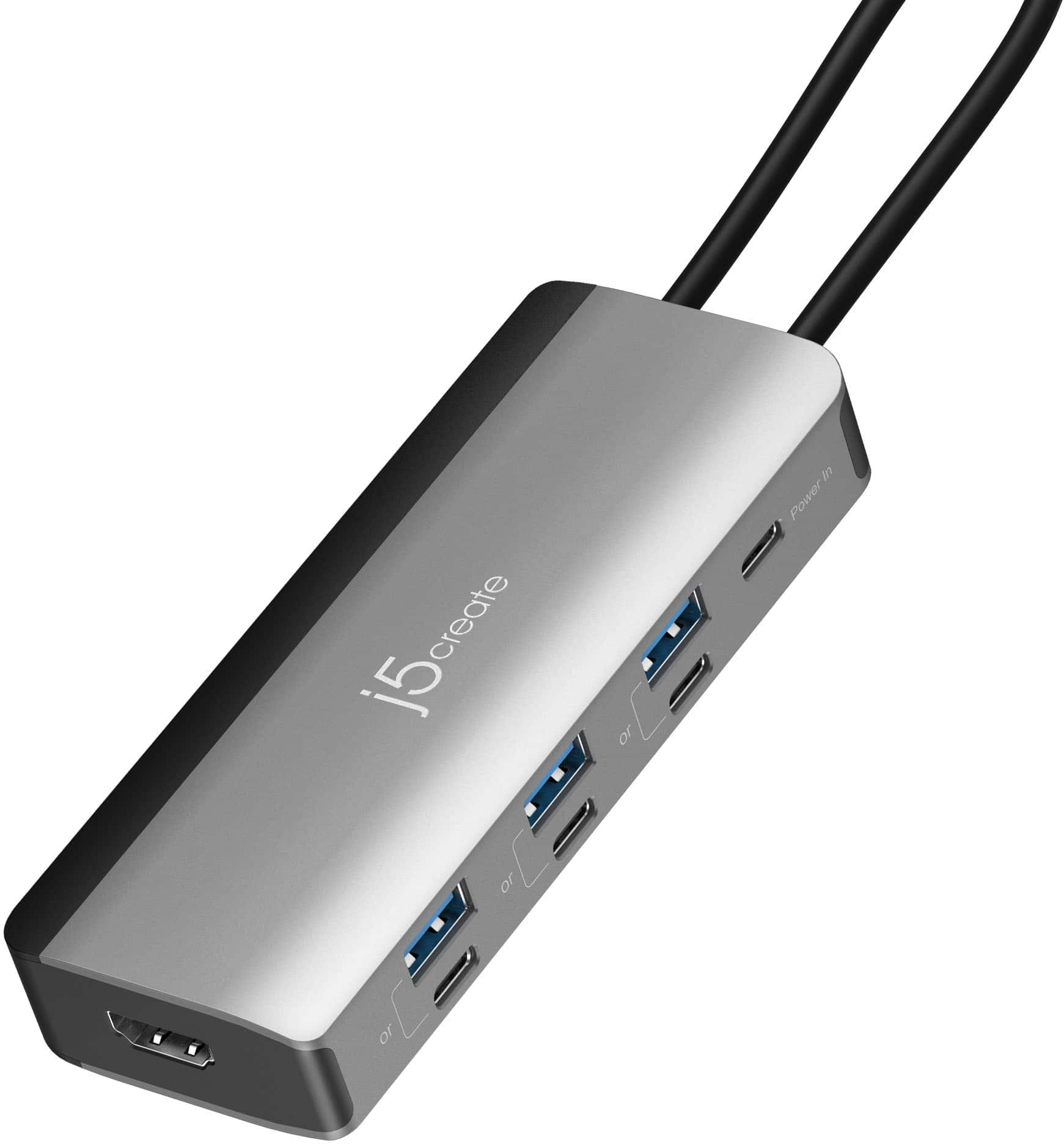
j5create - Flexible Ports USB-C® 4K144 HDMI™ Hub - Slim 8 in 1 for Windows, macOS, Chrome OS - Space Gray
SKU: J36445R6GZGreat traveling hub for your device that needs extra ports. Very small and easy to use....Definitely a Best Buy best price...Works great. Love how the plug docks inside the adapter to keep it clean
See all Docking StationsProduct Description
A space grey hub offering 4K HDMI, seven USB ports, and PD charging for versatile device connectivity.Your price for this item is $49.99Save $10The previous price was $59.99 -
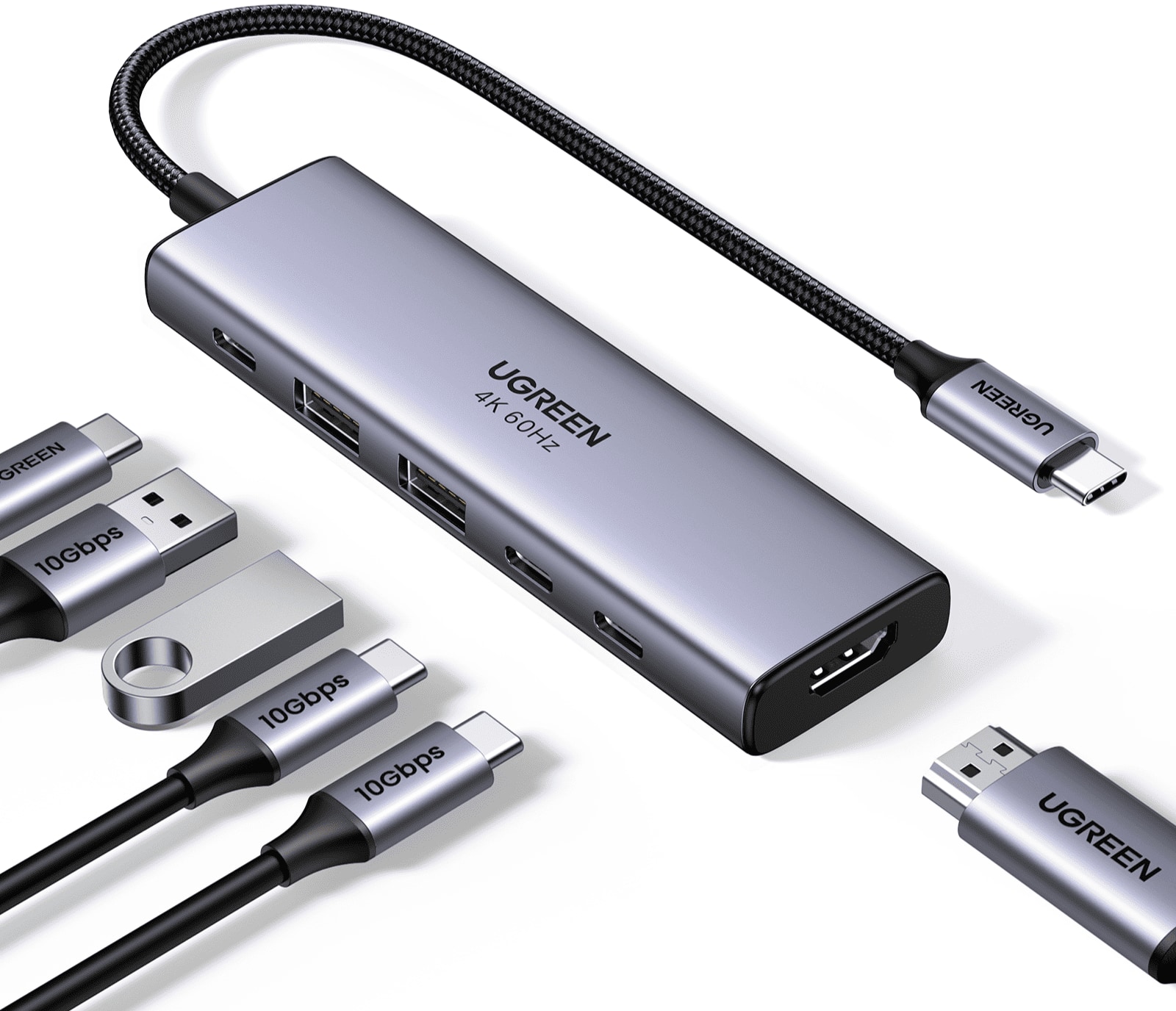
UGREEN - USB C 3.2 Hub, 6-in-1 Multiport USB Adapter with 4K 60Hz HDMI, 4×10Gbps USB A&C, 100W PD, for Laptop, MacBook, iPad Pro - Space Gray
SKU: J3R8Z9XVFPThe best...I love everyone The best Practical and easy to carry in the backpack...Love it
See all Docking StationsProduct Description
A sleek space gray aluminum hub offering 4K HDMI, four USB 3.2 ports, and 100W power delivery.Your price for this item is $17.99Save $12The previous price was $29.99 -
Acer - 5 in 1 USB C Hub with 4K HDMI, 100W Power Delivery, 3 USB A Data Ports, USB C to HDMI Adapter - Gray
SKU: JJ8V8HXXSTThe best cheapest option...Best Adapter To Use
See all Docking StationsProduct Description
A versatile gray USB-C hub featuring 4K HDMI, 100W power delivery, and three USB-A data ports.Your price for this item is $18.99 -
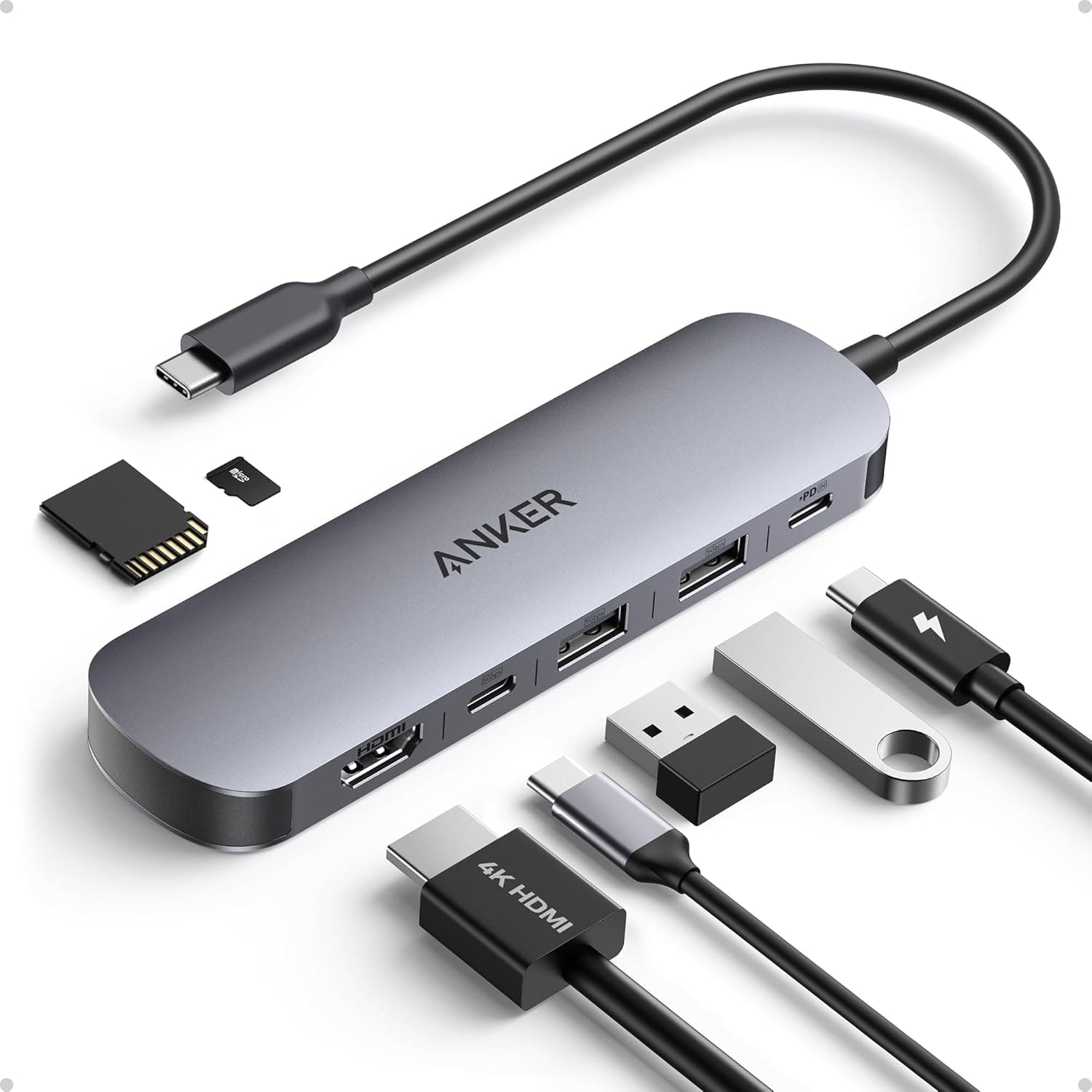
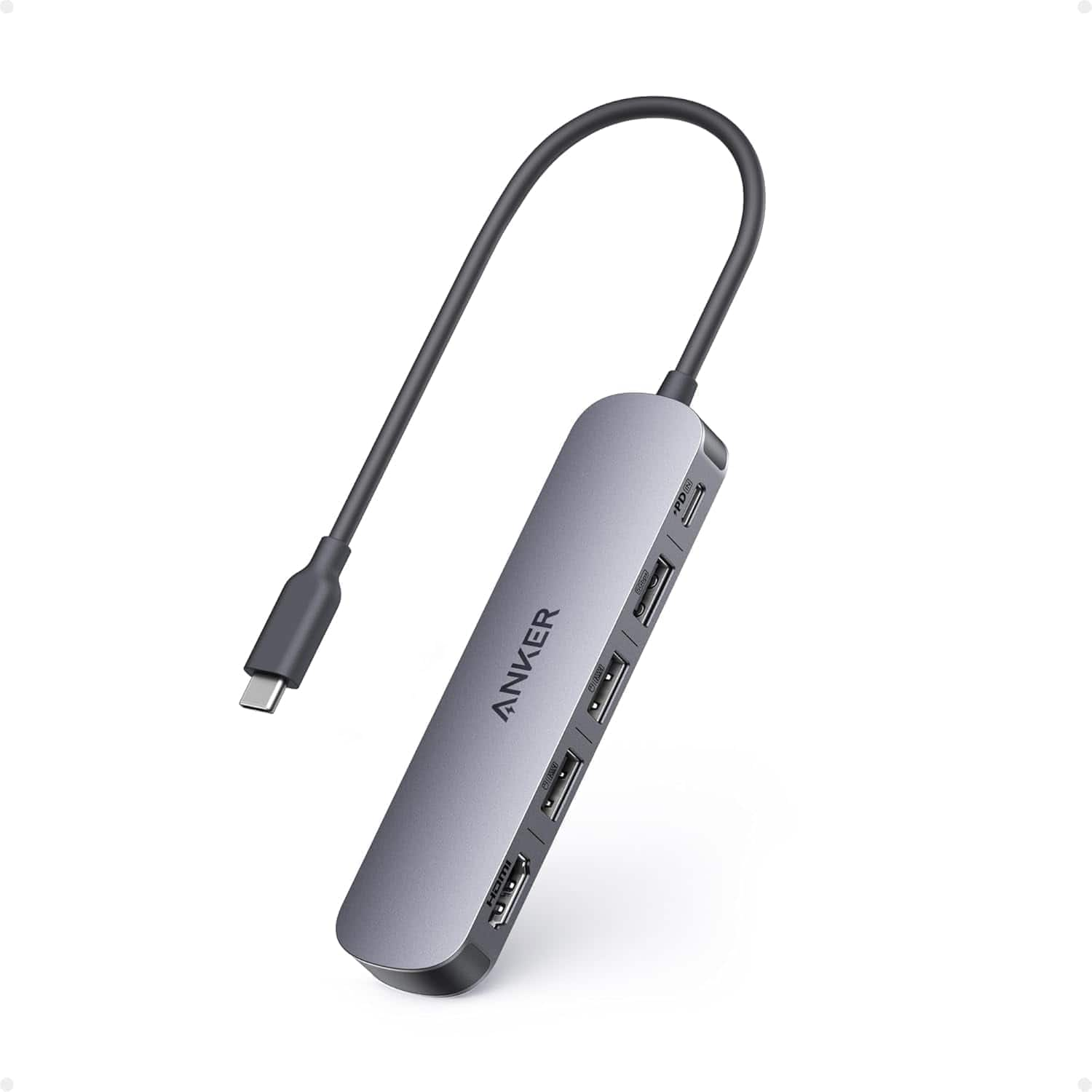
Anker - USB C Hub, 7-in-1 Multi-Port USB Adapter for Laptops, 4K@60Hz USB C to HDMI Splitter, 85W Max Power Delivery - Gray
SKU: JJ858R3VRCAnker is the best!...I own several Anker products and they are great! They work to put it simply....Anker usb the best...The anker usb is the best and fast I would recommend this to buy
See all Docking StationsProduct Description
A gray 7-in-1 USB-C hub offering HDMI 4K@60Hz, 85W power delivery, and multiple data ports.Your price for this item is $18.99Save $7The previous price was $25.99 -
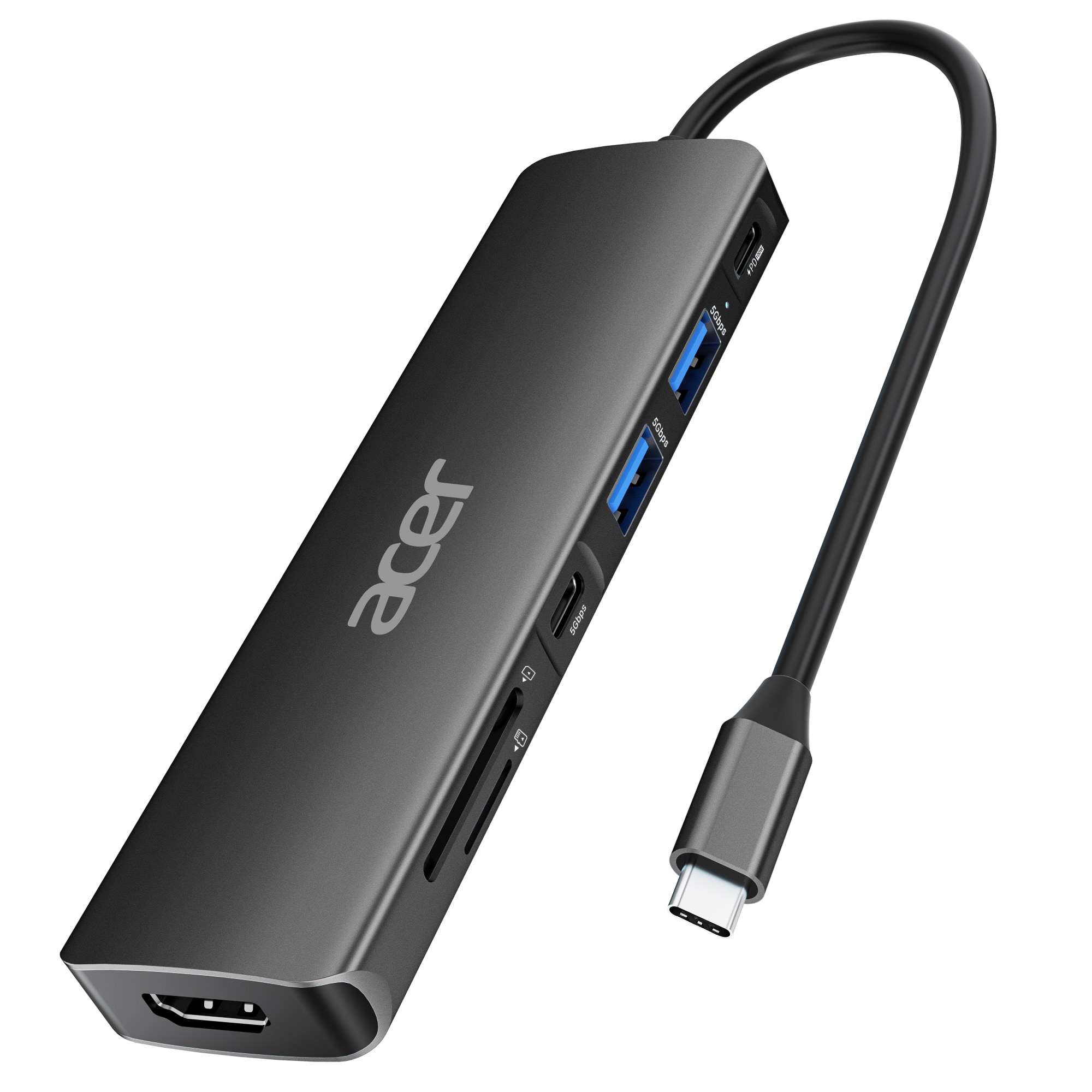
Acer - USB C Dock, 7 in 1 USB-C to HDMI Hub, 2 USBA 3.1 GEN1 and 5Gbps Type-C Data Port, 4K HDMI Port, PD 100W Charging - Black
SKU: JJ8V8HC97PIt features a sturdy aluminum housing that handles heat well and looks great next to modern laptops.
See all Docking StationsProduct Description
A versatile black aluminum hub offering 7 ports, including 4K HDMI, USB 3.1, PD charging, and card slots.Your price for this item is $22.99Save $4The previous price was $26.99 -
Belkin - 5-Port Hub w/ 4K HDMI, 7.8 inch tethered USB-C cable, 100W Power Delivery for MacBook, iPad Pro, Chromebook & More - Black
SKU: JX532942KQGreat deal...Great device
See all Computer Power CablesProduct Description
A versatile black USB-C hub offering 4K HDMI, 100W Power Delivery, and fast data transfer for multiple devices.Your price for this item is $31.99Save $20The previous price was $51.99 -
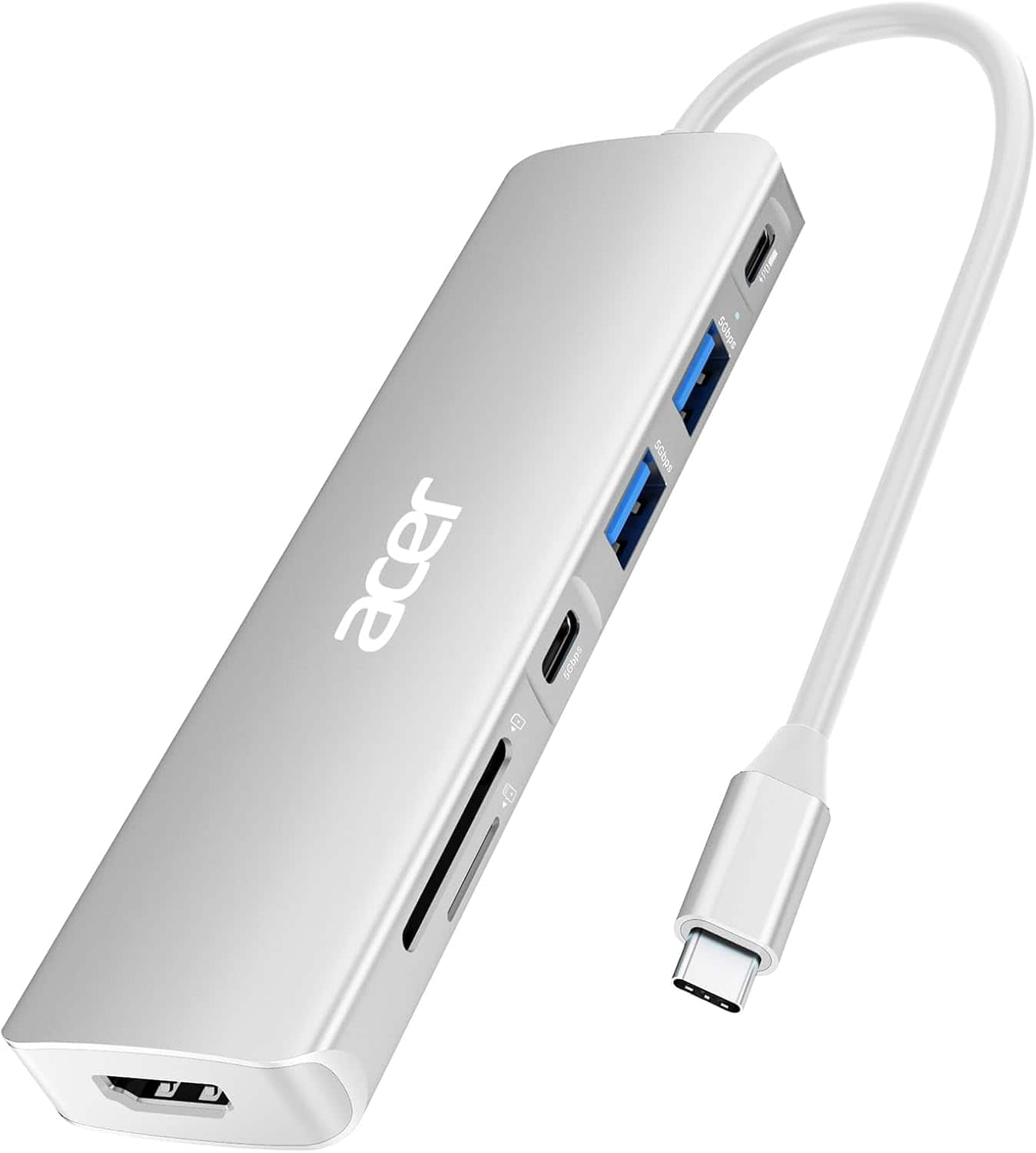
Acer - USB C Dock, 7 in 1 USB-C to HDMI Hub, 2 USBA 3.1 GEN1 and 5Gbps Type-C Data Port, 4K HDMI Port, PD 100W Charging - Silver
SKU: JJ8V8HC2W6Great product...Product works great, arrived on time. Very satisfied....It’s compact, lightweight, and easy to carry, making it great for travel or everyday work.
See all Docking StationsProduct Description
A versatile silver aluminum hub offering 7 ports, including 4K HDMI, USB 3.1, and 100W PD charging.Your price for this item is $26.99 -
Anker - USB C Hub (5-in-1), 4K@30Hz HDMI USB Hub with 90W Max Power Delivery - Gray
SKU: JJ858R3LQYBest Hub...I’m extremely happy with this purchase from Best Buy....Perfect for both gaming and work — I really love it!
See all Docking StationsProduct Description
A compact gray USB-C hub offering 4K HDMI, 90W power delivery, and multiple data ports.Your price for this item is $13.99Save $6The previous price was $19.99



Best Sellers


Related Pages




FAQ
A USB-C hub with Power Delivery, or USB PD, expands a compatible device’s connections while supporting charging through the same USB-C connection. Many models use a dedicated USB-C PD input to receive power from an external charger.
Pass-through charging lets a USB-C hub receive power from a connected charger and pass some of that power to the host laptop or tablet. The hub reserves a portion of the incoming power for its own operation and connected accessories, so the power available to the host may be lower than the hub’s stated input rating.
Common connections include USB-A and USB-C data ports, HDMI or DisplayPort outputs, Ethernet, and SD or microSD card readers. Port combinations vary, and a USB-C port labeled for PD input may be dedicated to charging rather than data transfer.
Check whether your device’s USB-C port supports USB Power Delivery charging, the USB data standard required by your accessories, and video output if you plan to connect a display. For hubs that use DisplayPort Alt Mode, the host port must also support that feature; a USB-C connector alone does not confirm these capabilities.
USB-C describes the connector, while Thunderbolt is a connection standard that uses the USB-C connector on Thunderbolt 3 and later devices. A USB-C hub with Power Delivery is not necessarily a Thunderbolt hub, and charging support alone does not establish Thunderbolt compatibility.