USB C Hubs For iPad Pro
-
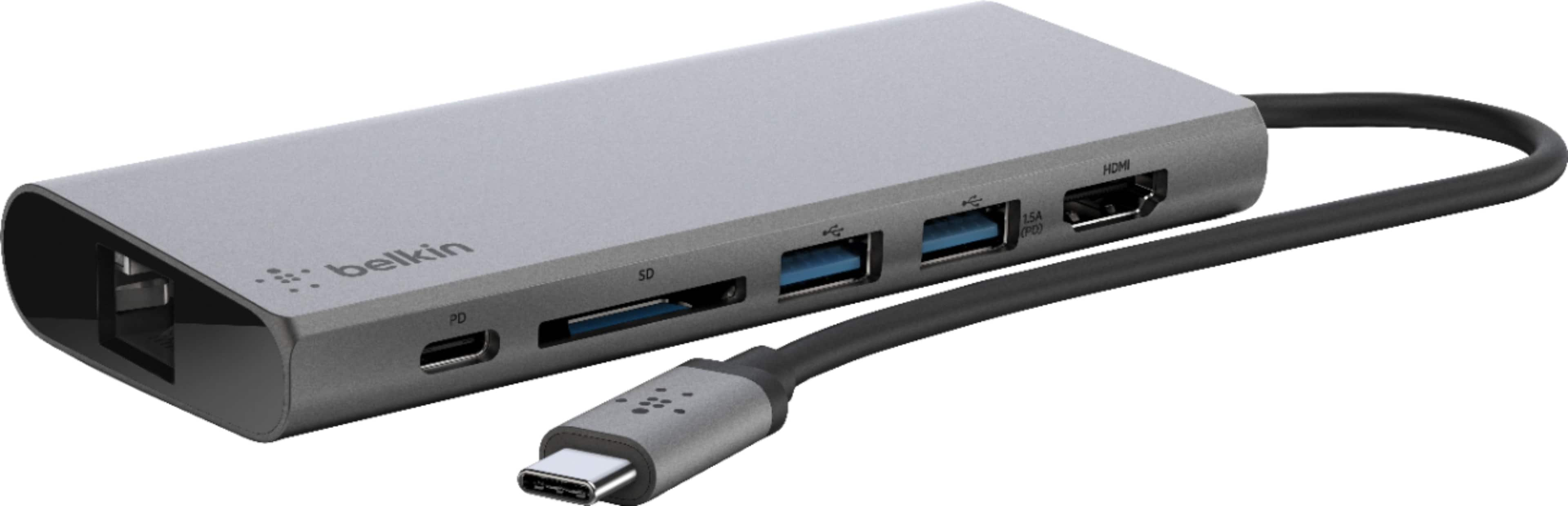
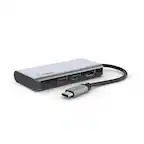
Belkin - 4-Port USB Type-C Hub with Gigabit Ethernet Adapter - Space Gray
SKU: JX5329GL4Fgreat...Best extended usb port for mac. Have 3 of them in the home. we all love them...Great quality on item. Best port out now for your Mac.
See all USB HubsProduct Description
A space gray USB-C hub offering four ports, Gigabit Ethernet, and 5 Gbps data transfer speeds.Your price for this item is $99.99 -
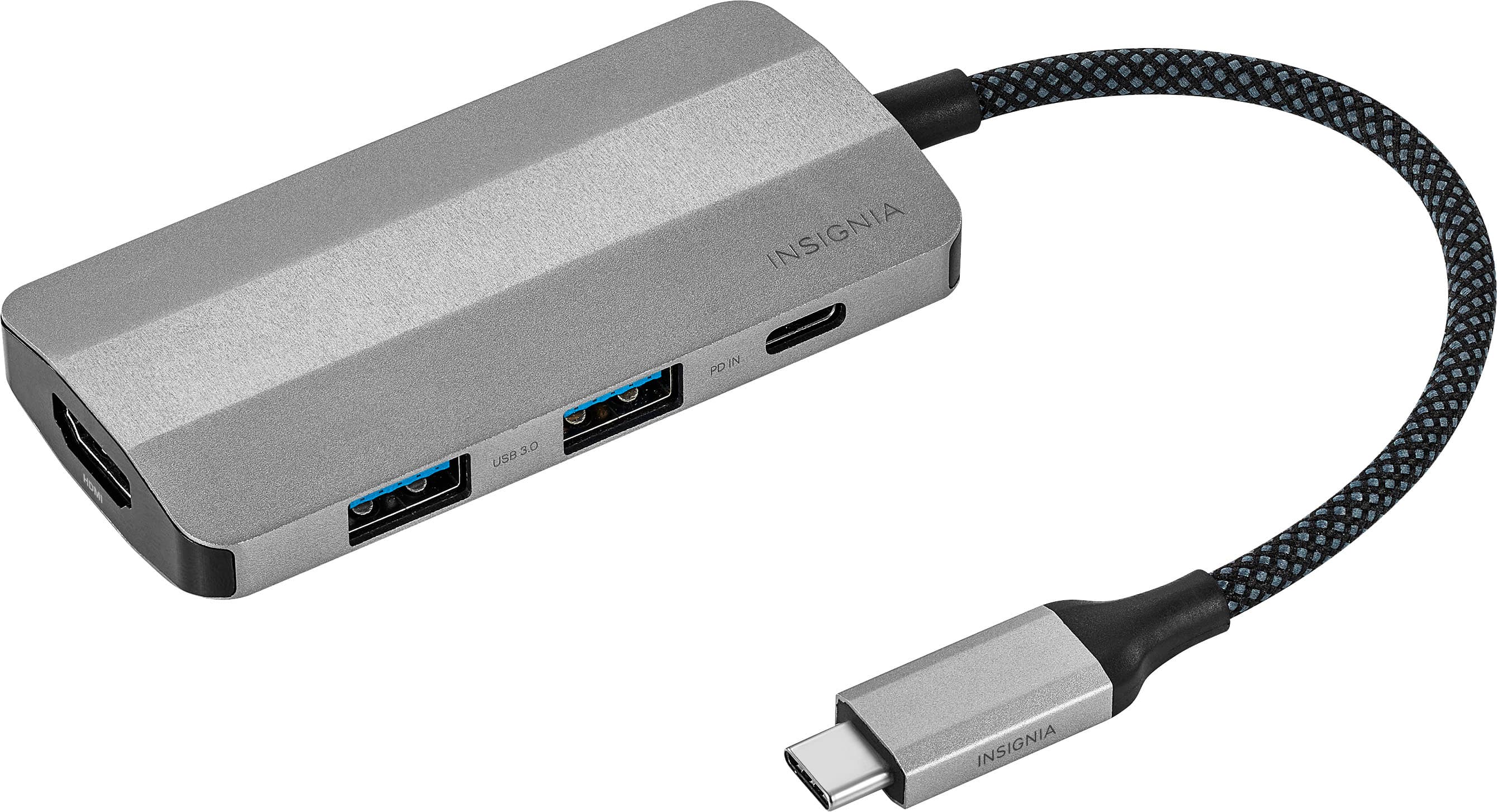
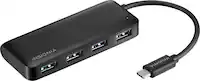
Insignia™ - 4-Port USB-C Hub - Gray
SKU: J2FPJK9338Another Great Product!...Great product, easy to use. Professionally recommended by a Best Buy employee. A+...Great...Great product works greats well. The employee helped me buy the best product.
See all USB HubsProduct Description
A compact gray hub offering four USB-C ports, 4K HDMI output, and fast 5 Gbps data transfer.Your price for this item is $29.99Save $15The previous price was $44.99 -
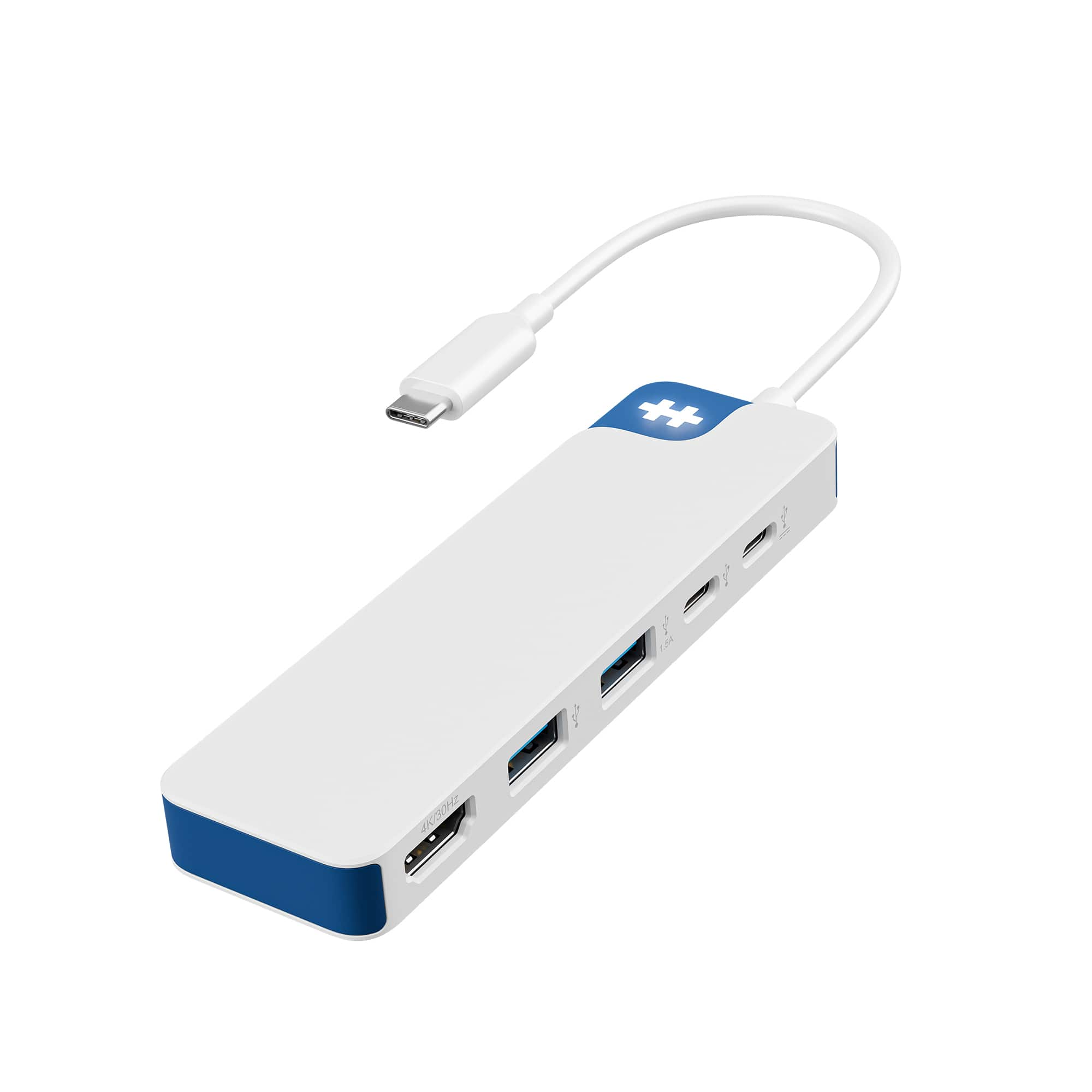
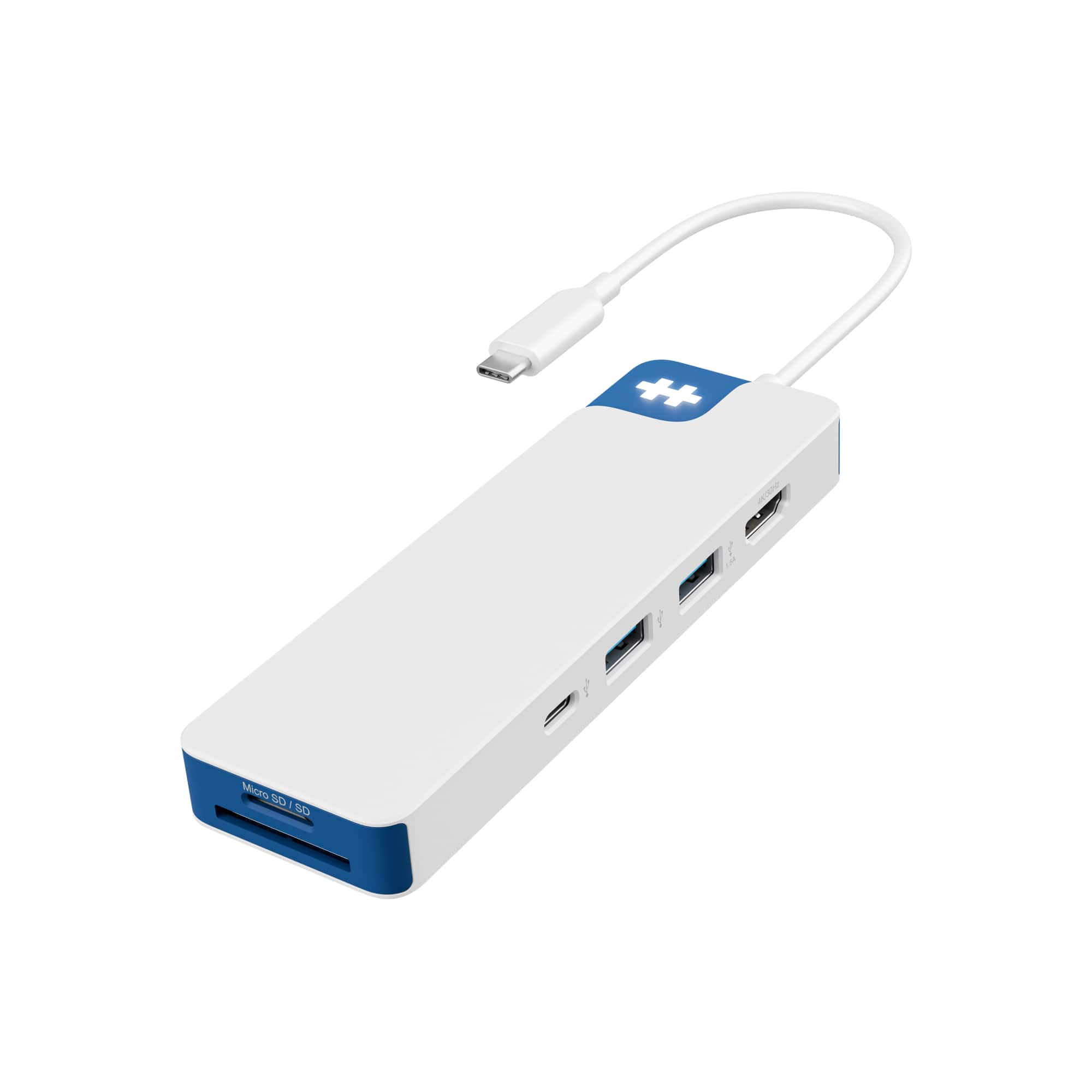
Hyper - HyperDrive Flex 5 Port USB-C Hub - Blue
SKU: J3GWPJ24XWThis is a great hub for any computer. I like the compact design....One of best buy’s many useful computer accessories....The best adapter...This adapter is the best one I’ve ever bought it let me connect...
See all USB HubsProduct Description
A sleek blue USB-C hub with 5 ports, 4K monitor support, and 100W Power Delivery.Your price for this item is $27.99Save $7The previous price was $34.99 -
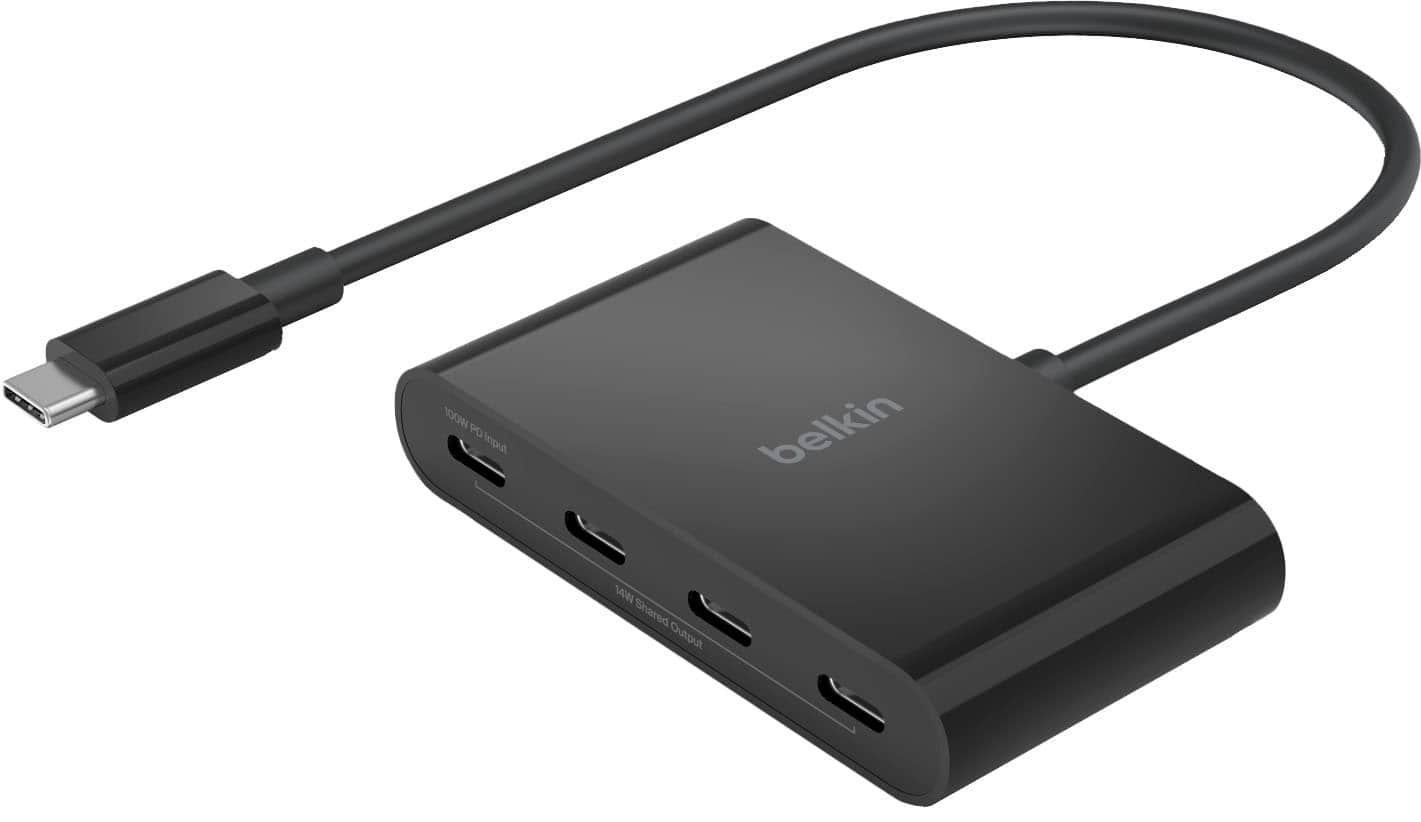
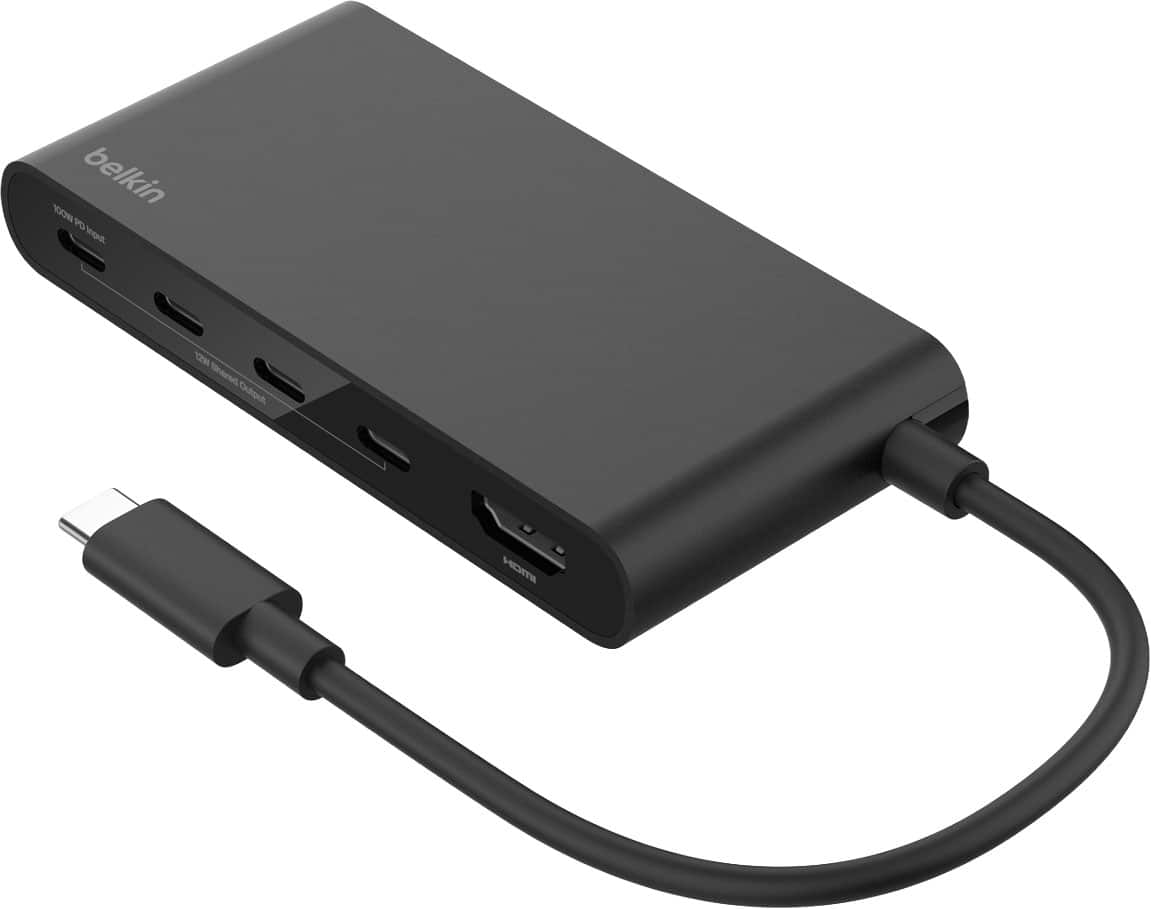
Belkin - Connect USB-C to 4-Port USB-C Hub, Multiport Adapter Dongle with 4 USB-C 3.2 Gen2 Ports & 100W PD with Max 10Gbps High - Black
SKU: JX5329HPG8Great Product...It works great. We love it and the convenience of it....Great
See all USB HubsProduct Description
A black multiport adapter offering four USB-C 3.2 Gen2 ports with 10Gbps transfer and 100W power delivery.Your price for this item is $80.65 -
Belkin - Connect Thunderbolt 4, 5-in-1 USB-C Hub, 96W Power Delivery, Dual Display, with Thunderbolt 4 Cable & Power Supply - Gray
SKU: JX5329HHF7I love being able to charge all of my devices with it.
See all USB HubsProduct Description
A gray 5-in-1 USB-C hub offering Thunderbolt 4 connectivity, dual display support, and 96W power delivery.Your price for this item is $158.90Save $4The previous price was $163.49 -
Hyper - HyperDrive Flex 8 Port USB-C Hub - Blue
SKU: J3GWPJ24XSCompetitive price for best brands highly recommended...Love it
See all USB HubsProduct Description
A sleek blue USB-C hub with 8 ports, 4K monitor support, 100W Power Delivery, and recycled materials.Your price for this item is $31.99Save $13The previous price was $44.99 -
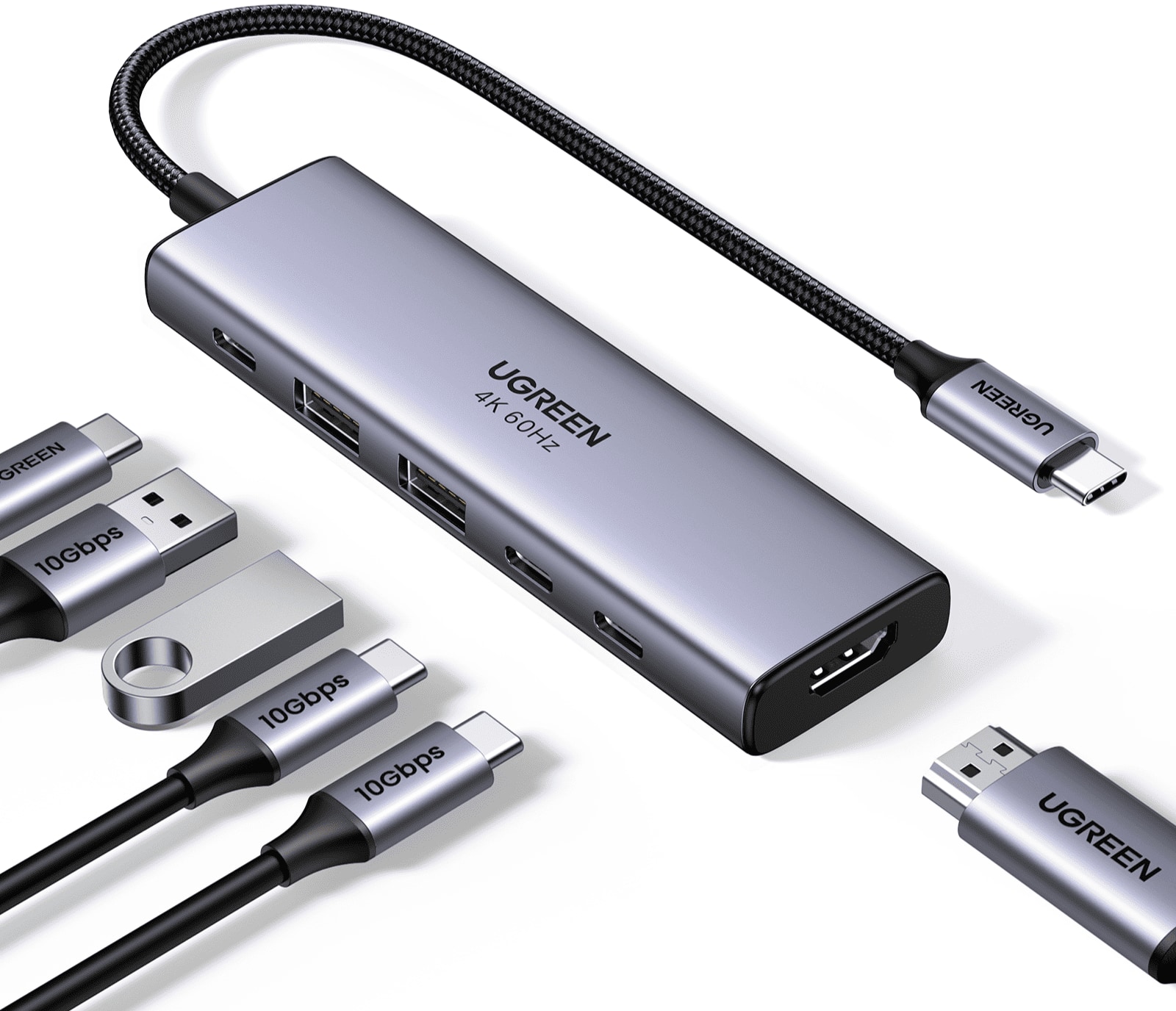
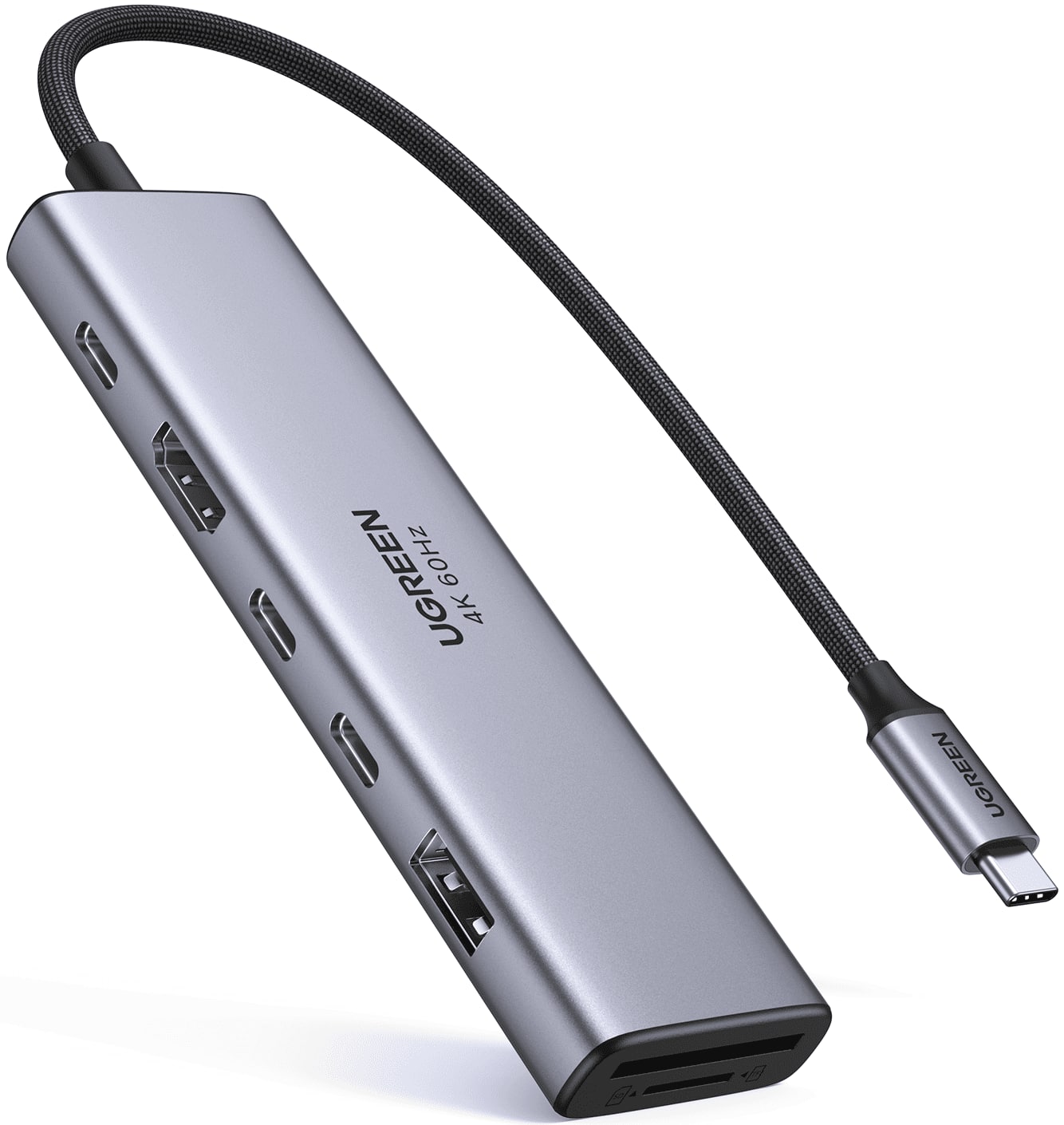
UGREEN - USB C 3.2 Hub, 6-in-1 Multiport USB Adapter with 4K 60Hz HDMI, 4×10Gbps USB A&C, 100W PD, for Laptop, MacBook, iPad Pro - Space Gray
SKU: J3R8Z9XVFPThe best...I love everyone The best Practical and easy to carry in the backpack...Love it
See all Docking StationsProduct Description
A sleek space gray aluminum hub offering 4K HDMI, four USB 3.2 ports, and 100W power delivery.Your price for this item is $17.99Save $12The previous price was $29.99 -
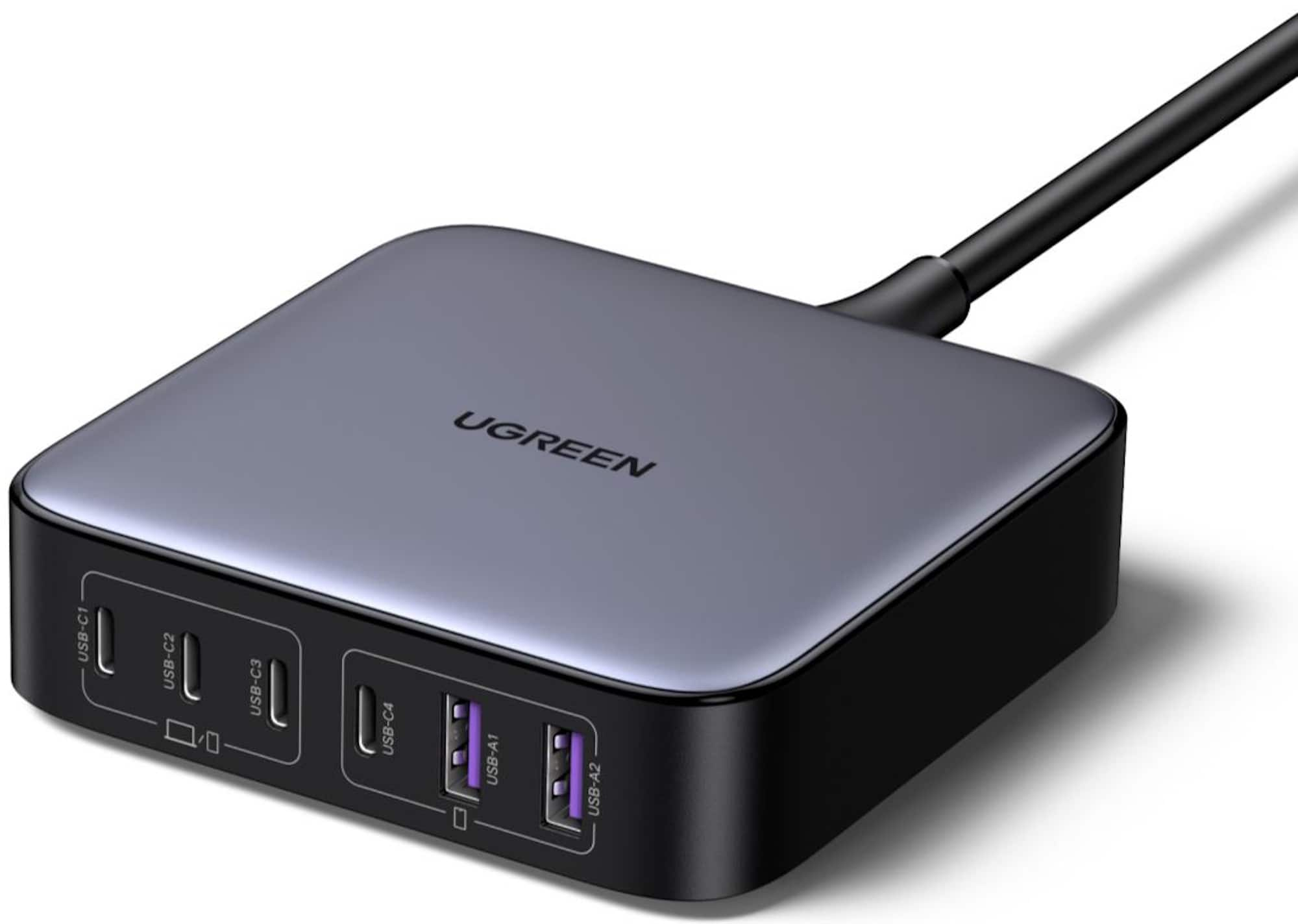
UGREEN - Nexode 6-Port 200W GaN Charging Station, USB-C Fast Charging Desktop Charger for Laptops, Tablets, Cell Phones - Black
SKU: J3R8ZXZCFFBest necessity...Love this product, best for clean desk and home office...Best charger....super fast!
See all Laptop Chargers & AdaptersProduct Description
A compact space gray GaN charger with six ports delivers 200W fast charging for multiple devices simultaneously.Your price for this item is $54.99Save $35The previous price was $89.99 -
Belkin - 5-Port Hub w/ 4K HDMI, 7.8 inch tethered USB-C cable, 100W Power Delivery for MacBook, iPad Pro, Chromebook & More - Black
SKU: JX532942KQGreat deal...Great device
See all Computer Power CablesProduct Description
A versatile black USB-C hub offering 4K HDMI, 100W Power Delivery, and fast data transfer for multiple devices.Your price for this item is $31.99Save $20The previous price was $51.99 -
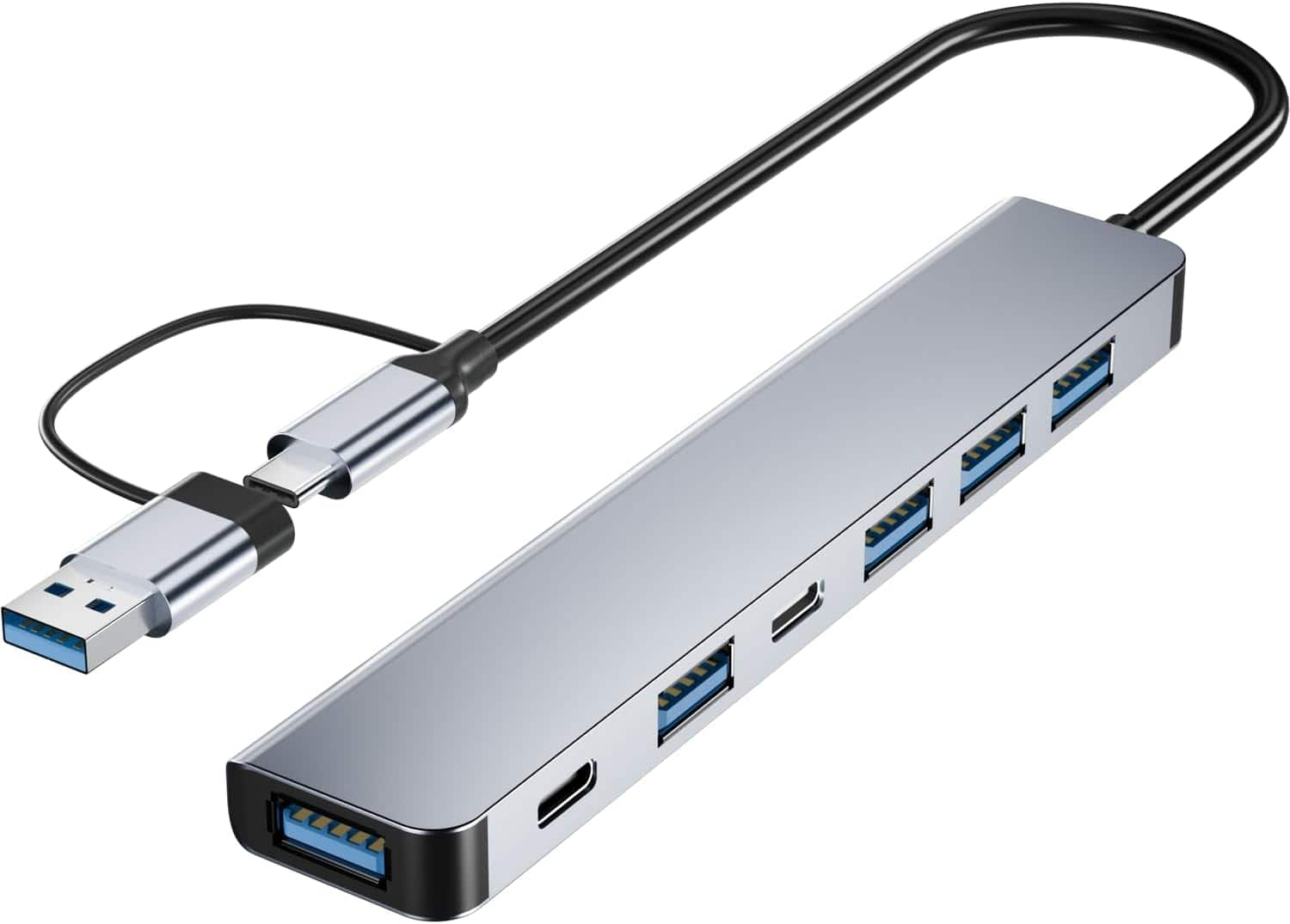
j5create - USB-C 7- Port HUB - Silver
SKU: J36445RCY7See all USB HubsProduct Description
A compact silver aluminum hub offering seven USB ports with SuperSpeed connectivity and rapid device charging.Your price for this item is $59.15Save $0The previous price was $59.99 -
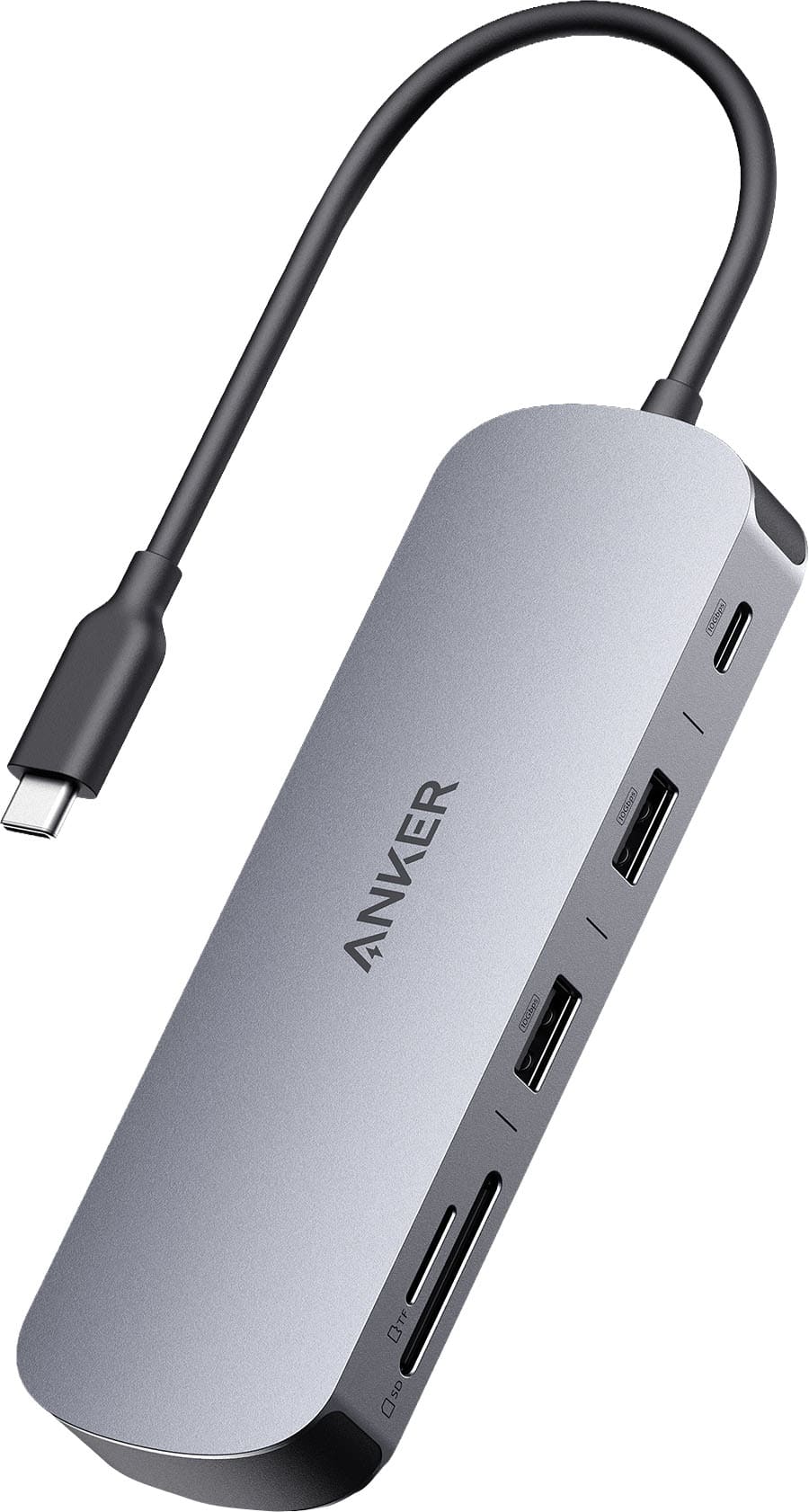
Anker - USB-C Hub, 7-in-1 Multiport Adapter, 4K@60Hz HDMI, SD/microSD Reader, 85W Pass-Through Charging - Gray
SKU: JJ858R665FLove it....The size is great and so is the price....Works great MacBook Neo...Pass through charging is a great feature, simple and compact, does what we need!
See all USB HubsProduct Description
A gray 7-in-1 USB-C hub with 4K@60Hz HDMI, SD/microSD readers, and 85W pass-through charging.Your price for this item is $18.99Save $7The previous price was $25.99 -
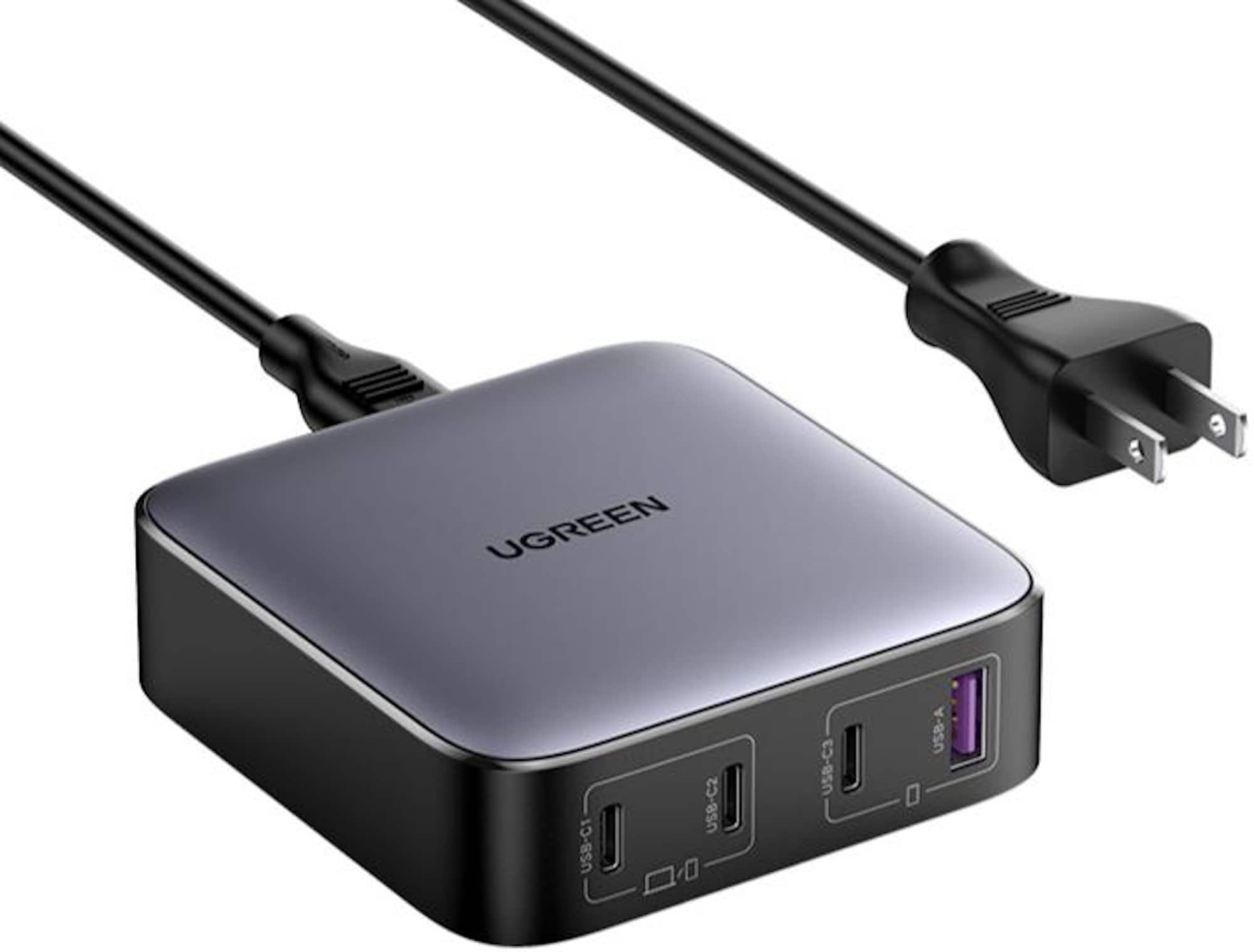
UGREEN - Nexode 4-Port 100W GaN Charging Station, USB-C Fast Charging Desktop Charger for Laptops, Tablets, Cell Phones - Black
SKU: J3R84YGXKHBest super fast charger...The best part is that it charges super fast. 10/10 will recommend....This was the best purchase made. Can charge a lot of devices that use usb-c quickly!!
See all Laptop Chargers & AdaptersProduct Description
A compact space gray GaN charger with 100W output and four ports for fast, versatile device charging.Your price for this item is $69.99 -
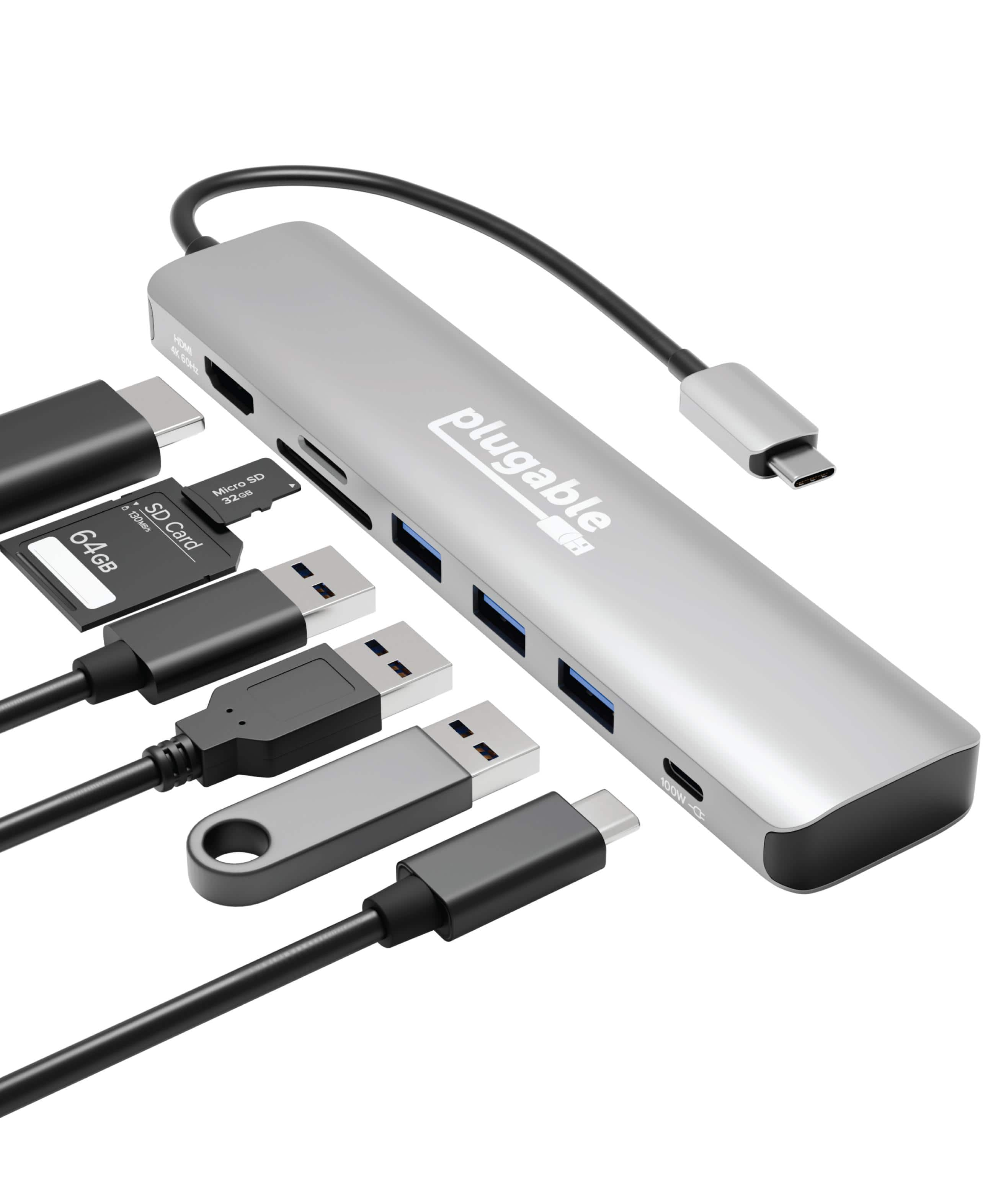
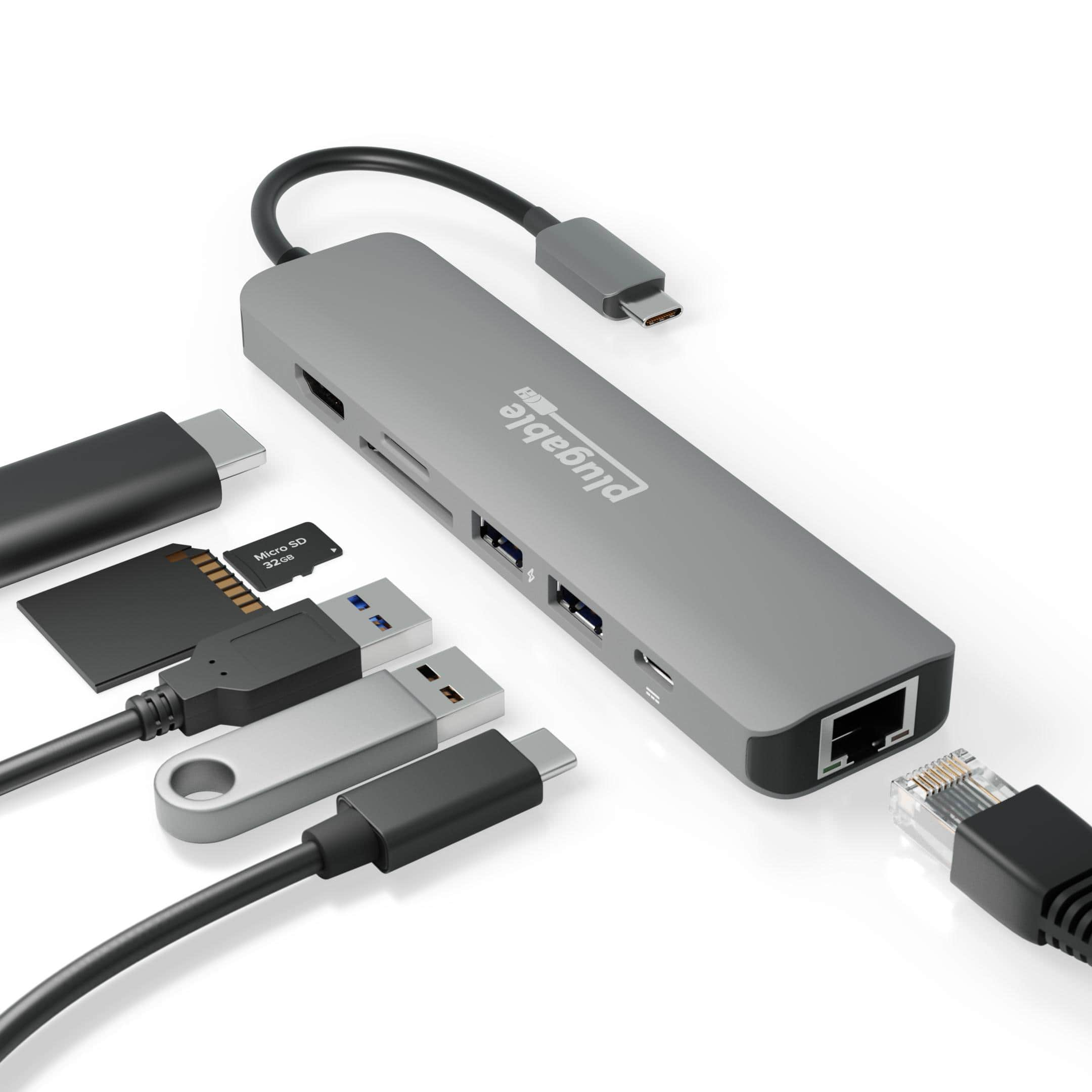
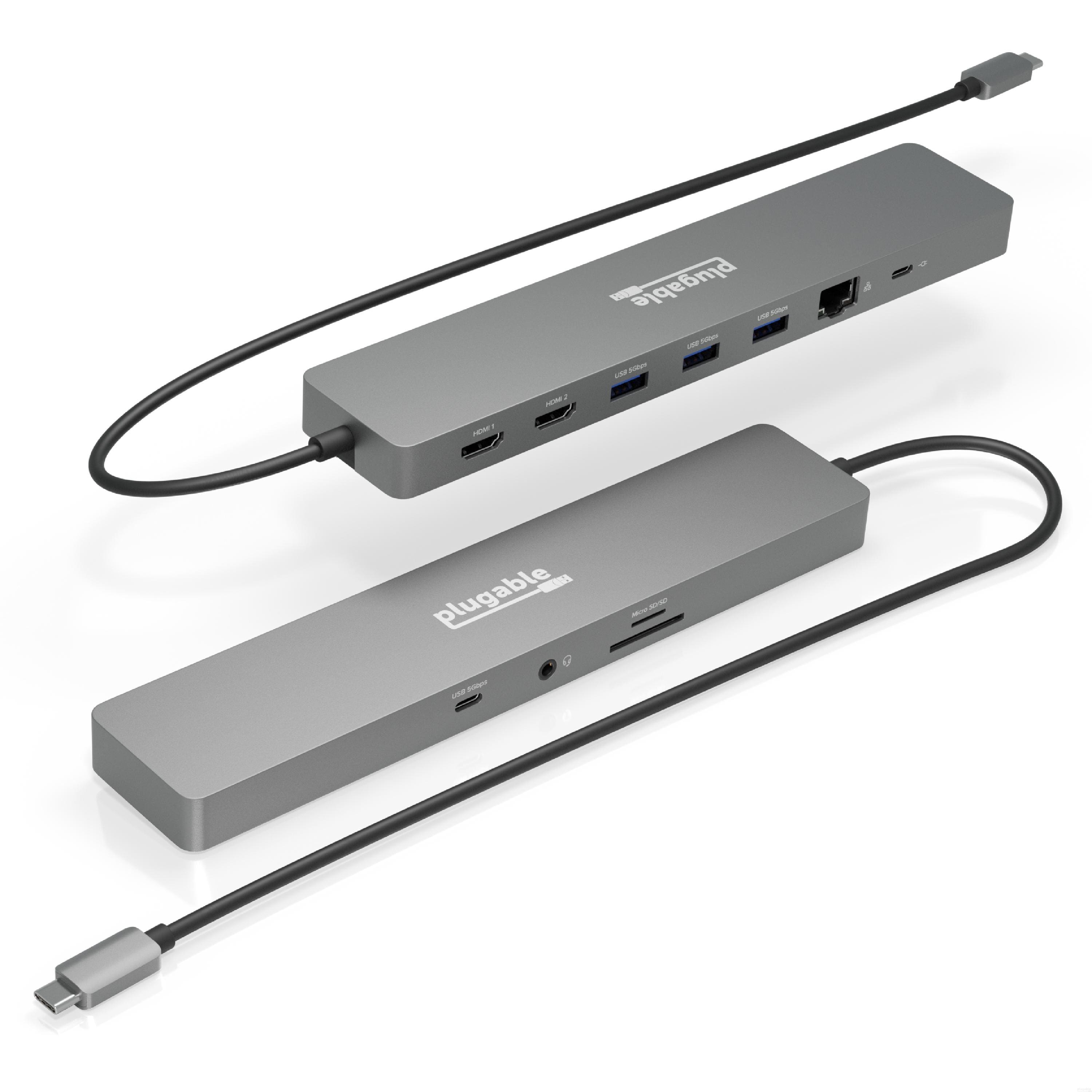
Plugable - USB-C 7-in-1 Hub with 4K60Hz HDMI, 100W Charging, Universal Compatibility - Space Gray
SKU: J3YLP62KTZGreat little USB-C hub with adapter capabilities.
See all USB HubsProduct Description
A space gray 7-in-1 USB-C hub with 4K60Hz HDMI, 100W charging, USB ports, and card readers.Your price for this item is $34.95 -
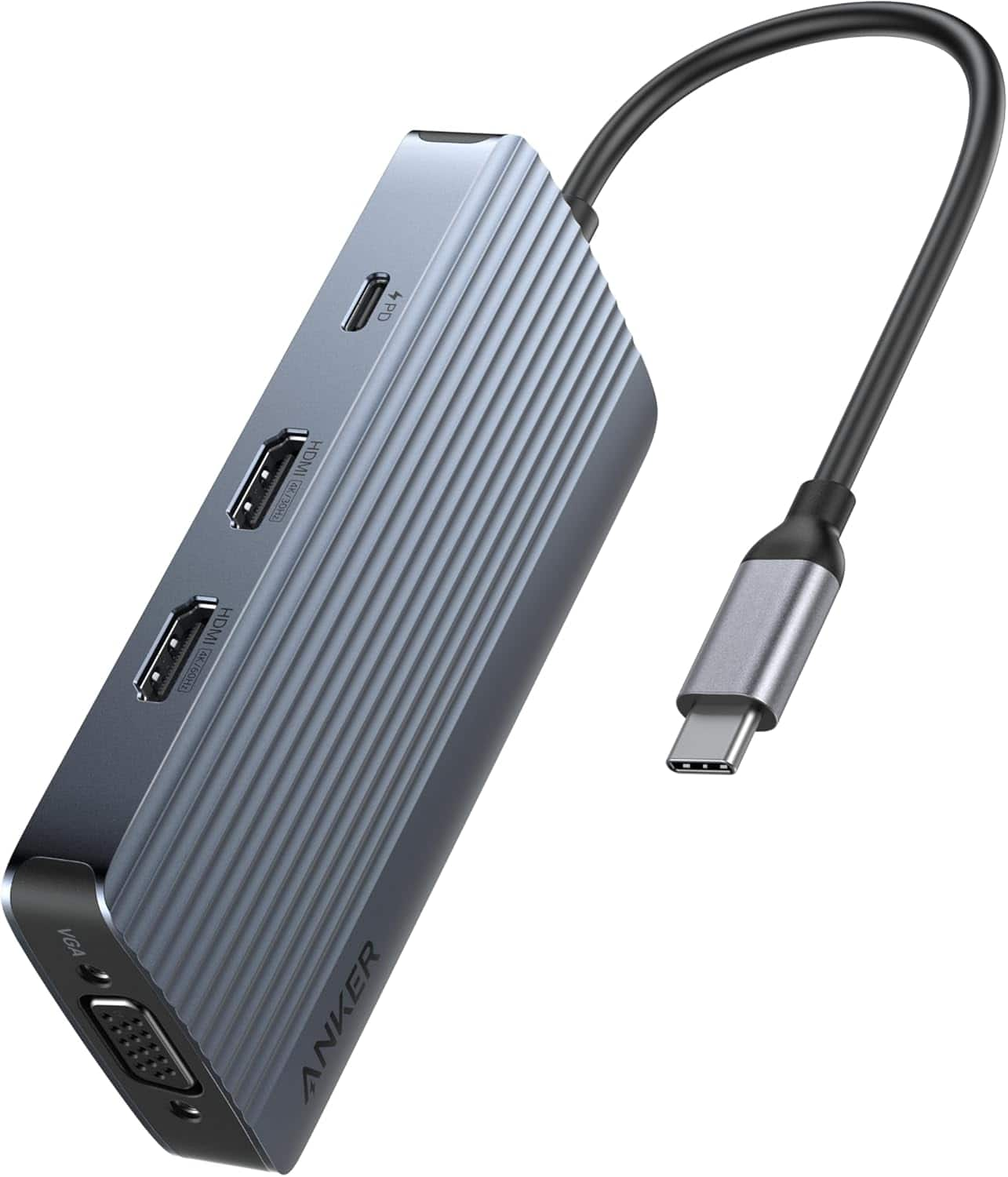
Anker - 8-in-1 USB-C Hub USB C Docking Station Triple Display Multi-Port Dongle - Gray
SKU: JJ858R36WJSee all USB HubsProduct Description
A versatile gray USB-C hub offering triple display support, 2 HDMI, VGA, and fast 5Gbps data transfer.Your price for this item is $39.99 -
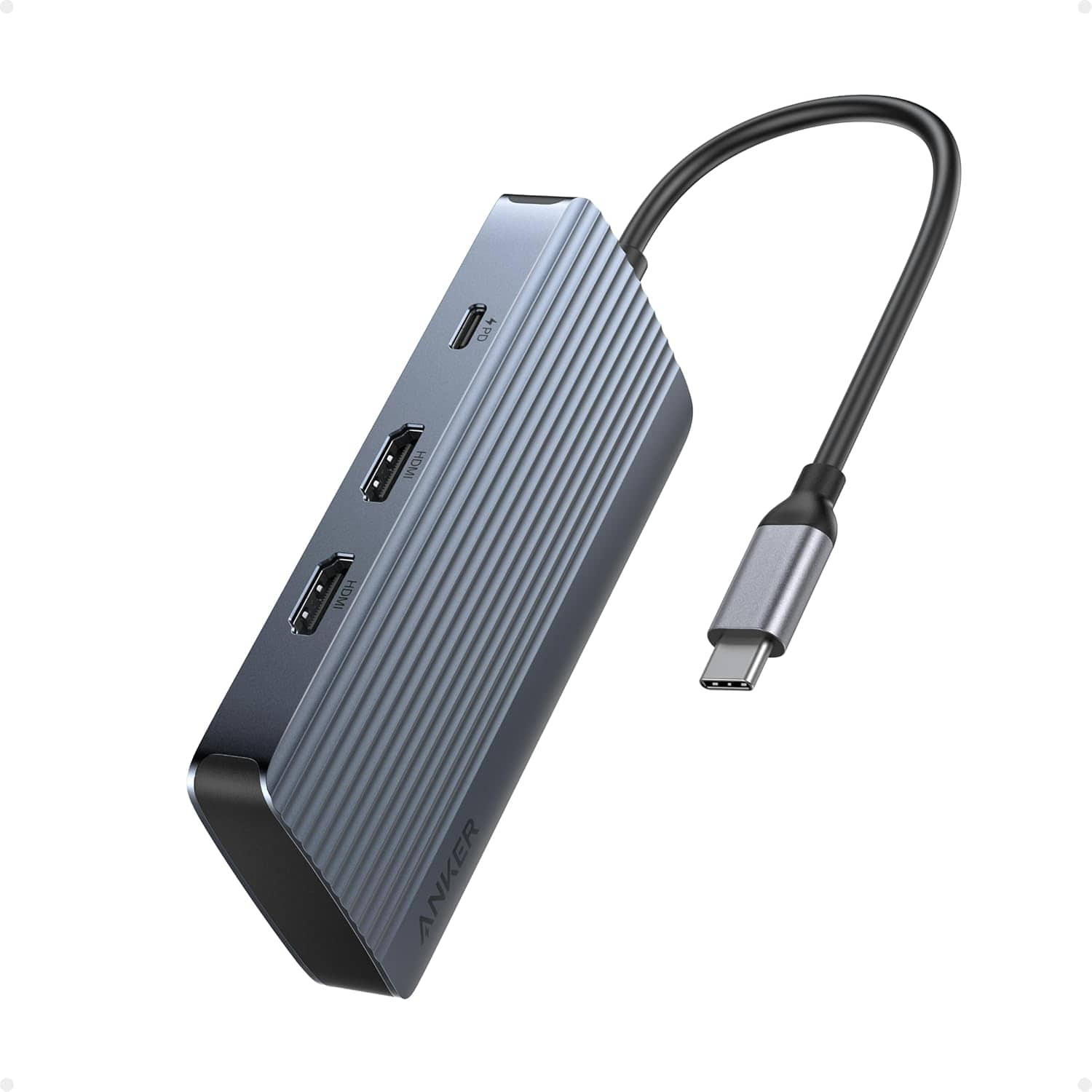
Anker - 8 in 1 USB-C Hub 1 USB-C 2 USB-A 2 HD - Gray
SKU: JJ858RG57JSee all USB HubsProduct Description
An 8-in-1 gray USB-C hub with dual HDMI, USB-C/USB-A ports, SD/TF slots, and 85W charging.Your price for this item is $26.99Save $9The previous price was $35.99 -
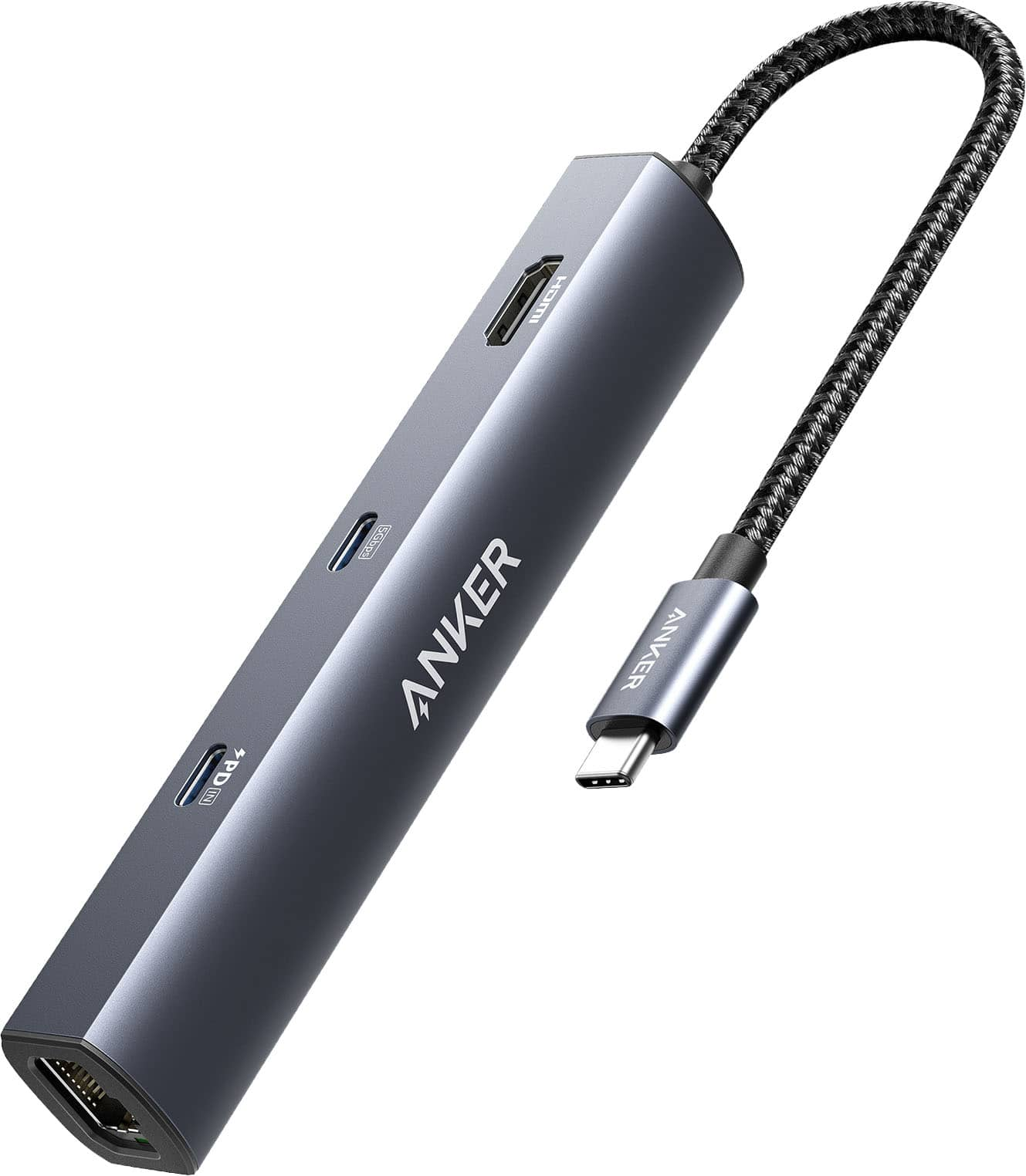
Anker - PowerExpand 6-in-1 USB-C PD Ethernet Hub - Gray
SKU: JJ858R6F2XSee all Computer Power CablesProduct Description
A gray 6-in-1 USB-C hub featuring Power Delivery, 4K HDMI, Ethernet, and fast data transfer.Your price for this item is $27.99Save $12The previous price was $39.99 -
Plugable - 7-in-1 USB C Hub Multiport Adapter with SD Card Reader, Ethernet - 100W Charging - Silver
SKU: J3YLP62K5SWorks great for multiple uses...I love that I can plug theUSB-C power cord right into the port on the hub and still have available an
See all USB HubsProduct Description
A versatile space gray USB-C hub offering HDMI, Ethernet, SD, microSD, and 100W charging support.Your price for this item is $39.95 -
UGREEN - USB C 3.2 Hub, 7-in-1 USB Adapter with 4K 60Hz HDMI, 10Gbps USB A&C, 100W PD, SD/TF, for Laptop, MacBook, iPad Pro - Space Gray
SKU: J3R8Z9XVVCSee all Docking StationsProduct Description
A sleek space gray aluminum hub offering 4K HDMI, 10Gbps USB, SD/TF slots, and 100W charging.Your price for this item is $21.99Save $11The previous price was $32.99 -
Plugable - 11-in-1 USB-C Hub - 100W USB-C Pass-through - Laptop Docking Station Dual Monitor - 4K 60Hz HDMI - Driverless - Silver
SKU: J3YLP62ZT8Works great...could have one display be a spreadsheet and the other be my email/internet browsing and it worked great
See all USB HubsProduct Description
A space gray USB-C hub offering dual 4K HDMI, 100W pass-through charging, Ethernet, and multiple ports.Your price for this item is $87.95 -
Core Tech - 7-in-1 USB-C Hub with USB 3.0 & USB 2.0 Ports for MacBook Pro/Air, iMac, iPad, PC & Laptops – Aluminum
SKU: JXYZGGY22HSee all USB HubsProduct Description
An aluminum USB-C hub offering seven ports, including USB 3.0 and USB 2.0, for versatile connectivity.Your price for this item is $21.50 -
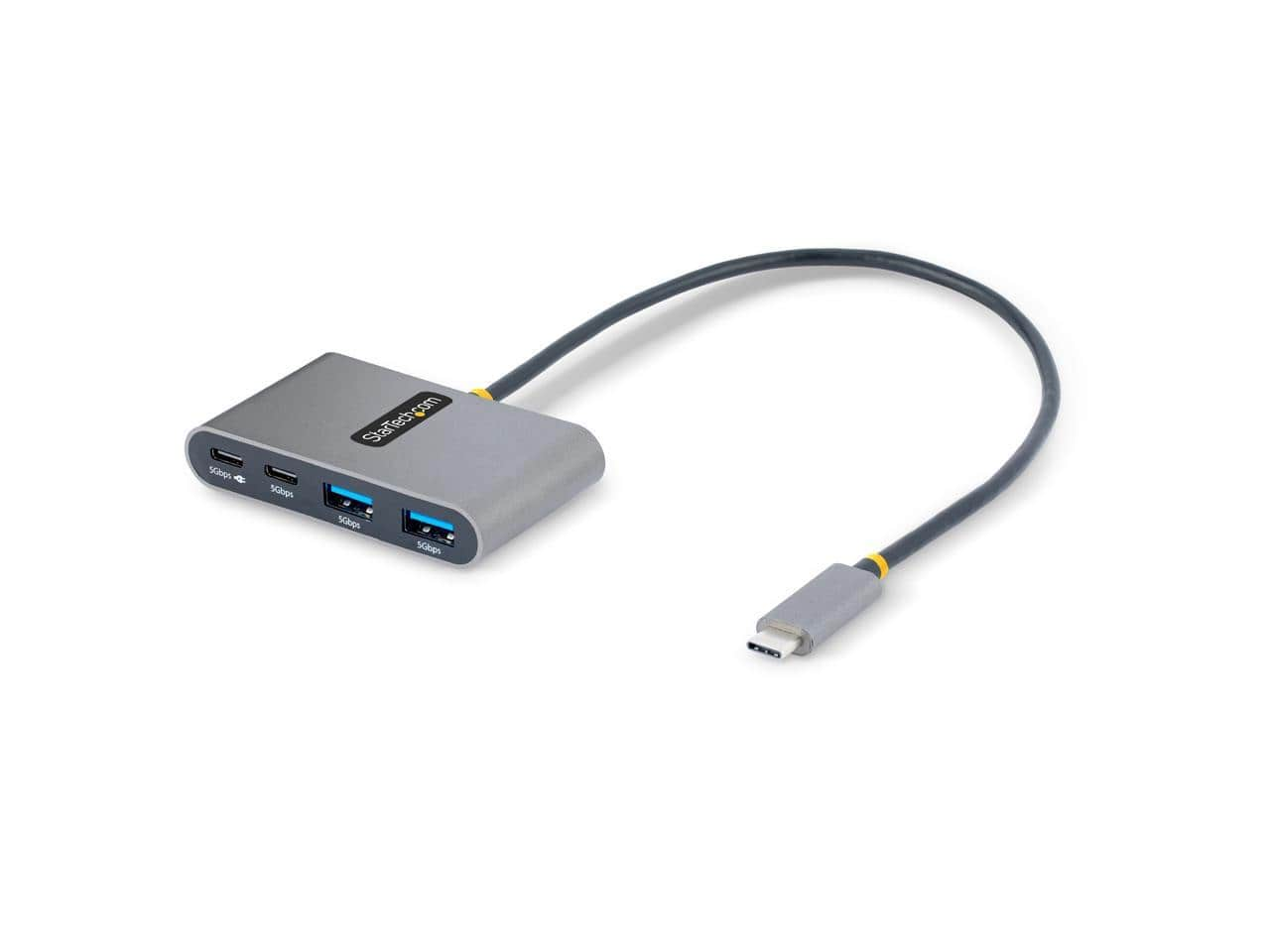
StarTech.com - 4-Port USB-C Hub with 100W Power Delivery Pass-Through 5G2A2CPDB-USB-C-HUB
SKU: J7PHYXC8TGSee all Computer Power CablesProduct Description
A compact black USB-C hub offering four USB 3.2 ports and 100W power delivery pass-through.Your price for this item is $60.49 -
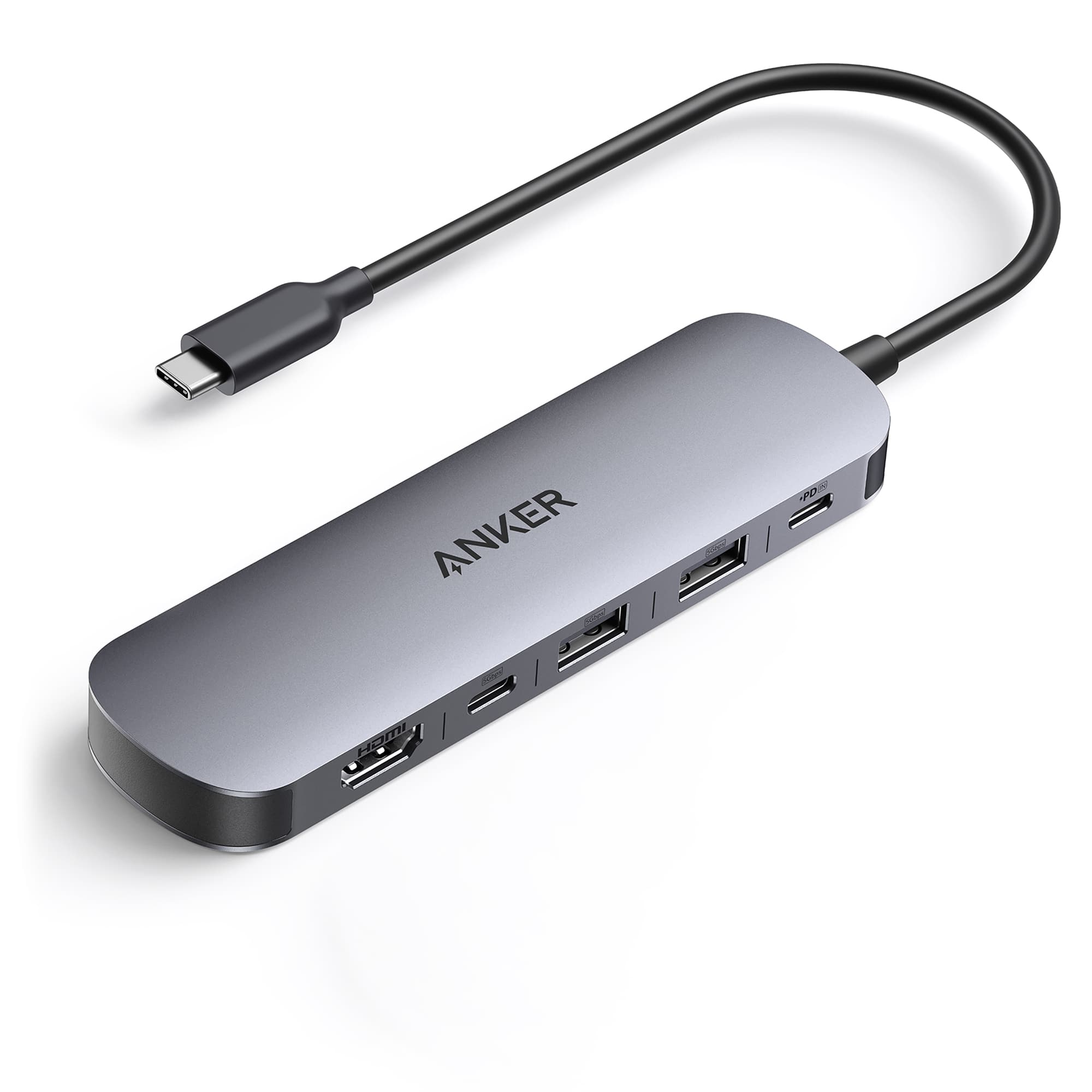
Anker - 7-in-1 USB-C Hub
SKU: JJ858R3RC3See all USB HubsProduct Description
A versatile black USB-C hub offering dual HDMI, 85W max output, and 10Gbps data transfer speeds.Your price for this item is $31.99 -
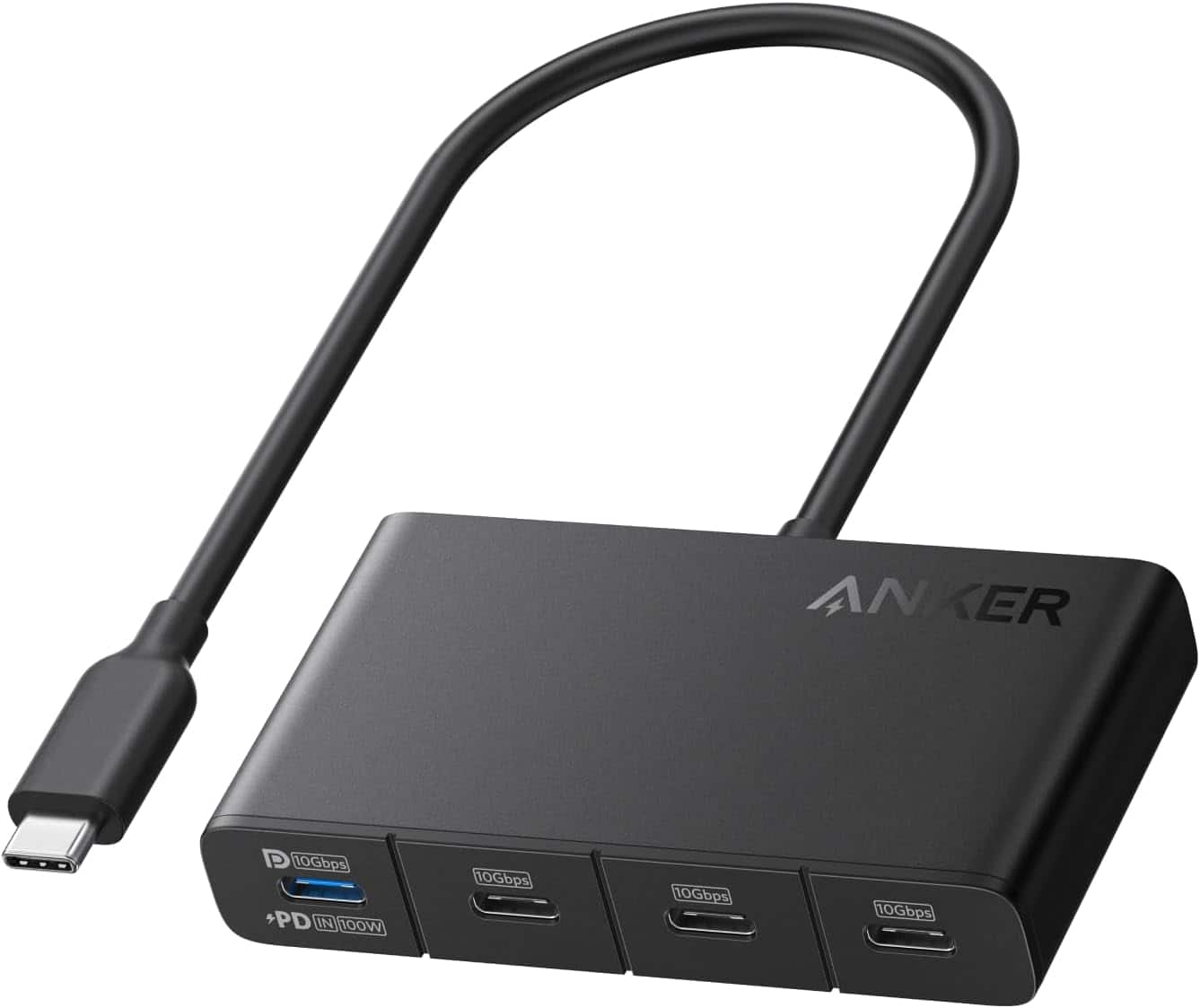
Anker - USB-C Display Hub (4-in-1, 10Gbps) - Black
SKU: JJ858R2SHRSee all USB HubsProduct Description
A sleek black USB-C hub offering 10Gbps data transfer, HDMI output, and 100W Power Delivery support.Your price for this item is $28.99Save $11The previous price was $39.99 -
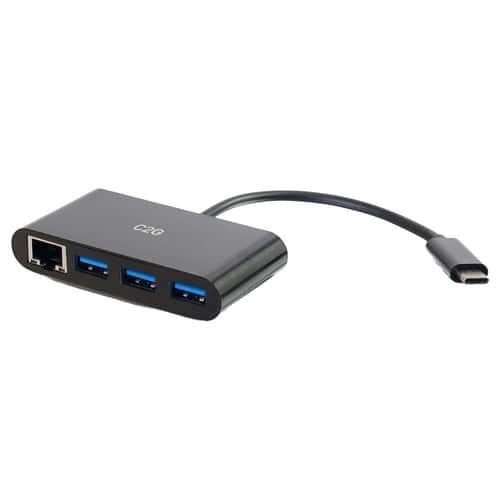
C2G - 757120297475 USB C Hub With Ethernet - 1 Network (RJ-45) - 3x USB 3.0 - External - Black
SKU: JXVJXCV7V7See all USB HubsProduct Description
A black external USB-C hub offering Ethernet connectivity and three USB 3.0 ports for versatile expansion.Your price for this item is $75.71


Best Sellers

Related Pages



FAQ
A USB-C hub connects to the USB-C or Thunderbolt port on a compatible iPad Pro and adds connections for accessories. Depending on the hub, these may include USB-A ports, HDMI, Ethernet, memory card readers, and USB-C charging passthrough.
Check your iPad Pro model’s port specifications and the hub’s stated iPadOS compatibility. USB-C describes the connector, but supported features vary. Match the hub’s connections to your accessories, and check whether its USB-C ports support data, charging, or video.
Many USB-C hubs offer USB Power Delivery passthrough, allowing you to connect a compatible charger while using other hub ports. Look for a dedicated USB-C PD input, since not every USB-C port accepts charging power. Power available to the iPad Pro depends on the charger, cable, hub, and connected accessories.
A hub with a compatible HDMI or DisplayPort output can connect an iPad Pro to an external display. Screen mirroring and extended-display options depend on your iPad Pro model, iPadOS version, and app. Supported resolution and refresh rate also depend on the hub, display, and cable.
Yes, compatible USB drives and memory cards connected through a hub can be accessed in the Files app. The storage device must use a format supported by iPadOS. A hub with an SD or microSD card reader can also help transfer files from camera memory cards, and supported photo imports are available through the Photos app.