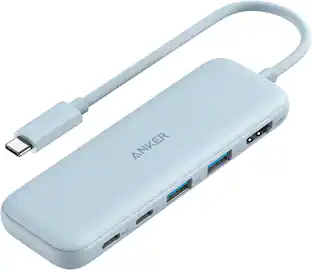
Hyper - HyperDrive Flex 5 Port USB-C Hub - Blue
Customers are saying
Customers admire the overall performance and seamless connectivity of this product, which users find highly reliable for their daily needs. Many appreciate the device's portability and compact design, noting that it is the perfect size for travel. Additionally, users value the ability to manage multiple connections simultaneously and report that the hub maintains efficient power delivery without overheating.
Extended 4K Monitor Support
Streamline your productivity or entertainment setup with crisp, vibrant 4K* display compatibility that transforms your workspace into an immersive environment.
Power Your Devices
Charge your laptop, tablet, and more through the USB-C 100W Power Delivery port, while powering other connected devices simultaneously.
Fast File Transfers
Transfer large files and photos in seconds with the 5Gbps USB-C ports. Keep your creative flow uninterrupted, whether you’re moving high-res images or project files.
Connectivity For All Your Devices
Need to hook up additional peripherals? The 5Gbps USB-A ports are perfect for connecting devices like external drives and keyboards.
Recycled Materials
Make a sustainable choice without sacrificing performance. The HyperDrive Flex 5 Port USB-C Hub is built with 75% recycled plastics, offering an eco-conscious option for your bold and vibrant workspace.
- Number of USB Port(s)5
Reviews
Rating 4.8 out of 5 stars with 174 reviews
- Overall Performance (61)
- Connectivity (34)
- Portability (30)
- Port Quantity (25)
- Power Delivery (9)
Customer Images
The vast majority of our reviews come from verified purchases. Reviews from customers may include My Best Buy members, employees, and Tech Insider Network members (as tagged). Select reviewers may receive discounted products, promotional considerations or entries into drawings for honest, helpful reviews.
Compare similar products

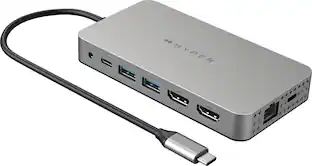
Take your desk setup to the next level. Whether you're gaming, designing, or juggling deadlines, the HyperDrive Flex 5 Port USB-C Hub keeps you seamlessly connected. Enjoy crisp 4K monitor support for sharp visuals while editing, streaming, or multitasking. Power your laptop and other devices simultaneously with the 100W Power Delivery USB-C port, and transfer files in seconds via its high-speed USB ports. With a sleek design crafted from 75% post-consumer recycled plastics, it’s bold, functional tech that complements your style.

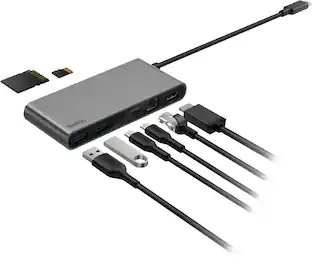
Connect your laptop to a 4K monitor, projector, and other devices with our USB-C 4-in-1 Multiport Adapter. This compact USB-C adapter is the perfect solution for home, the office, or in-between workstations. It features two USB-A ports to charge and connect your smartphone, tablet, keyboard, thumb drive, mouse, or other high consumption device while its HDMI port connects your MacBook Pro, Chromebook, or other USB-C laptop to a display with up to 4K resolutions. This Belkin USB-C Hub supports pass-through charging up to 100W so you don’t have to choose between port expansion and power. Gain up to 5 Gbps of bandwidth between connected devices, for quick data transfer between computer and peripheral devices. This computer docking station also supports high-definition display resolutions up to 4K through the HDMI Port. Encased in a sleek aluminum finishing that matches popular devices, this compact USB port hub is a stylish addition for your work, study, or play setup.

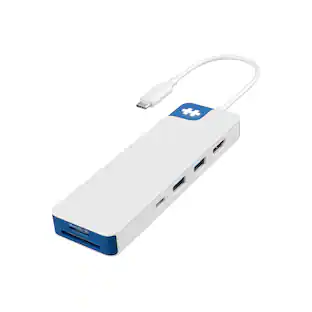
Your desk, your creativity, your rules. Whether you're editing videos, designing, or simply setting up your home desk, the HyperDrive Flex 8 Port USB-C Hub gives you everything you need to stay connected and create without limits. Enjoy crisp 4K monitor support whenever you're editing videos, designing graphics, or streaming content. Power up fast with 100W Power Delivery, access files instantly with SD and USB ports, and plug in all your devices with confidence—all while keeping your sound crystal clear through the 3.5mm Audio Jack. Featuring a sleek design that’s been made using 75% post-consumer recycled plastics this hub merges your need for style and functionality, into one bold accessory.
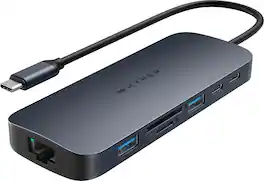
Introducing the HyperDrive Next 10 Port USB-C Hub - the ultimate connectivity solution for creators, editors, photographers, and more. With extended 4K60Hz monitor support for Mac, PC, and Chromebook, 10 ultra-fast ports, and lightning-fast data transfers, unleash your creative potential anywhere. Experience 2X faster file transfers using the 10Gbps USB ports and 3X faster photo and video transfers with microSD and SD 4.0. Benefit from 40% more power with a PD 3.1 140W power pass-through port, ensuring efficient charging. Make a sustainable choice with EcoSmart technology.
| Pros for Hyper - HyperDrive Flex 5 Port USB-C Hub - Blue | |||
|---|---|---|---|
| Overall Performance, Connectivity, Portability, Port Quantity, Power Delivery | Overall Performance, Ease of use, Connectivity, Size, HDMI | Overall Performance, Connectivity, Portability, Port Quantity, Size | Overall Performance, Port Quantity, Connectivity, Ease of use, USB-C |
| Cons for Hyper - HyperDrive Flex 5 Port USB-C Hub - Blue | |||
| There were no cons for this product— | Price, Cable Length, Heat | HDMI Performance, Light Emission | Heat Dissipation |
Specs
Customers often buy these together
Laptop Docking Stations
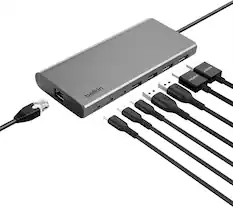
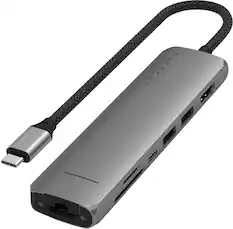
Belkin - Connect Universal USB-C 8-in-1 Dual Display Core Hub Compatible with 100W PD with 10Gbps Transfer Speeds & 1GbE Ethernet - Gray
Top Deal$124.99The price was $139.99
Monitor and Video Cables


More recommended items
 Computer Keyboards
 Mice
Mice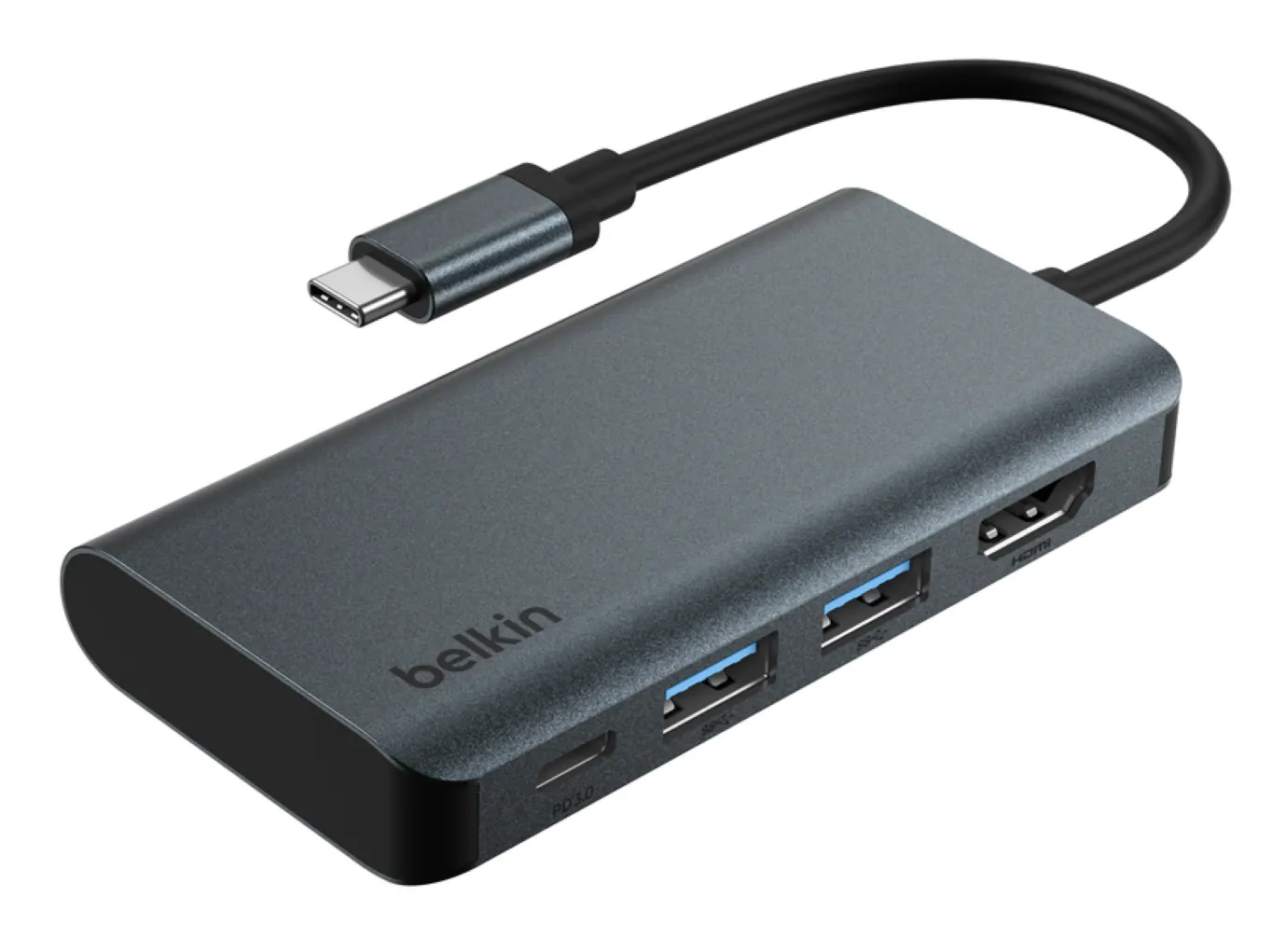 Cables and Adapters
 External Hard Drives
 Web Cameras
More to consider
 Clearance$69.99The price was $99.99
 Clearance$77.99The price was $119.99
 Top Deal$22.49The price was $24.99
 Clearance$119.99The price was $199.99
 Top Deal$44.99The price was $49.99





Explore tech essentials Sponsored
- Top Deal$44.99The price was $49.99


Discover related products

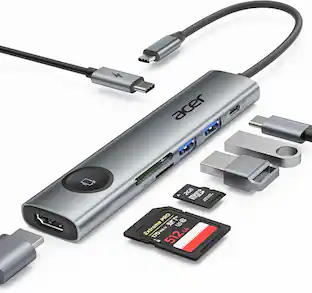
Acer - 5 in 1 USB C Hub with 4K HDMI, 100W Power Delivery, 3 USB A Data Ports, USB C to HDMI Adapter
$15.99The price was $16.99 $12.99The price was $13.99










Keep exploring
 $142.69The price was $144.49
 $9.99The price was $14.99
Anker - 6-in-1 USB C Hub with 1Gbps Ethernet, USB C to 4K HDMI Multiport Adapter, 65W Power Delivery
$29.99The price was $39.99