Acer - Laptop Docking Station Stand, 11-in-1 USB C Docking Station 3 Monitors with DP 8K + Dual HDMI 4K@60Hz, Ethernet - Silver
About this product
DisplayPort, Ethernet, HDMI, MicroSD, USB 3.0
Features
All in one Docking Station
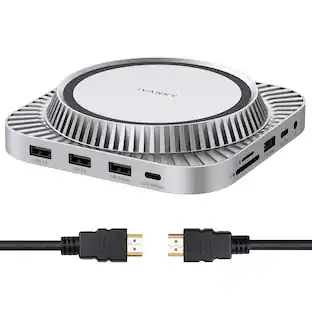
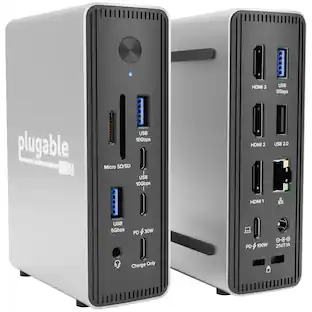
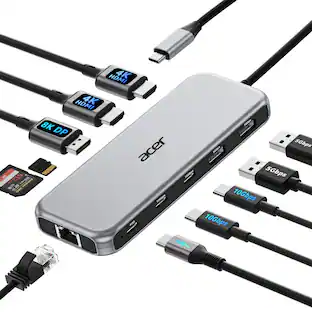
This Acer docking station stand includes 2 HDMI(4K@60Hz), 1 DP(single 8K@30Hz), 2 USB-C (10Gbps), 2 USB-A (5Gbps), Ethernet(1 Gbps), PD(100W) , and SD/MicroSD slots (104Mbps). This docking station with all essential ports built in streamlines your setup and covers all your daily needs, featuring a multifunctional detachable USB-C cable for added flexibility.𝐏𝐥𝐞𝐚𝐬𝐞 𝐞𝐧𝐬𝐮𝐫𝐞 𝐲𝐨𝐮𝐫 𝐥𝐚𝐩𝐭𝐨𝐩 𝐡𝐚𝐬 𝐚 𝐔𝐒𝐁-𝐂 𝐩𝐨𝐫𝐭 𝐰
Docking & Stand in One
Ergonomically designed as both a laptop riser and docking station, this laptop docking station with stand elevates your laptop for a better viewing angle while improving airflow for efficient heat dissipation. The anti-slip silicone pads keep your device stable and secure, ensuring comfort and safety during every use.
Flexible Display Modes
This USB C docking station supports single display up to 4K@60Hz on HDMI or 8K@30Hz on DP. Dual displays run at 4K@60Hz, ideal for docking station dual monitors. Triple displays automatically allocate resolutions based on each monitor’s capabilities (EDID) and total bandwidth, typically 4K@60Hz + 4K@60Hz + 1080P@60Hz, perfect for docking station 3 monitors.Note: Please ensure that your device’s HDMI version is 2.0 or higher for optimal
Reliable 100W Charging
This docking station supports up to 100W input and safely delivers 85W to your laptop, keeping you powered while you work. Note: Ensure your laptop's USB-C port supports power delivery. Use a 100W or higher power adapter and cable (not included).
Super-Fast 10Gbps Data Transfer
This dock station includes 2 USB-C for 10Gbps, 2 USB-A for 5Gbps, and SD/MicroSD slots for 104Mbps high-speed file transfers. Ideal for professionals handling large data volumes with ease. Note: Only for data transfer; not supported for charging external devices.
Specifications
- Maximum Number of Displays Supported3Maximum Supported Resolution4K (2160p)Number of DisplayPort Outputs (Total)1
Reviews
Rating 4 out of 5 stars with 3 reviews
Customer Images
The vast majority of our reviews come from verified purchases. Reviews from customers may include My Best Buy members, employees, and Tech Insider Network members (as tagged). Select reviewers may receive discounted products, promotional considerations or entries into drawings for honest, helpful reviews.
Compare similar products
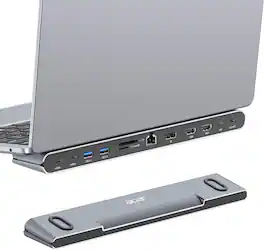
DisplayPort, Ethernet, HDMI, MicroSD, USB 3.0
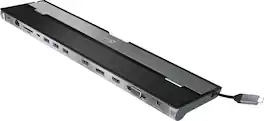
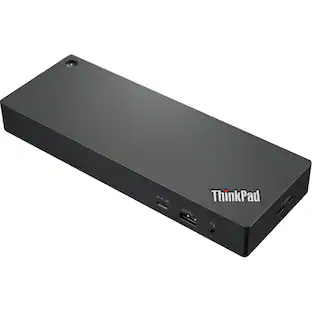
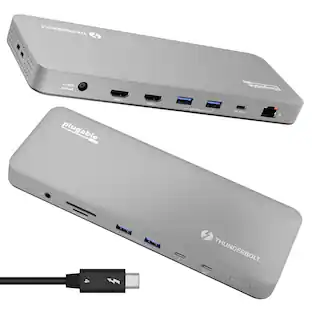
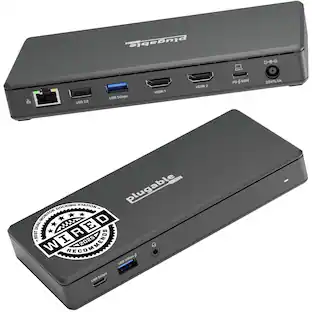
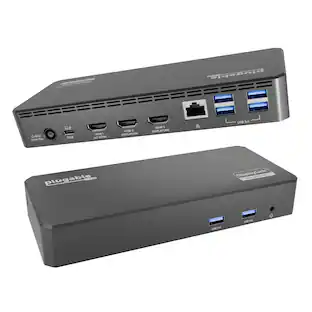
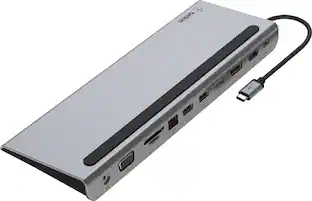
This triple display docking station turns your Mac or Windows laptop into a full workstation with a DisplayPort output, two HDMI outputs, and a VGA output, with resolution support up to 4K (3840 x 2160) on two displays and 1080p on the other one. You can also use your laptop screen for four displays in total, making it easy to access multiple applications at once. With 100W Power Delivery, three USB 3.0 ports, and a USB-C port, this docking station is perfect for your MacBook, Dell XPS, or other USB-C laptop requiring additional ports. This USB 3.0 docking station is also equipped with a RJ45 Gigabit Ethernet port, memory card reader/writer, and combo audio jack for maximum productivity. The elevated design assists with heat dissipation and, with its double-sided cable storage compartment, ensures an easy connection regardless of your USB-C port’s location. All 13 ports are combined into one slim docking station, so you’ll have all the connections you need to stay productive!
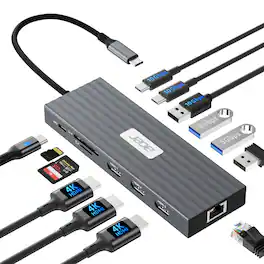
Compatible Devices:𝐖𝐢𝐧𝐝𝐨𝐰𝐬 𝐚𝐧𝐝 𝐦𝐚𝐜𝐎𝐒 𝐝𝐞𝐯𝐢𝐜𝐞𝐬 𝐰𝐢𝐭𝐡 𝐃𝐢𝐬𝐩𝐥𝐚𝐲𝐏𝐨𝐫𝐭 𝐀𝐥𝐭𝐞𝐫𝐧𝐚𝐭𝐞 𝐌𝐨𝐝𝐞 (𝐃𝐏 𝐀𝐥𝐭 𝐌𝐨𝐝𝐞)—𝐒𝐮𝐩𝐩𝐨𝐫𝐭𝐢𝐧𝐠 𝐝𝐢𝐬𝐩𝐥𝐚𝐲, 𝐜𝐡𝐚𝐫𝐠𝐢𝐧𝐠, 𝐚𝐧𝐝 𝐝𝐚𝐭𝐚 𝐭𝐫𝐚𝐧𝐬𝐟𝐞𝐫. Including Acer, Dell, Lenovo, Surface, HP, ASUS, MacBook, Samsung laptops and smartphones, as well as accessories like mice and keyboards.
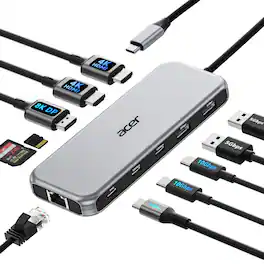
special Feature:1000Mbps Stable Ethernet, 10Gbps Super Fast Data, 8K Ultra-clear Display, Plug and Play, Triple Display1000Mbps Stable Ethernet, 10Gbps Super Fast Data, 8K Ultra-clear Display, Plug and Play, Triple Display
| Pros for Acer - Laptop Docking Station Stand, 11-in-1 USB C Docking Station 3 Monitors with DP 8K + Dual HDMI 4K@60Hz, Ethernet - Silver | |||
|---|---|---|---|
| There were no pros for this product— | Ease of use, USB-C, Overall Performance, Ports, Connectivity | There were no pros for this product— | There were no pros for this product— |
| Cons for Acer - Laptop Docking Station Stand, 11-in-1 USB C Docking Station 3 Monitors with DP 8K + Dual HDMI 4K@60Hz, Ethernet - Silver | |||
| There were no cons for this product— | Compatibility, Power Supply | There were no cons for this product— | There were no cons for this product— |
Specs
Questions & Answers
Will the dock station work with a iPad Pro
Answered by TeamAcerYes, this dock uses a standard USB-C port so it will work with an iPad Pro.

Customers often buy these together
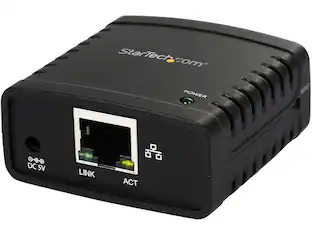 $68.25The price was $70.92
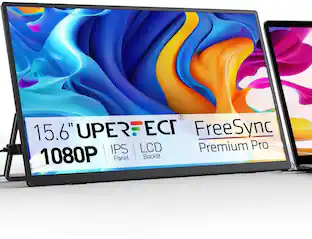 $75.99The price was $79.99
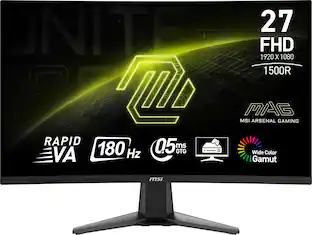 $107.99The price was $141.38
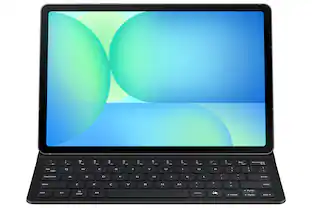 $94.99The price was $139.99




More to consider
 $96.49The price was $145.37
 Techtober Deal$40.99The price was $45.99
 $69.99The price was $129.99
 Techtober Deal$27.99The price was $35.99




Explore tech essentials Sponsored
 Techtober Deal$89.99The price was $109.99
 Techtober Deal$49.99The price was $59.99
 Techtober Deal$44.99The price was $49.99

Keep exploring
 Techtober Deal$37.99The price was $45.99
 Techtober Deal$49.99The price was $59.99