Samsung - 55" Odyssey Ark 2nd Gen. Curved 4K UHD Quantum Mini-LED FreeSync Prem Pro 1ms GTG Gaming Screen - Black
Customers are saying
Customers frequently mention the beautiful screen size, excellent sound quality, and high refresh rate as positive aspects of the product. They also appreciate its gaming capabilities, curved design, and the bonus of good speakers. However, the product's weight is a common point of concern.
Highlights
4-Input Multi View
A whole new way to view. With the upgraded Multi View, connect and see up to 4 different inputs at once, including the addition of all new Display Port. You can even play console and PC games at the same time. ¹
55" Large Screen & 1000R Curvature
Be immersed in lifelike images. The 55-inch screen delivers a picture that overwhelms your senses, creating an adrenaline-fueled experience superior to anything seen before.²
165Hz & 1ms GTG
Conquer every enemy, even at extreme speed. 165Hz refresh rate eliminates lag for exhilarating gameplay with ultra-smooth action. Identify enemies with elite precision with a 1ms GTG response time, precise mouse movements, and blur-free frames, with minimized ghosting.³
Cockpit Mode & Eclipse Lighting
Feel like you're in a cockpit. Rotate the screen to Cockpit Mode with HAS, tilt and pivot functionality for an optimal screen environment. This perfect positioning creates a new sense of world-blending immersion, further enhanced by Eclipse Lighting.⁴
KVM Switch
Your command center gives you full control. Use multiple PCs and built-in apps on the Odyssey Ark with a single mouse and keyboard. Move your mouse across all your connected devices' displays on one screen to control a different device in a snap.⁵
Sound Dome Technology
Four corner speakers and two central woofers result in a 60W 2.2.2 channel with the lowest 45Hz notes of any gaming screen or gaming soundbar. AI Sound Booster and Dolby Atmos take it to the next level.⁶
Gaming Hub
The best of gaming all in one place. Gaming Hub allows instant access to top streaming services, your favorite consoles and PC. Smooth visuals and responsive gameplay are powered by Samsung’s advanced game streaming technology⁷
AMD FreeSync Premium Pro
Hyper action made seamless. Support of Variable refresh rate (VRR) with AMD FreeSync Premium Pro keeps the GPU and panel synced up to eliminate choppiness, screen-lag, and image tears.
HDR 10+ Gaming
See every detail in all its glory. From gloomy shadows to sun-scorched scenes, the 1,000,000:1 contrast ratio enables enhanced color expression and depth. Get a competitive edge with HDR 10+, which automatically adapts games in real-time.
Neural Quantum Processor Ultra
Enjoy powerful cinematic experiences. By combining 20 multi-layer neural networks, the AI-Powered processor cleverly analyzes images to restore every detail, pixel by pixel. Automatic brightness adjustment, contrast amplification and enhancements upscale the resolution.
Ark Dial
The solar-powered controller built only for Ark. Ark Dial puts the player in full control of Ark, allowing quick and simple access to a variety of functions that Ark has – including Flex Move Screen, Multi View, Quick Settings and Game Bar. Take control and push forward with Ark.
Quantum Matrix Technology
An unrivaled visual experience. Revolutionary Quantum Matrix Technology with Quantum Mini LEDs creates controlled brightness and perfect contrast for refined definition. The advanced 14- bit back light unit allows detailed HDR control which creates unmatched picture quality.
Flex Move Screen
Find the perfect winning position. Flex Move Screen enables users to change screen size from 55 to 27 inches, move the screen position and adjust ratio (16:9 > 21:9 > 32:9) quickly and easily with Ark Dial. Experience the freedom to flex while playing any game.⁸
Smart TV Experience
Take a break from marathon gaming sessions and catch up on must-see streaming content, with just a simple Wi-Fi connection. Samsung TV Plus offers free live content with no downloads or sign-ups as well as personalized content recommendations from Universal Guide.
Matte Display
Focus only on what matters. The distraction-free matte screen absorbs, not reflects, artificial and natural light, keeping you laser-focused during the toughest battles and hardest levels.
Game Bar
Check and control game settings in an instant. Now, you can easily view the status of important settings - FPS (Frames Per Second), HDR (High Dynamic Range) and VRR (Variable Refresh Rate). Optimize response time or screen ratio.
¹ In Cockpit Mode, Multi View can show up to 3 screens on one display. Game Mode, VRR, and Cloud Game are not supported while in Multi View mode. While in Multi View mode, refresh rates of up to 120Hz are supported for external inputs.
Some Smart Hub features may not be supported depending on the service provider, language, or geographical area. ² Optimal viewing distance is at over 80cm.³ The actual response time may vary by content and monitor settings.
⁴ To display in 9:16, vertical selection is required during initial setup. Screen must be manually rotated for cockpit mode.
⁵ This feature is compatible with external PC inputs and the Odyssey Ark's built-in apps. Support may vary by app. Each PC must be connected via USB Upstream cable. USB Upstream cable sold separately. Requires the Easy Setting Box program on each PC.
⁶ Frequency response is measured based on internal testing conditions.
⁷ Gaming Hub is available in limited countries, with app availability differing by country. Accessing Gaming Hub is free of charge. Subscription may be required to access content offered by game-stream providers on the Gaming Hub platform.
A separate controller may be required depending on the specific game in Gaming Hub. You will need a Samsung Account to access our network-based smart services.
If you choose not to log-in, you will only get connection to terrestrial TV (applicable to devices with tuners only) and external devices, e.g. via HDMI.⁸ On-screen content simulated for demonstration purpose. Adjust screen ratio through the Game Bar or Quick Settings.
- Refresh Rate165HzMaximum Resolution3840 x 2160Response Time1 millisecondsPanel TypeVASynchronization TechnologyFreeSync Premium Pro (AMD Adaptive Sync)
Reviews
Rating 4.3 out of 5 stars with 152 reviews
- Screen Size (60)
- Sound Quality (17)
- Refresh Rate (9)
- Gaming (7)
- Curved (3)
- Weight (18)
Customer Images
The vast majority of our reviews come from verified purchases. Reviews from customers may include My Best Buy members, employees, and Tech Insider Network members (as tagged). Select reviewers may receive discounted products, promotional considerations or entries into drawings for honest, helpful reviews.

Compare similar products
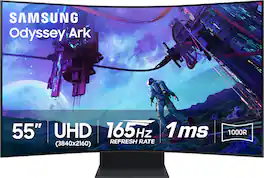
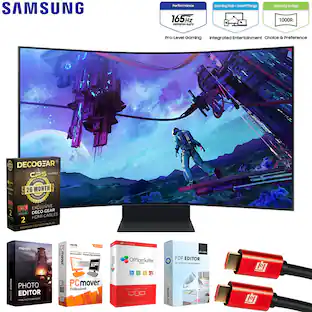
Elevate your game with Samsung's Odyssey Ark 2nd Gen. with enhanced Multi-View, now with up to 4 inputs at once, including an all-new Display Port 1.4 connection. The 55" rotating screen with 1000R curvature enables maximum immersion, featuring 4K UHD resolution with 165Hz and 1ms GTG response time for hyper-fast action. With added KVM Switch you have full control of your command center with a single mouse and keyboard. Cockpit Mode and Eclipse Lighting optimizes screen environment and Sound Dome Technology provides an engulfing soundscape. Gaming Hub and Smart TV apps allow instant access to top streaming services. The solar-powered Ark Dial controls all functions including Flex Move Screen, Quick Settings, and Game Bar. Featuring Quantum Matrix Technology, Neural Quantum Processor Ultra, AMD FreeSync Premium Pro and HDR 10+ Gaming for a competitive edge.
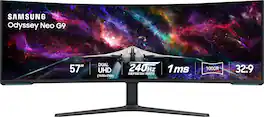
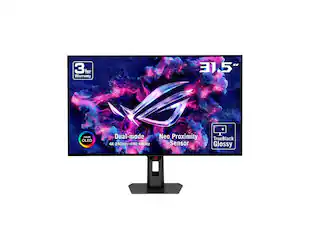
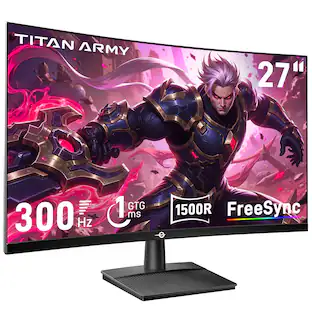
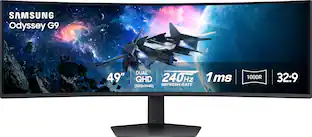
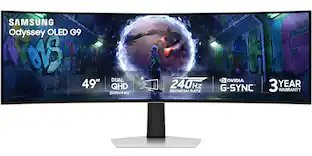
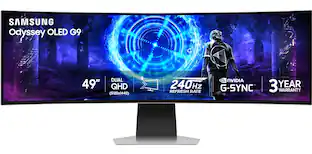
Elevate your game with the world's first Dual UHD Monitor – Samsung's 57" Neo G9 Curved Gaming Monitor. Features 57" screen size, 1000R curve with Quantum Matrix Technology powered by Quantum Mini LEDs for astounding levels of visual accuracy and unparalleled definition. 240Hz Refresh Rate, 1ms GTG response time and FreeSync Premium Pro, for stutter-free, hyper-fast action with all new DisplayPort 2.1. Display HDR 1000 with 1,000 nit peak brightness and 1,000,000:1 contrast ratio for enhanced color expression and depth. Cutting-edge design with CoreSync & Core Lighting+, ergonomic stand, and a multitude of convenient input options provide instant access to the game action.
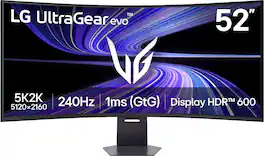
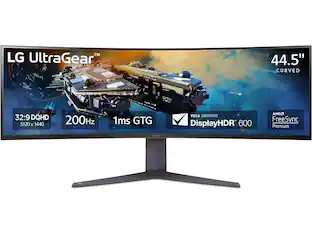
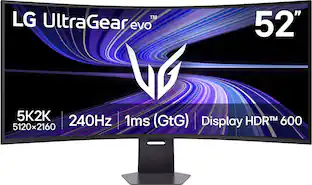
A revolution in large screen gaming resolution. The world’s largest 5K2K gaming monitor¹ delivers unmatched scale with ultra-high-definition clarity built for gamers who want everything bigger and sharper. UltraGear evo's massive 52-inch 21:9 WUHD (5120×2160) display packs a dense 107 PPI, keeping fine detail crisp across an enormous canvas. A 1000R curved VA panel wraps wide scenes naturally into your field of view, while VESA DisplayHDR 600 boosts brightness and contrast for striking highlights and detailed shadows. Up to 95% DCI-P3 color gamut coverage adds rich color depth and tonal detail, giving games a bold, cinematic look. Performance matches the spectacle. A 240Hz refresh rate² and 1ms (GtG) response time keep motion smooth and controlled, while AMD FreeSync Premium reduces tearing, stutter for fluid, responsive gameplay. Future-ready connectivity includes DisplayPort 2.1, dual HDMI 2.1 ports, and USB-C with up to 90W power delivery. Built-in speakers, a 4-pole headphone jack, LED backlighting, and tilt, swivel, and height adjustment complete a large-format gaming display designed to dominate your setup.
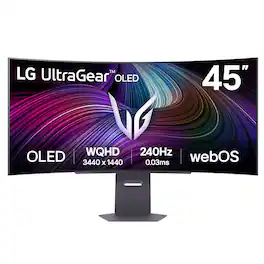
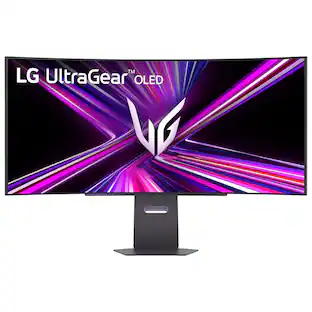
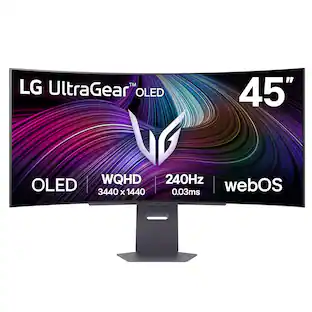
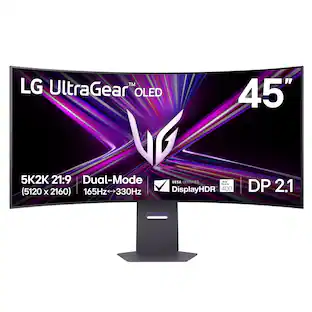
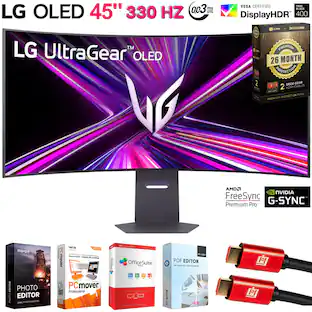
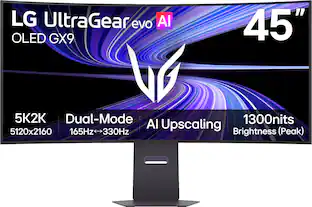
Experience lightning-quick speed with up to a 240Hz refresh rate¹ and 0.03ms response time on a huge 45" WQHD curved OLED monitor. UltraGear Fact: The 45-inch 21:9 45” UltraGear OLED monitor delivers more screen area than a 49-inch 32:9 aspect ratio screen. The sweeping, steep 800R curve surrounds you in the action. And with the 240Hz refresh rate, and 0.03ms response time, the action is fast, the play seamless and precise. Dive into UltraGear OLED’s immaculate visuals with up to 98.5% of DCI-P3 color coverage and a 1,500,000:1 contrast ratio for stunning blacks and vibrant colors. LG's game-changing webOS streaming platform adds ease and versatility, letting you enjoy your favorite entertainment streaming platforms as well as cloud gaming services from one, simple to access home screen. Adaptive sync technologies FreeSync Premium Pro and NVIDIA G-SYNC compatibility ensure tear-free, stutter-free performance, whether you're on PC or next-gen consoles. Plus, the UltraGear's 2-year OLED limited warranty and OLED Care features give you peace of mind, keeping your UltraGear monitor in top shape. Designed for gamers, the virtually borderless design complements any gaming setup, with height, tilt, and pivot adjustments for optimal comfort. The RBG backlighting creates the mood that’ll upgrade any battlestation.
| Pros for Samsung - 55" Odyssey Ark 2nd Gen. Curved 4K UHD Quantum Mini-LED FreeSync Prem Pro 1ms GTG Gaming Screen - Black | |||
|---|---|---|---|
| Screen Size, Refresh Rate, Sound Quality, Gaming, Curved | Screen Size, Overall Performance, Refresh Rate, Resolution, Immersion | There were no pros for this product— | Overall Performance, Screen Size, Refresh Rate, Resolution, OLED Quality |
| Cons for Samsung - 55" Odyssey Ark 2nd Gen. Curved 4K UHD Quantum Mini-LED FreeSync Prem Pro 1ms GTG Gaming Screen - Black | |||
| Weight | Blooming, Dead Pixels, Noise Level, Viewing Angle, Heat Dissipation | There were no cons for this product— | Text Clarity, Connectivity, Software |
Specs
Customers often buy these together
Office Software


Computer Keyboards
![Sure, here is the corrected and grouped text from the image:
**Top Row:**
- ESC
- F1
- F2
- F3
- F4
- F5
- F6
- F7
- F8
- F9
- F10
- F11
- F12
- PRTSC
- DEL
**Number Row:**
- 1
- 2
- 3
- 4
- 5
- 6
- 7
- 8
- 9
- 0
- -
- =
- \
**Letter Row:**
- TAB
- Q
- W
- E
- R
- T
- Y
- U
- I
- O
- P
- [
- ]
- \
**Letter Row:**
- CAPS
- A
- S
- D
- F
- G
- H
- J
- K
- L
- ;
- '
**Letter Row:**
- SHIFT
- Z
- X
- C
- V
- B
- N
- M
- ,
- .
- /
**Function Row:**
-](https://pisces.bbystatic.com/image2/BestBuy_US/images/products/9be10b95-8e90-4a5d-b85f-cbc6a7d8e8df.png;maxHeight=232;maxWidth=233?format=webp)
More recommended items
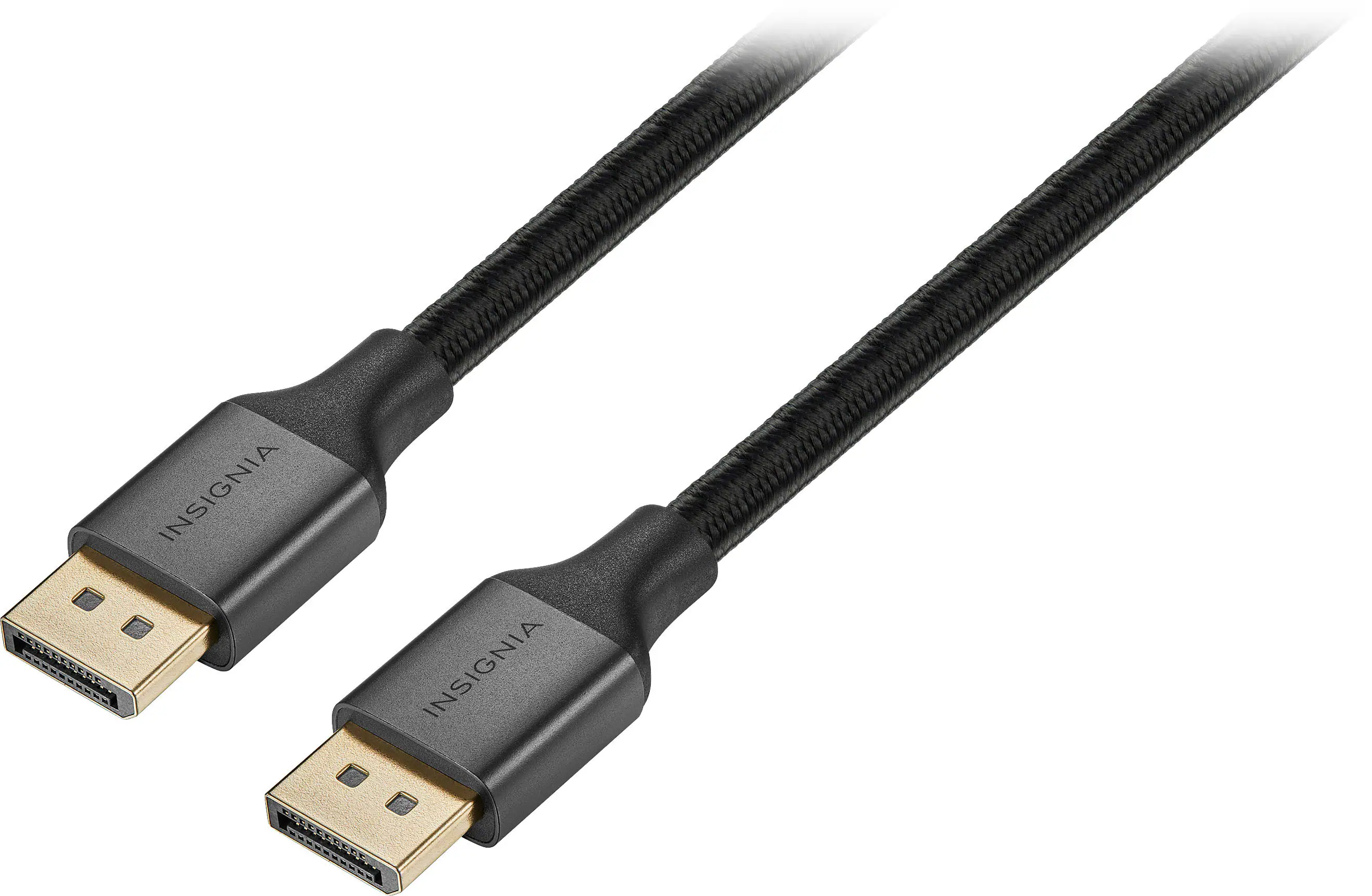 Monitor and Video Cables
 Laptop Docking Stations
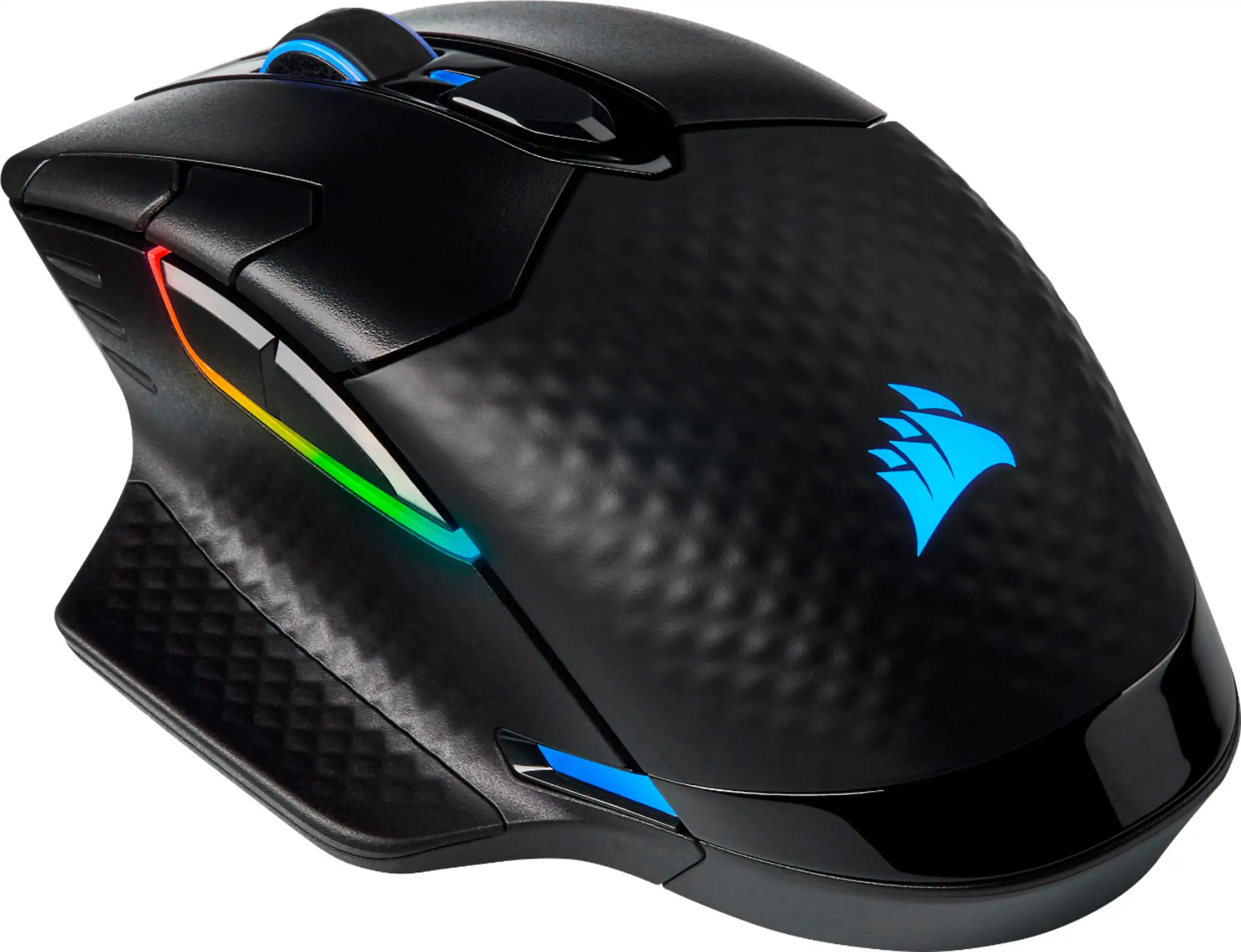 Mice
Mice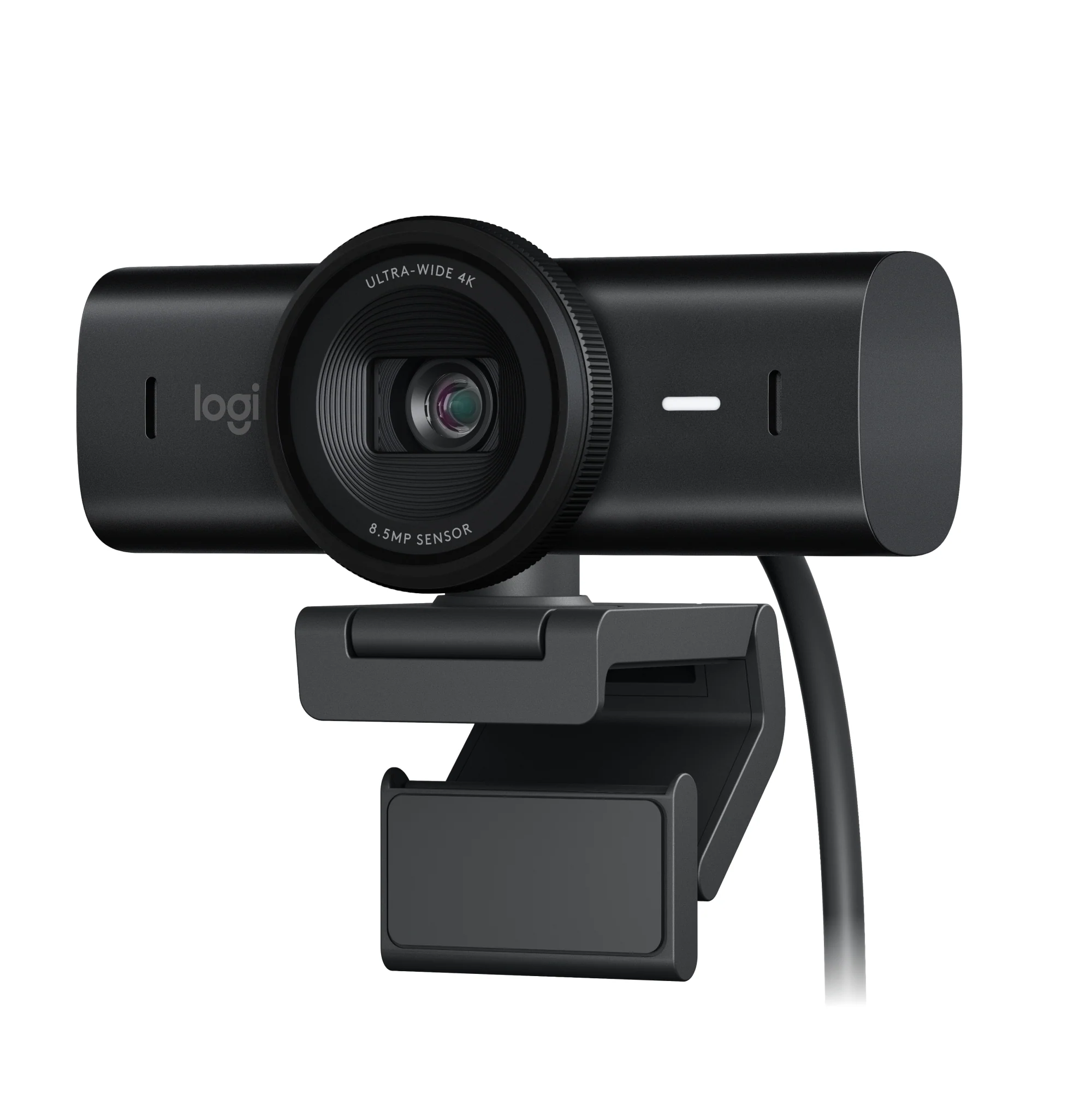 Web Cameras
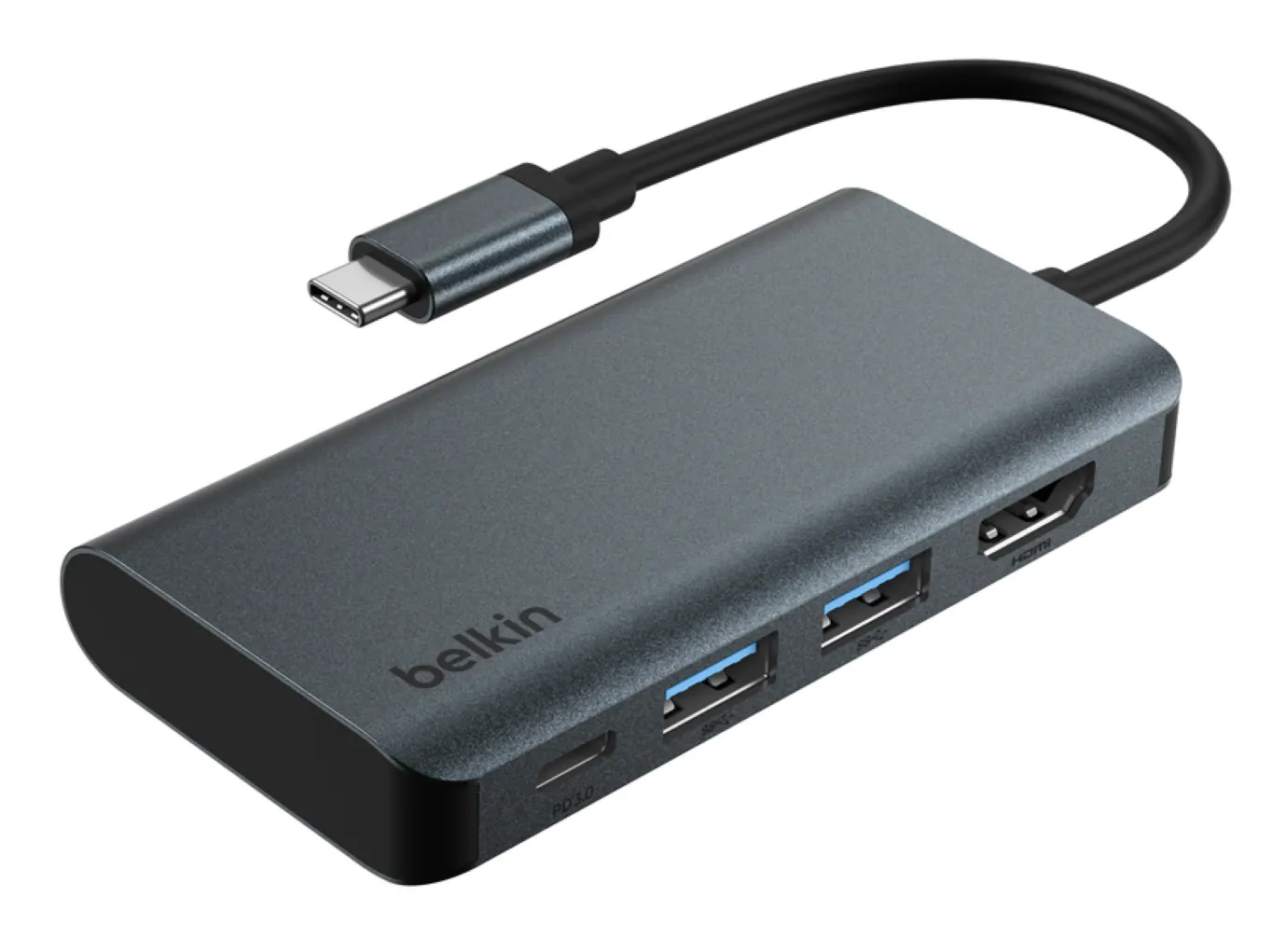 Cables and Adapters
More to consider
 $1,449.99The price was $2,099.99
 $999.99The price was $1,699.99
 $1,699.99The price was $1,999.99
 $1,449.99The price was $1,699.99
 Top Deal$779.99The price was $999.99
 Clearance$1,234.99The price was $1,299.99
 $1,499.99The price was $2,101.91

Explore tech essentials Sponsored
 Top Deal$269.99The price was $349.99
 $107.99The price was $159.00

Discover related products
 Clearance$2,639.99The price was $3,299.00
 $24.99The price was $27.99
 $699.99The price was $1,999.99






Keep exploring
 $299.99The price was $309.99
 $197.99The price was $199.99
 $899.00The price was $934.64
 $189.99The price was $299.99