Samsung - 57" Odyssey Neo G9 Dual 4K UHD Quantum Mini-LED 240Hz 1ms HDR 1000 Curved Gaming Monitor (HDMI 2.1, DP 2.1, USB 3.0) - Black
Customers are saying
Customers admire the expansive screen size and the seamless resolution that provide an incredibly immersive experience for both gaming and productivity. Users frequently praise the monitor's high refresh rate and overall performance, noting that it makes multitasking effortless. While some individuals have noted minor concerns regarding viewing angles, potential blooming, or occasional operational noises, the general consensus remains highly positive.
Highlights
The World's First Dual UHD Monitor
Gaming worlds feel more real. The 57" DUHD resolution brings you a display as wide as two UHD monitors with incredibly detailed, pin-sharp images and a wide field of view. See more of the action, and play with conviction, knowing you won't miss a thing.
140 PPI
Don’t sacrifice detail, even with a larger screen. More pixels per inch gives you the level of clarity you need to pick up on the small, but significant, details across the Odyssey Neo G9 screen.
1000R Curved Screen
Experience the next level of heart-pounding gaming with even more intensity as the vivid scenes wrap around you.
240Hz & 1ms GTG With DP 2.1 Input
Conquer every enemy with extreme speed. A 240Hz refresh rate reduces lag for ultra-smooth action. Less blur, a 1ms GTG response time, and minimized ghosting enables you to game with precision.
All new displayport 2.1 support provides the same blazing performance in DUHD with variable refresh rates.
AMD FreeSync Premium Pro
Hyper-fast action made seamless. Complex and fast-moving game scenes are projected smoothly and stutter-free with AMD freesync Premium Pro to power your competitive edge.
Quantum Matrix Technology
An unrivaled visual experience. Revolutionary Quantum Matrix Technology with Quantum Mini leds creates controlled brightness and improved contrast for refined definition.
2,392 local dimming zones combine with the highest 12-bit black levels to create unmatched picture quality
VESA DisplayHDR 1000
See every detail in all its glory. From gloomy shadows to sun-scorched scenes, 1,000 nit peak brightness and 1,000,000:1 contrast ratio enable enhanced color expression and depth. Spot enemies hiding in dark corners, giving you the competitive edge needed for a win.
Versatile Connectivity
Tap into a multitude of input options. Displayport 2.1, HDMI 2.1 and USB Hub let you hook up to your favorite devices to easily and conveniently elevate your game with no mess.
CoreSync & Core Lighting+
Enhance your screen surroundings. With coresync technology, the game's on-screen colors are projected into your real world to further immerse you into the setting. New Core Lighting+ adds amazing color to your set-up for an instant vibe shift.
Ergonomic Stand
Find your winning position. Swivel, tilt, and adjust the height until you're set up for victory. Fully compatible with VESA-standard monitor arms, the screen can be moved effortlessly to your ideal position.
Picture-By-Picture
Time to do it all. Upgraded multitasking options let you use 3 pcs on the same monitor. Game, chat and browse all at once, without missing a thing
Auto Source Switch+
With Auto Source Switch+, your monitor detects when connected devices are turned on and instantly switches to the new source signal. This helps you get to your game action faster without flipping through multiple input sources.
- Refresh Rate240HzMaximum Resolution7680 x 2160Response Time1 millisecondsPanel TypeVASynchronization TechnologyFreeSync Premium Pro (AMD Adaptive Sync)
Reviews
Rating 4.5 out of 5 stars with 316 reviews
- Screen Size (116)
- Overall Performance (48)
- Refresh Rate (34)
- Resolution (34)
- Immersion (14)
- Blooming (4)
- Dead Pixels (4)
- Noise Level (4)
- Viewing Angle (4)
- Heat Dissipation (3)
Customer Images
The vast majority of our reviews come from verified purchases. Reviews from customers may include My Best Buy members, employees, and Tech Insider Network members (as tagged). Select reviewers may receive discounted products, promotional considerations or entries into drawings for honest, helpful reviews.

Compare similar products
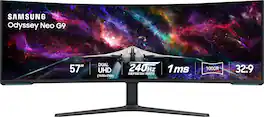
Elevate your game with the world's first Dual UHD Monitor – Samsung's 57" Neo G9 Curved Gaming Monitor. Features 57" screen size, 1000R curve with Quantum Matrix Technology powered by Quantum Mini LEDs for astounding levels of visual accuracy and unparalleled definition. 240Hz Refresh Rate, 1ms GTG response time and FreeSync Premium Pro, for stutter-free, hyper-fast action with all new DisplayPort 2.1. Display HDR 1000 with 1,000 nit peak brightness and 1,000,000:1 contrast ratio for enhanced color expression and depth. Cutting-edge design with CoreSync & Core Lighting+, ergonomic stand, and a multitude of convenient input options provide instant access to the game action.
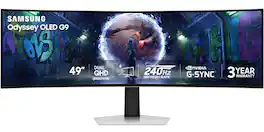
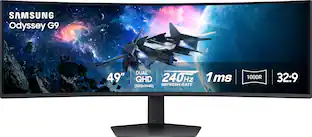
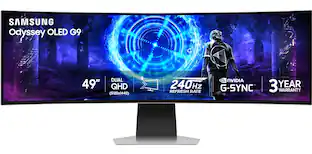
Samsung’s 49" Odyssey OLED G9 Dual QHD Curved Gaming Monitor takes gaming to new heights. Content springs to life with a wider color spectrum and vibrant images on a 5120 x 1440 resolution screen. OLED technology delivers near instant reaction time with 0.03ms (GtG) and a 240Hz refresh rate. G-Sync compatibility keeps the GPU and panel in perfect sync, which reduces choppiness, screen lag, and image tearing. The wide 32:9 screen in Dual QHD resolution and 110 PPI provides an unparalleled level of clarity. OLED Glare Free technology significantly reduces glare from external sources for a distraction-free presentation. OLED Safeguard automatically adjusts brightness, reduces heat, and dims during breaks. Deep Black Levels depict truer black and dark colors on screen for supreme depth in every game. The ergonomic height-adjustable stand with tilting enables the ideal angles during game play. HDMI 2.1, Micro HDMI, DisplayPort, USB-C Upstream and Downstream ports provide increased flexibility and reduce cable clutter. CoreSync & Core Lighting+ add color and enhance the screen’s surroundings for an immersive experience. Picture-in-Picture and Picture-by-Picture makes multitasking easy and efficient. 3-Year Warranty.
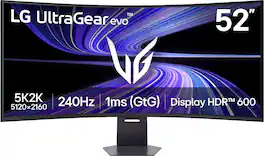
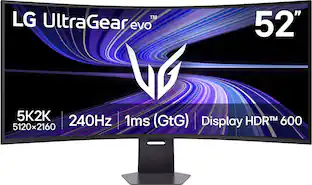
A revolution in large screen gaming resolution. The world’s largest 5K2K gaming monitor¹ delivers unmatched scale with ultra-high-definition clarity built for gamers who want everything bigger and sharper. UltraGear evo's massive 52-inch 21:9 WUHD (5120×2160) display packs a dense 107 PPI, keeping fine detail crisp across an enormous canvas. A 1000R curved VA panel wraps wide scenes naturally into your field of view, while VESA DisplayHDR 600 boosts brightness and contrast for striking highlights and detailed shadows. Up to 95% DCI-P3 color gamut coverage adds rich color depth and tonal detail, giving games a bold, cinematic look. Performance matches the spectacle. A 240Hz refresh rate² and 1ms (GtG) response time keep motion smooth and controlled, while AMD FreeSync Premium reduces tearing, stutter for fluid, responsive gameplay. Future-ready connectivity includes DisplayPort 2.1, dual HDMI 2.1 ports, and USB-C with up to 90W power delivery. Built-in speakers, a 4-pole headphone jack, LED backlighting, and tilt, swivel, and height adjustment complete a large-format gaming display designed to dominate your setup.
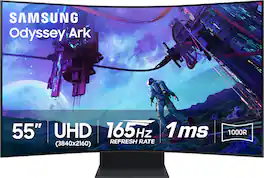
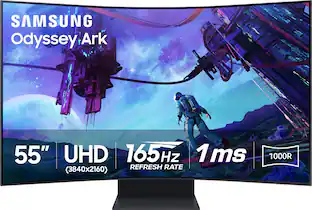
Elevate your game with Samsung's Odyssey Ark 2nd Gen. with enhanced Multi-View, now with up to 4 inputs at once, including an all-new Display Port 1.4 connection. The 55" rotating screen with 1000R curvature enables maximum immersion, featuring 4K UHD resolution with 165Hz and 1ms GTG response time for hyper-fast action. With added KVM Switch you have full control of your command center with a single mouse and keyboard. Cockpit Mode and Eclipse Lighting optimizes screen environment and Sound Dome Technology provides an engulfing soundscape. Gaming Hub and Smart TV apps allow instant access to top streaming services. The solar-powered Ark Dial controls all functions including Flex Move Screen, Quick Settings, and Game Bar. Featuring Quantum Matrix Technology, Neural Quantum Processor Ultra, AMD FreeSync Premium Pro and HDR 10+ Gaming for a competitive edge.
| Pros for Samsung - 57" Odyssey Neo G9 Dual 4K UHD Quantum Mini-LED 240Hz 1ms HDR 1000 Curved Gaming Monitor (HDMI 2.1, DP 2.1, USB 3.0) - Black | |||
|---|---|---|---|
| Screen Size, Overall Performance, Refresh Rate, Resolution, Immersion | Overall Performance, Screen Size, Refresh Rate, Resolution, OLED Quality | There were no pros for this product— | Screen Size, Refresh Rate, Sound Quality, Gaming, Curved |
| Cons for Samsung - 57" Odyssey Neo G9 Dual 4K UHD Quantum Mini-LED 240Hz 1ms HDR 1000 Curved Gaming Monitor (HDMI 2.1, DP 2.1, USB 3.0) - Black | |||
| Blooming, Dead Pixels, Noise Level, Viewing Angle, Heat Dissipation | Speakers, Connectivity, Glare, Port Selection | There were no cons for this product— | Weight |
Specs
Customers often buy these together
Office Software


Computer Keyboards

![esc ~ ! 1 tab caps lock shift ctrl F2 Fl # 2 3 Q W A S Z start opt L F3 $ 4 E D X alt cmd3 ) FS F4 A % 5 6 R T F G V C logi 44 HI & F9 FID FB F7 F6 * ) - - & 0 8 9 7 O P U I Y K L H J > < N M 1 B PM + = { [ : I ; ? I alt cmd D 2 4 300 3 1 F12 . * page I insert home up clear backspace 8 9 + 7 page A pg up end down home } I delete ] / 6 4 5 4 enter 2 3 enter 1 dn Pg end shift = 0 del ins etrl fn opt](https://pisces.bbystatic.com/image2/BestBuy_US/images/products/6539/6539505_sd.jpg;maxHeight=232;maxWidth=233?format=webp)

More recommended items
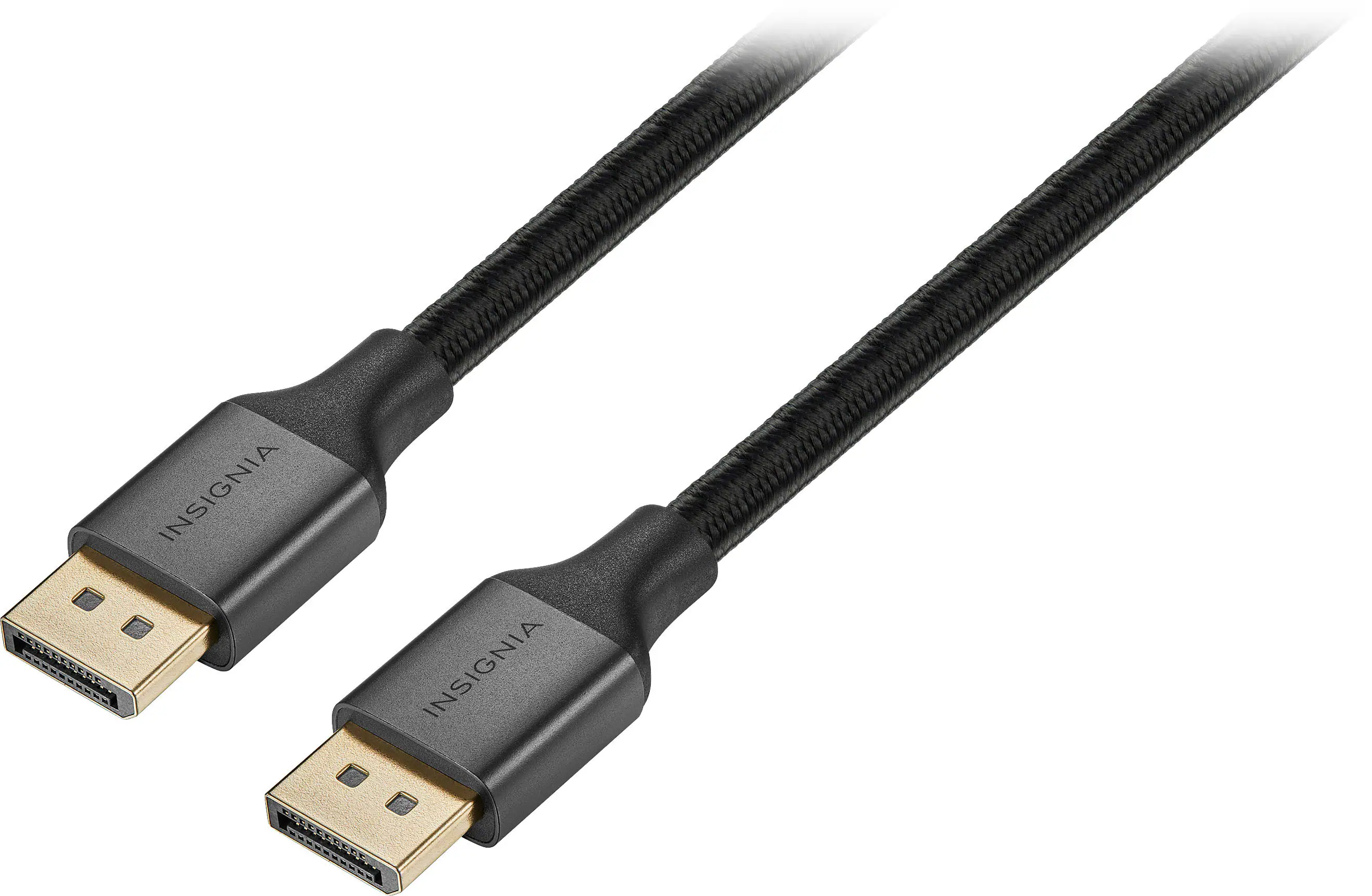 Monitor and Video Cables
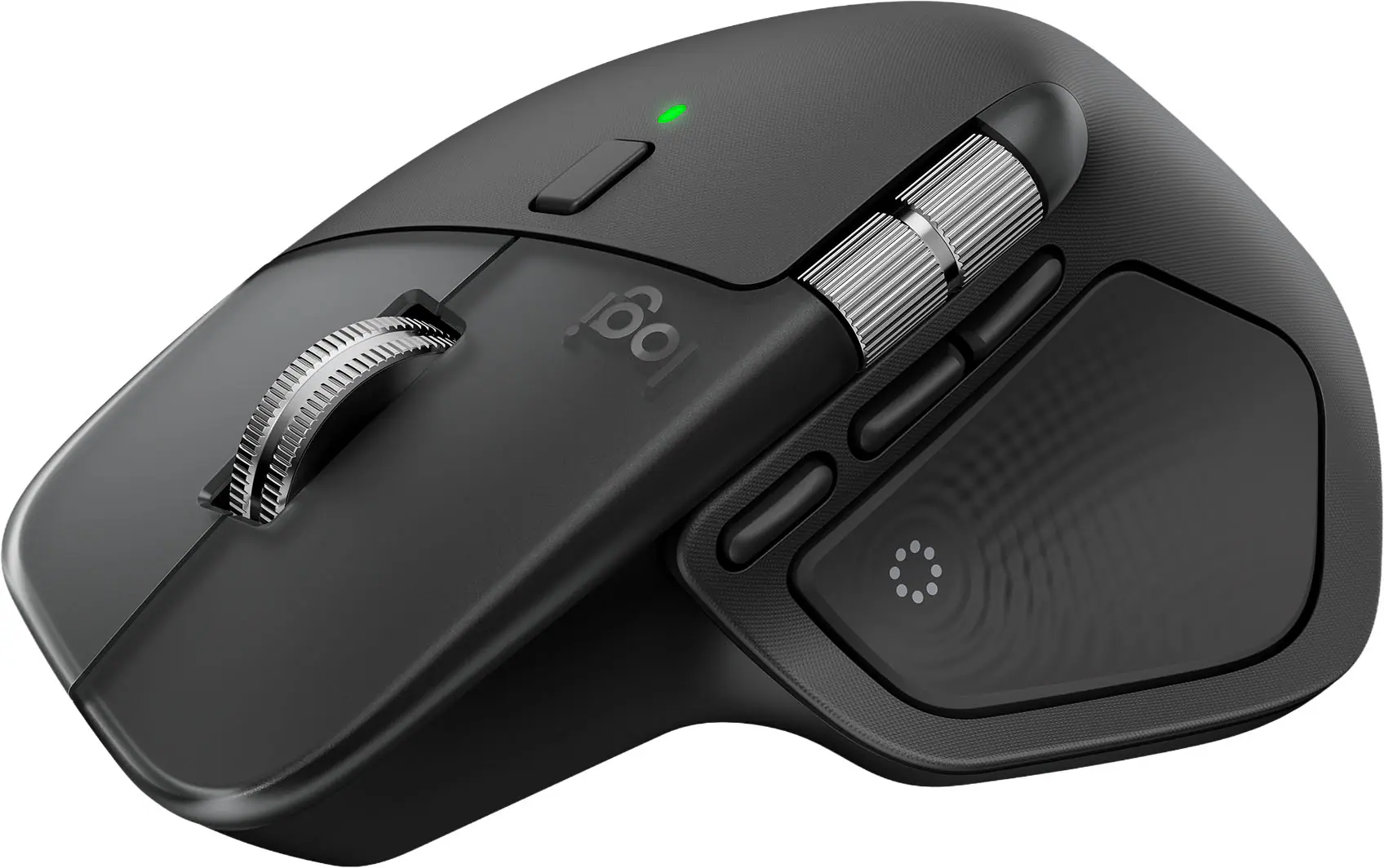 Mice
Mice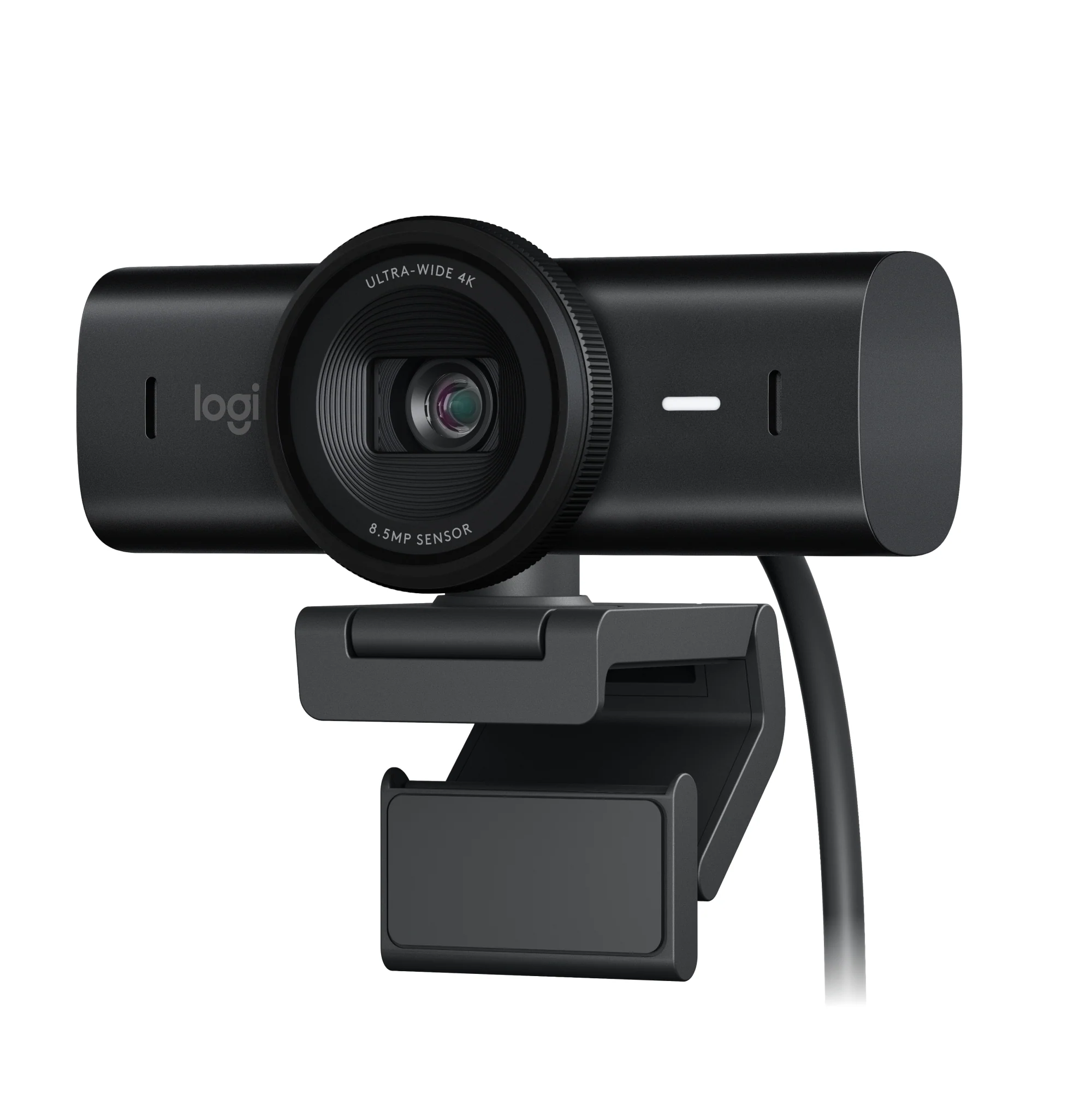 Web Cameras
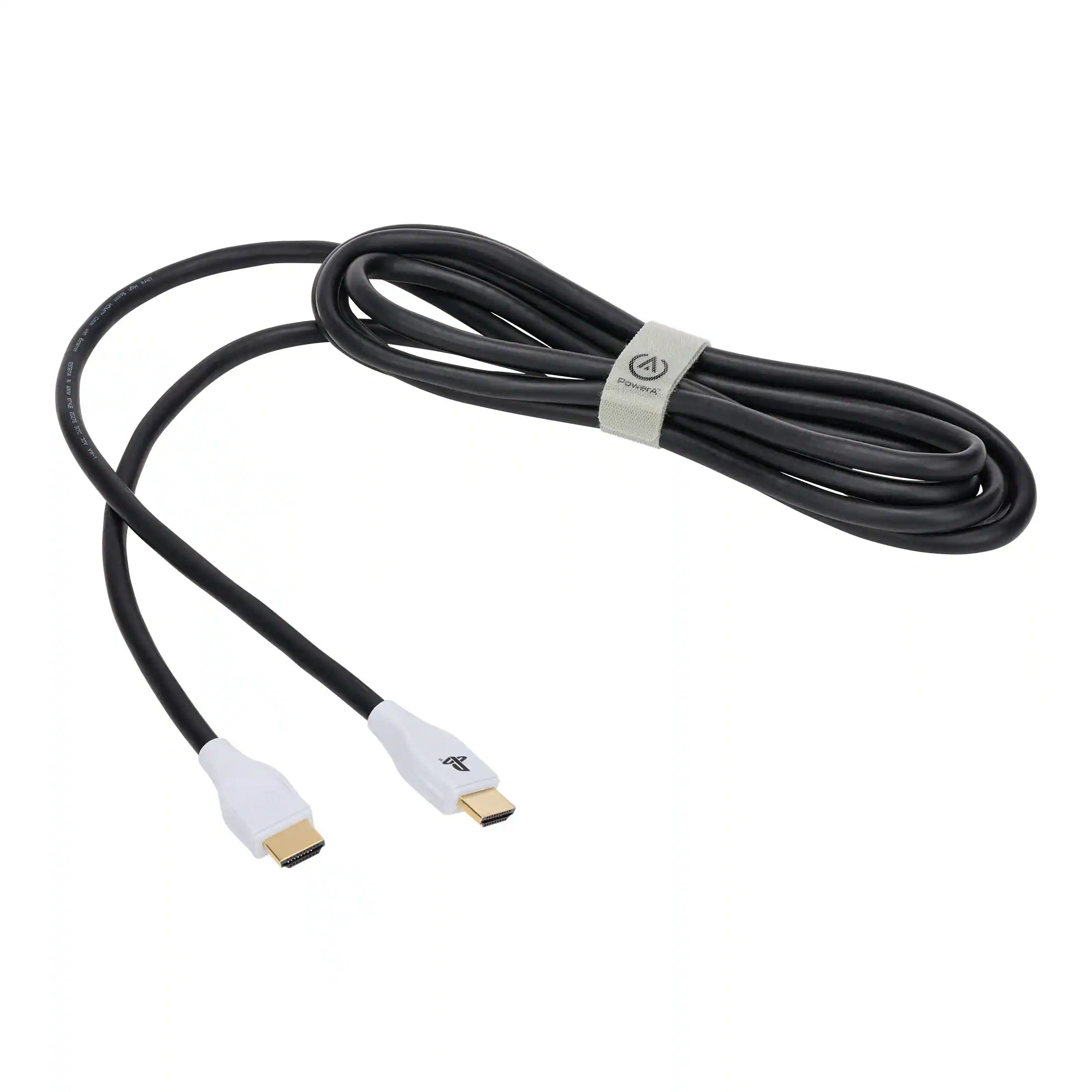 Cables and Adapters
 Mouse Pads
More to consider
 Clearance$1,234.99The price was $1,299.99
 $1,449.99The price was $1,699.99
 $1,999.99The price was $2,699.99
 $999.99The price was $1,699.99
 $1,699.99The price was $1,999.99
 $479.99The price was $549.99
 $1,079.99The price was $1,316.00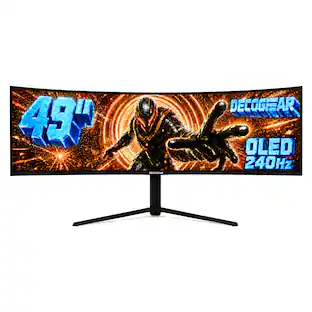
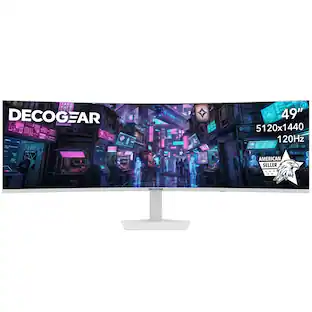
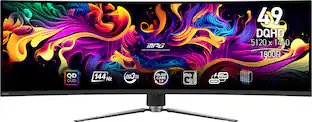
Deco Gear - 49" QD-OLED 240Hz Curved Super Ultrawide Gaming Monitor 5K DQHD 0.03 ms HDR400 90W USB-C
$769.99The price was $1,539.99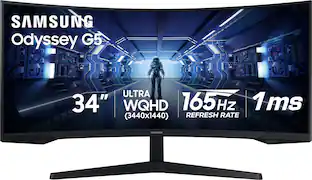 Top Deal$249.99The price was $399.99


Explore tech essentials Sponsored
 Top Deal$169.99The price was $279.99
 Top Deal$328.99The price was $499.99
 Top Deal$269.99The price was $349.99

Discover related products
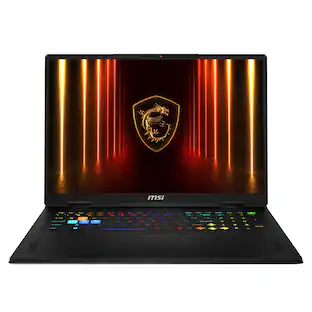 $3,499.99The price was $3,699.99
 $1,099.99The price was $1,199.00
 $169.99The price was $269.99






Keep exploring
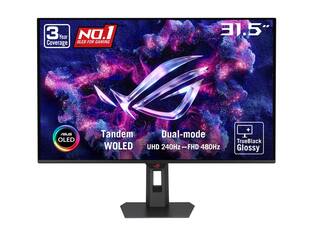 $755.99The price was $971.99
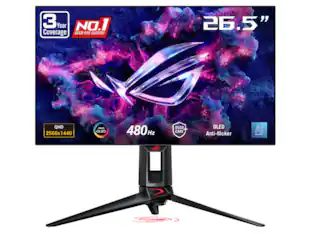 $899.00The price was $934.64
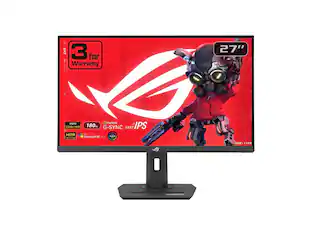 $179.99The price was $218.99
Deco Gear - 49" QD-OLED 240Hz Curved Super Ultrawide Gaming Monitor 5K DQHD 0.03 ms HDR400 90W USB-C
$769.99The price was $1,539.99