Ultrawide Monitors For MacBook Pro
-
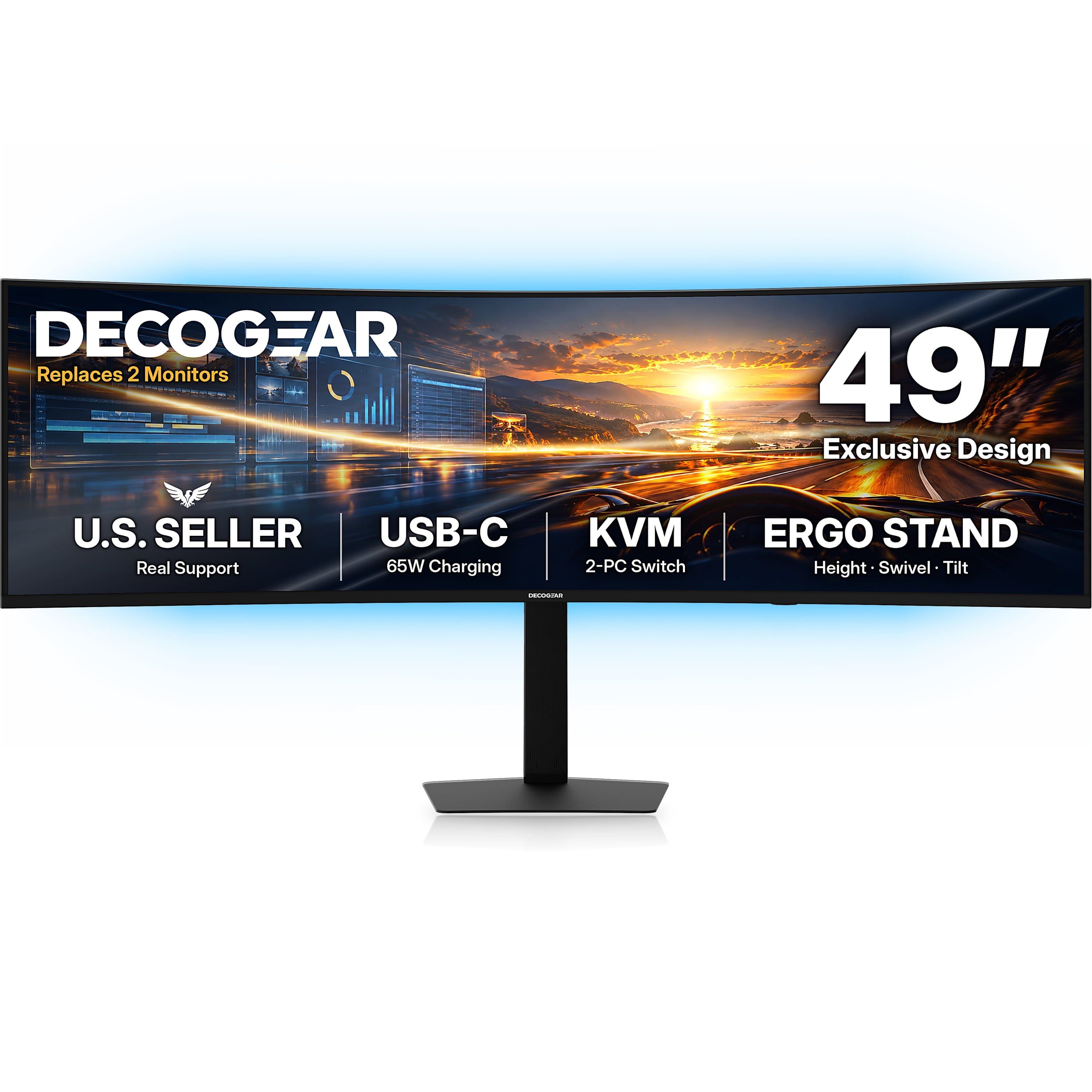
Deco Gear - 49" Super Ultrawide Dual-QHD 5120×1440 1500R Curved Monitor 120Hz HDR, 1ms MPRT, FreeSync, USB-C 65W, KVM - Black
SKU: J39HXW749XNice screen, great price...Best screen ive seen for this price......im impressed...Great for productivity!...I love this monitor! 49" is great for all of day work where I need multiple screens!
See all Curved MonitorsProduct Description
An immersive black curved LED monitor with Dual-QHD resolution, 120Hz refresh rate, HDR, and USB-C connectivity.Your price for this item is $499.99Save $347The previous price was $846.99 -
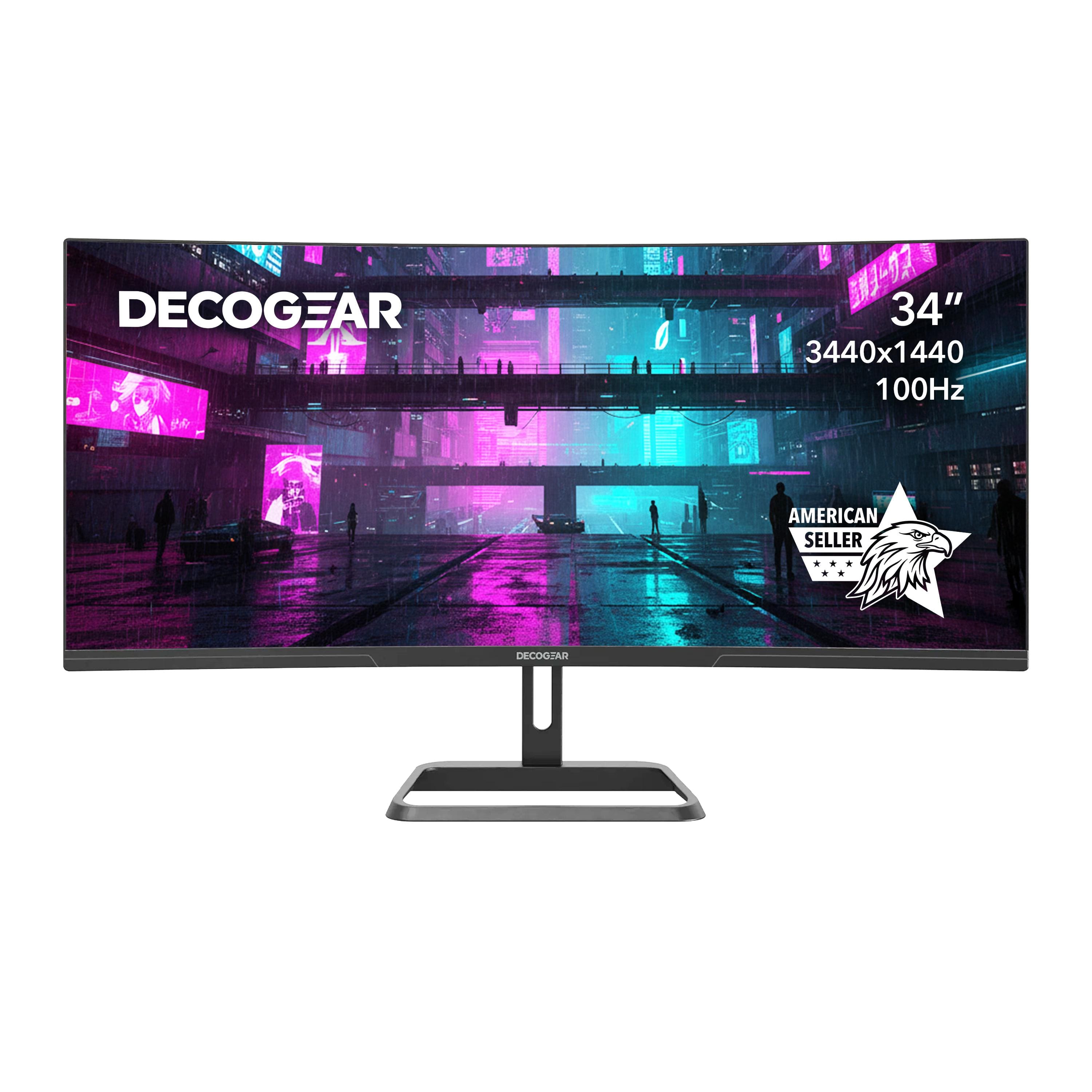
Deco Gear - 34" Business Curved Ultrawide WQHD Monitor 3440x1440 100Hz 1ms 100% sRGB HDR DP HDMI Tilt Adjustable - Black
SKU: JJG3SJY695Great Monitor...I use this on my pc and the games look amazing, I love this monitor. It looks amazing color wise....Best curved monitor for the price....I ordered this because it was one of the best deals...
See all Curved MonitorsProduct Description
A curved ultrawide black LED monitor with WQHD resolution, 100Hz refresh rate, and 100% sRGB coverage.Your price for this item is $199.99Save $130The previous price was $329.99 -
Deco Gear - 49" Super Ultrawide Curved 32:9 Monitor 3840×1080, 144Hz, HDR400, VA, Adaptive Sync, USB-C 65W, HDMI/DP, KVM - Black
SKU: J36XL3V6XSGreat monitor, works great with multitasking and doing work and very immersive when playing games...Great monitor....Great Monitor
See all Curved MonitorsProduct Description
A super ultrawide black curved monitor with 144Hz refresh rate, HDR400, VA panel, and USB-C 65W.Your price for this item is $509.99Save $260The previous price was $769.99 -
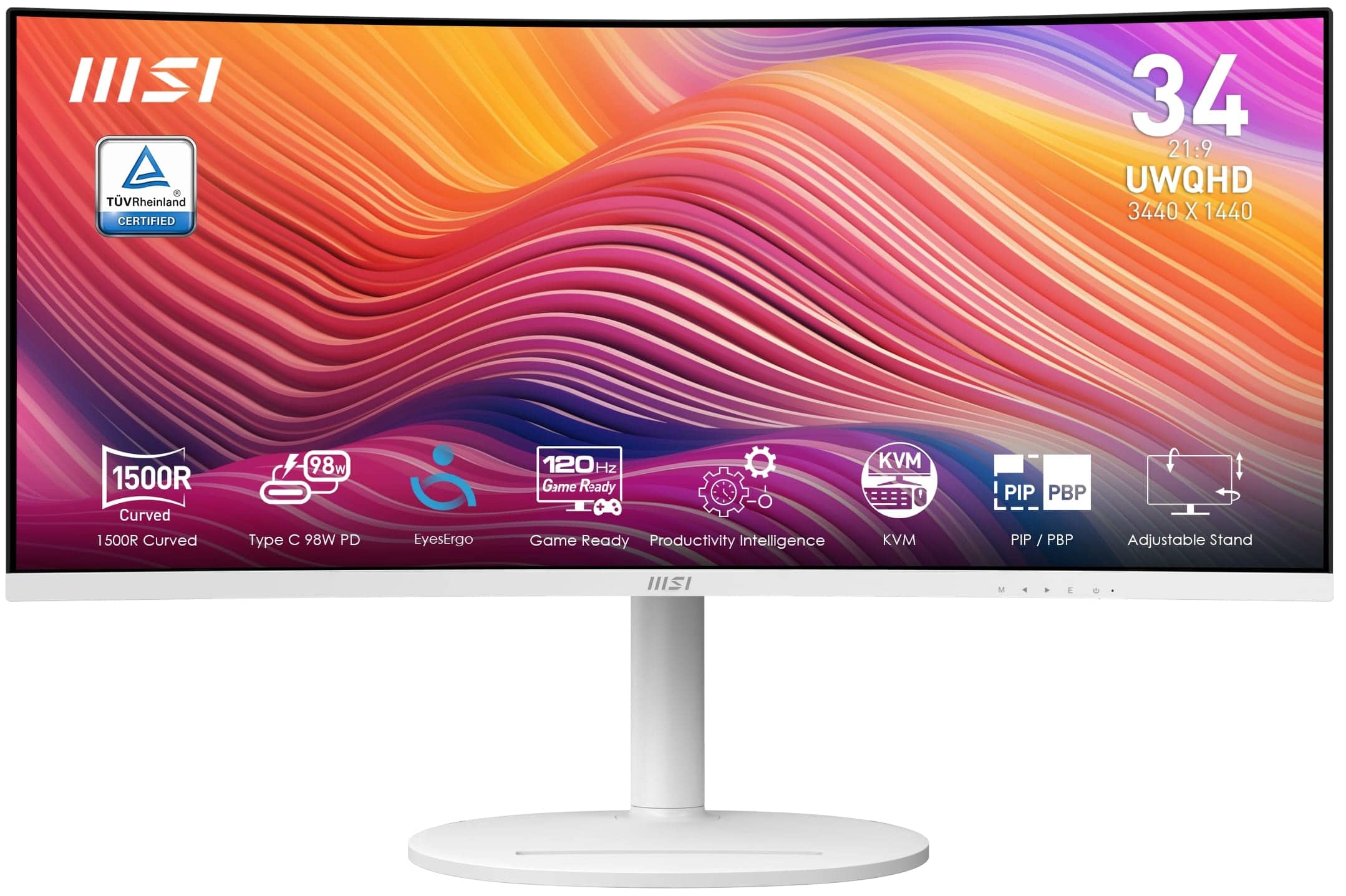
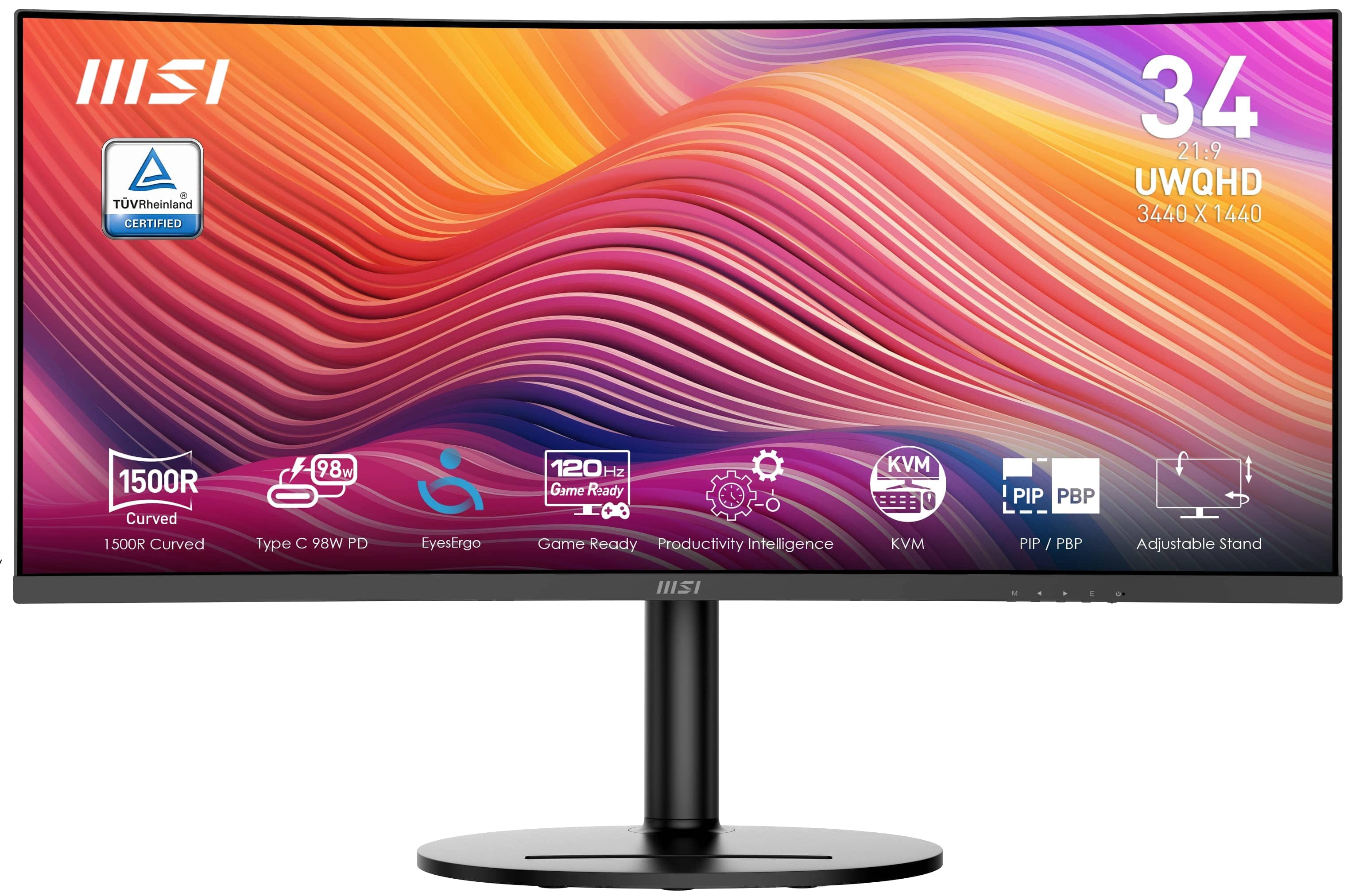
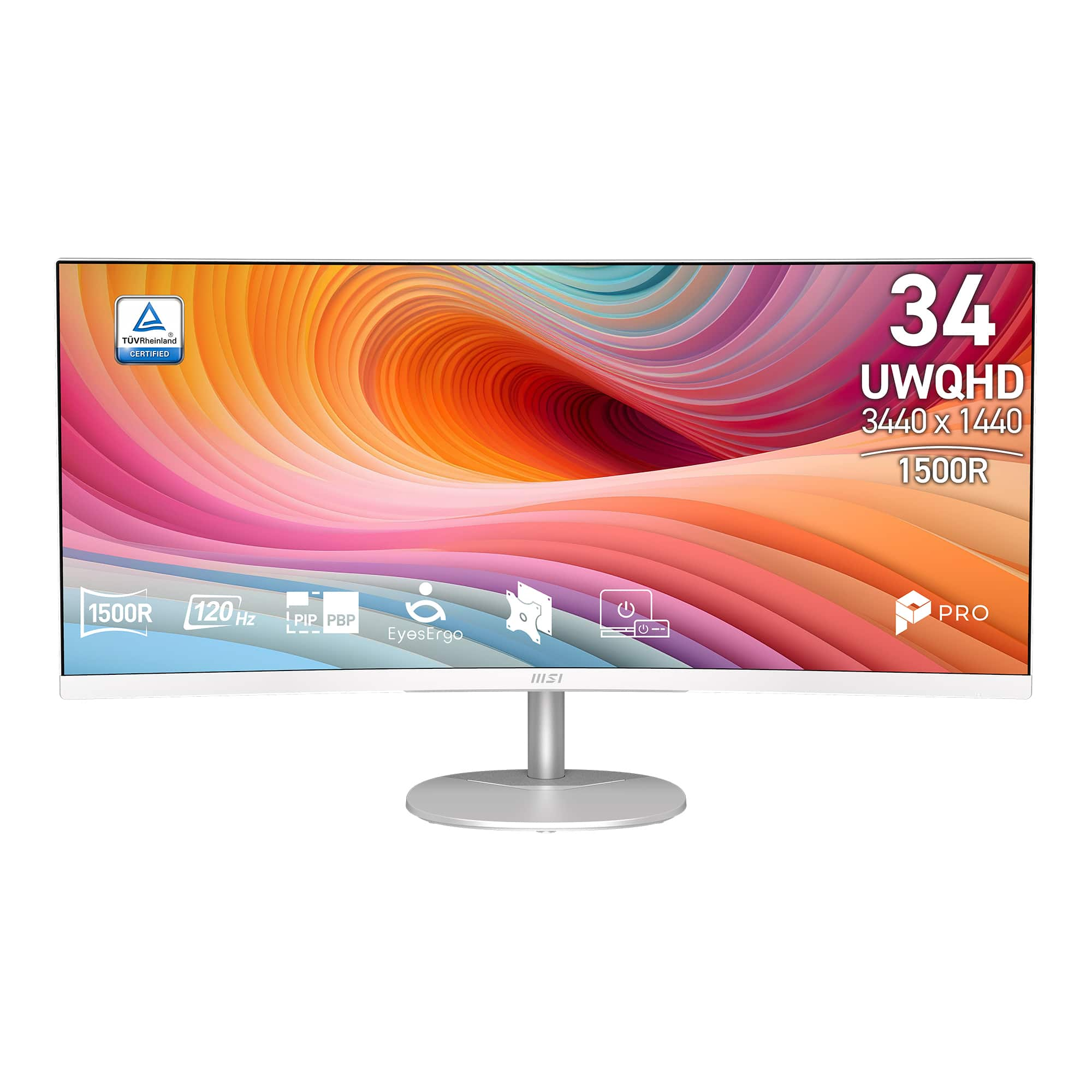
MSI - Modern MD342CQPW 34" LCD UWQHD 120Hz ms Computer Monitor with HDR ready, Built-in Speakers (DisplayPort, HDMI, USB-C ) - Matte White
SKU: J3P7TXY574Love it!...Love this monitor!...One of best curved ultrawide options you can get with so few white options, especially at 34”....It’s been great so far for multitasking work, game, and movie open on diff...
See all All MonitorsProduct Description
A matte white ultrawide monitor with 34" UWQHD VA display, 120Hz refresh rate, HDR, and USB-C.Your price for this item is $339.99 -
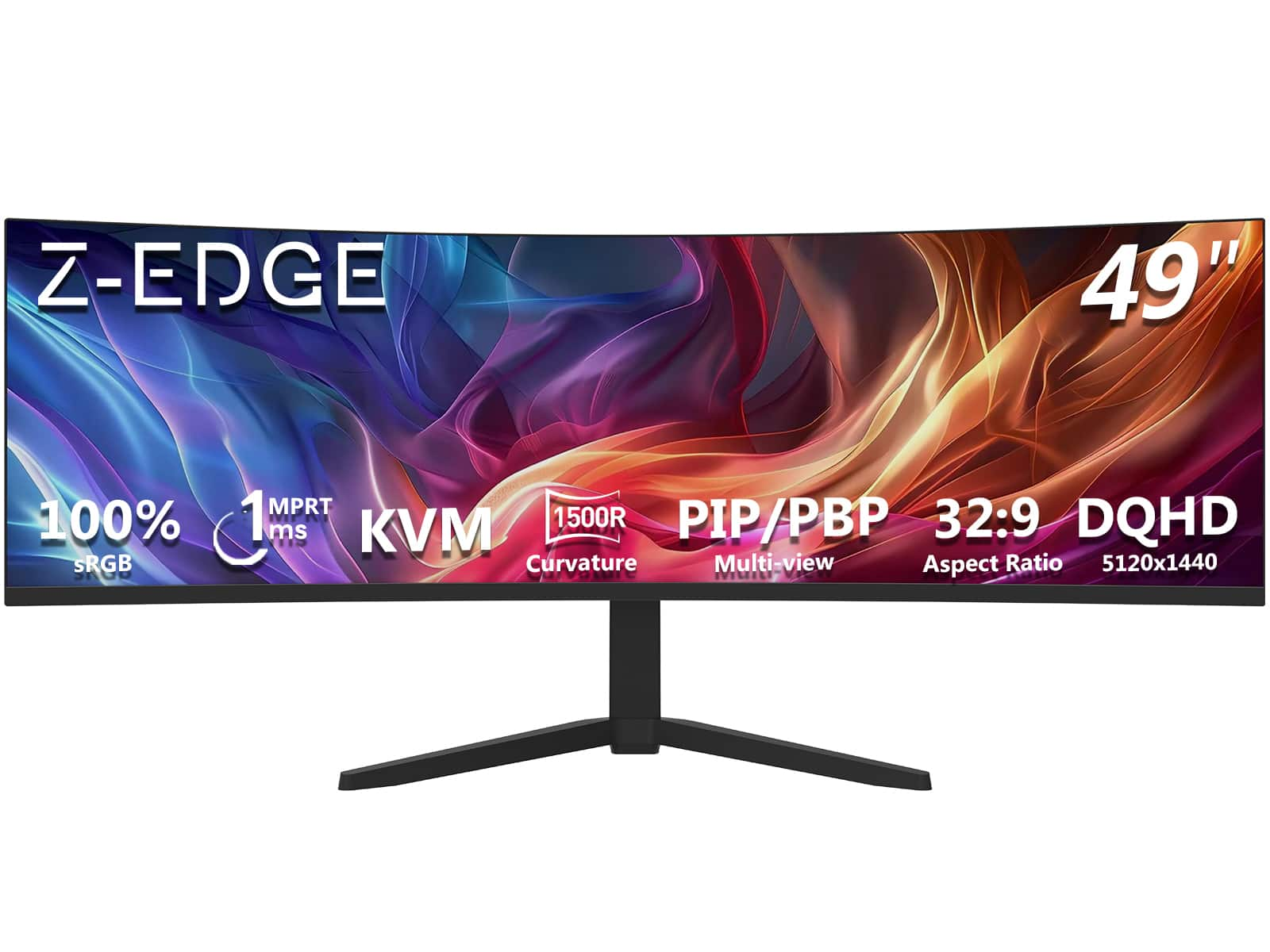
Z Z-Edge - UG49W 49" Super Ultra Wide DQHD 5120x1440 165Hz 1ms Curved Gaming Monitor, HDMI+DP+USB-C, Height/Tilt/Rotate Adjustable - Black
SKU: J3LH5H8RH2See all Curved Gaming MonitorsProduct Description
An ultra-wide black curved IPS gaming monitor with 144Hz refresh rate, 1ms response, and HDR10 support.Your price for this item is $549.99Save $80The previous price was $629.99 -
MSI - Modern MD342CQ 34" Curved UWQHD 120Hz 4ms Computer Monitor with HDR ready, Built-in Speakers (DisplayPort, HDMI, USB-C ) - Matte Black
SKU: J3P7TXY445Excellent product with best price range...Excellent product with best price range for office work....Great productivity monitor!...Great ultrawide monitor....a third monitor to hold active screens I don't...
See all All MonitorsProduct Description
A matte black ultrawide monitor with 34" UWQHD display, 120Hz refresh rate, HDR, and built-in speakers.Your price for this item is $329.99 -
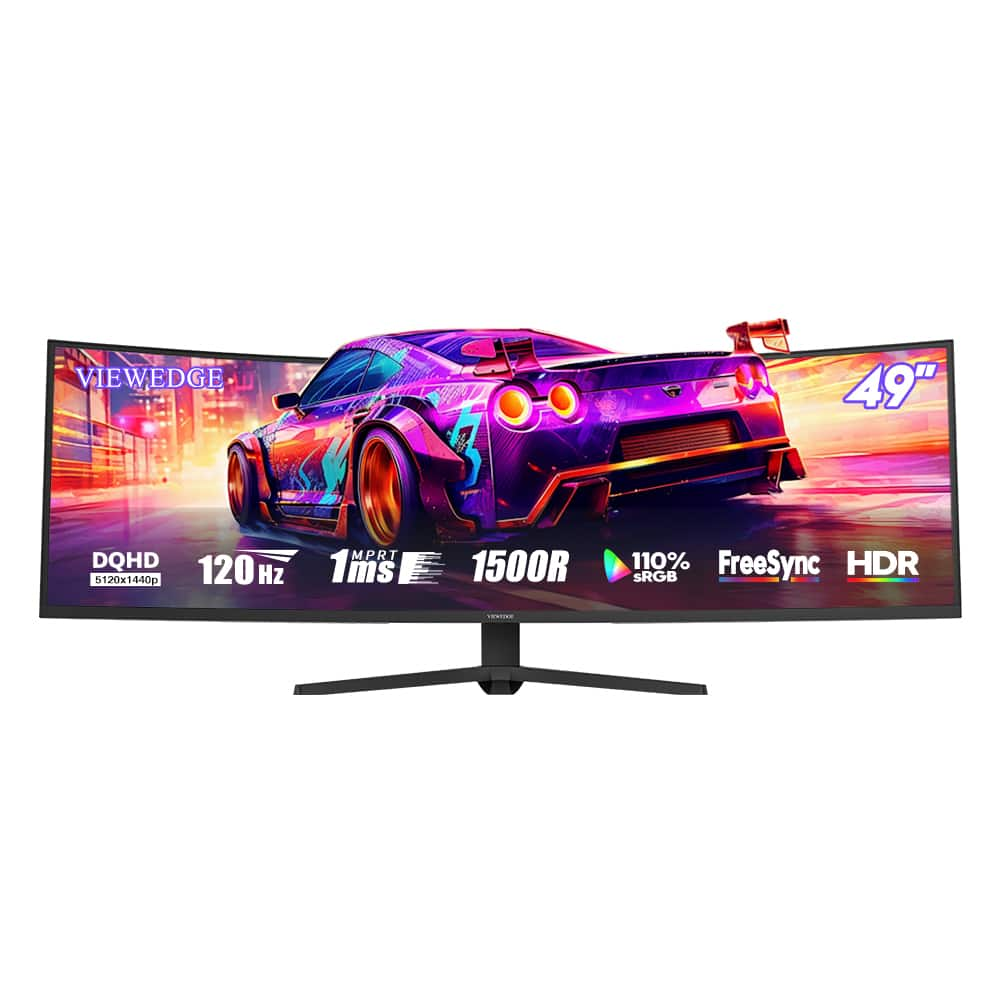
Viewedge - 49" Curved Monitor Ultrawide Gaming 120Hz 1ms 32:9 DQHD 5120 x 1440P Computer Monitor R1500 - Black
SKU: CZT4VQ9W59See all Gaming MonitorsProduct Description
A black curved ultrawide gaming monitor with 32:9 DQHD, 120Hz refresh rate, and 1ms response time.Your price for this item is $499.99Save $100The previous price was $599.99 -
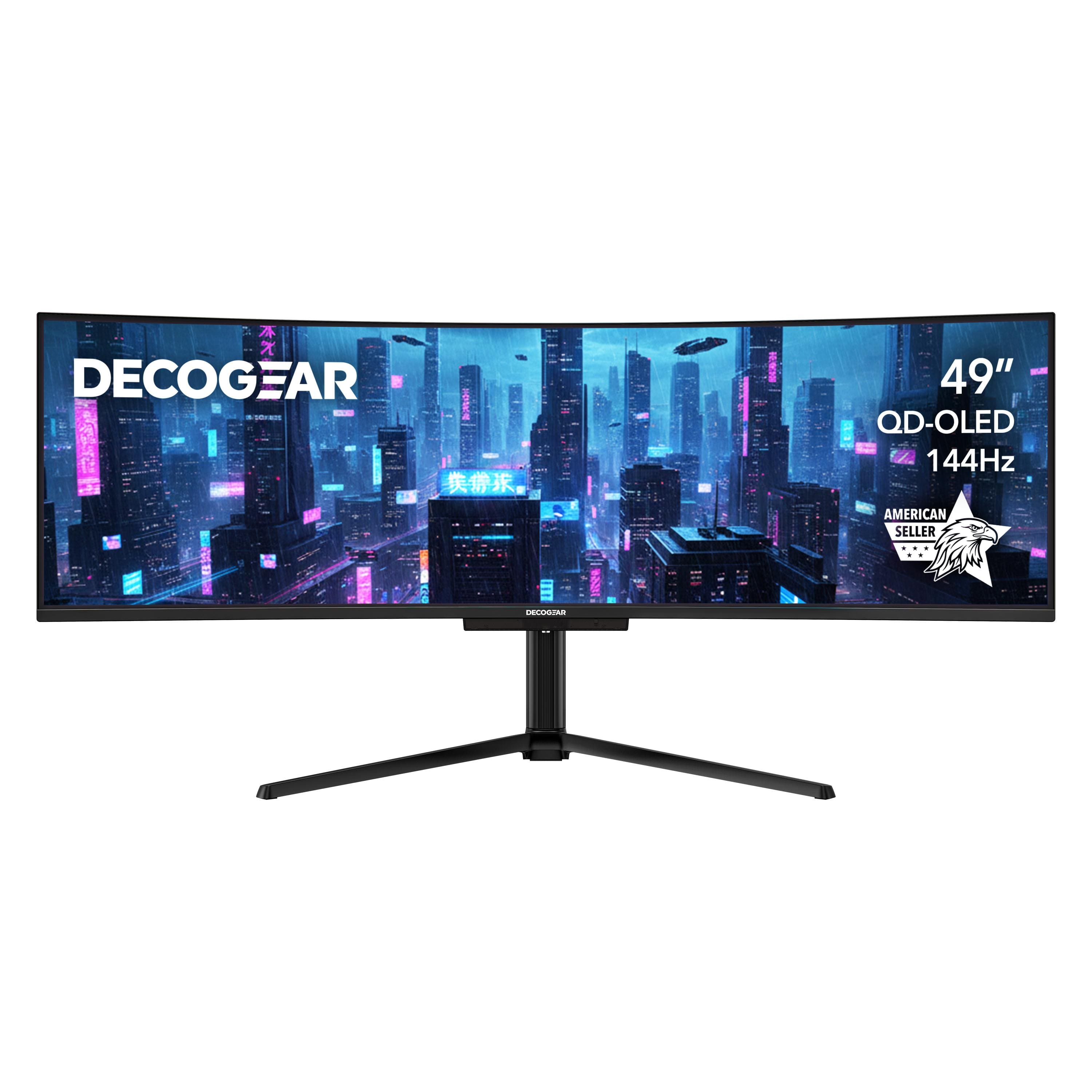
Deco Gear - 49" Super Ultrawide QD-OLED DQHD Monitor 5120x1440 144Hz USB-C 90W KVM HDMI DP Adaptive-Sync Adjustable - Black
SKU: JJG3SJYX7RGreat monitor...This is a great monitor for the price! Very much recommend it.
See all Curved MonitorsProduct Description
An ultra-wide, curved black QD-OLED monitor with 5120x1440 resolution, 144Hz refresh rate, and USB-C connectivity.Your price for this item is $749.99Save $50The previous price was $799.99 -
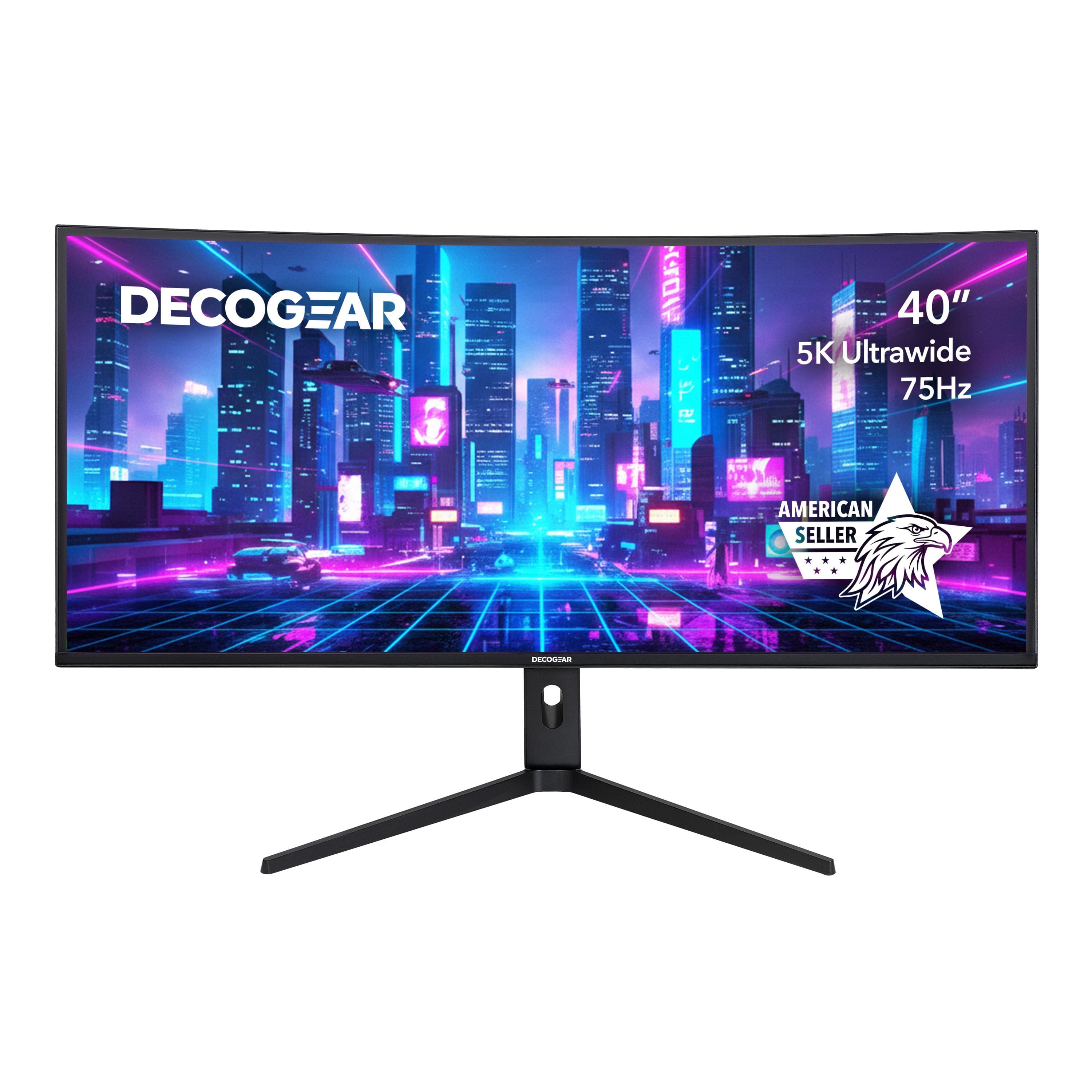
Deco Gear - 40-Inch Curved Ultrawide Nano IPS Monitor, 5120x2160 5K2K, 21:9, HDR10, 100% sRGB, USB-C 65W - Black
SKU: JJG3SJ3S7QI'm a professional gamer and I love this monitor...The screen's real estate and razor-sharp text is great for productivity.
See all Curved MonitorsProduct Description
A curved 40-inch ultrawide black IPS monitor with 5K2K resolution, HDR10, and 100% sRGB color.Your price for this item is $499.99Save $109The previous price was $609.83 -
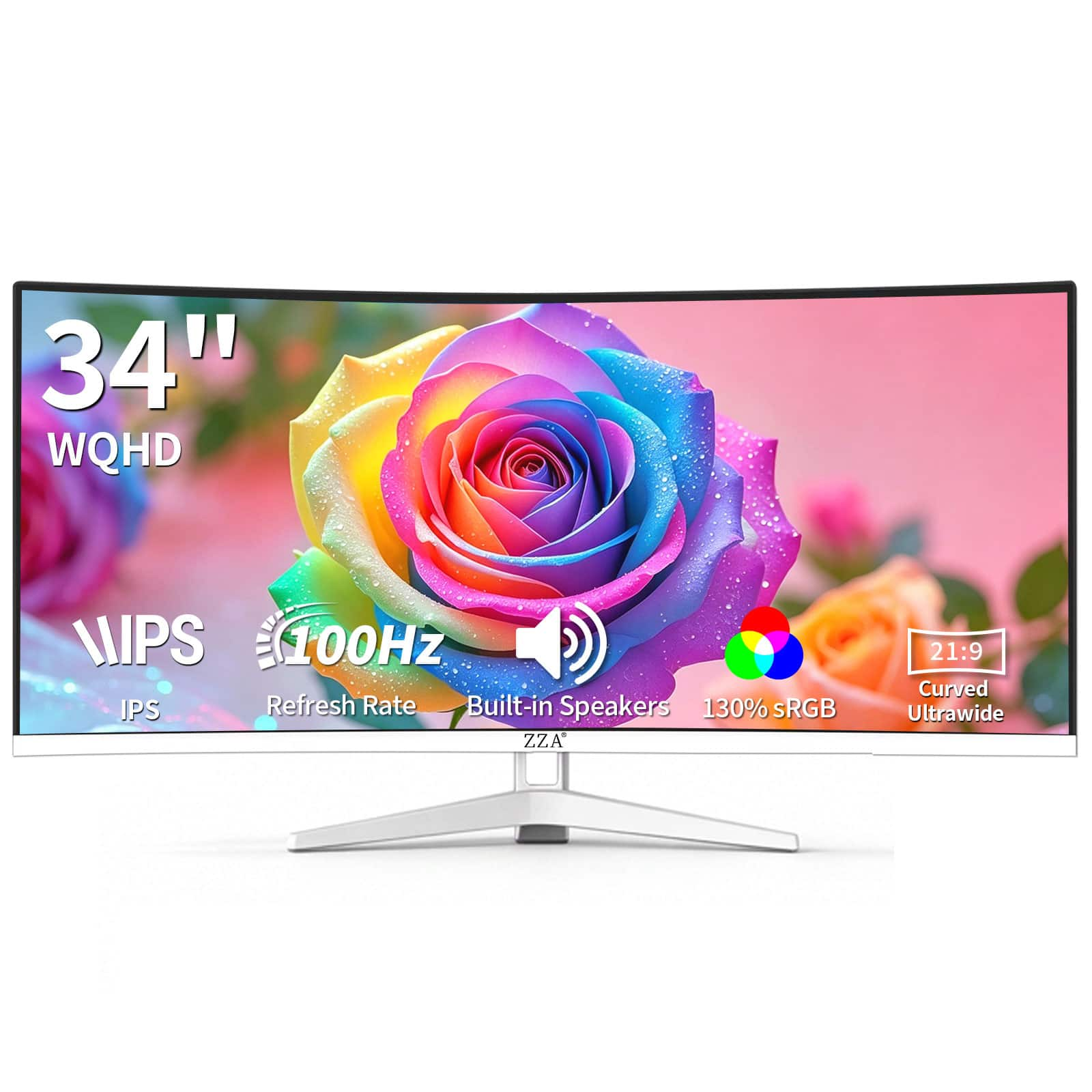
ZZA - 34 Inch 21:9 UWQHD 100Hz IPS Ultrawide Curved Monitor - White
SKU: JXVVC5VQ43See all All MonitorsProduct Description
A white curved IPS ultrawide monitor with UWQHD resolution, 100Hz refresh rate, speakers, and VESA support.Your price for this item is $209.99Save $150The previous price was $359.99 -
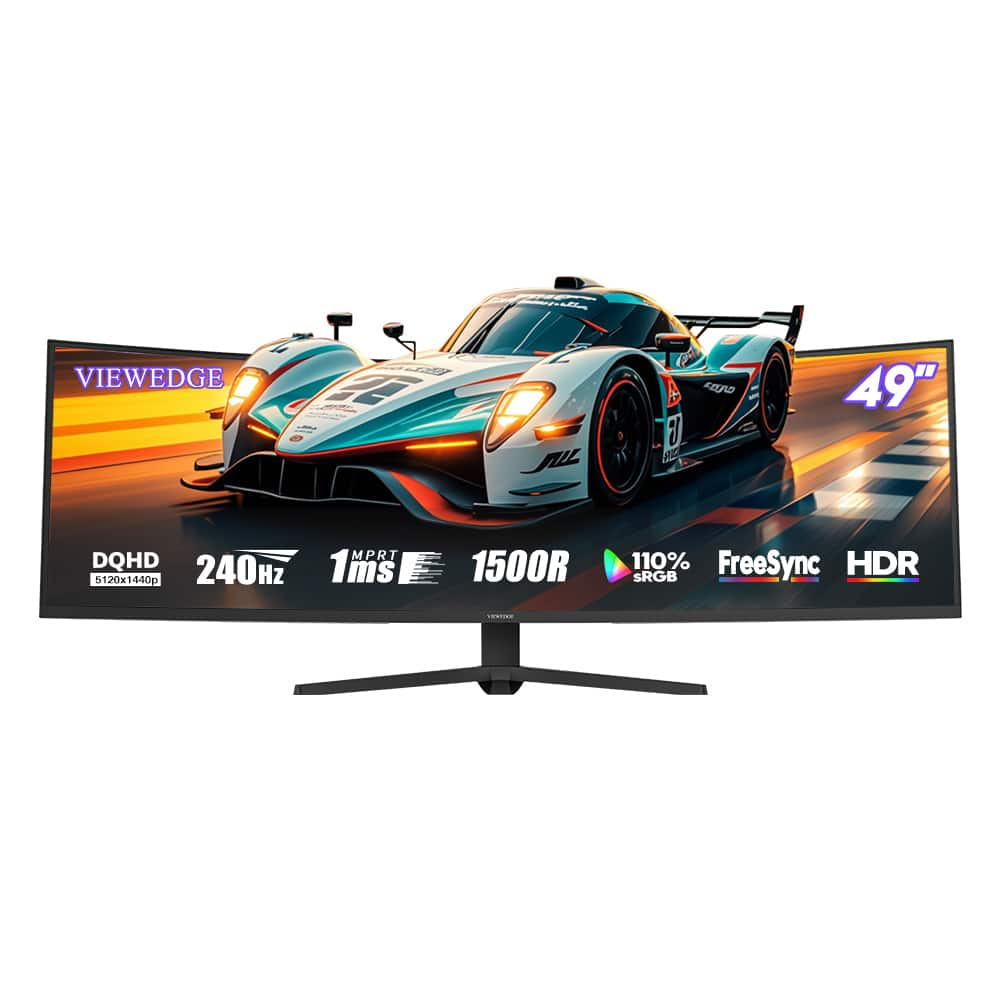
Viewedge - 49" Curved Monitor Ultrawide Gaming 240Hz 1ms 32:9 DQHD 5120 x 1440P Computer Monitor, R1500 - Black
SKU: CZT4VQ9W4FSee all Gaming MonitorsProduct Description
An ultrawide black curved monitor with 32:9 DQHD, 240Hz refresh rate, and 1ms response time.Your price for this item is $599.99Save $400The previous price was $999.99 -
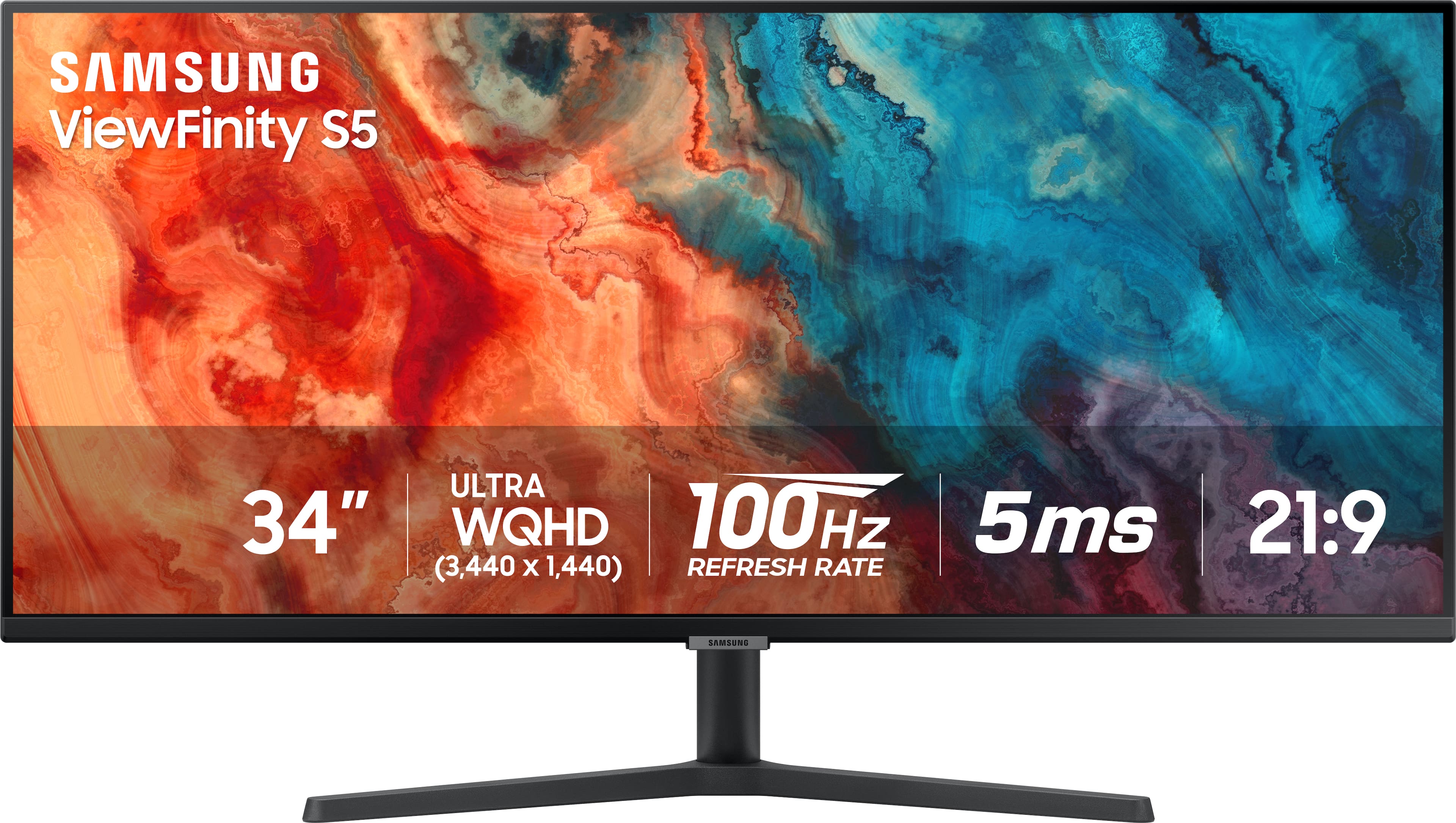
Samsung - 34” ViewFinity S5 Ultrawide QHD 100Hz AMD FreeSync Monitor with HDR10 (DisplayPort, HDMI) - Black
SKU: J3ZYG2PYZ8Best value wide monitor...Love this monitor for multitasking. Great value for the price!...I love it...Wow so beautiful I love it It’s work so good thank you Best Buy
See all All MonitorsProduct Description
An ultrawide black LED monitor with QHD resolution, 100Hz refresh rate, HDR10, and AMD FreeSync support.Your price for this item is $199.99Save $130The previous price was $329.99 -
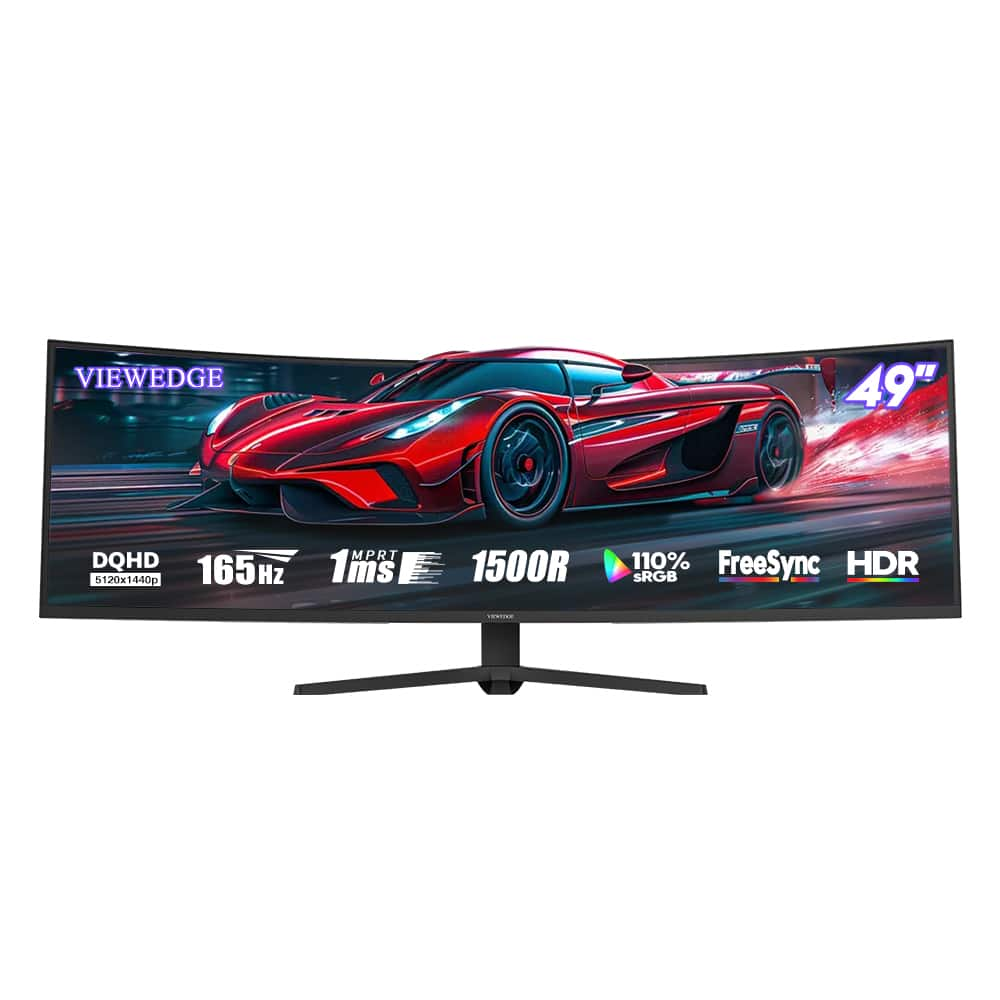
Viewedge - 49" Curved Monitor Ultrawide Gaming 165Hz 1ms 32:9 DQHD 5120 x 1440P Computer Monitor R1500 - Black
SKU: CZT4VQ9W53See all Gaming MonitorsProduct Description
A black curved ultrawide gaming monitor featuring 32:9 DQHD resolution, 165Hz refresh rate, and 1ms response time.Your price for this item is $549.99Save $450The previous price was $999.99 -
LG - 34" WQHD 100Hz 5ms Smart Monitor with HDR10 (HDMI, USB-A) - Black
SKU: JJ8VPZHZVYgreat display...love the color ... easy set up ..wish best buy had it kn white ......Best monitor...I love my monitor I made a great buy and I use it everyday for work
See all All MonitorsProduct Description
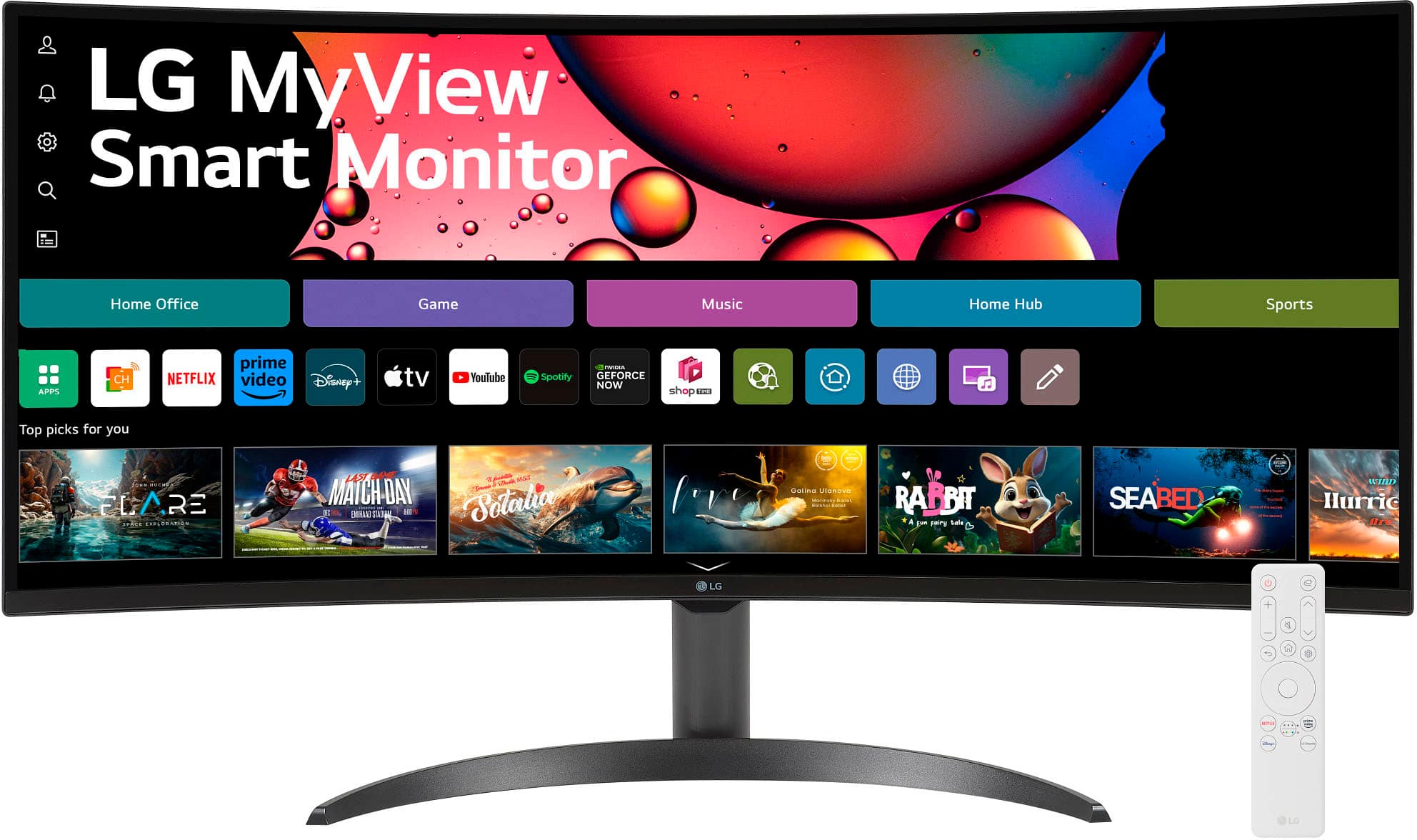
An ultra-wide curved black smart monitor with WQHD resolution, HDR10, 100Hz refresh rate, and streaming apps.Your price for this item is $314.99Save $35The previous price was $349.99 -
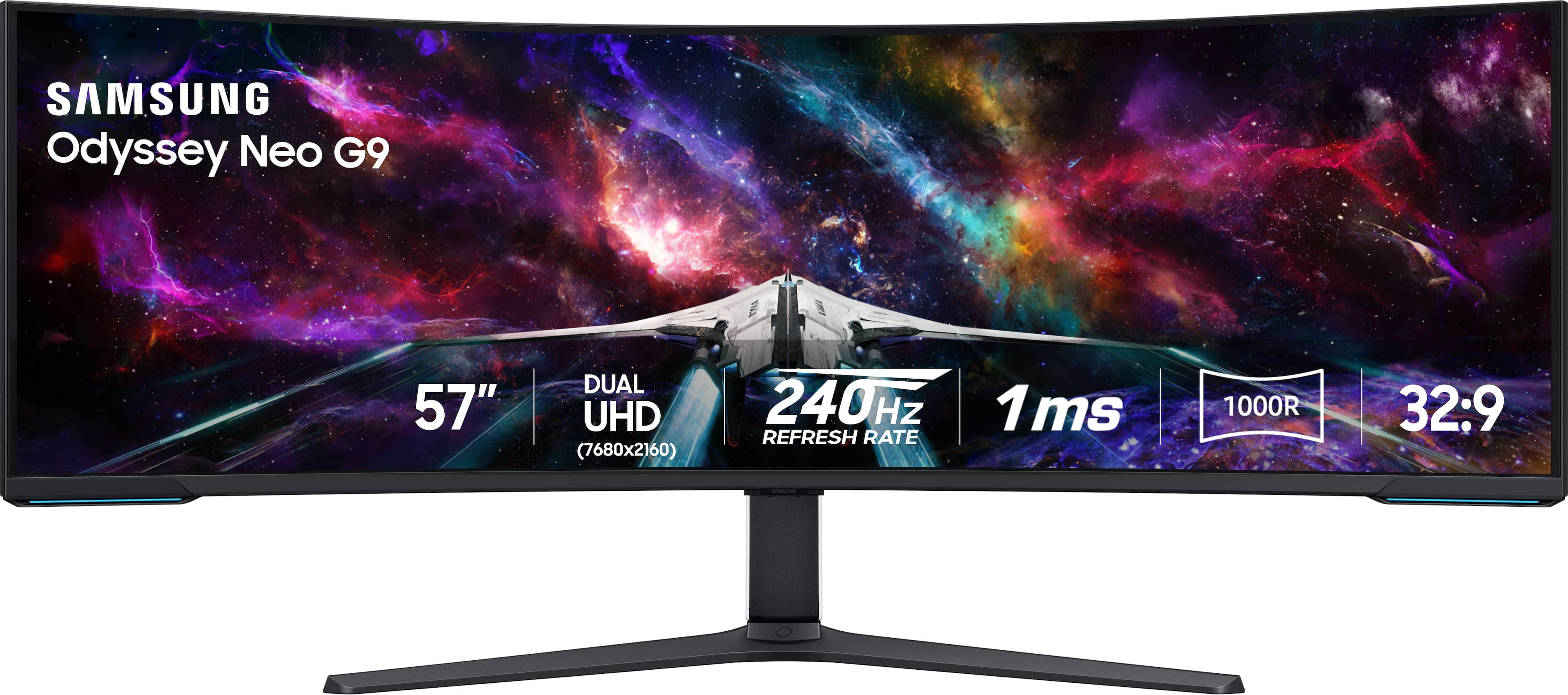
Samsung - 57" Odyssey Neo G9 Dual 4K UHD Quantum Mini-LED 240Hz 1ms HDR 1000 Curved Gaming Monitor (HDMI 2.1, DP 2.1, USB 3.0) - Black
SKU: J3ZYG29PK6[This review was collected as part of a promotion.] 1.i loveit the best Besttv. forIReal//gamingver...Great product...Great product prolly best monitor on the market and great price
See all Gaming MonitorsProduct Description
A curved black gaming monitor featuring Dual 4K UHD, 240Hz refresh rate, HDR 1000, and Quantum Mini-LED.Your price for this item is $1,449.99Save $650The previous price was $2,099.99 -
AOC - CU34G4HV 34" VA Panel Curved Gaming Monitor, LED, WQHD (3440x1440), 200Hz, 0.5ms, Freesync - Black
SKU: JX9GSKPHZSThis is absolutely the best monitor I ever owned...I absolutely love the ultra wide landscape, it makes it super easy for multitasking...Great Monitor...Works great and had a great sale before buying....
See all Gaming MonitorsProduct Description
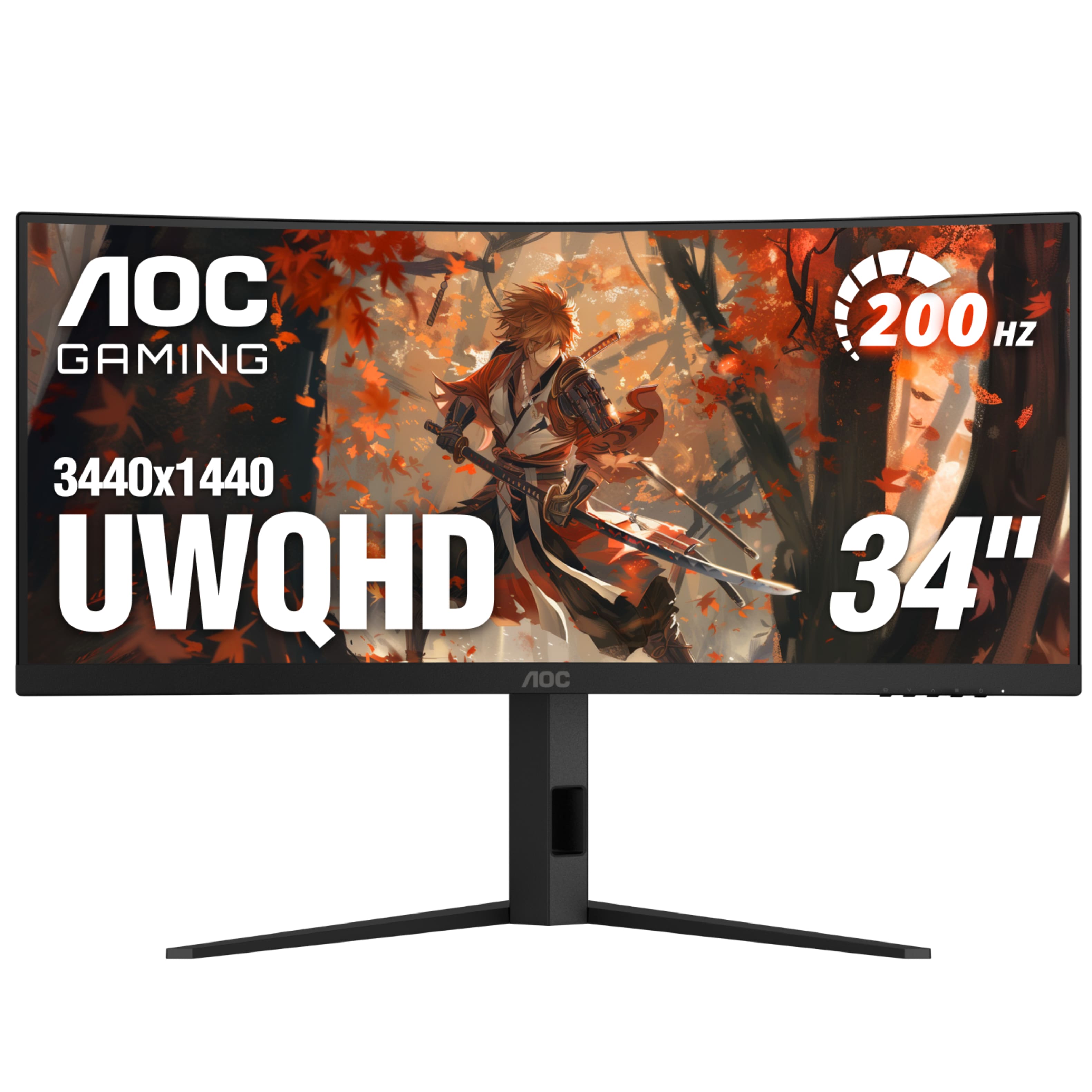
A curved ultrawide gaming monitor in black with WQHD resolution, 200Hz refresh rate, and HDR10 support.Your price for this item is $219.99Save $130The previous price was $349.99 -
MSI - MAG 401QR 40" UWQHD IPS 155Hz 1ms Gaming Monitor with FreeSync Premium and HDR 400 (HDMI, DisplayPort, USB-C) - Black
SKU: J3P7TX8WLYLove...Love the Best Buy experience....Great monitor and affordable price....I love this monitor....It is a great size at 40 inches and has a great refresh rate at an affordable price.
See all Gaming MonitorsProduct Description
An ultrawide black IPS gaming monitor featuring QHD resolution, 155Hz refresh rate, 1ms response, and FreeSync Premium.Your price for this item is $319.99Save $80The previous price was $399.99 -
Samsung - 34" ViewFinity S65TC Ultra-WQHD 100Hz AMD FreeSync HDR10 Curved Monitor with Thunderbolt 4 and Built-in Speakers - WARM WHITE
SKU: J3ZYG2RHGGI love samsung...Best screen I've ever seen! This is the best money I've ever spent!...Great Product!...Great product. Very happy with Best Buy and their timely shipment and product care.
See all All MonitorsProduct Description
A warm white curved ultrawide monitor with 100Hz refresh rate, HDR10, AMD FreeSync, and Thunderbolt 4 connectivity.Your price for this item is $449.99Save $350The previous price was $799.99 -
LG - UltraGear evo GX9 39" 5K2K OLED 165Hz 0.03ms G-SYNC FreeSync Premium Pro Gaming Monitor with DisplayHDR TRUE 500 - Black
SKU: JJ8VPZZYYHBEST!...The best monitor I have ever used. The color of whatever you looking at pops....Great picture quality!...Upgraded this monitor from Samsung g8 and best money spent!
See all Gaming MonitorsProduct Description
An ultrawide black OLED gaming monitor with 5K2K resolution, 165Hz refresh rate, and G-SYNC/FreeSync support.Your price for this item is $1,399.99Save $400The previous price was $1,799.99 -
LG - UltraWide 34" VA Curved WQHD 100Hz Monitor with HDR 10 (HDMI, DisplayPort, USB-C) - Black
SKU: JJ8VPZT8JLSee all Curved MonitorsProduct Description
An immersive black curved VA monitor with WQHD resolution, 100Hz refresh rate, HDR 10, and USB-C connectivity.Your price for this item is $349.99Save $50The previous price was $399.99 -
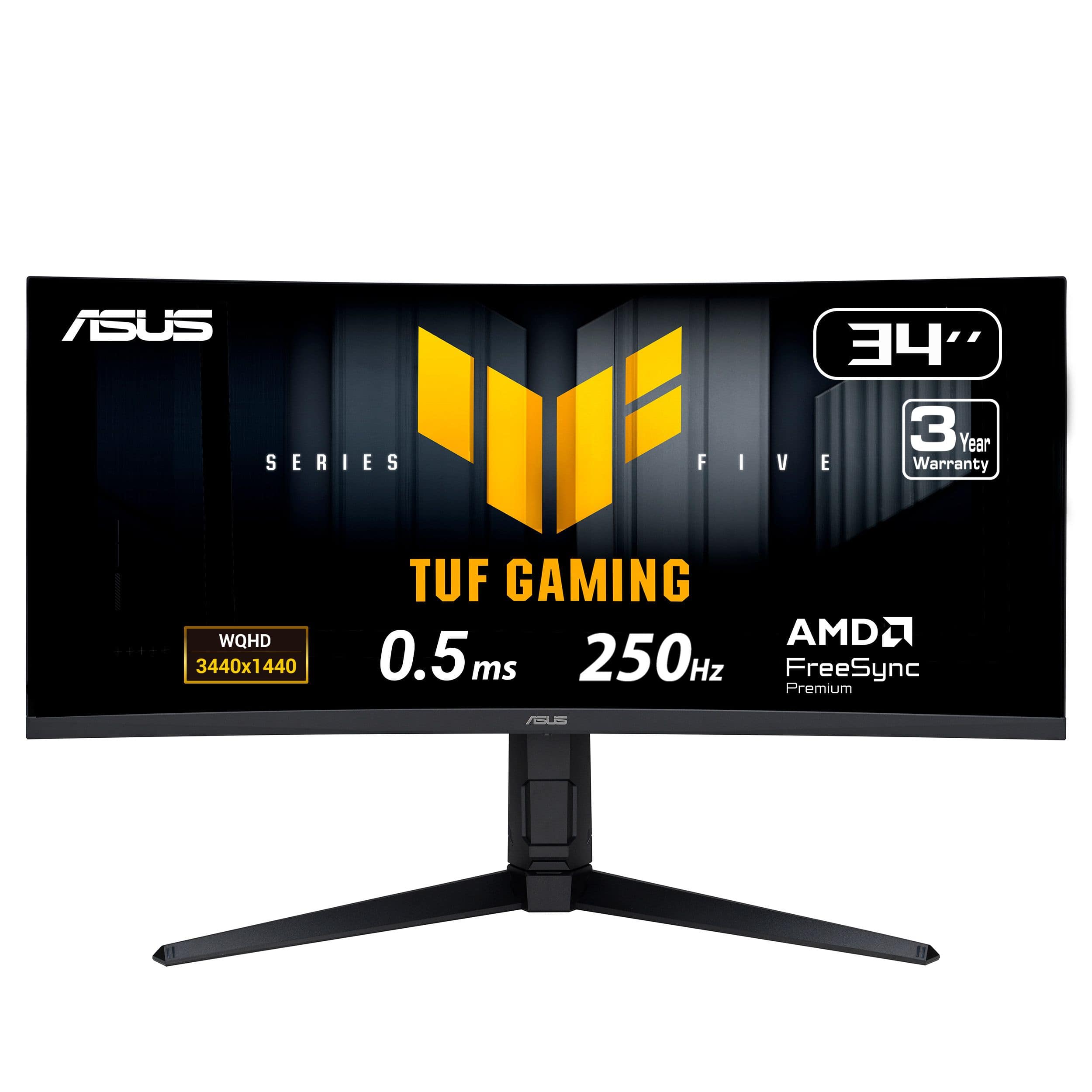
ASUS - TUF Gaming 34" 2K VA 250Hz 1ms Curved Ultrawide Gaming Monitor with FreeSync Premium and HDR (DisplayPort, HDMI) - Black
SKU: JJGGLHXX7JBest 34" monitor you will love!...This monitor is great, huge and contours to you due to the curve....The best budget monitor
See all Gaming MonitorsProduct Description
A curved WQHD gaming monitor with 250Hz refresh rate, 0.5ms response, HDR 400, and FreeSync Premium.Your price for this item is $269.99Save $60The previous price was $329.99 -
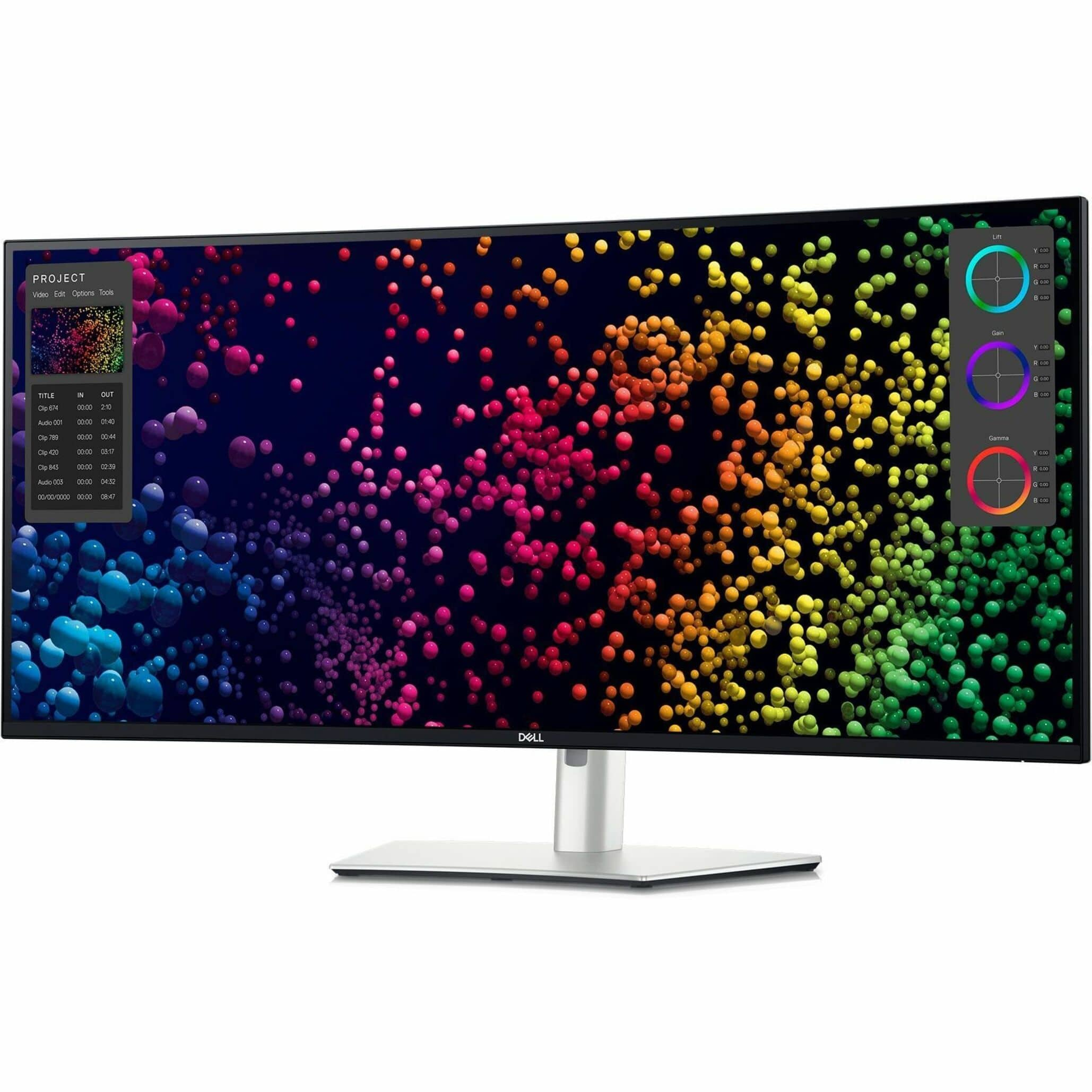
Dell - UltraSharp 39.7" IPS LED Curved 120Hz Monitor with HDR (USB, HDMI) - Black, Silver, Dual Color
SKU: J3K4L6CF8HSee all Curved MonitorsProduct Description
A dual-color curved IPS LED monitor with 5K resolution, 120Hz refresh rate, HDR, and Thunderbolt 4 connectivity.Your price for this item is $1,429.99Save $910The previous price was $2,339.99 -
MSI - PRO MP341CQW E12 34" Curved UWQHD 120Hz 1ms VA Business Monitor with Built-in Speakers( (DisplayPort, HDMI ) - White
SKU: J3P7TXH9PYThe only thing I would recommend is that Best Buy use a different shipping company because of the delivery...That alone made me a little hesitant to order anything else through Best Buy, which really...
See all Curved MonitorsProduct Description
A sleek white ultrawide curved monitor with UWQHD resolution, 120Hz refresh rate, and built-in speakers.Your price for this item is $199.99Save $40The previous price was $239.99 -
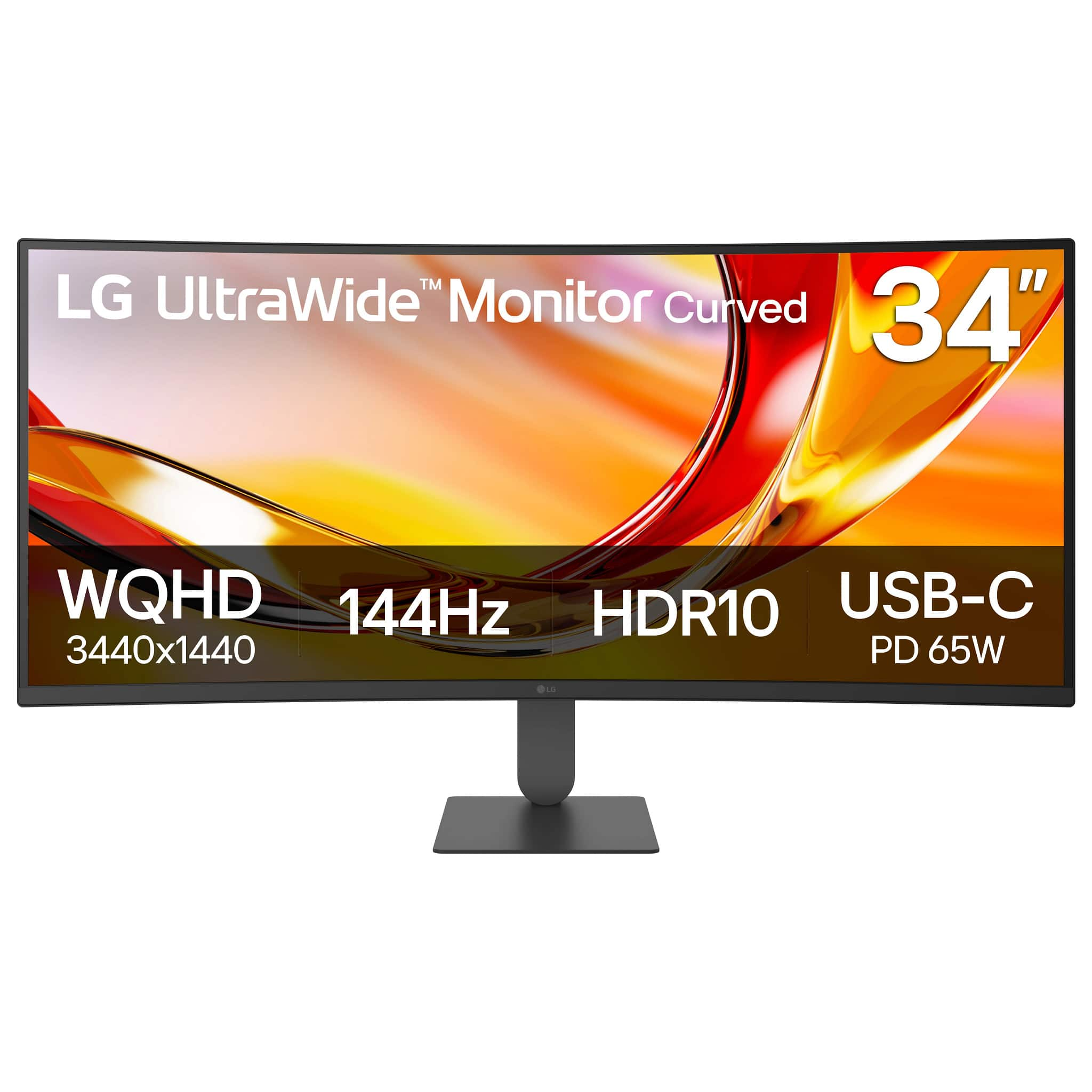
LG - UltraWide 34" WQHD 144Hz Curved Monitor FreeSync Premium HDR10 (HDMI, DisplayPort, USB-C) - Black
SKU: JJ8VPZZPKWGreat for the price...Always good to buy things new and from Best Buy since they have great deals and instock items....Great curved sized monitor....I think this is a pretty good size to get the best...
See all Curved MonitorsProduct Description
A black curved WQHD monitor featuring 144Hz refresh, HDR10, FreeSync Premium, USB-C, HDMI, and DisplayPort connectivity.Your price for this item is $279.99Save $70The previous price was $349.99
Best Sellers


Related Pages


FAQ
Yes, many ultrawide monitors can connect to a MacBook Pro through USB-C, Thunderbolt, HDMI, or DisplayPort with a compatible cable or adapter. Check that your MacBook Pro model, monitor, and connection support your preferred resolution and refresh rate. External display support varies by MacBook Pro model and chip.
USB-C describes a connector, while Thunderbolt is a connection standard that uses that connector on current MacBook Pro models. A USB-C monitor connection requires support for video, typically through DisplayPort Alt Mode. Compatible Thunderbolt connections can carry video and data, and some monitors also deliver power to your laptop. Check the monitor’s specifications and cable requirements because not all USB-C ports or cables support the same features.
An ultrawide monitor with USB-C Power Delivery or a compatible powered Thunderbolt connection can provide charging and video through one cable. The amount of power supplied varies by monitor, and your MacBook Pro’s charging needs depend on its model and workload. If the monitor supplies less power than needed, you may need to connect your MacBook Pro power adapter as well.
After connecting the monitor, open System Settings and select Displays. From there, you can choose an extended or mirrored desktop, arrange your displays, and select available resolution and refresh rate settings. For a separate workspace on the ultrawide monitor, choose an extended desktop rather than mirroring.
For photo, video, and design workflows, consider color gamut coverage, factory calibration, and support for color profiles in macOS. The sRGB gamut is commonly used for web content, while P3 coverage may be relevant for wide-color workflows. If you edit HDR content, check the monitor’s HDR capabilities and compatibility with your MacBook Pro, connection, and editing software.