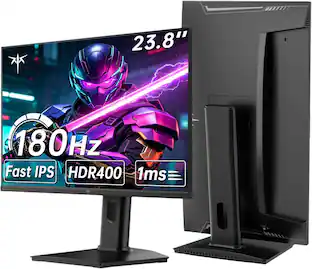
MSI - MAG 401QR 40" UWQHD IPS 155Hz 1ms Gaming Monitor with FreeSync Premium and HDR 400 (HDMI, DisplayPort, USB-C) - Black
Customers are saying
Customers are satisfied with the excellent picture quality and screen size. They also appreciate the great refresh rate, high resolution, and versatile connectivity options, finding it to be a good value for its price and overall performance, particularly for gaming. However, some customers expressed a desire for a curved screen.
Highlights
Features
UWQHD 3440 x 1440 resolution
High resolutions that deliver a solid gaming or video experience without undue strain on your graphics card.
1 ms response time
Delivers ultra-fast performance, minimizing lag and time-to-screen.
155 Hz refresh rate
Delivers powerful performance so that you can get the most out of your games and videos.
Frameless design
Enjoy the ultimate gaming experience with super narrow bezels.
Anti-Flicker and less blue light
Game even longer and prevent eye strain and fatigue.
Type-C 65W PD
Built-in an USB Type-C connection with 65W power delivery allows you to effortlessly connect to and charge your devices.
Specifications
- Refresh Rate155HzMaximum Resolution3440 x 1440Response Time1 millisecondsPanel TypeIPSSynchronization TechnologyFreeSync Premium (AMD Adaptive Sync)
Reviews
Rating 4.5 out of 5 stars with 82 reviews
- Screen Size (33)
- Refresh Rate (12)
- Resolution (6)
- Overall Performance (5)
- Connectivity (4)
- Curvature (3)
Customer Images
The vast majority of our reviews come from verified purchases. Reviews from customers may include My Best Buy members, employees, and Tech Insider Network members (as tagged). Select reviewers may receive discounted products, promotional considerations or entries into drawings for honest, helpful reviews.

- LG - UltraGear 32" OLED Dual Mode (4K UHD 240Hz, FHD 480Hz) 0.03ms G-SYNC and FreeSync Premium Pro Gaming Monitor - Black$1,199.99The price was $1,399.99
Compare similar products
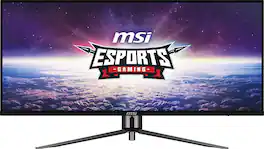
Envision your triumph with the MSI MAG 401QR ultra-wide gaming monitor. With a 40-inch IPS panel, 155Hz refresh rate, and 1ms response time, this monitor will provide you with the competitive advantage you require to conquer your rivals. The UWQHD (3440x1440) resolution delivers breathtaking visuals, and when combined with a compatible graphics card, the built-in adaptive technology ensures incredibly smooth, tear-free gameplay.
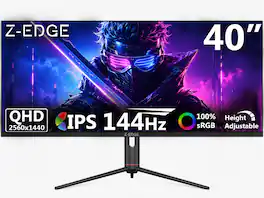
Transform your workspace and gaming setup with the UG40S 40-inch ultrawide IPS monitor, featuring a massive WQHD 3440x1440 resolution on a 21:9 aspect ratio that delivers expansive screen real estate for immersive gaming, professional multitasking, and cinematic entertainment. The IPS panel ensures vibrant 16.7 million colors (8-bit) with 350cd/m² brightness, 1200:1 contrast, and 178° wide viewing angles for consistent, accurate visuals from any position. Experience smooth, responsive performance with a 144Hz refresh rate via DP 1.4 (100Hz via HDMI 2.1) and a rapid 1ms MPRT response time, eliminating motion blur and ghosting for fluid action in fast-paced games and videos. HDR support enhances contrast and dynamic range for richer highlights and deeper shadows, while Adaptive-Sync eliminates screen tearing and stuttering for seamless gameplay. Connectivity is versatile with dual HDMI, DP, USB-C, and an audio out port, plus four built-in 2W speakers for a complete entertainment experience. The ergonomic stand offers -15° to +15° swivel, -5° to +15° tilt, and 95mm height adjustment for personalized comfort, with VESA 100x100mm mounting compatibility (mount not included) for flexible installation. The UG40S delivers big-screen immersion, professional-grade color, and versatile functionality for any setup.
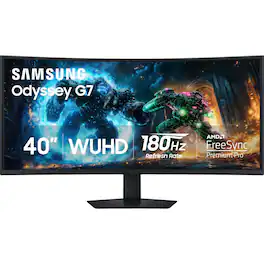
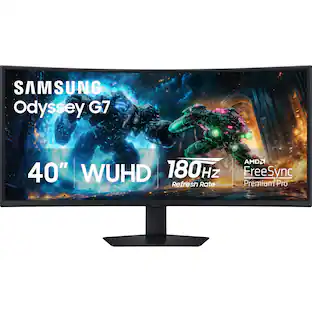
Samsung’s 40" Odyssey G7 Curved Gaming Monitor provides breathtaking realism for epic game play. The 40" 1000R curved display with its 21:9 screen and brilliant WUHD (5120 x 2160) resolution wraps around the field of vision for next-level gaming. VESA DisplayHDR 600 delivers more contrast, with deeper blacks and brighter whites for greater clarity even in dark scenes. 180Hz refresh rate and near-instant 1ms response time (GtG) minimizes lag for ultra-smooth gameplay. AMD FreeSync Premium Pro syncs the GPU and panel to reduce choppiness, screen lag, and image tears. Picture-by-Picture maximizes screen potential with a split screen to team up with friends, while Picture-in-Picture allows content management on a single screen. Auto Source Switch+ detects when connected devices are turned on and instantly switches to the new source signal. CoreSync technology with 16.7 million colors and CoreLighting+ project vibrant on-screen colors into the real world for a fully immersive experience. The ergonomic stand enables monitor tilt and height adjustment for optimal gaming comfort.

Odyssey G5’s lightning-fast 165Hz refresh rate ensures flawlessly smooth action scenes even in games with high frame rates. The Odyssey G5 range allows you to make the most out of the games you love to play, at a fantastic price point.
| Pros for MSI - MAG 401QR 40" UWQHD IPS 155Hz 1ms Gaming Monitor with FreeSync Premium and HDR 400 (HDMI, DisplayPort, USB-C) - Black | |||
|---|---|---|---|
| Screen Size, Refresh Rate, Resolution, Overall Performance, Connectivity | There were no pros for this product— | Refresh Rate, Connectivity, Image Quality, HDR Performance, Size | Overall Performance, Screen Size, Refresh Rate, Resolution, Curvature |
| Cons for MSI - MAG 401QR 40" UWQHD IPS 155Hz 1ms Gaming Monitor with FreeSync Premium and HDR 400 (HDMI, DisplayPort, USB-C) - Black | |||
| Curvature | There were no cons for this product— | Speakers, Viewing Angle, Black Levels, Button Layout | Speakers, Stand, Connectivity, Ghosting, Price |
Specs
Customers often buy these together
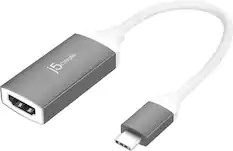
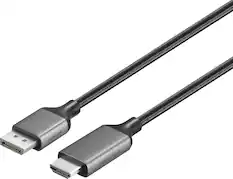
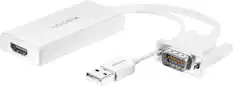
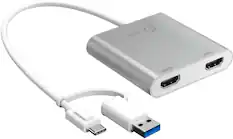
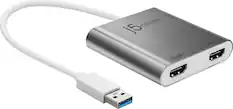
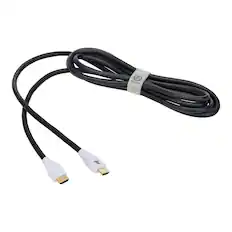
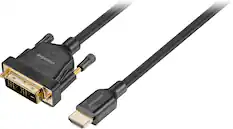
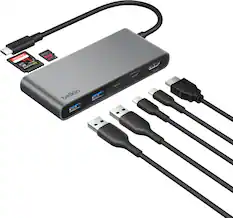
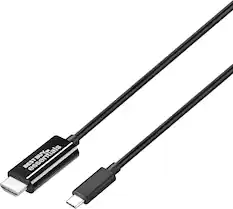
Monitor and Video Cables
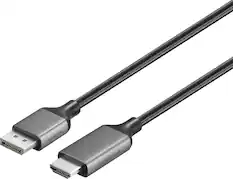
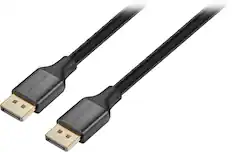
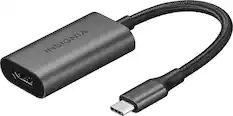
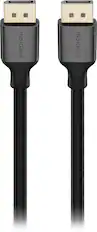


Computer Speakers
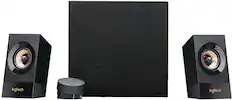
Logitech - Z533 Multimedia Speakers (3-Piece) for PC - Black
$169.00The price was $179.99


More to consider
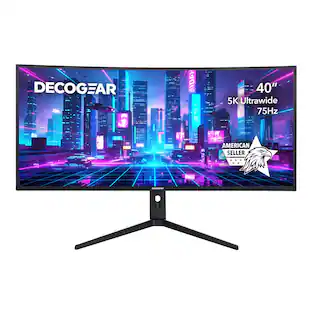
Deco Gear 40-Inch Curved Ultrawide Nano IPS Monitor, 5120x2160 5K2K, 21:9, HDR10, 100% sRGB, USB-C 65W
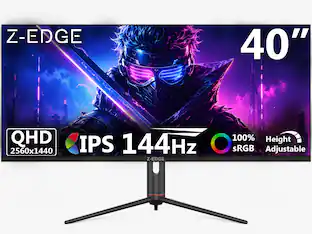
$519.99The price was $609.83Z Z-Edge UG40S 40" 21:9 WQHD 3440x1440 144Hz 1ms IPS Gaming Monitor, FreeSync, Height/Tilt/Swivel Adjustable
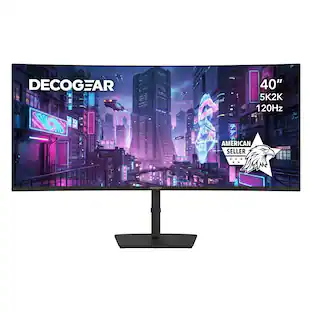
$469.99The price was $599.99Deco Gear 40” Curved 5K2K Nano IPS Ultrawide Monitor 120 Hz HDR USB-C 65 W Power Delivery
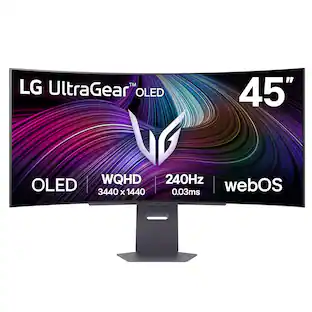
$689.99The price was $709.99LG UltraGear 45" OLED QHD 240Hz 0.03ms G-Sync/FreeSync Premium Pro Smart Gaming Monitor with DisplayHDR 400 TRUE
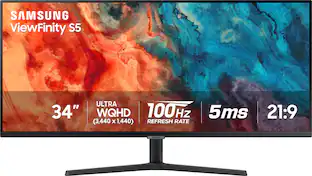
$1,179.99The price was $1,699.99Samsung 34” ViewFinity S5 Ultrawide QHD 100Hz AMD FreeSync Monitor with HDR10 (DisplayPort, HDMI)
$219.99The price was $329.99

Explore tech essentials Sponsored
HP OMEN 35L Gaming Desktop - AMD Ryzen 7 8700F - 32GB DDR5 Memory - NVIDIA GeForce RTX 5070 - 1TB SSD
$2,299.99The price was $2,749.99Acer Predator Orion Gaming Desktop - Intel Core Ultra 7 265KF 2024 - GeForce RTX 5070 - 32GB DDR5 Memory – 1TB Storage
$1,999.99The price was $2,379.99


Discover related products
Acer USB C Docking Station With 2 HDMI, 9-IN-1 Docking Hub with USB A&C 3.0, SD/Micro SD, 100W Charging
$42.99The price was $47.99Apple Mac mini Desktop - M4 chip - Built for Apple Intelligence - 16GB Memory - 256GB SSD
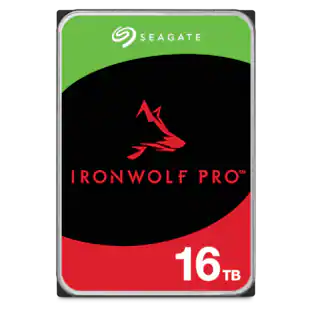
$749.99The price was $799.00Seagate IronWolf Pro ST16000NT001 16TB 7200 RPM 256MB Cache SATA 3.5 inch Internal Hard Drive
$669.99The price was $688.99









Keep exploring
Ingnok 15.6" Portable Monitor for Laptop - FHD 1080p USB-C with Adjustable Stand, Mini HDMI and VESA
$89.99The price was $109.99ASUS ROG Strix 32" 4K OLED Gaming Monitor - 4K@165Hz, 0.03ms, G-SYNC, USB-C, HDMI 2.1
$824.99The price was $979.32Samsung 49 inch Odyssey G9 Dual QD-OLED Curved Ultrawide Gaming Monitor LS49DG910SNXZA
$899.99The price was $1,299.99ASUS ROG Strix 27" QHD 2K 240Hz OLED Gaming Monitor with FreeSync/G-Sync HDR400, Adjustable Stand
$599.00The price was $647.29Deco Gear 49" QD-OLED 240Hz Curved Super Ultrawide Gaming Monitor 5K DQHD 0.03 ms HDR400 90W USB-C
$849.99The price was $1,539.99MSI MAG 272QP QD-OLED 27" 240Hz Gaming Monitor, 0.3ms, WQHD, DP 1.4a, HDMI 2.1, HDR, G-SYNC & FreeSync
$411.35The price was $453.31