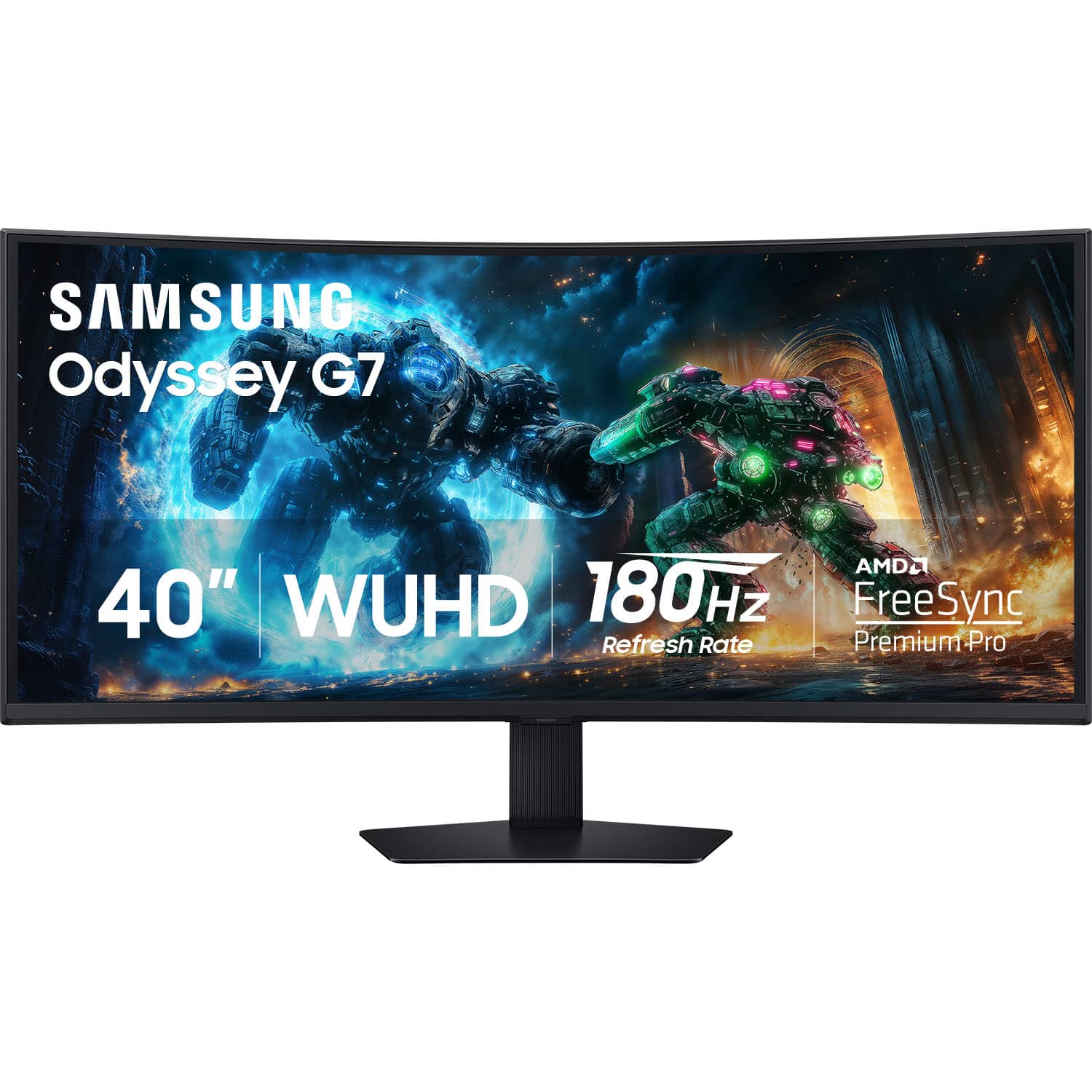
Samsung - 40" Odyssey G75F WUHD 180Hz 1ms AMD FreeSync Prem Pro Curved Gaming Monitor with HDR 600 (DisplayPort, HDMI) - Black
Customers are saying
Customers regard the image quality and refresh rate as the standout features of this monitor, frequently praising its immersive gaming experience and versatile connectivity options. While users appreciate the ideal size and HDR performance, some note that the viewing angles are limited and the built-in speakers lack depth. Additionally, a few users have expressed minor frustrations regarding the black levels and the ease of use for the physical button layout.
Highlights
40" Curved WUHD (5120 x 2160)
Immerse yourself in a panoramic gaming experience with a 40" 1000R curved display. Paired with brilliant WUHD resolution, this ultrawide 21:9 screen offers a broader view than UHD — delivering truly captivating gameplay with unparalleled visuals.
VESA DisplayHDR 600
Reveal the whole picture. DisplayHDR 600 delivers more contrast, with deeper blacks and brighter whites, so details shine with clarity even in dark scenes.
180Hz Refresh Rate & 1ms Response Time (GtG)
Race to the top with ultimate speed with a 180Hz refresh rate and 1ms response time (GtG). Capture your moves in real-time with minimized lag and react fast with ultra-smooth gaming precision.¹
AMD FreeSync Premium Pro
Keep your fast-action games fluid with variable refresh rate (VRR). AMD FreeSync Premium Pro syncs the GPU and panel to reduce choppiness, screen lag and image tears, setting you up for intense gaming sessions.²
Picture-by-Picture
Use your screen to its maximum potential with a split screen that lets you team up with friends in a whole new way. Manage all your content on a single screen. Picture-in-Picture allows you to pull up two different inputs — such as chats and videos, or games and gaming tips — simultaneously on your main display.
Auto Source Switch+
Get to your game action faster with Auto Source Switch+. Your monitor detects when connected devices are turned on and instantly switches to the new source signal without having to flip through multiple inputs.
CoreSync & CoreLighting+
Set the mood for your gaming. CoreSync technology projects your game's on-screen colors into the real world with 16.7 million colors. Thanks to CoreLighting+, get fully immersed with vibrant colors that instantly shift the vibe.
Ergonomic Stand
Reach the height of winning in total comfort. Simply tilt and adjust your monitor until all enemies are in perfect view.
- Refresh Rate180HzMaximum Resolution5120 x 2160Response Time1 millisecondsPanel TypeVASynchronization TechnologyFreeSync Premium Pro (AMD Adaptive Sync)
Reviews
Rating 4.7 out of 5 stars with 112 reviews
- Image Quality (49)
- Refresh Rate (31)
- Connectivity (11)
- HDR Performance (6)
- Size (6)
- Viewing Angle (9)
- Black Levels (4)
- Speakers (4)
- Button Layout (3)
Customer Images
The vast majority of our reviews come from verified purchases. Reviews from customers may include My Best Buy members, employees, and Tech Insider Network members (as tagged). Select reviewers may receive discounted products, promotional considerations or entries into drawings for honest, helpful reviews.
Compare similar products
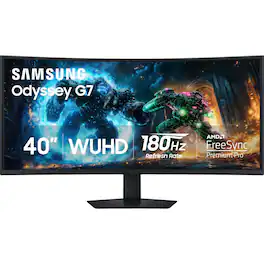
Samsung’s 40" Odyssey G7 Curved Gaming Monitor provides breathtaking realism for epic game play. The 40" 1000R curved display with its 21:9 screen and brilliant WUHD (5120 x 2160) resolution wraps around the field of vision for next-level gaming. VESA DisplayHDR 600 delivers more contrast, with deeper blacks and brighter whites for greater clarity even in dark scenes. 180Hz refresh rate and near-instant 1ms response time (GtG) minimizes lag for ultra-smooth gameplay. AMD FreeSync Premium Pro syncs the GPU and panel to reduce choppiness, screen lag, and image tears. Picture-by-Picture maximizes screen potential with a split screen to team up with friends, while Picture-in-Picture allows content management on a single screen. Auto Source Switch+ detects when connected devices are turned on and instantly switches to the new source signal. CoreSync technology with 16.7 million colors and CoreLighting+ project vibrant on-screen colors into the real world for a fully immersive experience. The ergonomic stand enables monitor tilt and height adjustment for optimal gaming comfort.
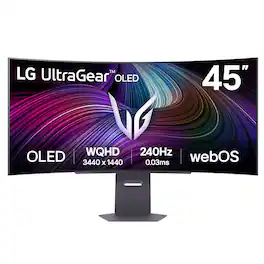
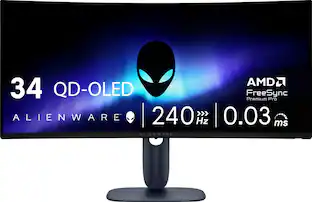
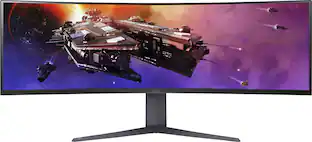
Experience lightning-quick speed with up to a 240Hz refresh rate¹ and 0.03ms response time on a huge 45" WQHD curved OLED monitor. UltraGear Fact: The 45-inch 21:9 45” UltraGear OLED monitor delivers more screen area than a 49-inch 32:9 aspect ratio screen. The sweeping, steep 800R curve surrounds you in the action. And with the 240Hz refresh rate, and 0.03ms response time, the action is fast, the play seamless and precise. Dive into UltraGear OLED’s immaculate visuals with up to 98.5% of DCI-P3 color coverage and a 1,500,000:1 contrast ratio for stunning blacks and vibrant colors. LG's game-changing webOS streaming platform adds ease and versatility, letting you enjoy your favorite entertainment streaming platforms as well as cloud gaming services from one, simple to access home screen. Adaptive sync technologies FreeSync Premium Pro and NVIDIA G-SYNC compatibility ensure tear-free, stutter-free performance, whether you're on PC or next-gen consoles. Plus, the UltraGear's 2-year OLED limited warranty and OLED Care features give you peace of mind, keeping your UltraGear monitor in top shape. Designed for gamers, the virtually borderless design complements any gaming setup, with height, tilt, and pivot adjustments for optimal comfort. The RBG backlighting creates the mood that’ll upgrade any battlestation.
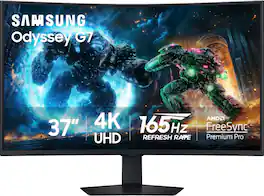
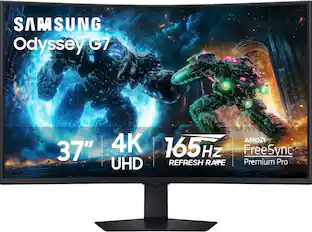
Samsung's 37" 4K UHD Odyssey G7 Curved Gaming Monitor provides spectacular realism for epic game play. The 37" 1000R curved display with 4K UHD resolution wraps around the field of vision for next-level gaming. VESA DisplayHDR 600 delivers more contrast, with deeper blacks and brighter whites for greater clarity even in dark scenes. 165Hz refresh rate and near-instant 1ms response time (GtG) minimizes lag for ultra-smooth gameplay. AMD FreeSync Premium Pro syncs the GPU and panel to reduce choppiness, screen lag, and image tears. Auto Source Switch+ detects when connected devices are turned on and instantly switches to the new source signal. CoreSync technology with 16.7 million colors and CoreLighting+ project vibrant on-screen colors into the real world for a fully immersive experience. The ergonomic stand enables monitor tilt and height adjustment for optimal gaming comfort.

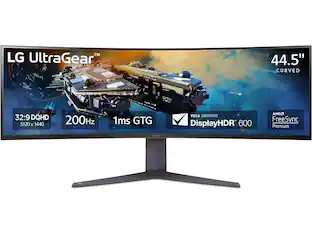
Bolster your battlestation! Featuring a huge 45” QHD (5120 x 1440) curved screen at a 32:9 aspect ratio, the vast display envelops gamers in play, streaming, work and creative products all on one monitor at the same time. With gaming-focused features such as up to a 200Hz refresh rate, a 1ms response time, AMD FreeSync Premium Pro and built-in KVM, this UltraGear monitor is fast and smooth with virtually tear- and stutter-free gameplay. The gaming monitor also provides deep, rich color and contrast courtesy of up to 95% DCI-P3 color coverage & VESA DisplayHDR 600. This UltraGear display offers a host of connectivity options such as USB Type-C, HDMI 2.1 (x2), DisplayPort, USB (x3) and 4-pole headphone jack. And with a 3-side, virtually borderless design and a screen that is height, tilt and swivel adjustable, this UltraGear monitor is the perfect centerpiece for a desktop battlestation.
| Pros for Samsung - 40" Odyssey G75F WUHD 180Hz 1ms AMD FreeSync Prem Pro Curved Gaming Monitor with HDR 600 (DisplayPort, HDMI) - Black | |||
|---|---|---|---|
| Refresh Rate, Image Quality, Connectivity, HDR Performance, Size | Screen Size, Refresh Rate, Resolution, Overall Performance, OLED Quality | Screen Size, Refresh Rate, Resolution, Build Quality, Immersion | Screen Size |
| Cons for Samsung - 40" Odyssey G75F WUHD 180Hz 1ms AMD FreeSync Prem Pro Curved Gaming Monitor with HDR 600 (DisplayPort, HDMI) - Black | |||
| Viewing Angle, Black Levels, Speakers, Button Layout | Text Clarity, Connectivity, Software | There were no cons for this product— | There were no cons for this product— |
Specs
Customers often buy these together
Computer Keyboards
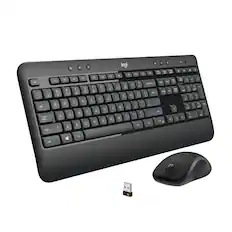
![Sure, here is the corrected and grouped text:
```
ESC F1 F2 F3 F4 F5 F6 F7 F8 F9 F10 F11 F12 1 2 3 logitech - - 1 2 # $ 4 % 5 6 & 7 8 9 0 - - back insert home page up num lock clear / . tab Q W E R T Y U I O P { [ } ] / delete end page down 7 home 8 A 9 P9 up + caps lock A S D F G H J K L : ; a enter 4 5 6 shift Z X C V B N M < > ? shift 1 end 2 3 pg dn enter ctrl fn start alt opt alt crnd x alt cmd x fn ctrl alt opt 0 ins del 1 logitech
```](https://pisces.bbystatic.com/image2/BestBuy_US/images/products/5761/5761911_sd.jpg;maxHeight=232;maxWidth=233?format=webp)
![esc ~ ! 1 tab caps lock shift ctrl F2 Fl # 2 3 Q W A S Z start opt L F3 $ 4 E D X alt cmd3 ) FS F4 A % 5 6 R T F G V C logi 44 HI & F9 FID FB F7 F6 * ) - - & 0 8 9 7 O P U I Y K L H J > < N M 1 B PM + = { [ : I ; ? I alt cmd D 2 4 300 3 1 F12 . * page I insert home up clear backspace 8 9 + 7 page A pg up end down home } I delete ] / 6 4 5 4 enter 2 3 enter 1 dn Pg end shift = 0 del ins etrl fn opt](https://pisces.bbystatic.com/image2/BestBuy_US/images/products/6539/6539505_sd.jpg;maxHeight=232;maxWidth=233?format=webp)

![esc ! i 1 tab caps lock shift F1 2 Q A aas E4 F3 F2 $ % # 4 5 3 E R W F S D X C Z FS A 6 T G V F6 & 7 Y H B 17 * 8 U J N logi HI FI0 P9 FB ) - ( - 9 0 o P I K L > < M I P + = { [ A : I : ? I alt cmd3 2 0 3 10% 1 F12 page home up backspace ins page I delete end down } ] / enter shift ctrl fn opt^= Q I * / clear 8 9 + 7 pg up home 5 6 4 , 4 2 3 enter 1 dn pg end = 0 del ins ctrl start opt alt cmd](https://pisces.bbystatic.com/image2/BestBuy_US/images/products/6571/6571662_sd.jpg;maxHeight=232;maxWidth=233?format=webp)
Monitor Stands
More recommended items
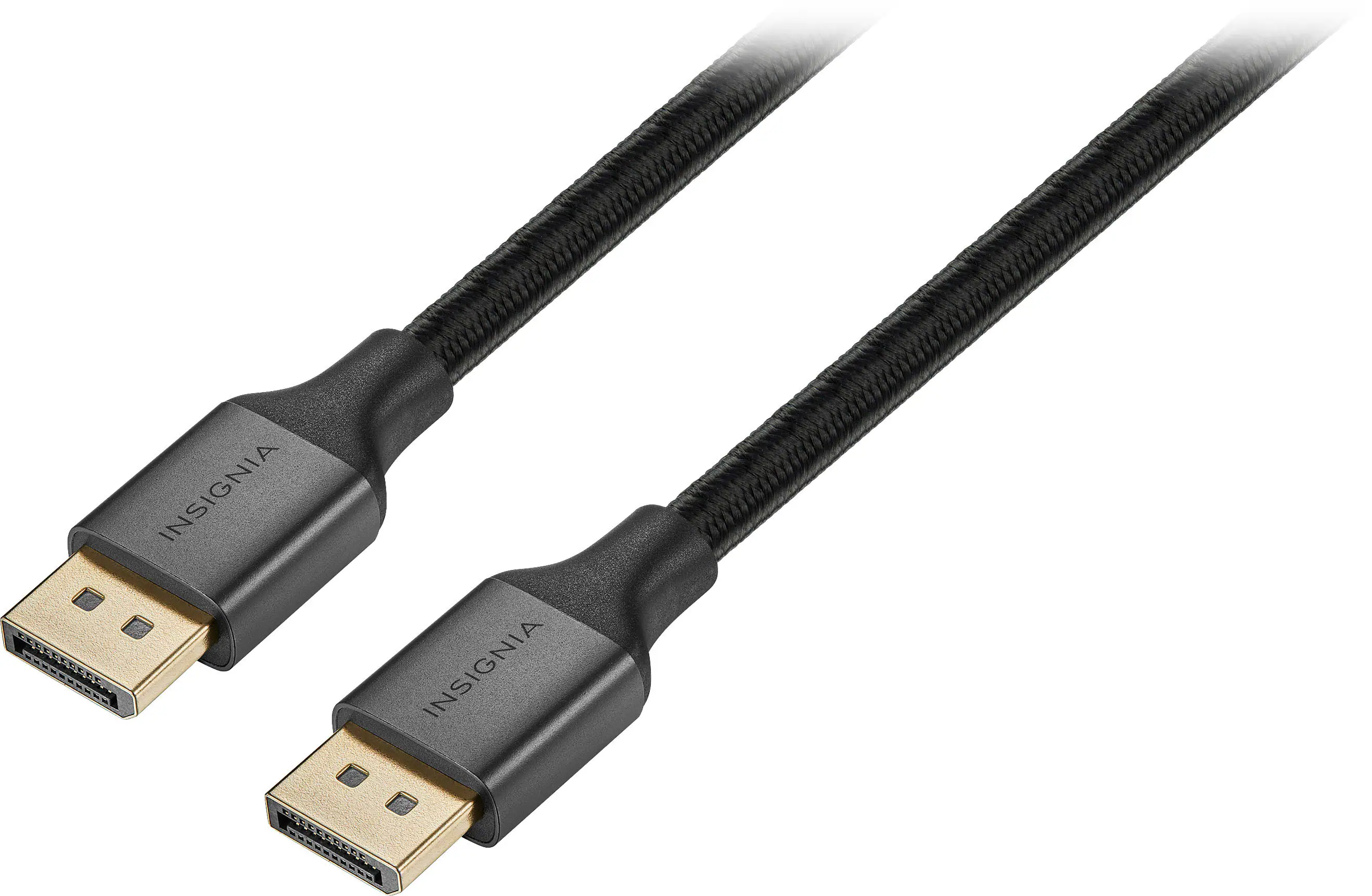 Monitor and Video Cables
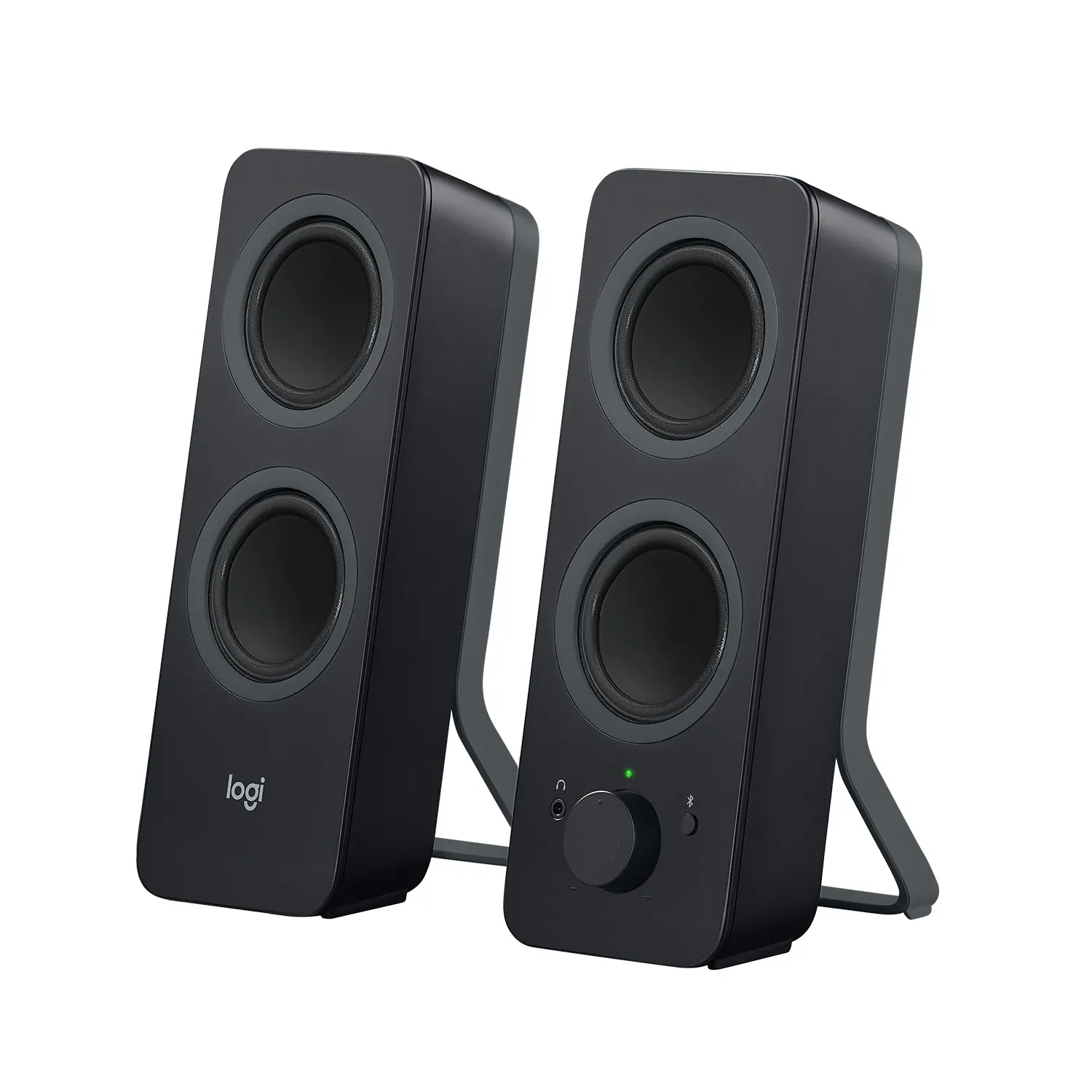 Computer Speakers
 Laptop Docking Stations
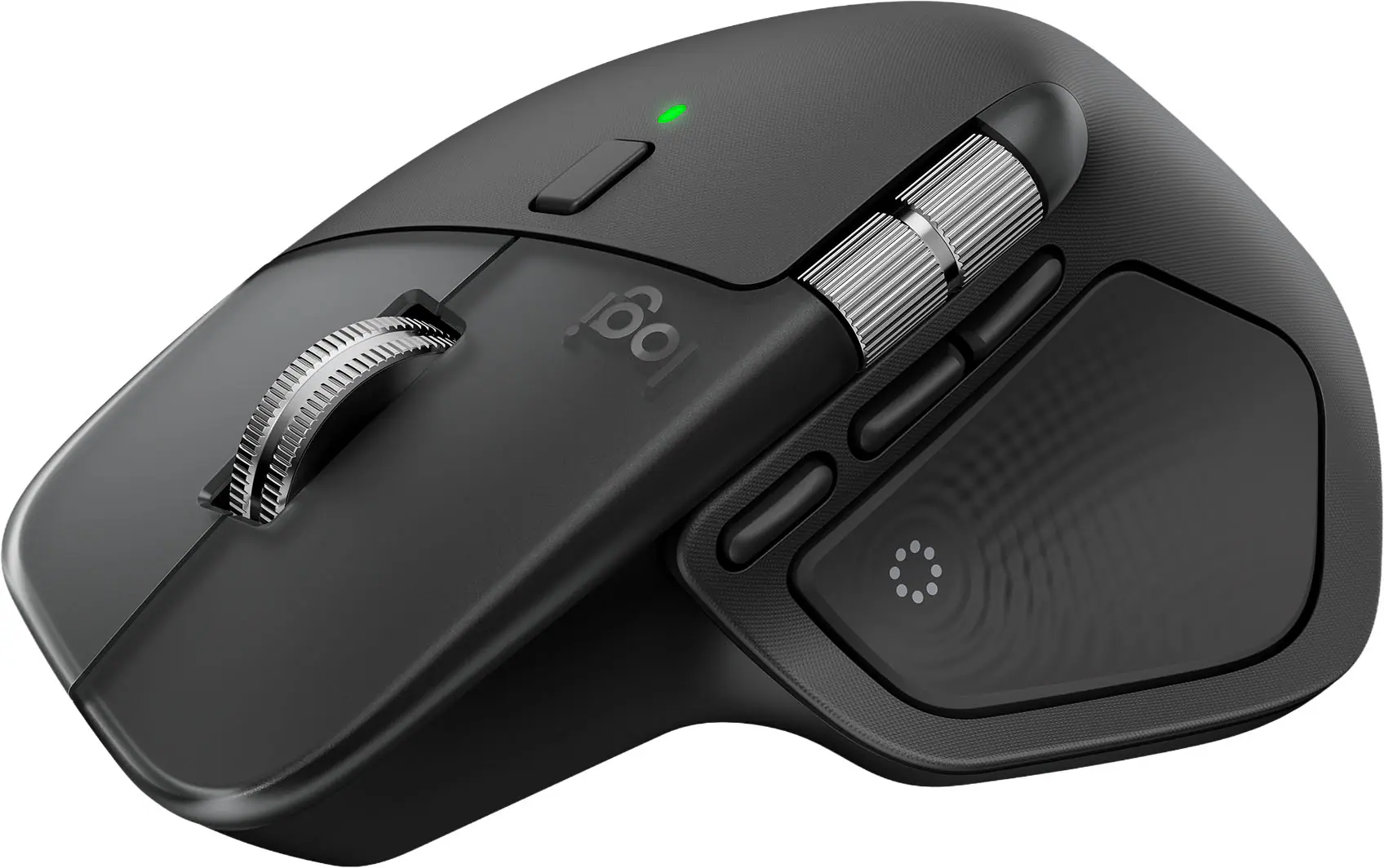 Mice
Mice Web Cameras
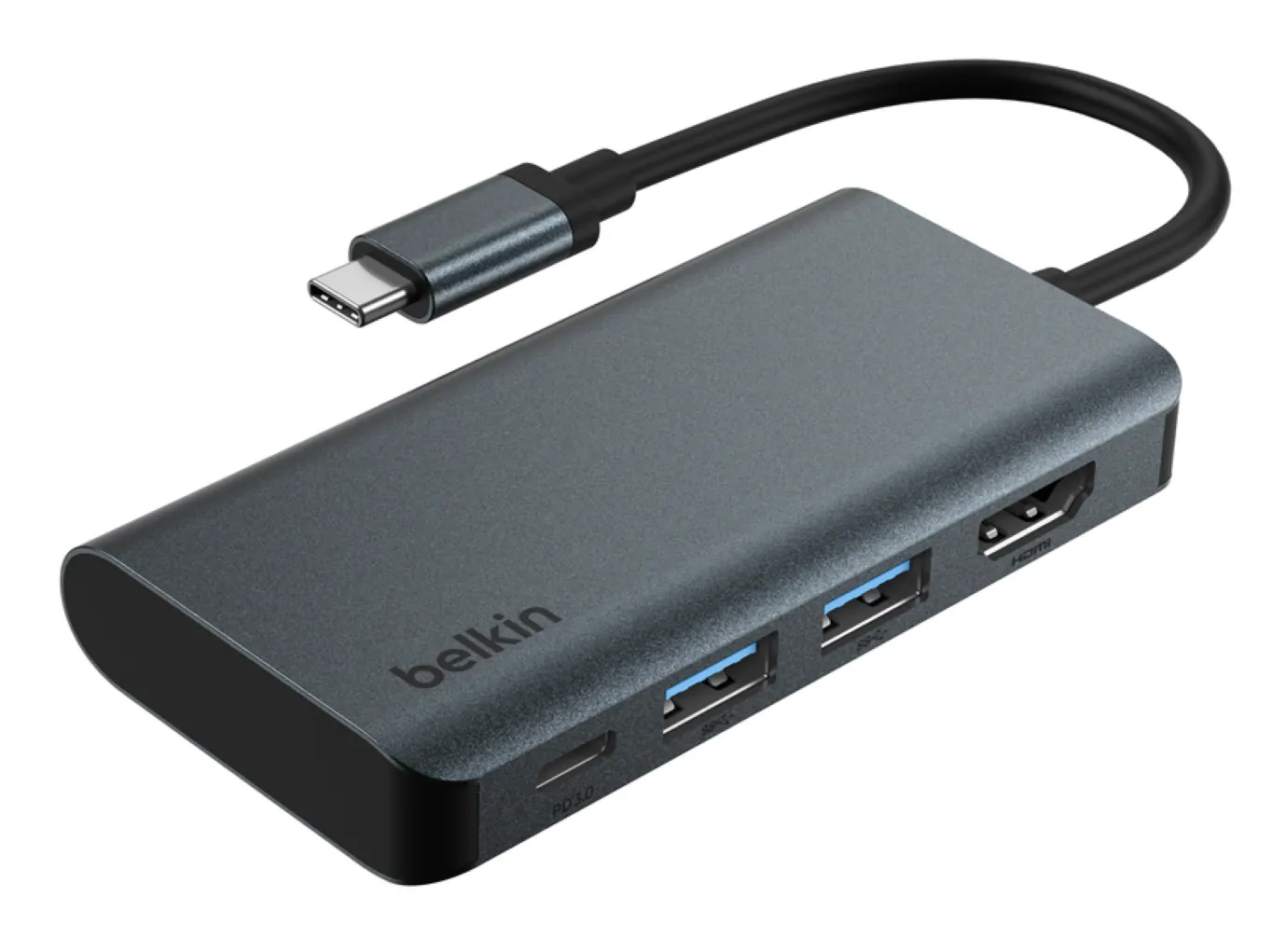 Cables and Adapters
More to consider
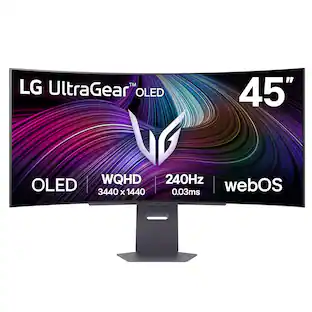 $999.99The price was $1,699.99
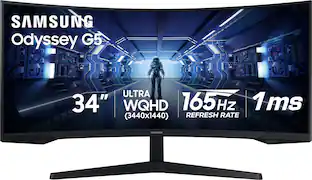 Top Deal$249.99The price was $399.99
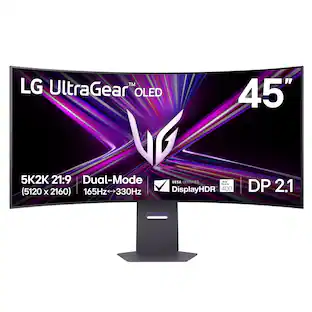 $1,699.99The price was $1,999.99
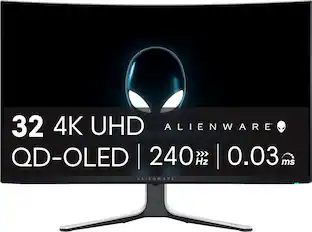 Top Deal$779.99The price was $999.99
 Top Deal$699.99The price was $799.99
 $1,449.99The price was $2,099.99
 $699.99The price was $709.99
 Clearance$1,234.99The price was $1,299.99
 $479.99The price was $549.99

Explore tech essentials Sponsored
 $2,222.99The price was $2,999.99
Discover related products





Keep exploring
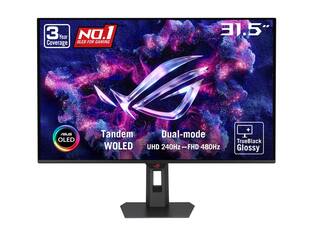 $755.99The price was $971.99
- $479.99The price was $549.99
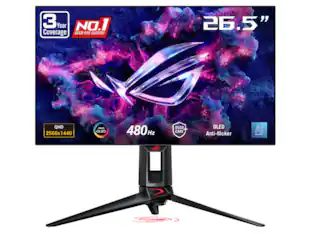 $899.00The price was $934.64