AOC - CU34G4HV 34" VA Panel Curved Gaming Monitor, LED, WQHD (3440x1440), 200Hz, 0.5ms, Freesync - Black
Customers are saying
Customers highly value the overall performance of this product, which is frequently praised by users. Many appreciate the ideal screen size and the impressive refresh rate, while the resolution is noted as being particularly helpful for tasks like reviewing spreadsheets. Additionally, the ergonomic design allows for easy adjustments, though some users have noted that the device lacks built-in speakers.
Highlights
Features
34" WQHD Ultrawide Resolution
The 34" WQHD 3440 x 1440 VA panel delivers expansive, high-resolution visuals with increased screen real estate for immersive gaming and multitasking. The ultrawide 21:9 aspect ratio enhances field of view, allowing more of the game world to be seen at once without sacrificing image clarity.
1500R Curved Display
The 1500R curved screen closely follows the natural curve of the human eye, creating a more immersive and comfortable viewing experience. This design helps reduce distortion and keeps visuals consistent across the entire screen, pulling you deeper into the action.
Up to 200Hz Refresh Rate & 0.5ms Response Time
With a refresh rate of up to 200Hz and a rapid 0.5ms response time, this monitor delivers smooth motion and reduced blur during fast-paced gameplay. Every frame is rendered with clarity and precision, giving competitive players a visual edge.
HDR10 Visual Enhancement
HDR10 support enhances contrast and color depth, delivering brighter highlights and deeper shadows. This allows games and content to appear more lifelike, with improved detail in both dark and bright scenes.
Ergonomic Design & Flexible Connectivity
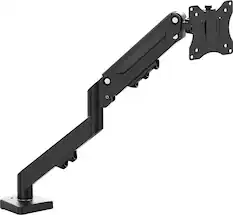
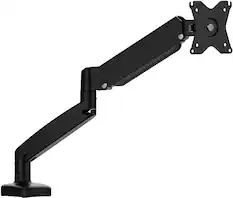
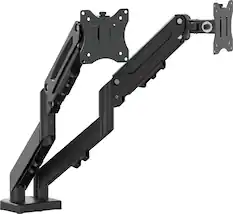
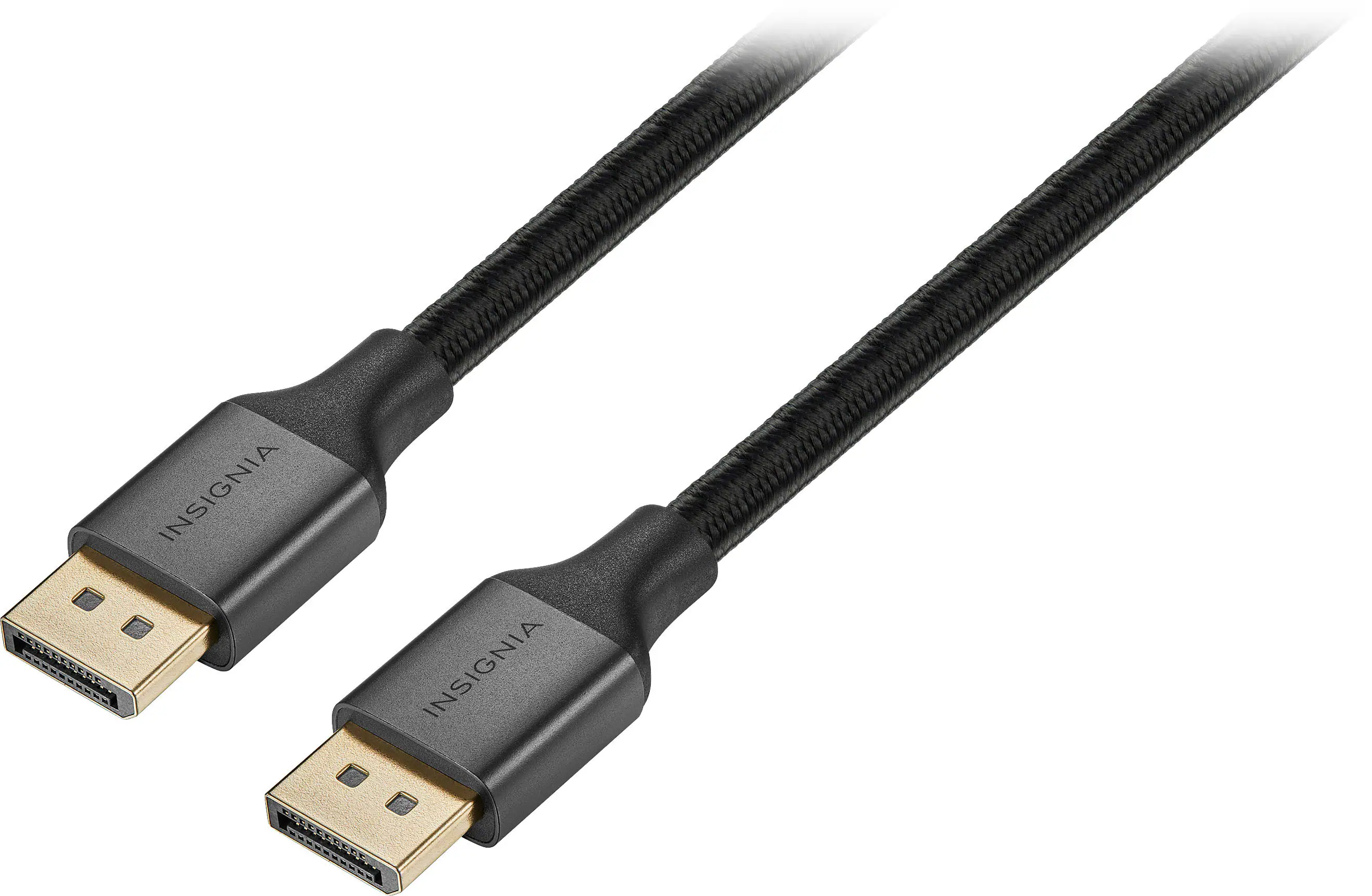
The monitor features height adjustment and VESA mount compatibility for a comfortable and customizable setup. Dual HDMI 1.4 ports, DisplayPort 1.4, and an earphone port provide versatile connectivity for gaming consoles, PCs, and peripherals.
Specifications
- Refresh Rate200HzMaximum Resolution3440 x 1440Response Time0.5 millisecondsPanel TypeVASynchronization TechnologyFreeSync (AMD Adaptive Sync)
Reviews
Rating 4.9 out of 5 stars with 118 reviews
- Overall Performance (59)
- Screen Size (19)
- Refresh Rate (17)
- Resolution (7)
- Ergonomics (4)
- Audio Output (4)
Customer Images
The vast majority of our reviews come from verified purchases. Reviews from customers may include My Best Buy members, employees, and Tech Insider Network members (as tagged). Select reviewers may receive discounted products, promotional considerations or entries into drawings for honest, helpful reviews.

Compare similar products
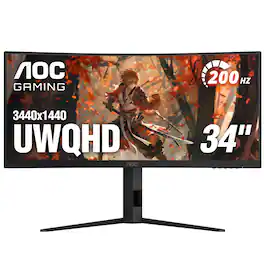
AOC CU34G4HV 34” Curved Ultrawide Gaming Monitor with WQHD 3440 x 1440 resolution delivers expansive visuals and ultra-smooth gameplay, featuring a 1500R curved VA panel, HDR10 visual enhancement, and up to 200Hz refresh rate with 0.5ms response time for fast-paced action. The 21:9 ultrawide aspect ratio and VA Wide View provide immersive viewing with consistent image quality across wide angles. In addition, this monitor includes height adjustment and VESA mount compatibility for ergonomic comfort, along with 2 HDMI 1.4 and 1 DisplayPort 1.4 inputs plus an earphone port for flexible connectivity.
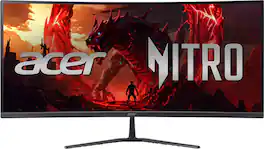
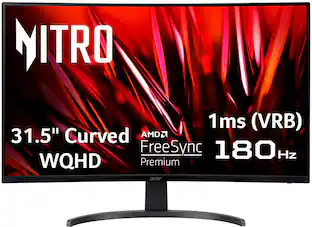
Acer's Nitro ED340CUR 34" curved panel monitor with Ultra Wide QHD resolution delivers the incredible. Through AMD FreeSync Premium technology, the game’s frame rate is determined by your graphics card, not the fixed refresh rate of the monitor, giving you a serious competitive edge. Smooth, tear-free gameplay!! Crisp, true-to-life colors come alive with the amazing 3440 x 1440 resolution, allowing you to enjoy High-Definition entertainment in the comfort of your home. The wide view angle technology lets you share what's on your screen with friends and family as colors stay true no matter what angle you're viewing from. Incredible 100,000,000:1 contrast ratio and rapid response time ensure your games, work and movies are smooth and look as epic as possible.

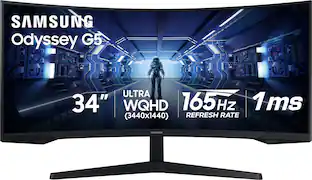
Odyssey G5’s lightning-fast 165Hz refresh rate ensures flawlessly smooth action scenes even in games with high frame rates. The Odyssey G5 range allows you to make the most out of the games you love to play, at a fantastic price point.
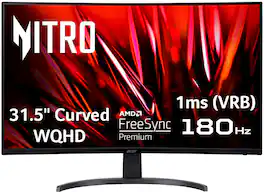
Acer's EDB323QU 31.5" curved panel monitor with WQHD resolution delivers the incredible. Crisp, true-to-life colors come alive with the amazing 2560 x 1440 resolution, allowing you to enjoy High-Definition entertainment in the comfort of your home. The wide view angle technology lets you share what's on your screen with friends and family as colors stay true no matter what angle you're viewing from. Crisp, true-to-life colors come alive with the amazing 2560 x 1440 resolution, allowing you to enjoy High Definition entertainment in the comfort of your home. Through AMD FreeSync Premium technology, the game’s frame rate is determined by your graphics card, not the fixed refresh rate of the monitor, giving you a serious competitive edge. Smooth, tear-free gameplay!! And a whole lot more.
| Pros for AOC - CU34G4HV 34" VA Panel Curved Gaming Monitor, LED, WQHD (3440x1440), 200Hz, 0.5ms, Freesync - Black | |||
|---|---|---|---|
| Overall Performance, Screen Size, Refresh Rate, Resolution, Ergonomics | Overall Performance, Screen Size, Refresh Rate, Immersion | Overall Performance, Screen Size, Refresh Rate, Resolution, Curvature | Overall Performance, Screen Size, Refresh Rate, Resolution |
| Cons for AOC - CU34G4HV 34" VA Panel Curved Gaming Monitor, LED, WQHD (3440x1440), 200Hz, 0.5ms, Freesync - Black | |||
| Audio Output | There were no cons for this product— | Stand, Speakers, Connectivity, Ghosting, Price | Stand Design |
Specs
Customers often buy these together
Computer Keyboards

Logitech - MK540 Full-size Advanced Wireless Membrane Keyboard and Mouse Combo for PC - Black
$48.22The price was $59.99
Logitech - MK270 Full-size Wireless Membrane Keyboard and Mouse Bundle for PC - Black
$26.99The price was $29.99

![Sure, here is the corrected and grouped text from the image:
**Top Row:**
- ESC
- F1
- F2
- F3
- F4
- F5
- F6
- F7
- F8
- F9
- F10
- F11
- F12
- PRTSC
- DEL
**Number Row:**
- 1
- 2
- 3
- 4
- 5
- 6
- 7
- 8
- 9
- 0
- -
- =
- \
**Letter Row:**
- TAB
- Q
- W
- E
- R
- T
- Y
- U
- I
- O
- P
- [
- ]
- \
**Letter Row:**
- CAPS
- A
- S
- D
- F
- G
- H
- J
- K
- L
- ;
- '
**Letter Row:**
- SHIFT
- Z
- X
- C
- V
- B
- N
- M
- ,
- .
- /
**Function Row:**
-](https://pisces.bbystatic.com/image2/BestBuy_US/images/products/9be10b95-8e90-4a5d-b85f-cbc6a7d8e8df.png;maxHeight=232;maxWidth=233?format=webp)
![Sure, here is the corrected and grouped text:
```
ESC F1 F2 F3 F4 F5 F6 F7 F8 F9 F10 F11 F12 1 2 3 logitech - - 1 2 # $ 4 % 5 6 & 7 8 9 0 - - back insert home page up num lock clear / . tab Q W E R T Y U I O P { [ } ] / delete end page down 7 home 8 A 9 P9 up + caps lock A S D F G H J K L : ; a enter 4 5 6 shift Z X C V B N M < > ? shift 1 end 2 3 pg dn enter ctrl fn start alt opt alt crnd x alt cmd x fn ctrl alt opt 0 ins del 1 logitech
```](https://pisces.bbystatic.com/image2/BestBuy_US/images/products/5761/5761911_sd.jpg;maxHeight=232;maxWidth=233?format=webp)
![esc 1 ! 2 @ 3 # 4 $ 5 % 6 ^ 7 & 8 * 9 ( 0 ) - = | F1 F2 F3 F4 F5 F6 F7 F8 F9 F10 F11 F12 tab Q W E R T Y U I O P [ ] { } | caps A S D F G H J K L : : enter shift Z X C V B N M , < > ? shift ctrl alt fn ctrl](https://pisces.bbystatic.com/image2/BestBuy_US/images/products/bc5bce35-ca08-45da-bcc3-8d6fb215154b.jpg;maxHeight=232;maxWidth=233?format=webp)


Monitor Stands
More recommended items
 Monitor and Video Cables
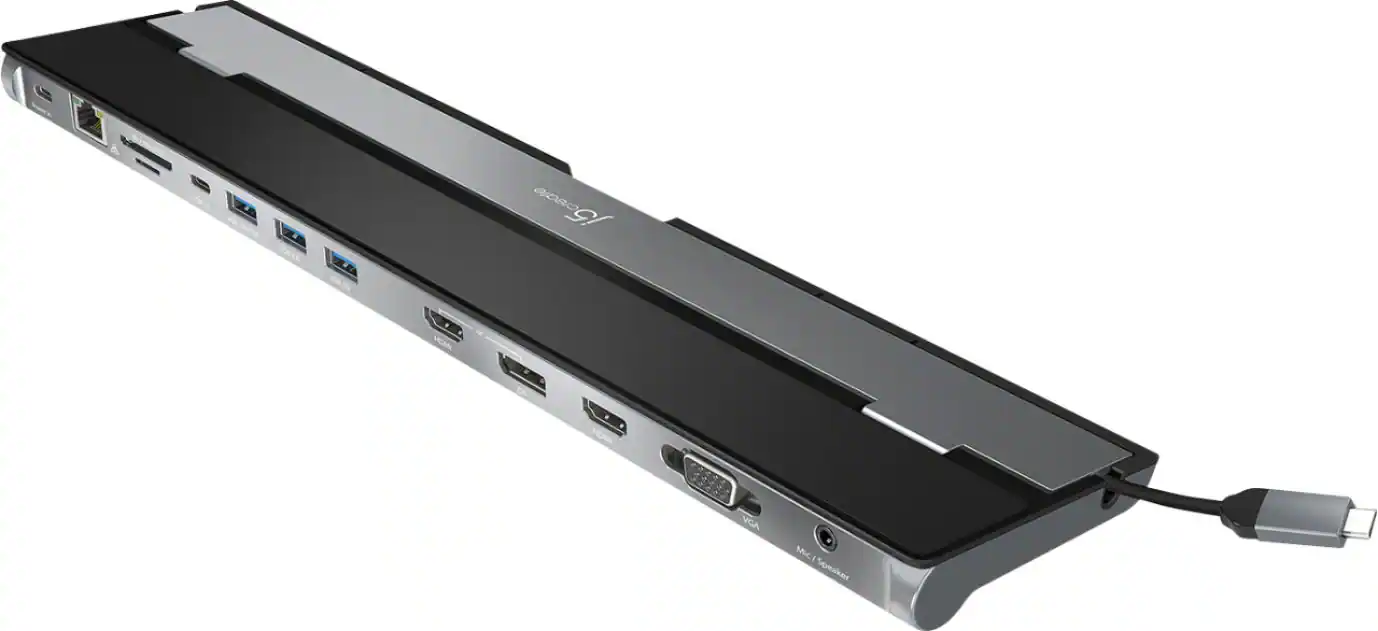 Laptop Docking Stations
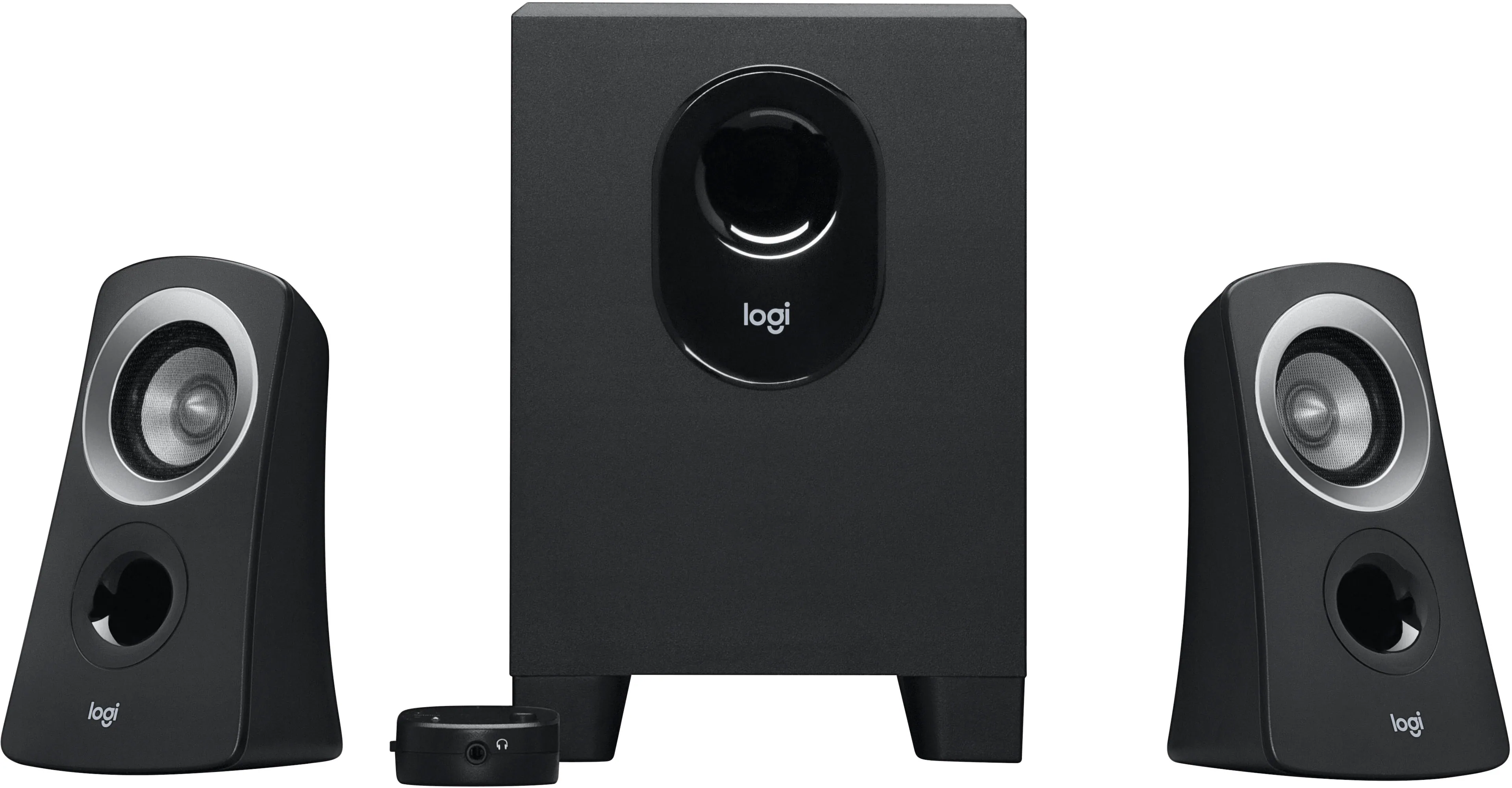 Computer Speakers
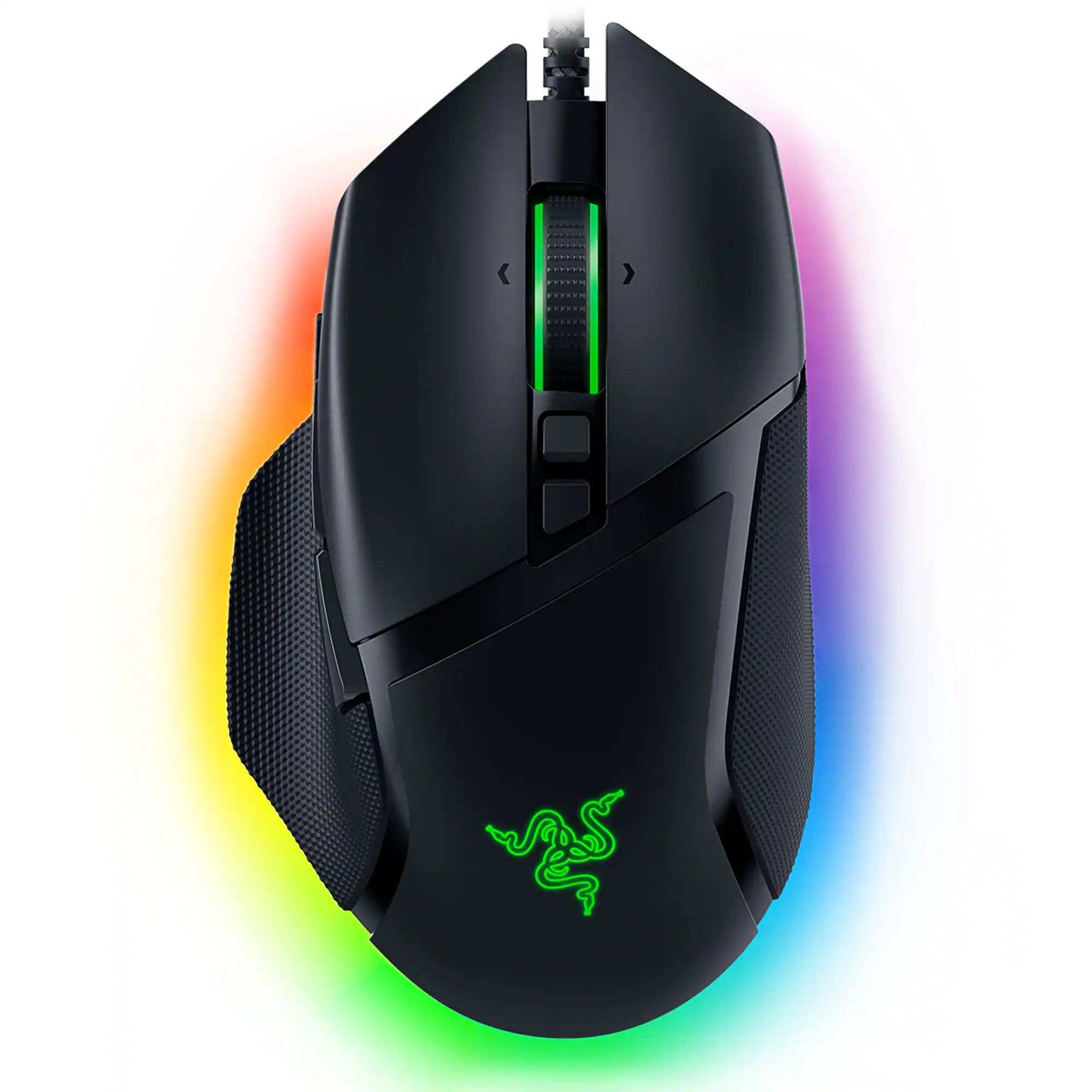 Mice
Mice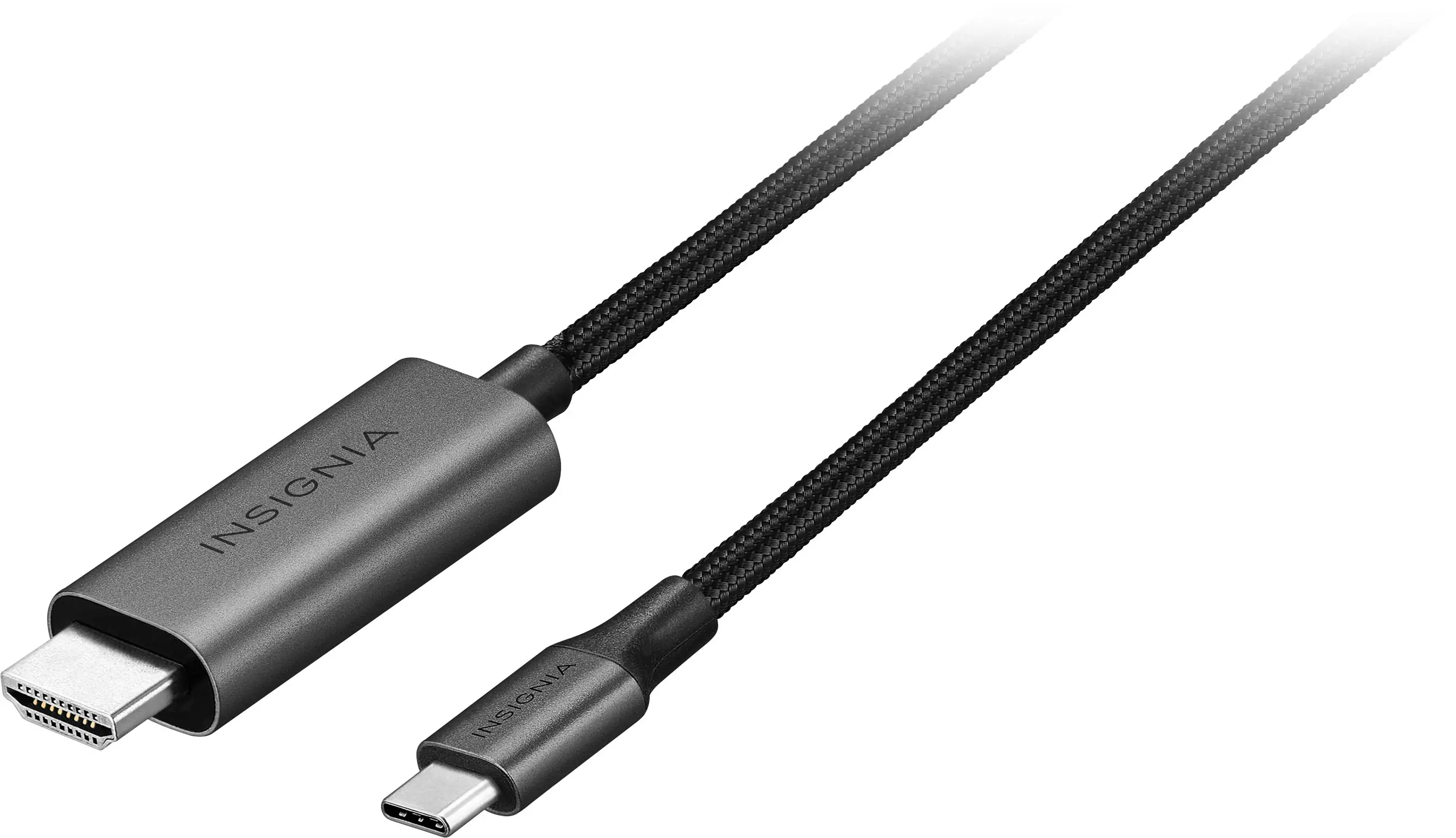 Cables and Adapters
 Web Cameras
 Mouse Pads
 PC Gaming Headsets
Customers ultimately bought
 Techtober Deal$249.99The price was $349.99
 $269.99The price was $399.99
 Techtober Deal$209.99The price was $329.99
 Techtober Deal$319.99The price was $349.99
 Techtober Deal$179.99The price was $459.99
 Techtober Deal$179.99The price was $249.99
 $299.00The price was $329.99
 Techtober Deal$299.99The price was $499.99
 Techtober Deal$219.99The price was $349.99
 Techtober Deal$99.99The price was $179.99

Explore tech essentials Sponsored
 Techtober Deal$129.99The price was $159.99
 $139.99The price was $179.99
 Techtober Deal$1,229.99The price was $1,549.99
 $129.99The price was $159.99

Discover related products
 Techtober Deal$10.99The price was $13.99










Keep exploring
 $700.99The price was $979.32
 $899.99The price was $1,299.99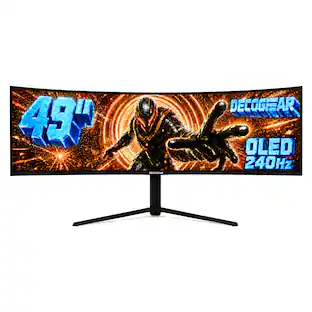
Deco Gear - 49" QD-OLED 240Hz Curved Super Ultrawide Gaming Monitor 5K DQHD 0.03 ms HDR400 90W USB-C
Techtober Deal$739.99The price was $1,539.99