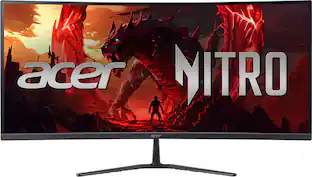
Acer - Nitro Gaming 31.5" Curved WQHD 180Hz 1ms FreeSync Premium Gaming Monitor (DisplayPort, HDMI x2) - Black
Customers are saying
Customers express satisfaction with the overall performance of this product, noting that it is excellent for daily use. Users also frequently praise the perfect screen size and the high-quality refresh rate, which works seamlessly with Mac devices. While the display features are highly regarded, some users have noted that the stand design can feel slightly unstable.
Highlights
Vibrant Images
The EDB323QU 31.5" gaming monitor with 2560 x 1440 WQHD resolution in a 16:9 aspect ratio presents stunning, high quality images with excellent detail. The zero frame design does away with the thick frames on conventional monitors freeing up precious screen space so you have more to look at from edge to edge.
AMD FreeSync Premium Technology
Say “goodbye” to stuttering and tearing. With AMD FreeSync Premium, the monitor’s frames are synced with the graphics card’s frames, which eliminates screen tearing and provide the smoothest gaming experience
ZeroFrame Design
With a EDB323QU monitor, you’ll want to see as much of the display as possible. Get more monitor real estate with the near bezel-less design, allowing you to see more and do more. The ZeroFrame design lets you place multiple monitors next to each other for a seamless, almost uninterrupted view.
Quick Refresh Rate
The 180Hz refresh rate speeds up the frames per second to deliver an ultra-smooth 2D motion scenes. With a rapid refresh rate of up to 180Hz, Acer Monitors shorten the time it takes for frame rendering, lower input lag and provide gamers an excellent in-game experience.
Responsive
Fast response time of 1ms enhanced gamers’ in-game experience. No matter the fast-moving action or any dramatic transitions will be all rendered smoothly without the annoying effects of smearing or ghosting.
Curved Screen
The curved 16:9 display wraps you in a world of entertainment with every corner of the screen at the same distance from your eyes for a uniform viewing experience without blind spots. Tilt the screen -5 to 20 degrees for the most comfortable view.
- Refresh Rate180HzMaximum Resolution2560 x 1440Response Time1 millisecondsPanel TypeVASynchronization TechnologyFreeSync Premium (AMD Adaptive Sync)
Reviews
Rating 4.7 out of 5 stars with 607 reviews
- Overall Performance (287)
- Screen Size (149)
- Refresh Rate (59)
- Resolution (15)
- Stand Design (7)
Customer Images
The vast majority of our reviews come from verified purchases. Reviews from customers may include My Best Buy members, employees, and Tech Insider Network members (as tagged). Select reviewers may receive discounted products, promotional considerations or entries into drawings for honest, helpful reviews.
Compare similar products
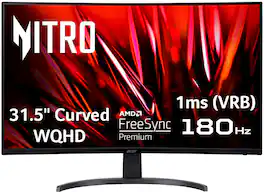
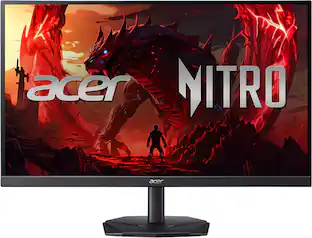
Acer's EDB323QU 31.5" curved panel monitor with WQHD resolution delivers the incredible. Crisp, true-to-life colors come alive with the amazing 2560 x 1440 resolution, allowing you to enjoy High-Definition entertainment in the comfort of your home. The wide view angle technology lets you share what's on your screen with friends and family as colors stay true no matter what angle you're viewing from. Crisp, true-to-life colors come alive with the amazing 2560 x 1440 resolution, allowing you to enjoy High Definition entertainment in the comfort of your home. Through AMD FreeSync Premium technology, the game’s frame rate is determined by your graphics card, not the fixed refresh rate of the monitor, giving you a serious competitive edge. Smooth, tear-free gameplay!! And a whole lot more.
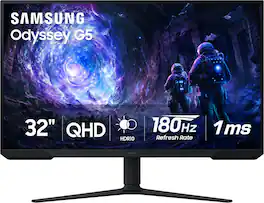
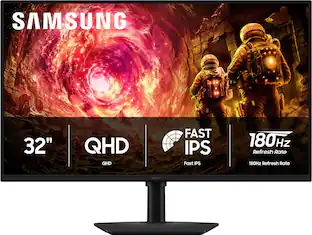
Samsung’s 32” Odyssey G5 G51F Gaming Monitor boasts incredibly detailed, pin-sharp images with QHD resolution (2560x1440). HDR10 provides brighter highlights, improved contrast and color accuracy, making every scene feel more vivid and realistic. 180Hz Refresh Rate and near-instant 1ms Response Time (MPRT) captures all your moves with reduced lag for ultra-smooth gameplay. AMD FreeSync Premium Pro reduces choppiness, screen lag, and image tears. Black Equalizer allows you to adjust dark areas in games, so you can locate opponents hiding in the deepest shadows. Virtual Aim Point allows you to hit your marks with next-level accuracy, giving you the optimal aim with crosshairs on the screen. Auto Source Switch+ instantly switches to a new source signal when connected devices are turned on, without having to use multiple inputs. Ergonomic stand makes it simple to tilt and adjust the monitor for total gaming comfort.
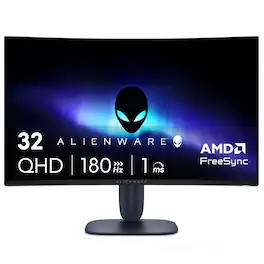
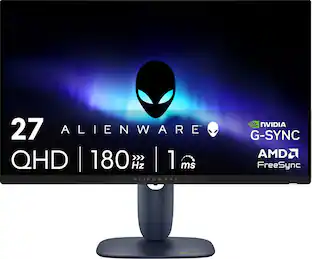
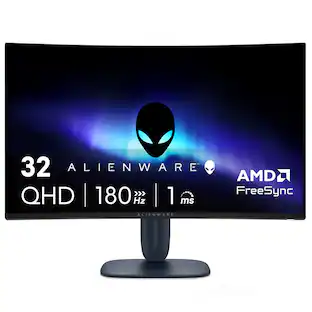
Alienware 32 Gaming Monitor - AW3225DM. Bring the action to life on a curved 32” QHD gaming monitor featuring vivid colors and smooth visuals.
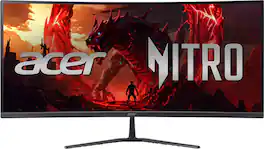
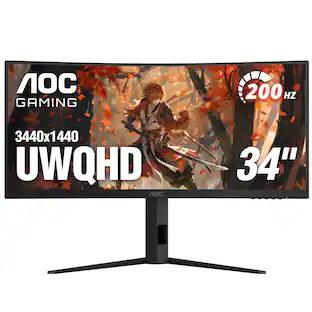
Acer's Nitro ED340CUR 34" curved panel monitor with Ultra Wide QHD resolution delivers the incredible. Through AMD FreeSync Premium technology, the game’s frame rate is determined by your graphics card, not the fixed refresh rate of the monitor, giving you a serious competitive edge. Smooth, tear-free gameplay!! Crisp, true-to-life colors come alive with the amazing 3440 x 1440 resolution, allowing you to enjoy High-Definition entertainment in the comfort of your home. The wide view angle technology lets you share what's on your screen with friends and family as colors stay true no matter what angle you're viewing from. Incredible 100,000,000:1 contrast ratio and rapid response time ensure your games, work and movies are smooth and look as epic as possible.
| Pros for Acer - Nitro Gaming 31.5" Curved WQHD 180Hz 1ms FreeSync Premium Gaming Monitor (DisplayPort, HDMI x2) - Black | |||
|---|---|---|---|
| Overall Performance, Screen Size, Refresh Rate, Resolution | Overall Performance, Screen Size, Refresh Rate, Resolution | Overall Performance, Refresh Rate, Resolution, Design, Size | Overall Performance, Screen Size, Refresh Rate, Immersion |
| Cons for Acer - Nitro Gaming 31.5" Curved WQHD 180Hz 1ms FreeSync Premium Gaming Monitor (DisplayPort, HDMI x2) - Black | |||
| Stand Design | Speakers, Connectivity, Black Levels, HDR Performance | Speakers, Connectivity, Weight | There were no cons for this product— |
Specs
Customers often buy these together
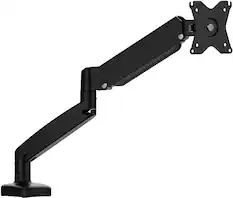
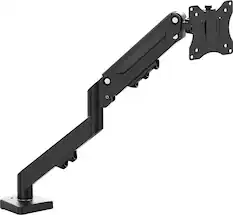
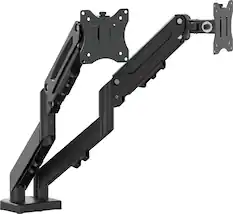
Monitor Stands

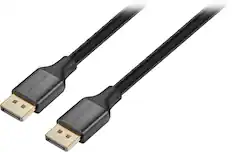
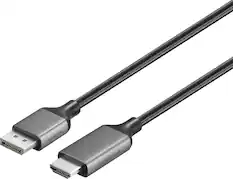
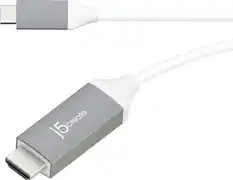
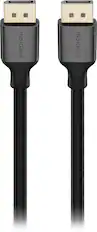
Monitor and Video Cables


More recommended items
 Computer Speakers
 Laptop Docking Stations
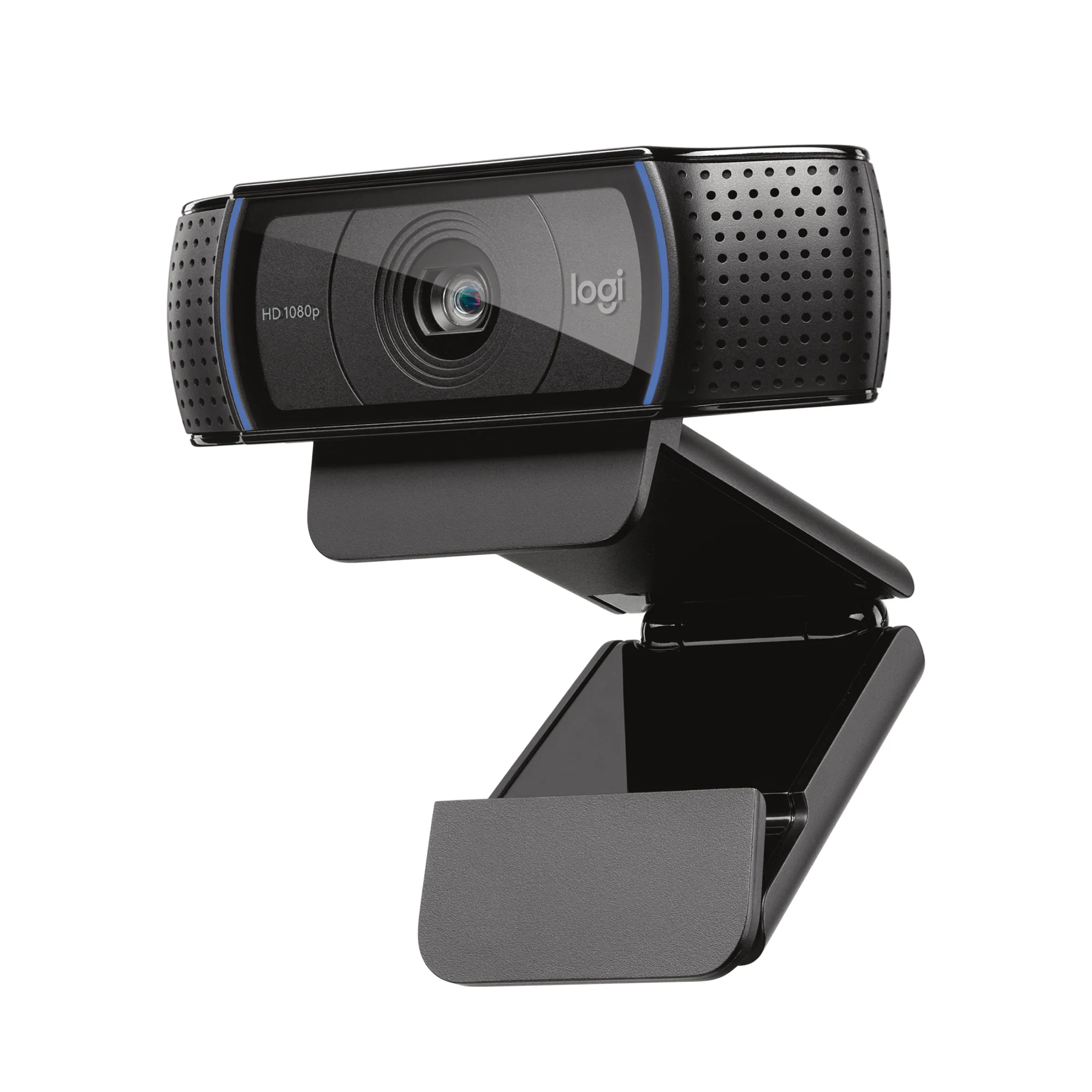 Web Cameras
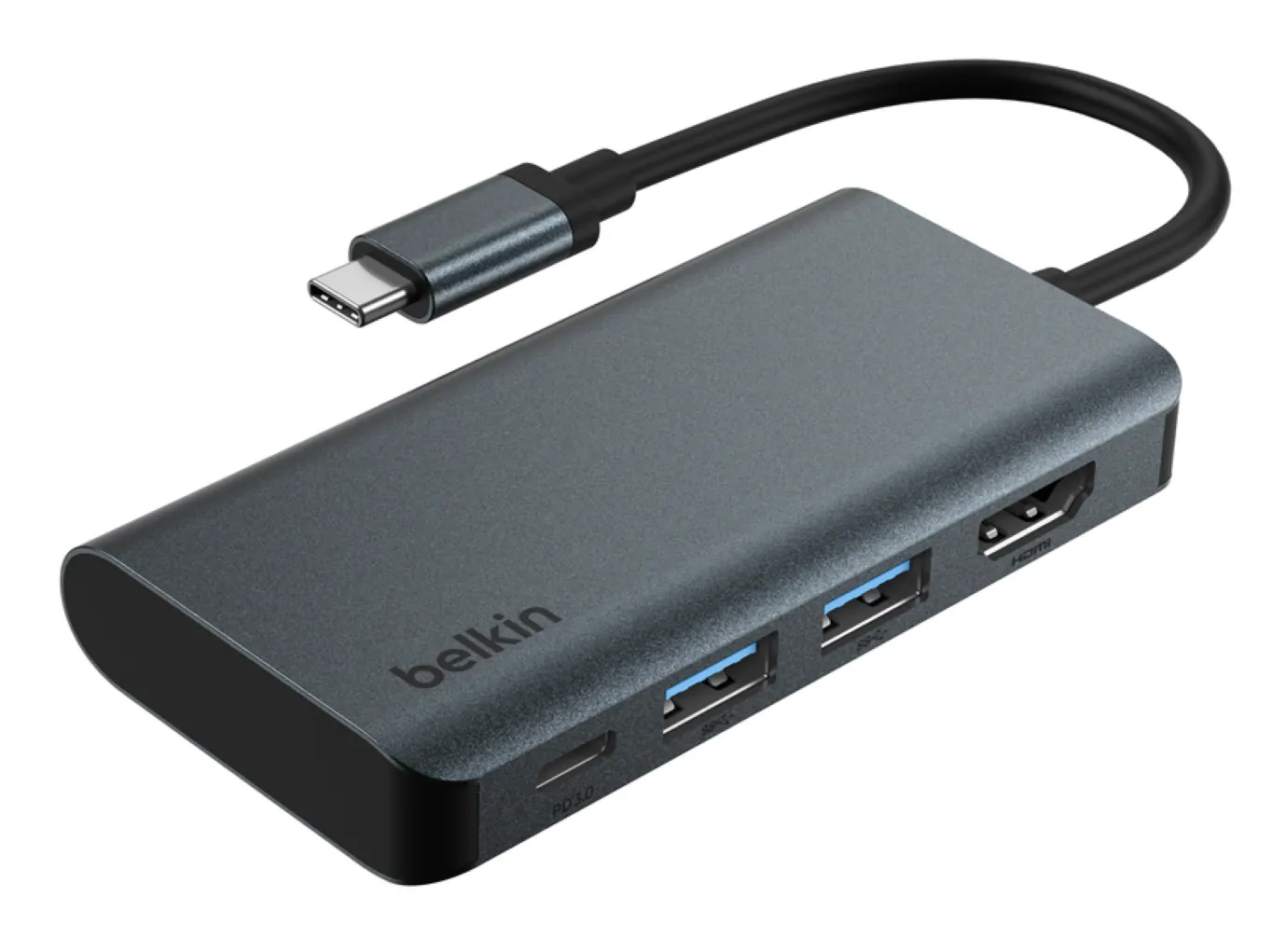 Cables and Adapters
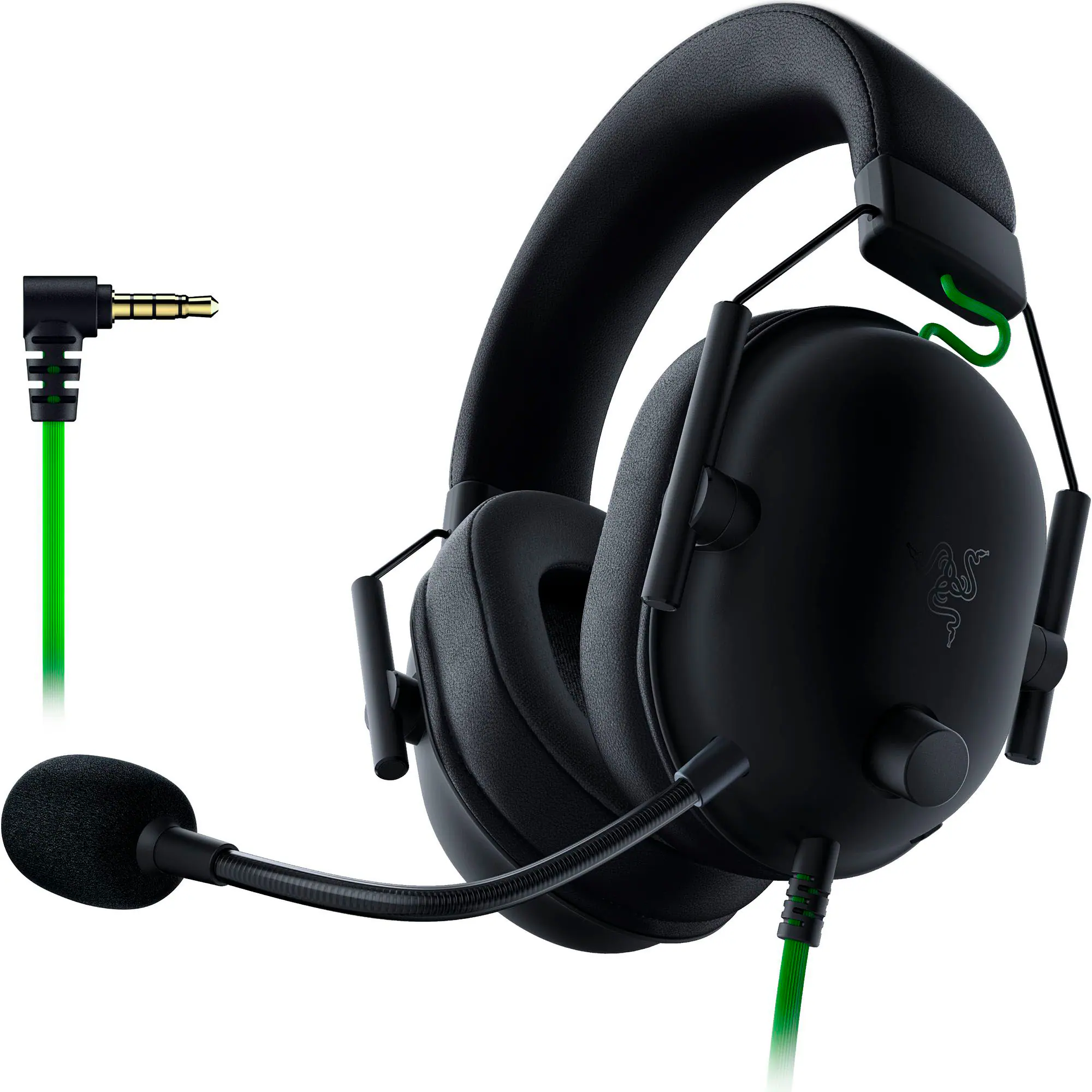 PC Gaming Headsets
Customers ultimately bought
 Top Deal$269.99The price was $349.99
 Top Deal$199.99The price was $329.99
 Top Deal$149.99The price was $199.99
 Flash Deal$219.99The price was $269.99
 $179.00The price was $199.99
 Top Deal$219.99The price was $349.99
 Top Deal$139.99The price was $189.99
Explore tech essentials Sponsored
- Top Deal$219.99The price was $349.99

Discover related products
 $169.99The price was $269.99
 $12.99The price was $13.99
Acer - 5 in 1 USB C Hub with 4K HDMI, 100W Power Delivery, 3 USB A Data Ports, USB C to HDMI Adapter
$15.99The price was $16.99 $11.99The price was $12.99
 $339.99The price was $749.99
 $4.99The price was $7.99




Keep exploring
 $431.99The price was $453.31
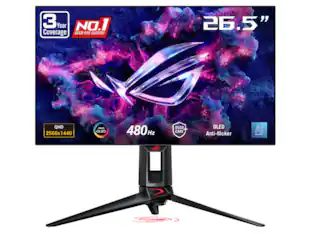 $899.00The price was $934.64
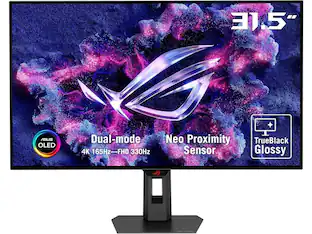 $824.99The price was $979.32
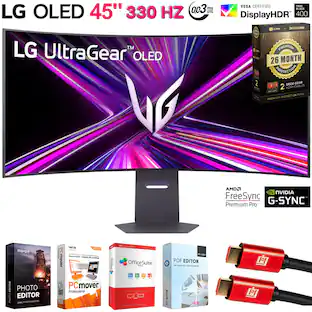 $1,499.99The price was $2,101.91
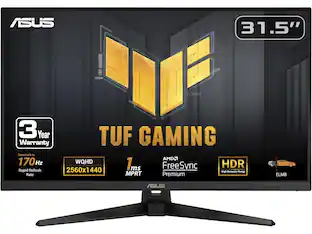 $204.99The price was $221.49
 $199.99The price was $218.99