LG - UltraGear 27" IPS Dual Mode (4K UHD 180Hz, FHD 360Hz), 1ms, NVIDIA G-SYNC, AMD Freesync Gaming Monitor (HDMI, DP, USB-C) - Black
Customers are saying
Customers are impressed with the overall performance of this monitor, particularly highlighting its excellent display quality. Users also frequently praise the high refresh rate and sharp resolution, which make it a great choice for various applications. While the HDR performance is noted as a positive addition, some users have expressed concerns regarding the low brightness levels.
Highlights
Features
27” 4K Gaming—Speed Meets Clarity
UltraGear's 27-inch 4K UHD gaming monitor delivers stunning native resolution with incredible clarity. With Dual Mode, you choose your edge: play in 4K at 180Hz for fluid detail, or choose Full HD at 360Hz for lightning-fast speed. A 1ms GtG response time keeps every motion crisp and razor sharp.
Breathtaking UHD Clarity, Bold Colors, and DisplayHDR 400 Brilliance
Stunning 4K UHD on a 27” IPS display with up to 95% DCI-P3 color coverage. Experience deeper blacks, vibrant hues, and enhanced contrast with VESA DisplayHDR 400, delivering breathtaking detail and crisp visuals for captivating gaming and entertainment.
Dual Mode: 4K UHD 180Hz or Full HD 360Hz
Dual Mode lets you take control of your gaming experience. Enjoy graphically stunning story-driven adventures in 4K UHD at up to 180Hz immersing yourself in epic visuals and rich detail. Or press the hotkey to switch to Full HD at an electrifying 360Hz for ultra-responsive gameplay in FPS, MOBA, or racing titles.¹
1ms Response (GtG) for Crisp Gameplay
1ms Response Time (GtG) keeps fast-paced gameplay sharp by minimizing blur and ghosting. Whether you're tracking enemies or racing to the finish, every frame stays crisp—giving you the edge when it matters most.
Ultimate Frame Sync: FreeSync Premium & G-SYNC Compatible
Say goodbye to screen tearing and stutter. With AMD FreeSync Premium and NVIDIA G-SYNC compatibility, this UltraGear monitor delivers ultra-smooth, tear-free visuals, giving you perfect frame sync across PC and next-gen console gaming.
Dynamic Action Sync
Don’t miss a beat. Dynamic Action Sync helps you spot the action and strike fast by reducing input lag and boosting responsiveness.
Never In the Dark with Black Stabilizer
Never get caught off guard. Black Stabilizer enhances visibility in low-light scenes so you can spot threats before they see you.
Advantage of Accuracy with Crosshair
Crosshair offers an accuracy advantage with center-display crosshairs that provide enhanced vision and precision for increased accuracy in first-person shooter games.
4-Pole Jack & DTS HP:X: Gaming Audio Unleashed
Experience lifelike 3D audio with DTS Headphone², pushing out spatial sound to make you feel even more part of the game. The 4-pole headphone jack combines stereo audio and mic input, delivering crisp sound and clear game-play comms through a single connection.
Battlestation Upgrade Adjustable to Gamer Specs
Go big with the narrow bezel, 27” IPS screen. UltraGear's sleek, slim design offers adjustable height, tilt, swivel and pivot control for your ideal view.
Serious Connectivity for Serious Gamers
UltraGear is built for next-gen consoles or PC with dual HDMI, DP 1.4, USB upstream and two downstream ports³.
Specifications
- Refresh Rate180HzMaximum Resolution3840 x 2160Response Time1 millisecondsPanel TypeIPSSynchronization TechnologyG-SYNC Compatible (NVIDIA Adaptive Sync), FreeSync Premium (AMD Adaptive Sync)
Reviews
Rating 4.8 out of 5 stars with 169 reviews
- Overall Performance (76)
- Refresh Rate (23)
- Resolution (14)
- HDR Performance (5)
- Brightness (5)
Customer Images
The vast majority of our reviews come from verified purchases. Reviews from customers may include My Best Buy members, employees, and Tech Insider Network members (as tagged). Select reviewers may receive discounted products, promotional considerations or entries into drawings for honest, helpful reviews.

Compare similar products
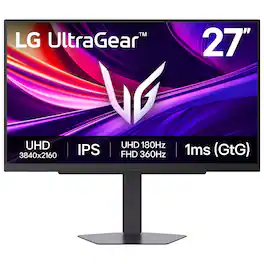
It's time to upgrade your setup with the 27 Inch 4K UHD IPS UltraGear gaming monitor, delivering crisp ultra high (3840 x 2160) resolution, vibrant color with up to 95% DCI-P3 coverage, and striking contrast through VESA DisplayHDR 400. Every detail is vivid, sharp, and designed to elevate your gaming and streaming experience. Stay ahead with a 144Hz refresh rate and lightning-fast 1ms (GtG) response time, ensuring smooth, responsive gameplay. Adaptive sync technologies—NVIDIA G-SYNC compatibility and AMD FreeSync Premium—keep every frame fluid and tear-free. Dual Mode lets you take control of your gaming experience. Enjoy graphically stunning story-driven adventures in 4K UHD at up to180Hz immersing yourself in epic visuals and rich detail. Or game in Full HD at an electrifying 360Hz for ultra-responsive gameplay¹. Stay battle-ready with dual HDMI, DisplayPort 1.4, USB upstream and two downstream ports, plus a 4-pole headphone jack. A slim bezel, fully adjustable stand bring both performance and style to your ultimate gaming setup.
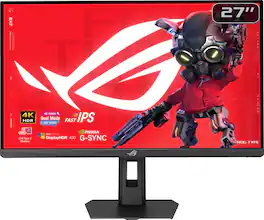
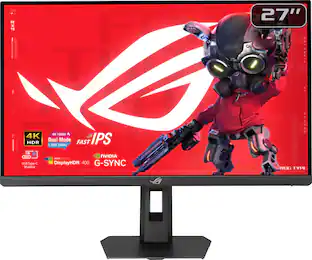
Elevate your gaming with the ROG Strix XG27UCSR. Switch instantly to 1080p 324Hz via hotkey for esports-ready speed and 0.3ms (min) response. AI-powered features and versatile USB‑C connectivity deliver precision, performance, and modern convenience.
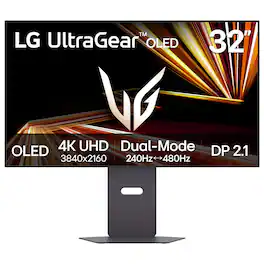
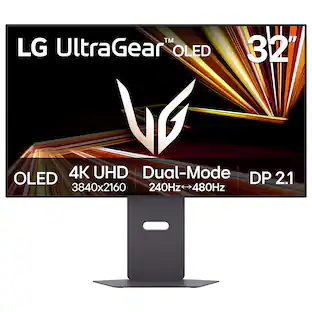
The UltraGear OLED 32GX870A is built for gamers who demand both visual precision and speed. Dual Mode refresh rate lets you switch between stunning 4K/UHD at up to 240Hz for graphics-driven adventures or Full HD at an ultra-responsive 480Hz for lightning-fast competitive play—all with a quick hotkey press.¹ The 32” OLED panel with VESA DisplayHDR True Black 400 brings HDR games to life as developers intended, delivering deep blacks, bright highlights—up to 1300 nits peak brightness—and rich contrast for immersive visuals that pull you in. NVIDIA G-SYNC compatibility and AMD FreeSync Premium Pro ensure ultra-smooth, tear-free gameplay. This UltraGear is loaded with connectivity options, including DisplayPort 2.1 for ultra-fast, high-bandwidth performance. Built-in speakers provide crisp, immersive audio without extra clutter. Designed to be the centerpiece of any battlestation, the virtually bezel-less 32GX870A is height, tilt, swivel, and pivot adjustable for the perfect setup.
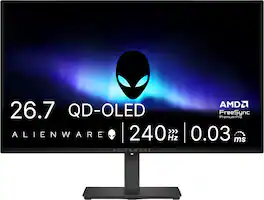
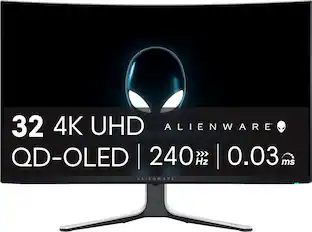
Alienware 27 240Hz QD-OLED Gaming Monitor. Take in superb QD-OLED visuals and fluid gameplay on the 27" flat panel monitor featuring a fast 240Hz refresh rate.
| Pros for LG - UltraGear 27" IPS Dual Mode (4K UHD 180Hz, FHD 360Hz), 1ms, NVIDIA G-SYNC, AMD Freesync Gaming Monitor (HDMI, DP, USB-C) - Black | |||
|---|---|---|---|
| Overall Performance, Refresh Rate, Resolution, HDR Performance | Refresh Rate, Build Quality, Color Accuracy, Connectivity, Performance | Overall Performance, OLED Quality, Refresh Rate, Resolution | OLED Quality, Overall Performance, Refresh Rate, Stand Adjustability |
| Cons for LG - UltraGear 27" IPS Dual Mode (4K UHD 180Hz, FHD 360Hz), 1ms, NVIDIA G-SYNC, AMD Freesync Gaming Monitor (HDMI, DP, USB-C) - Black | |||
| Brightness | There were no cons for this product— | Brightness | Brightness, Audio Output, USB Ports |
Specs
Questions & Answers
What is the tiny black piece that goes into a slot on the bottom left side of the monitor used for
Answered by LG Digital Customer CareThe "tiny black piece that goes into a slot on the bottom left side of the" LG 27-inch UltraGear™ IPS 4K UHD 180Hz or FHD 360Hz Dual-Mode NVIDIA G-Sync Compatible Gaming Monitor, Model # 27G810A-B, is a mouse cable holder, often referred to as a mouse bungee. It is designed to help with cable management by keeping your wired mouse cable elevated and in place, preventing it from dragging on the desk or snagging on the edge of the monitor during gameplay...^Ivan.
Does this monitor offers VRR support?
Answered by LG Digital Customer CareHi there. Thank you for reaching out to us. We understand your inquiry regarding the display capabilities of the 27G810A-B monitor. We are happy to confirm that the 27G810A-B does indeed offer Variable Refresh Rate (VRR) support. This technology is a core feature of this model, designed to provide a seamless and fluid gaming experience by allowing the monitor to adjust its refresh rate dynamically to match the frame rate of your connected device. In addition to standard VRR, this unit is also equipped with NVIDIA G-Sync™ Compatibility, AMD FreeSync™ Technology, and VESA Adaptive Sync. These features work in tandem with the monitor's impressive 180Hz refresh rate and 4K UHD resolution to eliminate screen tearing and stuttering during high-speed gameplay. Whether you are using a modern gaming console via the HDMI 2.1 ports or a high-end PC via DisplayPort 1.4, we ensure that this monitor is built to handle the most demanding visual tasks with precision. https://www.bestbuy.com/product/lg-ultragear-27-ips-dual-mode-4k-uhd-180hz-fhd-360hz-1ms-nvidia-g-sync-amd-freesync-gaming-monitor-hdmi-dp-usb-c-black/JJ8VPZKP8S If you have any further questions about its features, please contact us on lgdigitalcare@lg.sprinklrsupport.com, and our team will be more than happy to assist you. —Renzo
Is the panel on this Mini-LED or just an average LED?
Answered by LG Digital Customer CareAs indicated in its header, the LG UltraGear™ 27" IPS Dual Mode (4K UHD 180Hz, FHD 360Hz), 1ms, NVIDIA G-SYNC, AMD Freesync™ Gaming Monitor (HDMI, DP, USB-C) - Black, Model # 27G810A-B, is an "IPS" panel. It is NOT an LG UltraGear evo™ monitor that employs Mini LED technology like our upcoming Nano IPS LG UltraGear evo™ monitors...^Ivan.
Does this monitor have integrated speakers?
No, this monitor does not have integrated speakers.
This question and answer was generated by AI based on customer and product data.Does this gaming monitor have a headphone jack?
Yes, this gaming monitor has a 4-pole headphone jack.
This question and answer was generated by AI based on customer and product data.

Customers often buy these together
Computer Keyboards

![esc ~ ! 1 tab caps lock shift ctrl F2 Fl # 2 3 Q W A S Z start opt L F3 $ 4 E D X alt cmd3 ) FS F4 A % 5 6 R T F G V C logi 44 HI & F9 FID FB F7 F6 * ) - - & 0 8 9 7 O P U I Y K L H J > < N M 1 B PM + = { [ : I ; ? I alt cmd D 2 4 300 3 1 F12 . * page I insert home up clear backspace 8 9 + 7 page A pg up end down home } I delete ] / 6 4 5 4 enter 2 3 enter 1 dn Pg end shift = 0 del ins etrl fn opt](https://pisces.bbystatic.com/image2/BestBuy_US/images/products/6539/6539505_sd.jpg;maxHeight=232;maxWidth=233?format=webp)

![M1 M2 M3 M4
esc F1 F2 F3 F4 F5 F6 F7 F8 F9 F10 F11 F12
prtsc scrLk pause
ins home pgup num / del end pgdn
tab Q W E R T Y U I O P [ ] \
caps A S D F G H J K L : '
enter shift Z X C V B N M , . -
shift 1 2 3 4 5 6 7 8 9 0 - =
ctrl alt fn ctrl
alt RAZER](https://pisces.bbystatic.com/image2/BestBuy_US/images/products/1f0f75c8-00e1-4042-907e-218cb4928c79.jpg;maxHeight=232;maxWidth=233?format=webp)
![USC F1 F2 F3 F4 F5 F6 F7 F8 F9 F10 F11 F12 prt SC scr lk pause HH PE PM M5 1 ! 2 @ 3 # 4 $ 5 % 6 ^ 7 & 8 * 9 ( 0 ) - + ins home pg up num / MG tab Q W E R T Y U I O P [ { ] } \ del end pg dn 7 8 9 + EM caps A S D F G H J K L : - enter C 1 2 3 4 5 6 > M2 shift Z X C V B N M - / ? shift 1 2 3 M1 ctri alt alt fn ctrl 0 ins del enter](https://pisces.bbystatic.com/image2/BestBuy_US/images/products/db34a04d-e8cb-4a6c-b0e8-8cb5450ca606.jpg;maxHeight=232;maxWidth=233?format=webp)
Monitor Stands

More recommended items
 Monitor and Video Cables
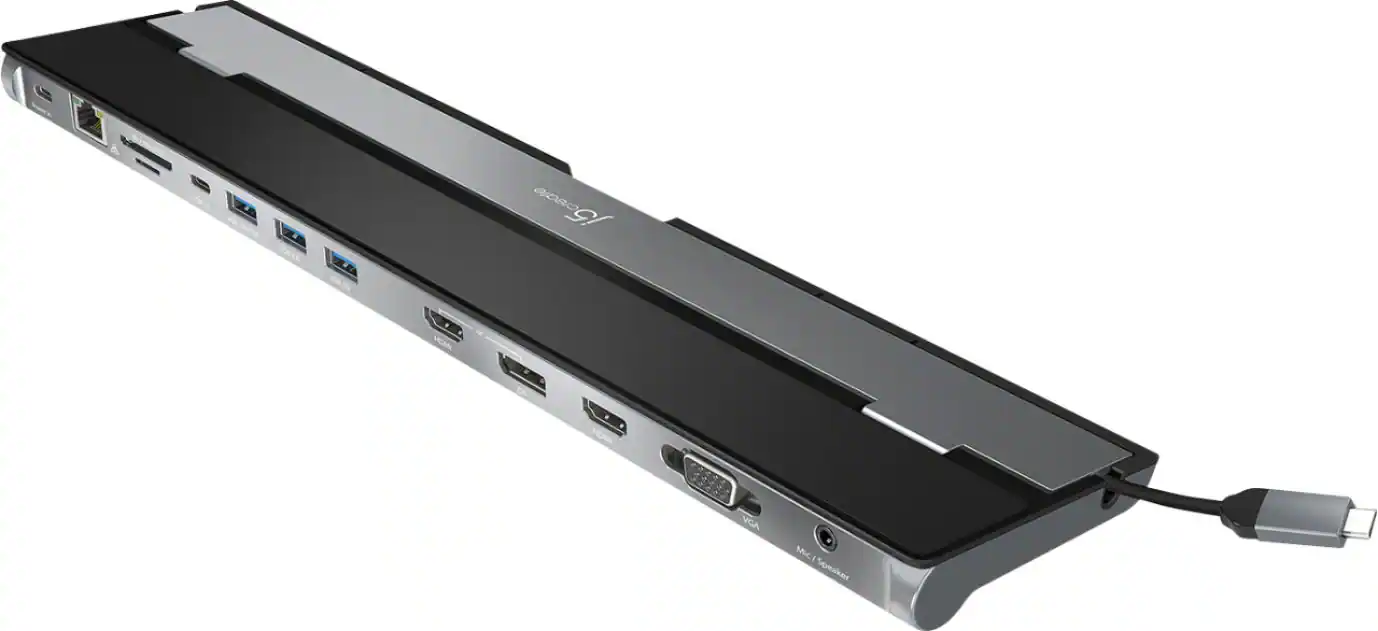 Laptop Docking Stations
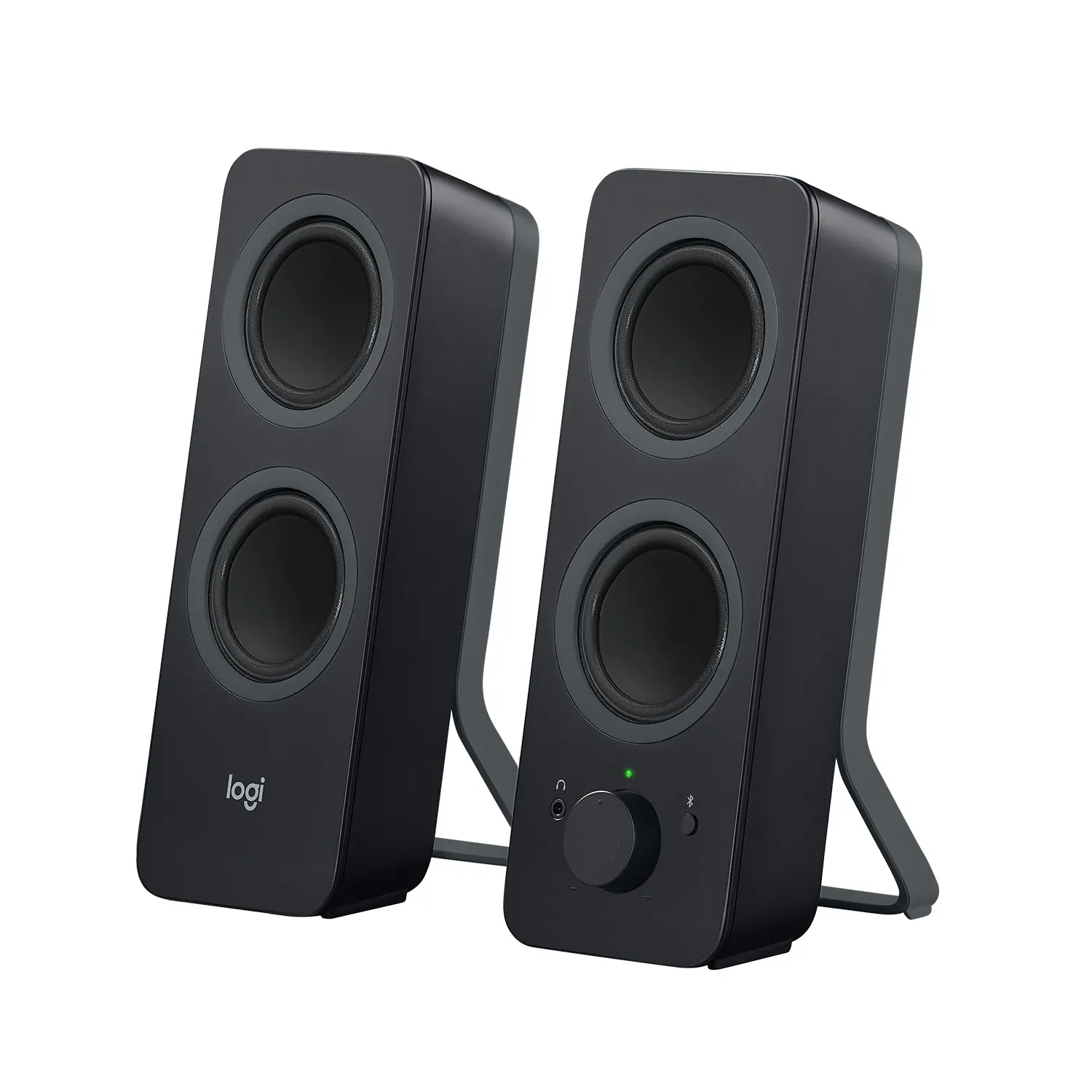 Computer Speakers
 Mice
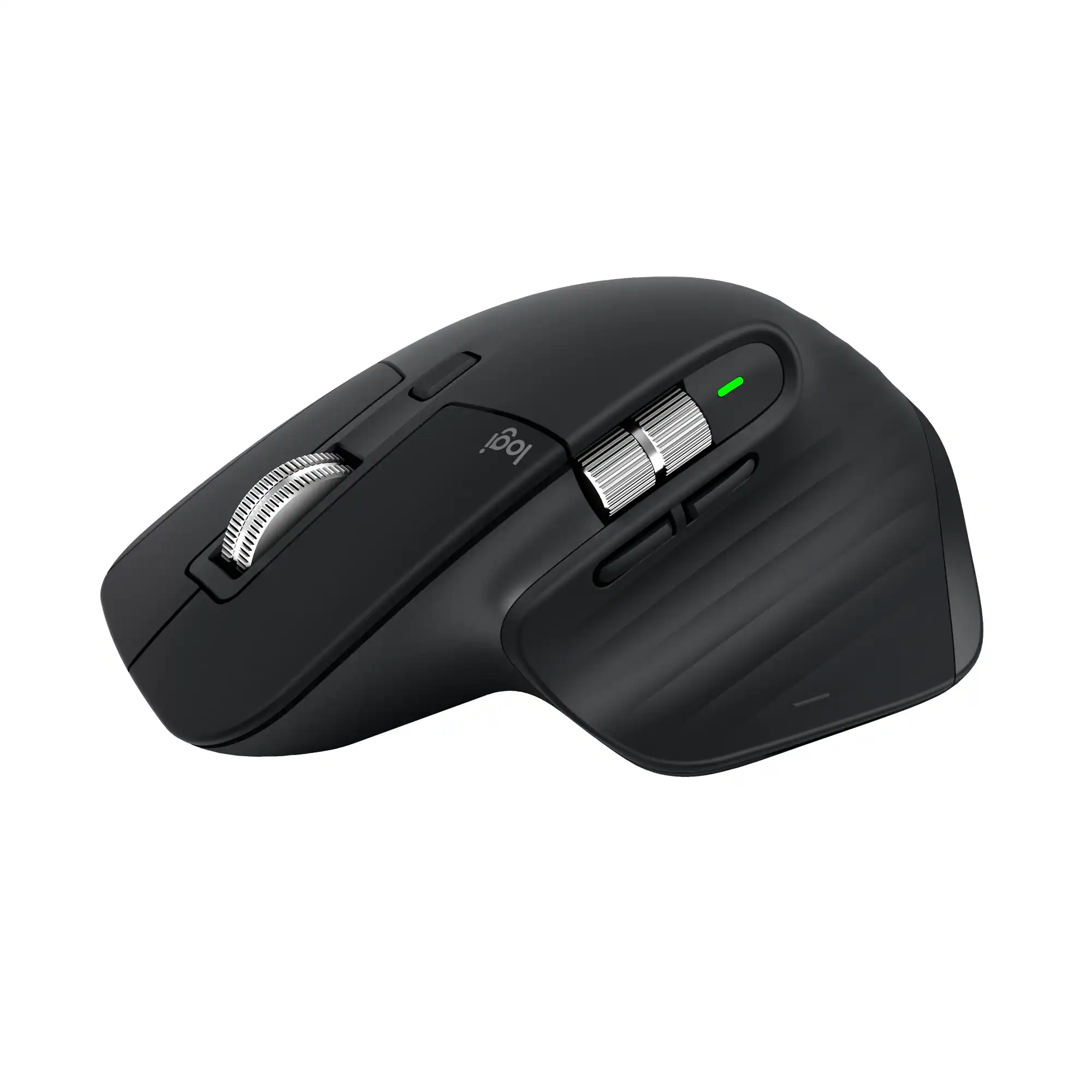
Mice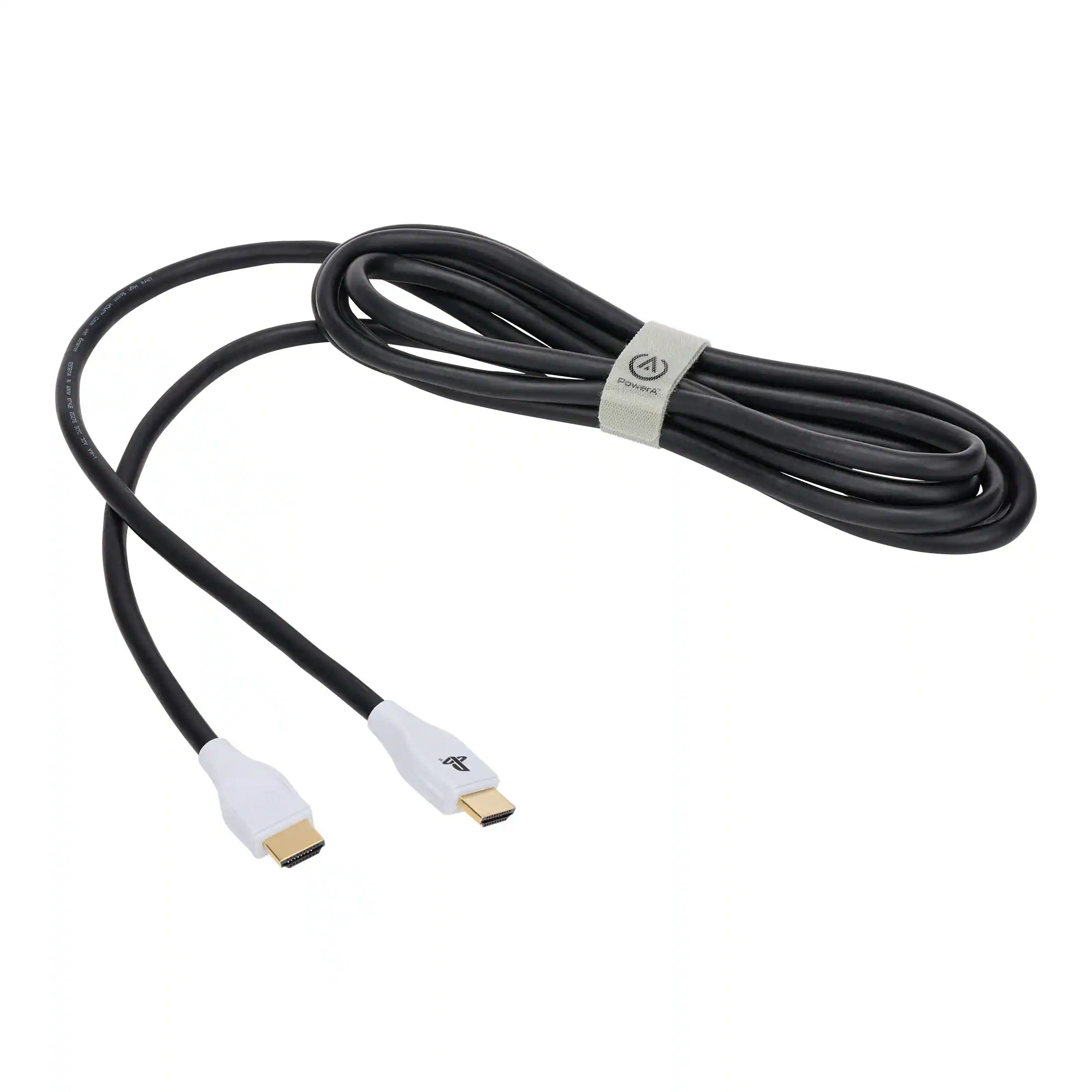 Cables and Adapters
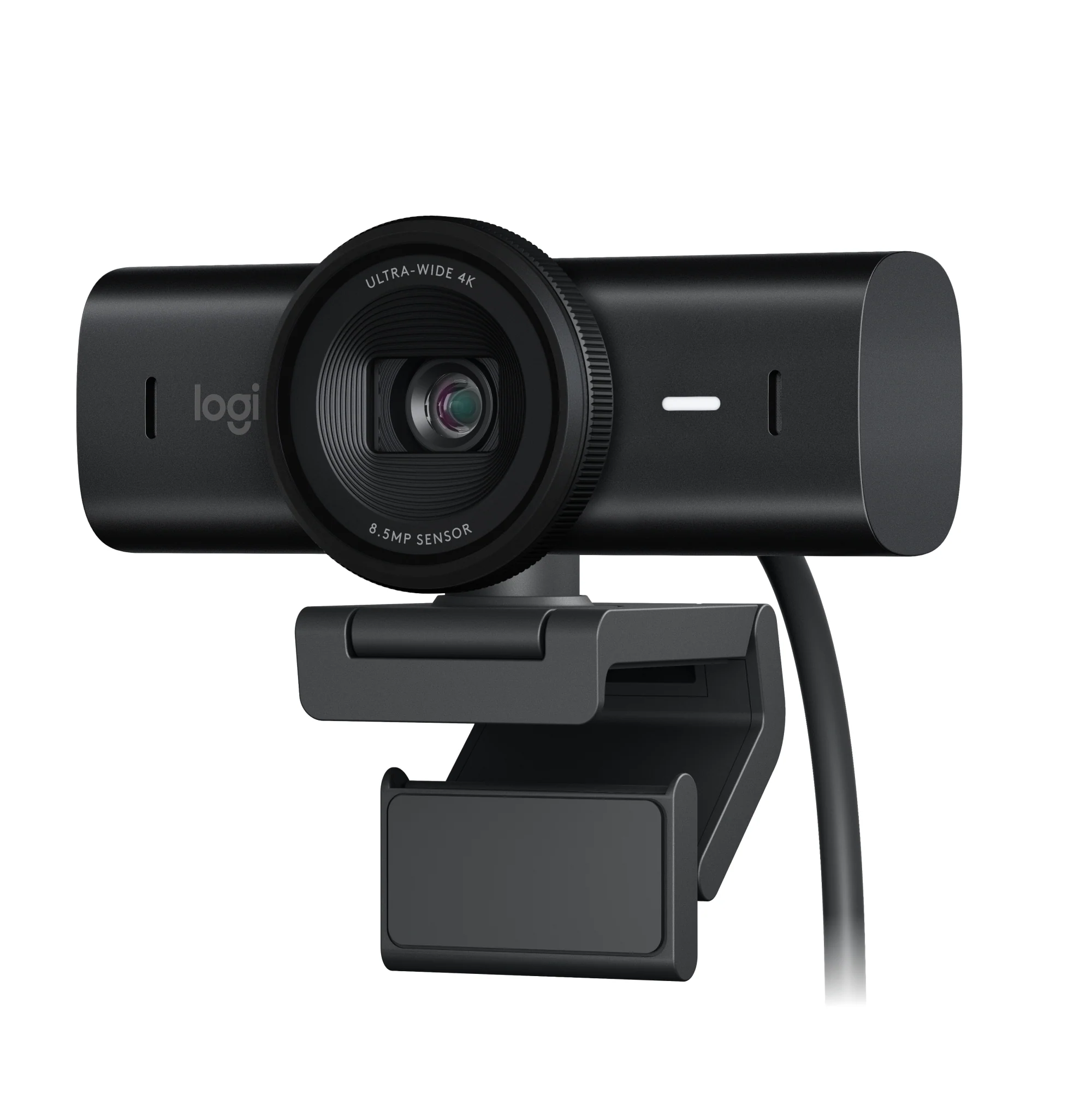 Web Cameras
 Mouse Pads
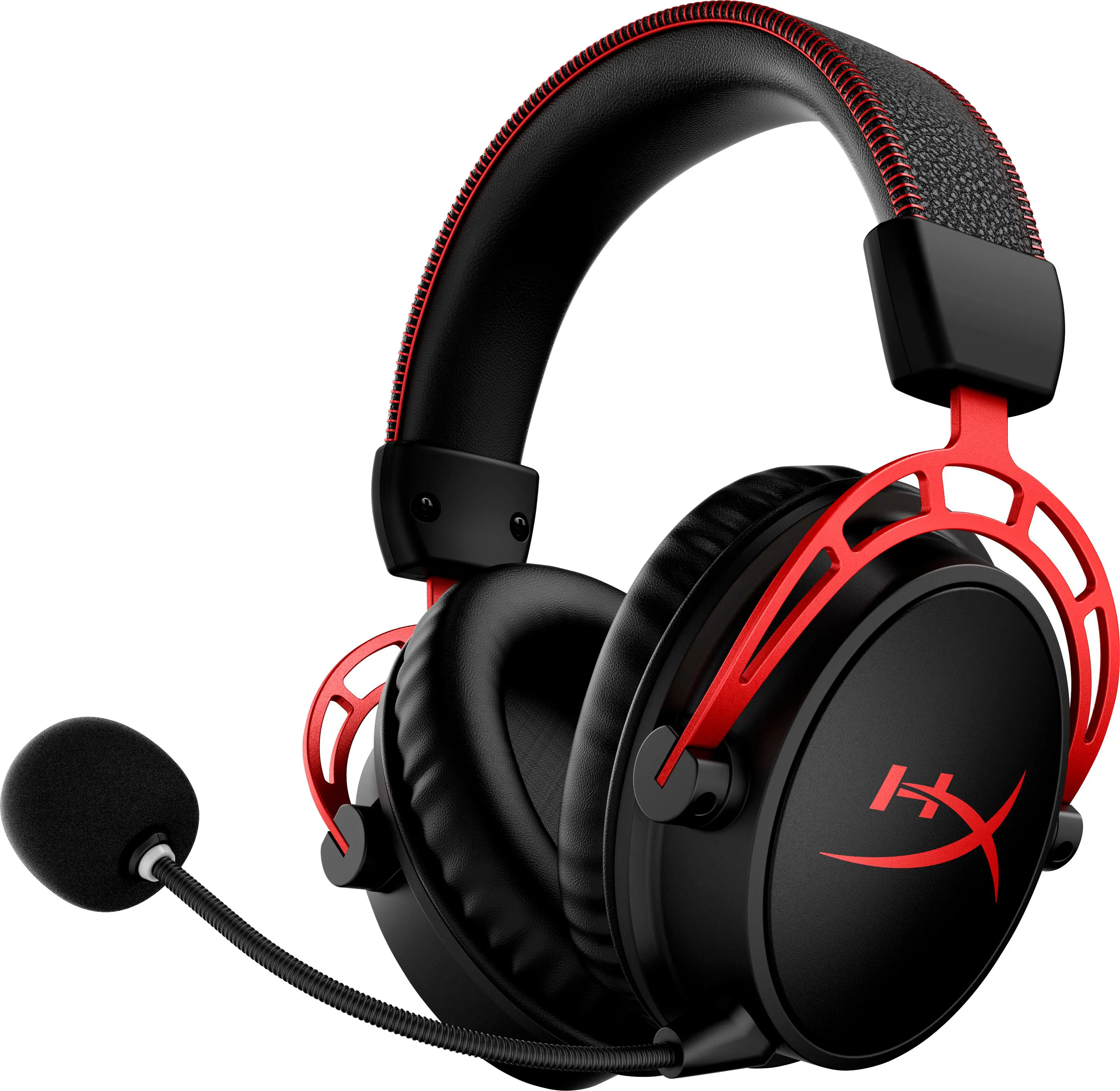 PC Gaming Headsets
Customers ultimately bought
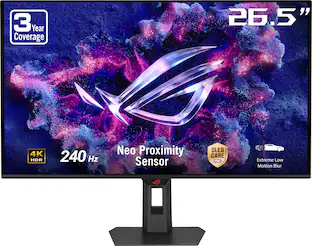 Top Deal$719.99The price was $799.99
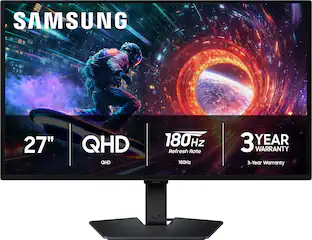 $449.00The price was $499.99
 Top Deal$779.99The price was $999.99

Explore tech essentials Sponsored
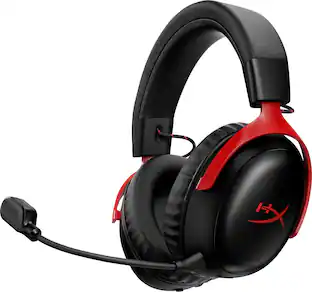 $129.99The price was $179.99
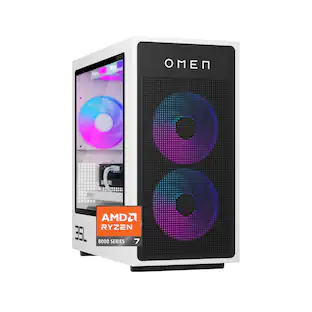 $2,289.99The price was $2,749.99
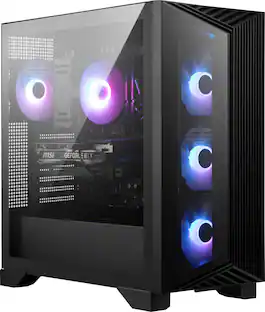

Discover related products
 $1,499.99The price was $1,799.99
 $434.99The price was $599.00





Keep exploring
 $229.99The price was $294.99