HDMI-To-VGA Adapter For Mac Mini
-
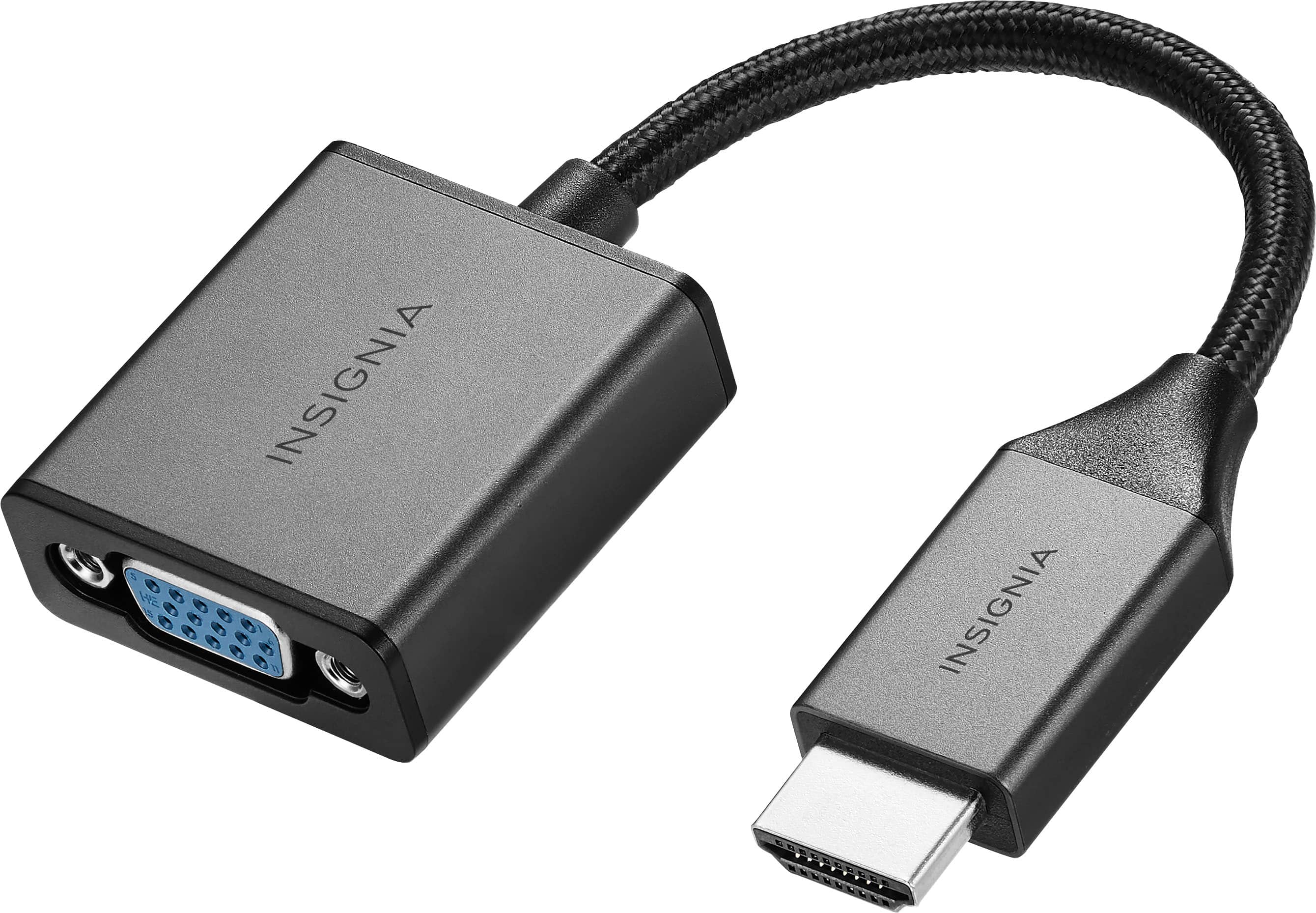
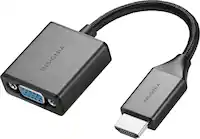
Insignia™ - HDMI to VGA Adapter - Cool gray
SKU: J2FPJK944LIt’s working great did the job,,we love shopping at Best Buy they have everything you need...Works perfectly did exactly what I had wanted to do love this device go to best buy first...Great job Best...
See all Monitor & Video AdaptersProduct Description
A cool gray adapter that connects HDMI devices to VGA monitors, supporting 1080p video and audio output.Your price for this item is $19.99 -
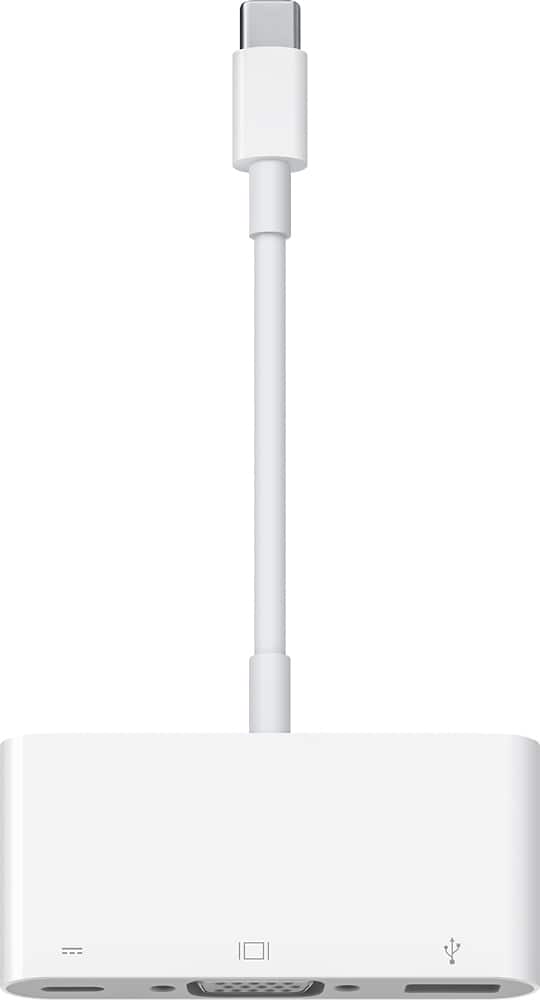
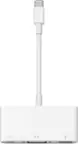
Apple - USB-C VGA Multiport Adapter - White
SKU: J3ZR295KVZGreat...Great stuff Best Buy, I love it and recommend it !...Love that best buy has apple representative in store to help with iT needs.
See all Monitor & Video AdaptersProduct Description
A white multiport adapter that connects USB-C devices to VGA displays, USB accessories, and charging cables.Your price for this item is $82.86 -
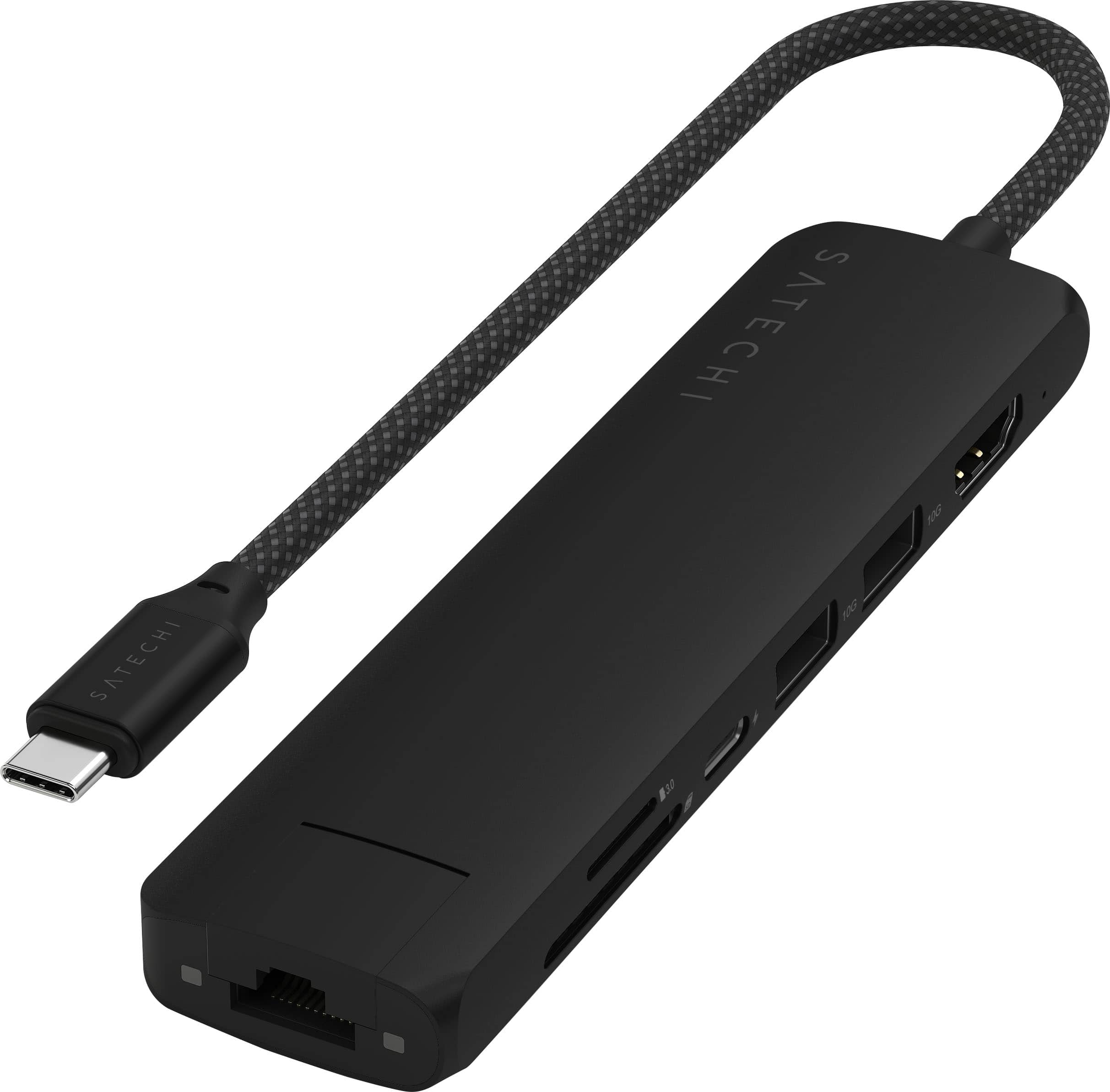
Satechi - 7-in-1 USB-C Slim Multiport Adapter w/ Ethernet, 4K HDMI, 60W USB-C, 2 USB-A, SD/Micro Readers for Mac & Windows - Black
SKU: J3GWC4CC7TA great addition to expand the utility of my soon-to-be delivered MacBook Pro with the M4 chip.
See all Docking StationsProduct Description
A sleek black aluminum adapter offering Ethernet, 4K HDMI, USB-C charging, USB-A, and SD/microSD slots.Your price for this item is $79.99
Best Sellers


Related Pages



FAQ
This adapter is compatible with Mac Mini models that feature an HDMI output port. Please check your Mac Mini’s specifications to ensure it has an HDMI port before purchasing.
Yes, this adapter allows you to connect your Mac Mini’s HDMI output to a VGA input on monitors, projectors, or other display devices.
HDMI-to-VGA adapters typically transmit video signals only. If you need audio, you may need to use your Mac Mini’s headphone jack or a separate audio cable.
The adapter supports video resolutions up to 1080p, but the final display quality may depend on your VGA monitor’s capabilities.
No additional software or drivers are needed. The adapter offers plug-and-play functionality for a straightforward setup.