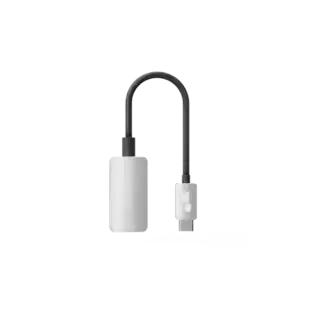
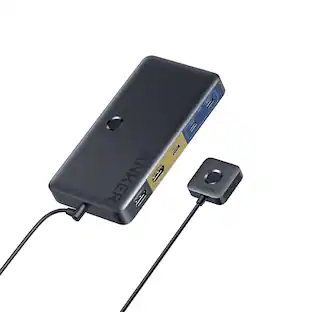
j5create - USB to HDMI Multi-Monitor Adapter - White
Customers are saying
Customers are enthusiastic about the product's impressive functionality and overall performance. Users frequently highlight that the device is lightweight and portable, making it easy to carry. Additionally, many report that it works perfectly for their specific needs.
Resolution
Video playback performs at 1080p HD with a resolution up to 2048 x 1152.
Multitask
Move and view your large documents across two screens without overlapping windows. Multitask with larger landscape/desktop space.
Additional Monitor
Add an additional monitor without adding an expensive, internal video card and avoid complicated installation. Hot-swappable USB enables you to add or remove monitors without rebooting your system.
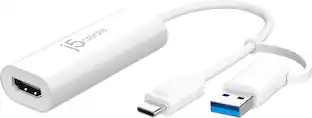
- Connector Type (End 1)USB-AGender (End 1)MaleConnector Type (End 2)HDMI Type AGender (End 2)Female
Reviews
Rating 4.5 out of 5 stars with 50 reviews
- Functionality (14)
- Overall Performance (11)
Customer Images
The vast majority of our reviews come from verified purchases. Reviews from customers may include My Best Buy members, employees, and Tech Insider Network members (as tagged). Select reviewers may receive discounted products, promotional considerations or entries into drawings for honest, helpful reviews.
Compare similar products

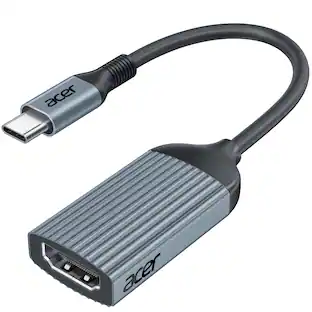
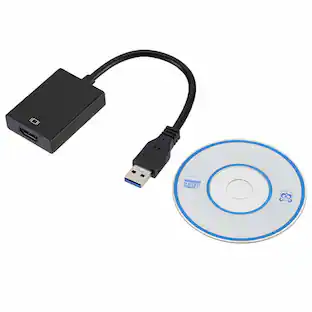
The JUA254 USB to HDMI Multi-Monitor Adapter works as an external video card, instantly allowing users to attach additional displays via HDMI connection without the hassle of a lengthy setup or having to install additional hardware. The USB 3.0 Display Adapter can support up to four displays running on the same computer, turning your workstation into a fully-functioning, multi-display powerhouse. This USB adapter works as an external video card, instantly allowing additional displays without the hassle of opening the computer casing and installing an external graphics card. You can have a second monitor with an extended display, a mirrored display, a rotational display (rotation mode not available for Mac), or make it your primary monitor. Now enjoy true 1080p HD resolution through any Windows or Mac computer with a USB 3.0 port. These adapters are also backwards compatible with USB 2.0 resolutions and playback, which are ideal for office applications. The simple plug-and-play function allows you to connect your computer to a second monitor or projector within seconds to create a new visual environment on Windows 10.

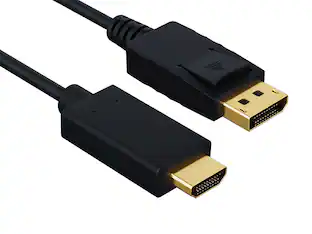
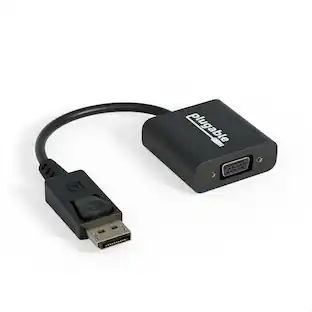
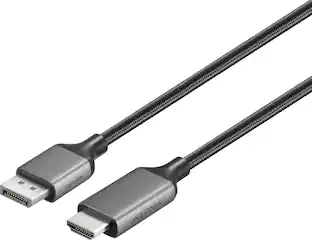
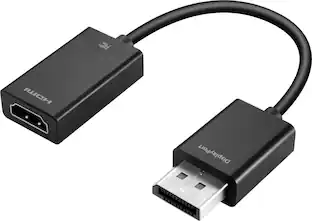
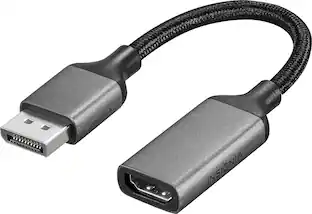
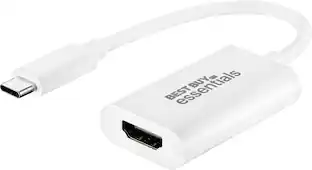
This Best Buy Essentials DisplayPort to HDMI Adapter can mirror or extend the display from your DisplayPort device to a HDMI-supported monitor. It supports resolutions up to 1920 × 1080 at 60 Hz for high-quality video (and audio is supported when provided by the source). It has 24K gold plating to help guard against corrosion and loss of quality.

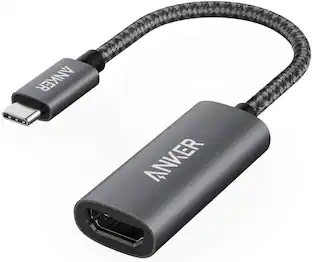
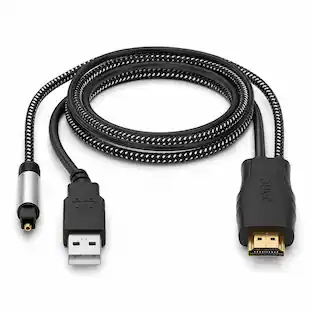
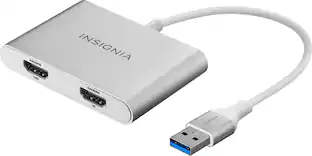
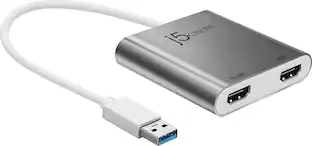
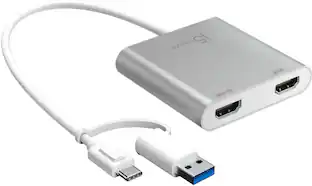
This USB 3.0 to Dual HDMI Multi-Monitor Adapter acts as an external video card for your MacBook or Windows computers. It allows you to add two additional displays through your USB 3.0 port, boosting your productivity by giving you more screen space to work from. One of the HDMI ports can output resolutions up to 4K, while the other can output resolutions up to 2048 x 1152. This is the perfect alternative to a costly video card. With this USB 3.0 Multi-Monitor Adapter, you can quickly install the driver with a simple USB plug-in. Afterwards, connect the device to your monitors using HDMI cables and then you will have a dual-display workstation!

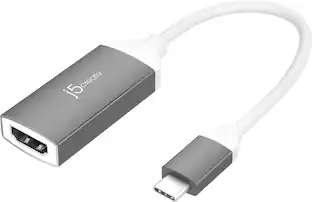
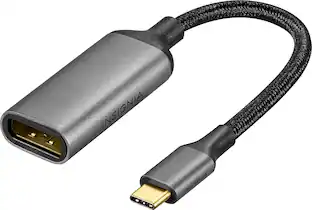
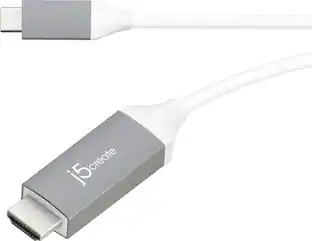
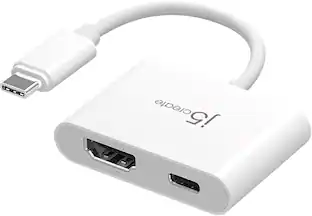
The JCA254 USB™ to HDMI™ Multi-Monitor Adapter works as an external video card, instantly allowing users to attach additional displays via HDMI™ connection without the hassle of a lengthy setup or having to install additional hardware. The USB-C® Display Adapter can support up to four displays running on the same computer, turning your workstation into a fully-functioning, multi-display powerhouse . This USB™ adapter works as an external video card, instantly allowing additional displays without the hassle of opening the computer casing and installing an external graphics card. You can have a second monitor with an extended display, a mirrored display, a rotational display (rotation mode not available for Mac® ), or make it your primary monitor. Now enjoy true 1080p HD resolution through any Windows® or Mac® computer with a USB-C® port. These adapters are also backwards compatible with USB™ 2.0 resolutions and playback, which are ideal for office applications. The simple plug-and-play function allows you to connect your computer to a second monitor or projector within seconds to create a new visual environment on Windows® 10 or later.
| Pros for j5create - USB to HDMI Multi-Monitor Adapter - White | |||
|---|---|---|---|
| Overall Performance, Functionality | Overall Performance, Ease of use, Compatibility, HDMI, Price | Ease of use, Overall Performance, HDMI, Compatibility, Connectivity | Overall Performance, Ease of Use |
| Cons for j5create - USB to HDMI Multi-Monitor Adapter - White | |||
| There were no cons for this product— | Resolution, Lag, Refresh Rate | Lag, Resolution, Price, Driver, Heat | There were no cons for this product— |
Specs
Customers often buy these together
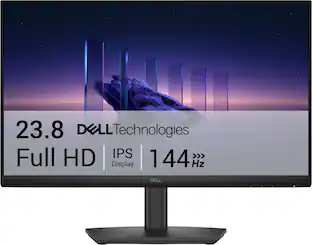 Top Deal$89.99The price was $119.99




More to consider


Explore tech essentials Sponsored


Discover related products
 $30.99The price was $32.99