4K Monitors For Creative Projects
4K monitors for creative projects deliver the clarity and precision that designers, photographers, and video editors need to bring their visions to life. Whether you’re editing high-resolution images, working on detailed illustrations, or producing stunning videos, these monitors provide the expansive workspace and sharp visuals essential for professional results. Explore a wide selection of 4K monitors for creative projects and find the perfect display to elevate your workflow and enhance every detail of your work.
Read More-
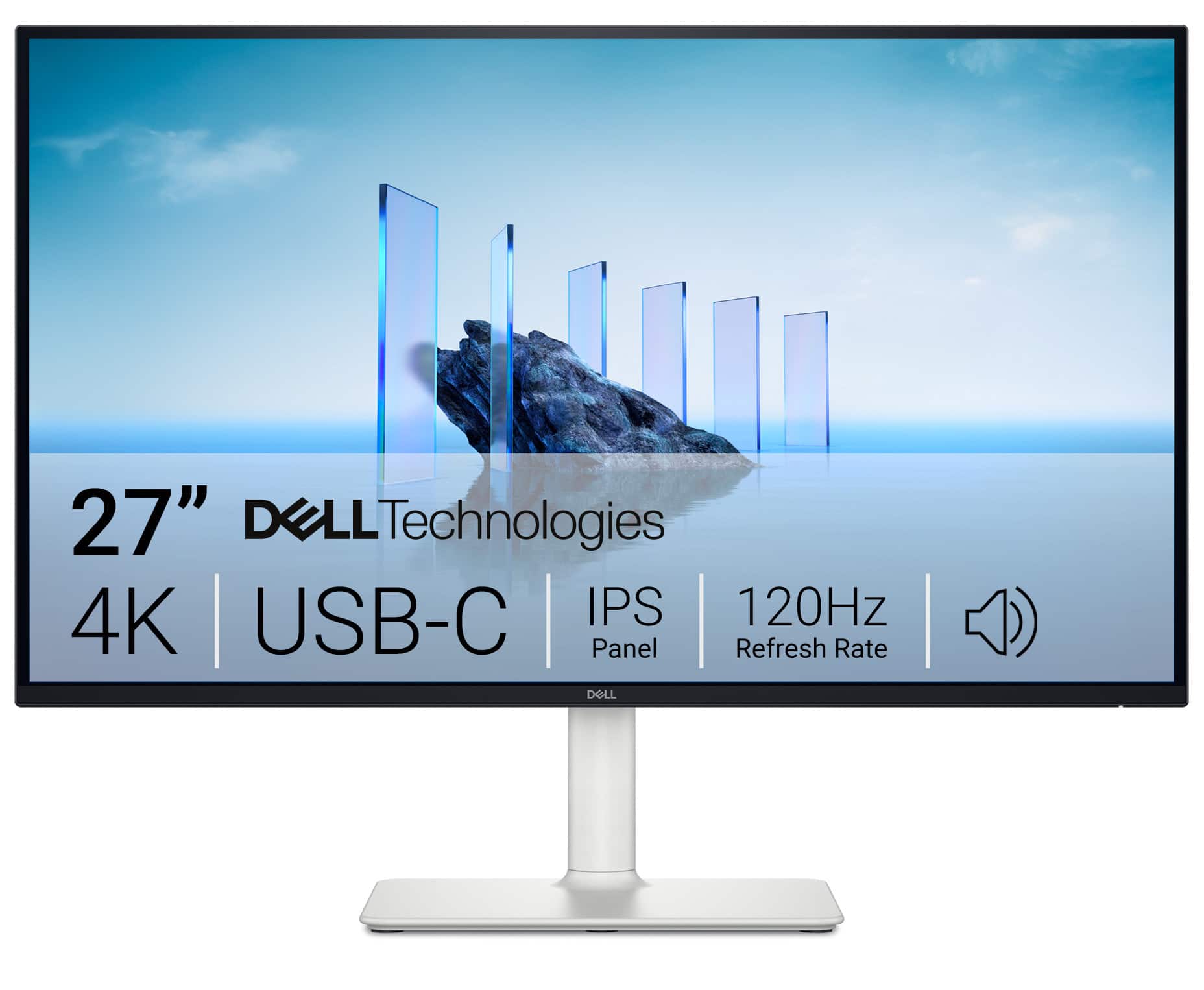
Dell - S2725QC 27" IPS LED 4K UHD 120Hz 8ms FreeSync Premium Monitor with HDR (HDMI, DisplayPort, USB) - Ash White
SKU: J3K4L63JXVMy best purchase in the year, the sound it’s so great and the quality of the screen it’s amazing!!!...I love this monitor!! It's the best size for work, and had the best picture on it....I love it
See all All MonitorsProduct Description
A silver IPS LED monitor featuring 4K UHD resolution, 120Hz refresh rate, FreeSync, and USB-C connectivity.$345.99 Your price for this item is $345.99Save $24Was $369.99The previous price was $369.99 -
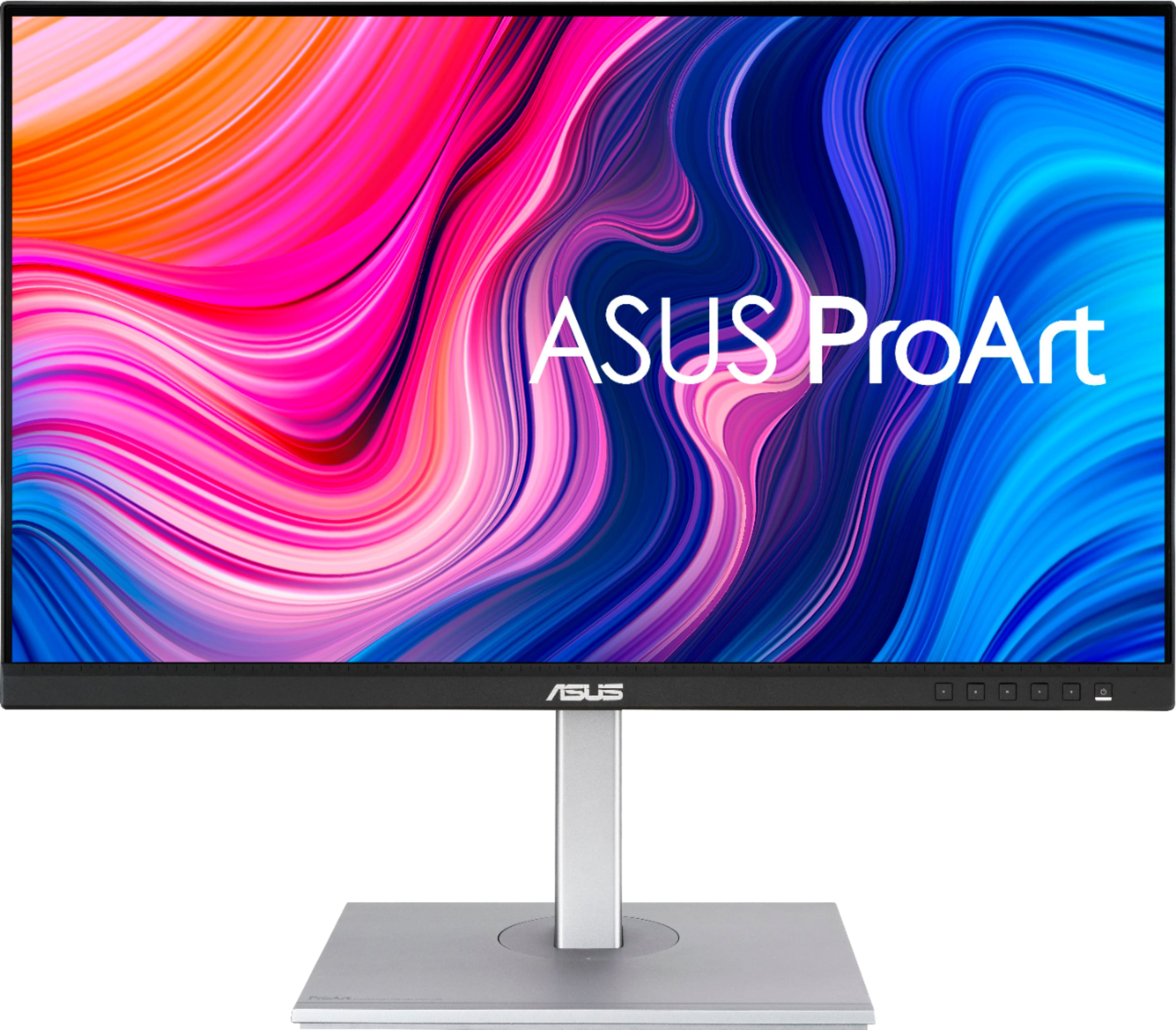
ASUS - ProArt 27" 4K IPS Professional Monitor with HDR (DisplayPort, HDMI, USB-C) - Black
SKU: JJ8Q7RWQ2RBest quality, Great Price...Absolute best monitor I've ever purchased....I love the quality and the ability to customize settings....Great Display...The display has nice coloring best for graphic design...
See all All MonitorsProduct Description
A professional black 4K UHD IPS monitor with HDR10, USB-C, and wide 178° viewing angles.$329.99 Your price for this item is $329.99Save $70Was $399.99The previous price was $399.99 -
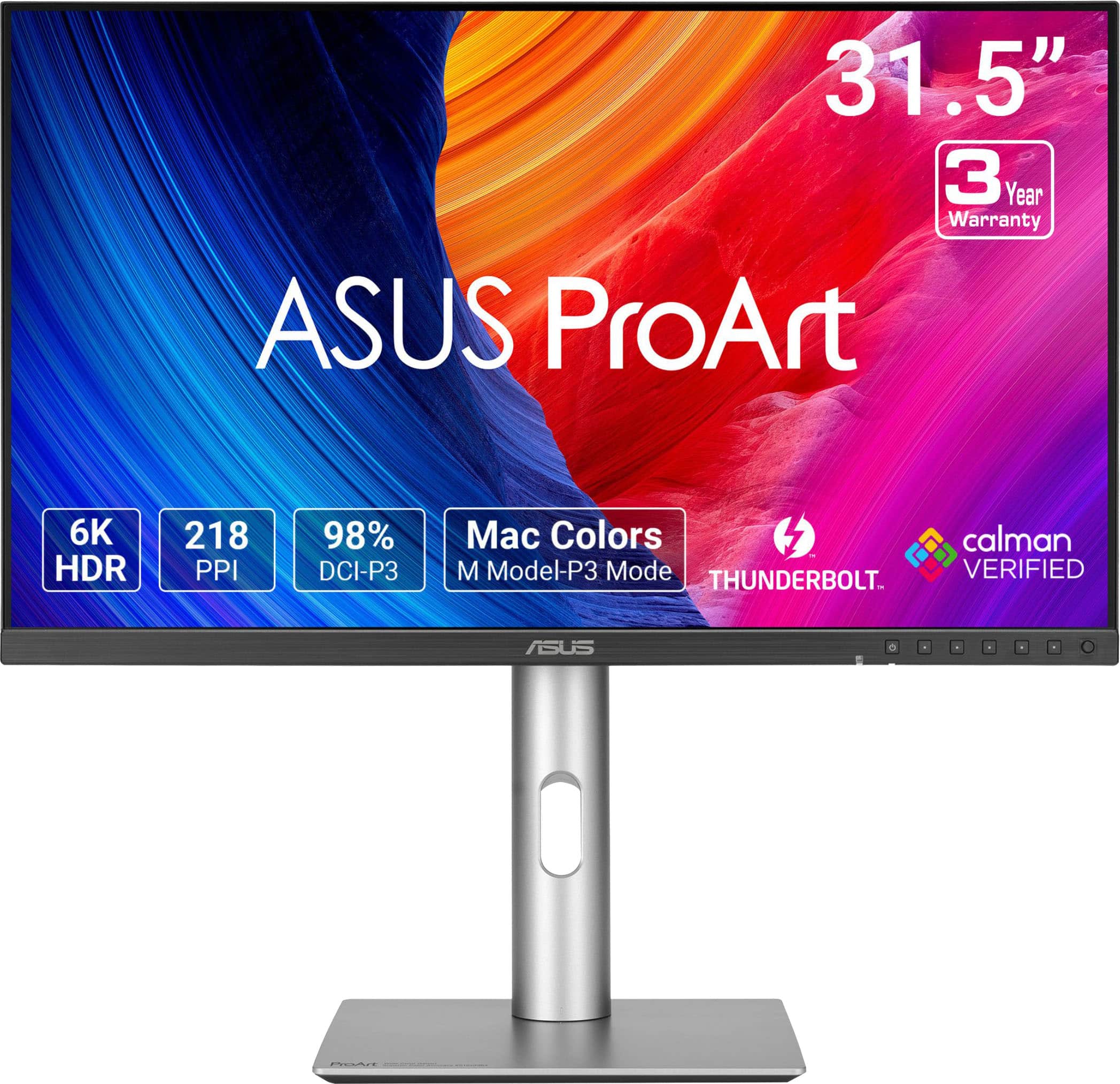
ASUS - ProArt 32" 6K IPS Professional Monitor with HDR 10 (DisplayPort, HDMI) - Black
SKU: JJGGLQVYFCBest Budget 6K, surprisingly from ASUS....Great Monitor
See all All MonitorsProduct Description
A professional 32-inch black IPS monitor with 6K resolution, HDR10, and dual Thunderbolt 4 ports.$1,199.99 Your price for this item is $1,199.99Save $100Was $1,299.99The previous price was $1,299.99 -
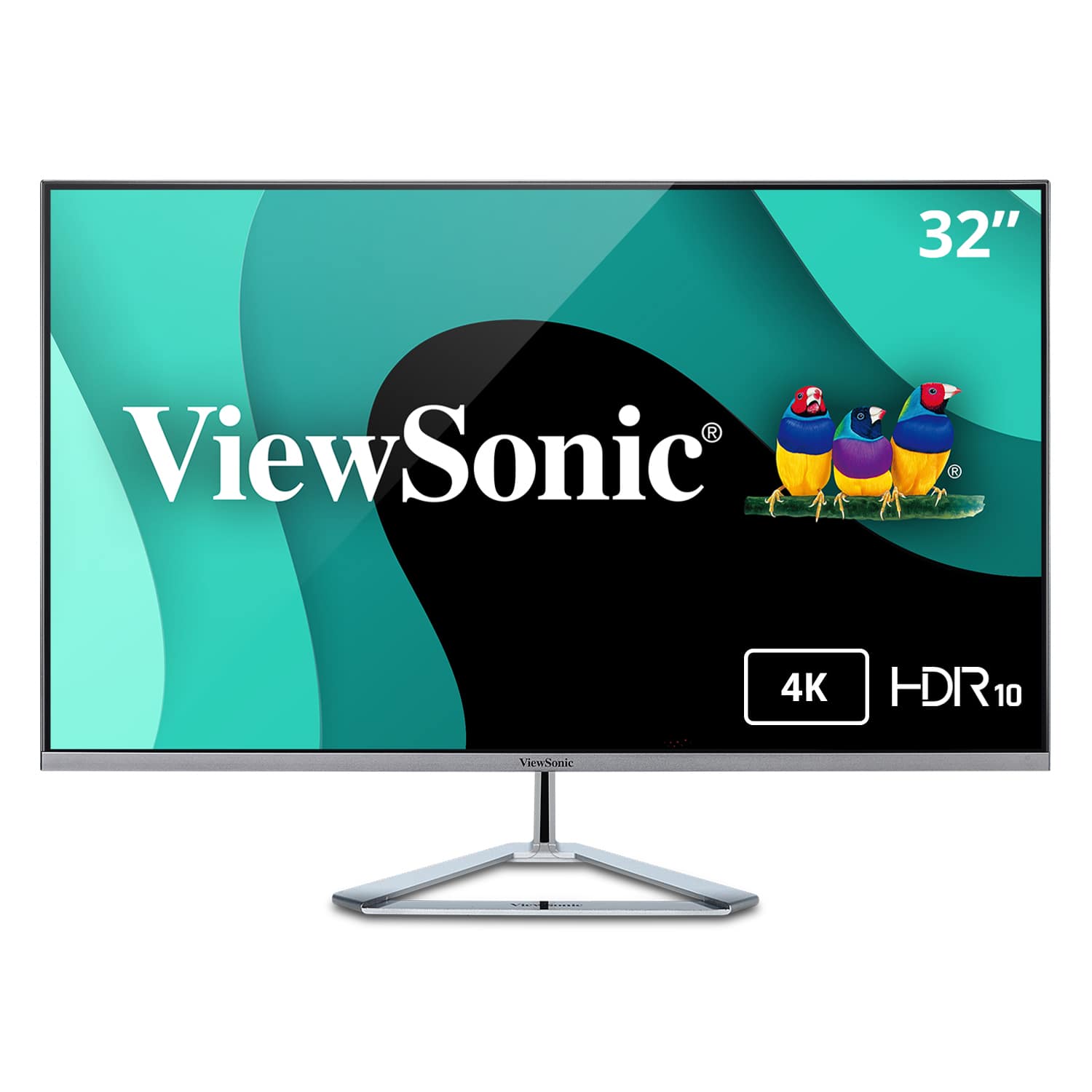
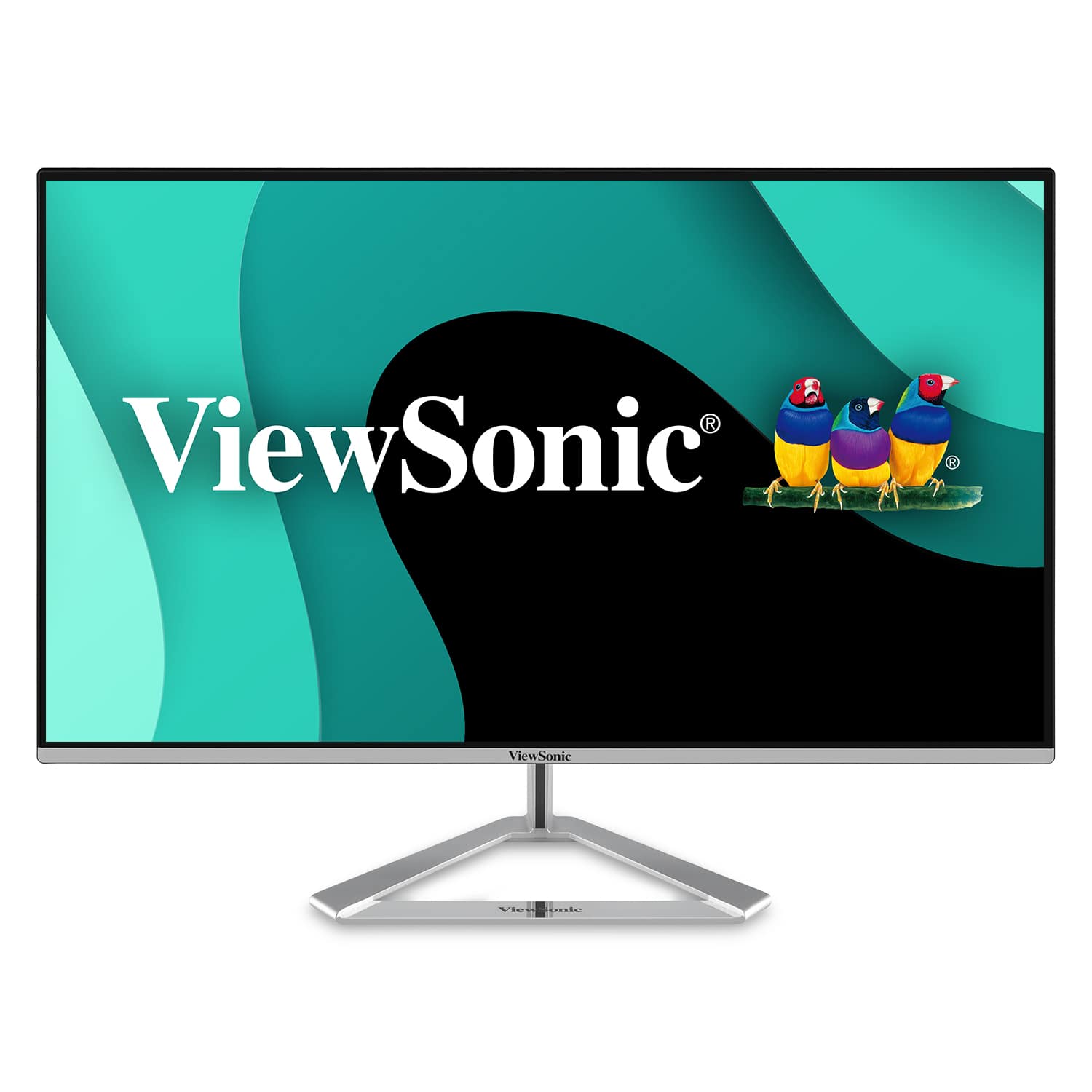
ViewSonic - VX3276-4K-MHD 31.5" LCD 4K UHD Monitor (DisplayPort and HDMI) - Silver
SKU: J37H88FXWHSee all All MonitorsProduct Description
A sleek silver 4K UHD monitor with HDR10 support, ultra-wide viewing angles, and versatile connectivity options.$412.38 Your price for this item is $412.38 -
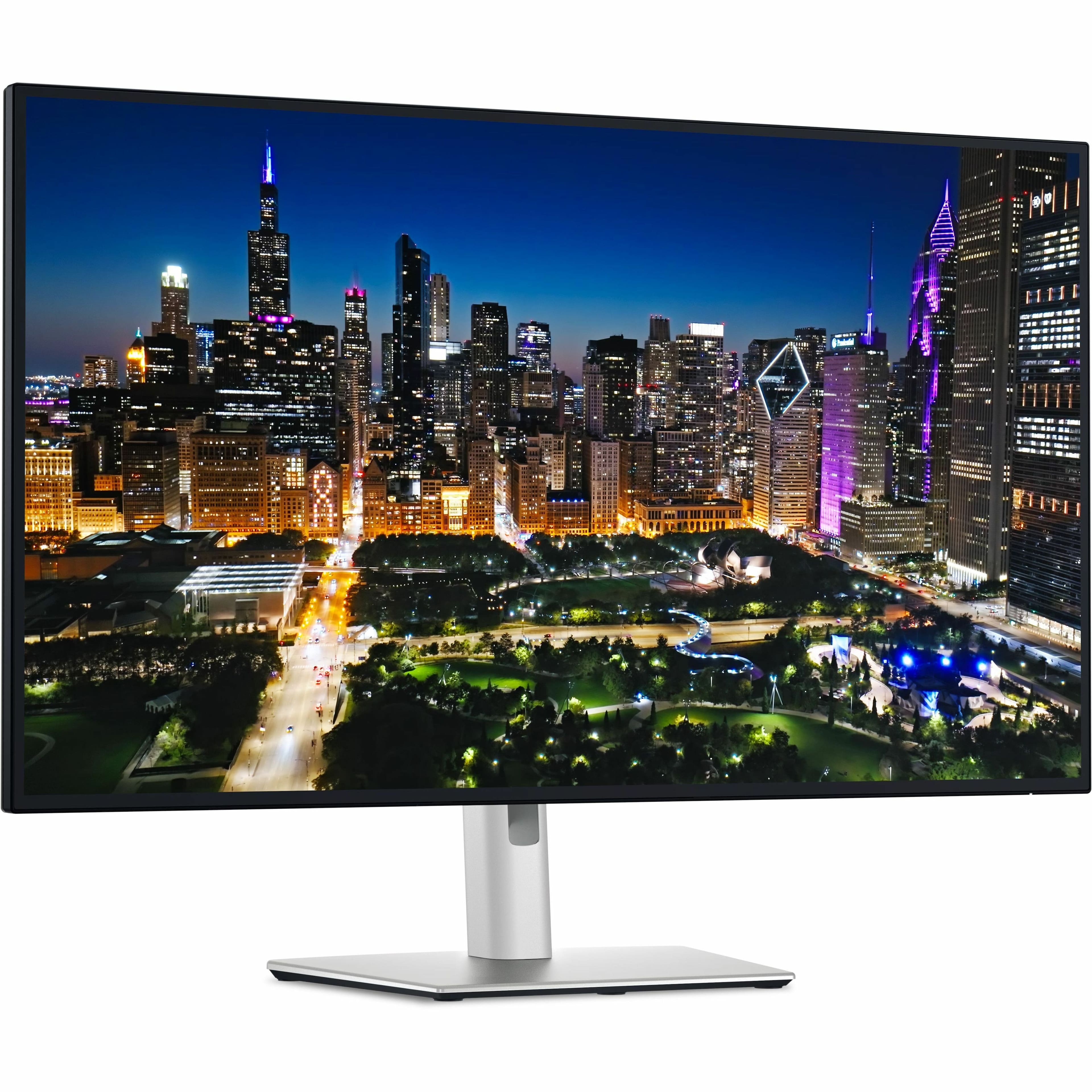
Dell - UltraSharp 32 4K U3225QE - Silver
SKU: J3K4L637GSLove the built in Hub!...Great picture and the built in Hun is a major game changer for preparing my YouTube content.
See all All MonitorsProduct Description
An advanced dual-color 4K UHD IPS LED monitor with HDR, 120Hz refresh rate, and USB/HDMI connectivity.$859.00 Your price for this item is $859.00Save $190Was $1,049.99The previous price was $1,049.99 -
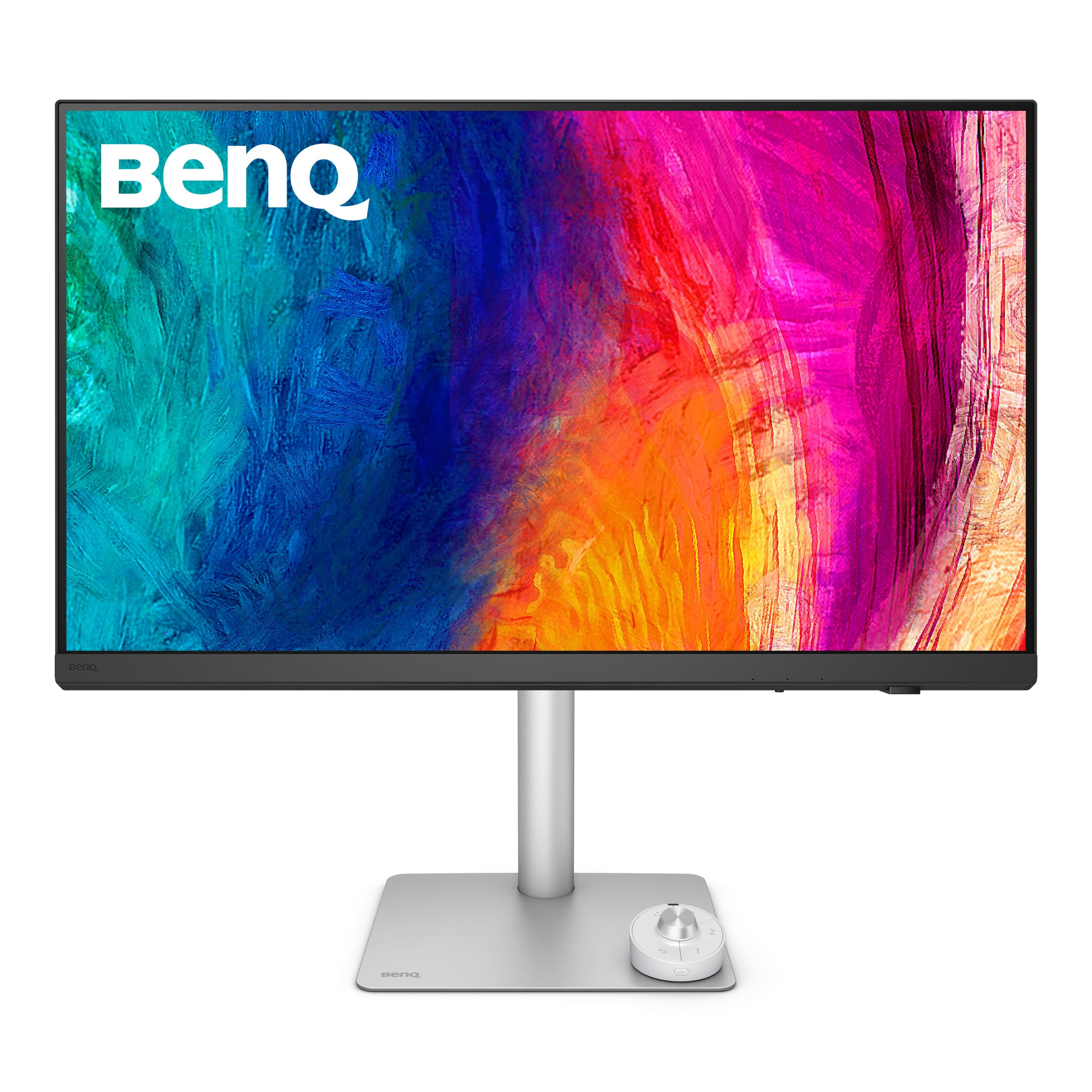
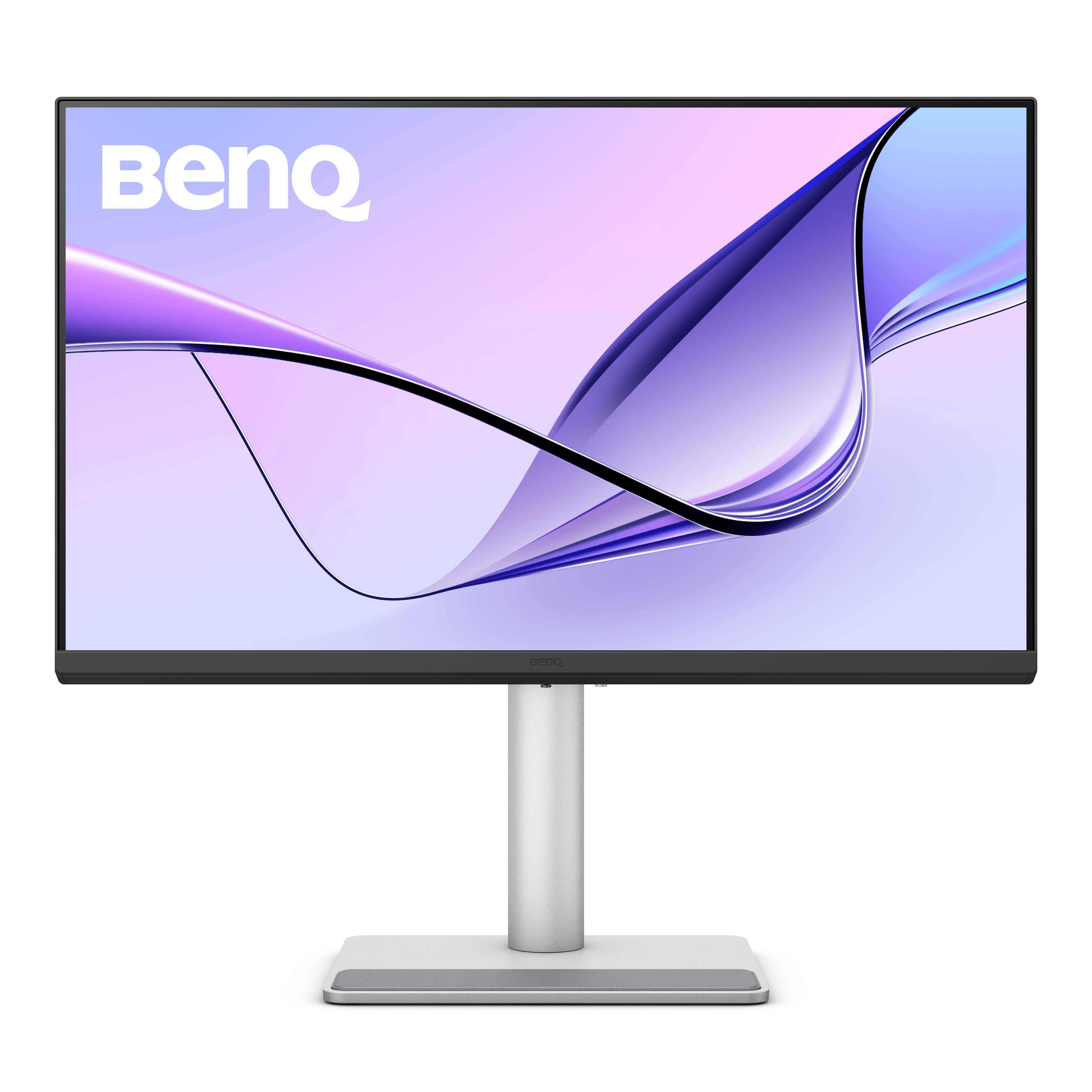
BenQ - AQCOLOR PD3205U Designer 31.5" IPS LED 4K UHD Monitor with HDR10 (HDMI/DP/USB-C 90W/USB Type B) - Gray
SKU: J39QZT4T9RGreat color...this monitory as it will slow down your machine because of the way it has convert video output for best...Great product
See all All MonitorsProduct Description
A gray IPS LED monitor delivering 4K UHD resolution, HDR10 support, and versatile connectivity for creative work.$549.99 Your price for this item is $549.99Save $30Was $579.99The previous price was $579.99 -
ViewSonic - VG2756-4K 27" IPS 4K UHD Docking Monitor (HDMI, USB-C, DisplayPort) - Black
SKU: J37H88F6T3See all All MonitorsProduct Description
A black 27-inch IPS 4K UHD monitor with USB-C docking, Ethernet, ergonomic stand, and integrated speakers.$449.99 Your price for this item is $449.99 -
ViewSonic - VX2776-4K-MHDU 27" IPS LCD 4K UHD Monitor (HDMI, DisplayPort) - Silver
SKU: J37H88V355See all All MonitorsProduct Description
A sleek silver IPS monitor offering 4K UHD resolution, HDR10 support, USB-C connectivity, and integrated speakers.$279.99 Your price for this item is $279.99 -
BenQ - PD3226G 31.5" IPS LED 4K 144Hz Mac Compatibile Monitor (HDMI/DP/Thunderbolt 4 90W) - White
SKU: J39QZT58XJgreat monitor...I love it and I highly recommend it. I use it for my photo editing mostly.
See all All MonitorsProduct Description
A white IPS LED monitor offering 4K UHD resolution, 144Hz refresh rate, and Thunderbolt 4 connectivity.$899.99 Your price for this item is $899.99Save $100Was $999.99The previous price was $999.99 -
BenQ - MA270UP 27" IPS LED 4K Nano Gloss Monitor for Macbook (HDMI/USB-C 90W) - Gray
SKU: J39QZT5YTPSee all All MonitorsProduct Description
A black 27-inch 4K LED monitor with dual USB-C, 90W power delivery, and adjustable stand.$549.99 Your price for this item is $549.99Save $76Was $626.49The previous price was $626.49
- 1
- 2
4K monitors for creative projects bring fine detail into focus, from the delicate edges of a digital illustration to the texture of fabric in a product photograph. A typical 4K UHD monitor has a resolution of 3840 × 2160 pixels, providing four times the pixel count of a Full HD display. That additional detail supports close inspection of photographs, sharper text, and a clearer view of complex layouts, although the amount of usable desktop space also depends on operating system scaling. For photographers, graphic designers, video editors, architects, and digital artists, a high-resolution screen can serve as the main workspace for both developing ideas and reviewing finished files. Screen size shapes that experience. A 27-inch 4K monitor delivers a dense, crisp image in a relatively compact footprint, while a 32-inch display makes the same resolution physically larger, which can feel more comfortable when arranging tool panels beside a canvas. Larger screens need enough desk depth for a comfortable viewing distance, especially when the work involves scanning between opposite corners of a layout. An illustrator refining a character’s expression may value clean line rendering, while a photographer retouching a portrait may appreciate seeing stray hairs and subtle skin texture without repeatedly changing magnification. For photo-centered work, the 4K Photo Monitor collection brings that use into focus. Video editing benefits from the resolution as well, but a full 4K image displayed pixel for pixel leaves no extra room for a timeline or editing controls on the same screen. Scaled previews or a separate display can accommodate those tools. Students building design portfolios, hobbyists restoring family photographs, and professionals preparing client presentations all have different workflows, yet each can benefit from a display that makes visual decisions easier to evaluate. Resolution is only one part of that experience; faithful color, consistent lighting across the panel, and a comfortable physical setup are just as important for everyday creative use.
Color performance helps distinguish a creative monitor from a screen chosen primarily for everyday browsing. Color gamut describes the range of colors a display can reproduce, while color accuracy describes how closely those colors match their intended values. High gamut coverage alone does not guarantee accurate results. For web graphics and much everyday digital content, strong sRGB coverage and a well-controlled sRGB mode are useful because that color space remains a common reference for online images. Adobe RGB coverage can matter for photographic print workflows, particularly when the printer, paper, software, and color profiles support the wider range. P3 coverage is relevant to many video and wide-color digital workflows, with the exact color-space settings depending on the intended output. Factory calibration can provide a helpful starting point, especially when supported by a calibration report, but brightness settings, room lighting, and changes over time still affect the viewing experience. Calibration with a compatible measurement device and proper color management can help maintain consistency between applications and displays. For print work, soft proofing with the correct printer and paper profile helps set expectations, although an illuminated screen cannot look exactly like ink on paper. Panel technology adds another layer. IPS panels generally offer wide viewing angles and stable color appearance, making them useful when reviewing a composition with someone seated beside the desk. OLED panels provide deep blacks and strong contrast, which can reveal subtle differences in dark imagery, but prolonged static toolbars and interface elements warrant attention to the display’s image-retention precautions. An HDR label alone does not establish suitability for critical HDR grading; peak brightness, black levels, local dimming or pixel-level light control, and support for the intended workflow all matter. Screen uniformity is also valuable when judging a pale background or a smooth gradient across a large canvas. A matte finish can soften distracting reflections, while a glossy surface may appear clear and vivid in controlled lighting but make nearby windows and lamps more noticeable.
Connections, ergonomics, and construction determine how naturally a 4K monitor fits into a creative workspace. A compatible USB-C or Thunderbolt connection can carry video, data, and laptop charging through one cable, reducing the tangle behind a desk, but those functions depend on the monitor, computer port, and cable. USB-C does not automatically mean video support or sufficient charging power. The monitor’s power delivery rating needs to suit the connected laptop, and demanding workloads may still require the computer’s own charger. HDMI and DisplayPort connections are also common, with the supported resolution and refresh rate determined by the full connection path, including any dock or adapter. Built-in USB hubs can keep a keyboard, mouse, or other supported accessories within reach. For motion graphics and video work, refresh rate affects interface smoothness and playback presentation, though a higher rate does not improve color accuracy on its own. Physical adjustments matter throughout a long session: height, tilt, and swivel help position the screen comfortably, while pivot support can suit tall illustrations, page layouts, and vertical photographs. A compatible monitor arm can free desk space for a pen tablet or sketchbook, provided its mounting pattern and weight capacity match the display. Sturdy stands, durable adjustment mechanisms, and well-fitted housings contribute to everyday stability; metal and plastic construction alone do not establish overall quality. Care is straightforward but important. A soft, clean microfiber cloth helps remove dust without scratching the surface, and any cleaning solution should follow the manufacturer’s instructions rather than being sprayed directly onto the panel. Abrasive cleaners and excessive pressure can damage screen coatings. Clear ventilation space and protected cable routing help keep the setup practical for regular use. As a gift for a design student, photographer, or creative family member, a 4K monitor is most useful when it suits the recipient’s computer, desk dimensions, and preferred medium. Whether the workspace holds a stack of reference prints or a tablet full of storyboards, balanced image quality and thoughtful physical design help the display support the project rather than interrupt it.
Best Sellers
Related Pages
FAQ
A 4K monitor offers higher resolution, providing sharper images and more screen real estate. This allows creative professionals to see finer details in photos, videos, and designs, making editing and color grading more precise.
Color accuracy is crucial for creative projects such as photo editing, graphic design, and video production. Many 4K monitors are factory-calibrated or support wide color gamuts like Adobe RGB or DCI-P3, ensuring that colors are displayed true-to-life for professional results.
Yes, features such as high color accuracy, wide color gamut support, HDR capability, adjustable stands, and multiple connectivity options (like USB-C or Thunderbolt) can enhance workflow efficiency and comfort during long creative sessions.
Absolutely. The increased resolution of a 4K monitor allows you to have multiple windows open side by side without sacrificing clarity. This is especially useful for comparing reference images, using tool palettes, or running multiple applications simultaneously.
To get the most out of a 4K monitor, your computer should have a compatible graphics card and output port (such as HDMI 2.0 or DisplayPort). Ensuring your system meets these requirements will allow you to run the monitor at its full resolution and refresh rate.