Affordable 4K Monitor For Video Editing
-
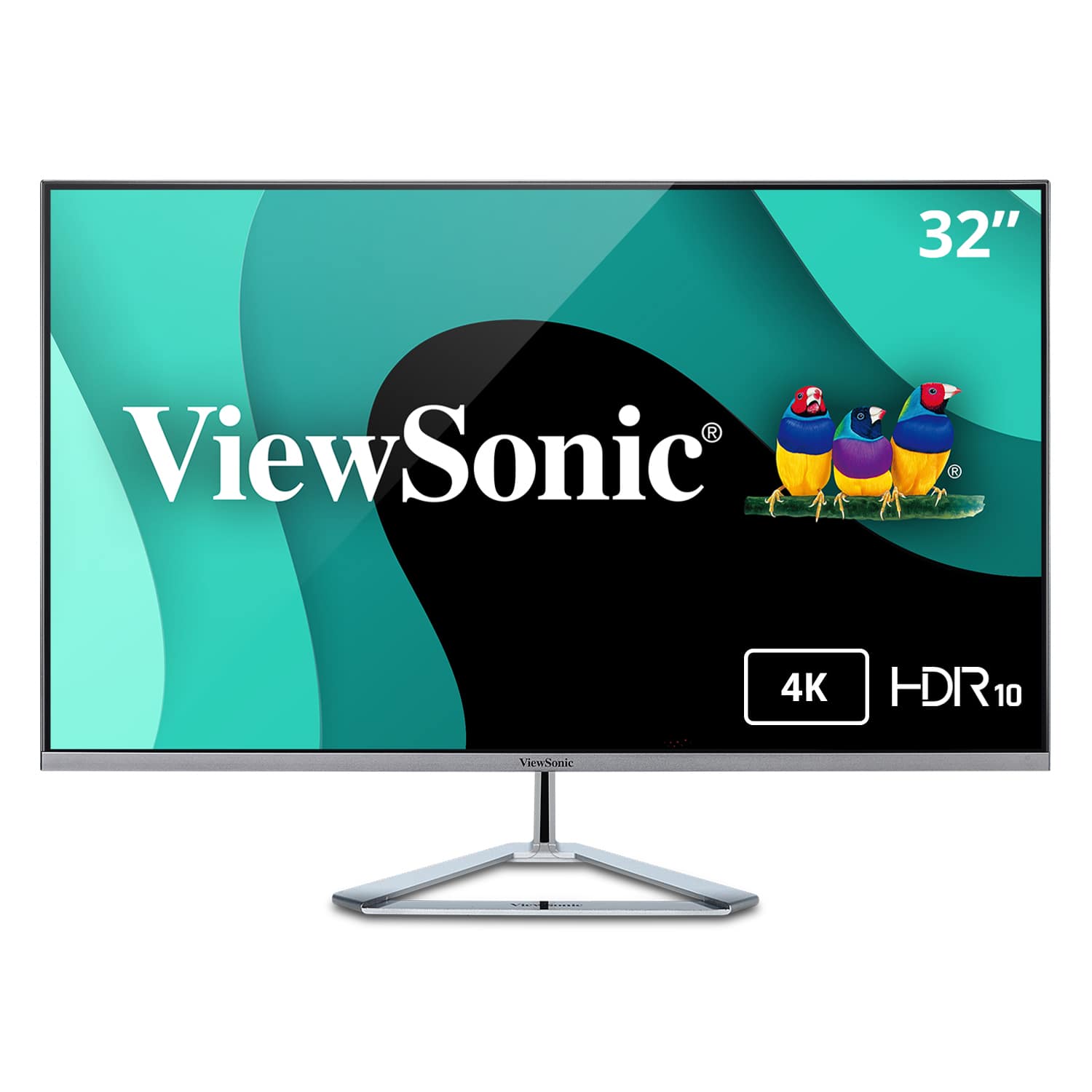
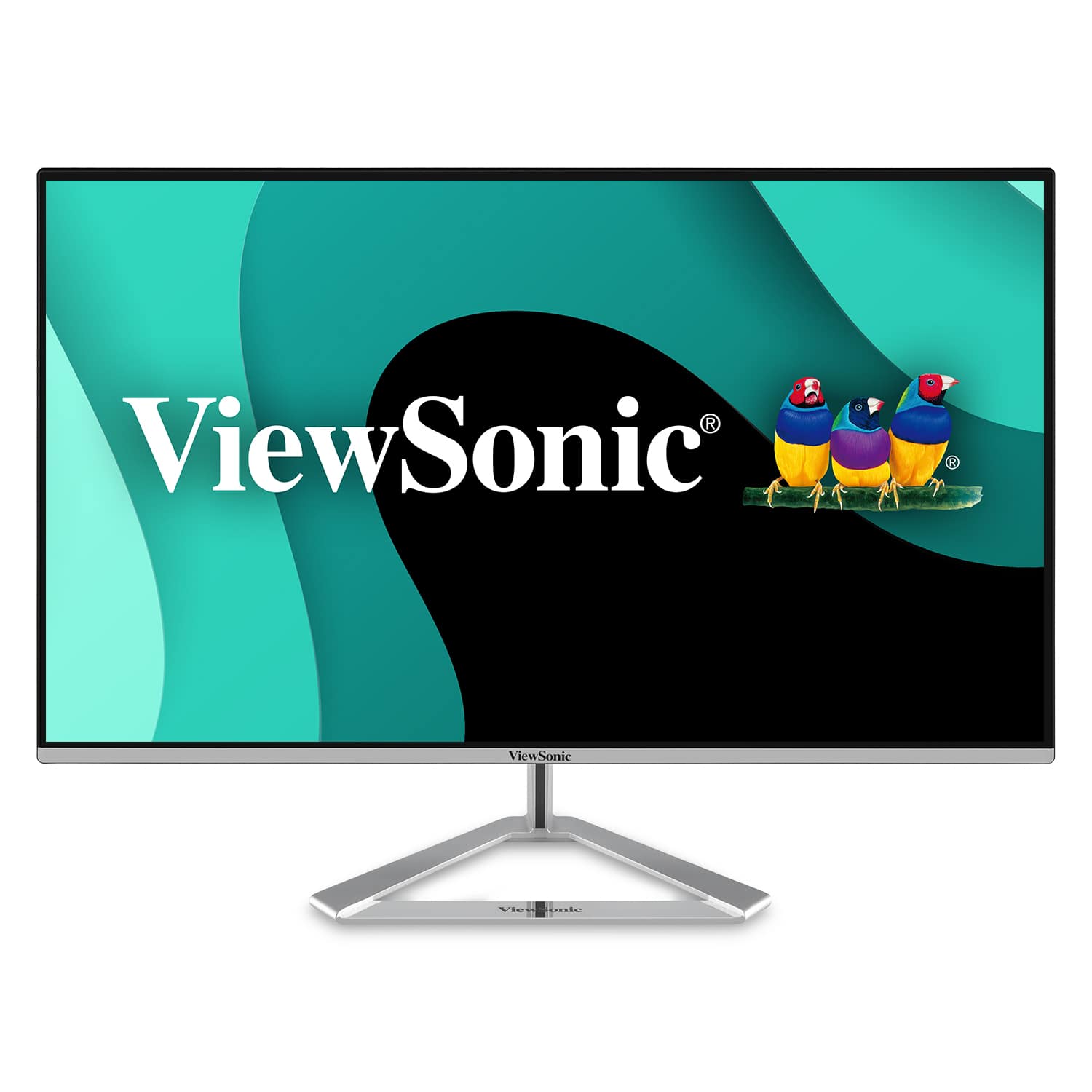
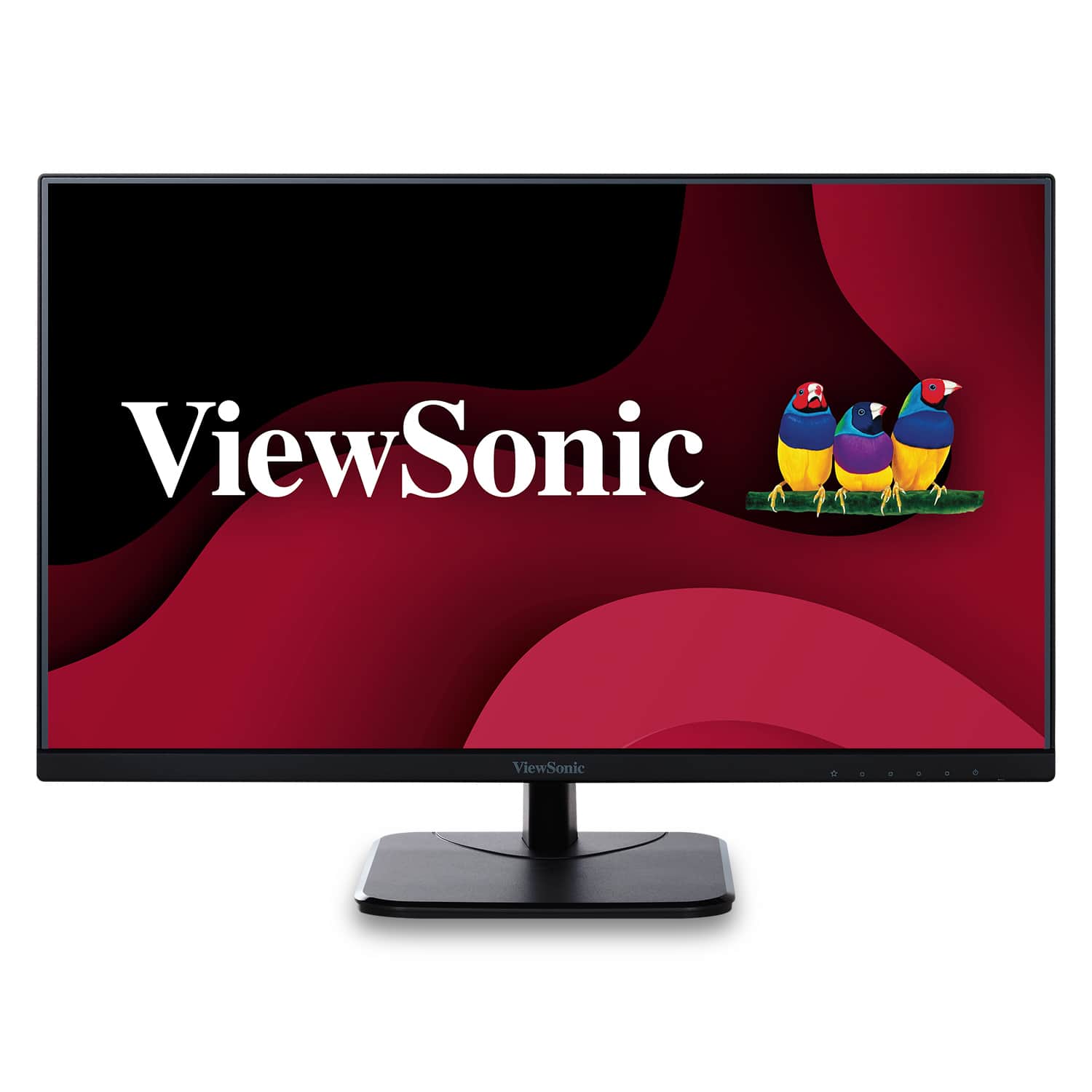
ViewSonic - VX3276-4K-MHD 31.5" LCD 4K UHD Monitor (DisplayPort and HDMI) - Silver
SKU: J37H88FXWHSee all All MonitorsProduct Description
A sleek silver 4K UHD monitor with HDR10 support, ultra-wide viewing angles, and versatile connectivity options.Your price for this item is $259.99Save $36The previous price was $296.85 -
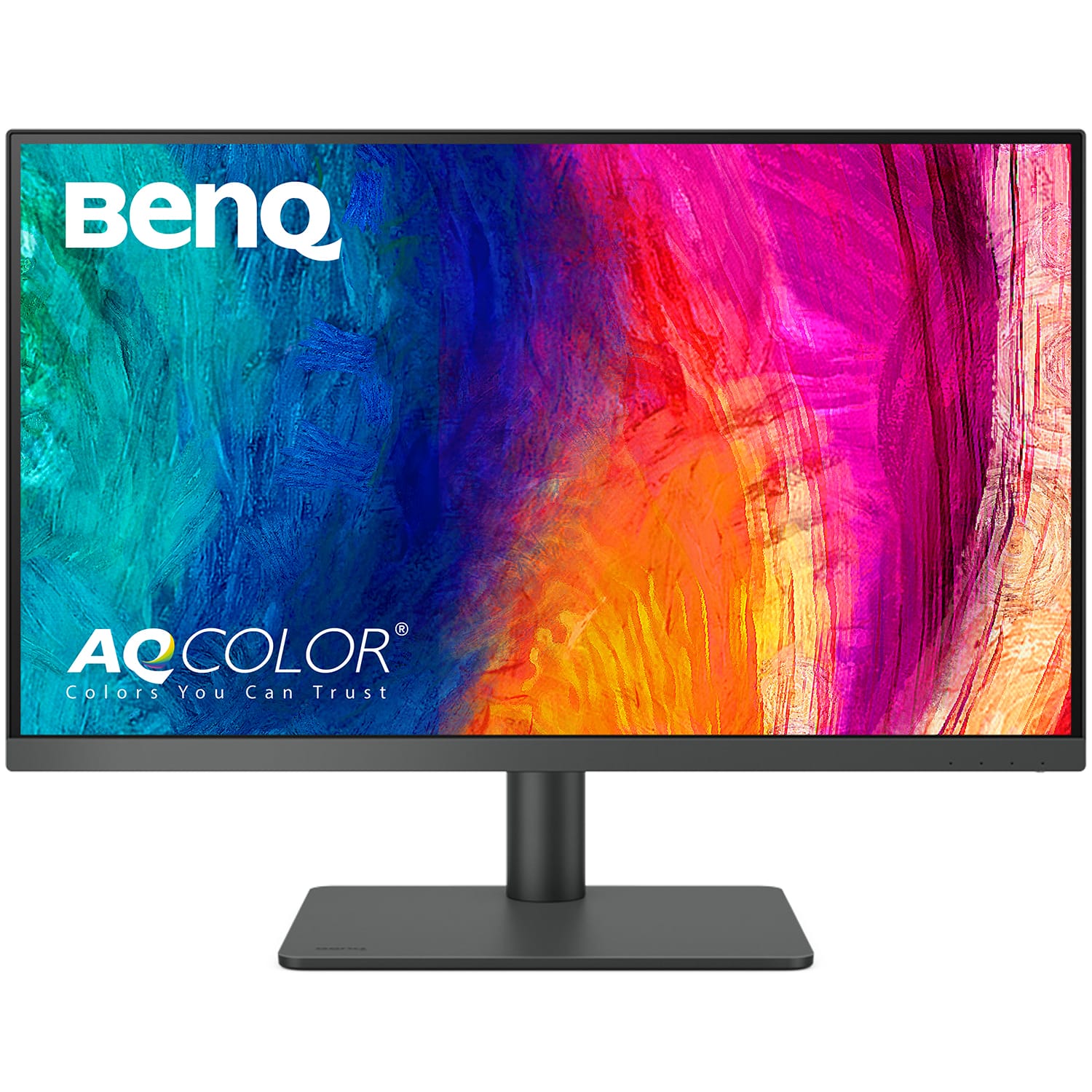
BenQ - AQCOLOR PD2706U Designer 27" IPS LED 4K UHD 95% P3 HDR400 Monitor (HDMI/DP/USB-C 90W) - Metallic gray
SKU: J39QZT5CJVSee all All MonitorsProduct Description
A metallic gray 27" 4K UHD IPS monitor with 95% P3 color, HDR400, and built-in KVM switch.Your price for this item is $469.00 -
BenQ - AQCOLOR PD3205U Designer 31.5" IPS LED 4K UHD Monitor with HDR10 (HDMI/DP/USB-C 90W/USB Type B) - Gray
SKU: J39QZT4T9RGreat color...this monitory as it will slow down your machine because of the way it has convert video output for best...Great Monitor....Great! monitor for designer like me!
See all All MonitorsProduct Description
A gray IPS LED monitor delivering 4K UHD resolution, HDR10 support, and versatile connectivity for creative work.Your price for this item is $549.99Save $30The previous price was $579.99 -
ViewSonic - VX2776-4K-MHDU 27" IPS LCD 4K UHD Monitor (HDMI, DisplayPort) - Silver
SKU: J37H88V355See all All MonitorsProduct Description
A sleek silver IPS monitor offering 4K UHD resolution, HDR10 support, USB-C connectivity, and integrated speakers.Your price for this item is $279.99 -
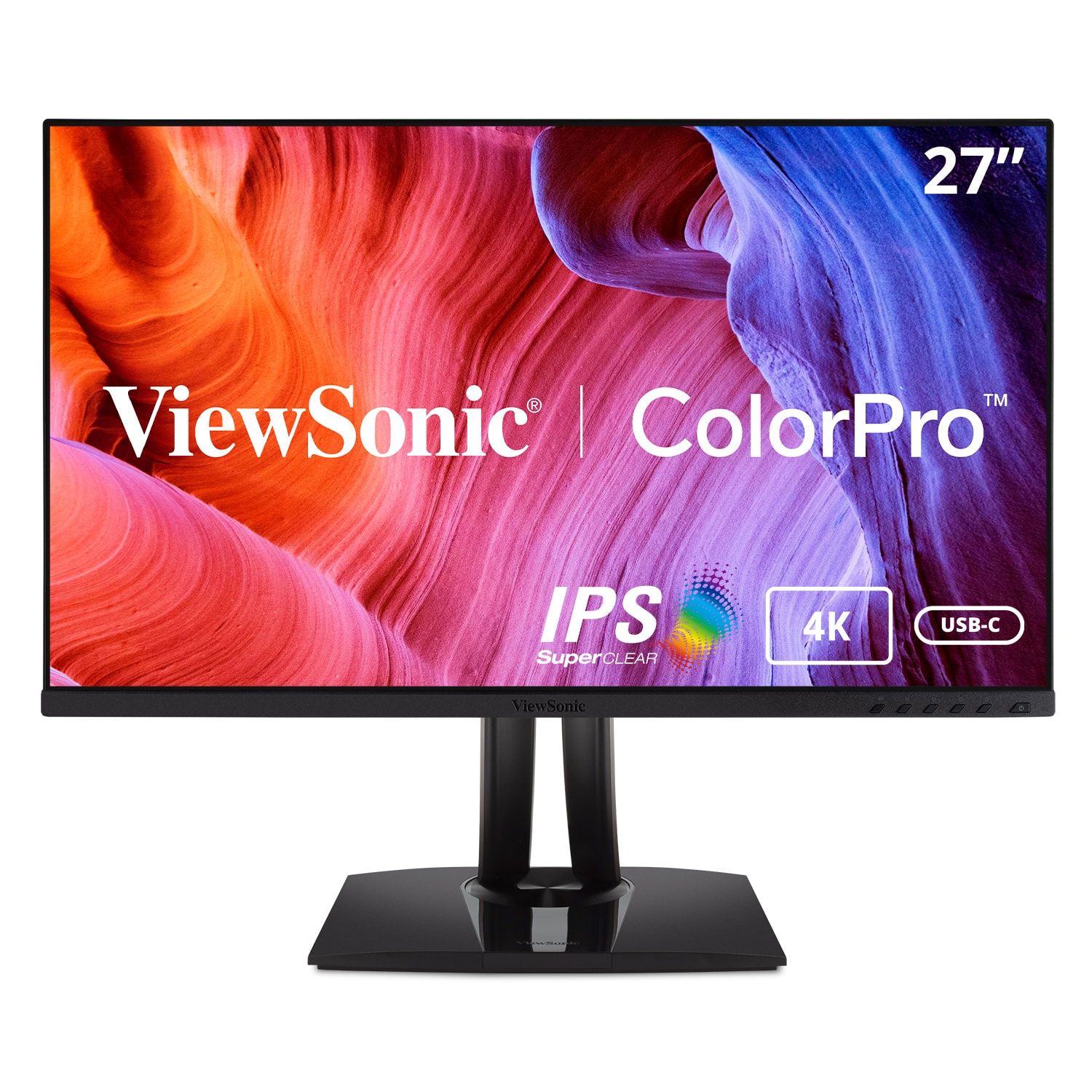
ViewSonic - VP2756-4K 27" IPS LCD 4K UHD Monitor (DisplayPort USB, HDMI) - Black
SKU: J37H88FZW5See all All MonitorsProduct Description
A black IPS LCD monitor with 4K UHD resolution, USB-C connectivity, and factory-calibrated color accuracy.Your price for this item is $379.99Save $81The previous price was $461.49 -
ViewSonic - VA2756-4K-MHD 27" IPS LCD 4K UHD Monitor (HDMI, Display Port) - Black
SKU: J37H88FL3YThis is a fantastic TV, best buy helped me pick it out and it works great.
See all All MonitorsProduct Description
A 27-inch black IPS monitor with 4K UHD resolution, HDMI and DisplayPort, and integrated speakers.Your price for this item is $229.99

Best Sellers






Related Pages






FAQ
When choosing a 4K monitor for video editing, look for features like high color accuracy (such as sRGB or Adobe RGB coverage), IPS panel technology for wide viewing angles, HDR support for enhanced contrast, and connectivity options like HDMI and DisplayPort for compatibility with various devices.
Color accuracy ensures that the colors you see on your monitor closely match the final output, which is crucial for color grading and editing videos. Monitors with high color accuracy help maintain consistency across different screens and devices.
Yes, most 4K monitors are compatible with both Mac and Windows computers, as long as your device supports 4K resolution and has the appropriate ports, such as HDMI or DisplayPort. Always check your computer’s specifications to ensure compatibility.
While a higher refresh rate is beneficial for gaming, a standard 60Hz refresh rate is generally sufficient for video editing. The focus should be on resolution, color accuracy, and panel quality rather than refresh rate for editing tasks.
Look for monitors with multiple connectivity options such as HDMI, DisplayPort, and USB-C. These ports allow you to connect various devices and peripherals, making your video editing setup more flexible and efficient.