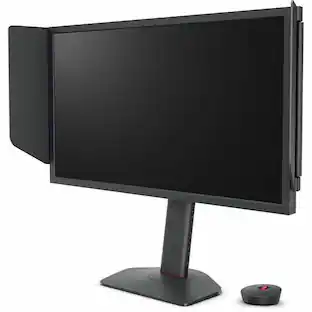
BenQ - RD280UA 28.2” IPS LED 3:2 4K+ Advanced Coding Mode Programming Monitor with Backlight (HDMI/DP/USB-C 90W) - Metallic gray
About this product
BenQ RD280UA 28.2-inch programming monitor RD280UA features Ultra High Definition Plus (3840x2560) resolution paired with 3:2 aspect ratio and P3 95% color gamut. With narrow bezels and Low Blue Light (LBL) IPS panel, RD280UA delivers remarkable picture clarity ideal for coding tasks, along with eye protection for prolonged usage. Its I/O ports include HDMI2.0, DP1.4, USB Type-C upstream (PD 90W / DP alt, Data USB 3.2 Gen1), USB Type-C downstream (for MST/data transfer and power delivery up to 7.5W) and USB hub, which offer exceptional flexibility for enhanced productivity. Furthermore, the premium fine-coated panel features; anti-reflection unlocks peak productivity by minimizing distraction and leveling up the concentration on coding tasks.
Highlights
Fine-Coated Panel
Unlock peak productivity with BenQ's exclusive anti-glare, anti-reflective Fine-Coated Panel designed for programmers
Advanced Coding Modes for Improved Codes Differentiation
Crafted for programmers, BenQ Programming Monitor offers you full immersion in your code
Experience Focus with Unique Backlight
Experience MoonHalo by BenQ – a blend of immersive and comforting illumination
Ergo Arm Stand- Elevating programmers' Desks with Infinite Flexibility
BenQ Ergo Arm enhances flexibility and provides the optimal screen position for a more comfortable and productive user experience.
Keep Your Eyes Fatigue-Free
Experience unmatched eye comfort during night hours with our Night Hours Protection and Brightness Intelligence Gen2
- Refresh Rate60HzMaximum Resolution3840 x 2160Panel TypeIPSSynchronization TechnologyNot Applicable, Not ApplicableScreen Size28.2 inches
Reviews
Rating 5 out of 5 stars with 2 reviews
Customer Images
The vast majority of our reviews come from verified purchases. Reviews from customers may include My Best Buy members, employees, and Tech Insider Network members (as tagged). Select reviewers may receive discounted products, promotional considerations or entries into drawings for honest, helpful reviews.

Compare similar products

BenQ RD280UA 28.2-inch programming monitor RD280UA features Ultra High Definition Plus (3840x2560) resolution paired with 3:2 aspect ratio and P3 95% color gamut. With narrow bezels and Low Blue Light (LBL) IPS panel, RD280UA delivers remarkable picture clarity ideal for coding tasks, along with eye protection for prolonged usage. Its I/O ports include HDMI2.0, DP1.4, USB Type-C upstream (PD 90W / DP alt, Data USB 3.2 Gen1), USB Type-C downstream (for MST/data transfer and power delivery up to 7.5W) and USB hub, which offer exceptional flexibility for enhanced productivity. Furthermore, the premium fine-coated panel features; anti-reflection unlocks peak productivity by minimizing distraction and leveling up the concentration on coding tasks.

BenQ RD280U 28.2-inch programming monitor RD280U features Ultra High Definition Plus (3840x2560) resolution paired with 3:2 aspect ratio and P3 95% color gamut. With narrow bezels and Low Blue Light (LBL) IPS panel, RD280U delivers remarkable picture clarity ideal for coding tasks, along with eye protection for prolonged usage. Its I/O ports include HDMI2.0, DP1.4, USB Type-C upstream (PD 90W / DP alt, Data USB 3.2 Gen1), USB Type-C downstream (for MST/data transfer and power delivery up to 7.5W) and USB hub, which offer exceptional flexibility for enhanced productivity. Furthermore, the premium fine-coated panel features; anti-reflection unlocks peak productivity by minimizing distraction and leveling up the concentration on coding tasks.
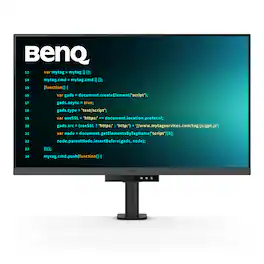
BenQ RD320U 32” 4K 3840x2160 Programming Monitor with 2000:1 Contrast Ratio, Nano Matte Panel, MoonHalo, 90W USB-C, Coding Modes, Night Hours Protection, Ergonomic Stand, and Eye-Care Technology
Specs
Customers often buy these together

Samsung - 32" Odyssey G51F QHD 180Hz 1ms AMD FreeSync Gaming Monitor with HDR10 (DisplayPort, HDMI) - Black
Top Deal$199.99The price was $329.99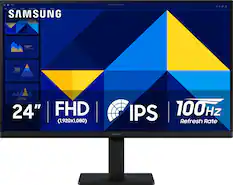
Samsung - 24" S3 (S30GD) IPS LED FHD 100Hz Monitor (HDMI, D-sub) - Black
Top Deal$89.99The price was $119.99

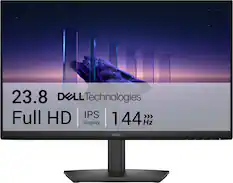


More to consider
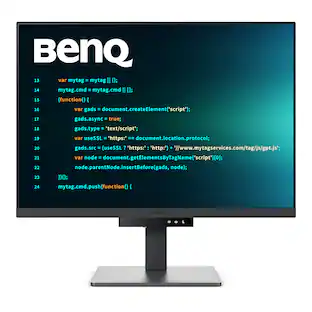 $549.99The price was $599.99
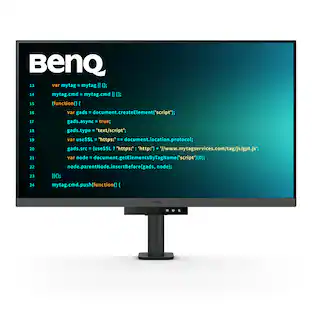 $749.99The price was $849.99
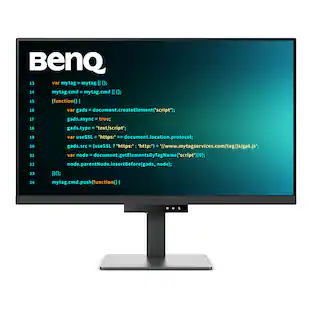 $679.99The price was $749.99
 $649.99The price was $729.99
 $649.99The price was $699.99
 $1,499.99The price was $1,549.99
 $549.99The price was $579.99
 $712.99The price was $799.99
 $849.99The price was $999.99
Explore tech essentials Sponsored
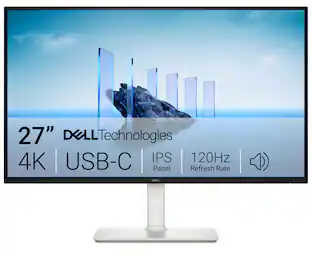 $349.99The price was $369.99
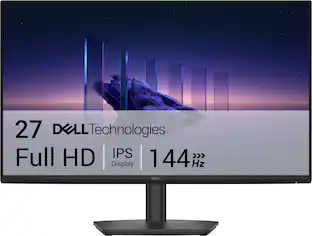 Top Deal$109.99The price was $139.99
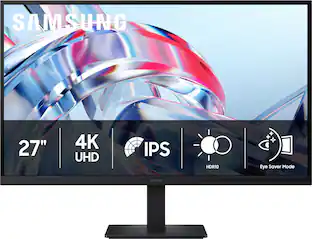 $179.99The price was $299.99


Discover related products
 $269.99The price was $289.99
 $555.99The price was $659.99
 $12.99The price was $13.99
 $249.00The price was $275.00








Keep exploring
 $215.99The price was $218.99
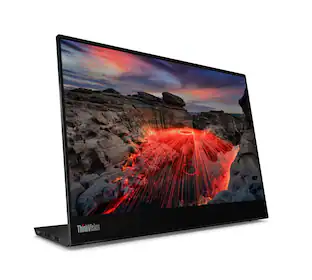 $299.99The price was $329.99
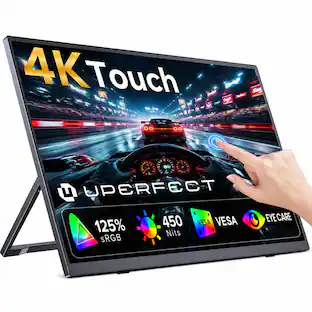 $189.99The price was $299.99
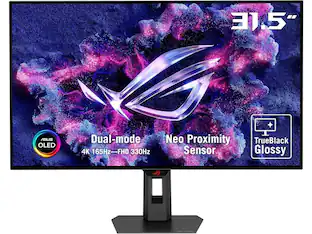 $799.00The price was $979.32
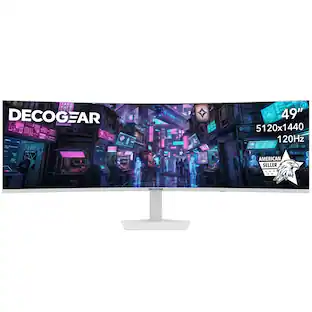 $439.99The price was $549.99