Photo Editing Monitor Under $300
-
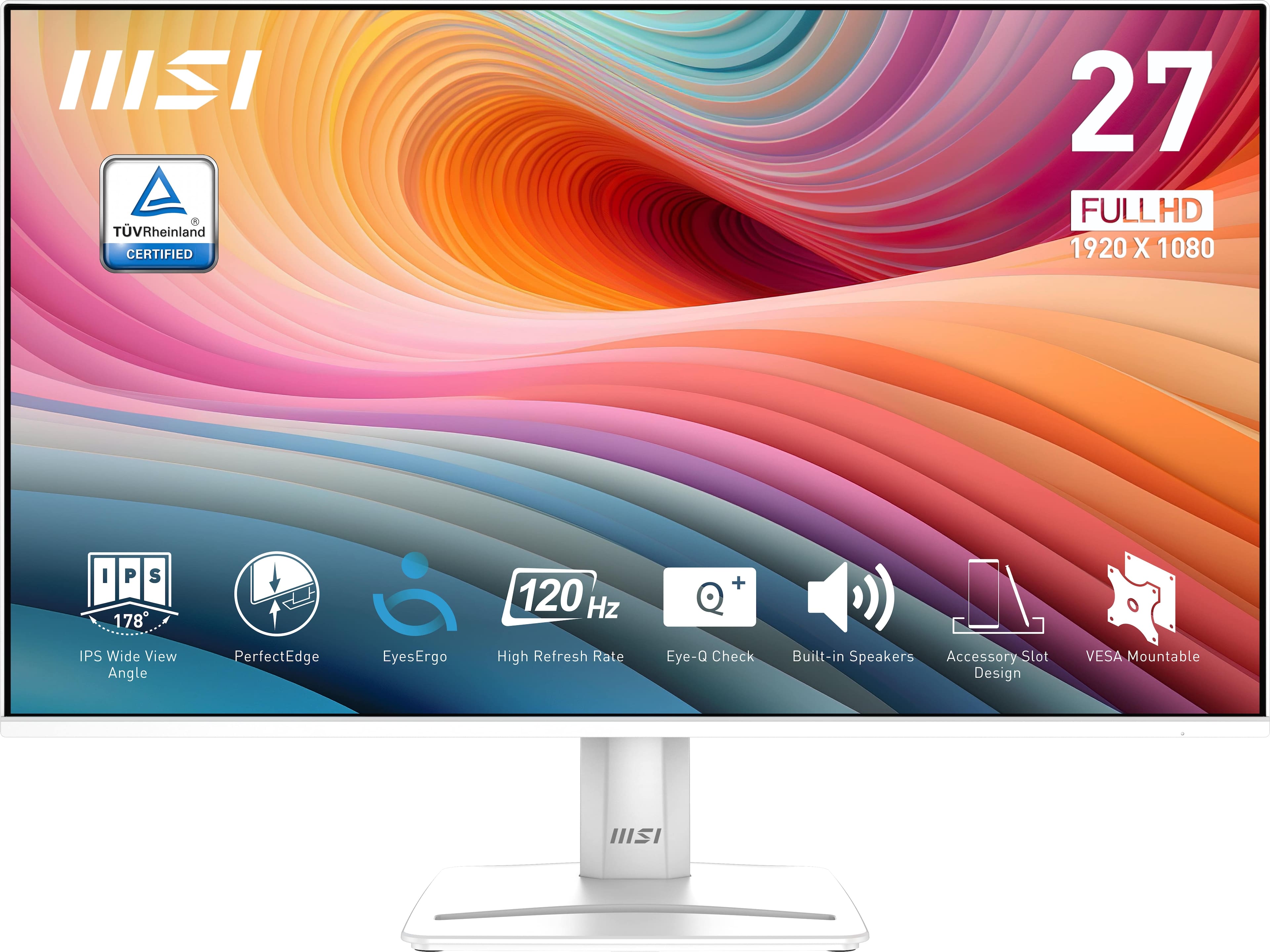
MSI - PRO MP275W E2 27" FHD 120Hz 1ms Adaptive Sync Monitor with HDR ready ,Built-in Speakers (DisplayPort, HDMI ) - Matte White
SKU: J3P7TXSV6CSee all All MonitorsProduct Description
A matte white IPS monitor with 120Hz refresh rate, 1ms response, HDR, and built-in speakers.Your price for this item is $195.60Save $4The previous price was $200.56 -
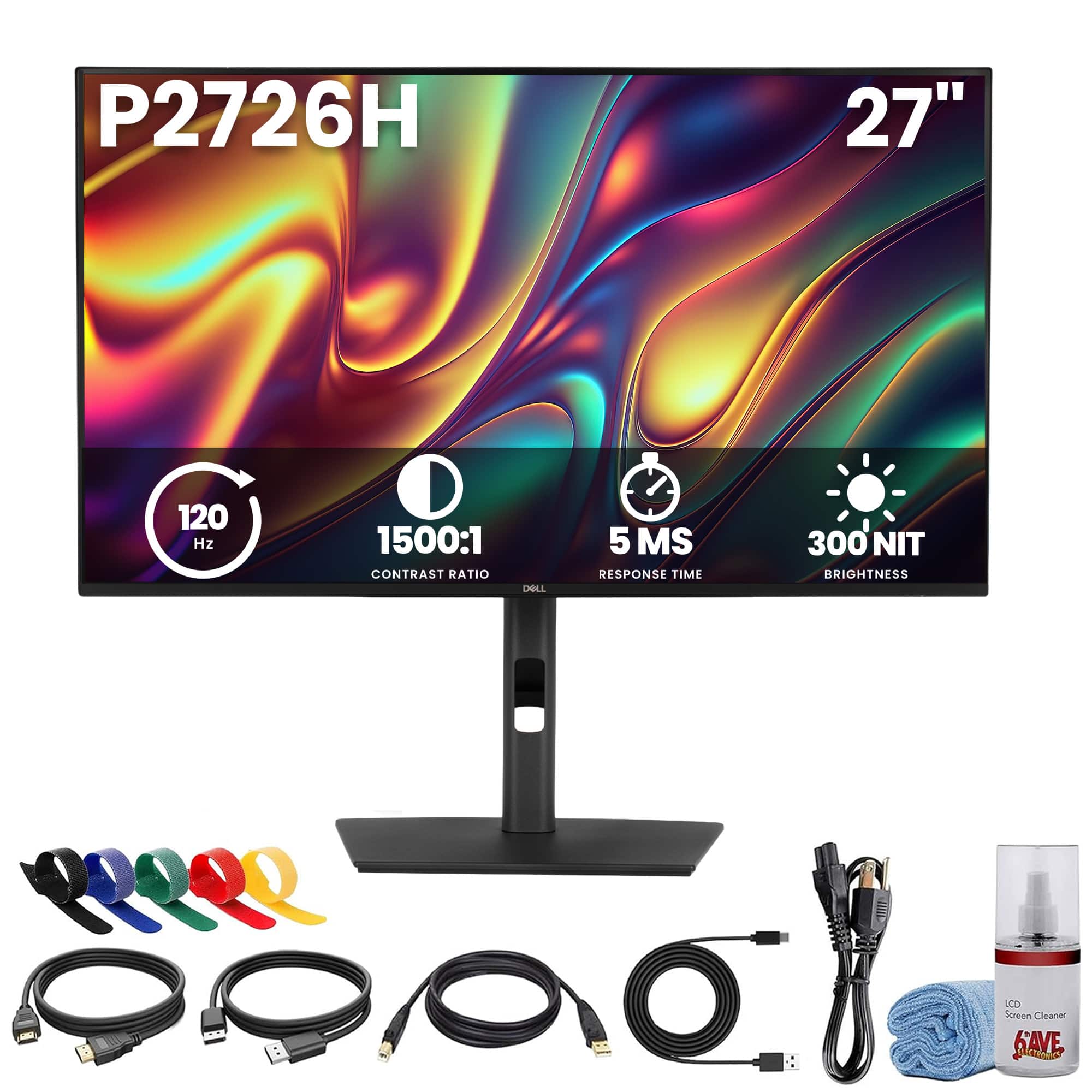
Bundle - Dell - Pro P2726H 27 Inch Full HD IPS Monitor, 100Hz, HDMI, DisplayPort, USB-C 15W Hub, 99% sRGB, Eye Comfort, VESA + More - Black
SKU: JJGYT425R8See all All MonitorsProduct Description
A Full HD IPS monitor with 99% sRGB, ergonomic adjustments, USB-C connectivity, and anti-glare screen.Your price for this item is $219.95Save $63The previous price was $282.95 -
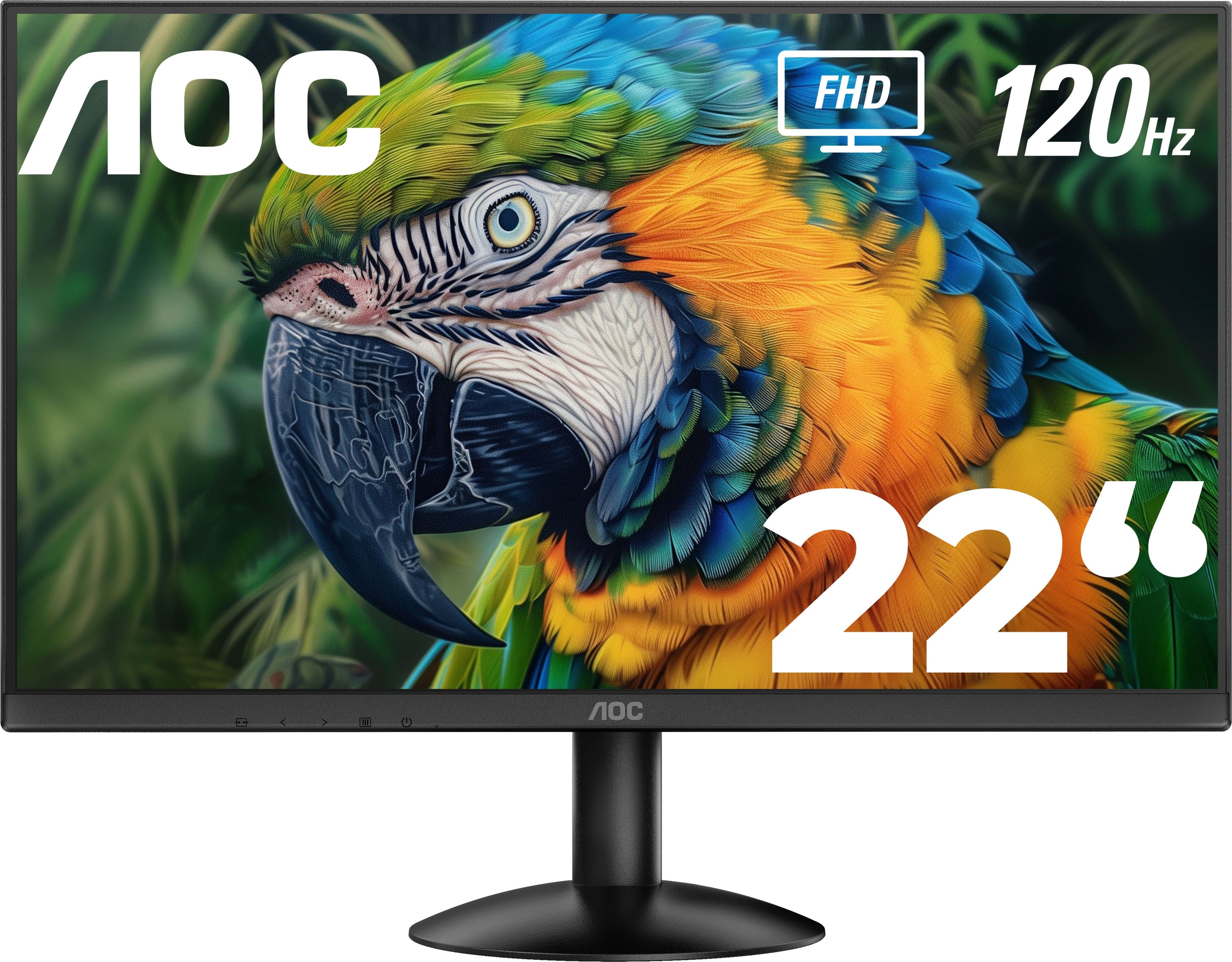
AOC - 22" 22B30HM2 FHD monitor - Black
SKU: JX9GSKP6QGThis was great price for this monitor! I bought it for my bf and he loves it!...The guy at Best Buy was super helpful with everything we needed and super nice so great service!...GREAT PURCHASE MONITOR...Then,...
See all All MonitorsProduct Description
A sleek black frameless monitor featuring FHD resolution, VA panel, 120Hz refresh rate, and AMD FreeSync.Your price for this item is $99.99 -
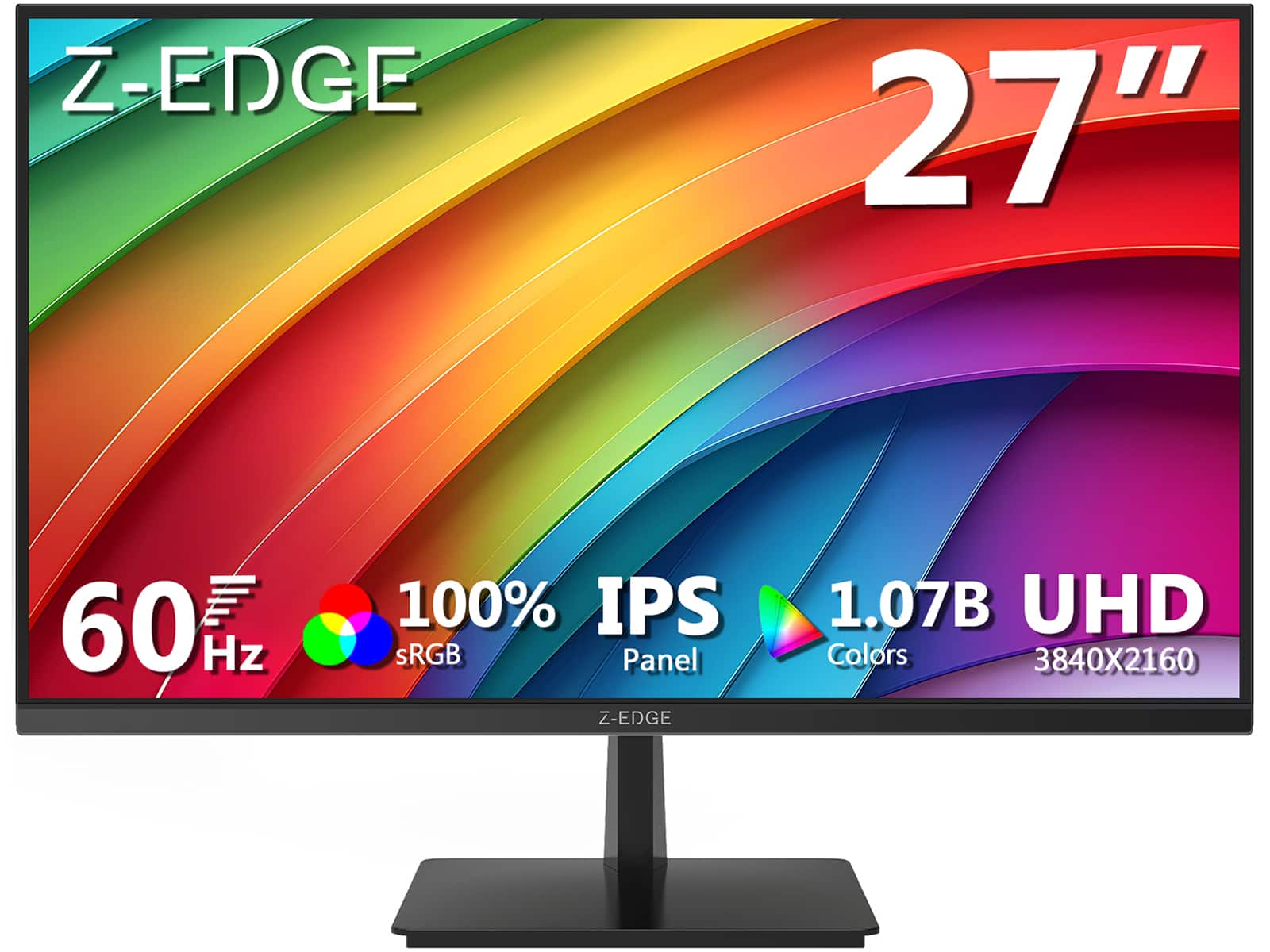
Z Z-Edge - U27P4K 27" IPS 4K Monitor, Ultra HD 3840 x 2160, 300 cd/m², 60Hz, HDMI + DP, 1.07B Colors, 100% sRGB - Black
SKU: J3LH5H8P8JBest 4k 27 inch monitor for the price. The stand can tilt but doesn't raise....Great monitor for the value
See all All MonitorsProduct Description
A sleek black 27-inch IPS 4K monitor with HDR10, 100% sRGB, FreeSync, HDMI, and DisplayPort connectivity.Your price for this item is $179.99Save $10The previous price was $189.99 -
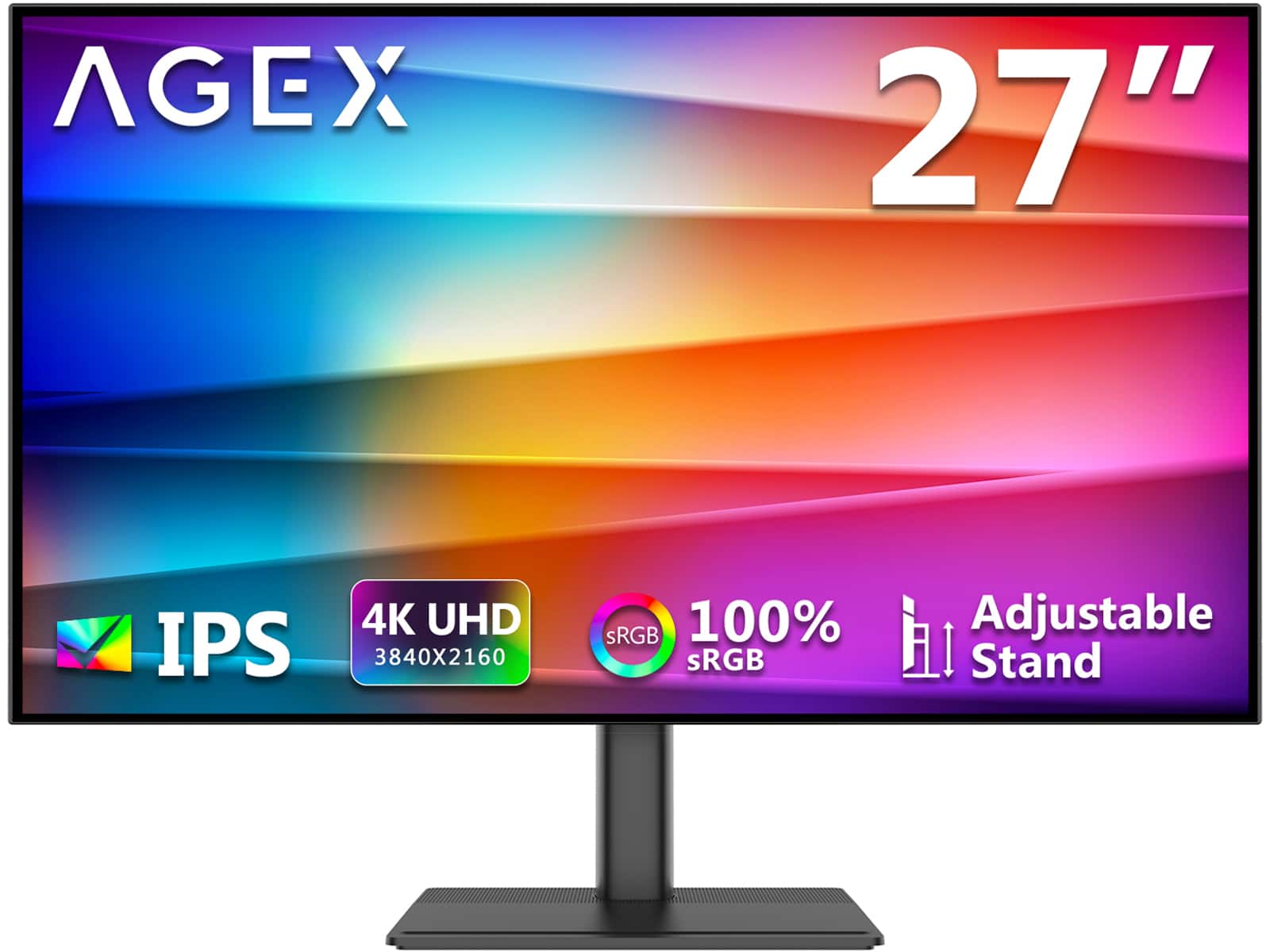
AGEX - A27I4K 27" 4K UHD 3840 x 2160 1.07B Display Colors 100% sRGB IPS Monitor with Adjustable Stand - Black
SKU: J3LH5H8TZLSee all All MonitorsProduct Description
A black IPS monitor offering 4K UHD resolution, 100% sRGB color, HDR10, and an adjustable stand.Your price for this item is $199.99 -
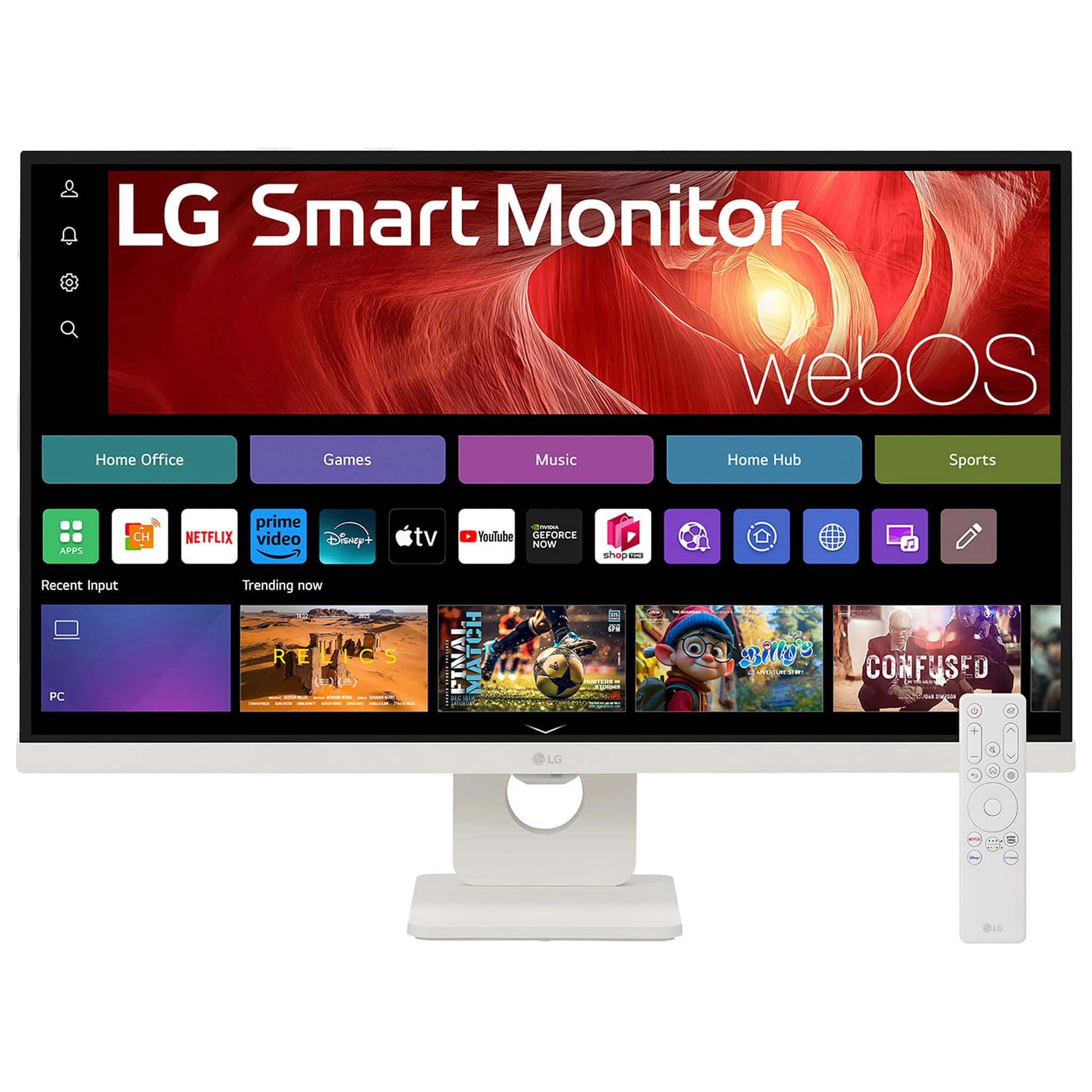
LG - 27" IPS UHD 60Hz 5ms Smart Monitor with HDR10 (HDMI, USB-C) - White
SKU: JJ8VPZWS3ZBest of the best for semi truck....This monitor has lg tv and speakers it’s great and good 4k for games but 60 fps...Great screen love the netflix feature. Very good !!
See all All MonitorsProduct Description
A white UHD 4K IPS smart monitor with HDR10, webOS, USB-C, HDMI, and built-in stereo speakers.Your price for this item is $249.99Save $130The previous price was $379.99
Best Sellers







Related Pages




FAQ
When choosing a photo editing monitor under $300, look for features such as IPS panel technology for accurate color reproduction, a wide color gamut (sRGB or better), factory calibration, and adjustable stand options for comfortable viewing.
Many monitors under $300 offer excellent color accuracy and resolution, making them suitable for hobbyists and entry-level professionals. However, advanced professionals may prefer higher-end models for even greater color precision and calibration options.
Some budget monitors support basic hardware calibration through included software, but full hardware calibration is more common in higher-end models. Still, many monitors under $300 can be calibrated using third-party tools for improved color accuracy.
IPS (In-Plane Switching) panels are generally recommended for photo editing due to their superior color accuracy and wide viewing angles, and many affordable monitors feature IPS technology.
Yes, most photo editing monitors under $300 come with standard HDMI, DisplayPort, or USB-C connections, making them compatible with both Mac and Windows computers. Always check the monitor’s input options to ensure compatibility with your device.