4K Monitor Under $300
-
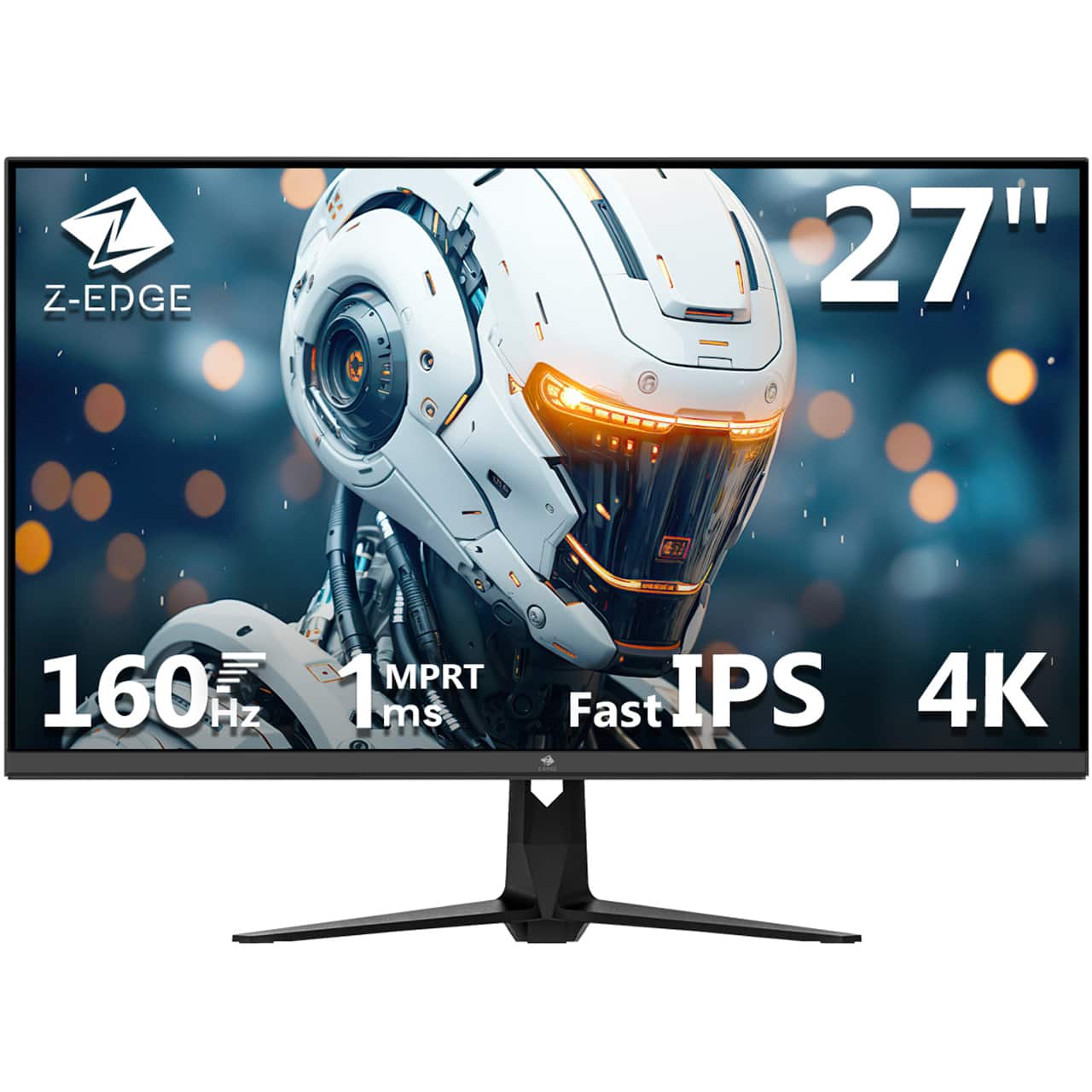
Z Z-Edge - 27" 4K UHD 3840x2160 160Hz 1ms IPS Gaming Monitor, 1.07 Billion Color, 450cd/m², FreeSync, HDMI x 2, DP x 2 - Black
SKU: J3LH5H8QR9Great price and quality on this 4k monitor. Im using it for my security camera system.
See all Gaming MonitorsProduct Description
A black IPS gaming monitor with 4K UHD resolution, 160Hz refresh rate, FreeSync, and HDR10 support.Your price for this item is $229.99Save $20The previous price was $249.99 -
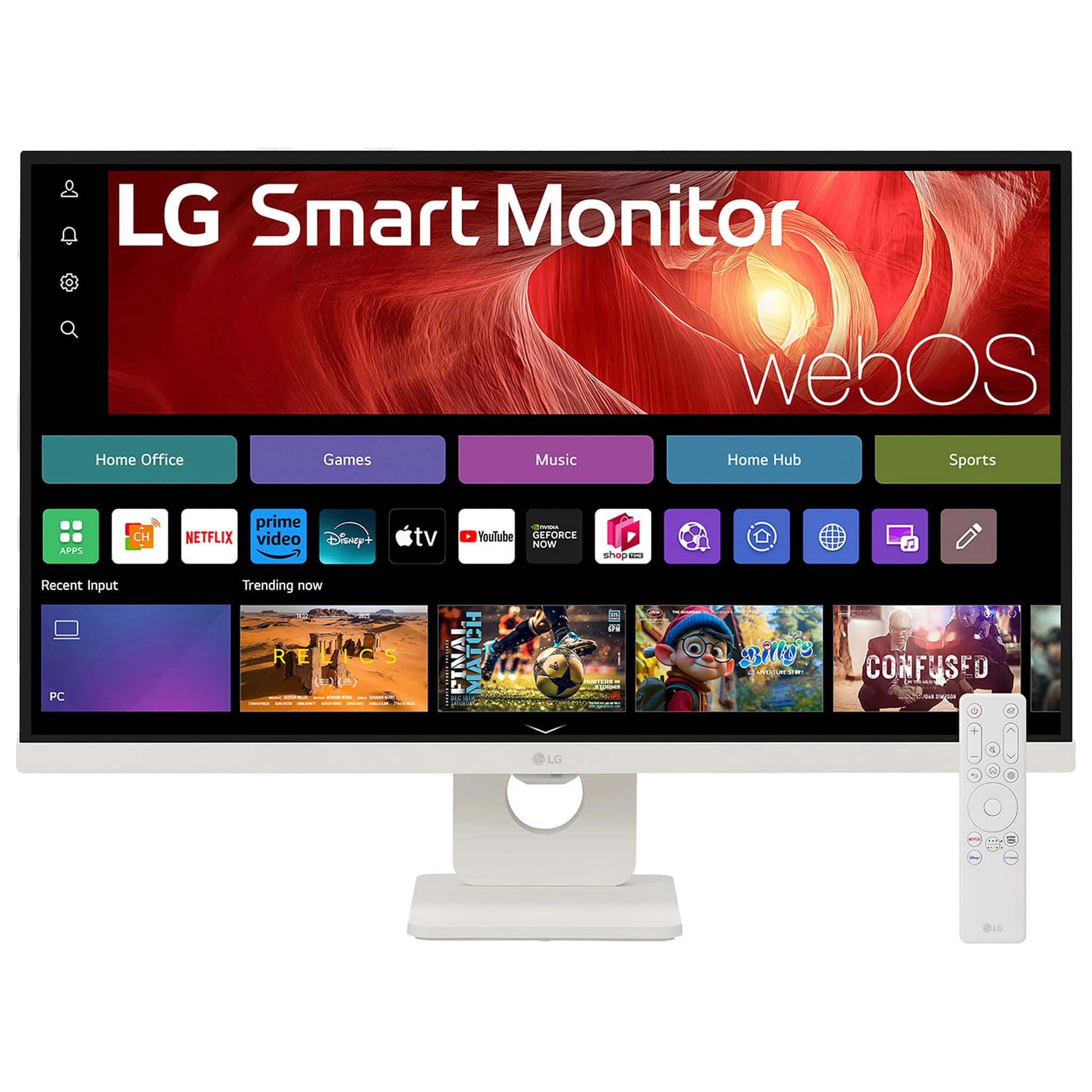
LG - 27" IPS UHD 60Hz 5ms Smart Monitor with HDR10 (HDMI, USB-C) - White
SKU: JJ8VPZWS3ZBest of the best for semi truck....This monitor has lg tv and speakers it’s great and good 4k for games but 60 fps...Great screen love the netflix feature. Very good !!
See all All MonitorsProduct Description
A white UHD 4K IPS smart monitor with HDR10, webOS, USB-C, HDMI, and built-in stereo speakers.Your price for this item is $249.99Save $130The previous price was $379.99 -
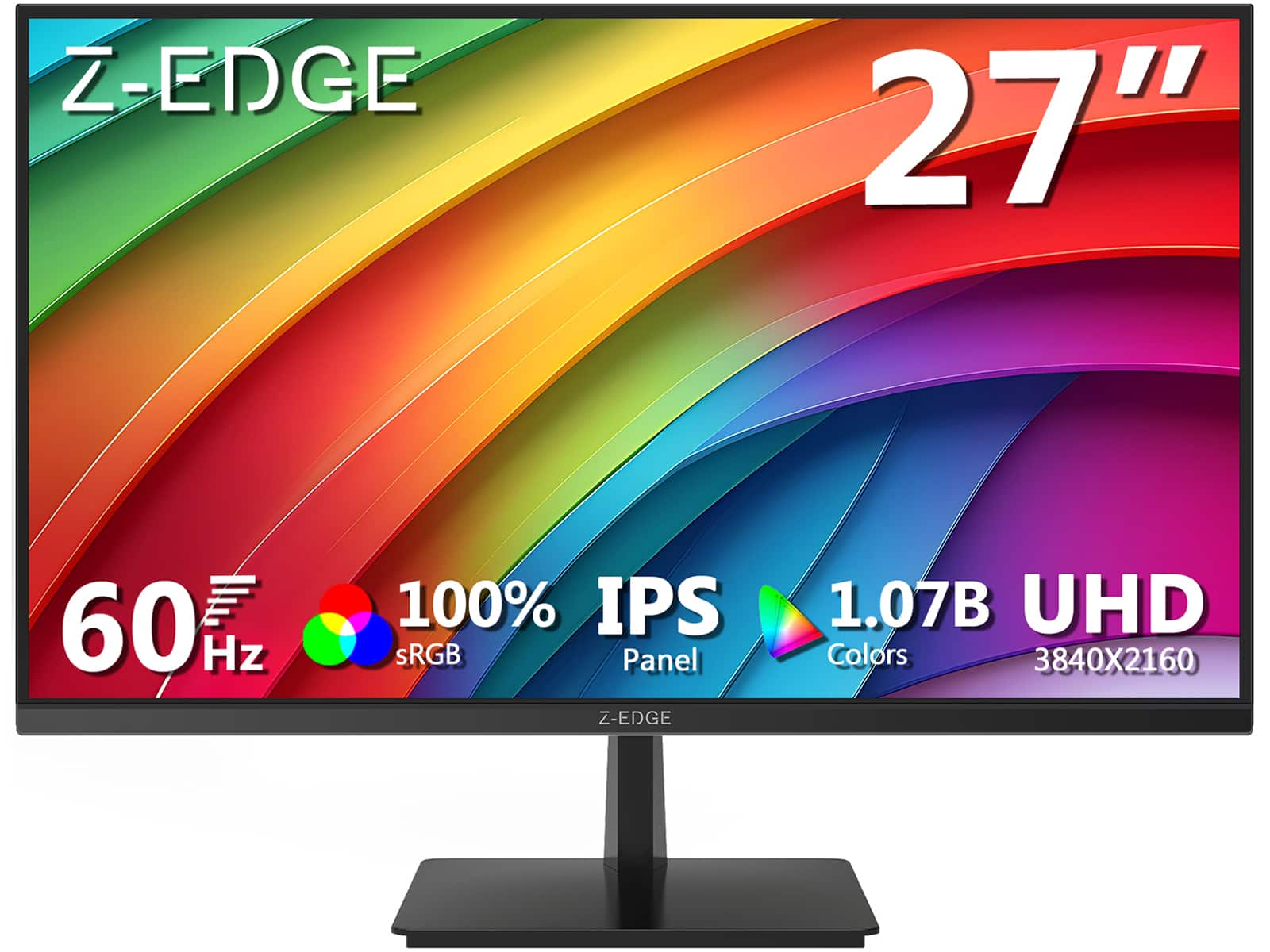
Z Z-Edge - U27P4K 27" IPS 4K Monitor, Ultra HD 3840 x 2160, 300 cd/m², 60Hz, HDMI + DP, 1.07B Colors, 100% sRGB - Black
SKU: J3LH5H8P8JGreat monitor for the value...Best 4k 27 inch monitor for the price. The stand can tilt but doesn't raise.
See all All MonitorsProduct Description
A sleek black 27-inch IPS 4K monitor with HDR10, 100% sRGB, FreeSync, HDMI, and DisplayPort connectivity.Your price for this item is $179.99Save $10The previous price was $189.99 -
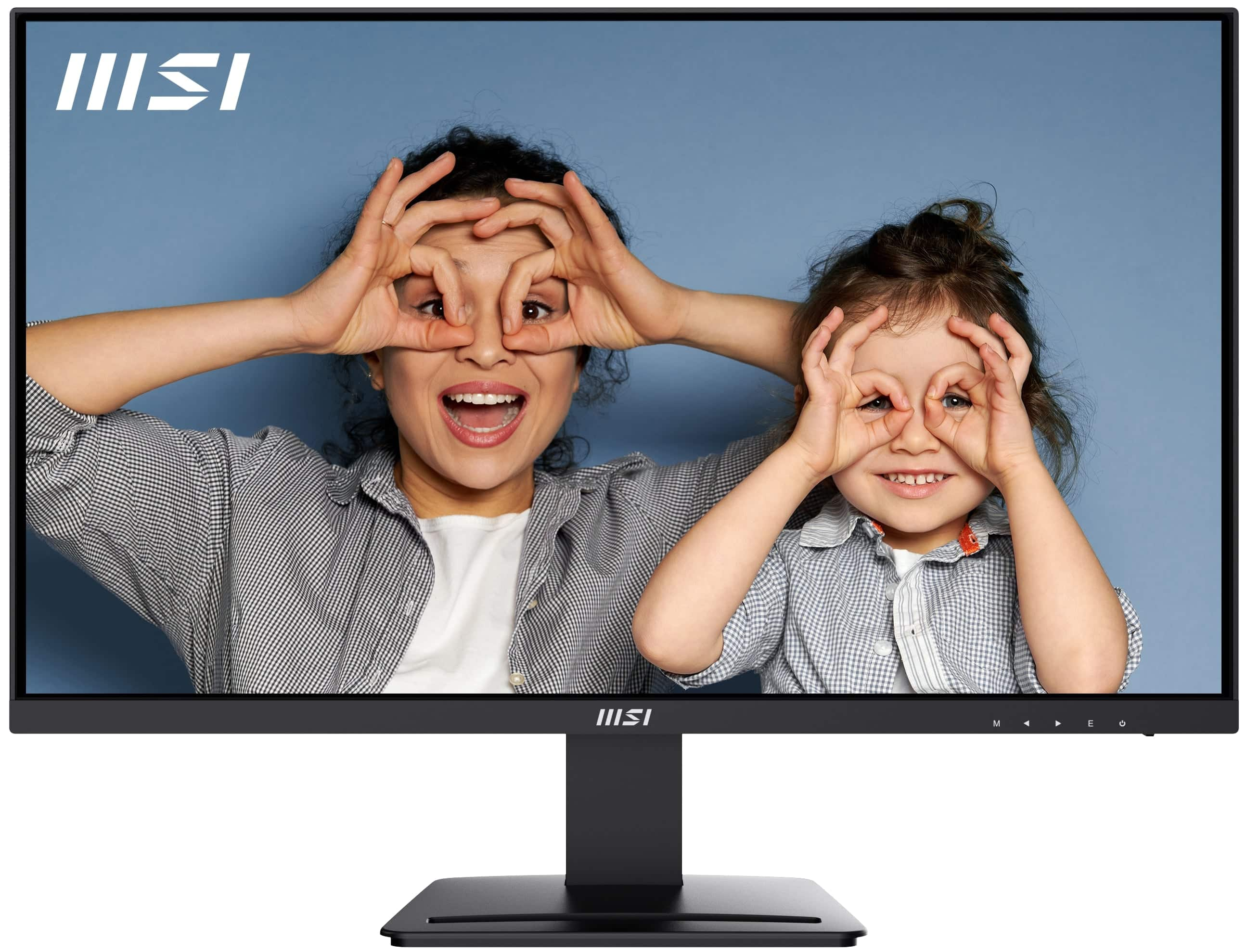
MSI - PRO MP273U 27" UHD 60Hz 4ms Adaptive Sync Monitor with HDR ready ,Built-in Speakers (DisplayPort, HDMI ) - Matte Black
SKU: J3P7TXPW8KThe built-in speakers are not the best but gets the job done....Practical and looks great...resolution is better than my current one and I haven’t noticed any delays or lagging so the visuals look great...
See all All MonitorsProduct Description
A matte black 27-inch 4K UHD IPS monitor with HDR, Adaptive Sync, built-in speakers, and ergonomic design.Your price for this item is $162.99Save $37The previous price was $199.99 -
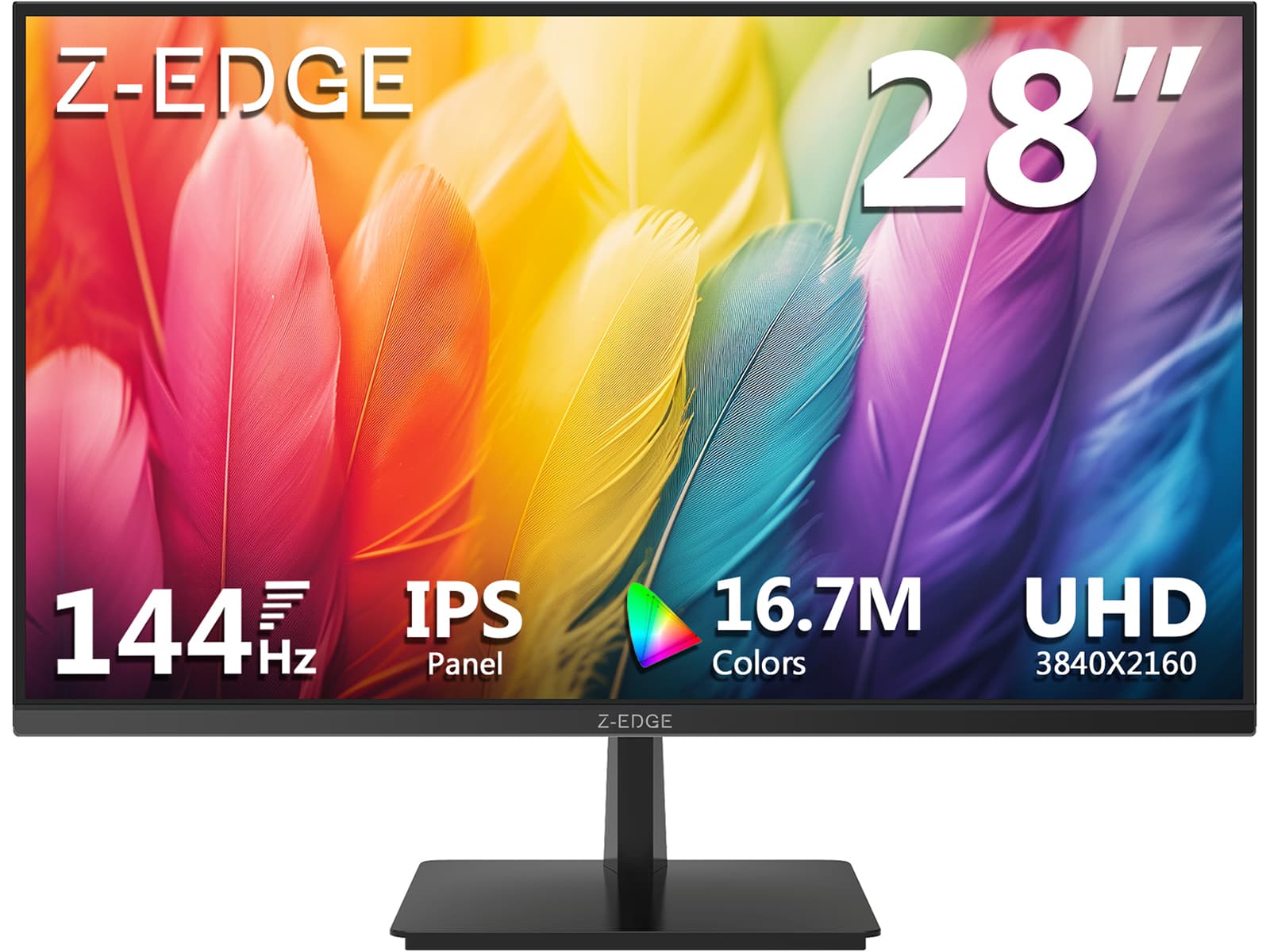
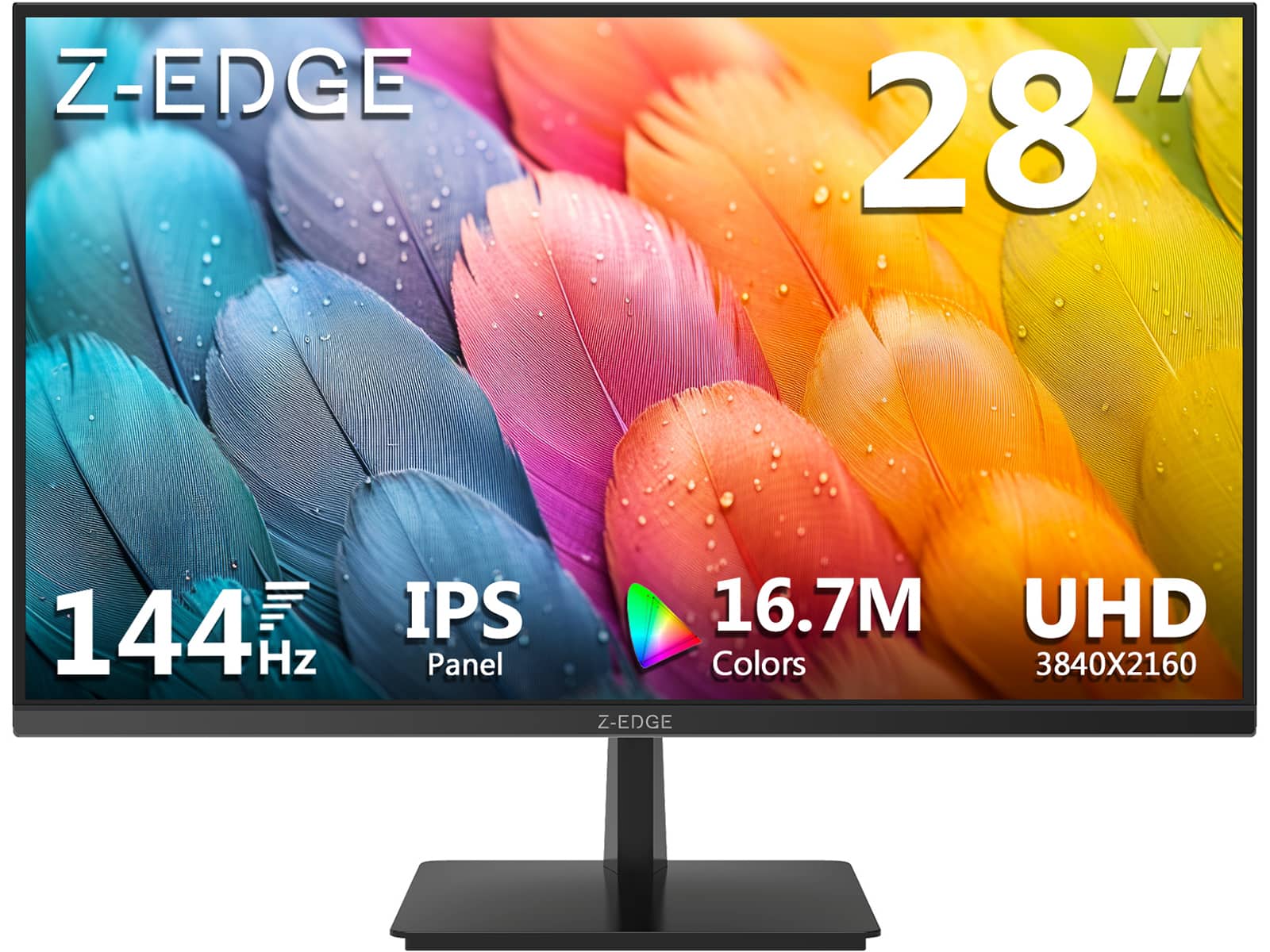
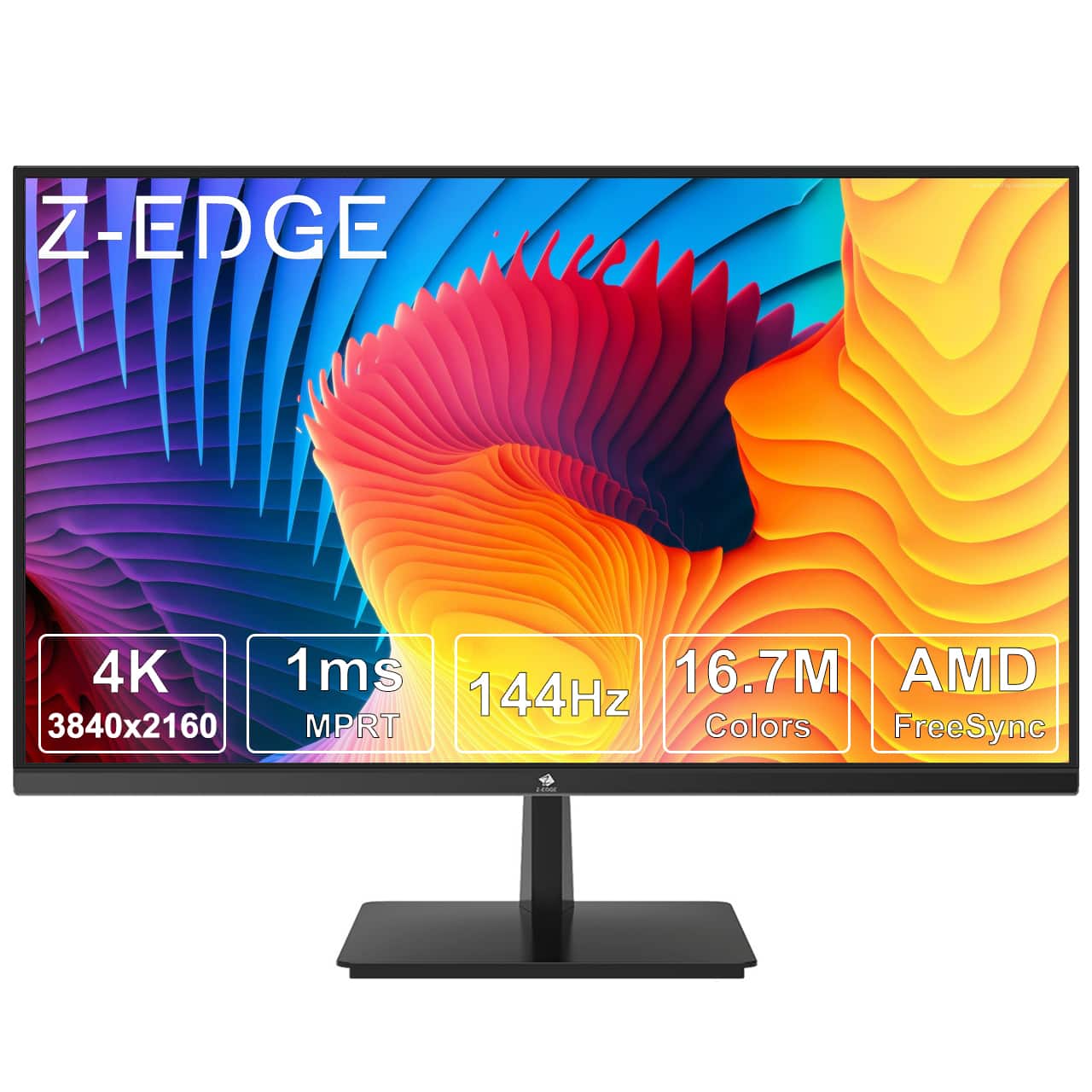
Z Z-Edge - 28" IPS 4K 144Hz 1ms Gaming Monitor, Ultra HD 3840 x 2160, 300 cd/m², HDMI + DP - Black
SKU: J3LH5H8PS8See all Gaming MonitorsProduct Description
A black IPS gaming monitor offering 4K UHD resolution, 144Hz refresh rate, 1ms response, HDR, and FreeSync.Your price for this item is $249.99 -
Z Z-Edge - 27" Ultra HD 3840 x 2160 100% sRGB 60Hz 5ms IPS 4K Monitor, HDR10, HDMI + DP, FreeSync Compatible - Black
SKU: J3LH5H8S3KSee all All MonitorsProduct Description
A black IPS 4K monitor featuring HDR10, 100% sRGB, FreeSync, and multiple HDMI and DisplayPort inputs.Your price for this item is $179.99Save $10The previous price was $189.99 -
Z Z-Edge - 28" 4K UHD 3840 x 2160 144Hz 1ms IPS Gaming Monitor, HDMI 2.1, DP 1.4 - Black
SKU: J3LH5H89FCSee all Gaming MonitorsProduct Description
A black IPS gaming monitor featuring 4K UHD resolution, 144Hz refresh rate, HDR10, and AMD FreeSync.Your price for this item is $249.99 -
Z Z-Edge - U28I4K 28" Ultra HD 4K 3840 x 2160 144Hz 1ms IPS Gaming Monitor, HDMI x2, DP x2, FreeSync Compatible - Black
SKU: J3LH5H896TSee all Gaming MonitorsProduct Description
A sleek black IPS gaming monitor with 4K UHD resolution, 144Hz refresh rate, 1ms response, and FreeSync.Your price for this item is $249.99Save $30The previous price was $279.99 -
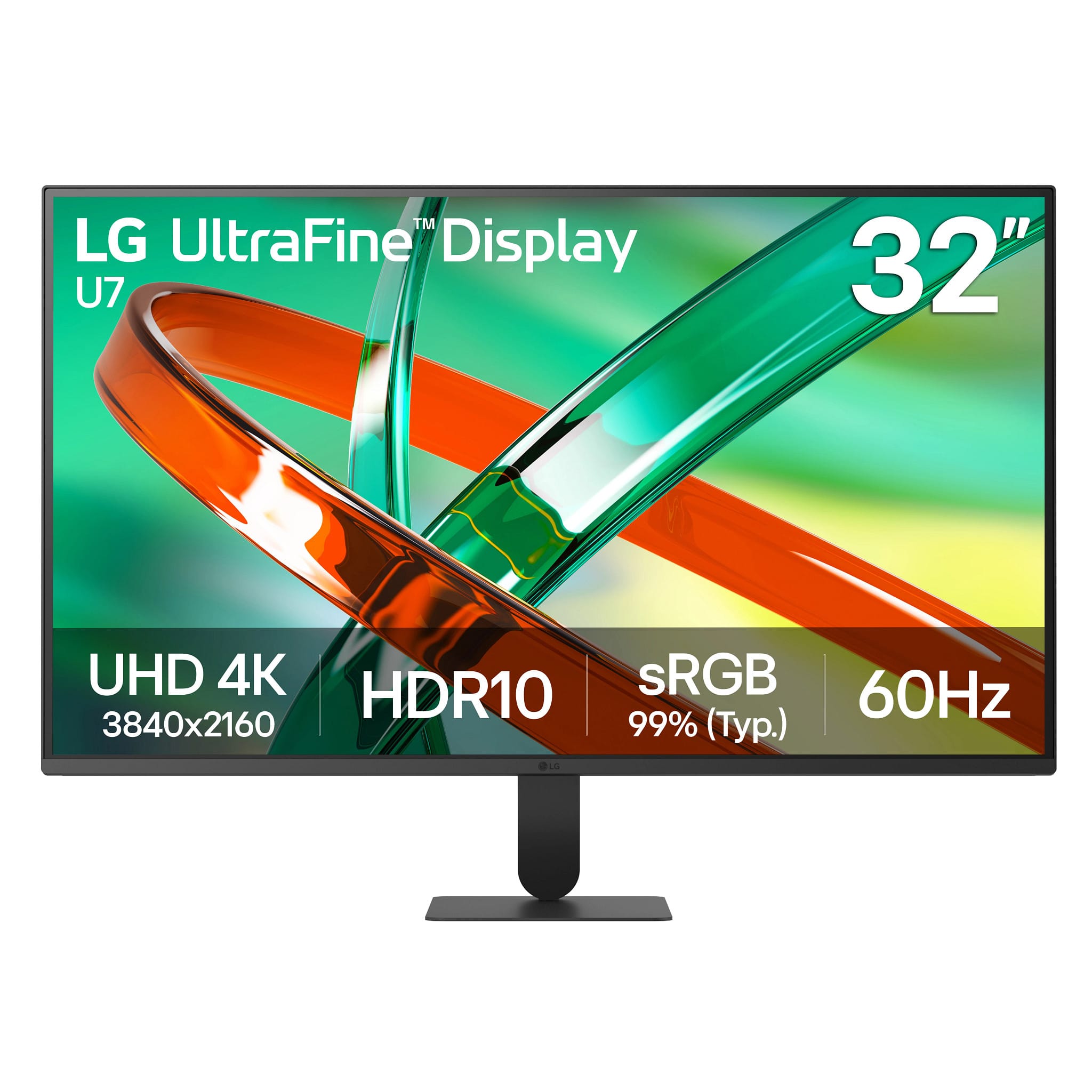
LG - UltraFine 32" 4K UHD 60Hz Monitor HDR10 (HDMI, DisplayPort) - Black
SKU: JJ8VPZZGQZSee all All MonitorsProduct Description
A black 4K UHD monitor with HDR10, 60Hz, VA panel, HDMI, DisplayPort, and headphone connectivity.Your price for this item is $249.99
Best Sellers







Related Pages


FAQ
When choosing a 4K monitor for productivity, consider features like IPS or VA panel technology for better color accuracy and viewing angles, built-in blue light filters for eye comfort, adjustable stands for ergonomic setup, and multiple connectivity options such as HDMI, DisplayPort, and USB-C.
Yes, 4K monitors can provide stunning visuals and immersive gaming experiences. Look for models with faster refresh rates (60Hz or higher), low response times, and support for adaptive sync technologies like AMD FreeSync or NVIDIA G-SYNC for smoother gameplay.
Most modern laptops and MacBooks support 4K monitors via HDMI, DisplayPort, or USB-C connections. Check your device’s specifications to ensure compatibility and use the appropriate cable or adapter for optimal performance.
Many 4K monitors offer built-in split-screen or picture-by-picture modes, allowing you to display content from multiple sources at once. You can also use your operating system’s window management features to efficiently multitask on the high-resolution screen.
Enhance your 4K monitor experience with accessories like monitor arms for flexible positioning, high-quality HDMI or DisplayPort cables for reliable connectivity, external speakers or soundbars for improved audio, and USB hubs to expand your connectivity options.