Best Gaming Monitor Under 300
Find the best gaming monitor under $300 for your setup by comparing screen size, resolution, refresh rate, and response time. As you browse budget gaming displays, weigh your priorities—like smooth motion for fast-paced games or sharper detail—then check each monitor’s connections and dimensions for compatibility with your PC or console and available desk space.
What to look for in a gaming monitor under $300
To find the best gaming monitor under $300 for your setup, prioritize features that match your favorite games, available desk space and gaming hardware.
1. Screen Size and Resolution
2. Refresh Rate and Response Time
3. Adaptive Sync Compatibility
4. Connections and Adjustability
-
1

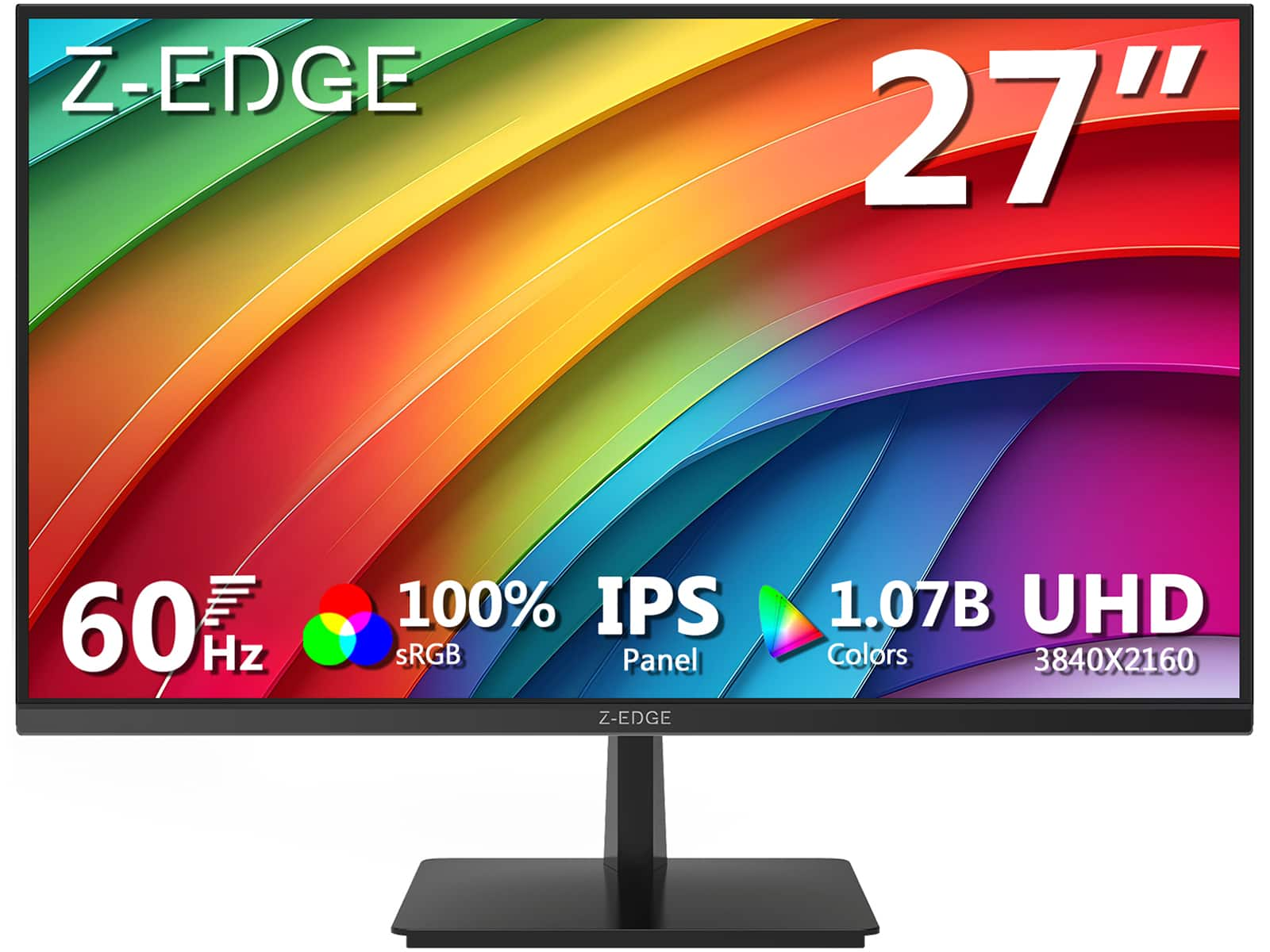
Z Z-Edge - 24.5" 1080P Full HD 300Hz (DP) 240Hz (HDMI) 1ms IPS Gaming Monitor, HDMI x2, DP x2 - Black
About this product
A black IPS gaming monitor with 1080p resolution, 300Hz refresh rate, 1ms response, and FreeSync support.
(0)$129.99Your price for this item is $129.99SAVE $10.00 -
2
Z Z-Edge - UG25S 24.5 inch 1080P Full HD 1920 x 1080 300Hz (DP) 240Hz (HDMI) 1ms Flat Panel IPS Gaming Monitor - Black
About this product
A black IPS gaming monitor with Full HD, 300Hz refresh rate, 1ms response, FreeSync, and HDR.
(0)$129.99Your price for this item is $129.99SAVE $10.00 -
3
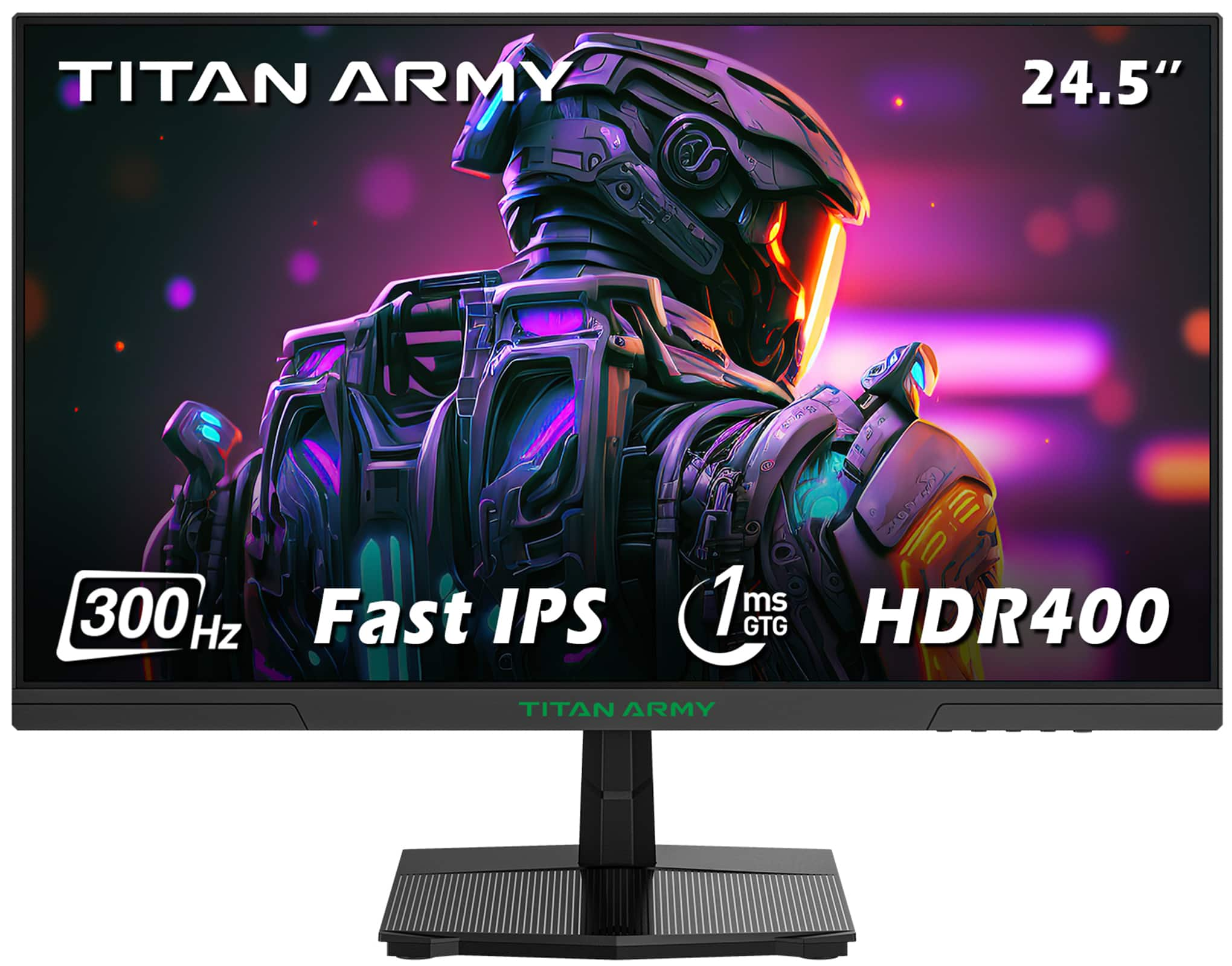
Titan-army - P2510HS 24.5 Inch 300Hz Gaming Monitor, Fast IPS 1ms GTG, 1080P FHD, FreeSync, 121% sRGB, HDR400, VESA Wall Mount - Black
About this product
A black Fast IPS gaming monitor with 300Hz refresh rate, 1ms response, HDR400, and FreeSync support.
(15)$159.99 Your price for this item is $159.99 -
4
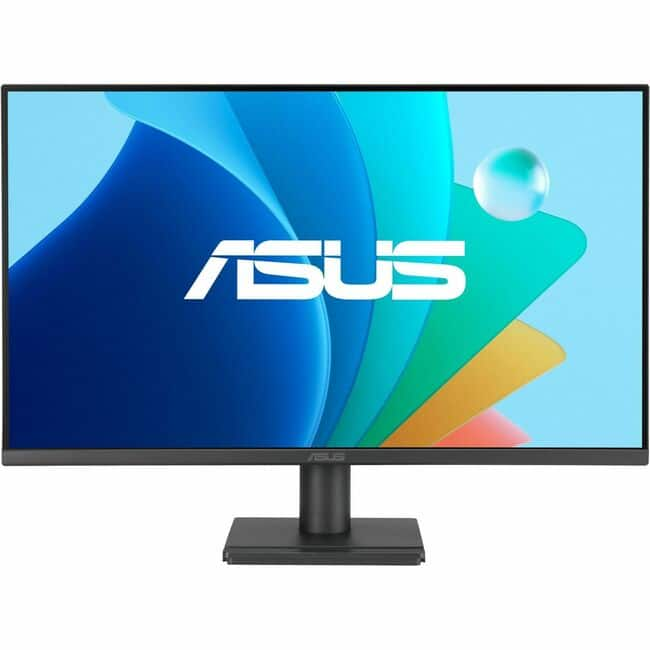
ASUS - VA27EHF2 27" Class Full HD Gaming LED Monitor - 16:9 - 27" Viewable - In-plane Switching (IPS) Technology - Black
About this product
A black IPS gaming monitor featuring Full HD resolution, 120Hz refresh rate, 1ms response, Adaptive Sync.
(0)$136.28 Your price for this item is $136.28 -
5
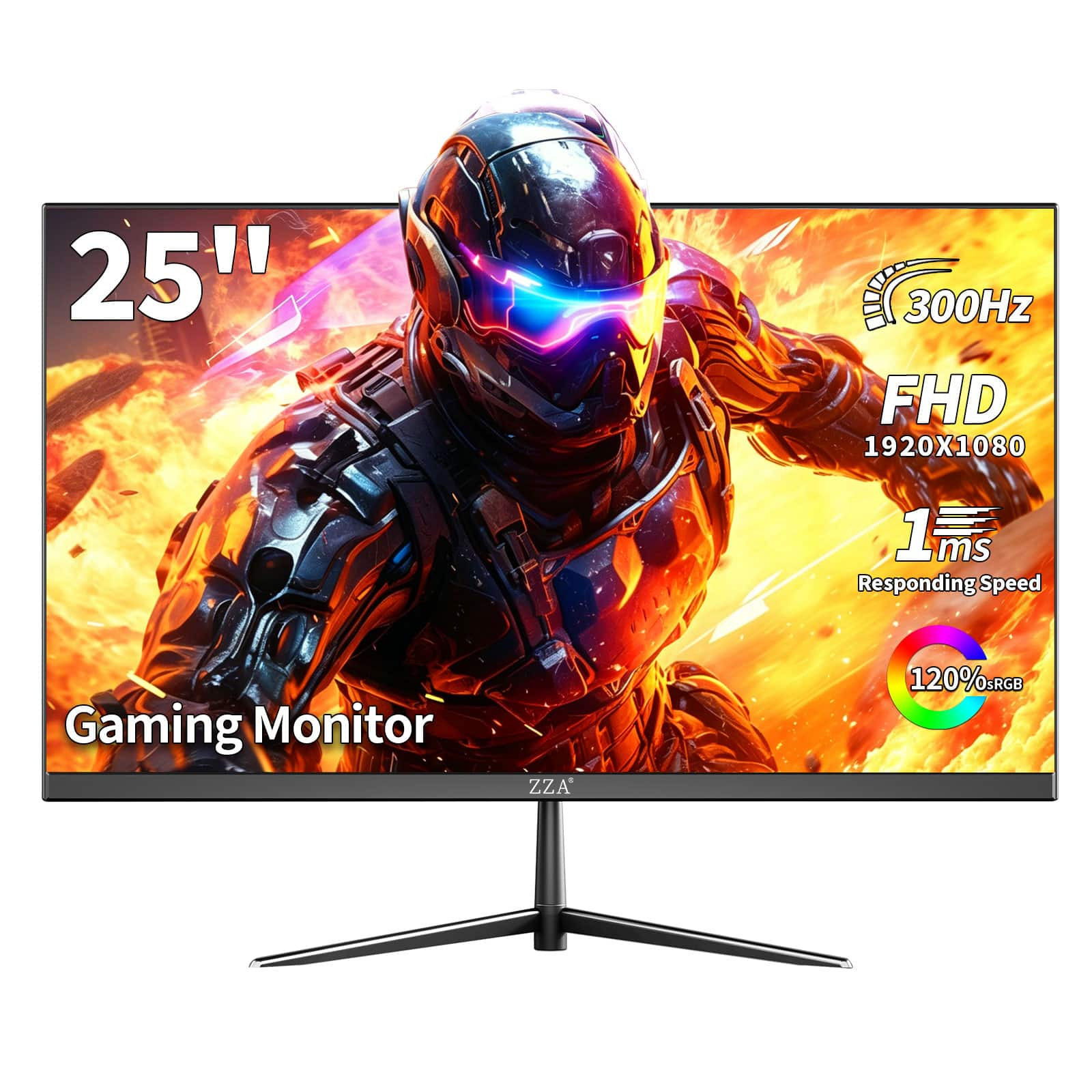
ZZA - 24.5 Inch 300Hz Gaming Monitor, FHD 1080P IPS Display, 1ms MPRT, AMD FreeSync, PC Monitor,HDR Support, VESA - Black
About this product
A black VA gaming monitor with Full HD, 300Hz, 1ms response, FreeSync, and HDR.
(0)$129.99Your price for this item is $129.99SAVE $70.00 -
6

Z Z-Edge - UG27S- 27" 1080P Full HD 300 Hz 1 ms Curved Gaming Monitor, HDMI x 2, DP x 2, FreeSync Compatible - White
About this product
A white curved gaming monitor featuring 300Hz refresh rate, 1ms response, FreeSync, and HDR10 support.
(1)$159.99Your price for this item is $159.99SAVE $20.00 -
7
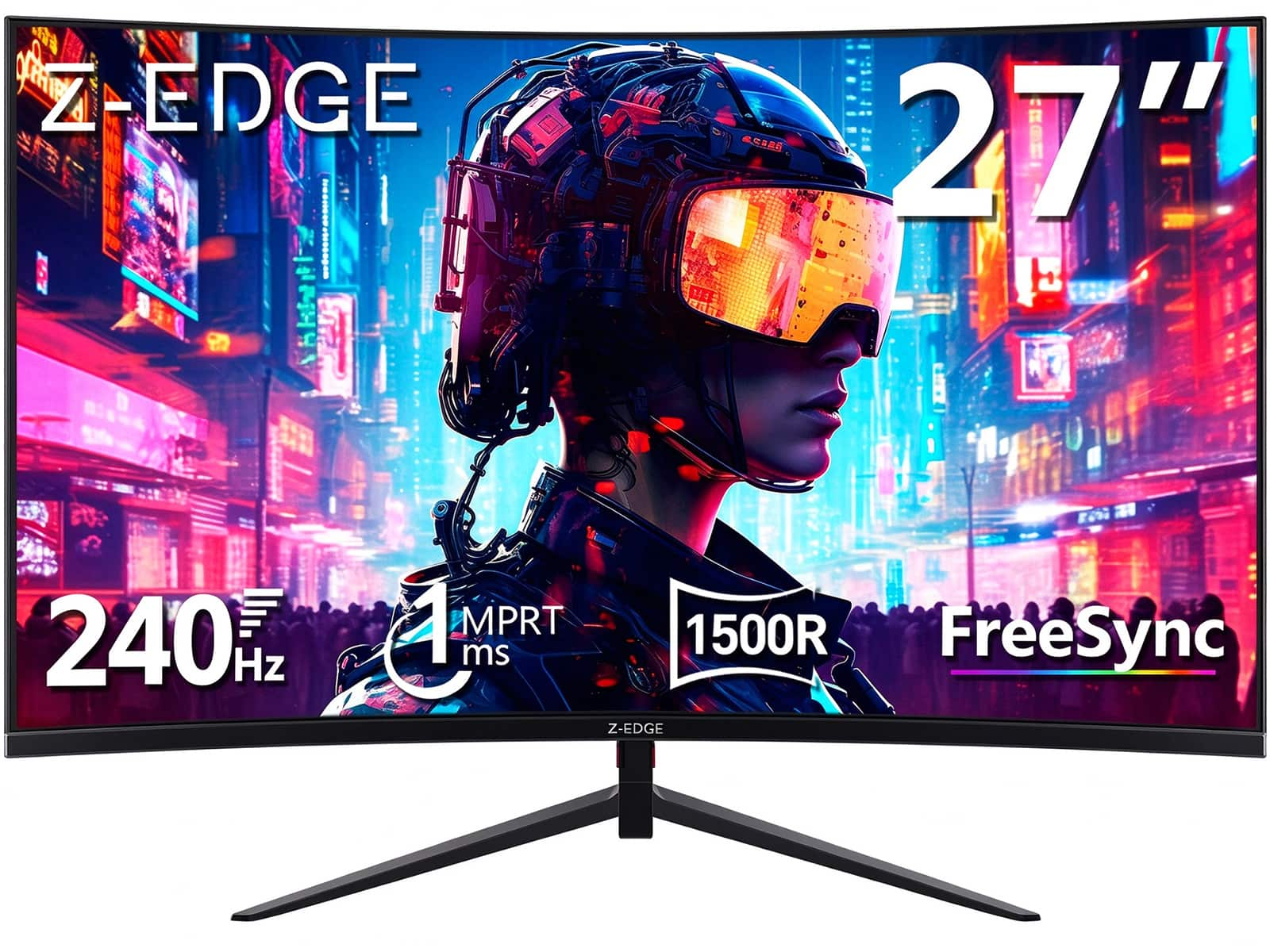
Z Z-Edge - 27 inch 1080P Full HD 1920 x 1080 240 Hz 1 ms Curved Gaming Monitor, HDMI x 1, DP x 1 - Black
About this product
A black curved gaming monitor with Full HD VA visuals, 240Hz refresh, 1ms response, and FreeSync.
(0)$139.99Your price for this item is $139.99SAVE $40.00 -
8

Z Z-Edge - UG27P- 27 inch 1080P Full HD 1920 x 1080 280 Hz 1 ms Curved Gaming Monitor, HDMI x 1, DP x 1 - White
About this product
A white curved gaming monitor with 280Hz refresh rate, 1ms response, FreeSync, and HDR10 support.
(0)$149.99Your price for this item is $149.99SAVE $10.00 -
9

Z Z-Edge - UG27S 27" 1080P Full HD 1920 x 1080 300Hz 1ms 1500R Curved Gaming Monitor, HDMI x 2, DP x 2 - Black
About this product
A black curved gaming monitor with 300Hz refresh rate, 1ms response, FreeSync, and HDR10 support.
(1)$149.99Your price for this item is $149.99SAVE $40.00 -
10

Z Z-Edge - 27 inch 1080P Full HD 1920 x 1080 300Hz 1ms Curved Gaming Monitor - Black
About this product
A curved black gaming monitor with 300Hz refresh rate, 1ms response, HDR10, and FreeSync support.
(2)$169.99Your price for this item is $169.99SAVE $30.00
Best Gaming Monitor Under 300
FAQs
Refresh rate, measured in hertz (Hz), describes how often a gaming monitor updates its image each second. Frame rate, measured in frames per second (fps), describes how many frames a computer or console generates. These are separate specifications, so check both your gaming system’s output capabilities and the monitor’s supported refresh rates.
HDMI and DisplayPort are common video connections on gaming monitors. Match the monitor’s inputs with the outputs on your computer or console, and check which display modes each connection supports. USB ports, audio outputs, and USB-C video support vary by monitor.
Adaptive sync allows a monitor’s refresh rate to adjust to the frame output of compatible gaming hardware. AMD FreeSync and NVIDIA G-SYNC are related technologies and compatibility programs you may see listed. Support depends on the monitor, graphics hardware, and connection used.
Common LCD panel types include IPS, VA, and TN. These technologies differ in characteristics such as color reproduction, contrast, and viewing angles. Panel type is separate from other specifications, including refresh rate and available connections.
Some gaming monitors have built-in speakers, while others require separate speakers or a headset. A headphone output does not necessarily mean the monitor has speakers. Check the audio specifications and whether sound comes through HDMI, DisplayPort, or a separate audio connection.