Best Gaming Monitor Under 200
Find the best gaming monitor under $200 for your setup by comparing screen size, resolution, refresh rate, and response time. As you browse budget-friendly gaming displays, consider your desk space and the games you play, and check each monitor’s inputs for compatibility with your PC or console.
What to look for in a gaming monitor under $200
Compare display quality, speed, and compatibility to choose a gaming monitor under $200 that fits your setup and favorite games.
1. Screen Size and Resolution
2. Refresh Rate and Response Time
3. Panel Type and Picture Quality
4. Connectivity and Adaptive Sync
-
1

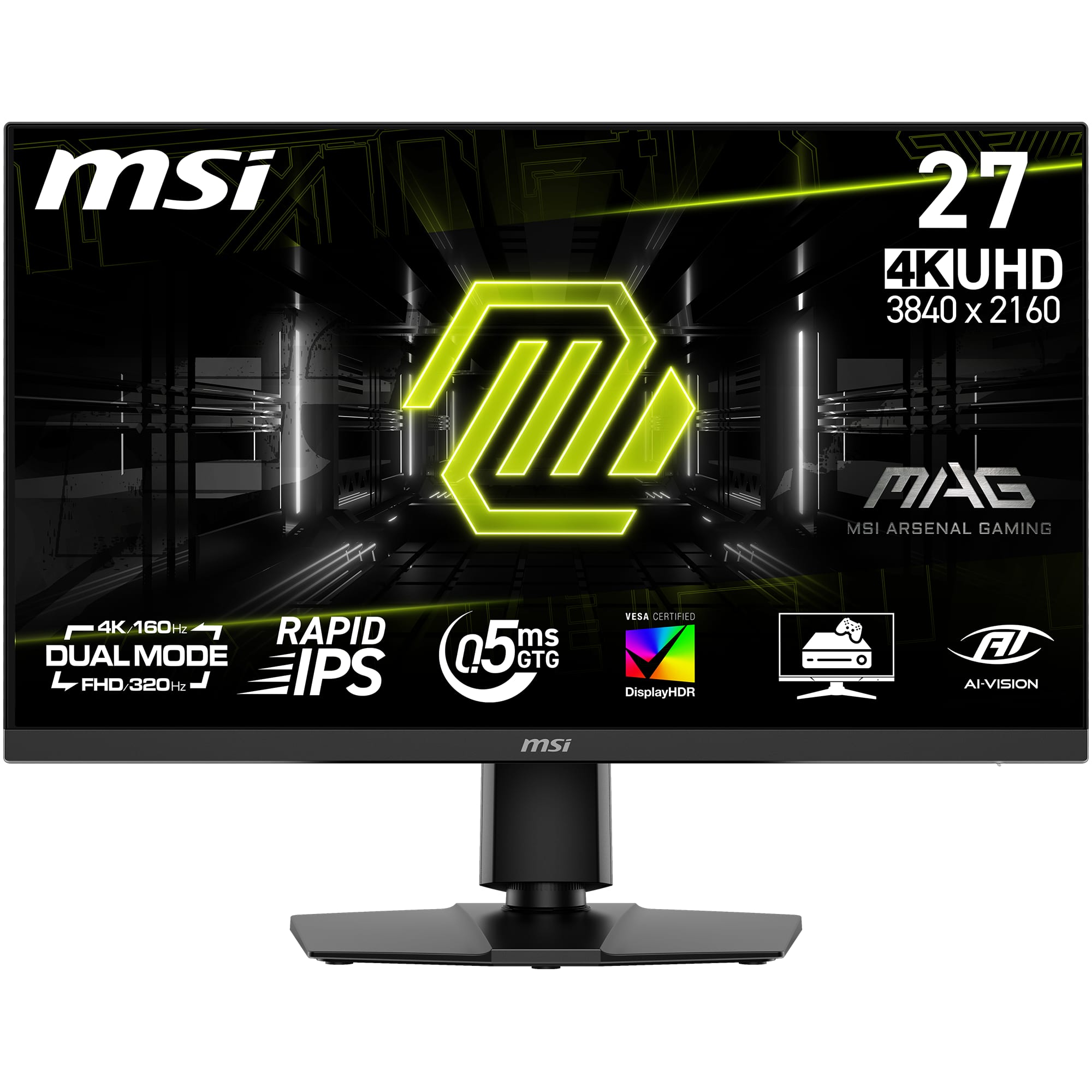
MSI - MAG 272F X24 27" FHD Rapid IPS 240Hz 0.5ms Gaming Monitor with FreeSync and HDR Ready (HDMI, DisplayPort) - Metallic Black
About this product
A metallic black gaming monitor offering FHD resolution, 240Hz refresh rate, 0.5ms response, and HDR support.
(2)$139.99 Your price for this item is $139.99 -
2
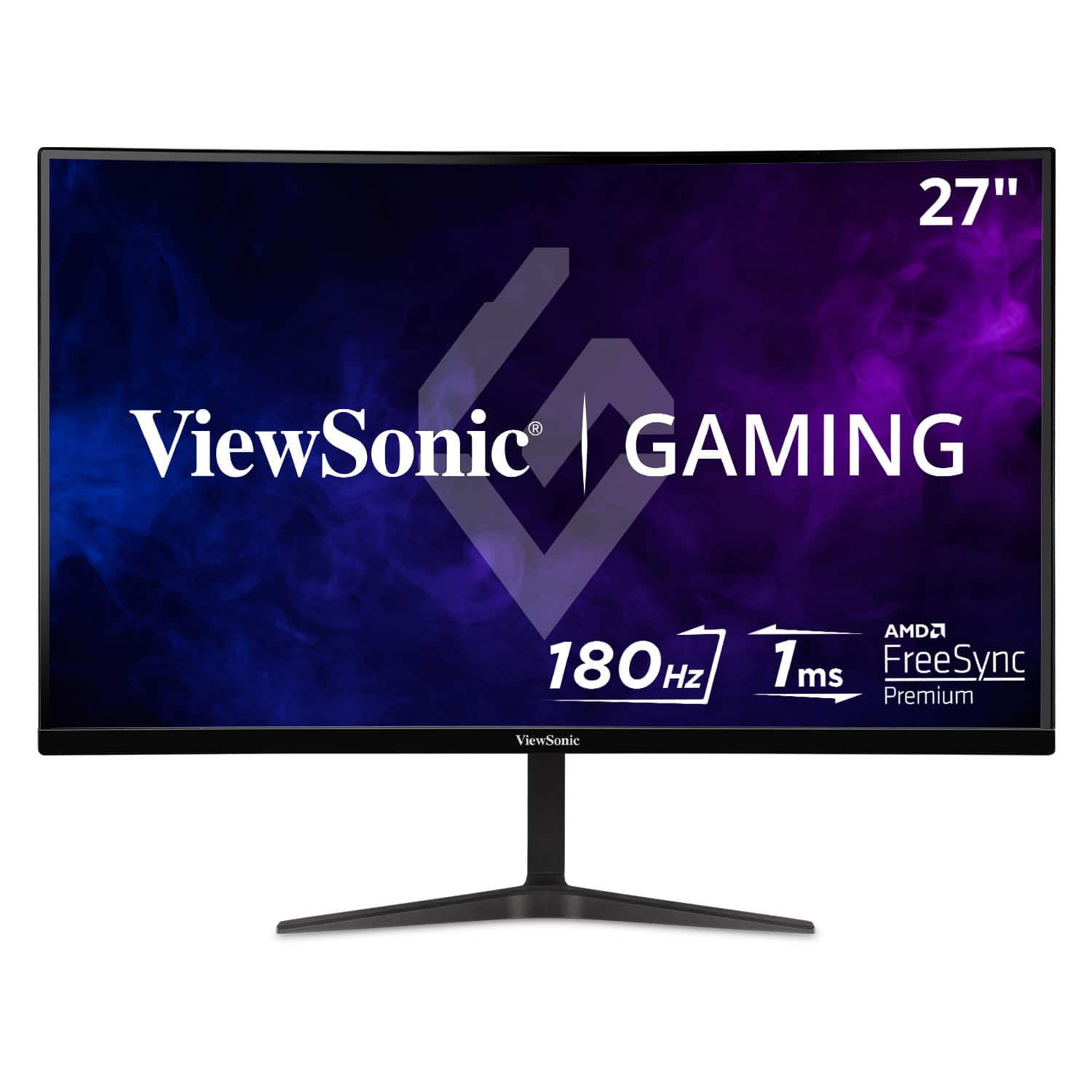
ViewSonic - VX2718-P-MHD 27" LCD FHD Adaptive Sync Gaming Monitor (HDMI and DisplayPort) - Black
About this product
A sleek black LCD gaming monitor with 165Hz refresh rate, 1ms response, and adaptive sync technology.
What customers like
(23)$149.99Your price for this item is $149.99SAVE $20.00 -
3

Z Z-Edge - UG25S 24.5 inch 1080P Full HD 1920 x 1080 300Hz (DP) 240Hz (HDMI) 1ms Flat Panel IPS Gaming Monitor - Black
About this product
A black IPS gaming monitor with Full HD, 300Hz refresh rate, 1ms response, FreeSync, and HDR.
(0)$129.99Your price for this item is $129.99SAVE $10.00 -
4
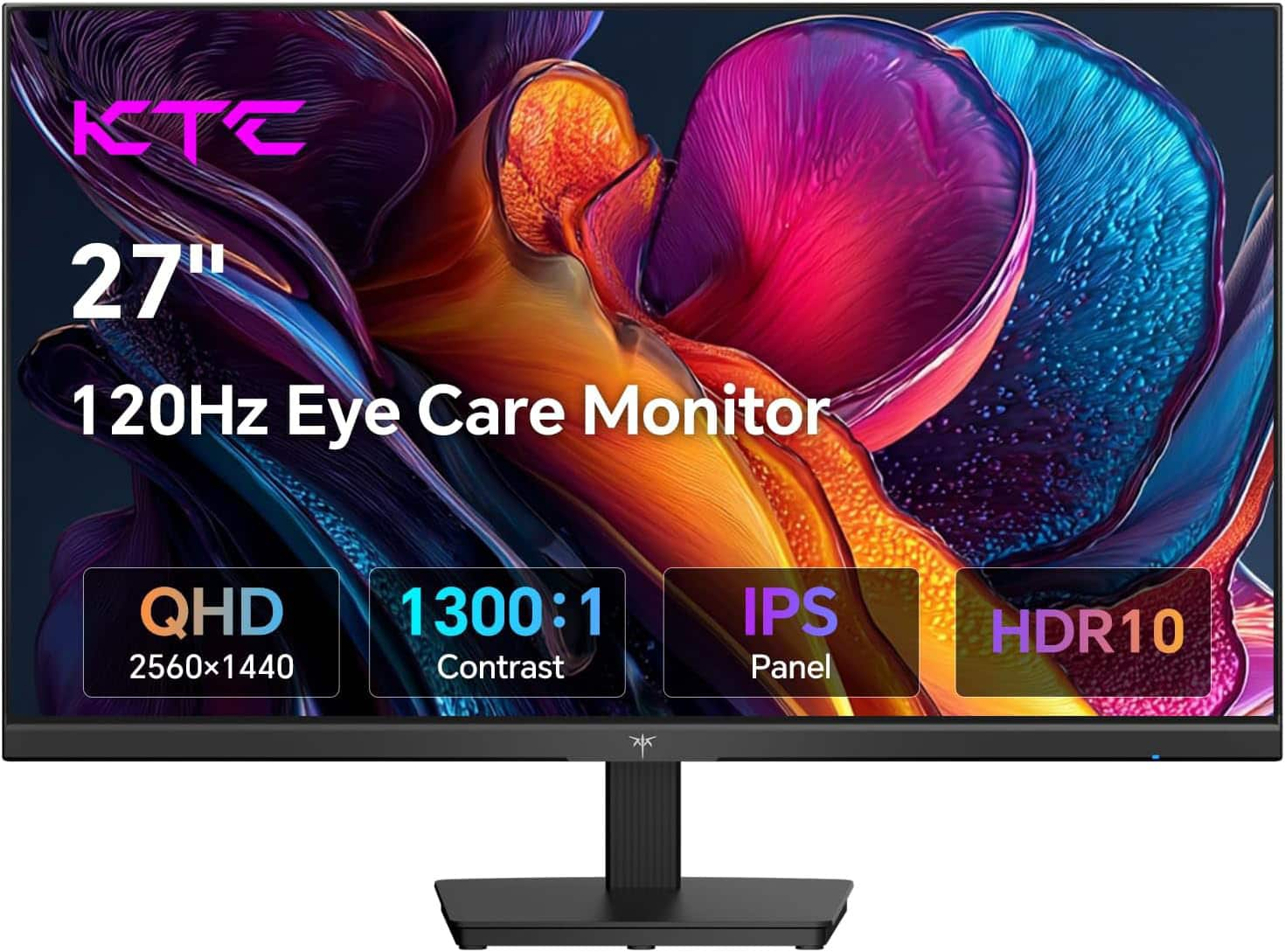
KTC - H27D9 27 Inch Gaming Monitor, 2K QHD 1440P, IPS 100Hz/120Hz, Adaptive-Sync, 99% sRGB HDR10, 2xHDMI/DP, Low Blue Light - Black
About this product
A black IPS gaming monitor with 2K QHD resolution, 100Hz refresh rate, HDR10, and adaptive-sync support.
(19)$129.99Your price for this item is $129.99SAVE $70.00 -
5
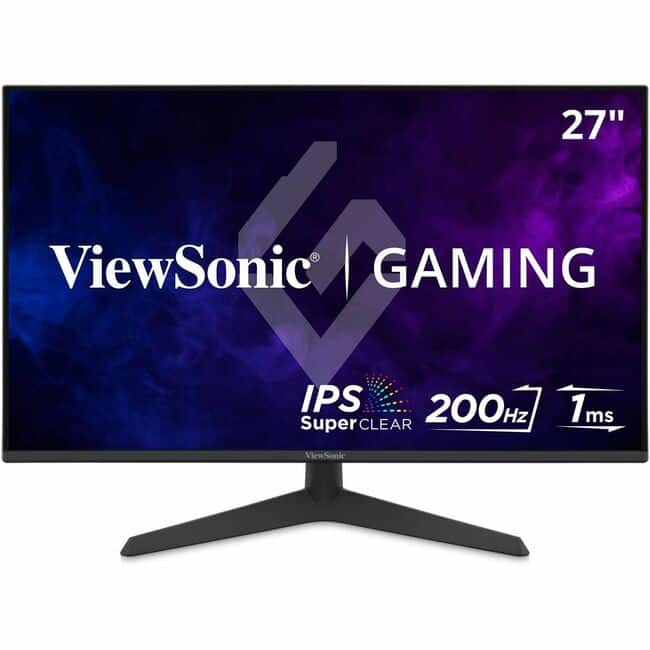
ViewSonic - VX2729 27 Inch 1080p IPS Gaming Monitor with 200Hz, 1ms, FreeSync Premium, HDR10, Tilt Adjustment, HDMI, and - Unknown
About this product
A high-speed 27-inch Full HD IPS monitor with 200Hz refresh rate, 1ms response, and FreeSync Premium.
(0)$149.99 Your price for this item is $149.99 -
6

ASUS - TUF Gaming 27" FHD IPS 200Hz 0.3ms Gaming Monitor with G-SYNC/FreeSync Premium and HDR (DisplayPort, HDMI) - Black
About this product
A black IPS gaming monitor with 200Hz refresh rate, 0.3ms response, HDR10, and adaptive sync support.
What customers like
(147)$129.99Your price for this item is $129.99SAVE $60.00 -
7

GIGABYTE - G27Q20 - 27" SuperSpeed IPS Gaming Monitor - QHD 2560 x 1440 - Black
About this product
A black SuperSpeed IPS gaming monitor with QHD resolution, 0.05ms response time, and 200Hz refresh rate.
(2)$161.99Your price for this item is $161.99SAVE $128.00 -
8

AOC - 27G50F2 27" IPS Panel, LED, FHD, G-Sync Compatible, 180hz Gaming Monitor - Black
About this product
A fast IPS gaming monitor in black with 180Hz refresh rate, 0.5ms response, and G-Sync compatibility.
What customers like
(60)$149.99Your price for this item is $149.99SAVE $30.00 -
9

ViewSonic - VX2416A 24" IPS LCD FHD 120Hz Gaming Monitor (USB-C, HDMI1.4, DP) - Black
About this product
A black IPS gaming monitor offering Full HD resolution, 120Hz refresh rate, 1ms response, and versatile connectivity.
(1)$109.99 Your price for this item is $109.99 -
10

ViewSonic - VX2428A 24" IPS LCD FHD 180Hz Gaming Monitor (HDMI1.4, DP) - Black
About this product
A black IPS gaming monitor with 180Hz refresh rate, 0.5ms response time, and versatile connectivity options.
(2)$109.99Your price for this item is $109.99SAVE $20.00
Best Gaming Monitor Under 200
FAQs
Refresh rate, measured in hertz (Hz), describes how many times the screen updates each second. Response time, usually measured in milliseconds (ms), describes how quickly pixels change between colors or shades. They are separate specifications, and response-time testing methods can vary by manufacturer.
IPS panels generally offer consistent colors across wide viewing angles. VA panels typically provide higher native contrast, while TN panels often emphasize fast pixel transitions. These are broad characteristics; color quality, motion handling, and other specifications vary by model.
Adaptive sync allows a monitor’s refresh rate to adjust to a compatible graphics source’s frame output. AMD FreeSync and NVIDIA G-SYNC compatibility are common terms to check. Support can depend on the monitor, graphics hardware, connection type, and enabled settings.
Check whether the monitor has HDMI or DisplayPort inputs that match your computer or console. Also verify the supported resolution and refresh rate for each input, since these can differ. Audio outputs and USB connections are additional features to review if your setup requires them.
Gaming monitors may include brightness, contrast, color temperature, gamma, and preset picture modes. Some also offer adaptive sync controls and pixel overdrive settings. Available adjustments vary by model, and certain settings may be restricted when another display mode is active.