Best Monitor Under 500
The best monitor under $500 for you depends on how you’ll use it and how much desk space you have. Compare computer monitors by screen size, resolution, refresh rate, and connections to narrow your options for work, gaming, or everyday browsing, and check compatibility with your computer before choosing.
What to look for in a monitor under $500
Finding the best monitor under $500 starts with matching screen size, image quality, performance, and connectivity to how you work or play.
1. Screen Size and Resolution
2. Panel Type and Image Quality
3. Refresh Rate and Response Time
4. Connectivity and Ergonomics
-
1

ViewSonic - XG2736-2K 27" IPS LCD QHD FreeSync 0.5ms 240Hz Gaming Monitor (HDMI2.0, DP, USB-C) - Black
About this product
A black IPS gaming monitor offering QHD resolution, 240Hz refresh rate, 0.5ms response, and USB-C connectivity.
(3)$319.99 Your price for this item is $319.99 -
2
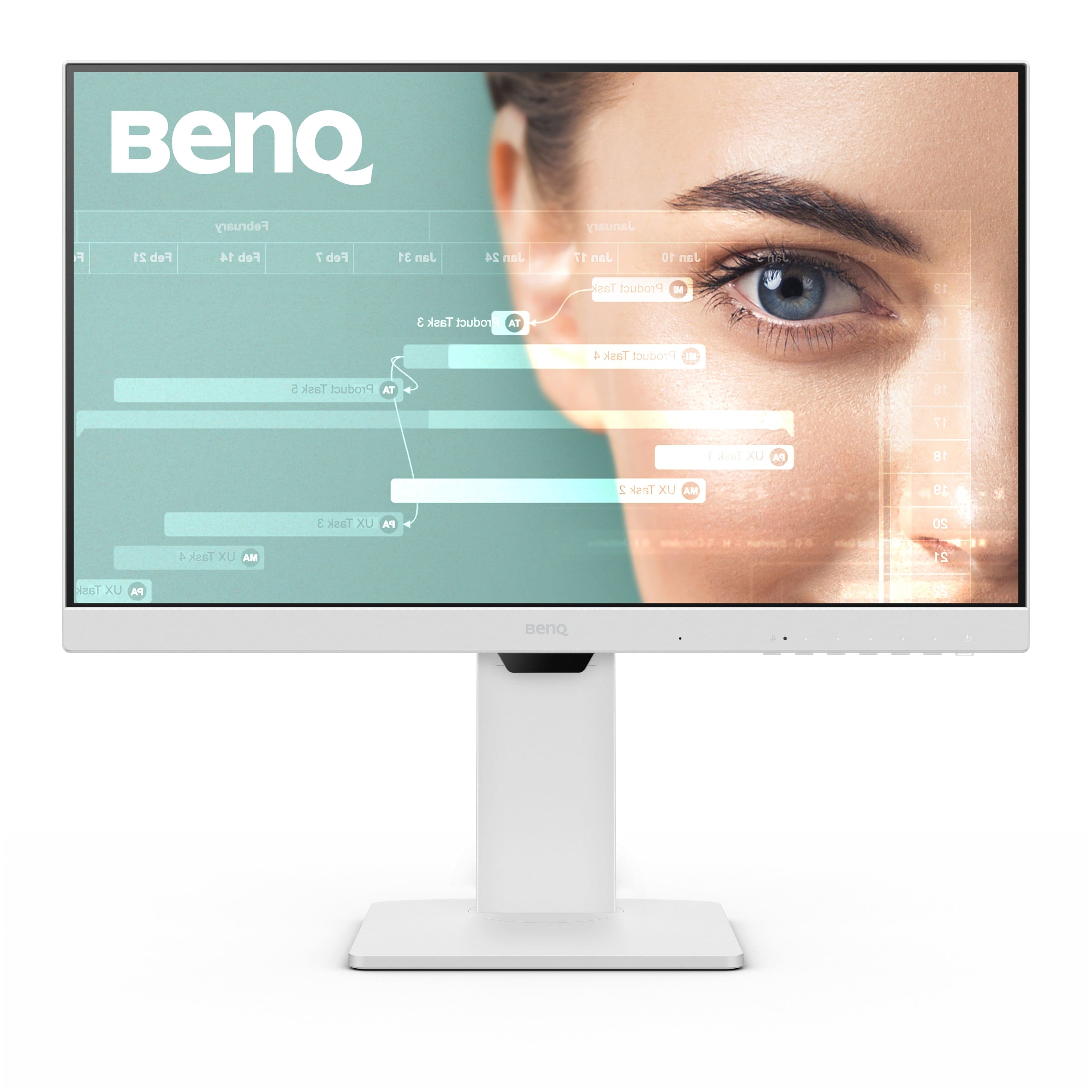
BenQ - GW2486TC 23.8" IPS LED 1080p FHD 100HZ USB-C Monitor (HDMI/DP/USB-C) - White
About this product
A white IPS LED monitor with 1080p resolution, 100Hz refresh rate, USB-C, and ergonomic design.
(3)$215.99 Your price for this item is $215.99 -
3

KTC - H27E6 27" Gaming Monitor & Single Monitor Arm, 300Hz/320Hz Fast IPS, 2K QHD 1440P, HDR 400, HDMI&DP, Adaptive FreeSync - White
About this product
A white fast IPS gaming monitor with 320Hz refresh rate, QHD resolution, HDR400, and ergonomic arm.
(0)$269.99Your price for this item is $269.99SAVE $20.00 -
4

KTC - H27E6 27" 320Hz QHD Gaming Monitor, Fast IPS, 1ms MPRT, FreeSync Premium, HDR400, Height-Adjustable Stand, HDMI2.1/DP1.4 - White
About this product
A white fast IPS gaming monitor with 320Hz refresh rate, QHD resolution, HDR400, and ergonomic stand.
(8)$219.99Your price for this item is $219.99SAVE $50.00 -
5
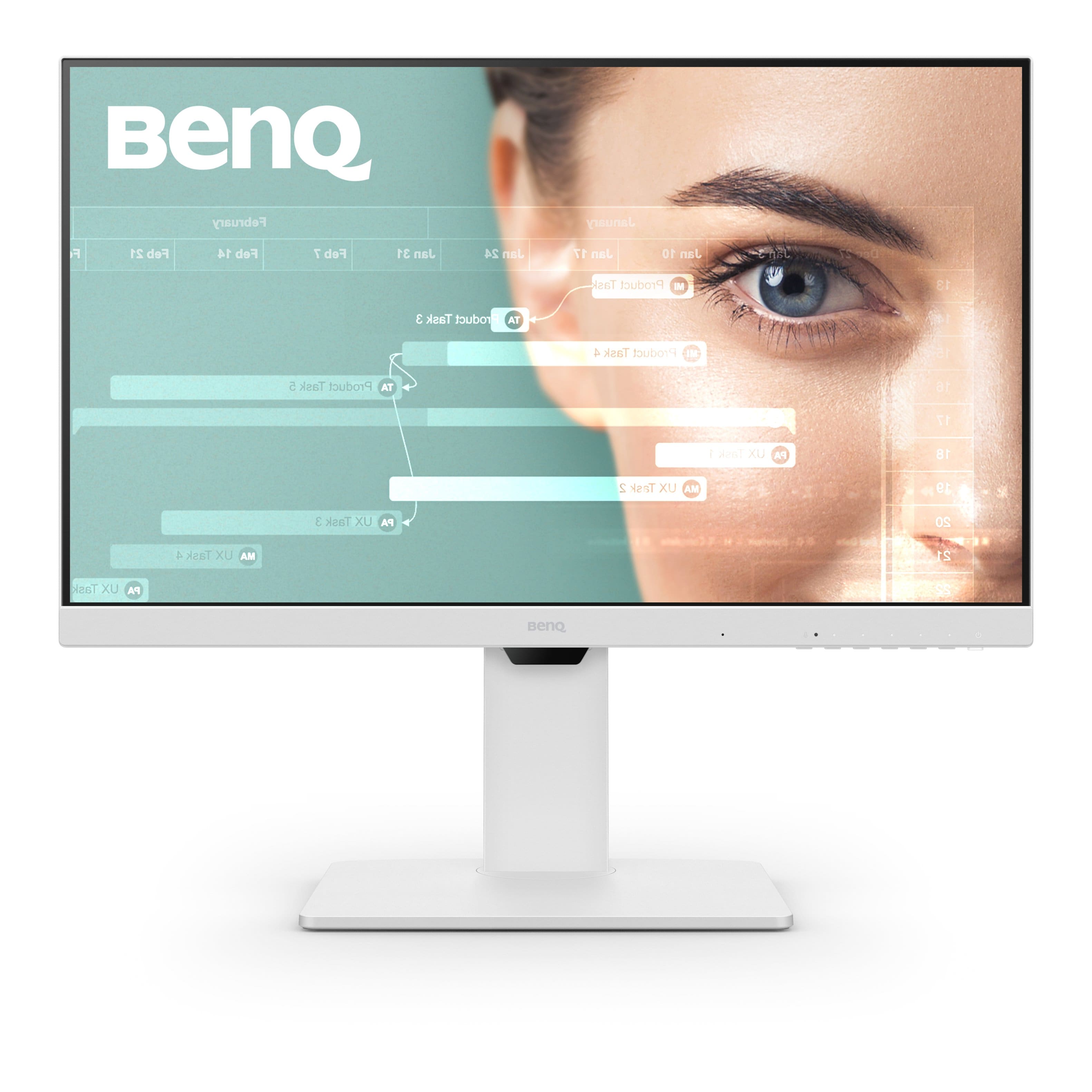
BenQ - GW2786TC 27" IPS LED 1080p FHD 100HZ USB-C Monitor (HDMI/DP/USB-C) - White
About this product
A white IPS LED monitor with 1080p resolution, 100Hz refresh rate, USB-C, and integrated speakers.
(2)$262.99 Your price for this item is $262.99 -
6
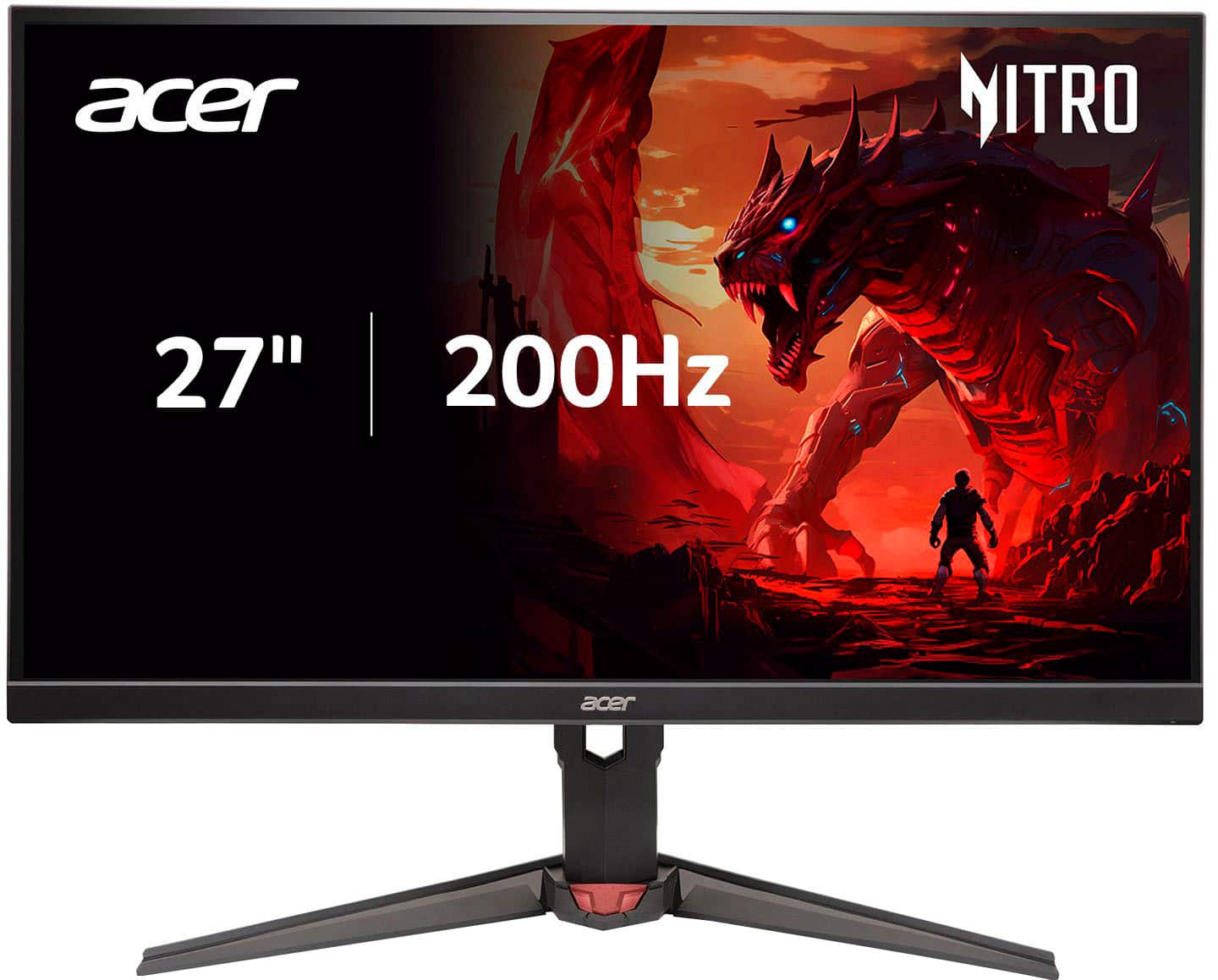
Acer - Nitro 27" FHD 200Hz 0.5ms FreeSync Premium IPS Gaming Monitor (1x DisplayPort, 2x HDMI) - Black
About this product
A fast 27-inch black IPS gaming monitor with 200Hz refresh rate, 0.5ms response, and FreeSync Premium.
What customers like
(335)$195.12Your price for this item is $195.12SAVE $51.44 -
7

Titan-army - P2710S 27" 2K Gaming Monitor & Single Monitor Arm-240Hz Fast IPS, 1ms .GTG, FreeSync, HDR400 95% DCI-P3, 2xHDMI/DP, VESA - Black
About this product
A fast IPS gaming monitor in black with 2K QHD, 240Hz, 1ms GTG, FreeSync, and HDR400.
(0)$219.99Your price for this item is $219.99SAVE $20.00 -
8
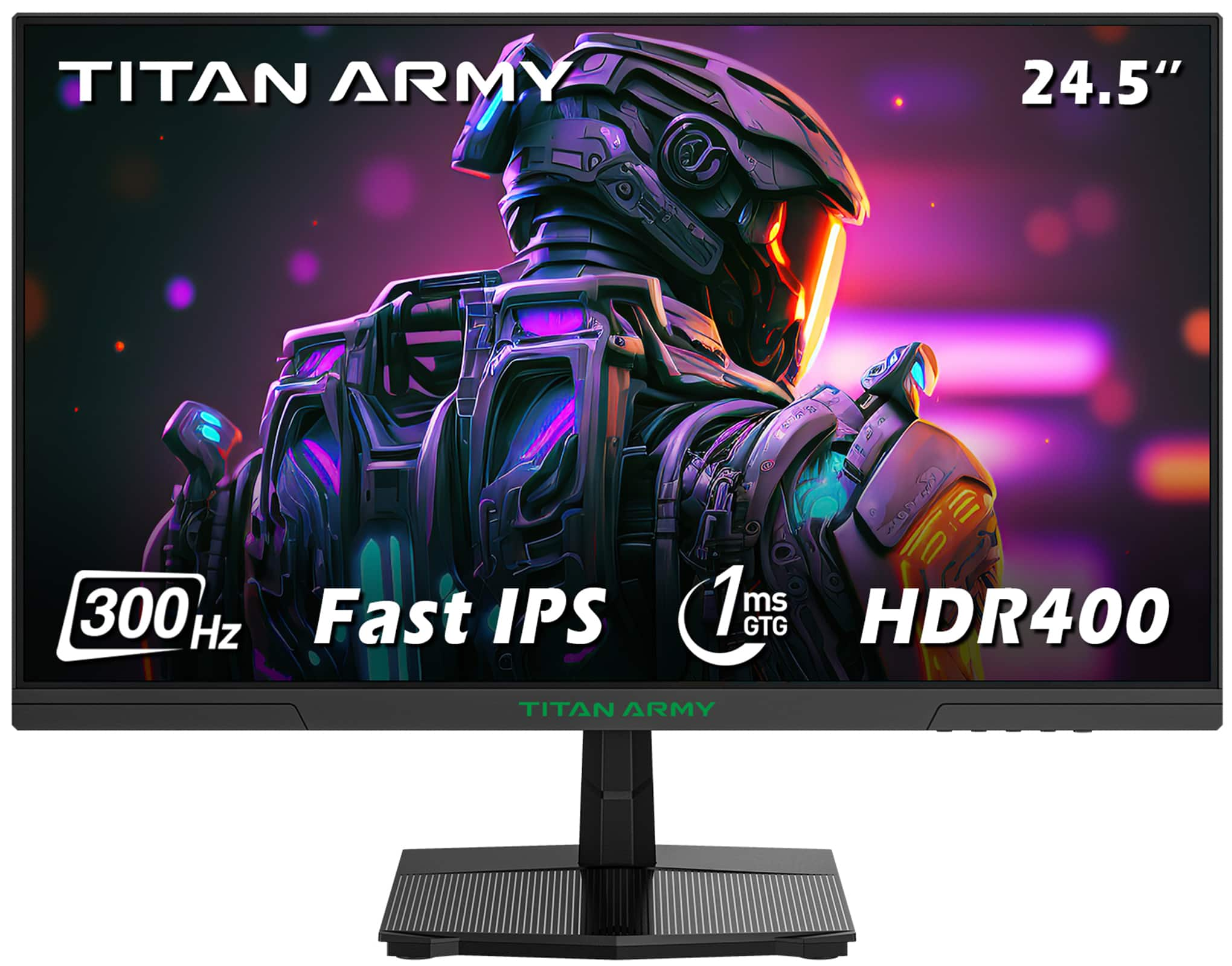
Titan-army - P2510HS 24.5 Inch 300Hz Gaming Monitor, Fast IPS 1ms GTG, 1080P FHD, FreeSync, 121% sRGB, HDR400, VESA Wall Mount - Black
About this product
A black Fast IPS gaming monitor with 300Hz refresh rate, 1ms response, HDR400, and FreeSync support.
(15)$159.99 Your price for this item is $159.99 -
9

Titan-army - P2510S PLUS 24.5 Inch 2K 240Hz Gaming Monitor, QHD 1440P, 1ms Fast IPS, HDR500, 95% DCI-P3, Adaptive Sync, 123% sRGB - Black
About this product
A black QHD gaming monitor featuring 240Hz refresh rate, 1ms IPS panel, HDR500, and Adaptive Sync.
What customers like
(31)$199.99Your price for this item is $199.99SAVE $100.00 -
10

MSI - PRO MP271A E2 27" FHD 120Hz 1ms Adaptive Sync Monitor with HDR ready ,Built-in Speakers (DisplayPort, HDMI ) - Matte Black
About this product
A matte black IPS monitor with 120Hz refresh rate, 1ms response, HDR, Adaptive Sync, and built-in speakers.
What customers like
(22)$99.99Your price for this item is $99.99SAVE $40.50
Best Monitor Under 500
FAQs
Common monitor panel technologies include IPS, VA, TN, and OLED. IPS panels are known for wide viewing angles, while VA panels typically offer strong contrast. TN panels emphasize fast pixel transitions, and OLED panels use individually lit pixels rather than a separate backlight. Color accuracy and other characteristics vary by model.
Refresh rate, measured in hertz (Hz), describes how many times a monitor can update its image each second. Response time, usually measured in milliseconds (ms), describes how quickly pixels change between specified color values. These are separate specifications, and advertised response times may use different testing methods.
HDMI and DisplayPort are common connections for carrying video and audio. Some monitors also support video over USB-C, and certain USB-C connections can charge a compatible laptop. Match the monitor’s inputs with your computer’s outputs, and confirm that the ports and cable support your intended display settings.
Adaptive sync allows a monitor’s refresh rate to adjust to the frames supplied by a compatible graphics processor. AMD FreeSync and NVIDIA G-SYNC are common technologies associated with this feature. Compatibility depends on the monitor, graphics hardware, connection type, and supported refresh-rate range.
Built-in speakers play audio directly from the monitor. A headphone output sends supported audio to connected headphones or external speakers instead. A monitor can have either feature, both, or neither, so review its audio specifications and confirm how it receives sound from your computer or other device.