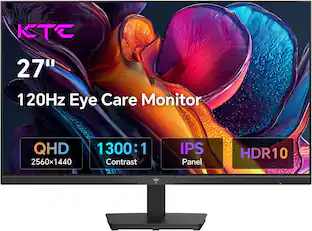
Samsung - Odyssey G6 32” Curved QHD FreeSync Premium Pro Smart 240Hz 1ms Gaming Monitor with HDR600 (DisplayPort, HDMI, USB 3.0) - Black
About this product
Dive into a new visual experience with the Samsung Odyssey G65B Curved Gaming Monitor. QHD resolution with DisplayHDR 600 brings forth spectacular colors and detail, while a 240Hz refresh rate, 1ms response time and AMD FreeSync Premium Pro ensure a true-to-life gaming experience. The Samsung G65B lets you dive into a world of content too, with advanced streaming technology that offers smooth play and zero download or storage limits. You can instantly access top streaming services and console games via Gaming Hub, and enjoy free live content with Samsung TV Plus in stunning QHD
Highlights
Features
QHD Resolution
Your gaming world will be more lifelike than ever before. Packing in 1.7 times the pixel density of Full HD, QHD resolution boasts incredibly detailed, pin-sharp images. Experience a fuller view with more space to take in all the action
1000R Curve
Vivid scenes wrap even more tightly around you. Experience the next level of heart-pounding gaming that's superior to anything you've seen before. The 1000R display fills your peripheral vision and draws you into the character's shoes.
Display HDR 600
Reveal the whole picture. DisplayHDR 600 delivers more contrast, with deeper blacks and brighter whites to help you uncover enemies or secrets lurking in the shadows. Even in dark scenes, every detail shines with clarity
240Hz Refresh Rate & 1ms Response Time
Speed through scenes. 240Hz refresh rate eliminates lag for exhilarating gameplay with ultra-smooth action. Jump on enemies right when you see them with a 1ms response time and blur-free frames
AMD FreeSync Premium Pro
Effortlessly smooth game play. AMD FreeSync Premium Pro features adaptive sync technology which reduces screen tearing, stutter, and input latency. Low frame rate compensation ensures every scene flows seamlessly
Samsung Gaming Hub
The best of gaming all in one place. Samsung Gaming Hub¹ allows instant access to top cloud gaming services, as well as your favorite console games.
Smooth visuals and responsive gameplay are powered by advanced game streaming technology without downloads or storage limits – just turn on and play.
Game Bar
Check and control game settings in an instant. Now, you can easily view the status of the most important settings such as FPS or HDR. Modify response time, screen ratio, and game picture mode on any game screen for uninterrupted focus
Ergonomic Stand
Reach the height of success. Swivel, tilt, and adjust the monitor position until you're set up for victory. Fully compatible with VESA-standard monitor arms, the screen can be moved effortlessly to your ideal staging.
Smart TV Experience
Take a break from marathon gaming sessions and catch up on must-see streaming content in sharp quad high definition, with just a simple Wi-Fi connection.
Samsung TV Plus² offers free live content with no downloads or sign-ups as well as personalized content recommendations from Universal Guide.
Ultrawide Game View
Find more with an extended view. Discover hidden gems or flank enemies in full stealth with the ultrawide 21:9 aspect ratio. Extra context in every match brings you closer to the top of the leaderboard
CoreSync & Core lighting design
With core lighting, add personality to your setup with multiple color modes that leap off the screen and into your reality. Gaming escapes beyond the screen with ambient CoreSync technology that matches your game's on-screen colors for world-blending immersion
Auto Source Switch+
Power on for instant action. With Auto Source Switch+, your monitor detects when connected devices are turned on and instantly switches to the new source signal. This helps you get to your game play faster without flipping through multiple input sources.
¹Gaming Hub is available in limited countries, with app availability differing by country. Accessing Gaming Hub is free of charge.
¹Subscription may be required to access content offered by game-stream providers on the Gaming Hub platform. A separate controller may be required depending on the specific game in Gaming Hub.
²App availability may vary by country and separate subscriptions may be required. Requires internet connection and TV tuner is not included. Samsung TV Plus and Universal Guide may not be available in some regions
Specifications
- Refresh Rate240HzMaximum Resolution2560 x 1440Response Time1 millisecondsPanel TypeVASynchronization TechnologyFreeSync Premium Pro (AMD Adaptive Sync)
Reviews
Rating 4.5 out of 5 stars with 72 reviews
Customer Images
The vast majority of our reviews come from verified purchases. Reviews from customers may include My Best Buy members, employees, and Tech Insider Network members (as tagged). Select reviewers may receive discounted products, promotional considerations or entries into drawings for honest, helpful reviews.


Compare similar products
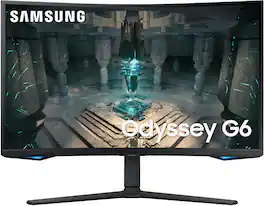
Dive into a new visual experience with the Samsung Odyssey G65B Curved Gaming Monitor. QHD resolution with DisplayHDR 600 brings forth spectacular colors and detail, while a 240Hz refresh rate, 1ms response time and AMD FreeSync Premium Pro ensure a true-to-life gaming experience. The Samsung G65B lets you dive into a world of content too, with advanced streaming technology that offers smooth play and zero download or storage limits. You can instantly access top streaming services and console games via Gaming Hub, and enjoy free live content with Samsung TV Plus in stunning QHD
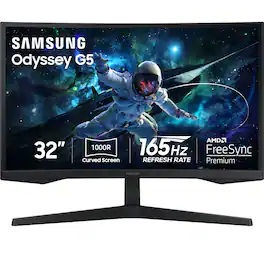
Samsung's Odyssey G5 QHD Gaming Monitor provides 1.7x the pixel density of Full HD with incredibly detailed images, making gaming more lifelike than ever before. Featuring 165Hz refresh rate and 1ms response time (MPRT) for ultra-smooth action and frames with minimal blur. The 1000R display fills your peripheral vision and draws you in to the game. AMD FreeSync keeps the monitor and the graphics card refresh rate in sync, and reduces image tearing for seamless, smooth scenes. Experience awe-inspiring graphics with HDR10, providing near limitless shades, for deep dark blacks and luminous whites. Eye Saver Mode minimizes blue light and reduces eye strain, enabling extended periods of game play.

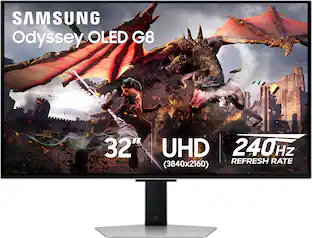
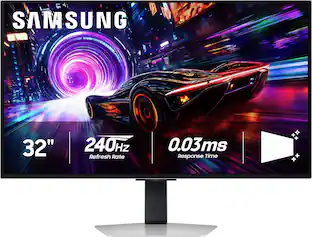
Samsung's 32" Odyssey OLED G8 Gaming Monitor brings content to life with 4K UHD OLED. Images shine with 250 nits of brightness and a wider spectrum of colors, shades, and contrasts. 240Hz refresh rate, and 0.03ms response time (GtG) allow near-instant response time to stay ahead of the competition, and AMD FreeSync Premium Pro eliminates screen lag and image tears. The new OLED Safeguard+ – including Dynamic Cooling & Thermal Modulation systems – helps prevent burn-in. OLED Glare-free technology significantly reduces glare, and the Dynamic Black Equalizer analyzes and adjusts sharpness, saturation, and black details. Gaming Hub provides instant access to streaming platforms and gaming consoles, or you can watch your favorite shows with Smart TV apps. The sleek metal design with heightadjustable screen that swivels and tilts for total gaming comfort, and the Easy Setup Stand enables installation of the monitor with no tools or screws. 3-Year warranty.
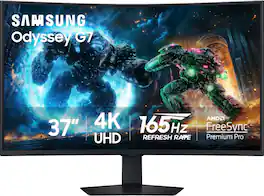
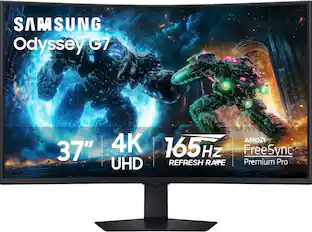
Samsung's 37" 4K UHD Odyssey G7 Curved Gaming Monitor provides spectacular realism for epic game play. The 37" 1000R curved display with 4K UHD resolution wraps around the field of vision for next-level gaming. VESA DisplayHDR 600 delivers more contrast, with deeper blacks and brighter whites for greater clarity even in dark scenes. 165Hz refresh rate and near-instant 1ms response time (GtG) minimizes lag for ultra-smooth gameplay. AMD FreeSync Premium Pro syncs the GPU and panel to reduce choppiness, screen lag, and image tears. Auto Source Switch+ detects when connected devices are turned on and instantly switches to the new source signal. CoreSync technology with 16.7 million colors and CoreLighting+ project vibrant on-screen colors into the real world for a fully immersive experience. The ergonomic stand enables monitor tilt and height adjustment for optimal gaming comfort.
| Pros for Samsung - Odyssey G6 32” Curved QHD FreeSync Premium Pro Smart 240Hz 1ms Gaming Monitor with HDR600 (DisplayPort, HDMI, USB 3.0) - Black | |||
|---|---|---|---|
| There were no pros for this product— | Overall Performance | Refresh Rate, Picture Quality, OLED Quality, Design, HDR | Refresh Rate, Overall Performance, Screen Size, Immersion, Resolution |
| Cons for Samsung - Odyssey G6 32” Curved QHD FreeSync Premium Pro Smart 240Hz 1ms Gaming Monitor with HDR600 (DisplayPort, HDMI, USB 3.0) - Black | |||
| There were no cons for this product— | There were no cons for this product— | Brightness, Software, Burn-in, Price, Smart Features | There were no cons for this product— |
Specs
Questions & Answers
Can you please tell me the difference between LS32BG650ENXGO and LS32BG652ENXGO? Thank you
Answered by SamsungThank you for your question! The BG650 is typically sold at Wholesale / Club locations whereas the BG652 is the national model. These two monitors offer the same specifications and features. The BG652 does include a USB 3.0 cable in the box, whereas the BG650 does not. Hope this helps.

what is the height and length of the screen of the 27 inch and the 32 inch
Answered by SamsungThank you for your question! Dimensions for the 32-inch monitor (without stand) are 713.0 x 439.7 x 181.5 mm. Dimensions for the 27-inch monitor (without stand) are 615.8 x 384.4 x 165.6 mm.
The remote isn’t working. I believe there is an option to use my smartphone as a remote. Does anyone know how to do that?
Answered by SamsungThank you for your question! You may want to reach out to Samsung Service so we can better understand the issue with your remote and offer troubleshooting assistance. In the meantime, you can use the SmartThings app to control some of the features built-in to your new monitor. The SmartThings app is available on both Android and iOS. I hope this helps!
Can this be wall mounted using regular monitor wall mount accessories?
Answered by AnonymousI believe comes with offset bracket u can screw into wall mount works with best off downloading user manual
What's the max resolutions?
Answered by JosephS2560x1440 might be a bit off on the last number though
Customers often buy these together
Monitor and Video Cables

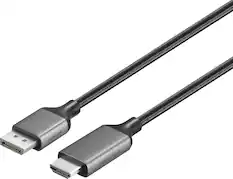

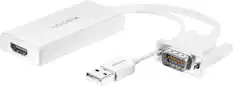
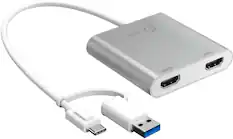


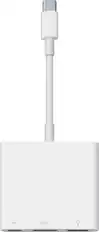
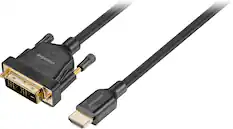
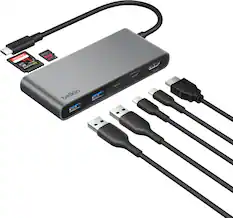
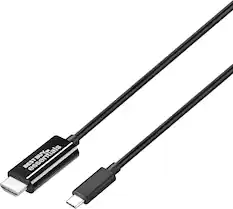
More to consider
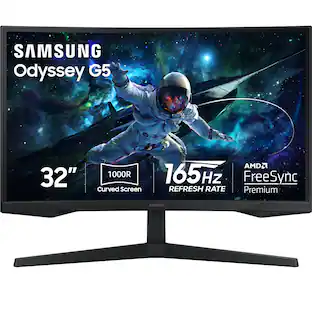
Samsung 32" Odyssey 1000R Curved QHD 165Hz 1ms AMD FreeSync Gaming Monitor (DP, HDMI)
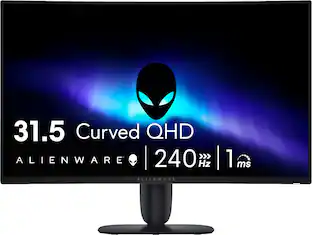
$249.99The price was $349.99Alienware 32" QHD 240Hz 1ms FreeSync Premium Curved Gaming Monitor with HDR (HDMI, DisplayPort)
Holiday Deal$249.99The price was $299.99Samsung 57-Inch Odyssey Neo G9 G95NC Dual UHD Quantum Matrix Gaming Monitor
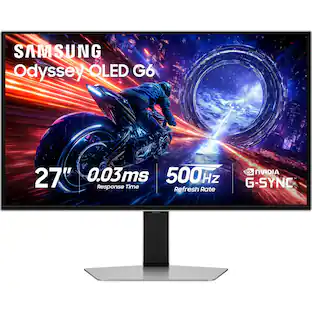
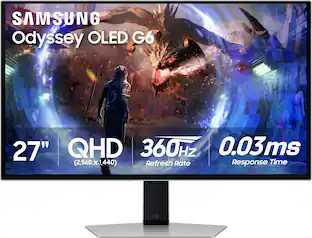
$1,599.99The price was $2,097.99Samsung 27" Odyssey OLED G6 (G60SD) QHD 360Hz 0.03ms FreeSync Premium Pro Gaming Monitor with HDR
$649.99The price was $899.99Samsung LS32HG802SNXZA 32" Odyssey OLED G80SH 4K Gaming Monitor (2026)
$1,099.99The price was $1,299.99


Explore tech essentials Sponsored
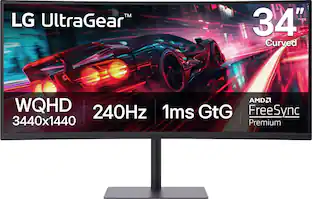
LG UltraGear 34" Curved WQHD 240Hz FreeSync Premium Gaming Monitor with DisplayHDR400 (HDMI, DP, USB-C, USB-A)
$399.99The price was $449.99HyperX OMEN by HP 24" IPS Full HD 180Hz FreeSync Gaming Monitor with Adjustable Height (DisplayPort, HDMI)
$129.99The price was $199.99MSI MPG 321URXW QD-OLED 32" UHD 240Hz 0.03ms Gaming Monitor with G-SYNC and TB 400 (HDMI, DisplayPort, USB-C)
$749.99The price was $899.99
Discover related products
Acer USB C Docking Station With 2 HDMI, 9-IN-1 Docking Hub with USB A&C 3.0, SD/Micro SD, 100W Charging
$42.99The price was $47.99Acer USB C to HDMI Cable for Home Office 6.6FT (4K@60Hz), High-Speed Type C to HDMI 2.0 Braided Cord
$12.99The price was $13.99Logitech X56 HOTAS Microsoft Flight Simulator RGB Dual-Throttle and Joystick
$247.00The price was $275.00Intel Core i5-14400F 14th Gen 10-Core 16-Thread - 4.7GHz Turbo Socket LGA1700 Unlocked Desktop Processor
$167.54The price was $191.99














Keep exploring
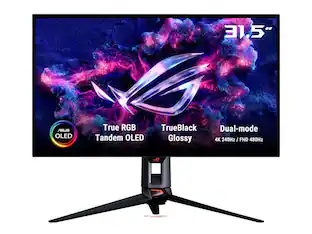
ASUS ROG Strix 32" 4K OLED Gaming Monitor - 4K@165Hz, 0.03ms, G-SYNC, USB-C, HDMI 2.1
$824.99The price was $979.32Samsung 57-Inch Odyssey Neo G9 G95NC Dual UHD Quantum Matrix Gaming Monitor
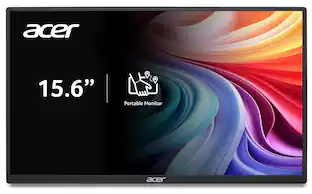
$1,599.99The price was $2,097.99Acer PM161Q 15.6" Portable Monitor Full HD 1920x1080 IPS USB-C HDMI Refurbished
$47.58The price was $48.99ASUS ROG 32" 4K 240Hz OLED Gaming Monitor (PG32UCDM) - 480Hz Dual Mode, 0.03ms, G-SYNC, DP2.1
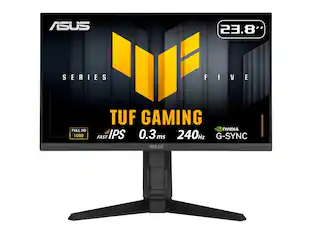
$1,511.99The price was $1,661.90ASUS TUF Gaming Monitor 23.8'' 240Hz Fast-IPS (VG249QML5A) - G-SYNC, FreeSync, 0.3ms, AI
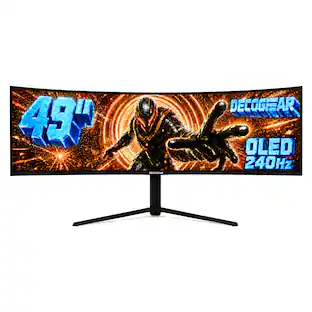
$192.20The price was $225.58Deco Gear 49" QD-OLED 240Hz Curved Super Ultrawide Gaming Monitor 5K DQHD 0.03 ms HDR400 90W USB-C
$899.99The price was $1,539.99MSI MAG 272QP QD-OLED 27" 240Hz Gaming Monitor, 0.3ms, WQHD, DP 1.4a, HDMI 2.1, HDR, G-SYNC & FreeSync
$426.46The price was $453.31