Best Mouse For iPad
-
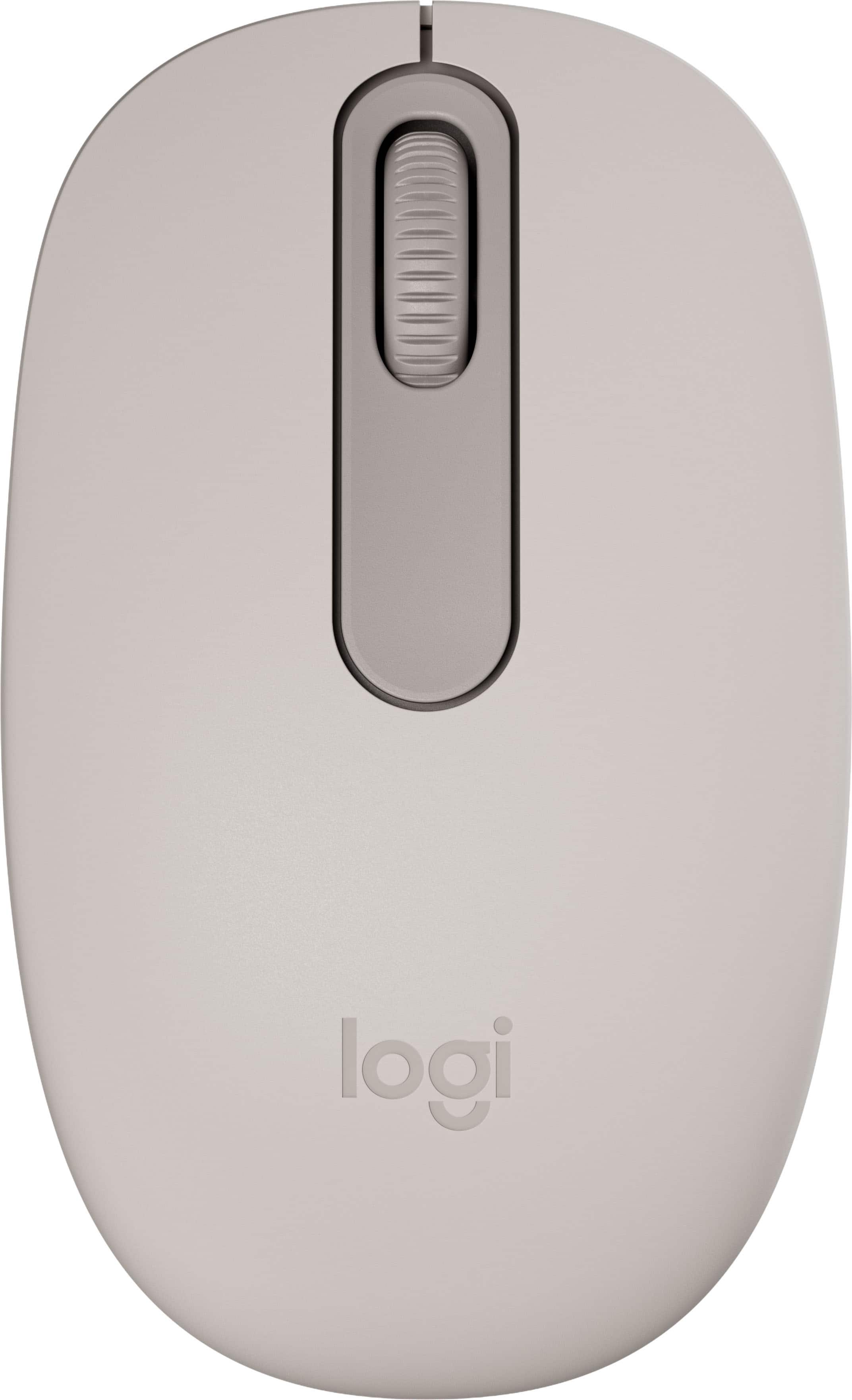
Logitech - M196 Lightweight Bluetooth Wireless Optical Mouse Compact 3-Button Ambidextrous Mouse with Smooth Tracking - Wireless - Sand
SKU: J7H7ZYLJYYGreat product is connecting to I padLove it easy to navigate...Love the color
See all USB & USB C Wired MiceProduct Description
A compact sand-colored wireless mouse featuring Bluetooth connectivity, ambidextrous design, and smooth optical tracking.Your price for this item is $12.99 -
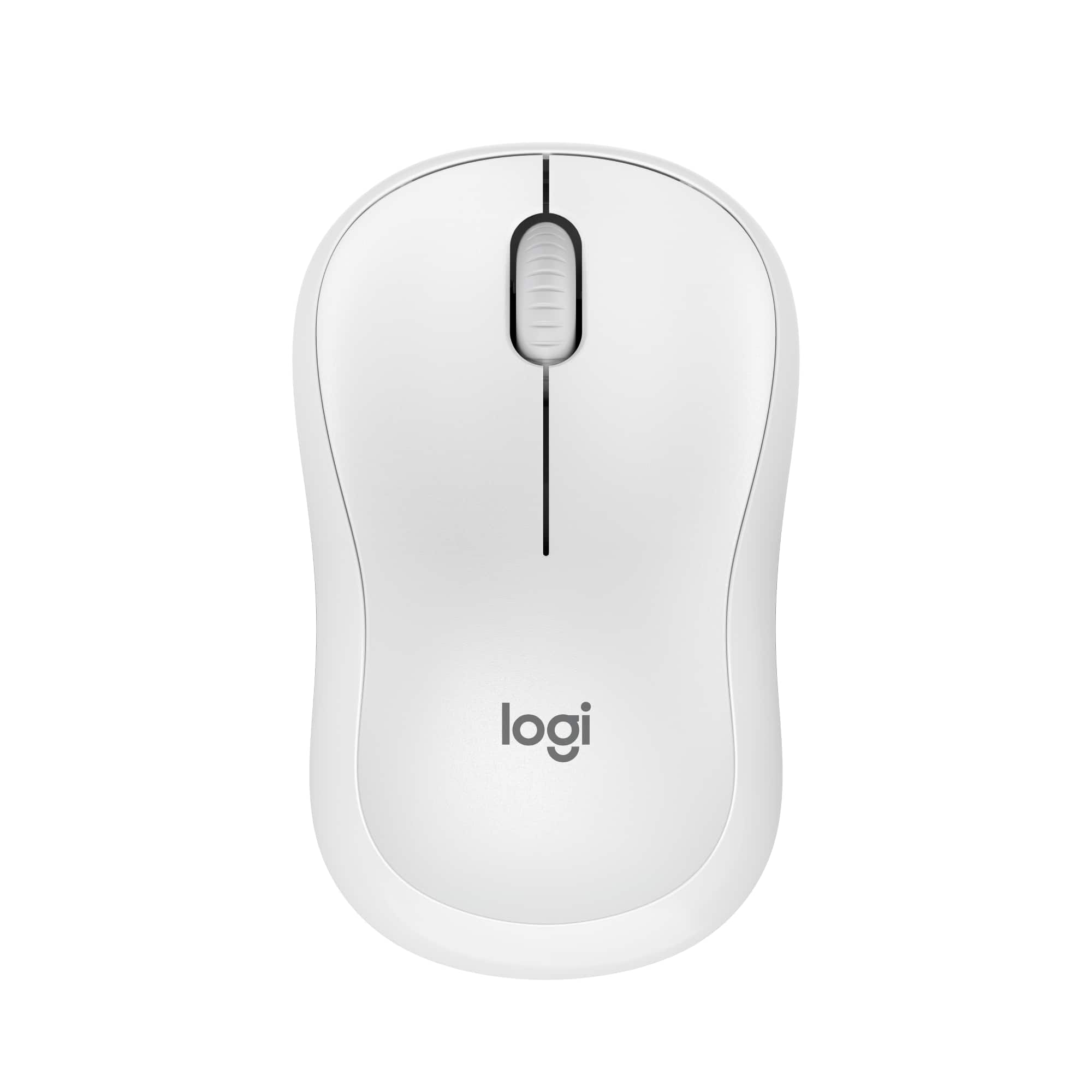
Logitech - M240 Silent Bluetooth Wireless Optical Ambidextrous Mouse - Wireless - Off-White
SKU: J7H7ZYG7G3See all MiceProduct Description
An ultra-quiet, ambidextrous off-white Bluetooth mouse with wireless connectivity and 18-month battery life.Your price for this item is $20.99Save $2The previous price was $22.99 -
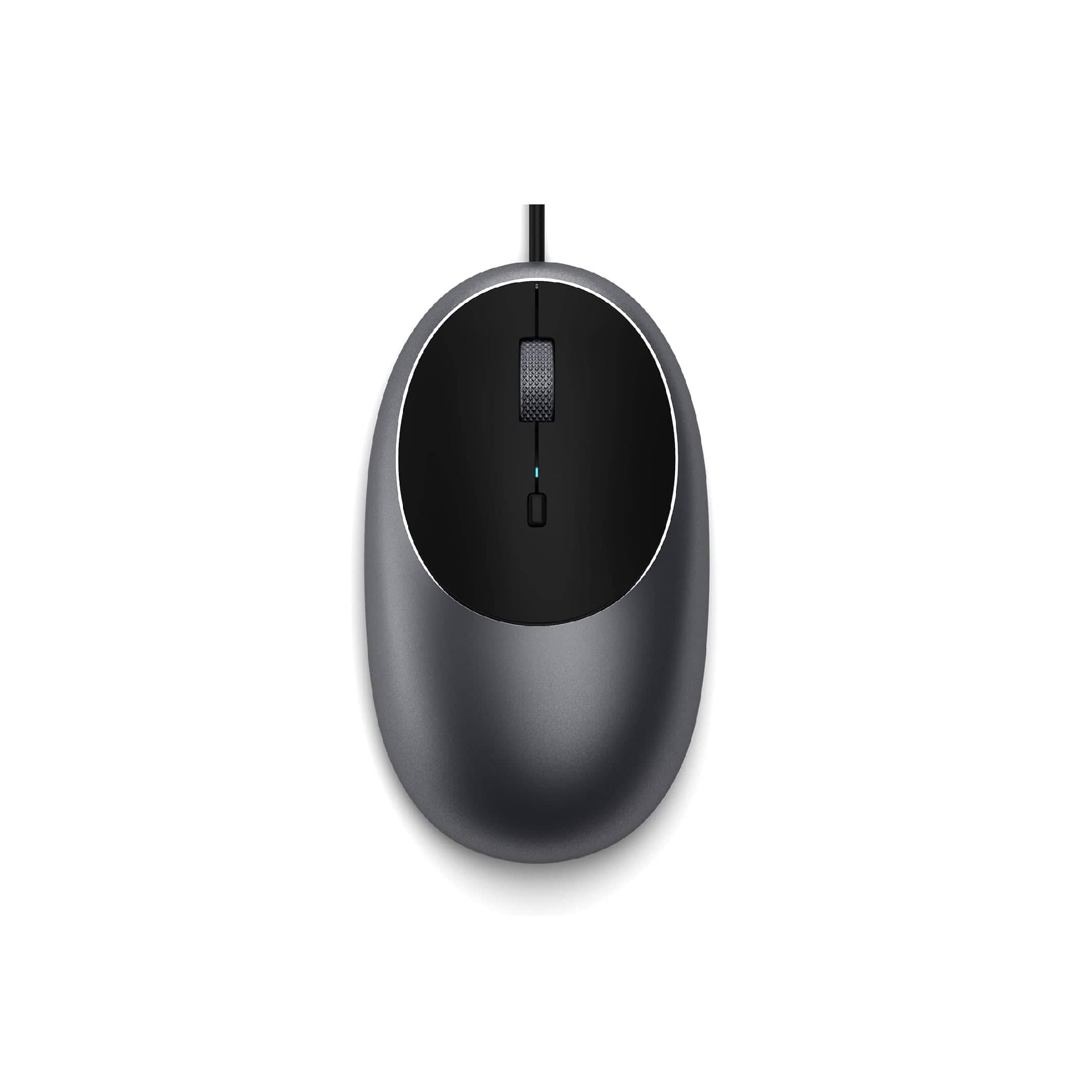
Satechi - Aluminum C1 Wired USB-C Optical Mouse for MacBook Air/Pro M5/M4, iPad Air/Pro, Mac mini, iMac - Wired - Space Gray
SKU: J3KXL7XQGRSee all USB & USB C Wired MiceProduct Description
A sleek space gray wired USB-C mouse featuring four programmable buttons and adjustable DPI up to 3200.Your price for this item is $19.99 -
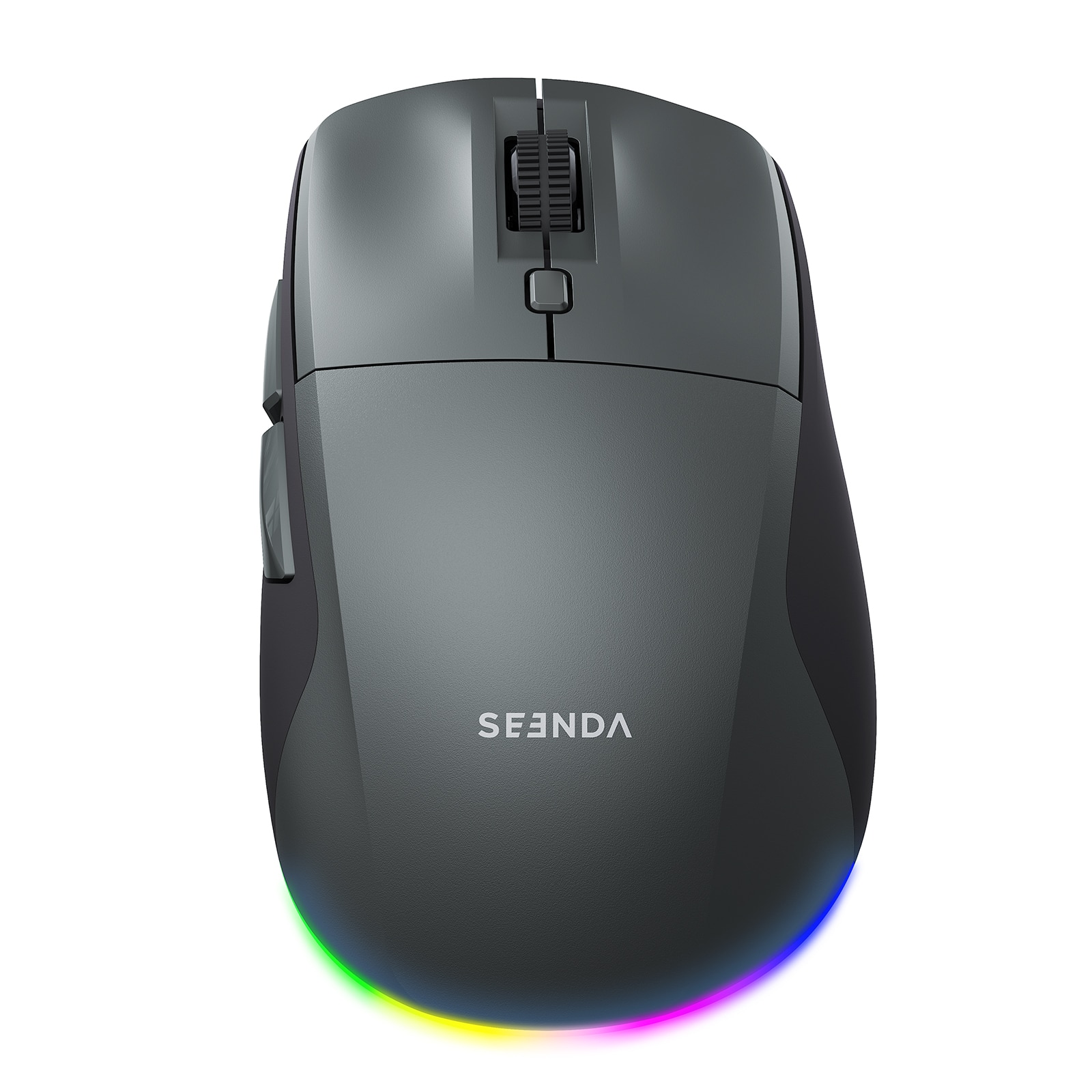
SEENDA - MOU110 Wireless Bluetooth Mouse, Rechargeable & RGB - Wireless - Black & Grey
SKU: CZPH3XJKY5See all USB & USB C Wired MiceProduct Description
A black-and-grey wireless ergonomic mouse with Bluetooth, silent clicks, RGB lighting, and three DPI levels.Your price for this item is $23.99Save $22The previous price was $45.99 -
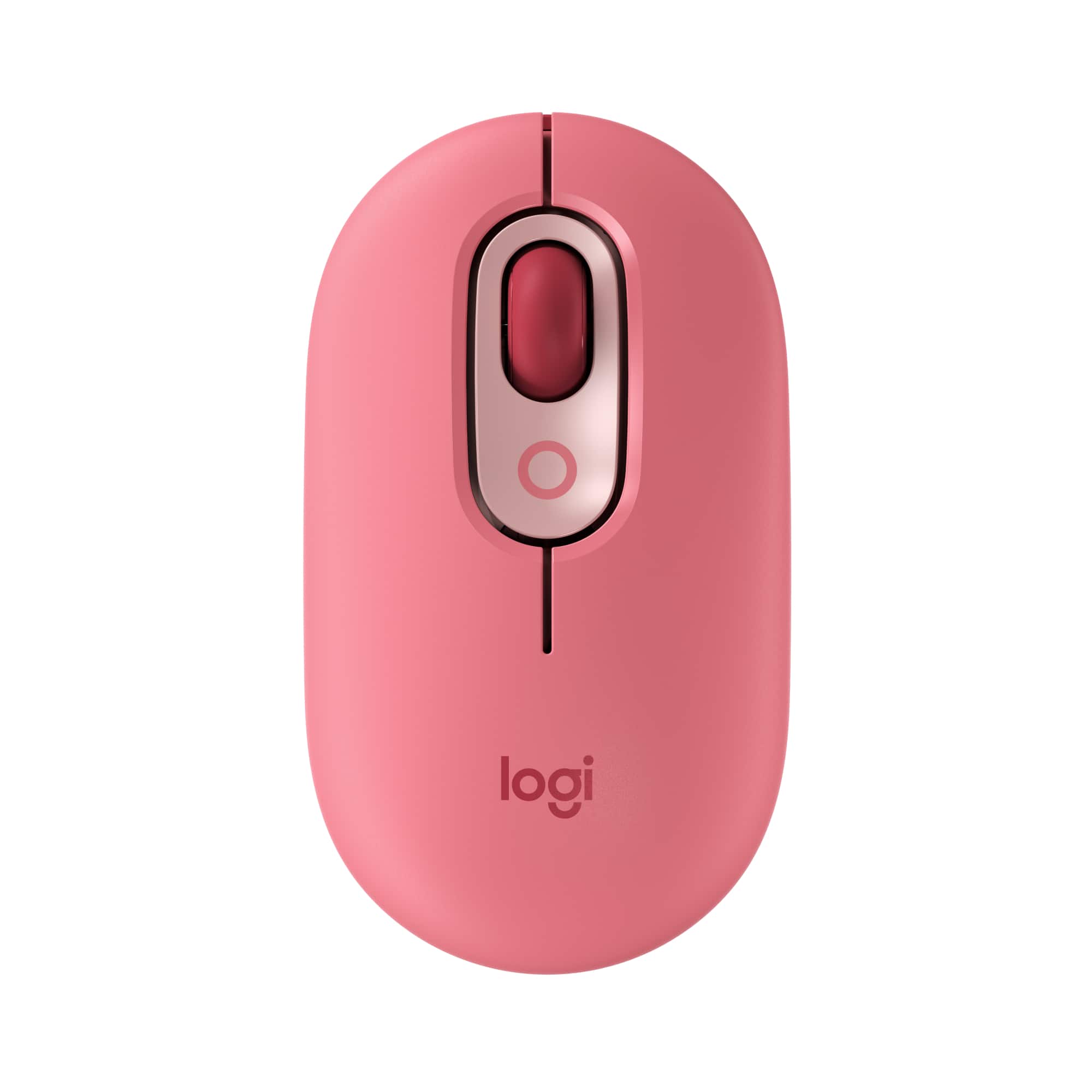
Logitech - POP Mouse Wireless Bluetooth Optical Ambidextrous Mouse with Customizable Emojis - Wireless - Heartbreaker Rose
SKU: J7H7ZY8JGXBest mouse ever!...It’s quite nice comfy and I love the colors!...The Logitech has made the best mouse ever and it’s Bluetooth sorry if I sound like a bot but this thing...is great!...Excellent Product...
See all MiceProduct Description
A playful wireless mouse in Heartbreaker Rose with customizable emojis, quiet clicks, and multi-device Bluetooth connectivity.Your price for this item is $24.99Save $5The previous price was $29.99 -
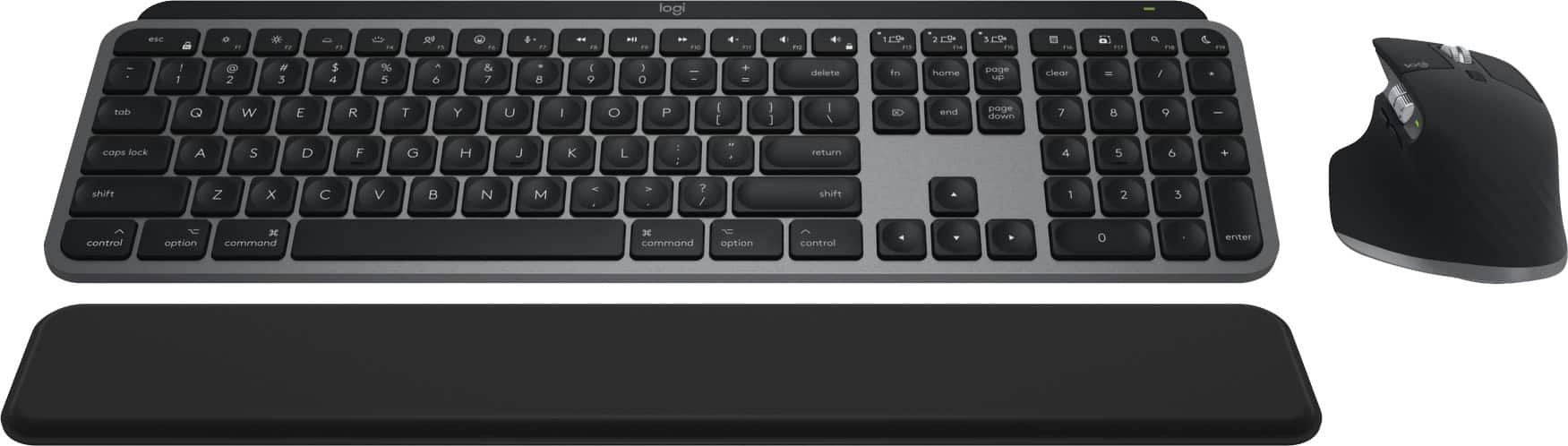
Logitech - MX Keys S Combo for Mac Full-size Wireless Scissor Keyboard and Mouse Bundle for MacBook, iMac, iPad with Palm-rest - Space Gray
SKU: J7H7ZYGPSRLove the mouse -super comfortable. Very happy with this purchase....I love the minimalist look it gives my setup. The mouse has been so cool to use....I love the feature where one hard swipe down the...
See all Mice, Keyboards & AccessoriesProduct Description
A wireless Space Gray keyboard and mouse combo optimized for macOS, featuring scissor keys and palm rest.Your price for this item is $199.99
Best Sellers




Related Pages





FAQ
Most Bluetooth mice are compatible with iPads running iPadOS 13.4 or later. However, for the best experience, it's recommended to use mice that specifically mention iPad compatibility or are from reputable brands known for Apple accessory support.
No additional apps are required. Once your mouse is paired via Bluetooth, you can customize settings like tracking speed and button functions directly in the iPad's Settings under 'Accessibility' and 'Pointer Devices.'
Yes, iPadOS allows you to customize mouse buttons for actions such as opening the app switcher, going to the home screen, or invoking Siri. This can be done in the 'Pointer Devices' section of the Accessibility settings.
Using a Bluetooth mouse has minimal impact on your iPad's battery life. The mouse itself will use its own battery or rechargeable power source, and the iPad's Bluetooth connection is optimized for efficient energy use.
Both mice and trackpads are supported on iPadOS and offer similar functionality, such as pointer control and gesture support. Trackpads may offer more intuitive gesture controls, while mice provide precise pointer navigation, making both great options depending on your preference.