Mice For Surface Pro 3
-
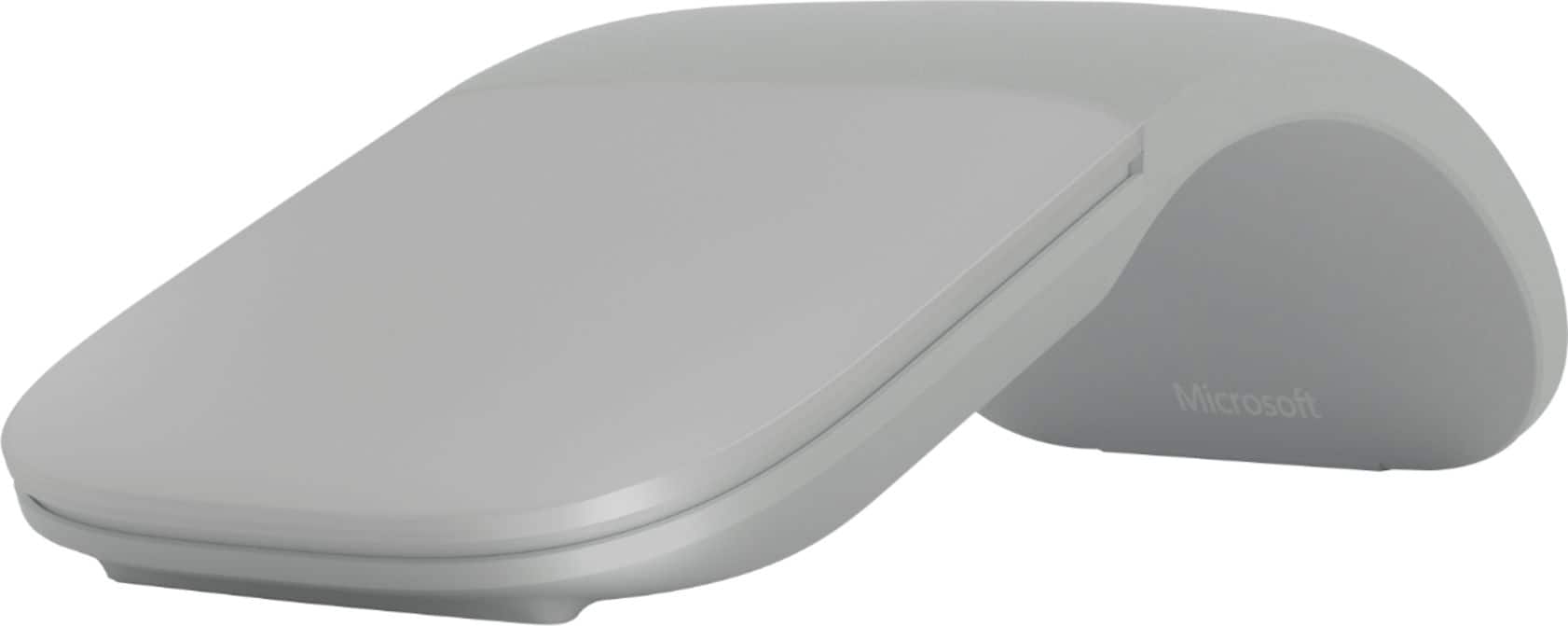
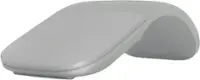
Microsoft - Surface Arc Bluetooth BlueTrack Ambidextrous Mouse for PC - Wireless - Light Gray
SKU: J3ZKKZFT64Great product!...It is a great option if you want a dependable wireless mouse without extra cables or unnecessary complexity
See all MiceProduct Description
A wireless, ambidextrous mouse in light gray featuring Bluetooth connectivity and a foldable, ergonomic design.Your price for this item is $89.99 -
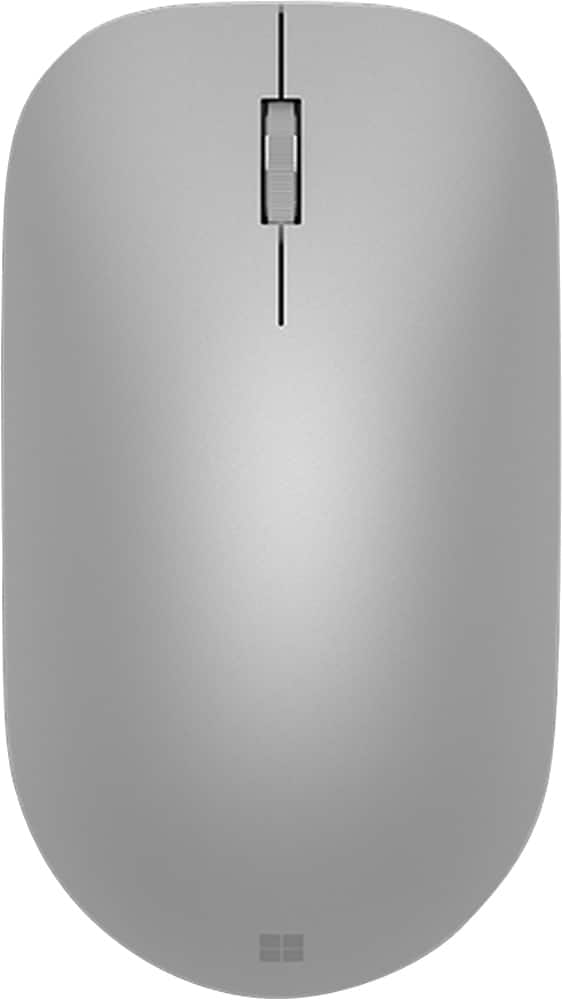
Microsoft - Surface Bluetooth Optical Ambidextrous Mouse - Wireless - Silver
SKU: J3ZKKZKRFQBest mouse out there, love it! Easy to use and has an off button as well....Best mouse longest battery life and connect right away love being able to switch between devices seamlessly
See all MiceProduct Description
A wireless silver mouse with Bluetooth connectivity, ambidextrous design, and a comfortable metal scroll wheel.Your price for this item is $59.99 -
Logitech - MX Anywhere 3S Wireless Bluetooth Optical Fast Scrolling Mouse with Programmable Buttons - Wireless - Pale Gray
SKU: J7H7ZY8KPHGreat....Great mouse!...This mouse works great. No glitches, smooth operation
See all MiceProduct Description
A compact pale gray wireless mouse featuring 8K DPI tracking, Bluetooth connectivity, and programmable buttons.Your price for this item is $89.99 -
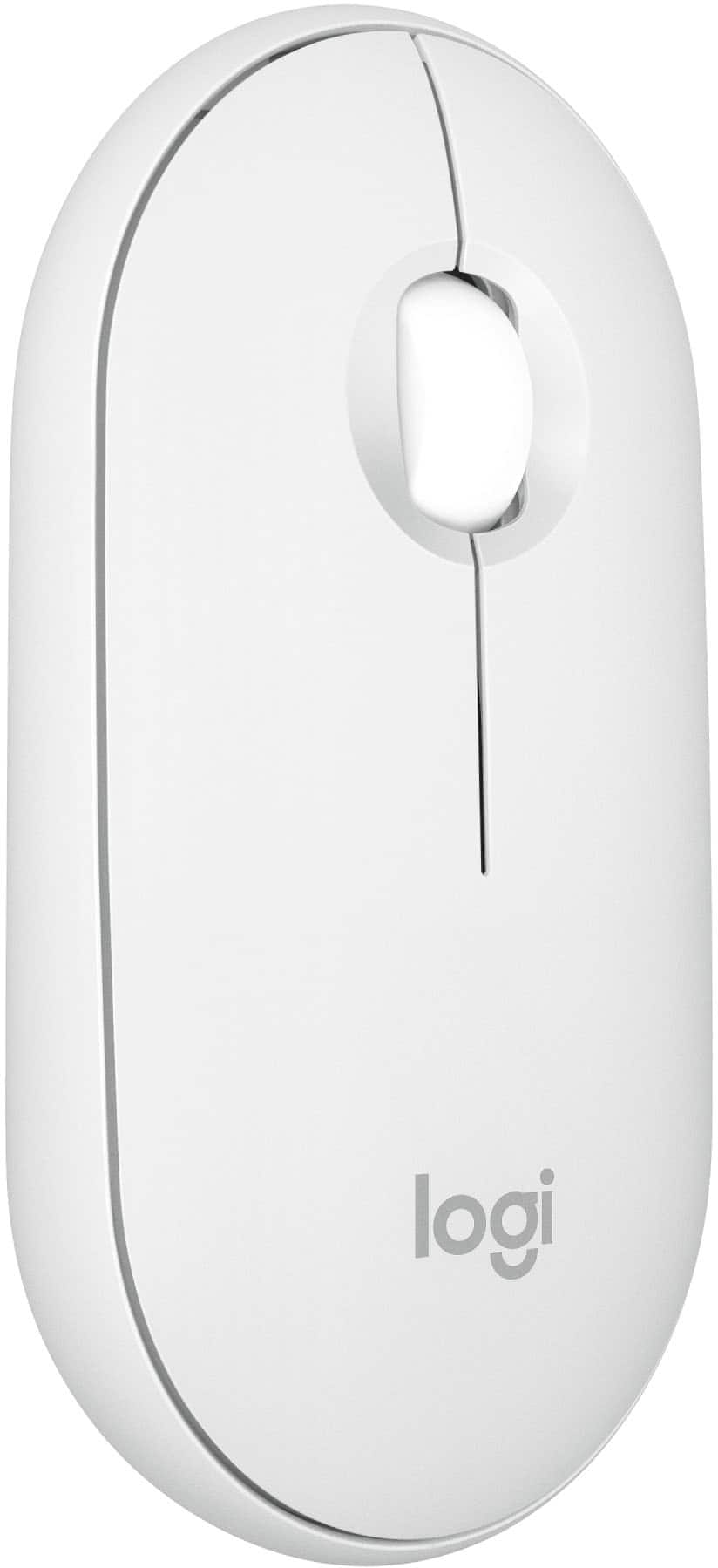
Logitech - Pebble Mouse 2 M350s Slim Lightweight Wireless Bluetooth Optical Silent Ambidextrous Mouse with Customizable Buttons - Wireless - Off-White
SKU: J7H7ZY844GGot this mouse for my MacBook to protect the touchpad and to play Sims4, Works great and is affordable
See all MiceProduct Description
An off-white, slim wireless mouse featuring silent clicks, Bluetooth connectivity, and customizable buttons for versatile use.Your price for this item is $27.99Save $5The previous price was $33.58 -
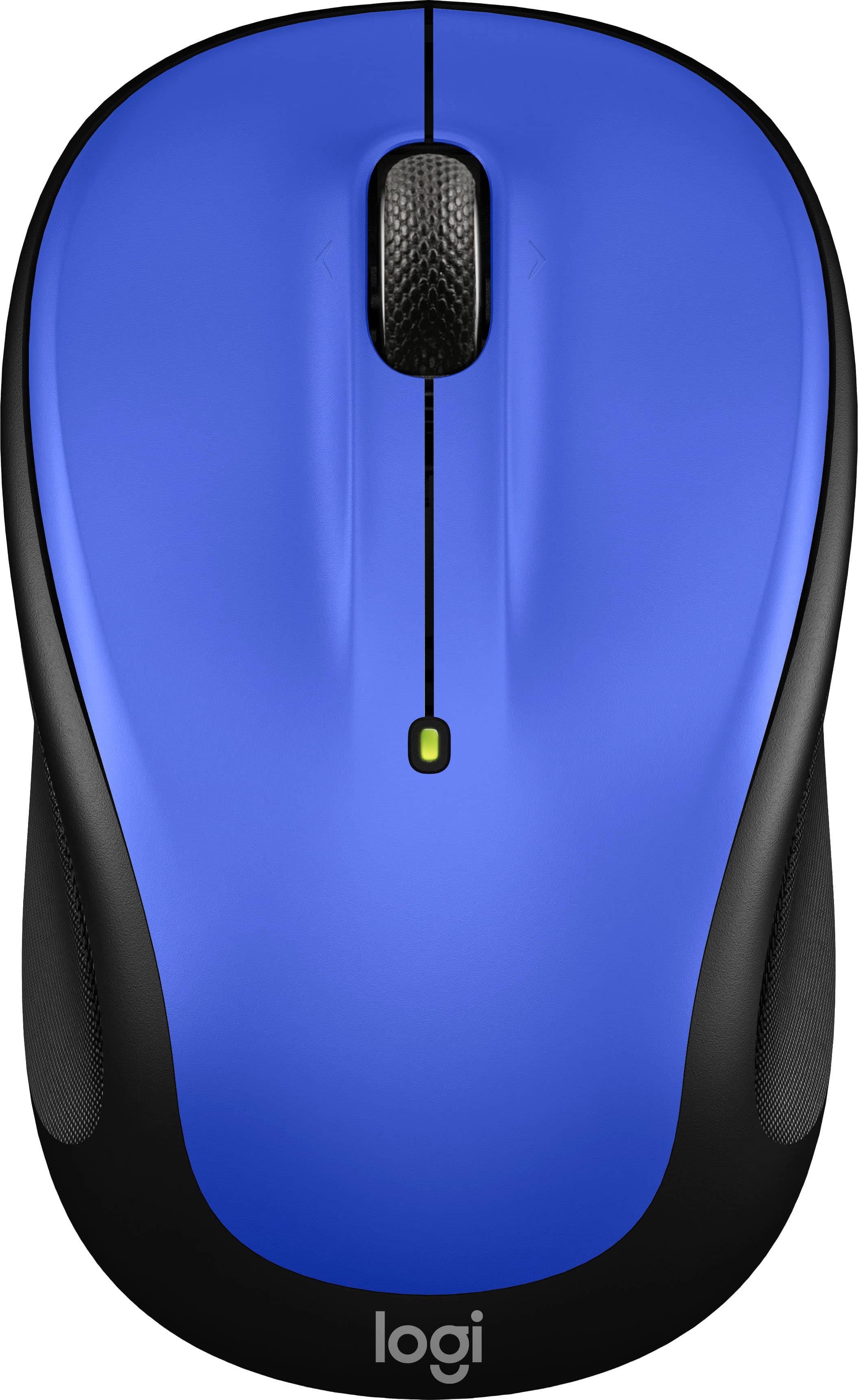
Logitech - M325s Wireless Optical Compact Ambidextrous Mouse - Wireless - Blue
SKU: J7H7ZYGVR4Product is easy to use in all surfaces, great design. i love it...Great Mouse...Logitech mouse is the best. Small for those of us who need it.
See all MiceProduct Description
A compact blue wireless mouse featuring ambidextrous design, micro-precise scrolling, and up to 18-month battery life.Your price for this item is $16.99Save $6The previous price was $22.99 -
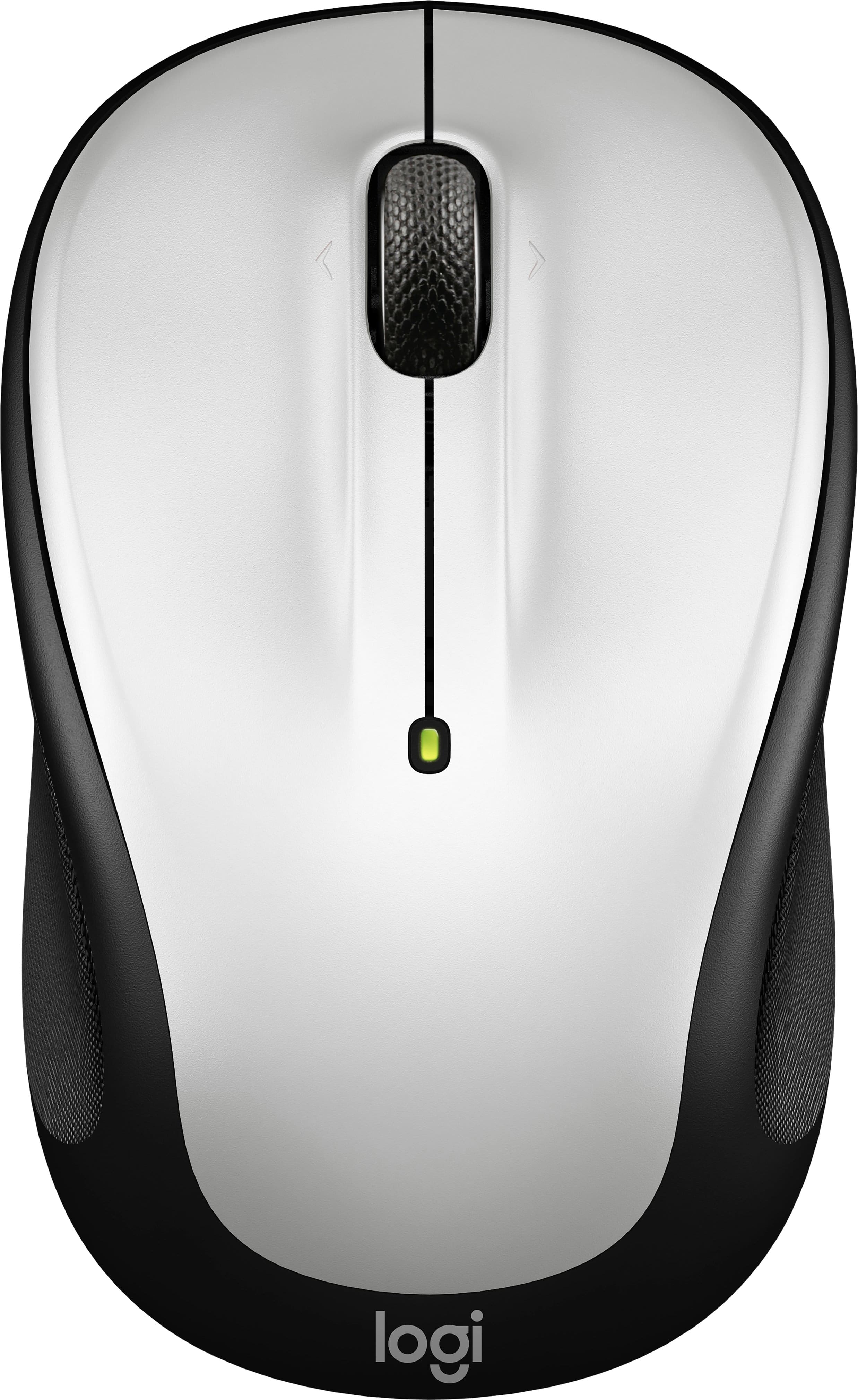
Logitech - M325s Wireless Optical Compact Ambidextrous Mouse - Wireless - Pale Gray
SKU: J7H7ZYGV6QWorks great love the products at best buy all the time...GREAT SALE PRICE. I LIKE BEST BUY.
See all MiceProduct Description
A wireless pale gray mouse featuring ambidextrous design, micro-precise scrolling, and up to 18-month battery life.Your price for this item is $22.99 -
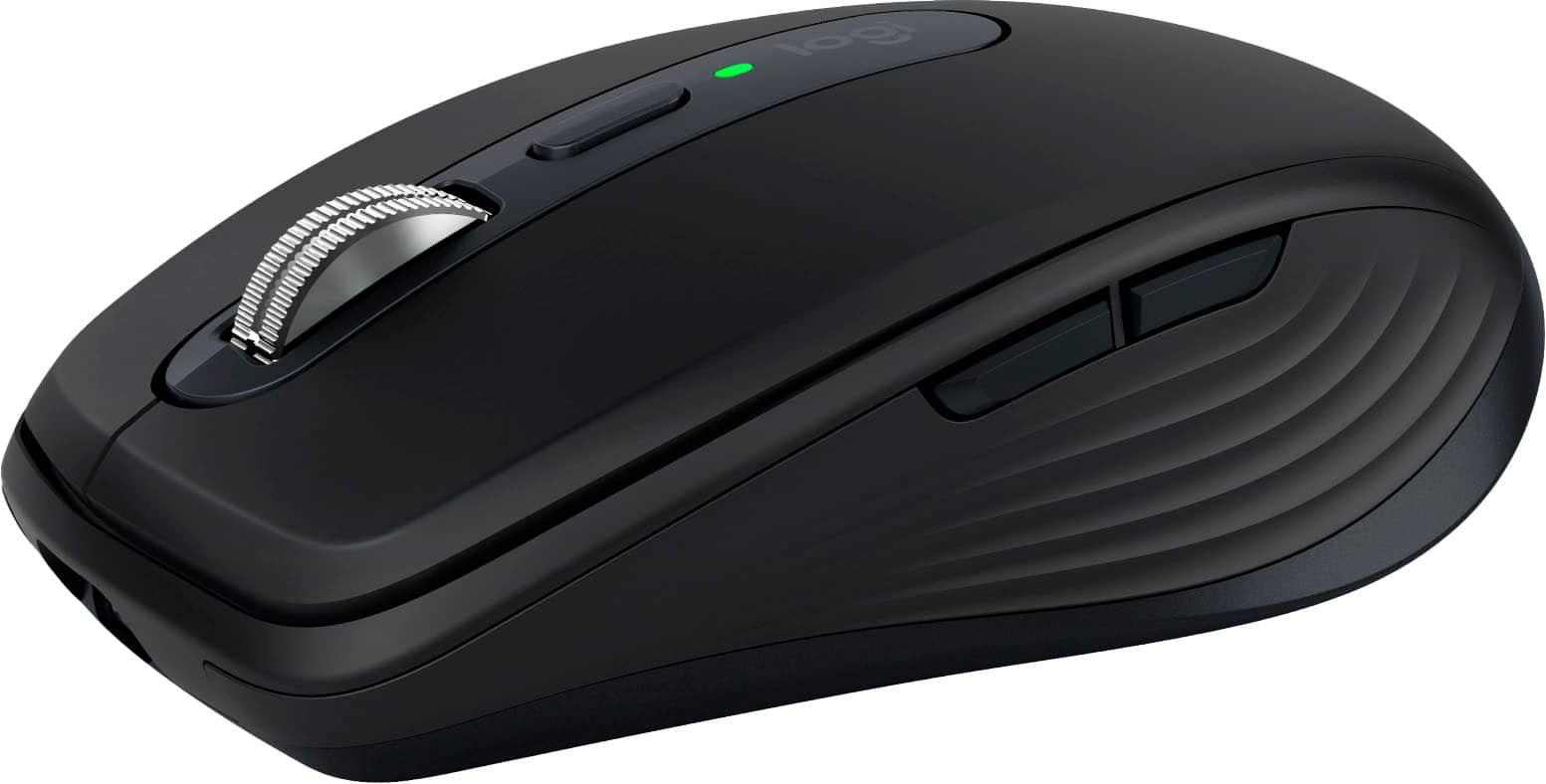
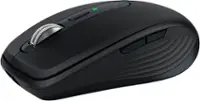
Logitech - MX Anywhere 3S Wireless Bluetooth Optical Fast Scrolling Mouse with Programmable Buttons - Wireless - Black
SKU: J7H7ZY8KS3LOVE IT!!! Is so quiet!!!! Is the best MX master!!...Best mouse...Best mouse I ever bought simply love it!!!!! Smooth charge last for a while.
See all MiceProduct Description
A compact black wireless mouse featuring 8K DPI tracking, Bluetooth connectivity, and six programmable buttons.Your price for this item is $89.99 -
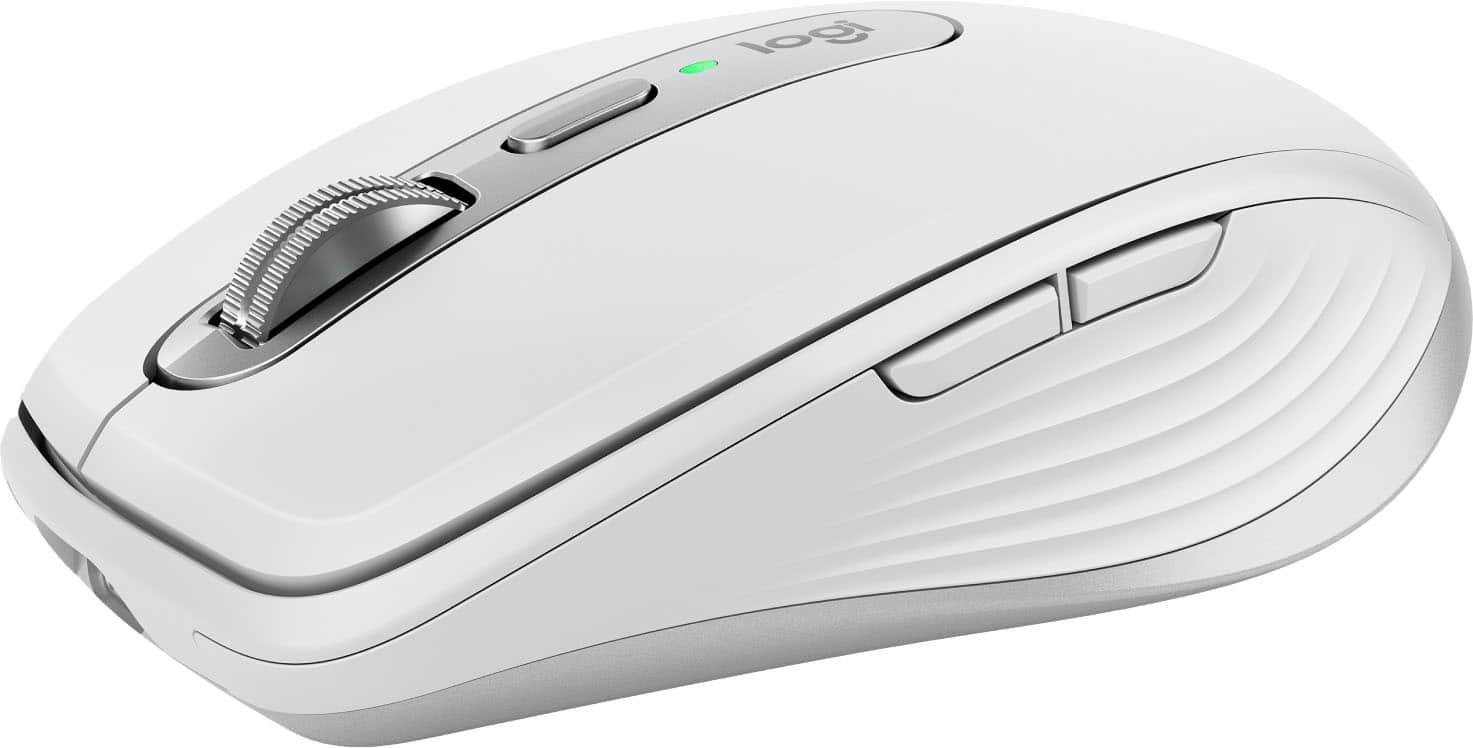
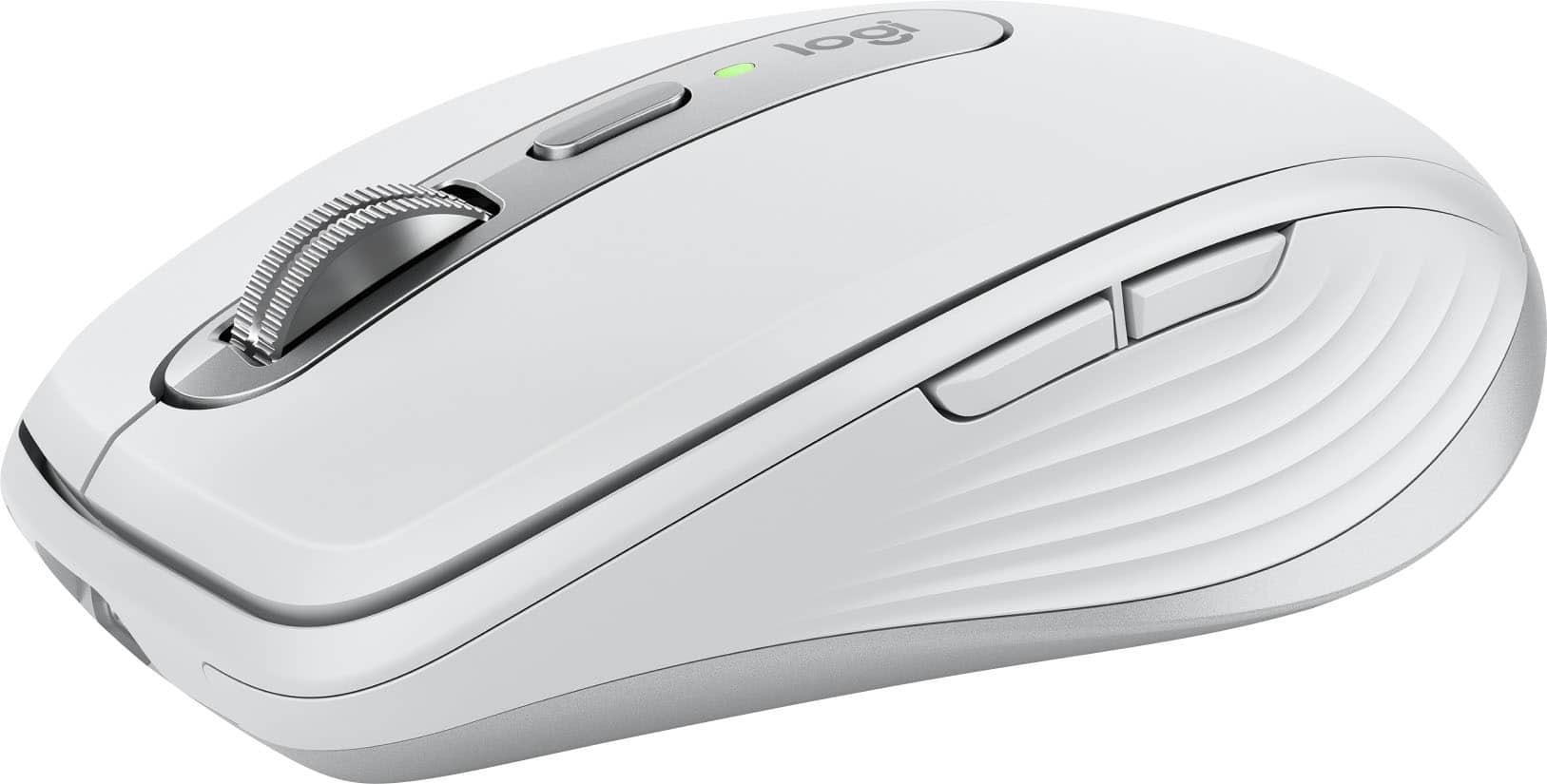
Logitech - MX Anywhere 3S for Mac Wireless Bluetooth Optical Fast Scrolling Mouse with Programmable Buttons - Wireless - Pale Gray
SKU: J7H7ZY8KRLGreat buy. The best thing I bought to go along with my Mac laptop...Love it...I love the smooth feeling and touch it has. It's my new favorite mouse.
See all MiceProduct Description
A compact pale gray wireless mouse with quiet clicks, 8K DPI tracking, and programmable buttons for Mac.Your price for this item is $89.99
Best Sellers






Related Pages



FAQ
Yes, most wireless mice that use Bluetooth or a USB receiver are compatible with the Surface Pro 3. Simply pair the Bluetooth mouse via your device's settings or plug in the USB receiver to start using your mouse.
Most mice are plug-and-play and do not require additional driver installation on the Surface Pro 3. Windows will automatically detect and install any necessary drivers for basic functionality.
Yes, you can use a gaming mouse with the Surface Pro 3. Gaming mice with customizable buttons and advanced features will work, although some advanced features may require additional software.
Mice for Surface Pro 3 typically support Bluetooth, USB-A, or USB-C connections. Since the Surface Pro 3 has a USB-A port and Bluetooth capability, both wired and wireless options are available.
Yes, there are several ergonomic mice designed to provide comfort during extended use, and they are compatible with the Surface Pro 3. These options can help reduce hand and wrist strain.