Bluetooth Keyboards For Surface Pro 3
-
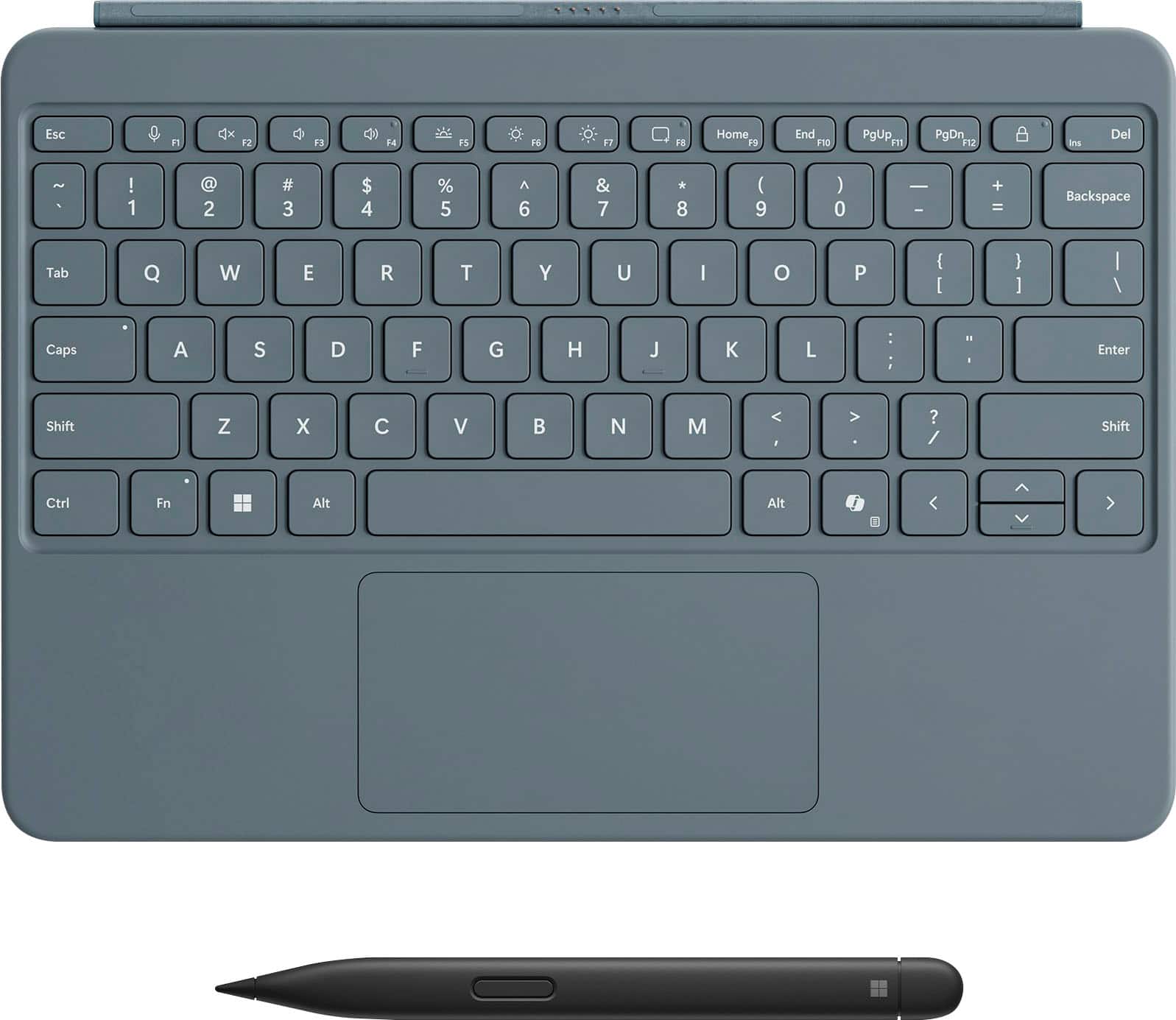
Microsoft - Surface Pro 12" Keyboard for Pro 12" with Slim Pen - Ocean
SKU: JJGXPXH4WKSee all Tablet Cases, Covers & Keyboard FoliosProduct Description
An ocean-colored keyboard with Slim Pen, backlit keys, Copilot key, and dynamic hinge for versatility.Your price for this item is $224.99Save $25The previous price was $249.99 -
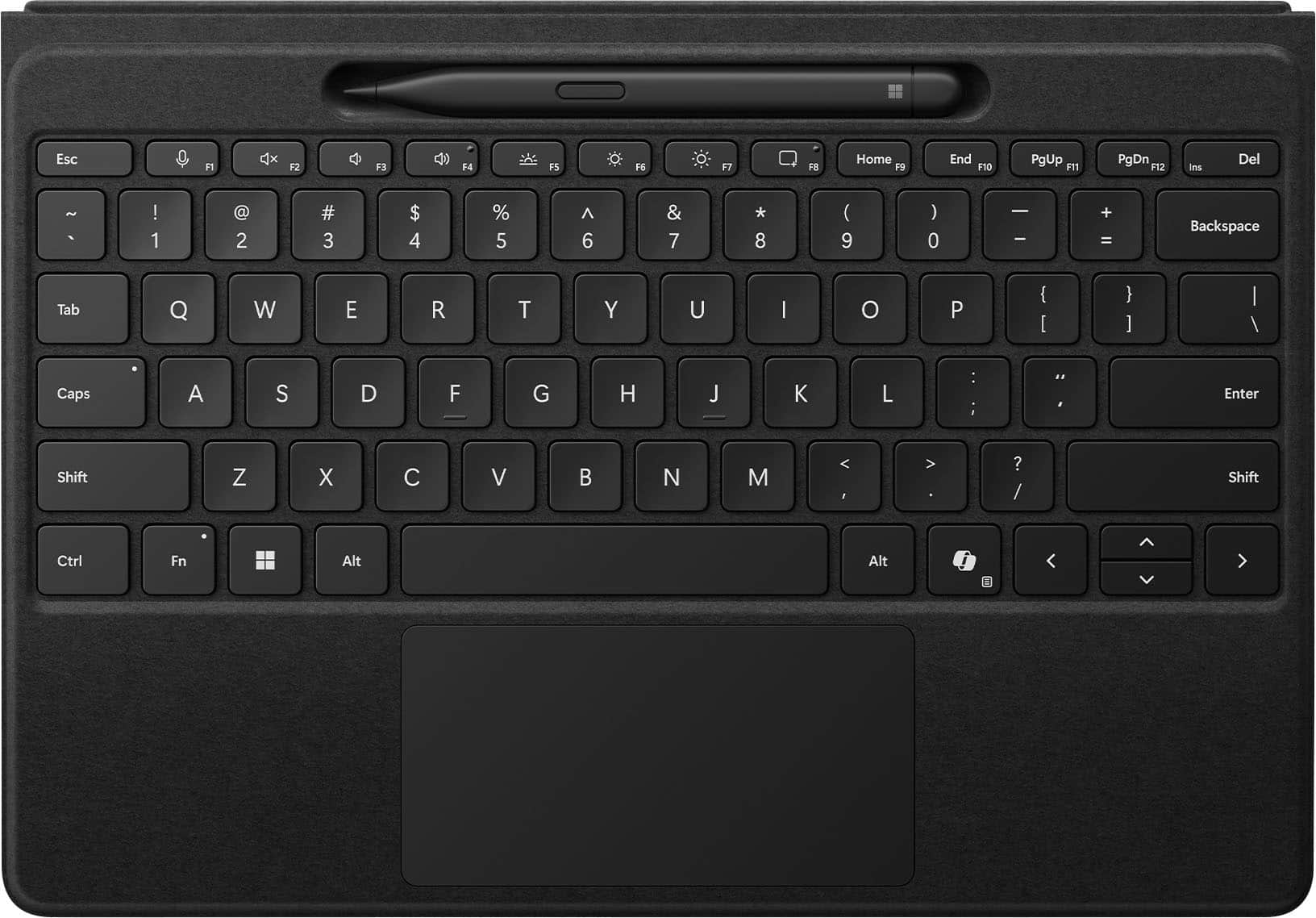
Microsoft - Surface Slim Pen (2nd Edition) and Pro 13" Flex Keyboard for Pro 13" (11th Edition), Pro 9, Pro 8 - Black
SKU: JJGXPX2SCPGreat keyboard and very responsive. The bluetooth is very connective.
See all Tablet Cases, Covers & Keyboard FoliosProduct Description
A black Alcantara wireless keyboard and Slim Pen combo with a precision haptic touchpad for inclusive use.Your price for this item is $439.99Save $59The previous price was $499.98 -
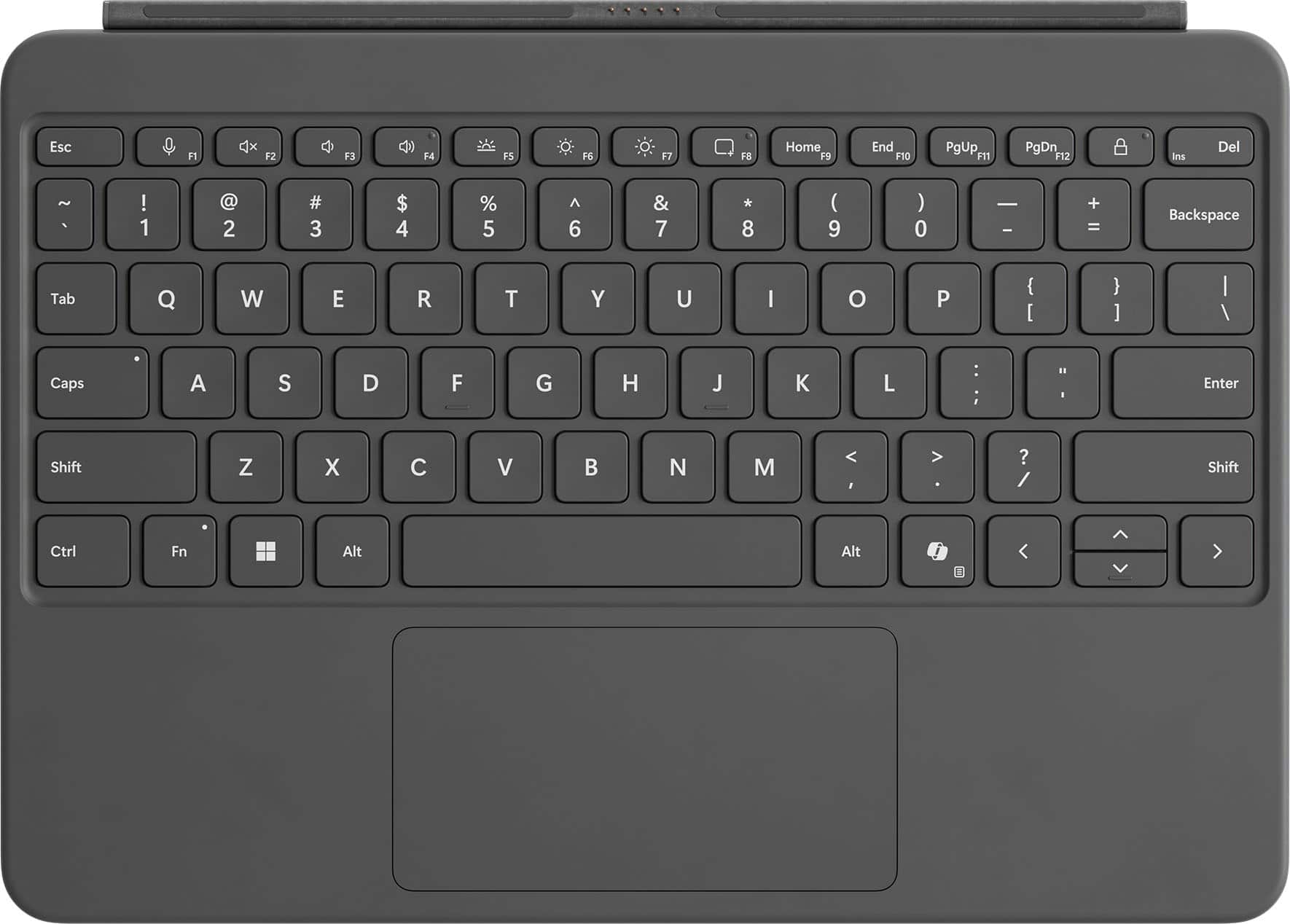
Microsoft - Surface Pro 12" Keyboard for Pro 12" - Slate
SKU: JJGXPXHL3GLove my keyboard works great with my surface makes typing way easier...Great for your windows surface...I got this for my windows surface and i love it work like it post to
See all Tablet Cases, Covers & Keyboard FoliosProduct Description
A slate-colored, full-size backlit keyboard with a dynamic hinge and dedicated Copilot key for instant AI access.Your price for this item is $149.99 -
Microsoft - Surface Pro 13" Keyboard with Pen Storage - Large - Notebook - TouchPad - Mechanical Keyswitch - Black
SKU: JJGXPXXKHCSee all Wired & USB KeyboardsProduct Description
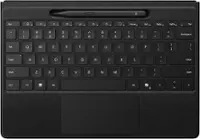
A black ergonomic keyboard with mechanical keys, touchpad, and integrated pen storage for versatile accessibility.Your price for this item is $159.99 -
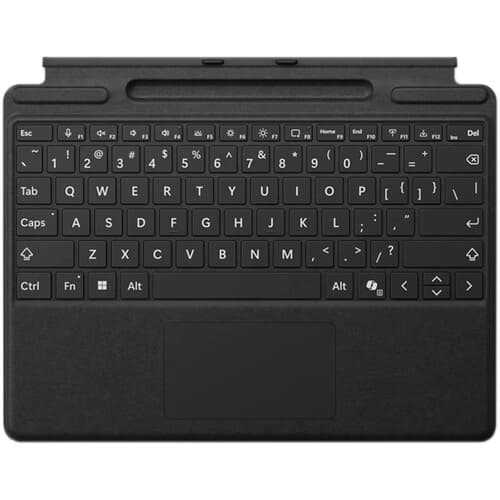
Microsoft - Surface Pro Keyboard for Pro 13" (11th Edition), Pro 9, and Pro 8 with Pen Storage - Black
SKU: JJGXPXXKGQSee all Tablet Cases, Covers & Keyboard FoliosProduct Description
A premium black keyboard with Alcantara material, large glass trackpad, and built-in pen storage.Your price for this item is $159.99Save $20The previous price was $179.99 -
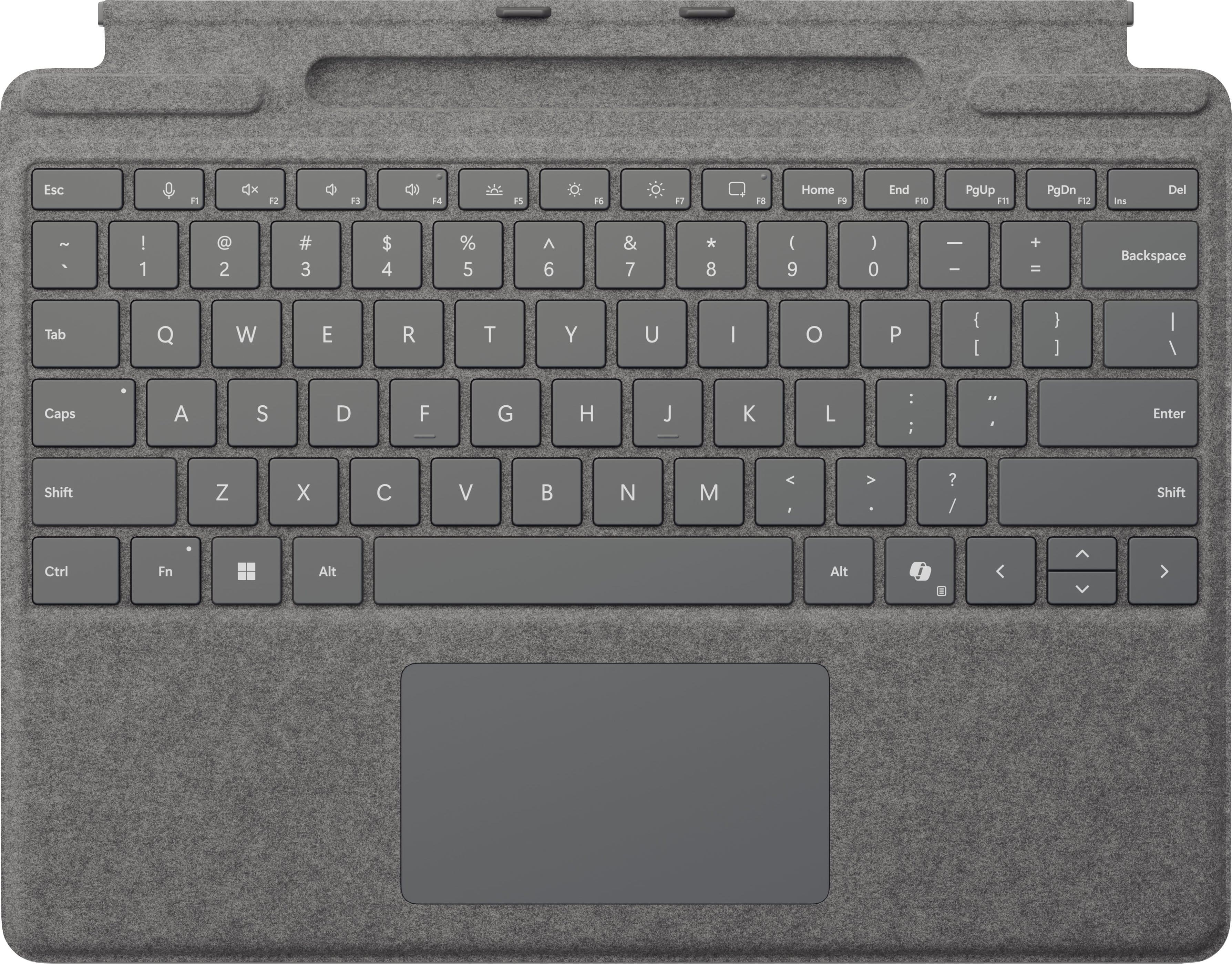
Microsoft - Surface Pro Keyboard for Pro 13" (11th Edition), Pro 9, and Pro 8 with Pen Storage - Platinum
SKU: JJGXPXX5YCBest keyboard...Love it!!! Perfect for my day to day!!! Is the Best!...best quality, i love it it was go good and smooth.
See all Tablet Cases, Covers & Keyboard FoliosProduct Description
A premium platinum keyboard with Alcantara material, large glass trackpad, and built-in pen storage.Your price for this item is $179.99 -
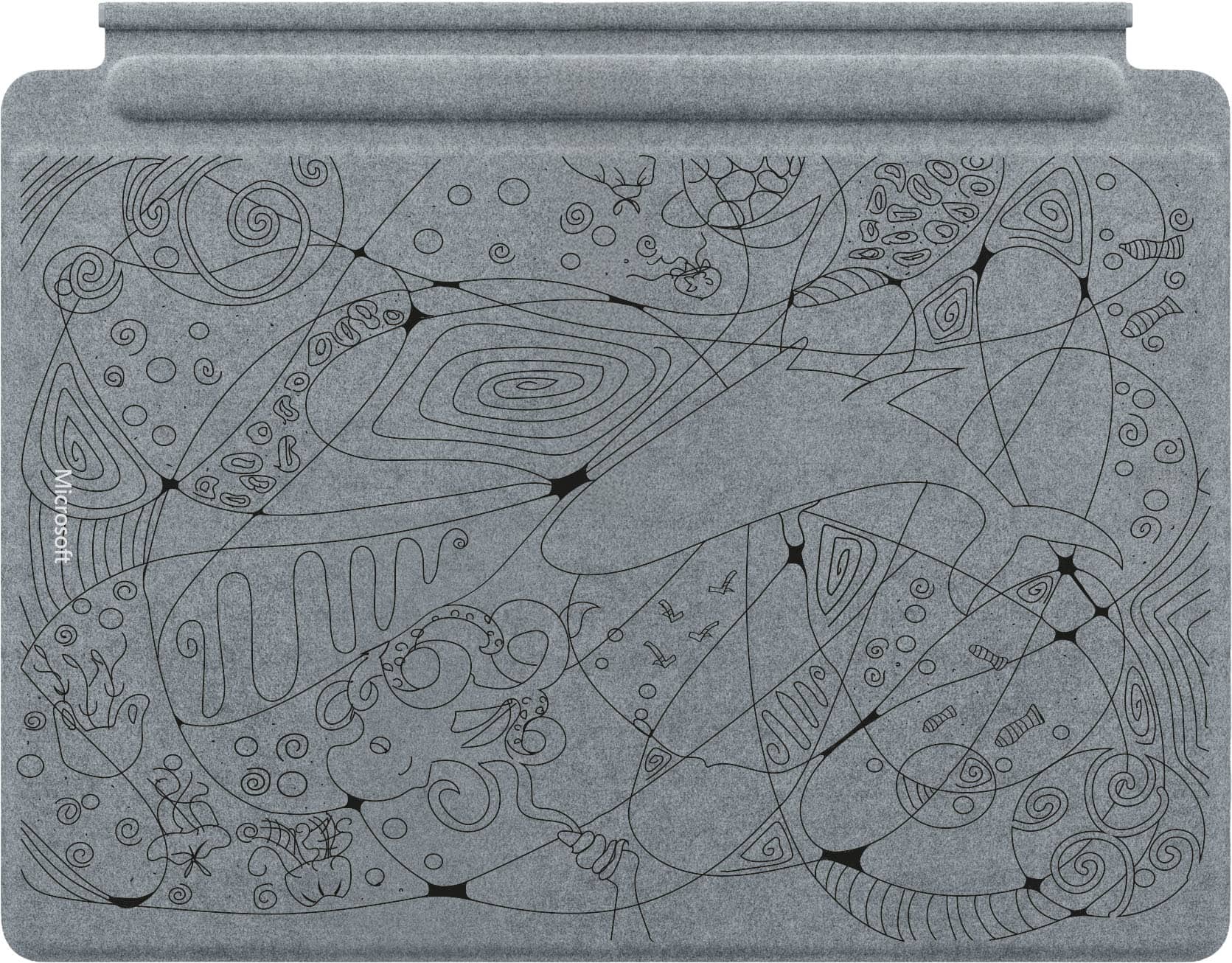
Microsoft - Limited Edition Teen Designed Pro 13” Keyboard for Pro 13” (11th Ed.), Pro 9, and Pro 8 and Surface Slim Pen (2nd Ed.) - Platinum
SKU: JJGXPXZZ83Cool Design, Great Cause...Works great and looks amazing! I love that my purchase went to support a cause.
See all Tablet Cases, Covers & Keyboard FoliosProduct Description
A limited-edition platinum keyboard and pen set featuring Alcantara material and a custom teen-designed motif.Your price for this item is $279.99 -
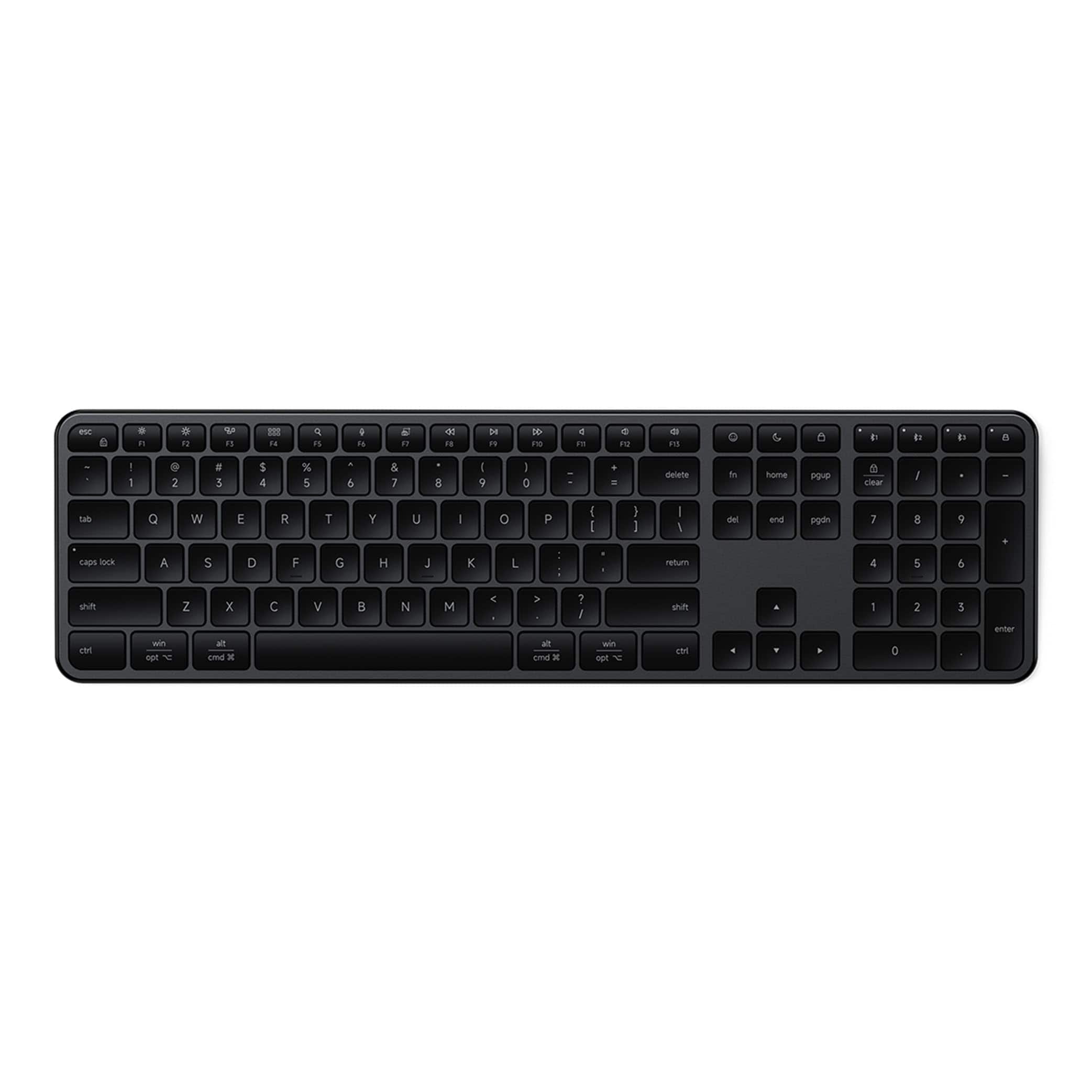
Satechi - Slim EX3 Full-Size Wireless Keyboard - Numpad, Bluetooth & 2.4GHz, OS Key Remap, USB-C Rechargeable - Space Black
SKU: J3GWC4C8GLI love it...It’s very quiet, feels great to type on, and the keys have a nice, smooth feel.My only suggestion for...That would make it even more convenient.Overall, I think this is a great-quality keyboard...
See all Wireless & Bluetooth KeyboardsProduct Description
A sleek space black wireless keyboard with numpad, Bluetooth, USB-C charging, and OS key remapping.Your price for this item is $69.99

Best Sellers
Related Pages

FAQ
Yes, most Bluetooth keyboards are compatible with the Surface Pro 3, as it supports standard Bluetooth connections. Simply pair the keyboard through the Surface Pro 3's Bluetooth settings for easy wireless typing.
Absolutely! Bluetooth keyboards connect wirelessly, so you can use them with your Surface Pro 3 even when it's docked or connected to other peripherals, providing flexibility and convenience.
Most Bluetooth keyboards are plug-and-play and do not require additional software or drivers. Just pair the keyboard with your Surface Pro 3 via Bluetooth, and you're ready to go.
Multi-device Bluetooth keyboards typically have dedicated buttons or key combinations to switch between paired devices. Refer to the keyboard's manual for specific instructions on toggling between your Surface Pro 3 and other devices.
Most standard features like typing, function keys, and shortcuts will work seamlessly. However, some advanced features or special keys may require compatible software or may be designed for other operating systems, so check the product details for full compatibility.