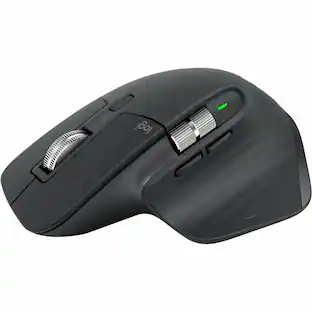
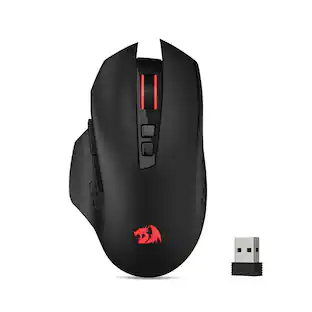
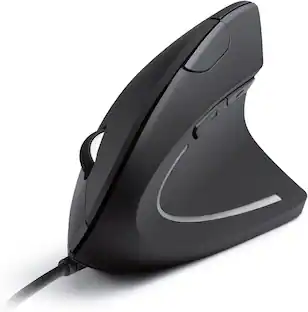
Microsoft - Surface Bluetooth Mouse - Optical Ambidextrous Mouse - Wireless - Silver
Customers are saying
Customers praise the Surface Bluetooth Optical Ambidextrous Mouse for its ease of use, Bluetooth connectivity, and comfortable design. Many appreciate its long battery life, cross-platform compatibility, and overall quality. However, some customers have reported issues with connection stability and the scroll wheel functionality.
Features
Exceptional accuracy
Designed to have premium precision pointing and clicking for scalable performance across the screen of your Surface and external monitors.
Carefully crafted experience
Precisely constructed sound for clicks and scrolling. Quiet enough to not disturb, distinct enough to hear your control.
Metal Scroll wheel
For smooth Internet navigation.
Ambidextrous design
Enables comfortable use with your left or right hand.
Bluetooth 4.0 connectivity
Lets you connect wirelessly to your PC.
Compatibility
Windows 11 Home/Pro/10
Specifications
- Lighting TypeNoneMaximum Sensitivity1000 dots per inchNumber of Buttons (Total)3Connection TypeWireless
Reviews
Rating 4.5 out of 5 stars with 697 reviews
- Ease of use (123)
- Bluetooth (62)
- Design (60)
- Battery Life (44)
- Compatibility (36)
- Connection (14)
- Scroll Wheel (11)
Customer Images
The vast majority of our reviews come from verified purchases. Reviews from customers may include My Best Buy members, employees, and Tech Insider Network members (as tagged). Select reviewers may receive discounted products, promotional considerations or entries into drawings for honest, helpful reviews.


Compare similar products
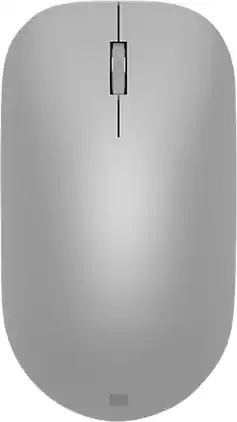
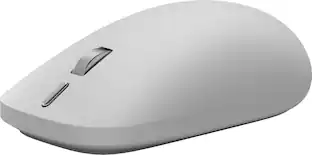
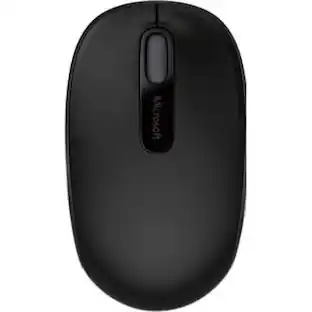
Maintain steady control over your internet browsing and other computing tasks with this Microsoft Surface mouse. It's ergonomically sculpted for comfort, and it has a metal scroll wheel for accurate navigation. This Microsoft Surface mouse is suitable for both left-handed and right-handed users, and Bluetooth connectivity lets you connect wirelessly to your computer.

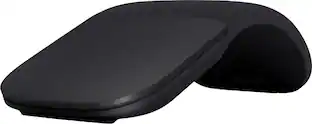
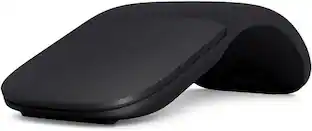
The Surface Arc mouse is designed to conform comfortably to your hand - and snaps flat to fit easily in your bag. The next generation of the Arc Touch mouse, the Surface Arc mouse features numerous refinements, including the ability to scroll both vertically and horizontally. Connects via Bluetooth. Now available in a choice of rich colors to complement your style.
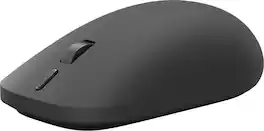
Meet the mouse designed to unlock the best of Surface. With precision feedback, seamless device switching, and a customizable action button, Surface Mouse helps you work smarter and stay focused from task to task [1, 3]. Feel greater control with every click, drag, and scroll thanks to advanced haptics designed to make interactions more natural and responsive [1].

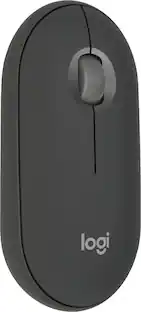
Meet the reliable Logitech M240 Silent Bluetooth Mouse that frees up your workspace. Pair and play with a fast, easy Bluetooth wireless connection; just seconds and you’re connected—no dongle or port required. Ultra quiet-mouse with 90% reduced click sound and same click feel eliminates noise and distractions for you and others around you. 18-month battery life with auto sleep, so you go longer between battery changes. Comfortable, travel-friendly slim mouse is small enough to toss in a bag; the ambidextrous design guides either your right or left hand into a natural position.
| Pros for Microsoft - Surface Bluetooth Mouse - Optical Ambidextrous Mouse - Wireless - Silver | |||
|---|---|---|---|
| Ease of use, Design, Battery Life, Bluetooth, Compatibility | Design, Overall Performance, Battery Life, Portability, Comfort | There were no pros for this product— | Overall Performance, Ease of use, Connectivity, Noise Level, Size |
| Cons for Microsoft - Surface Bluetooth Mouse - Optical Ambidextrous Mouse - Wireless - Silver | |||
| Connection, Scroll Wheel | Scrolling, Price, Right Click | There were no cons for this product— | USB Port |
Specs
Customers often buy these together
Computer Keyboards
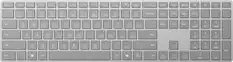
Microsoft - Surface Keyboard (2nd Edition) - Full-size Wireless Optical - Silver
$139.99The price was $149.99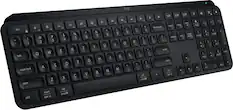
Logitech - MX Keys S Universal Full-size Wireless Scissor Keyboard for PC and Mac with Backlit keys - Black
$119.99The price was $129.99
Mouse Pads

Laptop Docking Stations
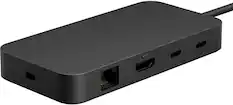
Microsoft - Surface USB4 Dock - Black
$149.99The price was $199.99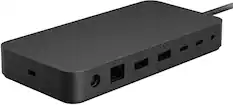
Microsoft - Surface Thunderbolt 4 Dock - Black
$214.99The price was $299.99

More to consider
Logitech Pebble Mouse 2 M350s Slim Lightweight Wireless Bluetooth Optical Silent Ambidextrous Mouse with Customizable Buttons
Holiday Deal$19.99The price was $24.99
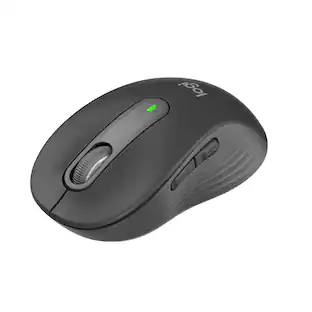



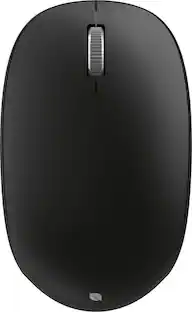
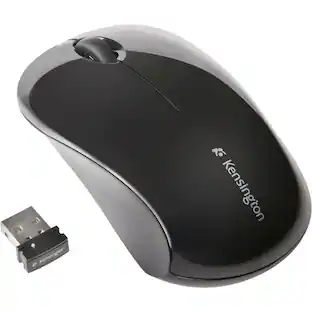
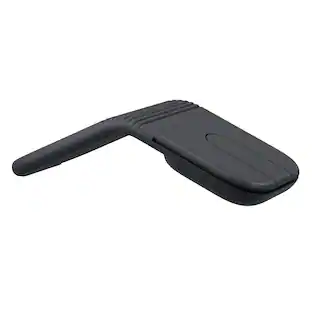
Explore tech essentials Sponsored

Discover related products
Acer USB C Docking Station With 2 HDMI, 9-IN-1 Docking Hub with USB A&C 3.0, SD/Micro SD, 100W Charging
$42.99The price was $47.99Acer USB C to HDMI Cable for Home Office 6.6FT (4K@60Hz), High-Speed Type C to HDMI 2.0 Braided Cord
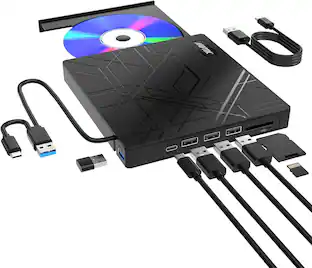
$12.99The price was $19.99AGPtek 8 in 1 External CD/DVD Drive for Laptop, USB 3.0 Ultra Slim Portable CD Burner with 4 USB Ports
$31.99The price was $32.99Delton 10X Noise Isolating Bluetooth Over-the-Head Headset for Office & Remote Work (DBTHEAD10X)
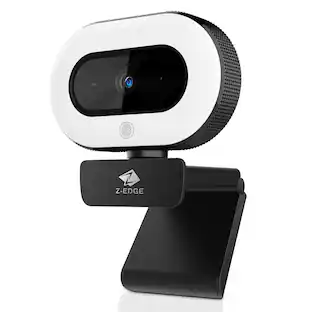
$29.99The price was $32.82Z Z-Edge 2K 2592x1944 Stream Webcam Auto Focus Web Camera for PC/Desktop/Laptop
$24.99The price was $39.99