Microsoft - Surface Mouse - Bluetooth Ambidextrous Mouse with BlueTrack and Haptics - Wireless - Black
About this product
Meet the mouse designed to unlock the best of Surface. With precision feedback, seamless device switching, and a customizable action button, Surface Mouse helps you work smarter and stay focused from task to task [1, 3]. Feel greater control with every click, drag, and scroll thanks to advanced haptics designed to make interactions more natural and responsive [1].
Color
BlackFeatures
Your perfect companion
Designed for modern work, Surface Mouse gives you precise control, instant access to your favorite tools, and the freedom to move seamlessly across devices [1, 3].
Made for Surface
Designed to complement Surface with premium materials and thoughtful craftsmanship. Available in Platinum and Black to match your Surface setup.
Precision you can feel
Advanced haptics add tactile feedback with every click, drag, and scroll, giving you greater confidence and control while navigating documents, apps, and creative work.
A magic button to do more
Launch Copilot and your favorite tools with a customizable action button [4].
Designed to move with you
Connect and switch between up to three devices to keep work moving across your setup [3].
Ready when you need it
Stay productive longer with up to six months of battery life on included AAA batteries [2]
Track with confidence anywhere
Microsoft BlueTrack Technology delivers reliable tracking across a variety of surfaces [1].
Specifications
- Number of Buttons (Total)2Connection TypeWireless
Reviews
Rating 4.5 out of 5 stars with 6 reviews
Customer Images
The vast majority of our reviews come from verified purchases. Reviews from customers may include My Best Buy members, employees, and Tech Insider Network members (as tagged). Select reviewers may receive discounted products, promotional considerations or entries into drawings for honest, helpful reviews.
Compare similar products
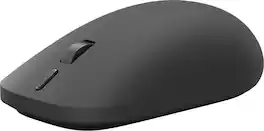
Meet the mouse designed to unlock the best of Surface. With precision feedback, seamless device switching, and a customizable action button, Surface Mouse helps you work smarter and stay focused from task to task [1, 3]. Feel greater control with every click, drag, and scroll thanks to advanced haptics designed to make interactions more natural and responsive [1].

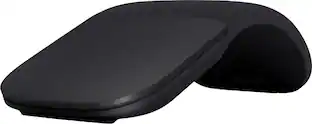
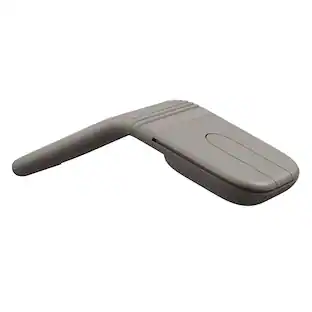
The Surface Arc mouse is designed to conform comfortably to your hand - and snaps flat to fit easily in your bag. The next generation of the Arc Touch mouse, the Surface Arc mouse features numerous refinements, including the ability to scroll both vertically and horizontally. Connects via Bluetooth. Now available in a choice of rich colors to complement your style.
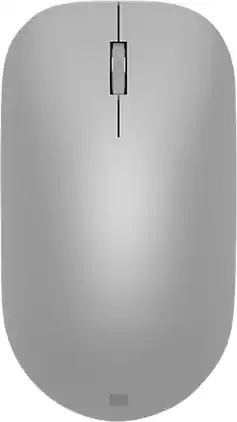
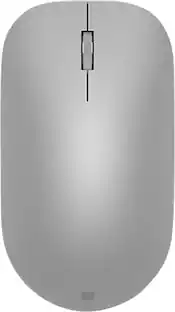
Maintain steady control over your internet browsing and other computing tasks with this Microsoft Surface mouse. It's ergonomically sculpted for comfort, and it has a metal scroll wheel for accurate navigation. This Microsoft Surface mouse is suitable for both left-handed and right-handed users, and Bluetooth connectivity lets you connect wirelessly to your computer.
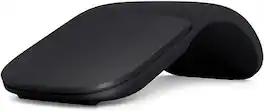
Slim, light, and ready to travel, Surface Arc Mouse is designed to conform to your hand and snaps flat to fit easily in your bag. Connects via Bluetooth.
| Pros for Microsoft - Surface Mouse - Bluetooth Ambidextrous Mouse with BlueTrack and Haptics - Wireless - Black | |||
|---|---|---|---|
| There were no pros for this product— | Design, Battery Life, Portability, Comfort, Overall Performance | Design, Battery Life, Ease of use, Bluetooth, Compatibility | There were no pros for this product— |
| Cons for Microsoft - Surface Mouse - Bluetooth Ambidextrous Mouse with BlueTrack and Haptics - Wireless - Black | |||
| There were no cons for this product— | Scrolling, Price, Right Click | Connection, Scroll Wheel | There were no cons for this product— |
Specs
Be the first to ask a question.
We’ll try to get your question answered within 24 hours by a Best Buy customer or brand representative.
Customers often buy these together











Customers ultimately bought
Explore tech essentials Sponsored



Discover related products
Acer PM161Q 15.6" Portable Monitor Full HD 1920x1080 IPS USB-C HDMI Refurbished
$46.80The price was $48.99Acer USB C Docking Station With 2 HDMI, 9-IN-1 Docking Hub with USB A&C 3.0, SD/Micro SD, 100W Charging
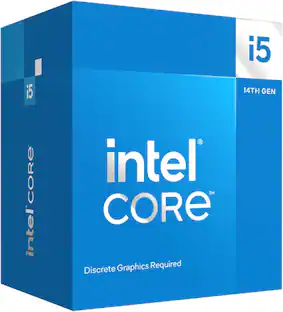
$42.99The price was $47.99Intel Core i5-14400F 14th Gen 10-Core 16-Thread - 4.7GHz Turbo Socket LGA1700 Unlocked Desktop Processor
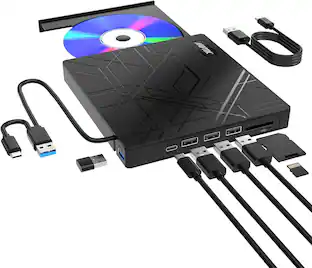
$167.54The price was $197.23AGPtek 8 in 1 External CD/DVD Drive for Laptop, USB 3.0 Ultra Slim Portable CD Burner with 4 USB Ports
$31.99The price was $32.99




Keep exploring
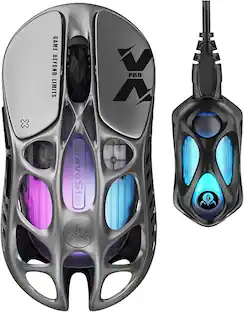
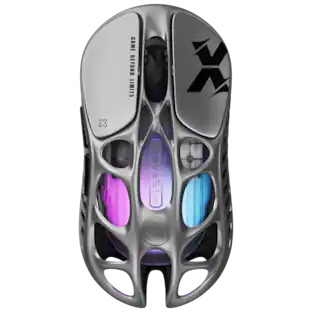
GravaStar Mercury X Pro Wireless 8K Hz Gaming Mouse with 32000 DPI and 49g Magnesium Alloy Frame
$118.95The price was $139.95GravaStar Mercury X Wireless Optical Gaming Mouse with 32000 DPI and 49g Magnesium Alloy Frame
$75.95The price was $109.95Acer Wireless Mouse for Laptop, 2.4GHz Computer Mouse 3 Adjustable DPI Office Cordless USB Mice with USBA Receiver
Holiday Deal$10.99The price was $12.99