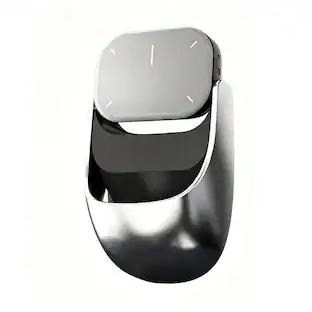
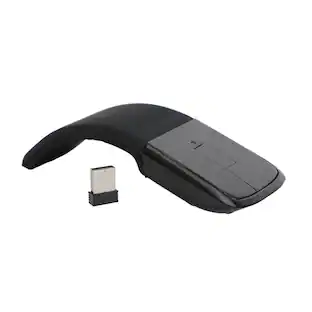
Microsoft - Surface Arc Mouse - Bluetooth BlueTrack Ambidextrous Mouse - Wireless - Black
Customers are saying
Customers often highlight the exceptional portability and sleek design of this mouse, noting that its slim, lightweight profile makes it both comfortable and easy to carry. Users also frequently praise its impressive battery life and reliable Bluetooth connectivity, which contribute to a seamless overall performance. While the device is highly regarded for its ergonomics and compatibility, some users have expressed concerns regarding the smoothness of the scrolling experience and the premium price point. Additionally, a small number of customers have found the right-click functionality to be less intuitive than expected.
Color
BlackUltra slim and lightweight
Goes anywhere without the weight or bulk of traditional mice.
Snaps flat for travel
The unique ability to flatten and store this Microsoft Arc mouse means you can easily slip it into your pocket or bag.
Optimized design for natural interaction
The overall design is optimized for a comfortable, natural interaction.
Scroll in every direction
The innovative full-scroll plane lets you scroll both vertically and horizontally.
Clear, defined actions
Enjoy precise tracking with optimized left and right click
Smooth and elegantly crafted
From scroll plane to tail, this Microsoft Arc mouse is soft to the touch and sits comfortably in your hand.
Connects wirelessly
It connects wirelessly to your Windows 11 PC via Bluetooth. Pair it with your Windows 11 PC right out of the box when you enable Swift Pair.¹
Compatibility
Windows 11 Home/Pro/10/8.1/8* Host must support Bluetooth 4.0 or higher. (Note: many Apple and Windows 7 devices do not support Bluetooth 4.0.)
- Lighting TypeNoneMaximum Sensitivity1000 dots per inchNumber of Buttons (Total)2Connection TypeWireless
Reviews
Rating 4.6 out of 5 stars with 4455 reviews
- Portability (1091)
- Design (502)
- Comfort (219)
- Overall Performance (203)
- Battery Life (187)
- Scrolling (53)
- Price (48)
- Right Click (17)
Customer Images
The vast majority of our reviews come from verified purchases. Reviews from customers may include My Best Buy members, employees, and Tech Insider Network members (as tagged). Select reviewers may receive discounted products, promotional considerations or entries into drawings for honest, helpful reviews.

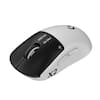
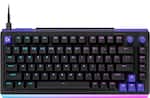
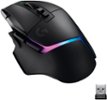
Compare similar products

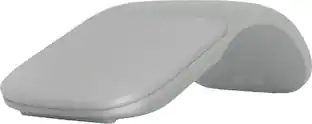
The Surface Arc mouse is designed to conform comfortably to your hand - and snaps flat to fit easily in your bag. The next generation of the Arc Touch mouse, the Surface Arc mouse features numerous refinements, including the ability to scroll both vertically and horizontally. Connects via Bluetooth. Now available in a choice of rich colors to complement your style.
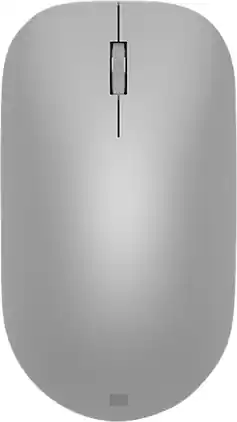
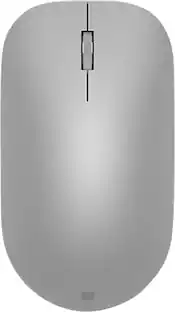
Maintain steady control over your internet browsing and other computing tasks with this Microsoft Surface mouse. It's ergonomically sculpted for comfort, and it has a metal scroll wheel for accurate navigation. This Microsoft Surface mouse is suitable for both left-handed and right-handed users, and Bluetooth connectivity lets you connect wirelessly to your computer.

The Logitech MX Master 4 brings immersive control and precision you can feel with haptic feedback. Experience haptic feedback on specific actions, shortcuts, notifications like switching desktops, slider adjustments and more. Customize vibration intensity in Logi Options+. With Actions Ring shortcuts and MX Master 4, save up to 33% of your time by accessing tools and filters at your cursor, reducing repetitive movements by up to 63%. Experience uninterrupted performance with 2X more powerful connectivity, powered by an advanced radio chip, optimized antenna placement, and a new USB-C dongle.

Marketing Information from the Manufacturer
| Pros for Microsoft - Surface Arc Mouse - Bluetooth BlueTrack Ambidextrous Mouse - Wireless - Black | |||
|---|---|---|---|
| Design, Overall Performance, Battery Life, Portability, Comfort | Design, Battery Life, Ease of use, Bluetooth, Compatibility | Overall Performance, Battery Life, Ergonomics, Haptic Feedback, Button Functionality | There were no pros for this product— |
| Cons for Microsoft - Surface Arc Mouse - Bluetooth BlueTrack Ambidextrous Mouse - Wireless - Black | |||
| Scrolling, Price, Right Click | Connection, Scroll Wheel | Weight, Size | There were no cons for this product— |
Specs
Customers often buy these together
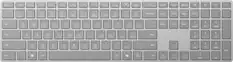
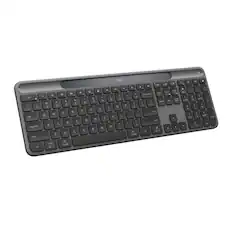
Computer Keyboards
![esc ~ ! 1 tab caps lock shift ctrl F2 Fl # 2 3 Q W A S Z start opt L F3 $ 4 E D X alt cmd3 ) FS F4 A % 5 6 R T F G V C logi 44 HI & F9 FID FB F7 F6 * ) - - & 0 8 9 7 O P U I Y K L H J > < N M 1 B PM + = { [ : I ; ? I alt cmd D 2 4 300 3 1 F12 . * page I insert home up clear backspace 8 9 + 7 page A pg up end down home } I delete ] / 6 4 5 4 enter 2 3 enter 1 dn Pg end shift = 0 del ins etrl fn opt](https://pisces.bbystatic.com/image2/BestBuy_US/images/products/6539/6539505_sd.jpg;maxHeight=232;maxWidth=233?format=webp)
Logitech - MX Keys S Universal Full-size Wireless Scissor Keyboard for PC and Mac with Backlit keys - Black
Top Deal$119.99The price was $129.99
![logi esc 1 F1 2 F2 3 F3 F4 F5 F6 F7 F8 x F9 NI F10 x F11 F12 ins del ~ ! 1 2 # 3 $ 4 % 5 ^ 6 & 7 8 ( 9 ) 0 e - + = backspace tab Q W E R T Y U I O P { [ } ] I / caps lock A S D F G H J - K L : ; " enter shift Z X C V B N M < > ? / shift ctrl fn L start opt H alt cmd alt cmd ctrl opt](https://pisces.bbystatic.com/image2/BestBuy_US/images/products/6478/6478163_sd.jpg;maxHeight=232;maxWidth=233?format=webp)
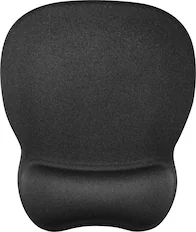
Mouse Pads

More recommended items
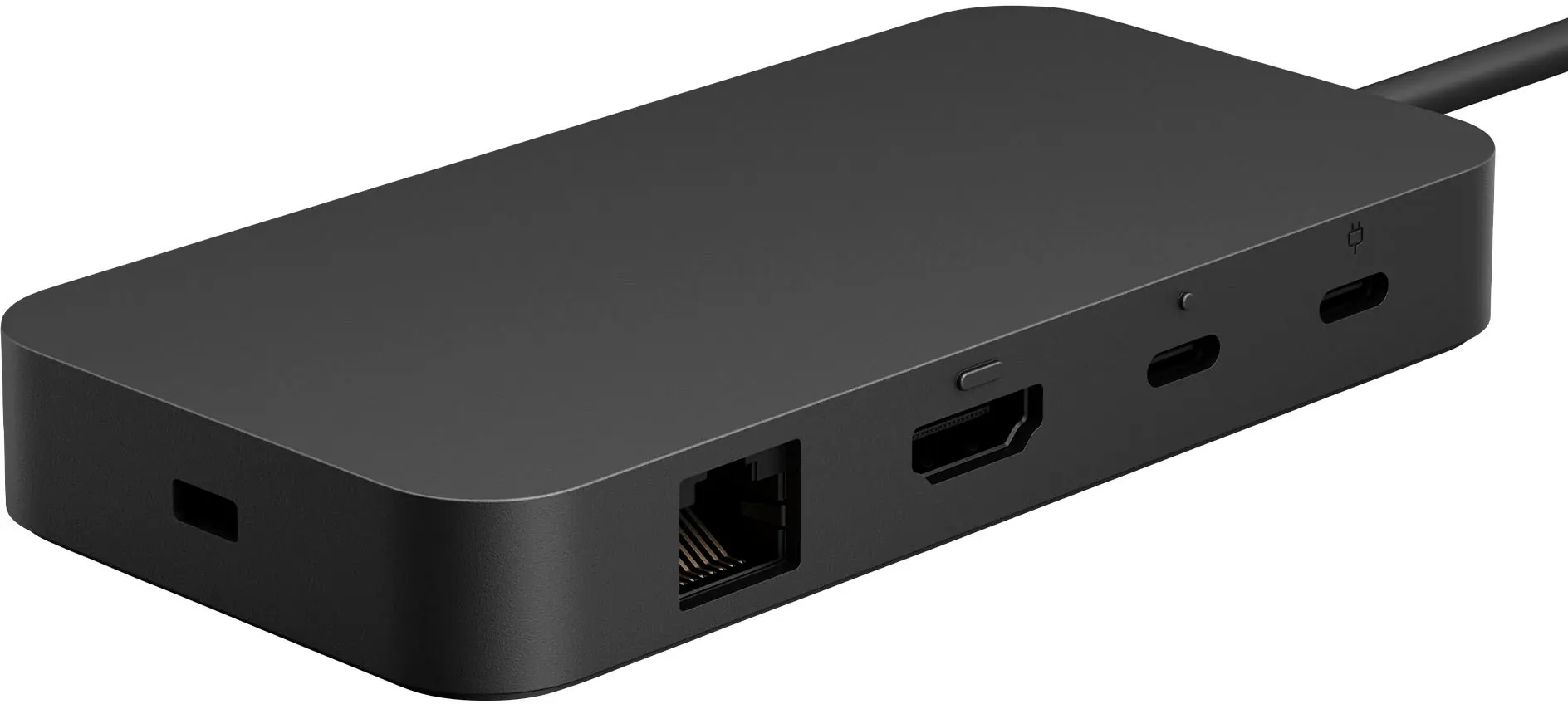 Laptop Docking Stations
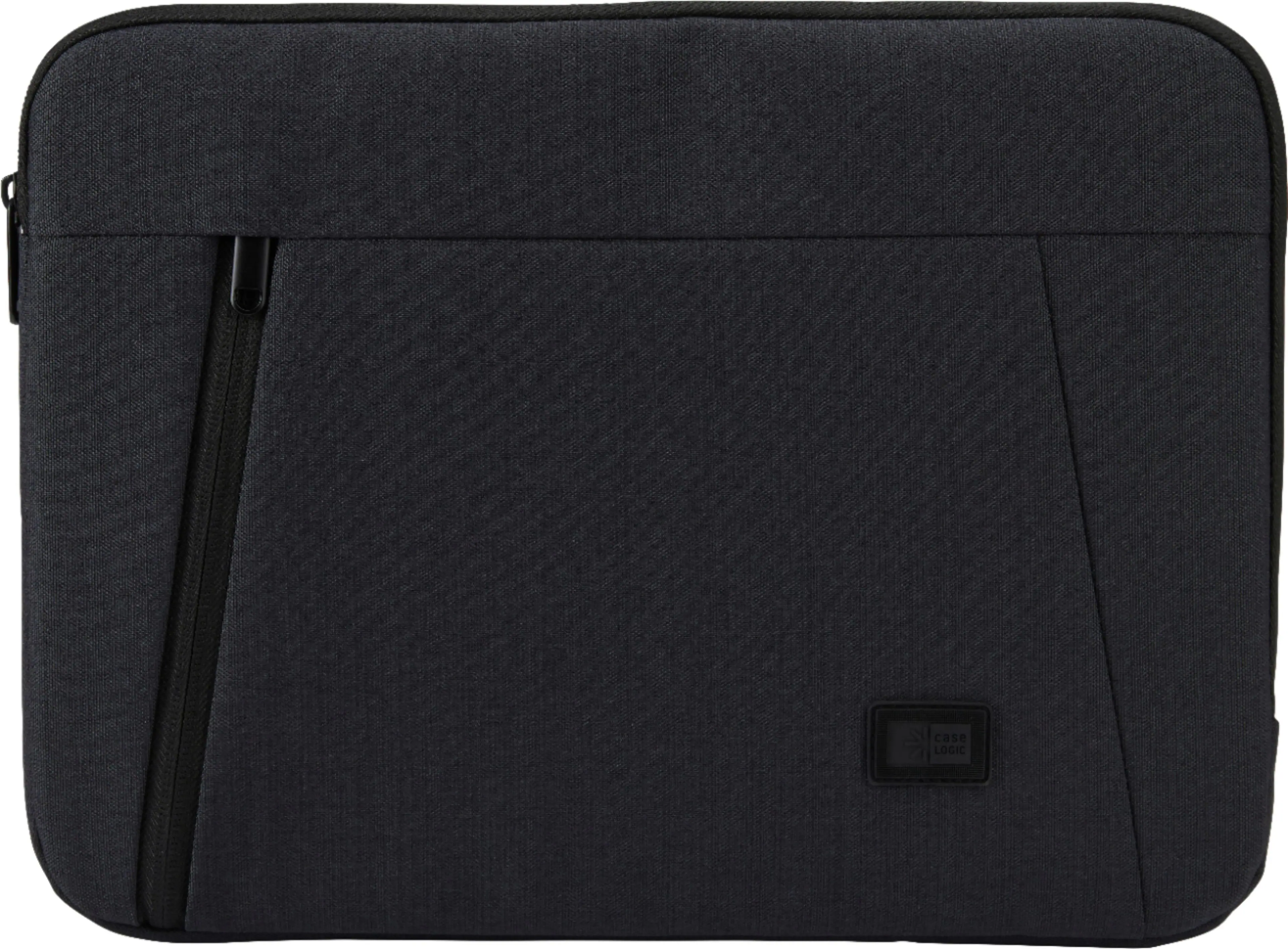 Laptop Bags and Cases
Customers ultimately bought
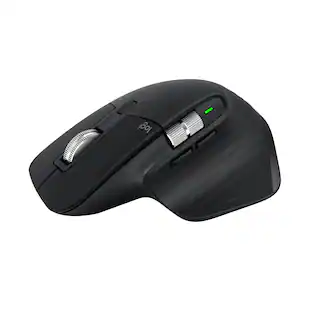 Top Deal$89.99The price was $99.99

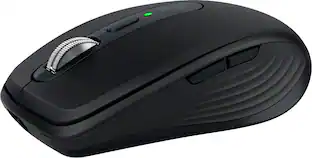
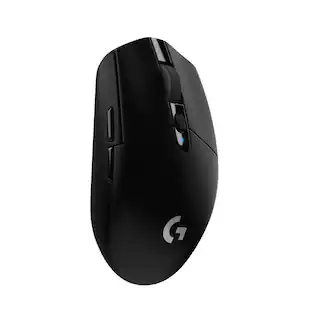
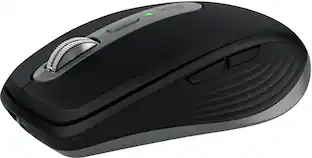
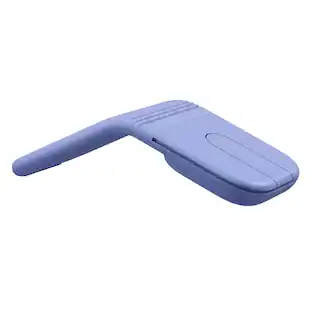


Explore tech essentials Sponsored
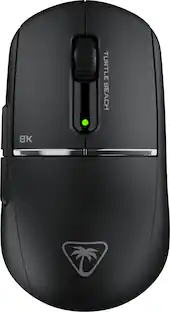
Turtle Beach - Burst II Pro High-Performance Ultra-Lightweight Wireless Optical Esports Gaming Mouse
$99.99The price was $139.99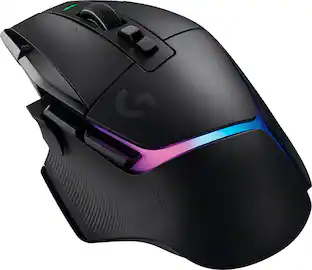 Top Deal$127.99The price was $159.99



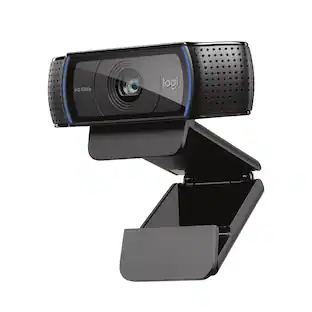
Discover related products
 $12.99The price was $13.99











Keep exploring
 $149.95The price was $215.95
 $119.95The price was $199.95
 $79.95The price was $109.95