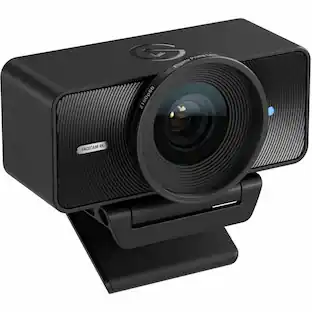
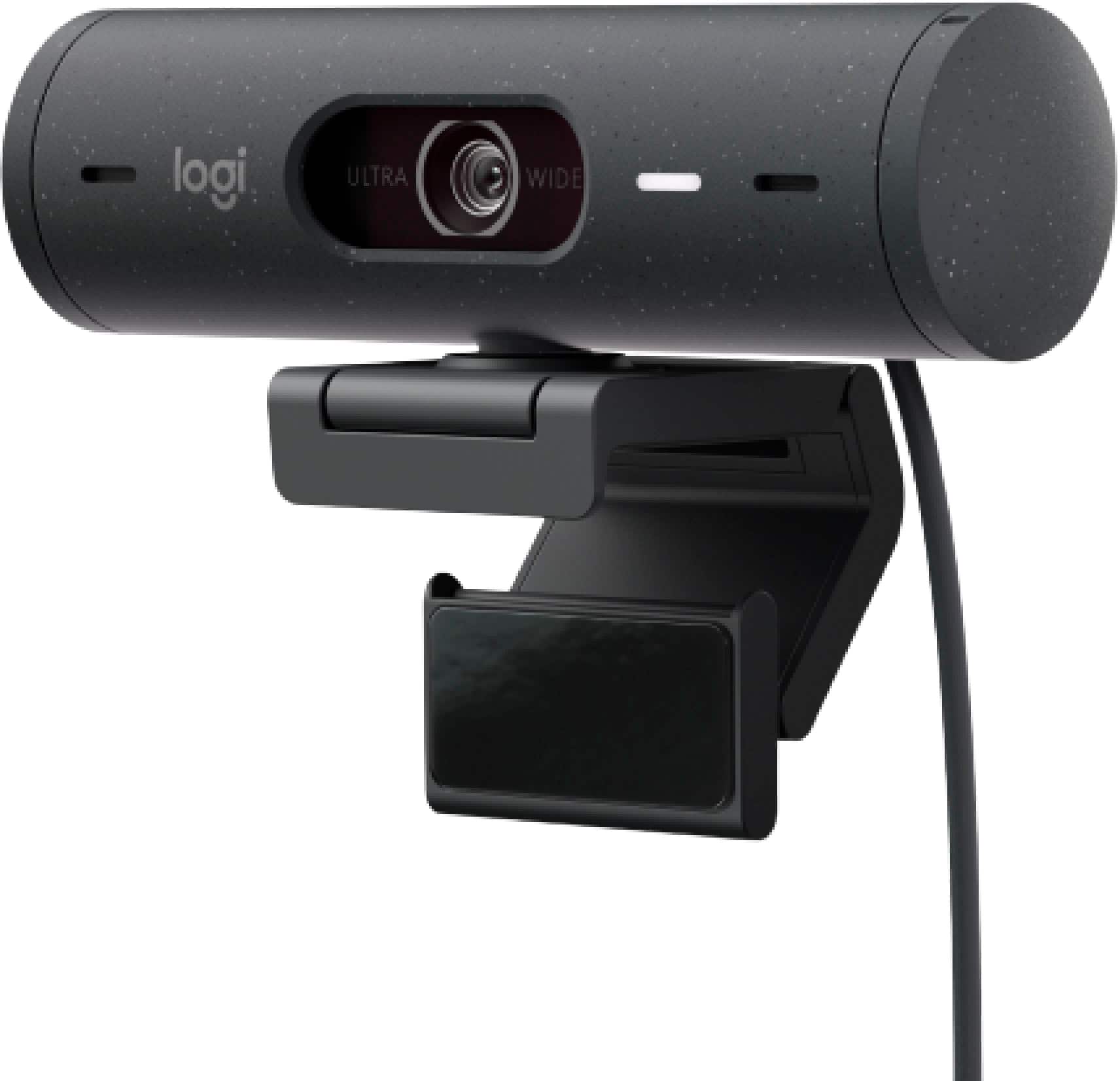
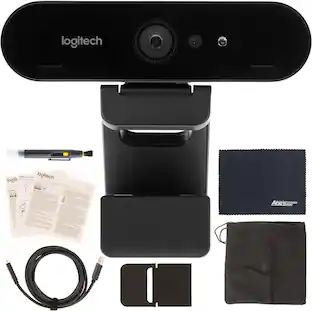
Logitech - Brio 500 1920x1080p Webcam with Privacy Cover - Graphite
Customers are saying
Customers find value in the Brio 500’s impressive image quality, which is the most frequently praised feature, alongside its convenient privacy lens cover and straightforward setup process. Users appreciate the plug-and-play functionality and elegant design, though some note that the mounting system and the five-foot USB-C cable could be improved. Additionally, while the camera performs well, some customers expressed disappointment that it lacks compatibility with Windows Hello.
Color
GraphiteAdvanced Image Quality
Full HD 1080p webcam resolution provides outstanding image quality so everyone can see you clearly during meetings.
Auto Light Correction (RightLight 4)
RightLight 4 video lighting technology automatically adjusts to the lighting in your environment, so you can be seen clearly even in low light.¹ ²
Auto-Framing (RightSight)
Auto-framing centers the video camera on you, allowing you to stand and move during meetings without leaving the frame.
Show Mode
Present your work or other objects on your desk with Show Mode, which lets you tilt the web camera up or down with one hand.
Dual Noise Reduction Microphones
Be heard clearly in noisy environments thanks to noise canceling mics that filter out background sound during calls.
Webcam with Privacy Cover
To protect your privacy between meetings, simply rotate the integrated webcam privacy shutter to completely block the camera.
90-Degree Field of View
A wider-than-normal FOV gives you extra space to move around or have a second person on the camera with you; use Logi Tune to zoom in or out to a full 90º width.
Logi Tune
Pair with Logi Tune to customize your Logitech Webcam experience; zoom in or out, mute the microphone, adjust color and image resolution, manage auto-frame, and set automatic updates.
Sustainable design
Plastic Parts in Brio 500 (Graphite) include 68% post-consumer recycled plastic for a better future. ³
Sustainable packaging
Uses FSC-certified paper for responsible packaging.
¹This feature requires Logi Tune. Logi Tune not available for Chrome OS.
²RightSight availability and support may vary by operating systems. See Logitech’s support page for latest information.
³Excludes plastic in printed wiring assembly (PWA), receiver and packaging.
- Video ResolutionFull HD (1080p)
Reviews
Rating 4.6 out of 5 stars with 296 reviews
- Image Quality (174)
- Privacy Feature (39)
- Setup (32)
- Ease of Use (14)
- Field of View (13)
- Mounting (14)
- Connectivity (11)
- Compatibility (5)
- Cable Length (4)
Customer Images
The vast majority of our reviews come from verified purchases. Reviews from customers may include My Best Buy members, employees, and Tech Insider Network members (as tagged). Select reviewers may receive discounted products, promotional considerations or entries into drawings for honest, helpful reviews.
Compare similar products

Show up to every video call feeling confident, seen, and heard. Logitech Brio 500 includes features like auto light correction for low-lighting conditions, auto-framing so you can move during calls, and Show Mode for presenting objects on your desk. Brio 500 Webcam creates a more authentic Google, Teams, or Zoom meeting experience, allowing you to connect genuinely with others.

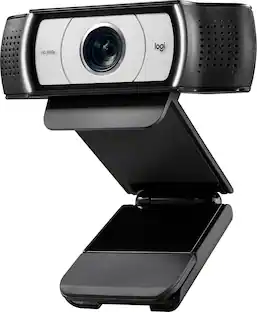
Logitech C920s is a budget-friendly, work-from-anywhere webcam that delivers a professional video meeting experience. It includes features designed to make you look and sound great in your next meeting. A 78º diagonal field of view perfectly frames you and your space, while autofocus adjusts smoothly and precisely. RightLight 2 technology automatically adjusts to your lighting situation even in low-light or backlit conditions. And dual integrated mics accurately capture your voice from multiple angles for greater nuance. If you’re streaming or recording, use Logitech’s Capture app to edit and customize. Flip down the lens cover at any point to protect your privacy.

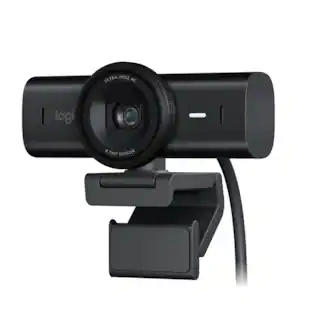
Meet, stream, master with the Logitech MX Brio Ultra HD 4K Webcam for Collaboration and Streaming. Experience sharp, ultra HD 4k resolution video with AI image enhancement, our in-house designed lens, and our most advanced webcam sensor yet with 70% bigger pixels for 2X better face visibility and 2x finer image details in difficult lighting conditions.. Fine controls on this HD webcam let you precisely adjust lighting and white balance with ISO, Shutter Speed, Temperature, Tint, and Vibrance. Dual omnidirectional microphones reduce background sound so you can be heard clearly with noise-reducing technology. Show Mode lets you share your physical work and notes on video calls by tilting the web camera down.

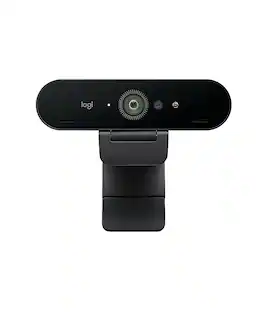
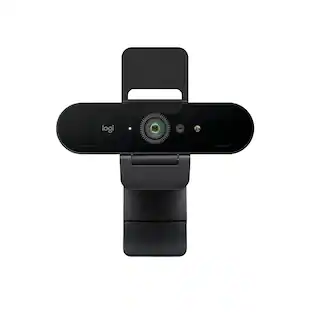
Brio 4K is an advanced webcam that helps you meet like a pro in every video call. Stream crystal-clear video up to 4K with beautiful colors and RightLight 3 auto light correction, or get up to 90 fps high frame rates at 720p. Also features autofocus, adjustable field of view, and 5x digital zoom. Brio 4K is certified for Zoom, and Google Meet, enables fast and secure facial recognition for Windows Hello, and is compatible with other popular applications. Low-carbon aluminum for camera housing and a minimum 38% post-consumer recycled plastic in the plastic components makes Brio 4K a choice you’ll feel good about.
| Pros for Logitech - Brio 500 1920x1080p Webcam with Privacy Cover - Graphite | |||
|---|---|---|---|
| Image Quality, Privacy Feature, Setup, Ease of Use, Field of View | Setup, Ease of Use, Privacy Feature, Video Quality, Overall Performance | Image Quality, Privacy Feature, Ease of Use, Field of View, Connectivity | Image Quality, Ease of Use, Setup, Field of View |
| Cons for Logitech - Brio 500 1920x1080p Webcam with Privacy Cover - Graphite | |||
| Connectivity, Compatibility, Cable Length, Mounting | Focus, Compatibility, Cable Length, Autofocus, Field of View | Mounting Options, Low-light Performance | Compatibility, Connectivity, Focus, Software, Price |
Specs
Customers often buy these together
Microphones
HyperX - QuadCast 2 S Wired Multi-Pattern USB Electret Condenser Microphone - Black
Top Deal$149.99The price was $199.99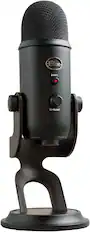
Blue Microphones - Blue Yeti Professional Multi-Pattern USB Condenser Microphone - Blackout
$109.99The price was $139.99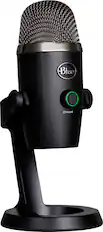
Blue Microphones - Blue Yeti Nano Premium Wired Multi-Pattern USB Condenser Microphone - Black
$99.99The price was $119.99
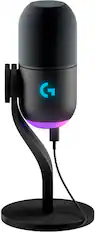
Photo and Video Lights
More recommended items
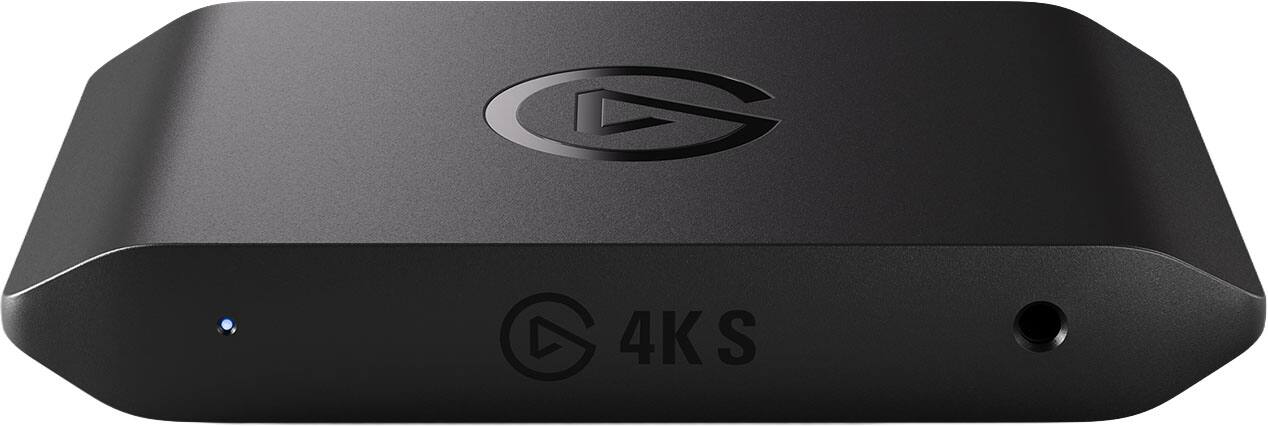 Video Capture Devices
 Laptop Docking Stations
More to consider
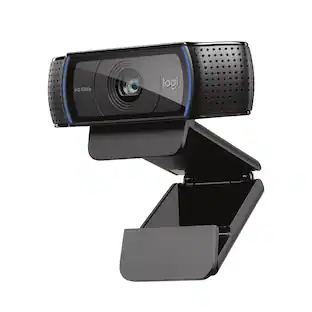 Top Deal$59.99The price was $69.99
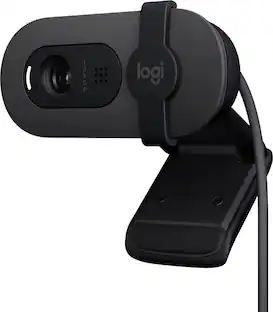 Top Deal$24.99The price was $39.99
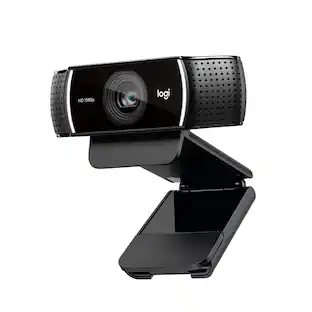 $109.99The price was $119.99
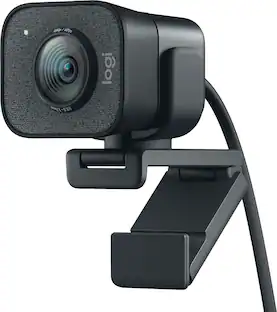 $150.97The price was $169.99
 $154.99The price was $169.99
Explore tech essentials Sponsored
 $379.99The price was $579.99
 $269.99The price was $299.99
Discover related products
 $149.99The price was $169.99
 $12.99The price was $13.99
 $249.00The price was $275.00









Keep exploring
 $24.99The price was $27.99
 $49.00The price was $69.00