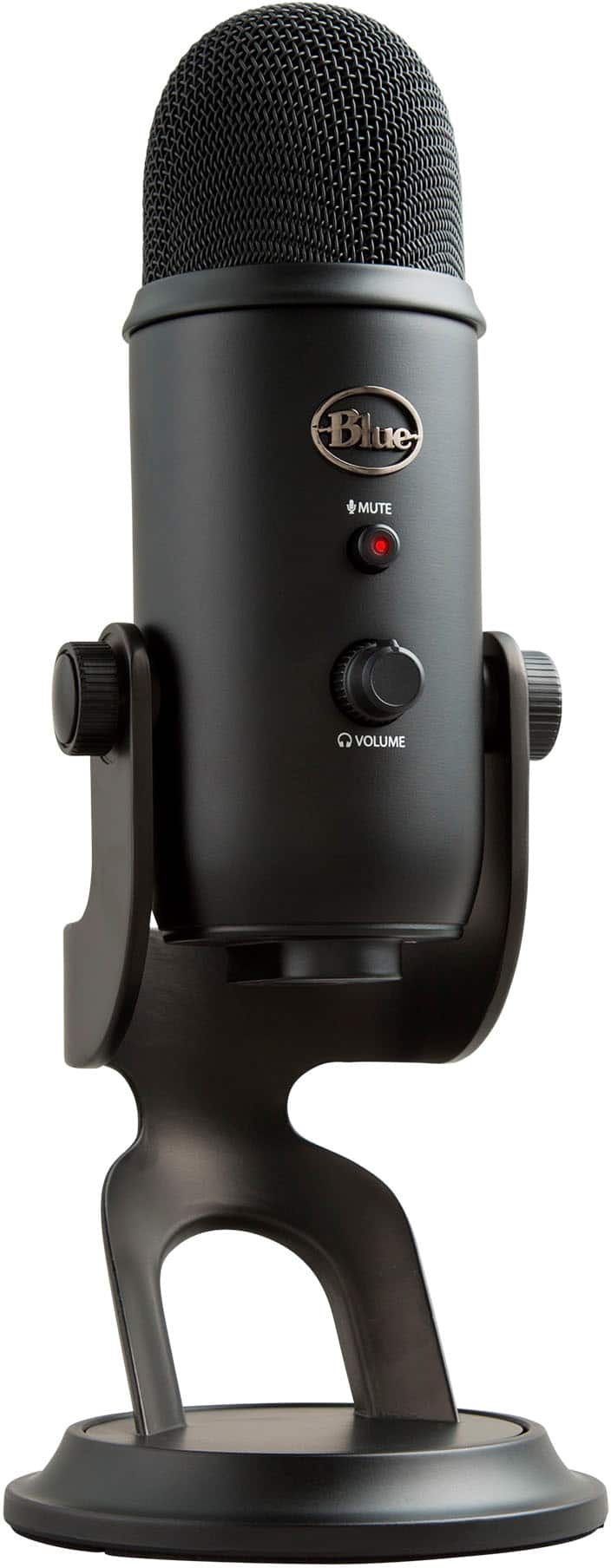
Blue Microphones - Blue Yeti Professional Multi-Pattern USB Condenser Microphone - Blackout
Customers are saying
Customers regard this product highly for its exceptional sound quality and user-friendly design. While many users appreciate the reasonable price point and seamless compatibility with their devices, some have noted that the microphone is somewhat large and heavy. Additionally, a small number of users have reported occasional challenges regarding connectivity.
Color
BlackoutBlue’s legendary broadcast-quality sound
Makes the professional difference for gaming and streaming.
Custom three-capsule array
This professional USB mic produces clear, powerful, broadcast-quality sound for YouTube videos, Twitch game streaming, podcasting, Zoom meetings, music recording and more.
Onboard audio controls
Headphone volume, pattern selection, instant mute, and mic gain put you in charge of every level of the audio recording and streaming process.
Blue VO!CE software
Elevate your streamings and recordings with clear broadcast vocal sound and entertain your audience with enhanced effects, advanced modulation and HD audio samples.*
Pro gaming microphone
Give your game stream the production value it deserves. With the Yeti USB microphone, you’ll be heard loud and clear every time.
Unique positionable design
Pivot the mic in relation to the sound source to optimize your sound quality thanks to the adjustable desktop stand and track your voice in real time with no-latency monitoring.
Four pickup patterns
Flexible cardioid, omni, bidirectional, and stereo pickup patterns allow you to record in ways that would normally require multiple mics, for vocals, instruments and podcasts.
No-latency monitoring
Monitor your voice in real time to make sure your streams sound great.
Plug 'n play on Mac and PC
Set up the computer microphone in seconds with the included desktop stand or connect directly to a mic stand or boom arm and instantly start recording and streaming on Mac or PC.
More sustainable
Certified carbon neutral: the carbon impact of the product and packaging has been reduced to zero.
*Advanced Blue VO!CE is compatible with Yeti, Yeti Nano and Yeti X. To access Blue VO!CE, download Logitech’s free G HUB software.
- Polar PatternCardioid, Bidirectional, Omnidirectional, StereoMicrophone TypeCondenser microphonesWirelessNo
Reviews
Rating 4.7 out of 5 stars with 5001 reviews
- Sound Quality (3214)
- Ease of use (936)
- Price (144)
- Sensitivity (71)
- USB (63)
- Size (92)
- Weight (39)
- Connectivity (13)
Customer Images
The vast majority of our reviews come from verified purchases. Reviews from customers may include My Best Buy members, employees, and Tech Insider Network members (as tagged). Select reviewers may receive discounted products, promotional considerations or entries into drawings for honest, helpful reviews.
Compare similar products
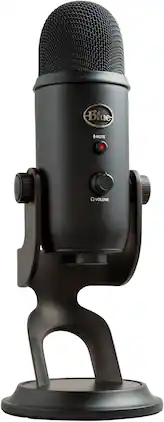
Yeti is the premium USB mic professionals trust worldwide, producing clear, powerful, broadcast-quality sound and enhanced Blue VO!CE vocal effects for gaming, streaming, podcasting, YouTube videos and more. Thanks to Yeti’s proprietary three-capsule technology and four pickup patterns, you can produce professional recordings and streams with legendary ease. Yeti also features studio controls for headphone volume, pattern selection, instant mute, and microphone gain that put you in chargeof the recording process. Set up in seconds with the included desktop stand or connect directly to a mic stand or boom arm.
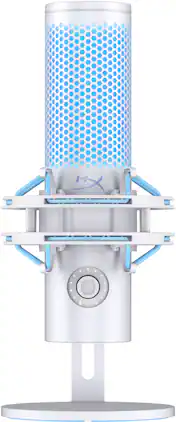
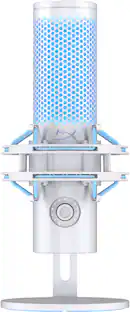
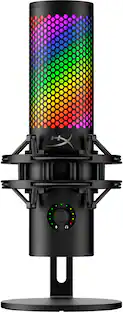
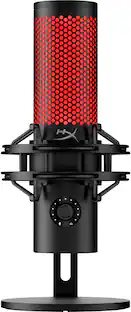
The HyperX QuadCast 2 refines everything that made the original such a favorite amongst gamers, streamers, and content creators around the world. All the fan-favorite features are still here: the iconic stunning lighting, the tap-to-mute sensor, 4 selectable polar patterns, 3.5mm headphone jack and included shock mount and desktop stand but now with a range of innovative additions and packaged in a new sleek, full aluminum silhouette. QuadCast 2 features upgraded 24-bit, 96kHz recording for a studio quality recording experience. It also features a redesigned detachable shock mount with improved performance and innovative spring-loaded pins, making removal easy and allowing the use of universal shock mounts.1 In response to our fan’s feedback, QuadCast 2 now includes a multi-function knob so you can do everything on-board without needing to alt-tab. The knob allows users to choose between microphone gain, playback volume, microphone monitoring volume, and can also switch polar patterns. The LED indicator also makes it easy to determine the current mic status without the hassle of going into the software. Users can choose different lighting effects and tune their mic via HyperX NGENUITY. The HyperX QuadCast 2 – the new standard for streaming microphones.

Yeti is the premium USB mic professionals trust worldwide, producing clear, powerful, broadcast-quality sound and enhanced Blue VO!CE vocal effects for gaming, streaming, podcasting, YouTube videos and more. Thanks to Yeti’s proprietary three-capsule technology and four pickup patterns, you can produce professional recordings and streams with legendary ease. Yeti also features studio controls for headphone volume, pattern selection, instant mute, and microphone gain that put you in chargeof the recording process. Set up in seconds with the included desktop stand or connect directly to a mic stand or boom arm.

The NT1 5th Generation is the new evolution of our iconic, original studio microphone, the NT1. First introduced in 1991, the NT1 started it all for RØDE and has since gone through multiple technological transformations along the way. The NT1 5th Gen takes the much-loved and respected core of the NT1, and introduces patented state-of-the-art features while preserving the legendary sound quality that made it the go-to studio microphone for countless creators. The perfect marriage of tradition and innovation.
| Pros for Blue Microphones - Blue Yeti Professional Multi-Pattern USB Condenser Microphone - Blackout | |||
|---|---|---|---|
| Sound Quality, Ease of use, Price, Sensitivity, USB | Sound Quality, Setup Ease, Design, Mute Functionality | Sound Quality, Ease of use, Price, Sensitivity, USB | Sound Quality, Ease of use |
| Cons for Blue Microphones - Blue Yeti Professional Multi-Pattern USB Condenser Microphone - Blackout | |||
| Size, Weight, Connectivity | There were no cons for this product— | Size, Weight, Connectivity | There were no cons for this product— |
Specs
Customers often buy these together
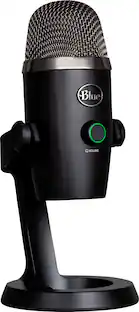 $99.99The price was $119.99
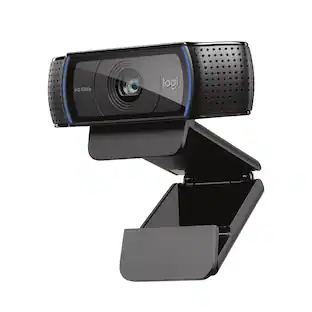 Top Deal$59.99The price was $69.99
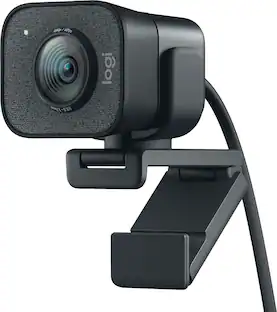 $150.97The price was $169.99
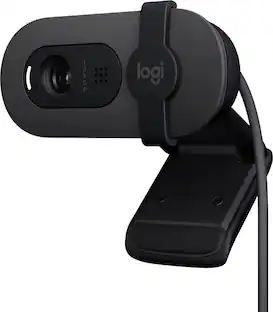 Top Deal$24.99The price was $39.99

More to consider
 $119.99The price was $149.99
 Top Deal$149.99The price was $199.99
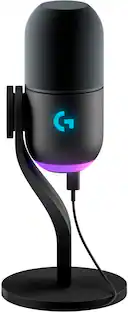 $129.99The price was $169.99
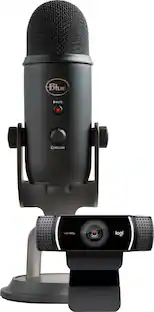 $199.99The price was $229.00
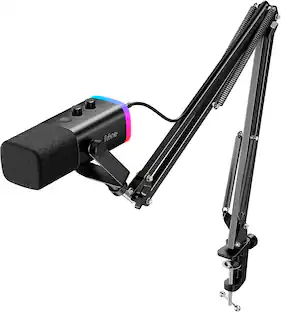
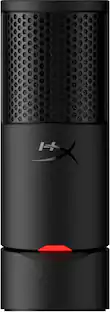

Immerse yourself in sound Sponsored
 $119.99The price was $149.99
- Top Deal$149.99The price was $199.99
Discover related products

Keep exploring
- $149.99The price was $199.99
 $79.95The price was $99.95