Logitech - StreamCam Plus 1080 Webcam for Live Streaming and Content Creation - Graphite
Customers are saying
Customers express satisfaction with the product's excellent image quality, intuitive ease of use, and simple plug-and-play setup. While users appreciate these core features, some have noted limitations regarding the restricted connectivity options and the length of the included cable. Additionally, a few customers mentioned that the device feels somewhat bulky and expressed a preference for a wider field of view. Overall, the feedback highlights a strong performance in functionality despite minor concerns regarding physical design and hardware specifications.
Features
Full HD 1080p at 60 fps
Stream and record in full 1080p HD resolution at 60 fps for sharp, natural video with smooth motion for creating professional quality live streams and videos.
Premium glass lens with smart autofocus
Capture vibrant, true-to-life image quality with crisp details using StreamCam's premium glass lens and smart autofocus system.
StreamCam advanced features
Auto-framing keeps you in the center of the shot, even as you move left or right, while intelligent exposure ensures you look good in varying lighting conditions.
Optimized for popular live streaming software
Effortlessly stream to Twitch, YouTube and more using popular live streaming software like Open Broadcaster Software (OBS), XSplit and Streamlabs OBS.
Versatile mounting options
Achieve the optimal framing with landscape or portrait modes and mount the external web camera on your desktop monitor or laptop, or directly on a standard tripod.
Fast USB-C connection
High-bandwidth USB-C connection ensures stable and reliable HD video quality for your gaming streams, YouTube videos, Zoom conferencing, Skype meetings, podcasting and more.
Enhanced control with Logitech Capture software
Combine StreamCam full HD webcam with the included Logitech Capture software to unlock powerful features that automate focus, exposure and more.
More sustainable
Certified carbon neutral: the carbon impact of the product and packaging has been reduced to zero.
Specifications
- Video ResolutionFull HD (1080p)
Reviews
Rating 4.5 out of 5 stars with 910 reviews
- Image Quality (486)
- Ease of Use (67)
- Setup (43)
- Connectivity (30)
- Cable Length (13)
- Size (10)
- Field of View (7)
- Software (6)
Customer Images
The vast majority of our reviews come from verified purchases. Reviews from customers may include My Best Buy members, employees, and Tech Insider Network members (as tagged). Select reviewers may receive discounted products, promotional considerations or entries into drawings for honest, helpful reviews.
Compare similar products

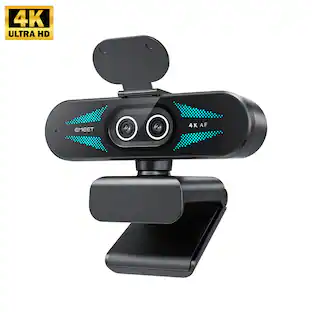
The Logitech StreamCam premium webcam streams and records in full 1080p HD resolution at 60 fps, delivering professional-quality results for YouTube videos and Twitch streaming. Create sharp, natural video with smooth motion and crisp details thanks to a premium glass lens and smart features like autofocus. The external computer camera's glass lens delivers vibrant, true-to-life image quality with crisp details. A 78-degree field of view keeps you upfront and center, while autofocus intelligently adjusts the lens in real-time soyou always stay in focus, even when you move toward or away from the camera. The live streaming webcam's intelligent exposure system adjusts the aperture and ISO speed in real-time to ensure accurate skin tones for a more natural, healthy look —even in varying lighting conditions. With StreamCam, you can be confident that you’ll always look great.

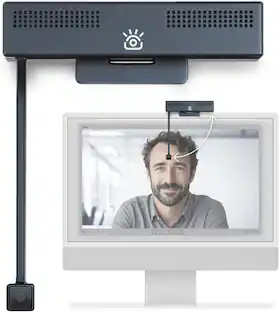
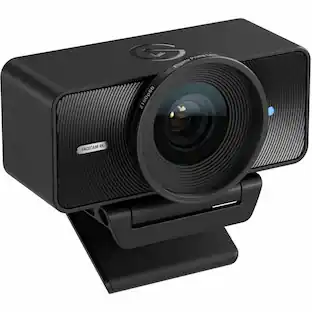
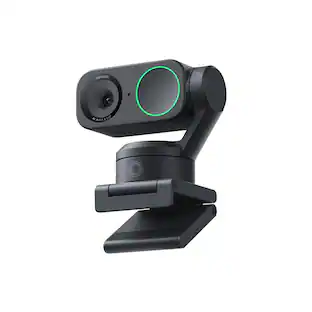
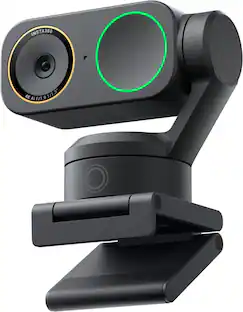
Link 2 and Link 2C are affordable 4K webcams with exceptional video and audio quality. With a 2-axis gimbal and a standard model, they provide a seamless user experience for business professionals, educators, and live streamers. The high-performance 1/2" sensor ensures quality 4K video, and an advanced audio algorithm delivers AI-powered noise cancelation. With the all-new Magnetic Mount, and specialized modes including AI Tracking, Auto Framing, Gesture Control, customizable backgrounds, and Natural Bokeh, they set new standards in video conferencing and live streaming.

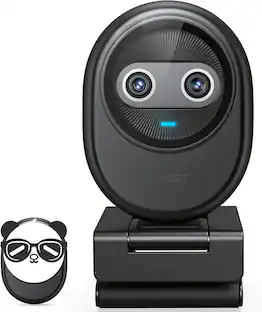
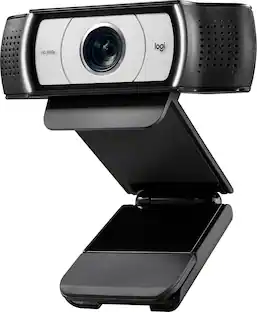
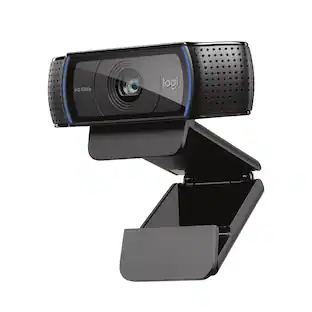
Logitech C920s is a budget-friendly, work-from-anywhere webcam that delivers a professional video meeting experience. It includes features designed to make you look and sound great in your next meeting. A 78º diagonal field of view perfectly frames you and your space, while autofocus adjusts smoothly and precisely. RightLight 2 technology automatically adjusts to your lighting situation even in low-light or backlit conditions. And dual integrated mics accurately capture your voice from multiple angles for greater nuance. If you’re streaming or recording, use Logitech’s Capture app to edit and customize. Flip down the lens cover at any point to protect your privacy.

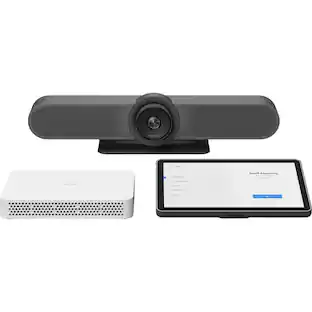
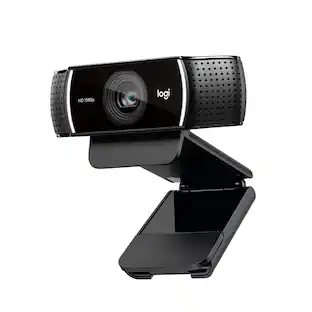
Live stream with outstanding clarity with the Logitech C922 webcam, designed and built for streamers who take their game seriously. With a choice of 30 fps at 1080p or the hyperfast 60 fps at 720p, you can record or go live with vibrant, true-to-life video on channels like Twitch and YouTube. Broadcast masterfully with reliable no-drop audio, autofocus, and a 78° diagonal field of view. Two omni-directional microphones accurately capture your voice from multiple angles for greater nuance. Go pro with features for XSplit, or customize your stream with Logitech Capture.
| Pros for Logitech - StreamCam Plus 1080 Webcam for Live Streaming and Content Creation - Graphite | |||
|---|---|---|---|
| Image Quality, Ease of Use, Setup | Image Quality, Ease of Use, AI Tracking, Features, Tracking | Video Quality, Overall Performance, Setup, Ease of Use, Privacy Feature | Overall Performance, Video Quality, Ease of Use, Setup, Resolution |
| Cons for Logitech - StreamCam Plus 1080 Webcam for Live Streaming and Content Creation - Graphite | |||
| Cable Length, Field of View, Software, Connectivity, Size | There were no cons for this product— | Focus, Compatibility, Cable Length, Field of View, Autofocus | Compatibility, Focus, Software, Background Removal, Frame Rate |
Specs
Customers often buy these together
Microphones

Photo and Video Lights

More recommended items
 Video Capture Devices
 Laptop Docking Stations
Customers ultimately bought
 Techtober Deal$149.99The price was $199.99
 $109.99The price was $119.99
 Techtober Deal$74.99The price was $99.99
 $154.99The price was $169.99
Explore tech essentials Sponsored
- Techtober Deal$149.99The price was $199.99
Discover related products
 $249.00The price was $275.00
 Techtober Deal$10.99The price was $13.99












Keep exploring
 $26.10The price was $27.18
 $2,499.99The price was $2,899.00