Wireless Mouse For iPad
-
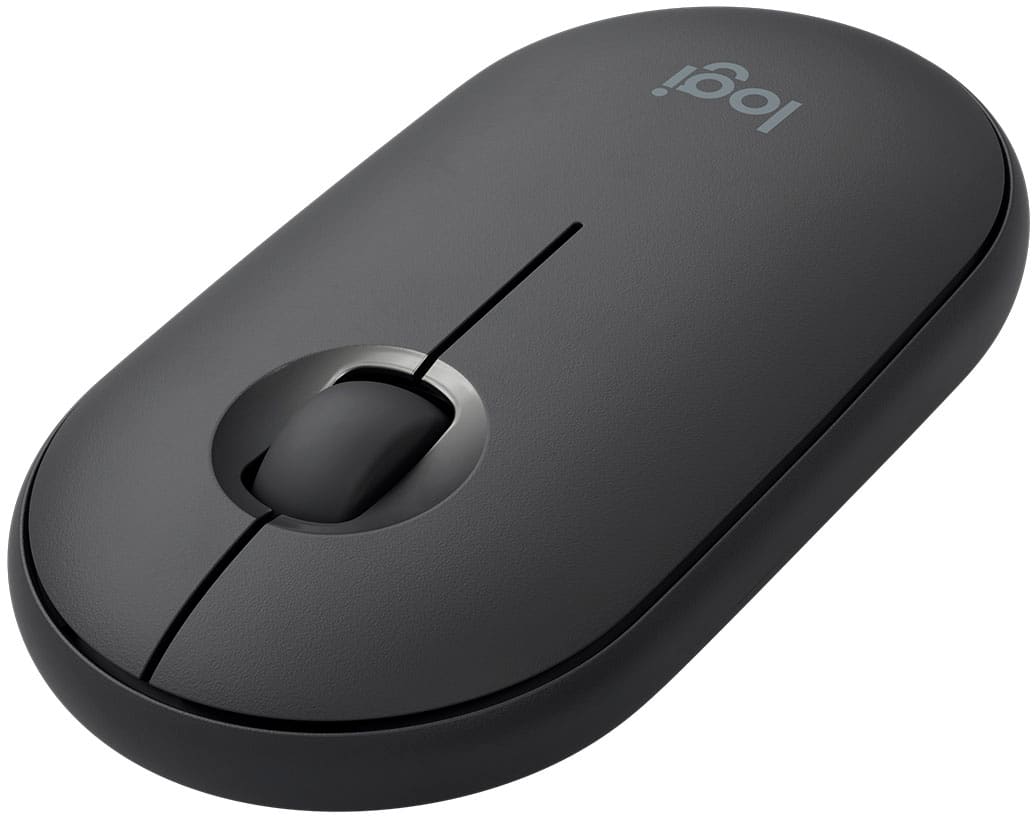
Logitech - Pebble i345 Bluetooth Optical Ambidextrous Mouse for iPad - Wireless - Graphite
SKU: J7H7ZY33GGEverything is great except every 10 seconds or so, the pebble stops scrolling and I have to manually
See all Wireless & Bluetooth MiceProduct Description
A sleek graphite wireless mouse offering Bluetooth connectivity and ambidextrous comfort for iPad users.Your price for this item is $21.89 -
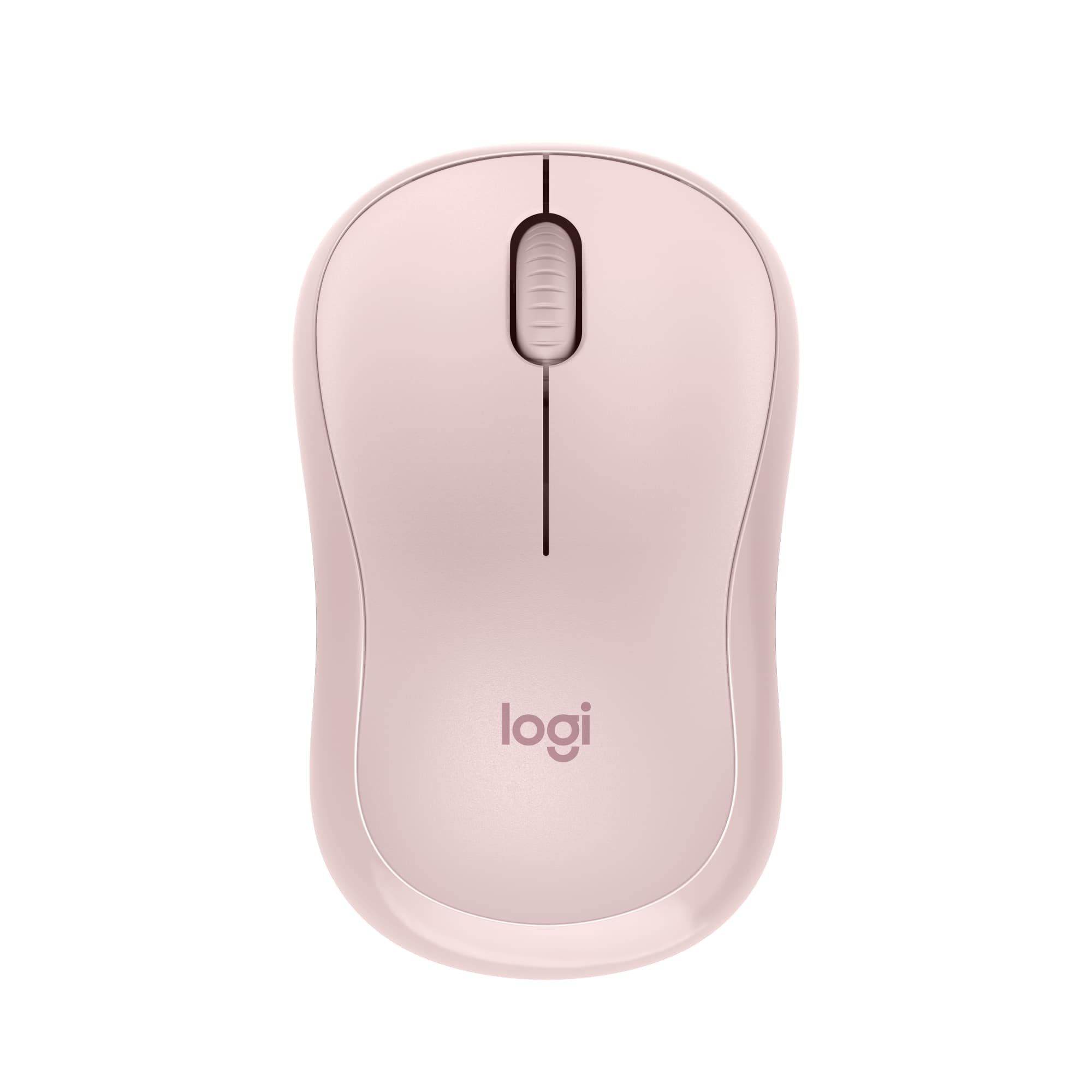
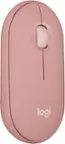
Logitech - M240 Silent Bluetooth Wireless Optical Ambidextrous Mouse - Wireless - Rose
SKU: J7H7ZYG7LPI love my pink mouse, but, it is by no means silent!...But again, I do love it....Great mouse!...I love that it comes with batteries I use it for my iPad and I have not had to change the batteries yet...
See all MiceProduct Description
A quiet, ambidextrous Bluetooth mouse in rose with wireless connectivity and 18-month battery life.Your price for this item is $18.99Save $4The previous price was $22.99 -
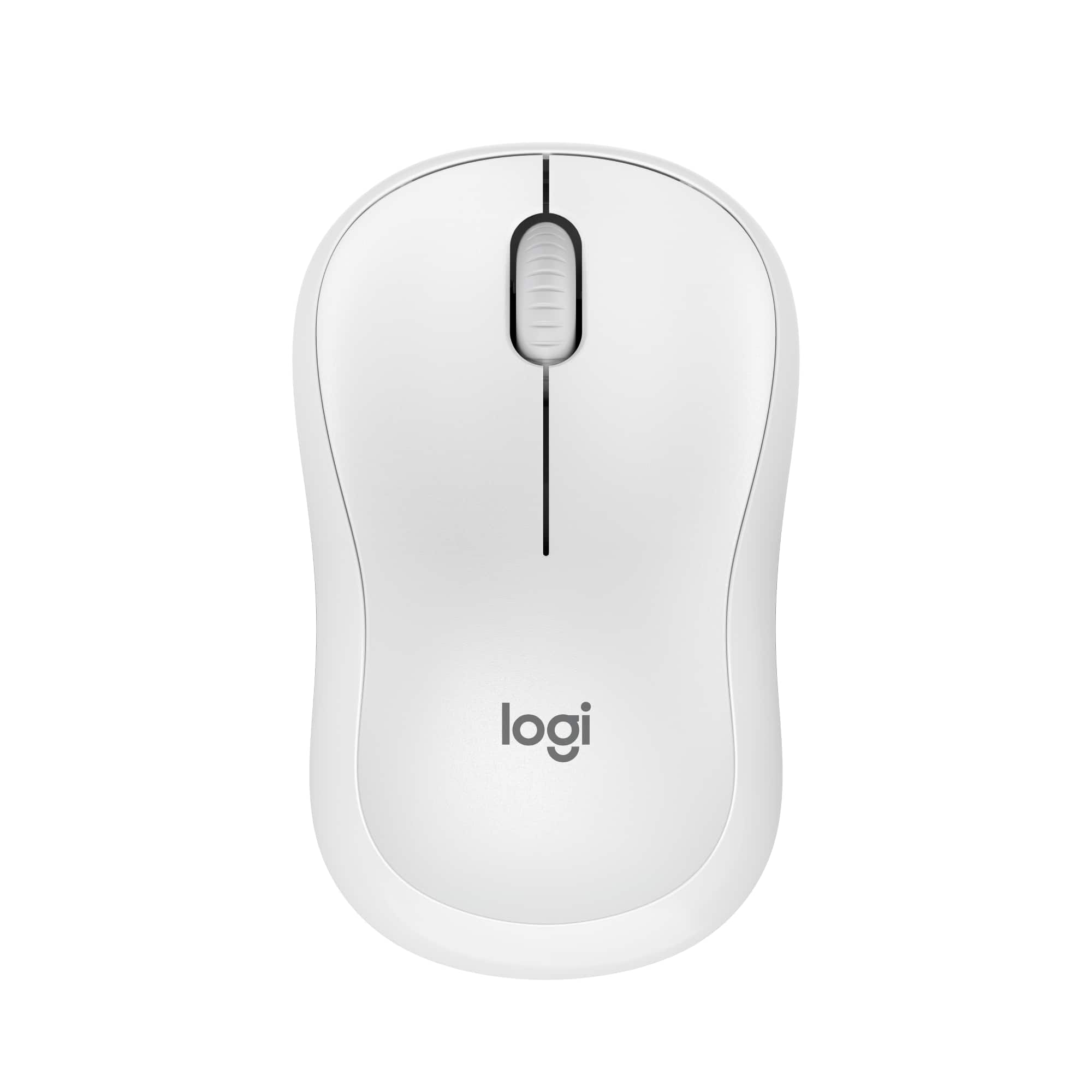
Logitech - M240 Silent Bluetooth Wireless Optical Ambidextrous Mouse - Wireless - Off-White
SKU: J7H7ZYG7G3I love the fact that there is no cord to get in the way. It fits conformably in my hand....Great looking, high performing mouse that goes easy on your wallet....Great Mouse
See all MiceProduct Description
An ultra-quiet, ambidextrous off-white Bluetooth mouse with wireless connectivity and 18-month battery life.Your price for this item is $18.99Save $4The previous price was $22.99 -
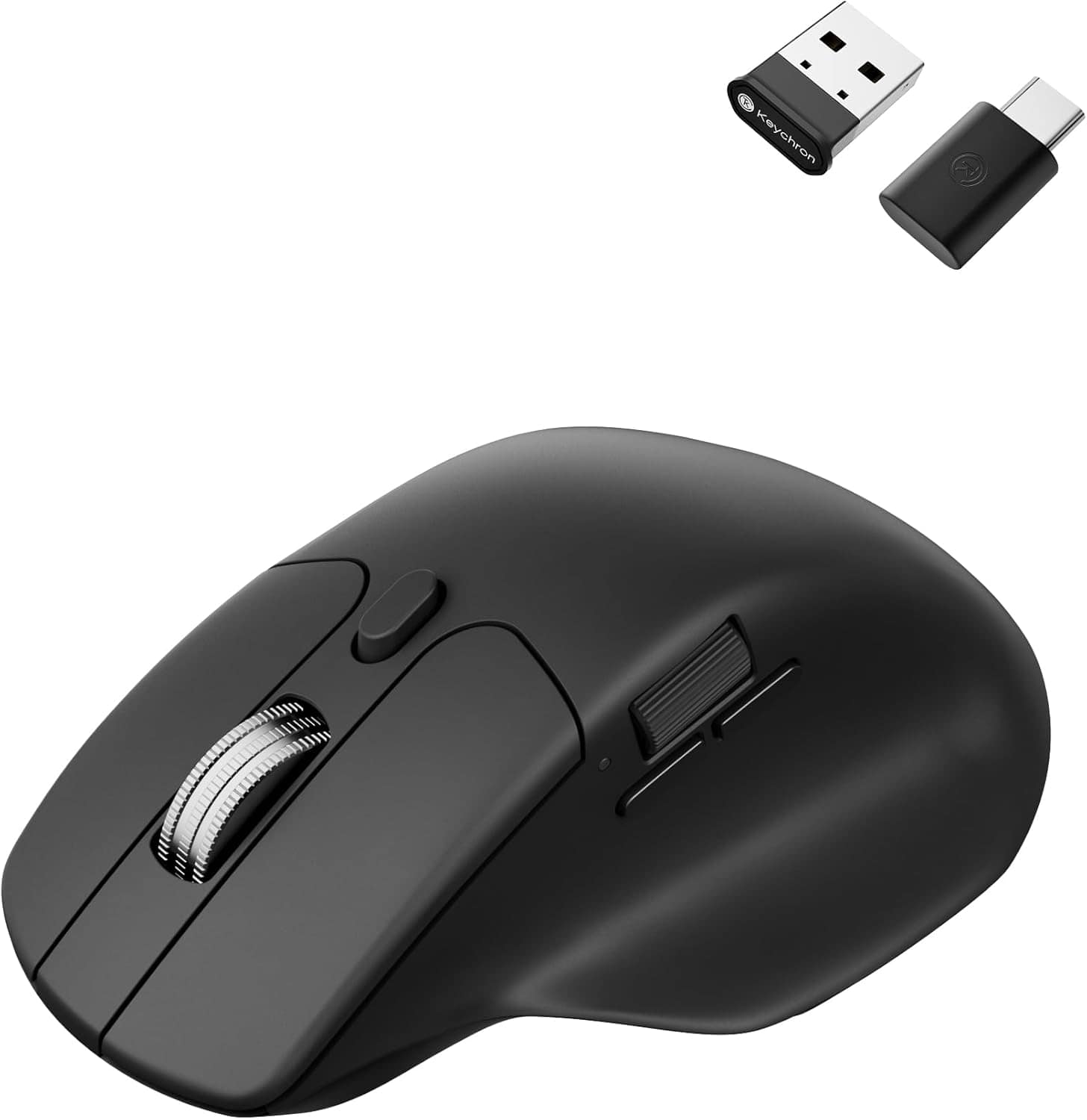
Keychron - M6 Ergonomic Wired & Wireless Laser Mouse w/ Macro Button & Fast-Scrolling Metal Wheel, For Windows PC & Mac - Wired - Black
SKU: CGJVZ4YC3GThe best...I’ve gotta say, after searching for the 100’s of mouses for my set up, this has got to be the best one...I’d buy it 100x over what a great product....Love it!
See all Wireless & Bluetooth MiceProduct Description
An ergonomic black wireless mouse featuring Bluetooth, wired options, and over ten programmable macro buttons.Your price for this item is $49.99 -
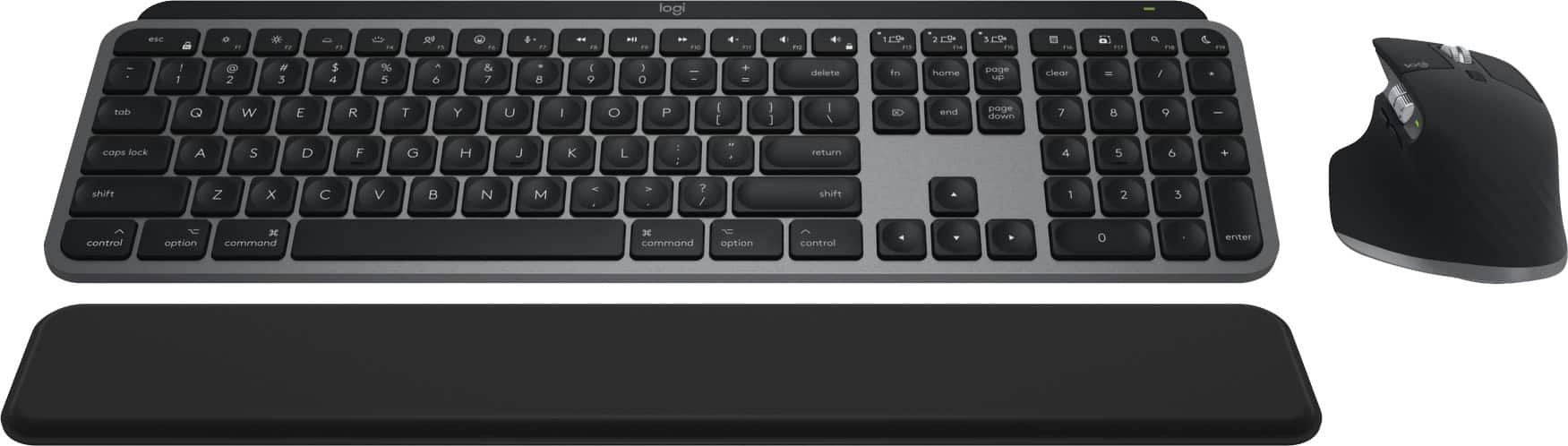
Logitech - MX Keys S Combo for Mac Full-size Wireless Scissor Keyboard and Mouse Bundle for MacBook, iMac, iPad with Palm-rest - Space Gray
SKU: J7H7ZYGPSRLove the mouse -super comfortable. Very happy with this purchase....Great keyboard and mouse, I really like that the keyboard is backlit.
See all Mice, Keyboards & AccessoriesProduct Description
A wireless Space Gray keyboard and mouse combo optimized for macOS, featuring scissor keys and palm rest.Your price for this item is $199.99 -
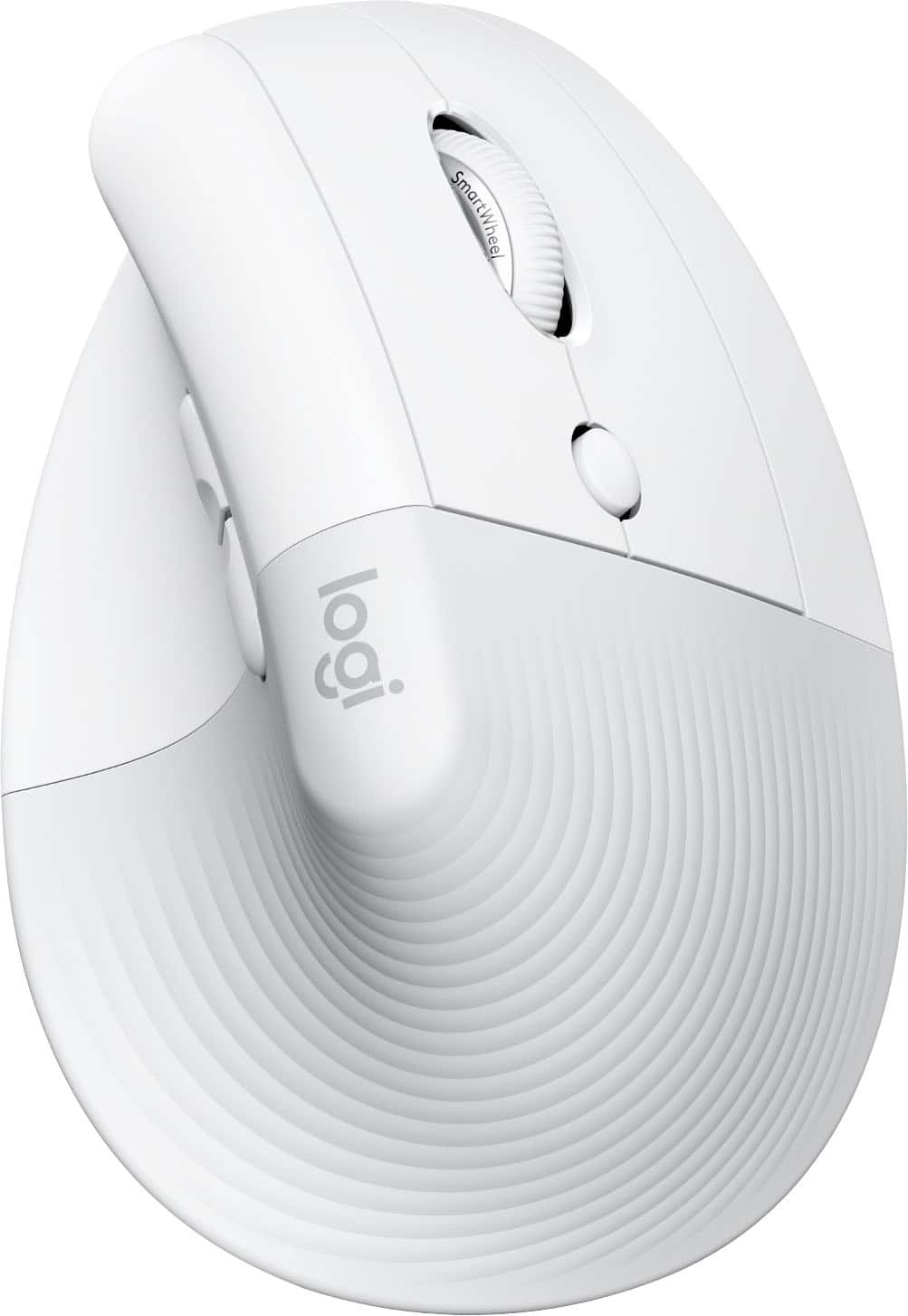
Logitech - Lift for Mac Wireless Bluetooth Optical Ergonomic Mouse with 4 Customizable Buttons - Wireless - Off-White
SKU: J7H7ZY3FQHEasy to use, great for my wrist
See all MiceProduct Description
An ergonomic off-white Bluetooth mouse with quiet clicks, four customizable buttons, and a vertical design for comfort.Your price for this item is $86.49Save $6The previous price was $92.89
Best Sellers




Related Pages




FAQ
Most wireless mice are compatible with iPads running iPadOS 13.4 or later, which includes many recent iPad, iPad Air, iPad mini, and iPad Pro models. Always check your iPad’s software version and the mouse’s compatibility details before purchasing.
To connect a wireless mouse to your iPad, turn on Bluetooth on your iPad, set your mouse to pairing mode, and select the mouse from the list of available Bluetooth devices in your iPad’s settings.
Yes, iPadOS allows you to customize mouse buttons and pointer settings. Go to Settings > Accessibility > Touch > AssistiveTouch > Devices to assign actions to different mouse buttons and adjust pointer speed and appearance.
Wireless mice for iPad come in both battery-operated and rechargeable models. Some use replaceable batteries, while others have built-in rechargeable batteries that can be charged via USB.
If your wireless mouse uses Bluetooth, you do not need any adapters. However, if you have a wireless mouse with a USB receiver (dongle), you may need a compatible USB-C or Lightning adapter to connect the receiver to your iPad.