Apple Wireless Mouse
-
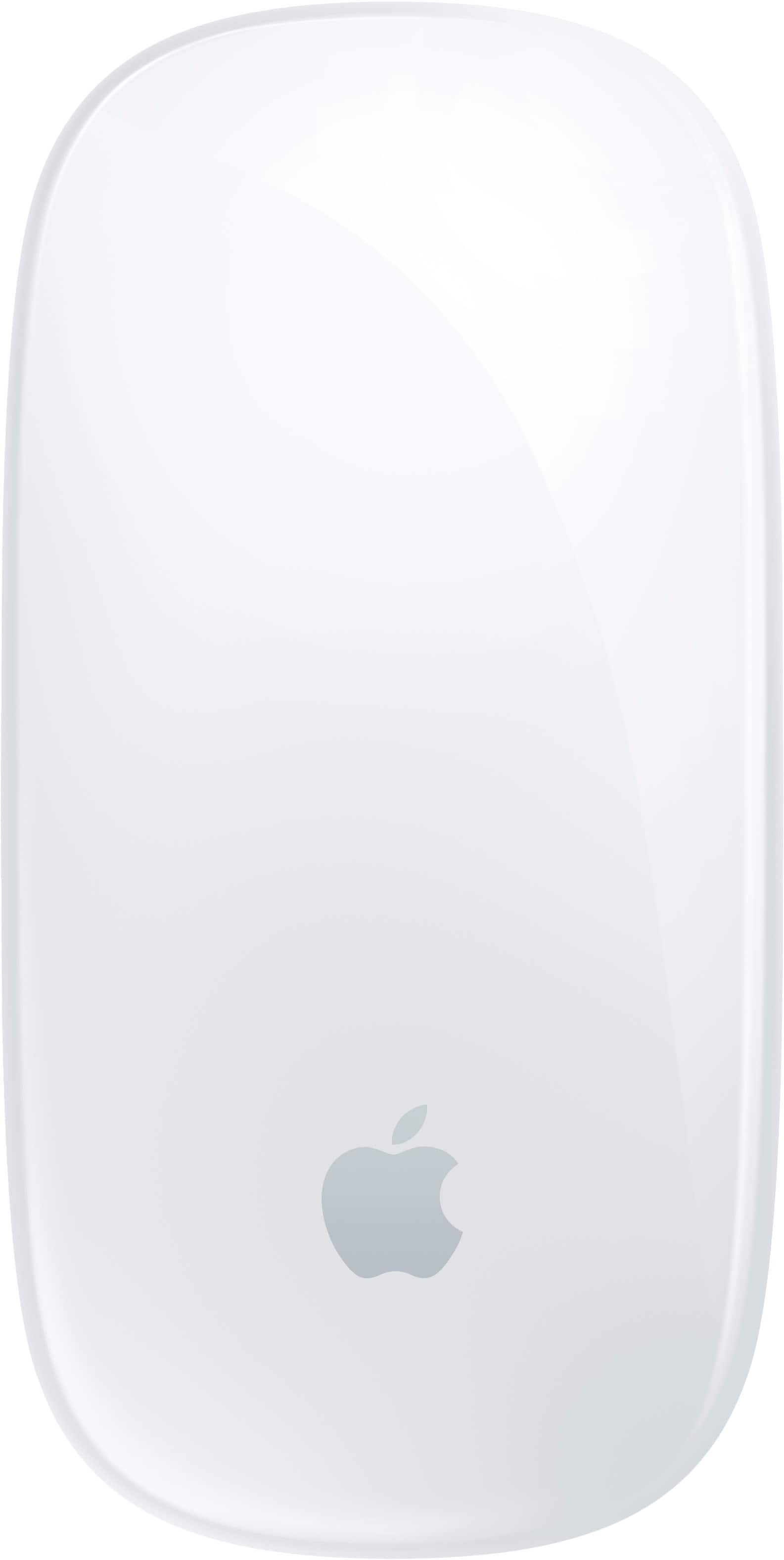
Apple - Magic Mouse - Multi-Touch Surface (USB-C) - Wireless - White Multi-Touch Surface
SKU: JJGCQ8CVPLBest mouse i use it everyday for photo editing and i love the touch system...Love this mouse...Best mouse for my MacBook Pro or any Apple MacBook or computer
See all MiceProduct Description
A wireless white mouse with a rechargeable battery and Multi-Touch surface for intuitive gesture controls.Your price for this item is $79.99 -
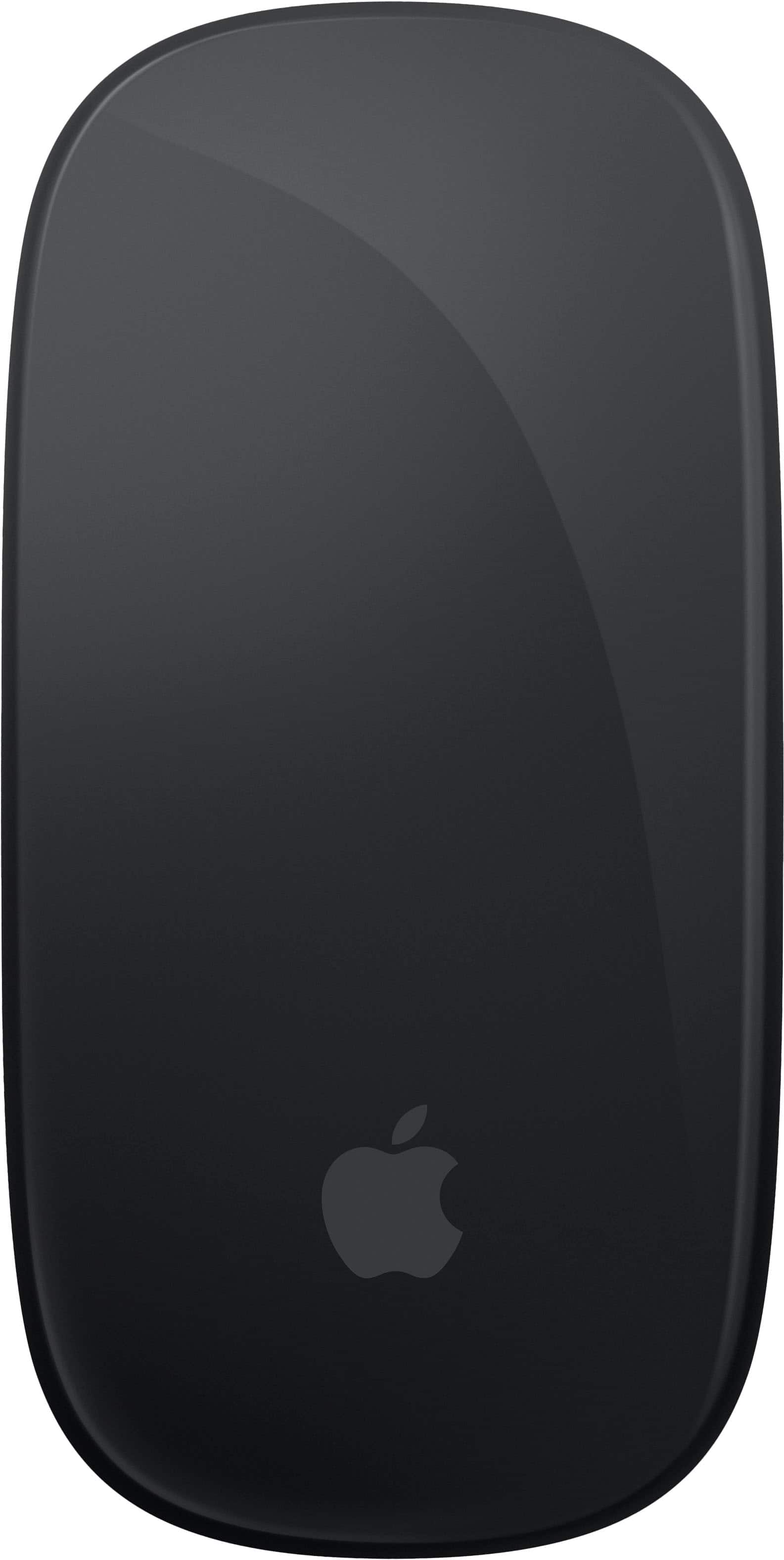
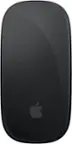
Apple - Magic Mouse - Multi-Touch Surface (USB-C) - Wireless - Black Multi-Touch Surface
SKU: JJGCQ8CVQCGreat product...This is one of my best buy at best buy..thank you for a great experience...Great...Great product. Best Buy made my shopping very easy
See all MiceProduct Description
A sleek black wireless mouse with a rechargeable battery and Multi-Touch surface for intuitive gesture controls.Your price for this item is $99.99 -
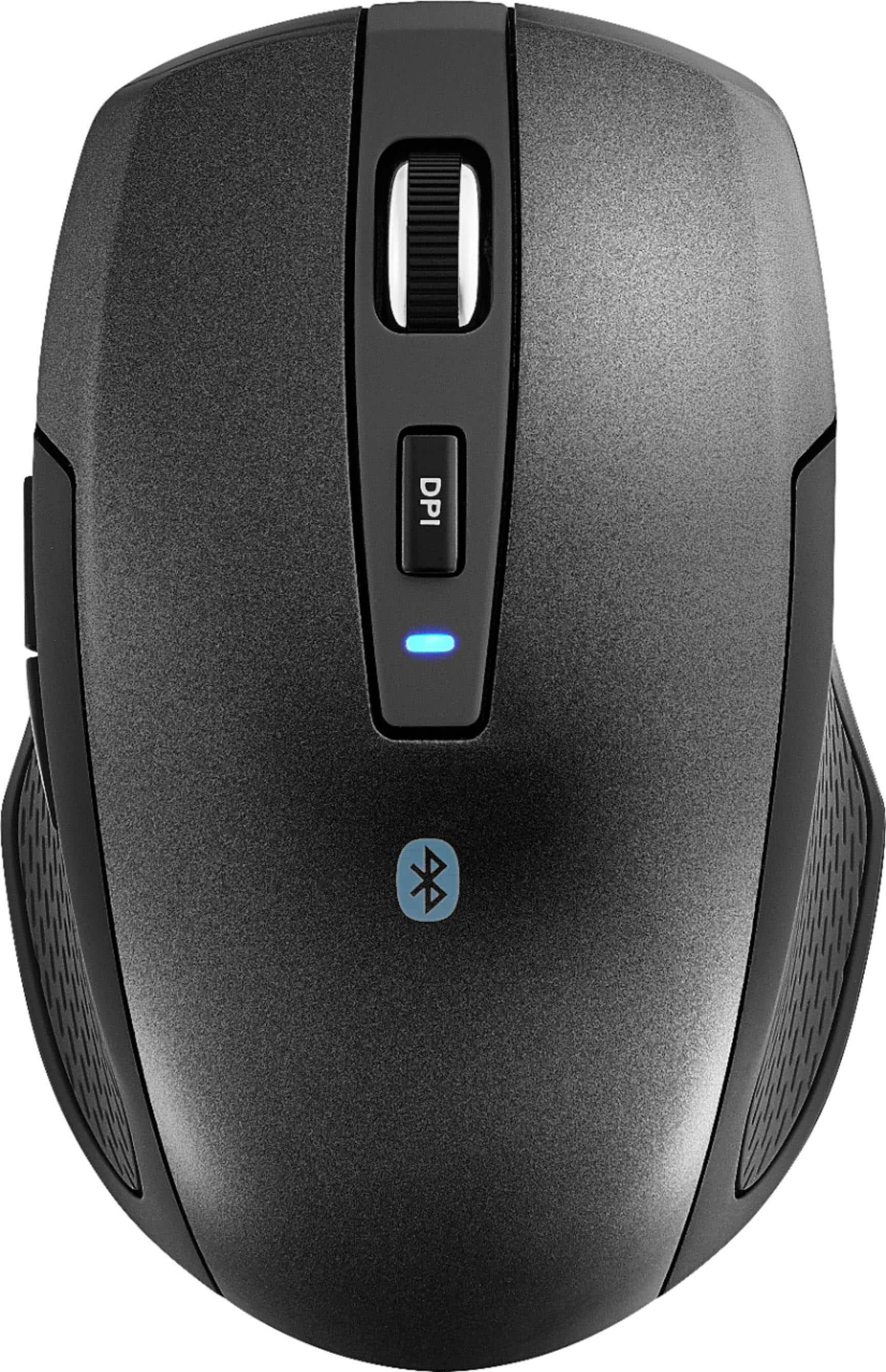
Best Buy essentials™ - Lightweight Bluetooth Optical Standard Ambidextrous Mouse with 6-Button - Wireless - Black
SKU: J2FPJKSK2JLove it. Lightweight and very responsive. Best purchase of the year....Love it,It connects to two devices.The best purchase I made...Love it. Lightweight and very responsive....Love it
See all MiceProduct Description
A wireless black Bluetooth mouse with six buttons, ambidextrous design, and precise 1600 DPI optical tracking.Your price for this item is $16.99 -
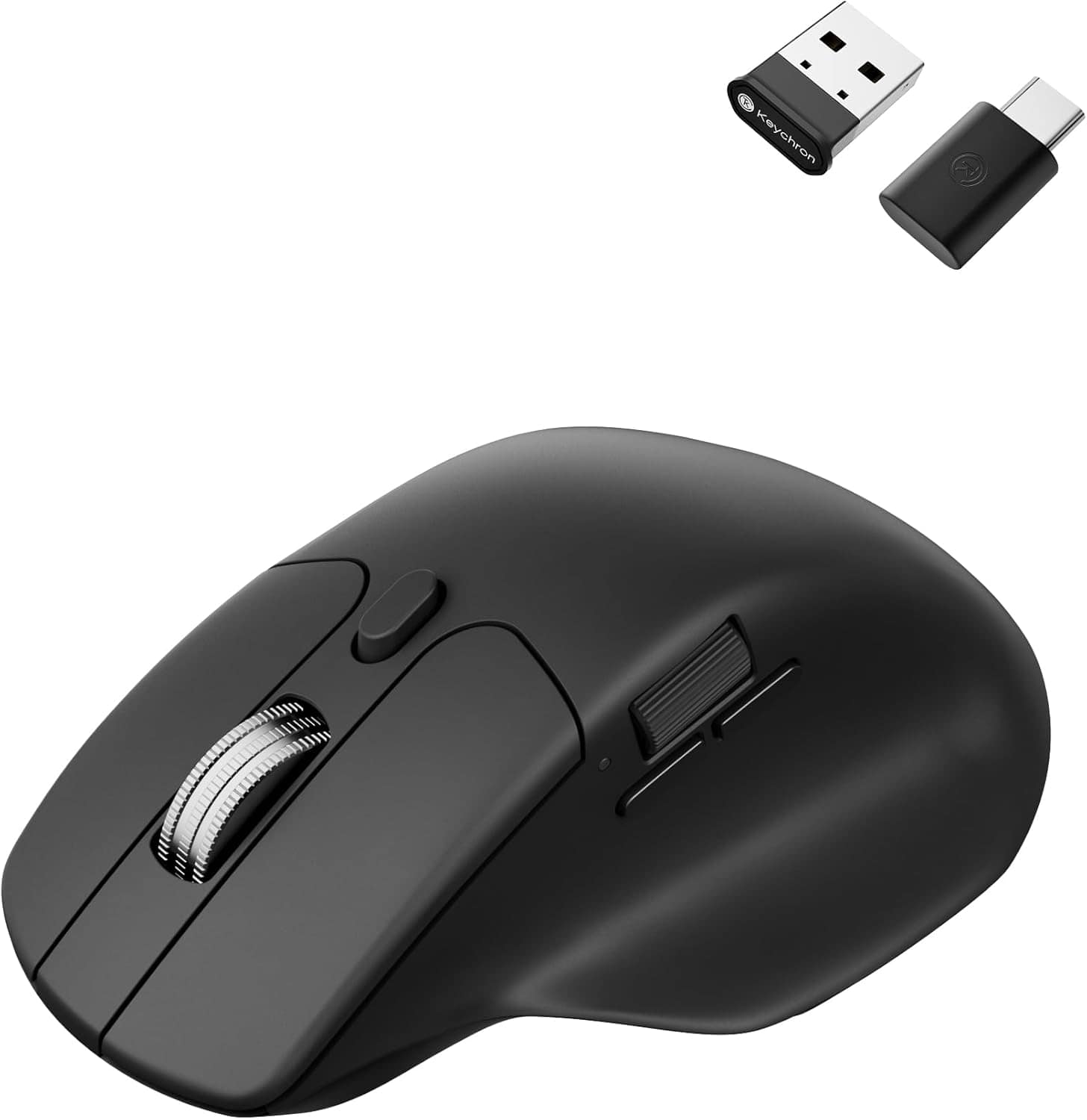
Keychron - M6 Ergonomic Wired & Wireless Laser Mouse w/ Macro Button & Fast-Scrolling Metal Wheel, For Windows PC & Mac - Wired - Black
SKU: CGJVZ4YC3GThe best...I’ve gotta say, after searching for the 100’s of mouses for my set up, this has got to be the best one...I’d buy it 100x over what a great product....Love it!
See all Wireless & Bluetooth MiceProduct Description
An ergonomic black wireless mouse featuring Bluetooth, wired options, and over ten programmable macro buttons.Your price for this item is $49.99
Best Sellers



Related Pages




FAQ
Yes, the Apple Wireless Mouse can be used with Windows computers that support Bluetooth connectivity. Some features may require additional drivers or software.
To connect the Apple Wireless Mouse to your Mac, turn on the mouse and enable Bluetooth on your Mac. The mouse should appear in the list of available devices. Select it to pair and connect.
Many Apple Wireless Mouse models, such as the Magic Mouse 2, feature a built-in rechargeable battery. Older models may require AA batteries.
Yes, the Apple Wireless Mouse is compatible with iPads running iPadOS 13.4 or later. Simply enable Bluetooth on your iPad and pair the mouse.
The Apple Wireless Mouse supports multi-touch gestures, including scrolling, swiping between web pages, and accessing Mission Control on Mac devices.