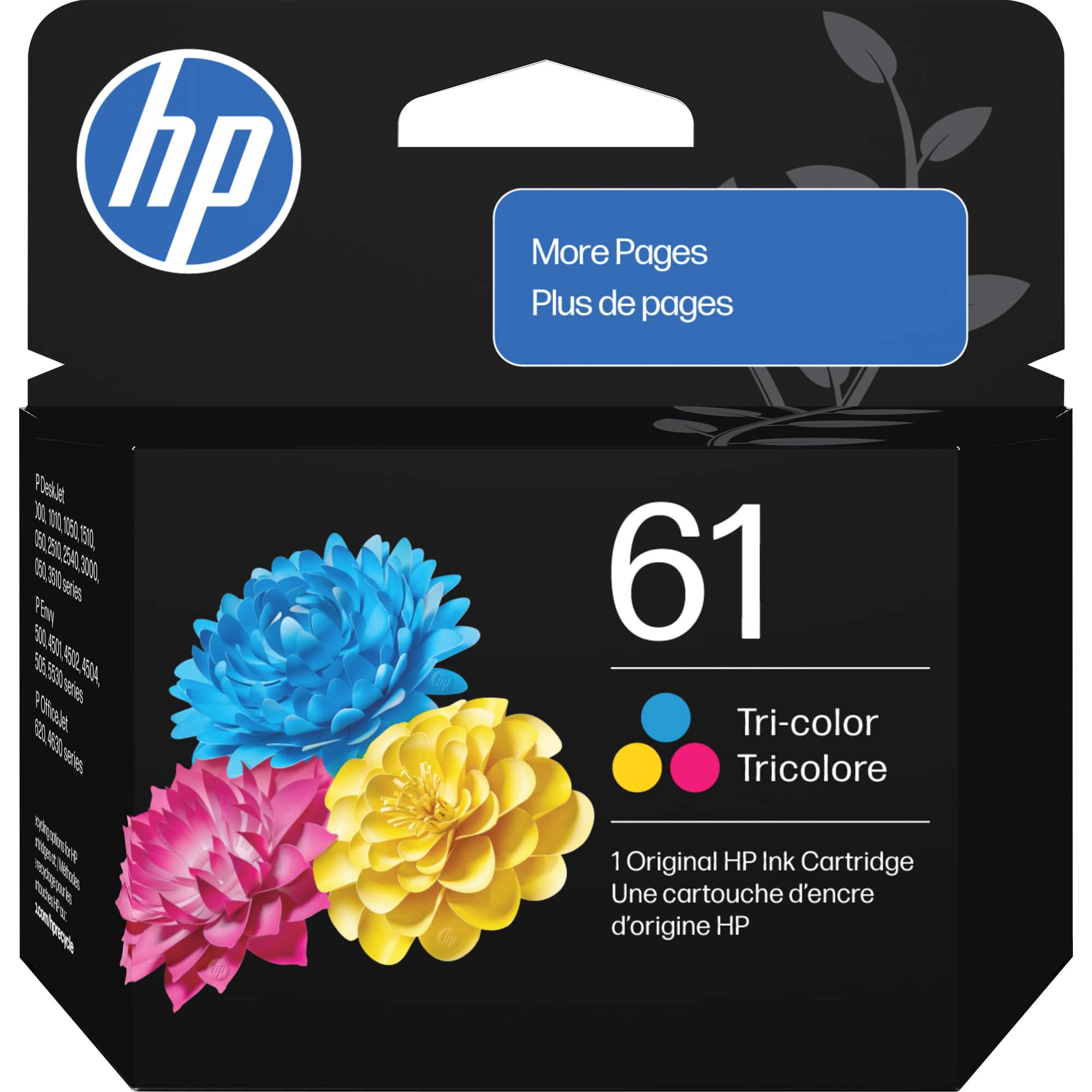
HP 61 Ink Cartridge
-
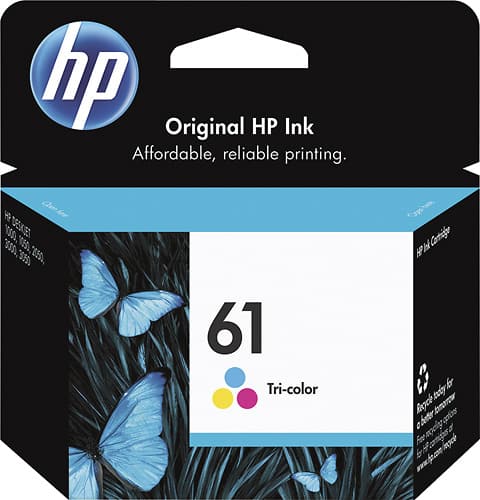
HP - 61 Standard Capacity Ink Cartridge - Tri-color
SKU: J3KVZ33FKRSee all Printer InkProduct Description
A tri-color ink cartridge delivering vibrant prints and reliable performance for compatible HP printers.Your price for this item is $61.51 -
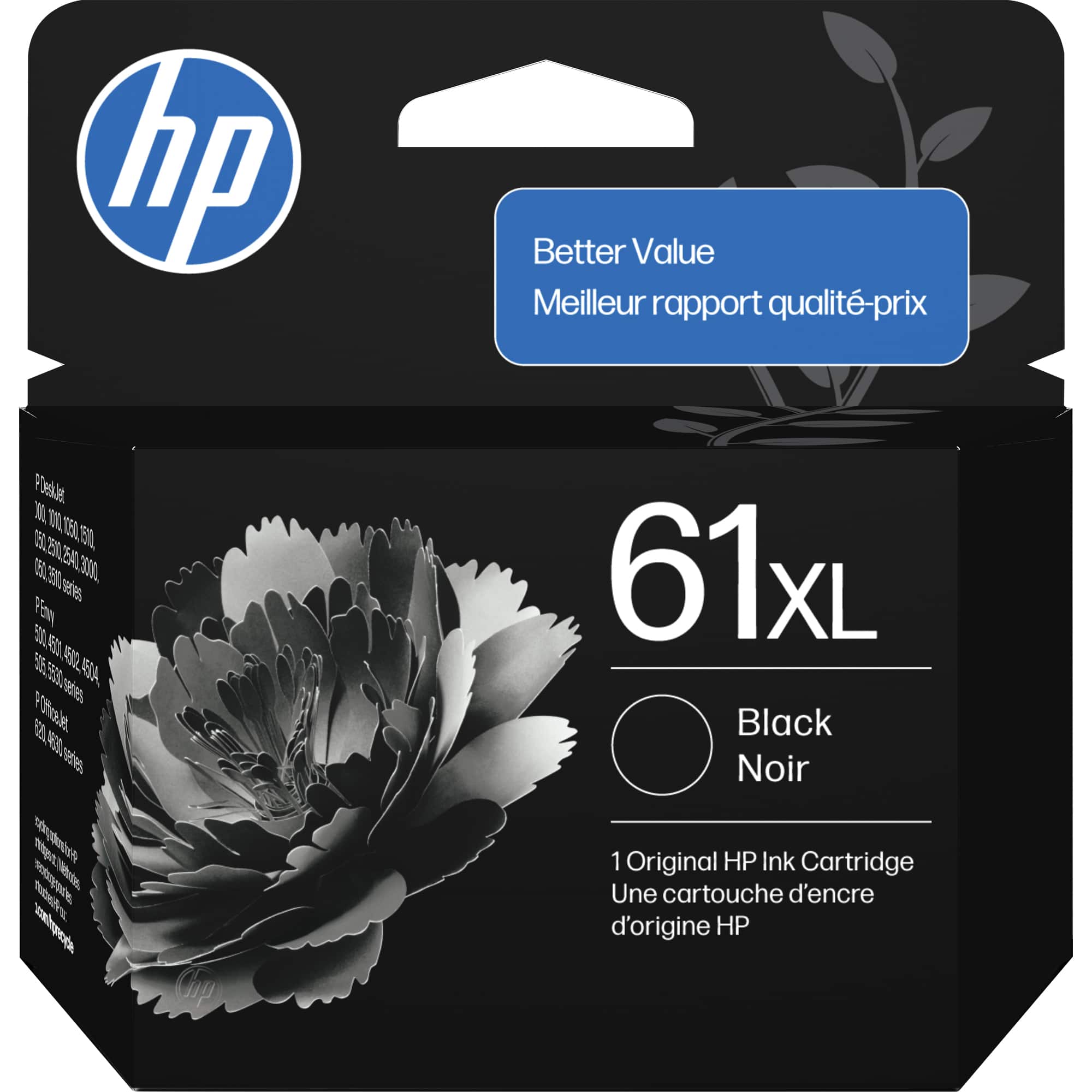
HP - 61XL High-Yield Ink Cartridge - Black
SKU: JJGTCGS4FTSee all Printer InkProduct Description
A high-yield black ink cartridge delivering crisp, long-lasting prints with consistent, high-quality performance.Your price for this item is $49.99 -
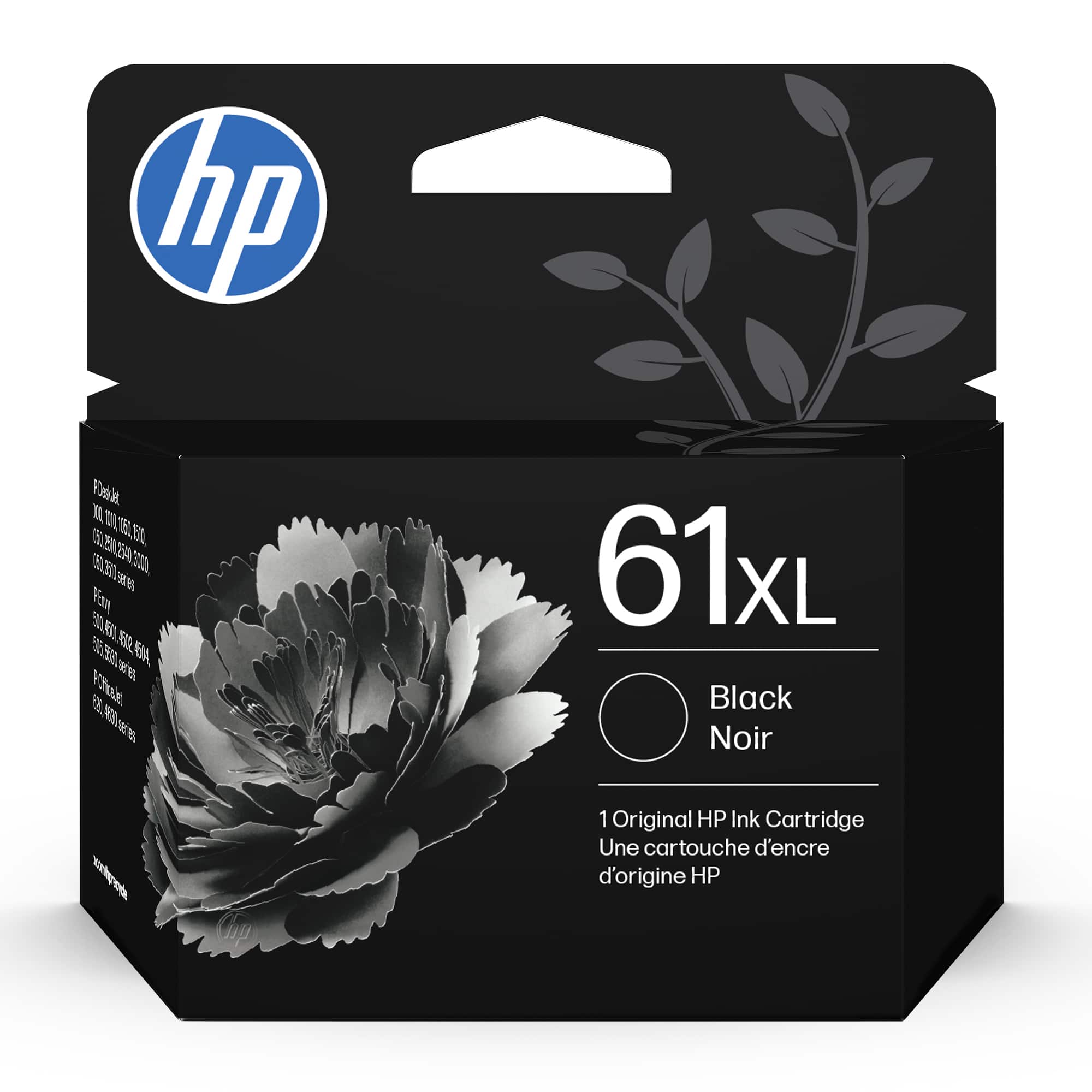
HP - 61XL High-Yield Ink Cartridge - Black
SKU: J3KVZ33FK4See all Printer InkProduct Description
A high-yield black ink cartridge designed for frequent, high-quality printing with HP DeskJet, Envy, and OfficeJet printers.Your price for this item is $64.89 -
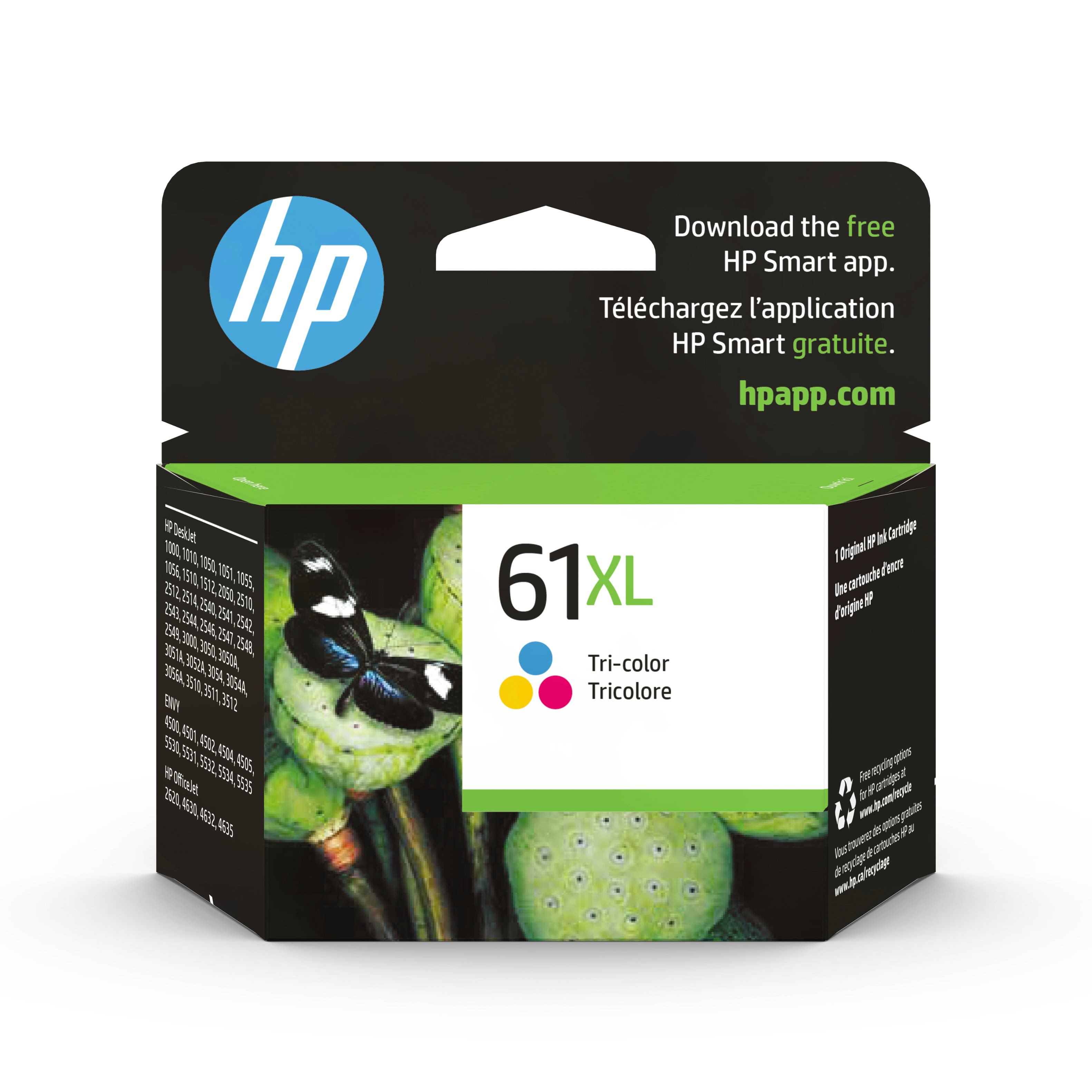
HP - 61XL High-Yield Ink Cartridge - Cyan/Magenta/Yellow
SKU: J3KVZ33FZ6See all Printer InkProduct Description
A high-yield tri-color ink cartridge delivering vivid cyan, magenta, and yellow prints for HP printers.Your price for this item is $81.41Save $2The previous price was $83.99 -
HP - 61 Standard Capacity Ink Cartridge - Tri-Color
SKU: JJGTCGS4VYSee all Printer InkProduct Description
A tri-color ink cartridge delivering crisp documents and vibrant images with consistent, high-quality performance.Your price for this item is $52.99
Best Sellers


Related Pages

FAQ
The HP 61 Ink Cartridge is compatible with a range of HP printers, including select HP DeskJet, HP ENVY, and HP OfficeJet models. Please check your printer’s manual or the compatibility list on the product page to ensure it works with your device.
Yes, the HP 61 Ink Cartridge comes in both black and tri-color versions. You can choose the cartridge that best fits your printing needs.
Store your HP 61 Ink Cartridge in a cool, dry place and keep it in its original sealed packaging until you’re ready to install it to help maintain ink quality.
Yes, the HP 61 Ink Cartridge can be used for printing photos as well as documents. For best results, use HP photo paper and select the appropriate print settings on your printer.
To install the HP 61 Ink Cartridge, open your printer’s cartridge access door, remove the old cartridge, and insert the new one into the corresponding slot. Follow the prompts on your printer’s display or refer to your printer’s manual for step-by-step instructions.