Monitor Video Editing
-
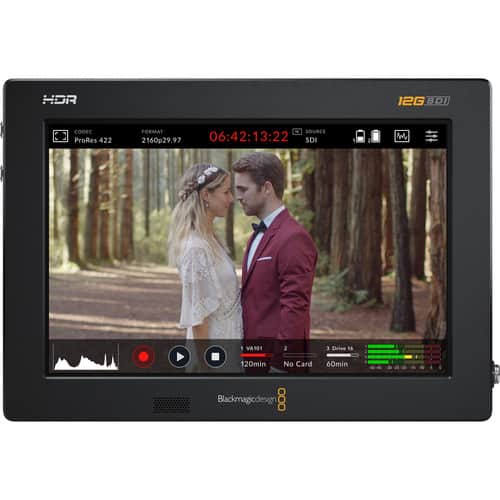
Blackmagic Design - Video Assist 7" 12G-SDI/HDMI HDR Recording Monitor - Black
SKU: BS3JY9VPG6See all All MonitorsProduct Description
A professional black LCD monitor with HDR, 2500-nit brightness, 3D LUTs, dual SD recording, and touch screen.Your price for this item is $839.95Save $25The previous price was $864.95 -
Blackmagic Design - Video Assist 5" 12G-SDI/HDMI HDR Recording Monitor - Black
SKU: BS3JY9VP84See all All MonitorsProduct Description
A black LCD touchscreen monitor offering 4K UHD recording, HDR support, 3D LUTs, and professional video tools.Your price for this item is $649.95Save $25The previous price was $674.95 -
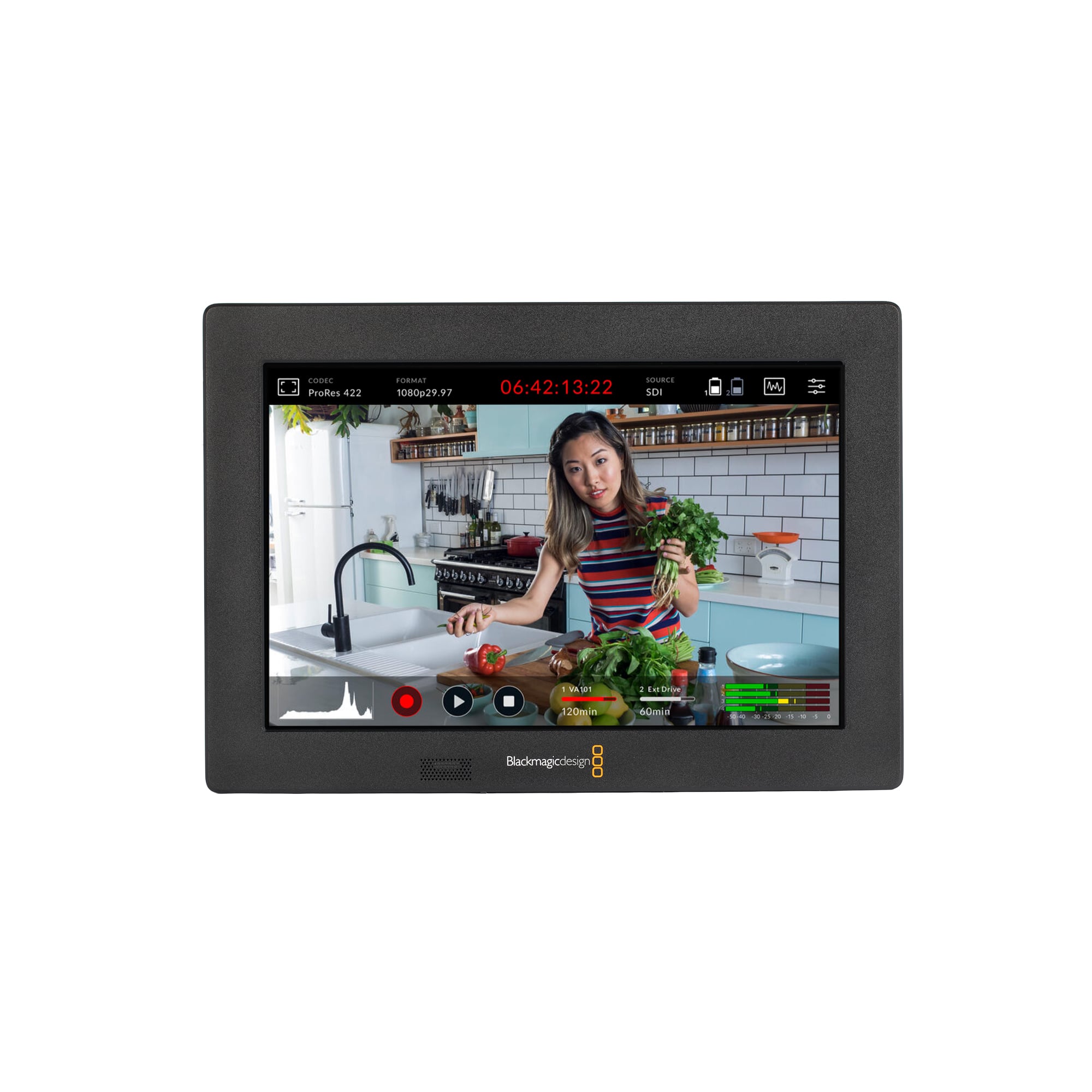
Blackmagic Design - Video Assist 7 3G - Black
SKU: BS3JY9VP8RSee all All MonitorsProduct Description
A professional black 7-inch LCD touchscreen monitor and recorder with Full HD resolution, 3G-SDI, and HDMI connectivity.Your price for this item is $619.95 -
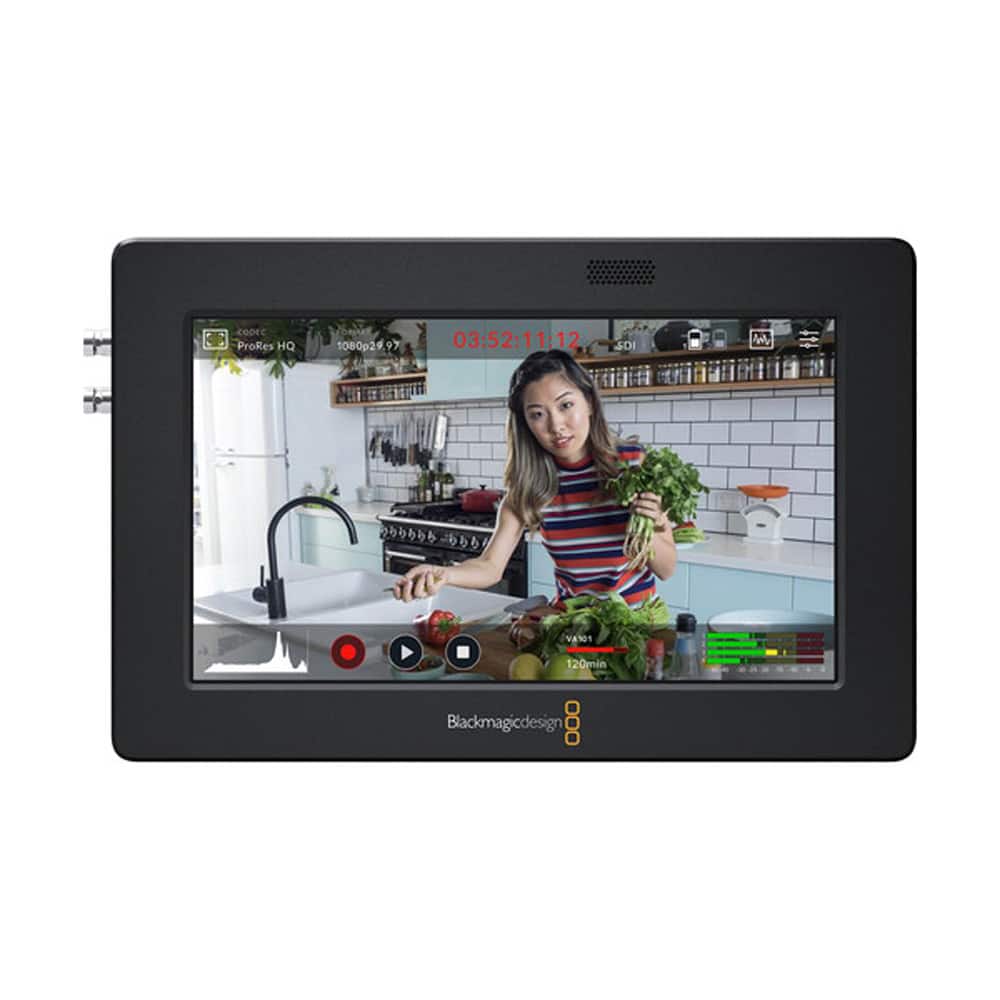
Blackmagic Design - Video Assist 3G-SDI/HDMI 5" Recorder/Monitor - Black
SKU: BS3JY9VP8GSee all Recording MonitorsProduct Description
A black LCD monitor and recorder offering 5" Full HD display, 3G-SDI/HDMI inputs, and USB-C webcam output.Your price for this item is $409.00 -
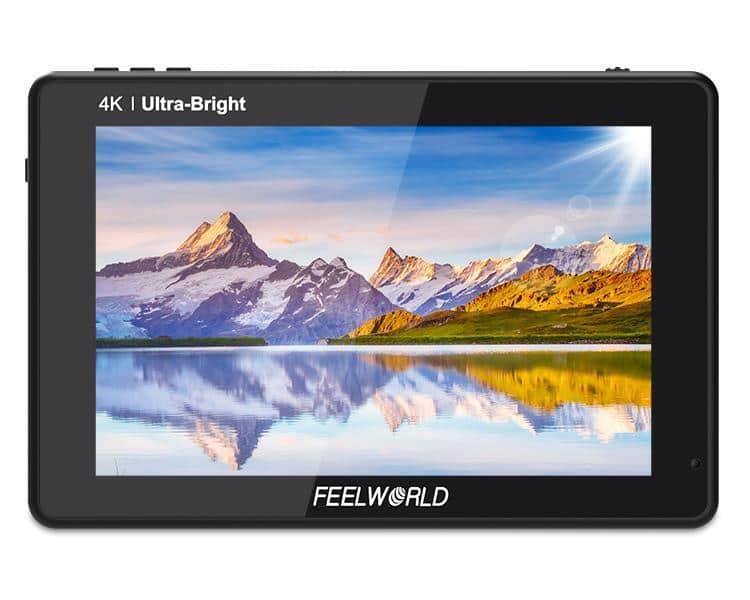
FeelWorld - LUT7S 7" 3D LUT 4K HDMI and SDI Monitor - Black
SKU: J78TKRF46LSee all All MonitorsProduct Description
A daylight-viewable black LCD monitor with 2200nit brightness, 1920 x 1080 resolution, and 3D LUT support.Your price for this item is $369.99 -
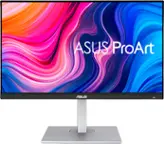
ASUS - ProArt 24" FHD IPS 75Hz Professional Monitor (DisplayPort, HDMI) - Black
SKU: JJ8Q7RZK72See all All MonitorsProduct Description
A professional black IPS monitor with FHD resolution, 75Hz refresh rate, adjustable stand, and integrated speakers.Your price for this item is $239.99


Best Sellers







Related Pages


FAQ
When choosing a monitor for video editing, look for high color accuracy (wide color gamut and factory calibration), high resolution (such as 4K), good contrast ratios, and connectivity options like HDMI or DisplayPort. An IPS panel is also recommended for consistent color and wide viewing angles.
Color accuracy ensures that the colors you see while editing match how your content will appear on other screens and in print. Monitors with high color accuracy help you make precise adjustments and maintain color consistency throughout your projects.
IPS (In-Plane Switching) panels offer superior color reproduction and wider viewing angles compared to TN or VA panels. This makes them ideal for video editing, as you can view your work from different positions without color distortion.
While high refresh rates are more important for gaming, a 60Hz refresh rate is generally sufficient for video editing. However, a higher refresh rate can provide smoother playback during editing, especially when working with high-frame-rate footage.
Curved monitors can provide a more immersive viewing experience and reduce distortion at the edges, especially on ultrawide displays. This can be beneficial for video editing, as it allows you to see more of your timeline and workspace at once.