Msi Gaming Motherboard
-
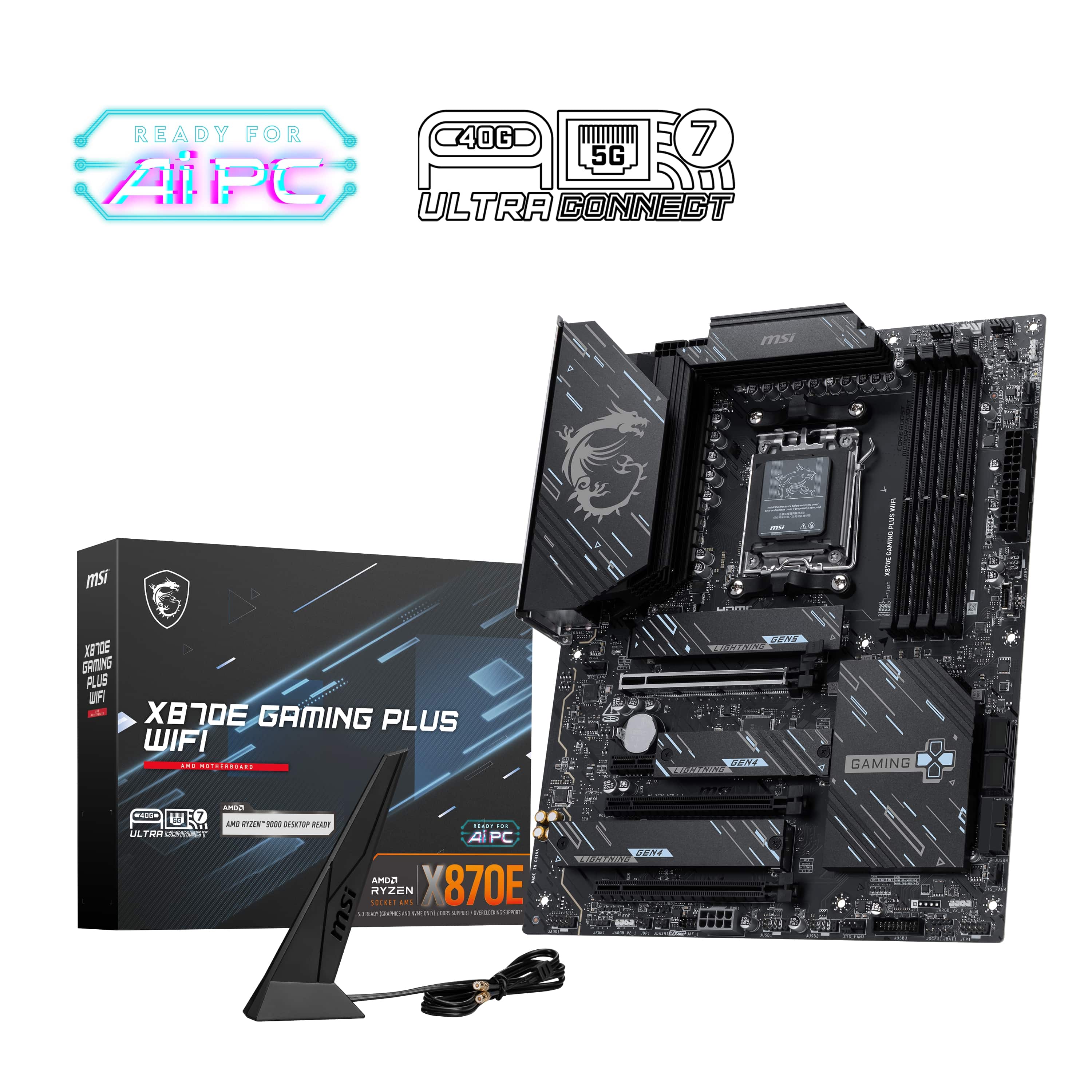
MSI - X870E GAMING PLUS WIFI (Socket AM5) AMD X870E ATX DDR5 Wi-Fi 7 Motherboard - Black
SKU: J3P7TXQ3WFSee all MotherboardsProduct Description
A black ATX motherboard featuring DDR5 support, Wi-Fi 7, Bluetooth, and Socket AM5 compatibility.Your price for this item is $249.99 -
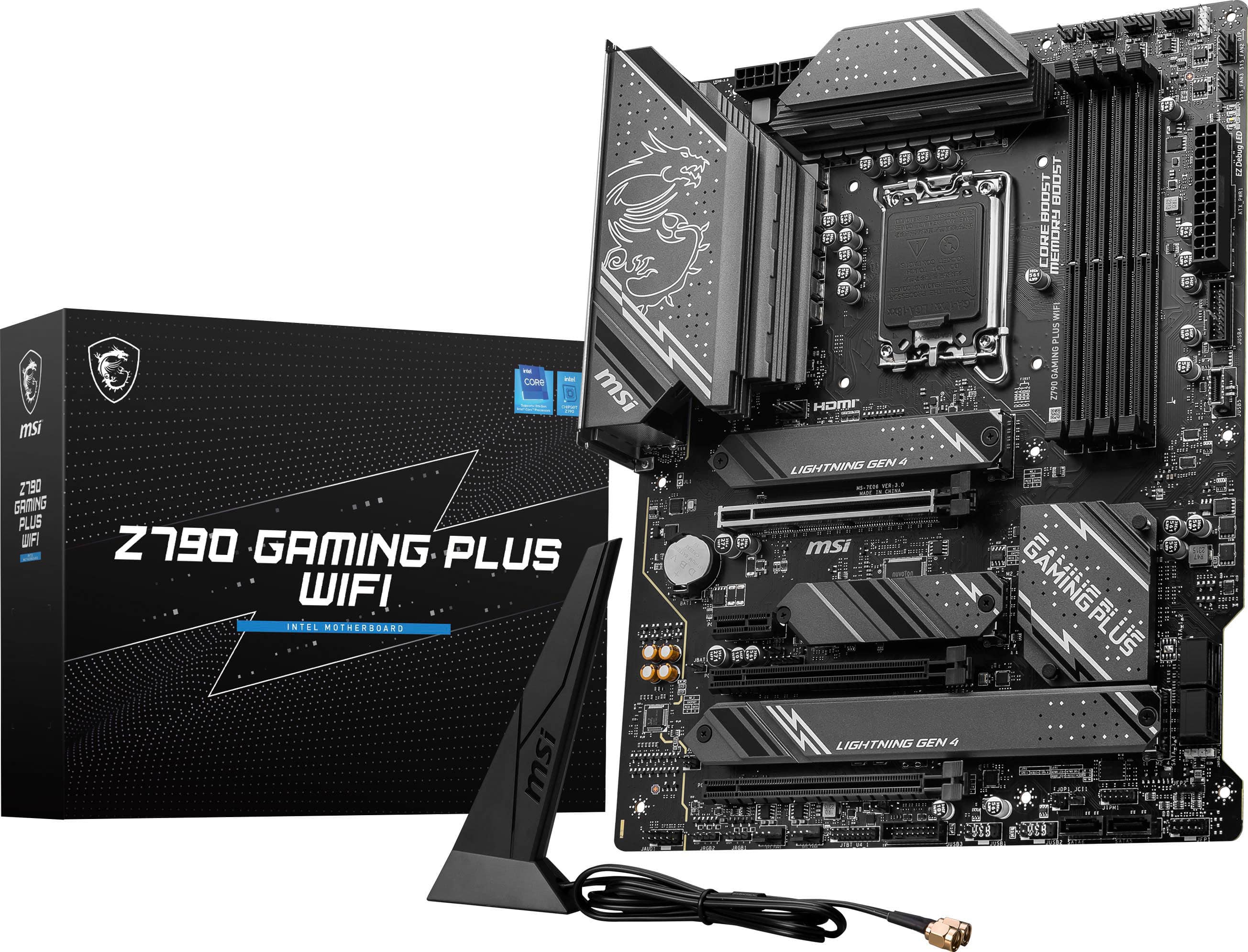
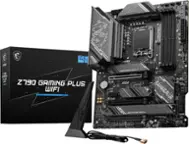
MSI - Z790 GAMING PLUS WIFI (Socket LGA 1700) Intel Z790 ATX DDR5 Wi-Fi 6E Motherboard - Black
SKU: J3P7TXYPZFLove MSI...Great board, MSI is the best. Never had any issues with these boards unlike ASUS boards....Best mobo...Best mobo on the market for the price and great quality
See all MotherboardsProduct Description
A black ATX motherboard featuring DDR5 support, Wi-Fi 6E, Bluetooth, and four RAM slots for Intel CPUs.Your price for this item is $219.99 -
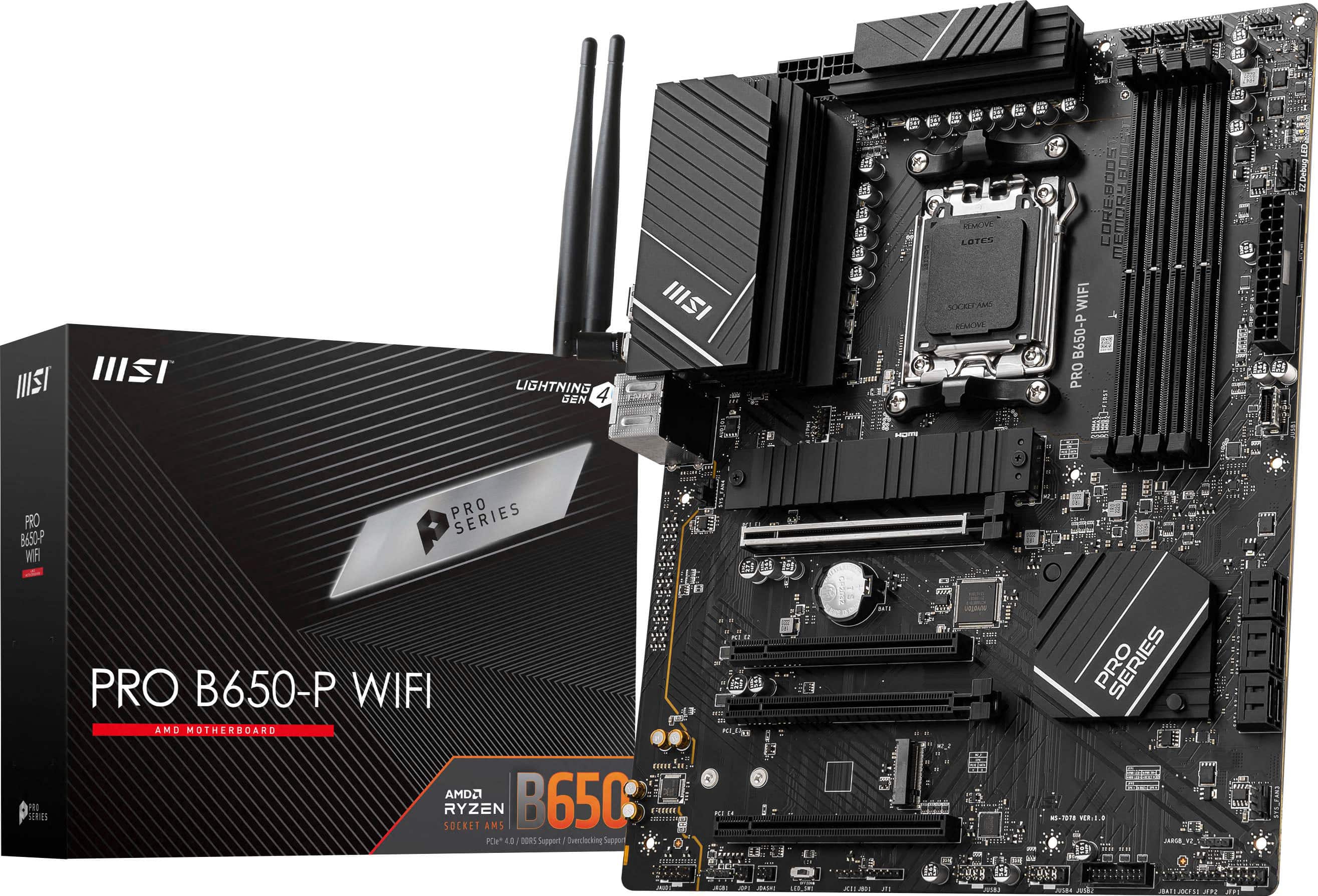
MSI - PRO B650-P WIFI (Socket AM5) AMD B650 ATX DDR5 Wi-Fi 6E Motherboard - Black
SKU: J3P7TXG8T7Works great no complaints, would recommend, best in price...Great purchase...Best motherboard worked great and easy to boost to operate
See all MotherboardsProduct Description
A high-performance black ATX motherboard with DDR5 support, Wi-Fi 6E, Bluetooth, and four RAM slots.Your price for this item is $199.99 -
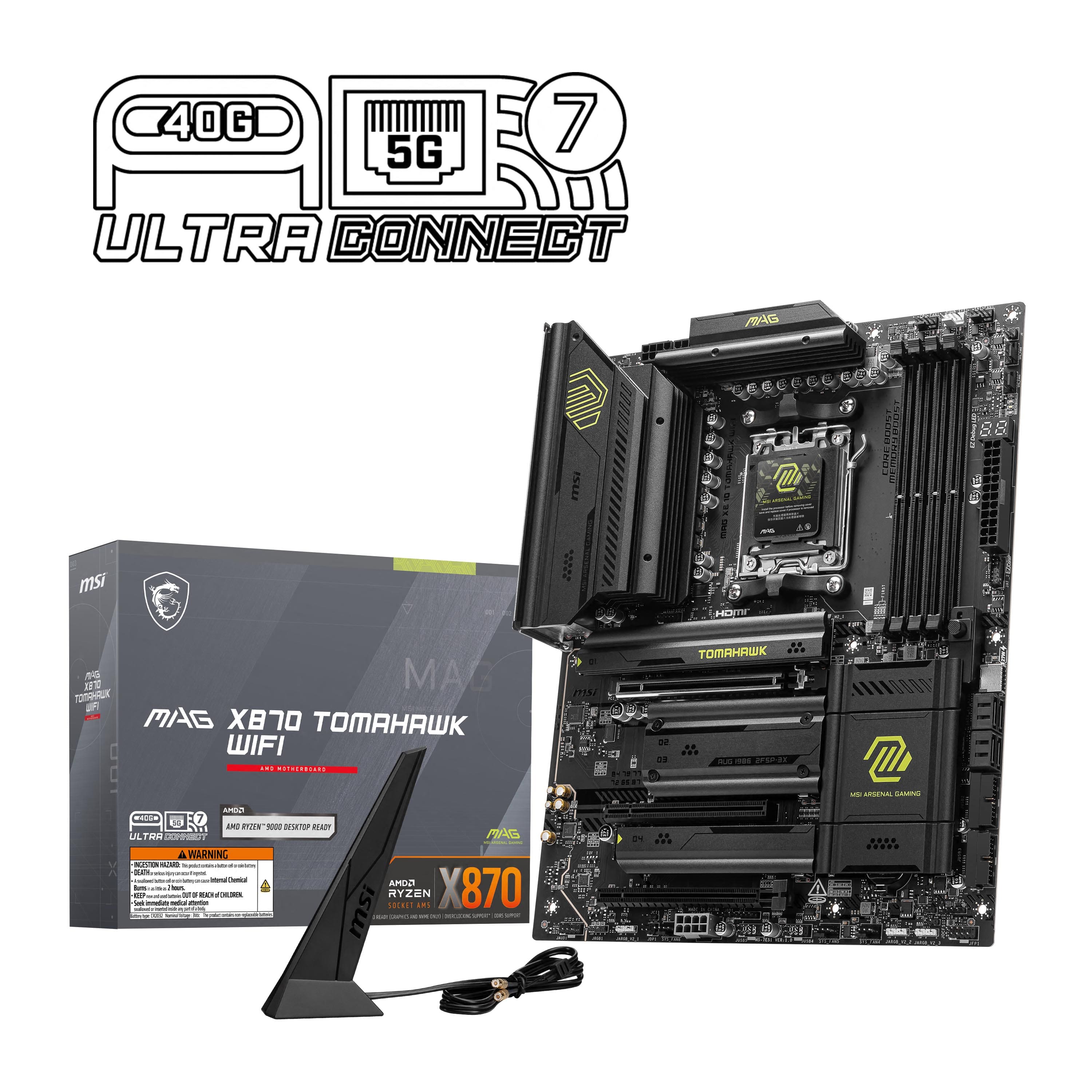
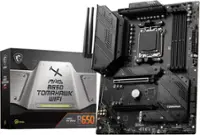
MSI - MAG X870 TOMAHAWK WIFI (Socket AM5) AMD X870 ATX DDR5 Wi-Fi 7 Motherboard - Black
SKU: J3P7TX9LKVGreat Product...Love this solid new AMD X870MB, after reading many online comments and feedbacks, I decided to go on...Wifi 7 and USB 4.0 much faster. pair with the AMD latest 9800X3D , the best choice....Had...
See all MotherboardsProduct Description
A black ATX motherboard supporting AMD Ryzen processors, DDR5 memory, Wi-Fi 7, Bluetooth, and M.2 slots.Your price for this item is $259.99 -
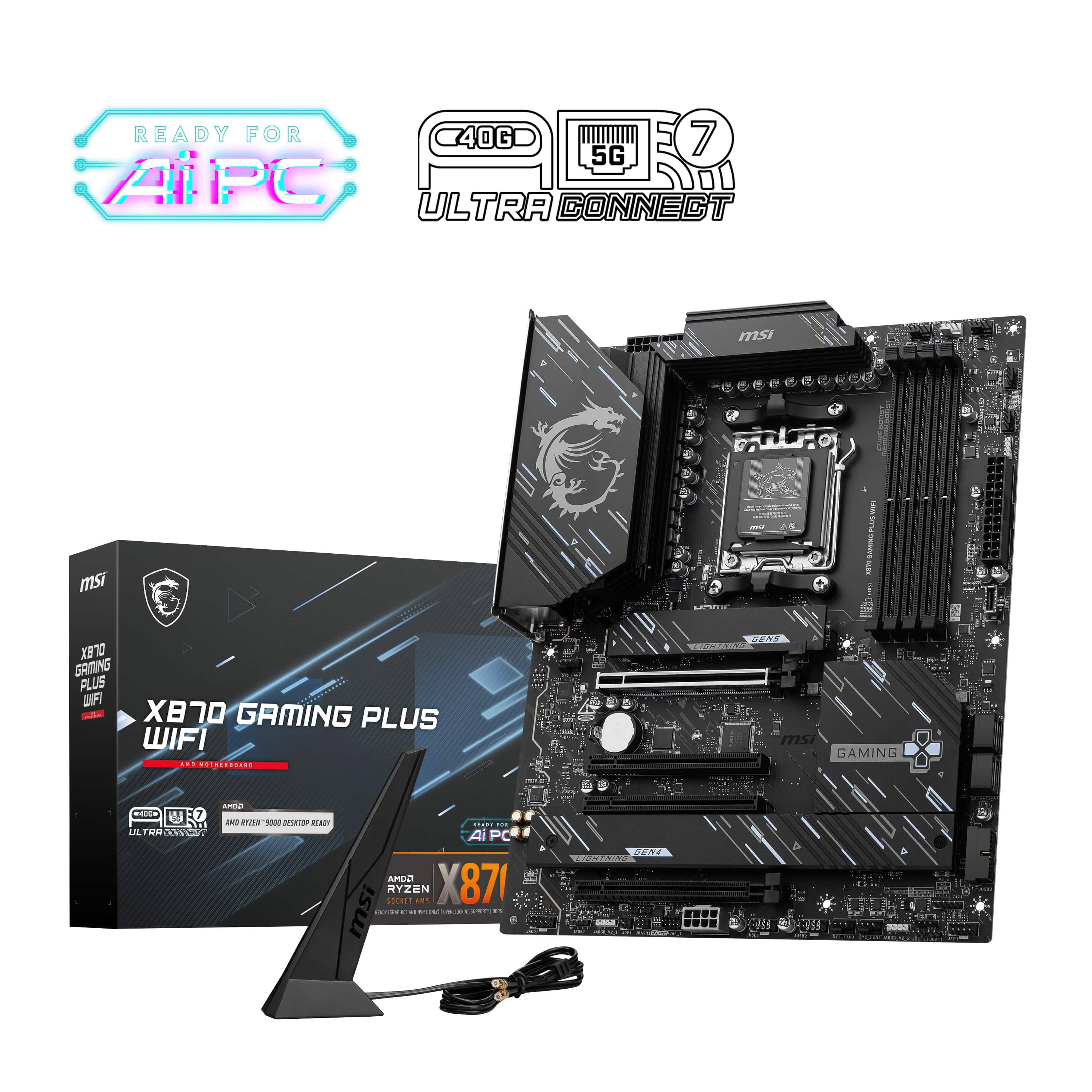
MSI - X870 GAMING PLUS WIFI (Socket AM5) AMD X870 ATX DDR5 Wi-Fi 7 Motherboard - Black
SKU: J3P7TX9V42love this mobo...I love this mobo, it works like a charm and has a great price point...Best Cheap motherboard...It's helped me a lot, and I think it's the best of the cheap ones.
See all MotherboardsProduct Description
A black ATX motherboard featuring AMD X870 chipset, DDR5 support, Wi-Fi 7, and Bluetooth connectivity.Your price for this item is $269.99 -
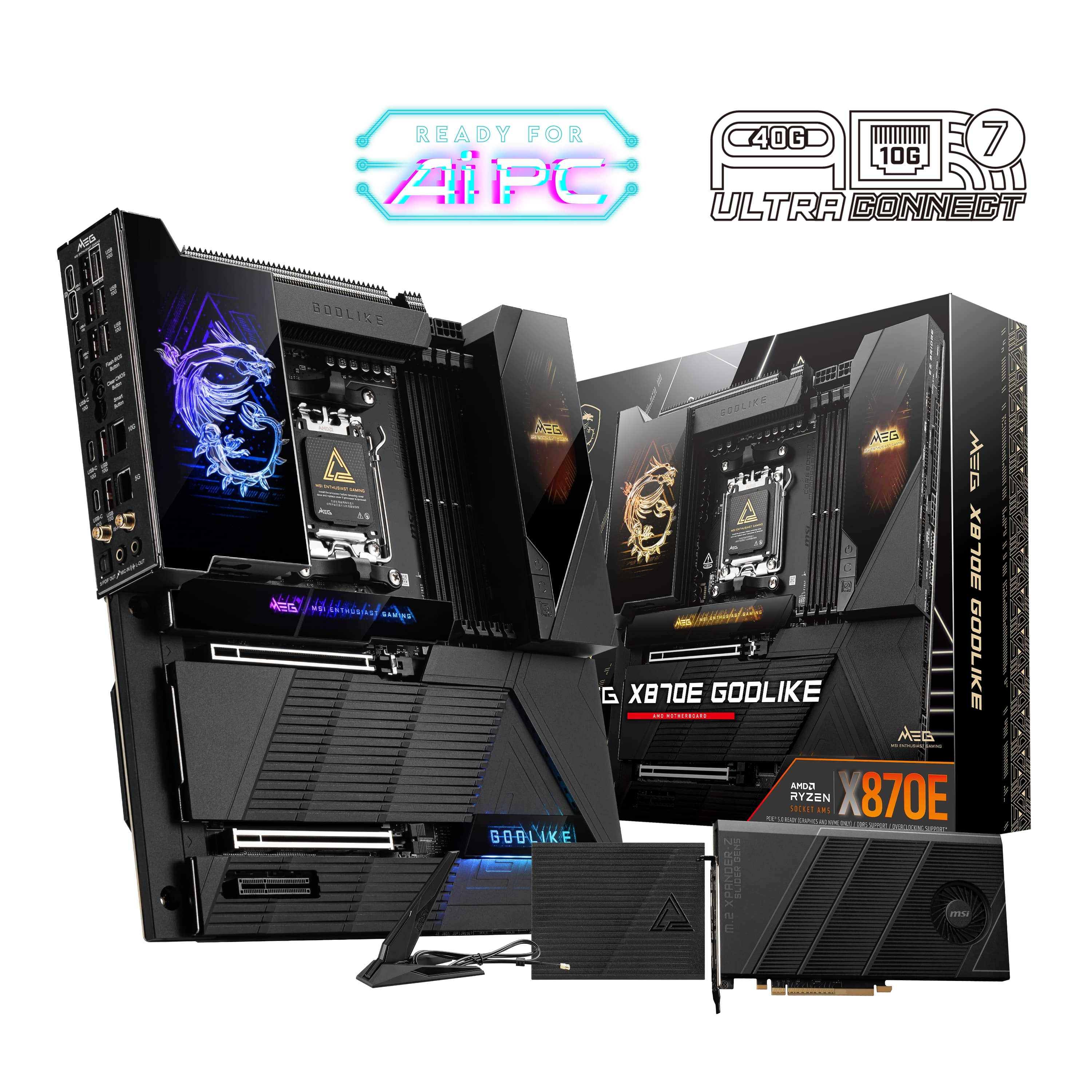
MSI - MEG X870E GODLIKE (Socket AM5) AMD X870E EATX DDR5 Wi-Fi 7 Motherboard - Black
SKU: J3P7TX94V5One of the best MB I’ve even brought....Love this board! Overkill, yes. Need that many USB ports? Not yet, but wow.
See all MotherboardsProduct Description
A black EATX motherboard featuring DDR5 support, Wi-Fi 7, Bluetooth, and compatibility with AMD Ryzen processors.Your price for this item is $1,099.99 -
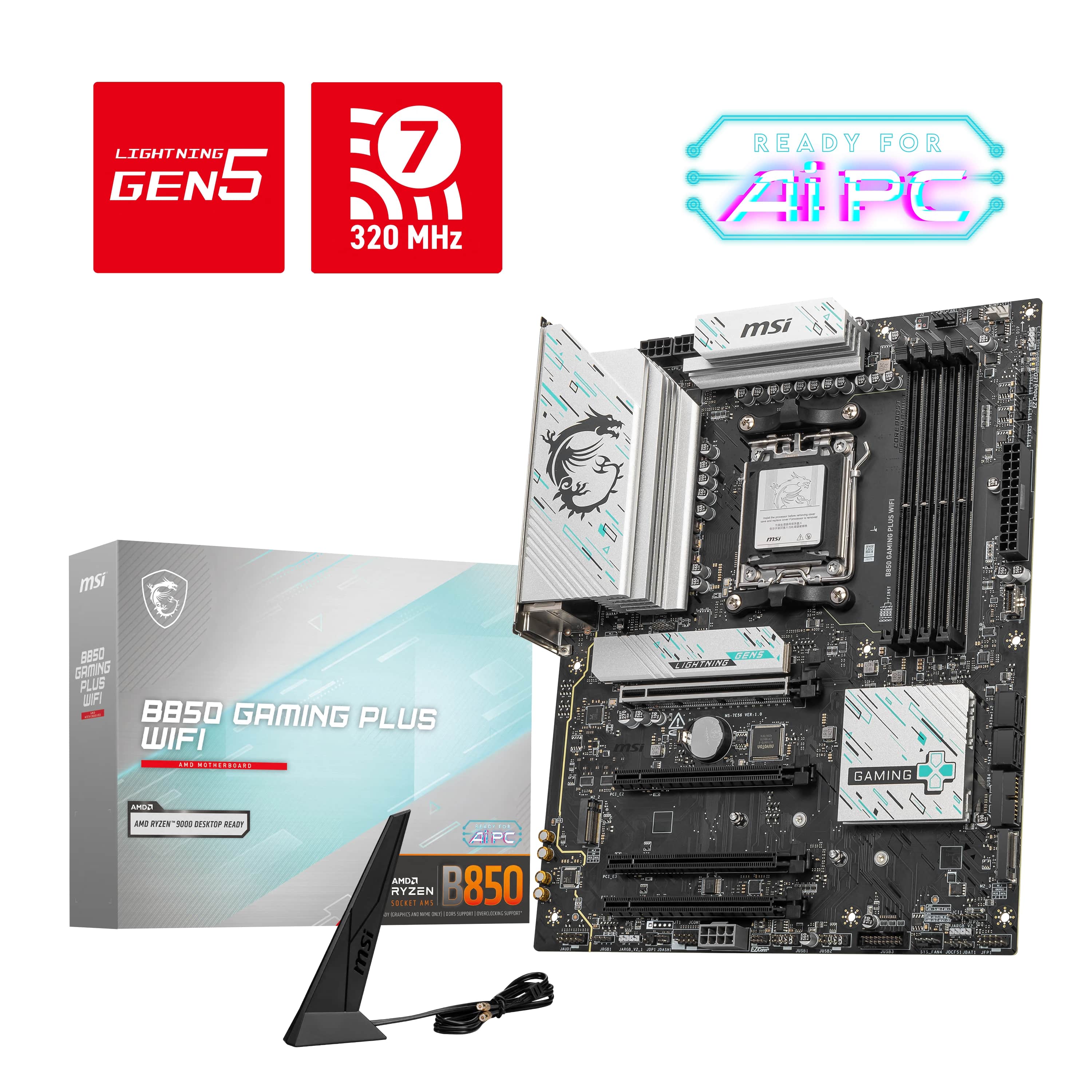
MSI - B850 GAMING PLUS WIFI (Socket AM5) AMD B850 ATX DDR5 Wi-Fi 7 Motherboard - Black
SKU: J3P7TX6CPLSee all MotherboardsProduct Description
A black ATX motherboard featuring DDR5 support, Wi-Fi 7, Bluetooth, and Socket AM5 compatibility for AMD systems.Your price for this item is $227.75 -
MSI - Z890 GAMING PLUS WIFI (Socket LGA 1851) Intel Z890 ATX DDR5 Wi-Fi 7 Motherboard - Black
SKU: J3P7TX9PLQSee all MotherboardsProduct Description
A black ATX motherboard featuring DDR5 support, Wi-Fi 7, Bluetooth, and compatibility with Intel LGA 1851.Your price for this item is $355.48 -
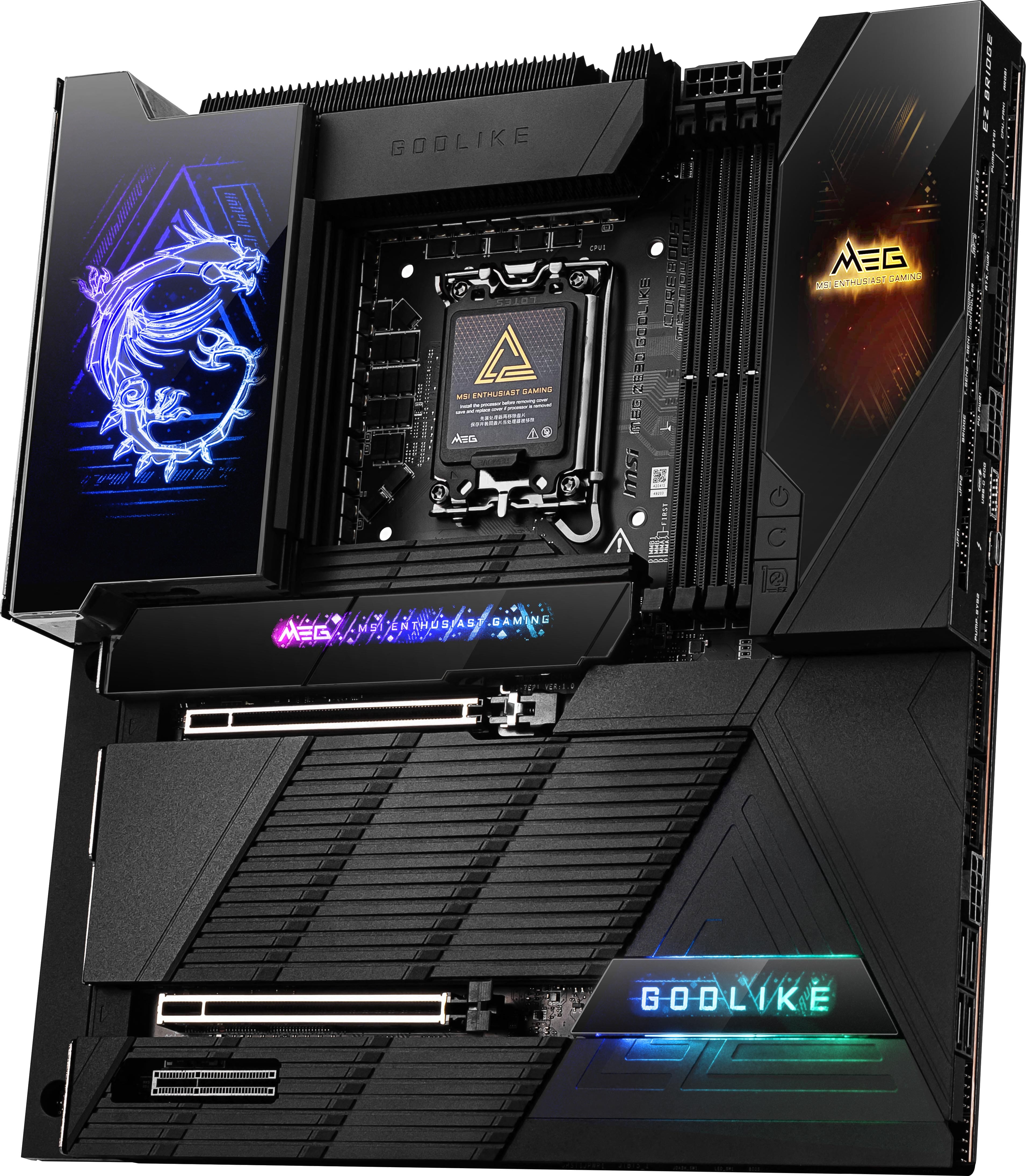
MSI - MEG Z890 GODLIKE (Socket 1851) Intel Z890 EATX DDR5 Wi-Fi 7 Motherboard - Black/Matt
SKU: J3P7TX9FFFGreat motherboard great service amd great delivery...Great motherboard
See all MotherboardsProduct Description
A high-performance black EATX motherboard featuring DDR5 support, Wi-Fi 7, Bluetooth, and Intel Z890 chipset.Your price for this item is $1,053.99Save $46The previous price was $1,099.99 -
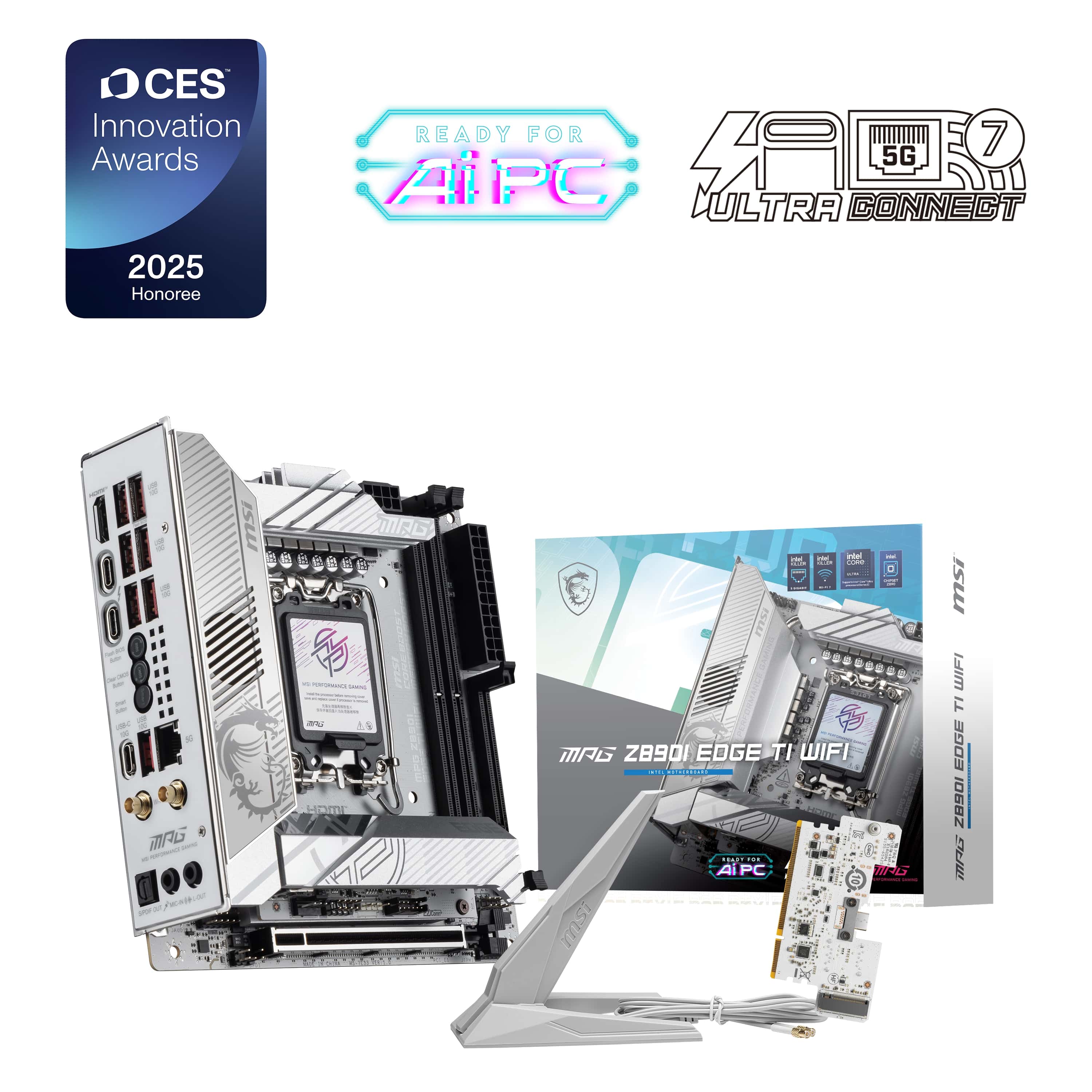
MSI - MPG Z890I EDGE TI WIFI (Socket 1851) Intel Z890 Mini-ITX DDR5 Wi-Fi 7 Motherboard - Gray White/Matt
SKU: J3P7TX9ZFVSee all MotherboardsProduct Description
A gray and white Mini-ITX motherboard featuring DDR5 support, Wi-Fi 7, Bluetooth, and Intel LGA 1851 compatibility.Your price for this item is $367.02
Best Sellers


Related Pages




FAQ
MSI gaming motherboards are equipped with advanced features such as enhanced power delivery, high-speed connectivity, customizable RGB lighting, and robust cooling solutions. These features help ensure stable performance, faster data transfer, and an immersive gaming experience.
MSI gaming motherboards are available for both Intel and AMD platforms. Compatibility depends on the specific motherboard model, so it's important to check the supported CPU socket type (such as LGA 1700 for Intel or AM5 for AMD) in the product specifications.
Yes, many MSI gaming motherboards are designed to support overclocking for both CPUs and memory. Look for models with robust VRM designs and BIOS options that enable users to safely adjust clock speeds and voltages.
MSI gaming motherboards typically offer a range of connectivity options, including multiple USB ports (USB 3.2, USB-C), PCIe slots for graphics cards, M.2 slots for SSDs, Wi-Fi, Bluetooth, and high-quality audio outputs. The exact options vary by model.
To update the BIOS on an MSI gaming motherboard, download the latest BIOS file from MSI's official website, save it to a USB drive, and use the built-in BIOS Flashback or M-Flash utility in the motherboard's BIOS menu. Detailed instructions are provided in the motherboard's user manual and on MSI's support page.