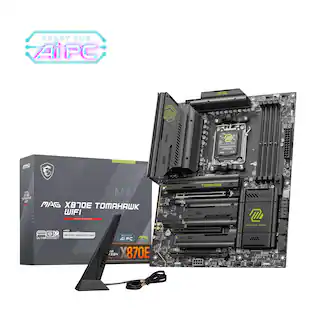
MSI - MAG X870 TOMAHAWK WIFI (Socket AM5) AMD X870 ATX DDR5 Wi-Fi 7 Motherboard - Black
Customers are saying
Customers regard the MAG X870 TOMAHAWK WIFI motherboard favorably, particularly noting the BIOS and setup process are seamless. Users also appreciate the overall performance, stating that the motherboard handles everything with ease. There were no CONS mentioned about this product.
Processor compatibility
Supports AMD Ryzen 9000/7000 Series Desktop Processor Socket AM5
Speed (memory speed supported)
4x DDR5, Maximum Memory Capacity 256GB Memory Support DDR5 7800+(OC)/ 7600(OC)/ 7400(OC)/ 7200(OC)/ 7000(OC)/ 6800(OC)/ 6600(OC)/ 6400(OC)/ 6200(OC)/ 6000(OC)/ 5800(OC)/ 5600(OC)/ 5400(OC)/ 5200(OC)/ 5000(OC)/ 4800(JEDEC) MH
Graphics
Integrated Graphics Processor
DDR5 memory
4 DIMMs, Duel Channel DDR5 7800+MHZ (OC)
Audio
8-Channel (7.1) HD Audio with Audio Boost
- ChipsetAMD X870Form FactorATXProcessor SocketSocket AM5 (LGA 1718)Wireless Networking StandardWi-Fi 7Number Of Memory Slots4Maximum Memory Supported256 gigabytes
Reviews
Rating 4.8 out of 5 stars with 20 reviews
- BIOS (5)
- Overall Performance (3)
Customer Images
The vast majority of our reviews come from verified purchases. Reviews from customers may include My Best Buy members, employees, and Tech Insider Network members (as tagged). Select reviewers may receive discounted products, promotional considerations or entries into drawings for honest, helpful reviews.
Compare similar products

MAG X870 TOMAHAWK WIFI takes all the essential elements of the AMD Ryzen 9000/7000 series processors and combines them with game-ready features and proven durability.
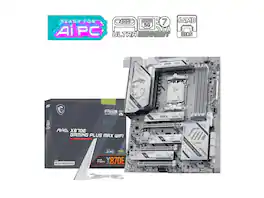
MSI MAG X870E GAMING PLUS MAX WIFI Motherboard, ATX - Supports AMD Ryzen 9000 / 8000 / 7000 Processors, AM5 - DDR5 Memory Boost (up to 8200+ MT/s OC), PCIe 5.0 x16, M.2 Gen5, Wi-Fi 7, 5G LAN

MAG X870E TOMAHAWK WIFI is designed for gamers with a stable, durable and DIY friendly foundation for their PC builds.
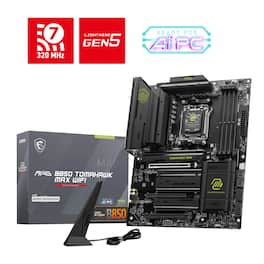
MAG B850 TOMAHAWK MAX WIFI is designed for gamers with a stable, durable and DIY friendly foundation for their PC builds.
| Pros for MSI - MAG X870 TOMAHAWK WIFI (Socket AM5) AMD X870 ATX DDR5 Wi-Fi 7 Motherboard - Black | |||
|---|---|---|---|
| BIOS, Overall Performance | There were no pros for this product— | Overall Performance, Connectivity, Features, BIOS, Installation Ease | Overall Performance, BIOS, Connectivity, Features, Ease of Use |
| Cons for MSI - MAG X870 TOMAHAWK WIFI (Socket AM5) AMD X870 ATX DDR5 Wi-Fi 7 Motherboard - Black | |||
| There were no cons for this product— | There were no cons for this product— | M.2 Slots | Audio Quality |
Specs
Customers often buy these together
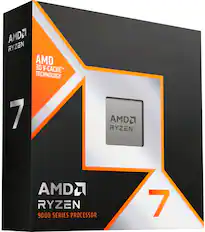
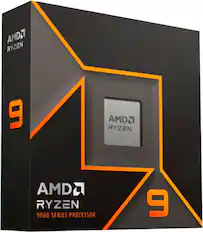
Processors

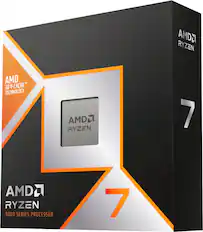
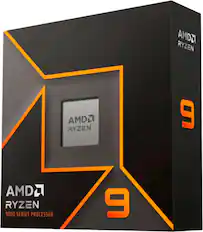
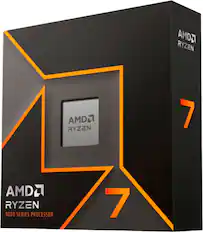
Computer Memory
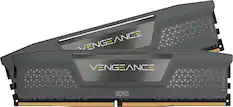
CORSAIR - VENGEANCE 32GB (2x16GB) DDR5 6000MHz Z30 AMD EXPO & Intel XMP UDIMM Desktop Memory - Black
$539.99The price was $607.99
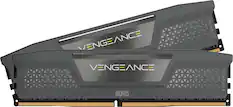
CORSAIR - VENGEANCE RGB 32GB (2x16GB) DDR5 6000MHz C36 AMD EXPO & Intel XMP UDIMM Desktop Memory - Gray
$499.99The price was $526.99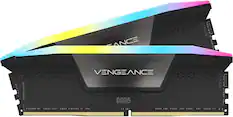
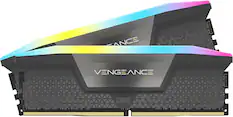
CORSAIR - VENGEANCE RGB 32GB (2x16GB) DDR5 6000MHz C36 UDIMM Desktop Memory - Black
$499.99The price was $526.99
More recommended items
 Computer Enclosures
 Computer Power Supplies
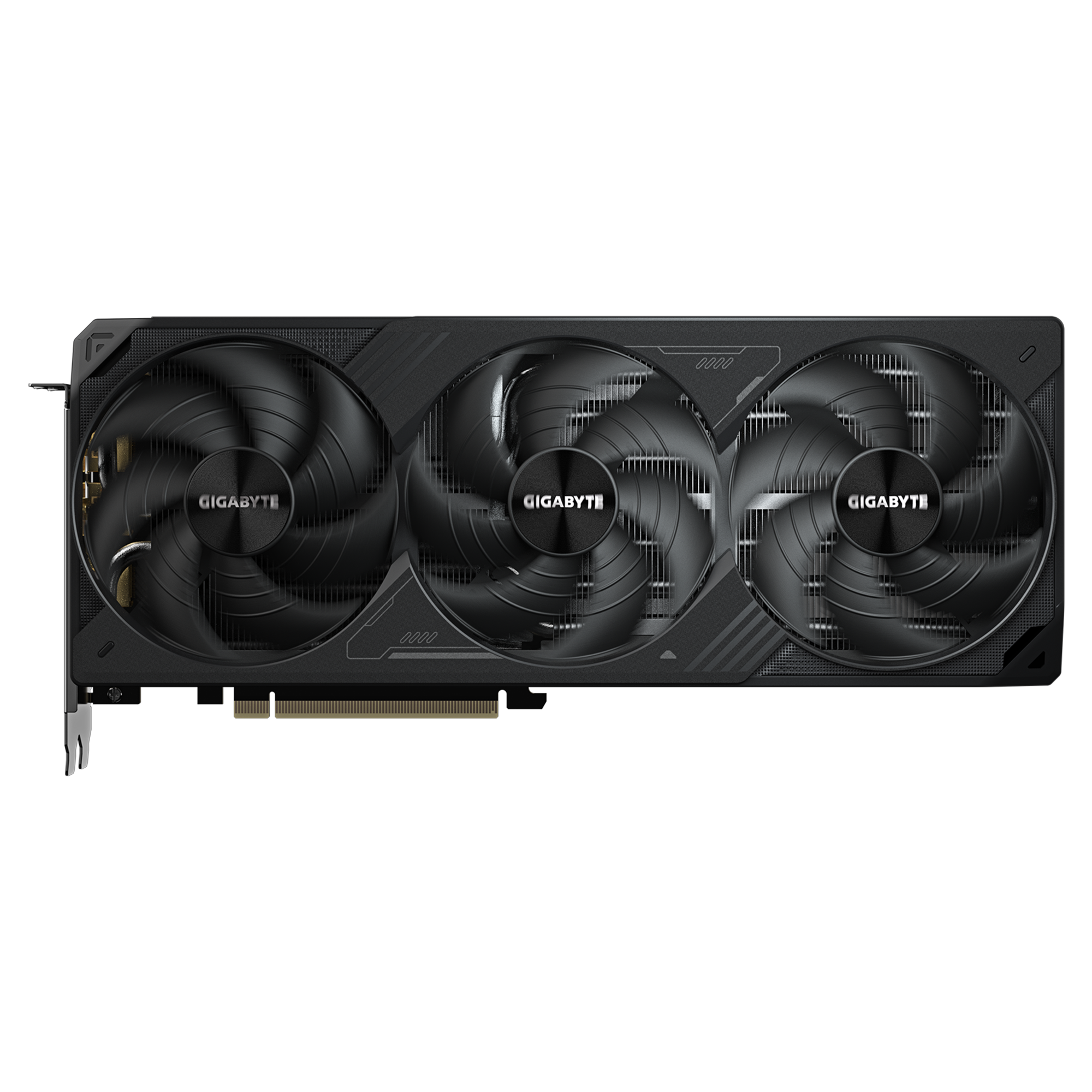 Graphics Cards
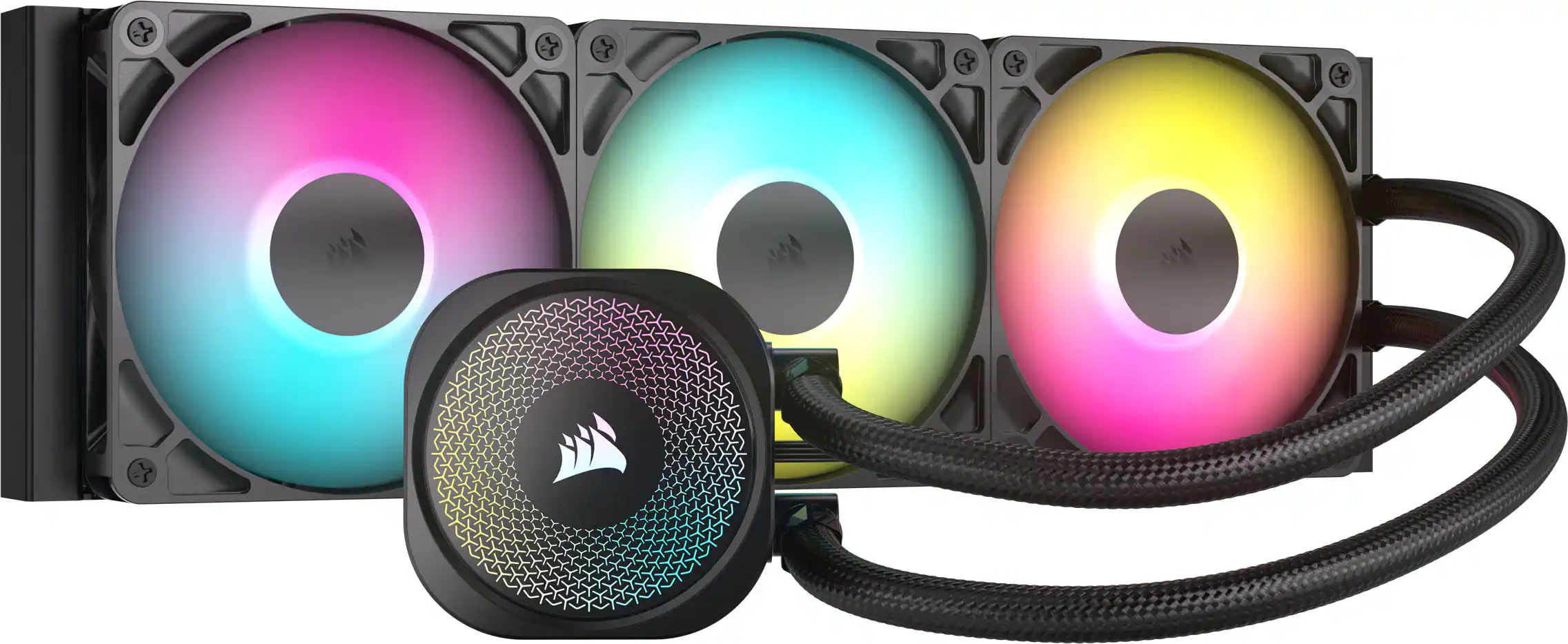 Computer Cooling Fans and Systems
 Internal Hard Drives
 Operating Systems
More to consider
 $289.99The price was $329.99
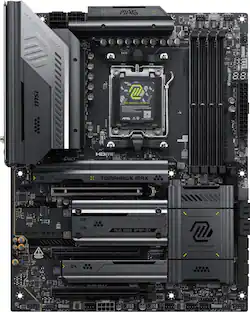 $289.99The price was $329.99
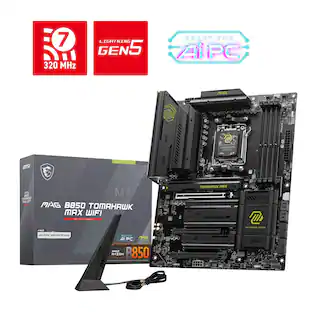 $209.99The price was $229.99
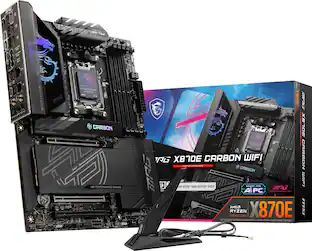 $389.99The price was $429.99
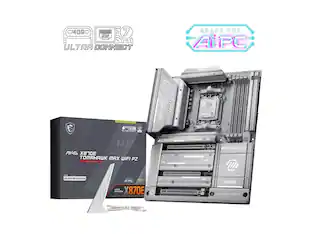 $333.99The price was $351.26
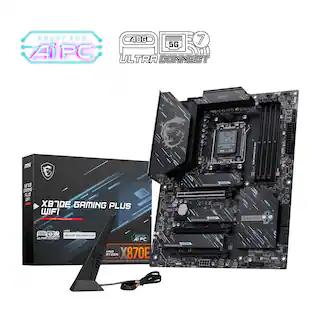 $199.99The price was $239.99
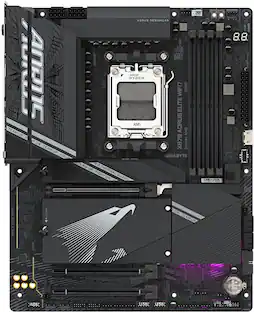 $229.99The price was $319.99
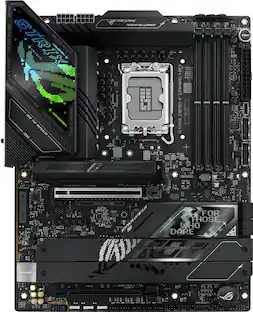 $299.99The price was $349.99
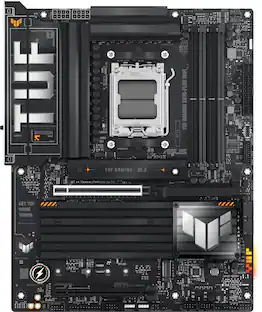 $229.99The price was $279.99
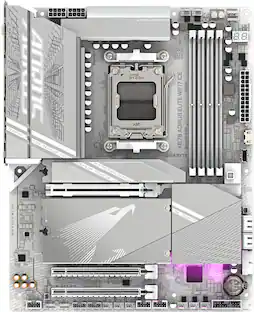 $239.99The price was $319.99
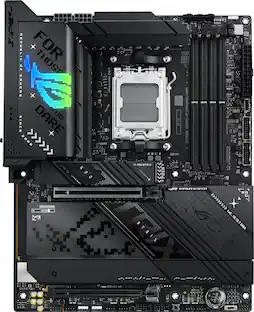 $399.99The price was $419.99
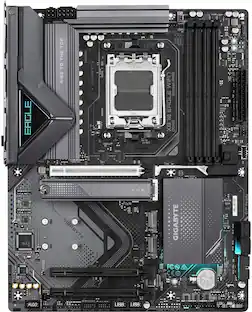 $189.99The price was $254.99
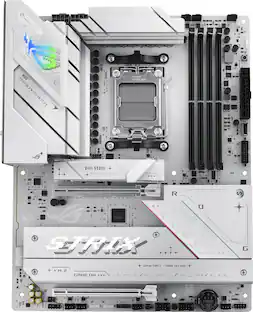 Clearance$202.99The price was $289.99
Explore tech essentials Sponsored
 $1,081.49The price was $1,159.98
 $64.99The price was $80.61
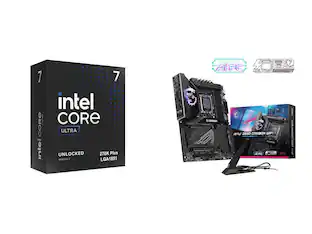 $572.49The price was $702.49
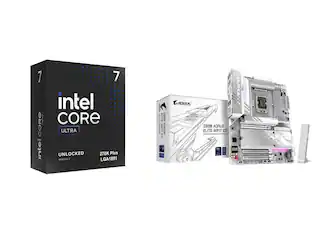 $529.99The price was $609.99
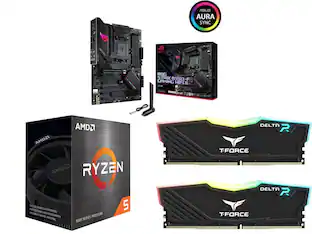
Discover related products
 $13.99The price was $19.99
 $143.99The price was $144.99
 $229.00The price was $275.00
 $30.99The price was $32.99










Keep exploring
- $1,081.49The price was $1,159.98
 $142.49The price was $143.49
 $106.49The price was $117.49
- $572.49The price was $702.49