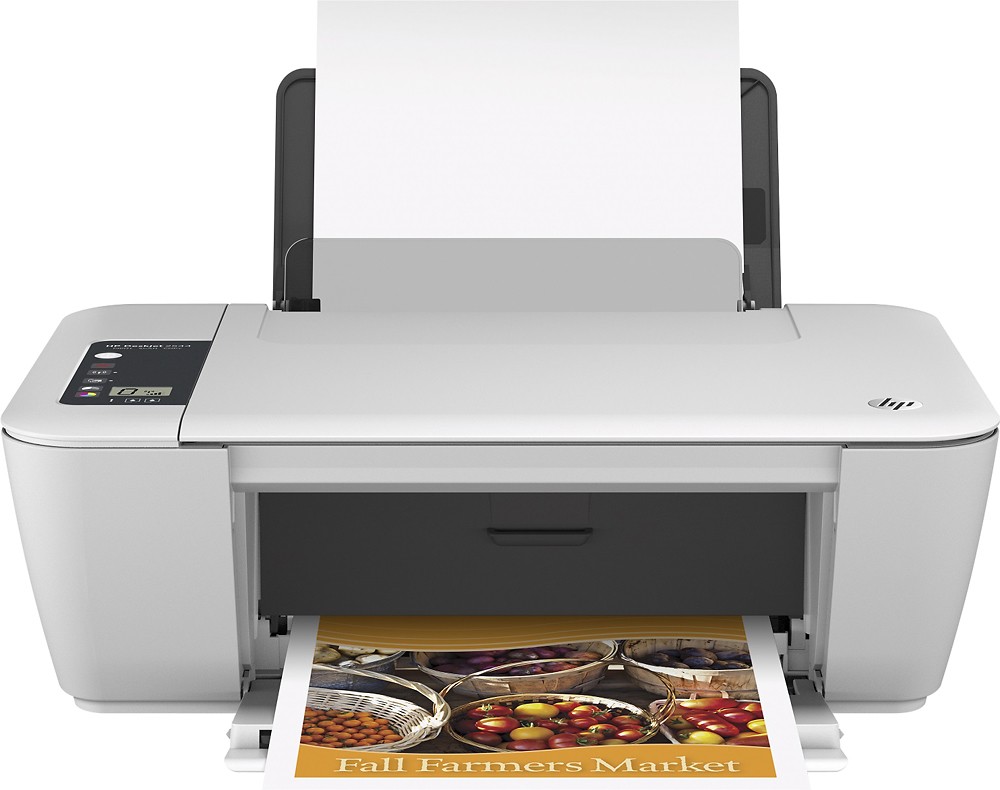
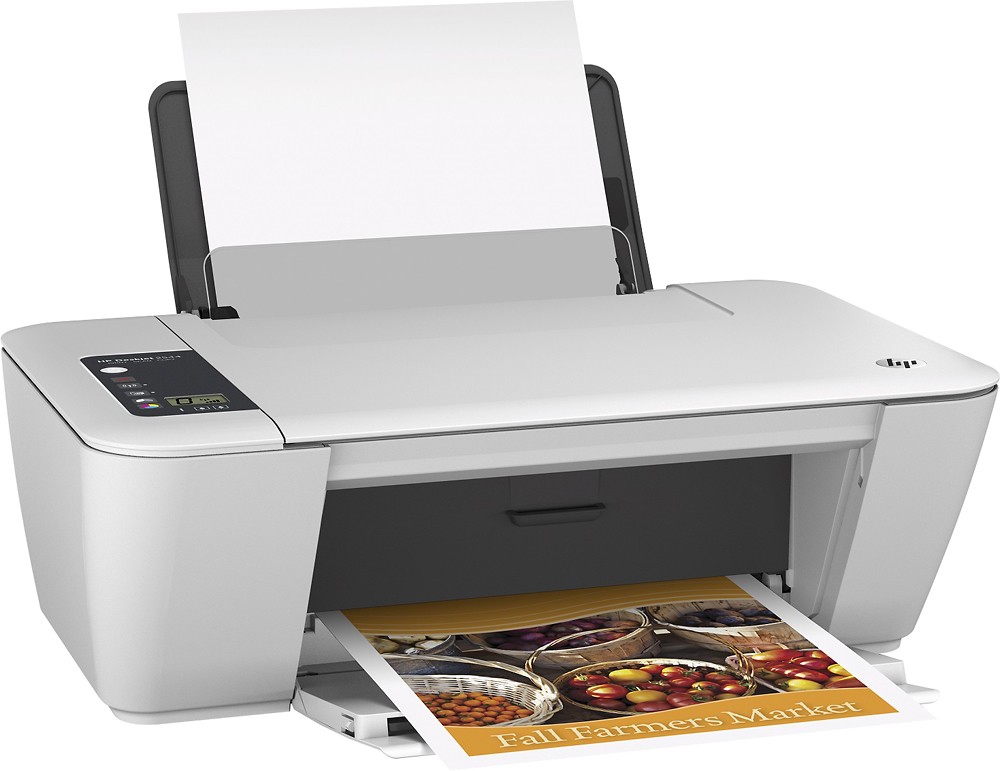

HP - Deskjet 2544 Wireless All-in-One Printer
This item is no longer available in new condition.
See similar items below.
Description
Features
Prints up to 7 ISO ppm* in black, up to 4 ISO ppm* in color
To generate documents quickly.
3-in-1 functionality
Prints, copies and scans for convenience.
Built-in wireless LAN (802.11b/g/n)
Ensures fast data transfer from a wireless connection.
Up to 600 x 600 rendered dpi black resolution
As well as up to 4800 x 1200 optimized dpi and 1200 x 1200 input dpi color resolution to help ensure quality printing.
Copies up to 4.5 cpm* in black, up to 3 cpm* in color
To generate copies quickly.
Copy resolution up to 600 x 300 dpi in black and color
Enables copying with a high level of quality.
Flatbed scanner with 24-bit color
Plus a scan resolution up to 1200 x 2400 dpi hardware (up to 1200 dpi optical and enhanced) to reproduce exact colors and large documents.
USB 2.0 connectivity
Offers simple connection to your computer.
PC system requirements
Windows XP (32-bit, SP3 or higher): Intel® Pentium® II, Celeron® or compatible 233MHz or higher processor; 750MB hard drive space; CD-ROM/DVD drive or Internet Explorer 6; USB port.
Additional PC system requirements include Windows Vista: 800MHz 32-bit (x86) or 64-bit (x64) processor; Windows 7, 8 or 8.1: 1.0GHz 32-bit (x86) or 64-bit (x64) processor; 2GB hard drive space; CD-ROM/DVD drive or Internet Explorer 6 or higher; USB port.
Mac system requirements
OS X 10.6, Lion or Mountain Lion; Intel® Core™ processor; 1GB hard drive space; CD-ROM/DVD drive or Internet connection; USB port.
*Print speeds vary with use. See manufacturer for info on print speeds.
Intel, Pentium, Celeron, Centrino, Core, Viiv, Intel Inside and the Intel Inside logo are trademarks or registered trademarks of Intel Corporation or its subsidiaries in the United States and other countries.
Apple, the Apple logo and iTunes are trademarks of Apple Computer, Inc., registered in the U.S. and other countries. iPod is a trademark of Apple Computer, Inc.
iPad is a trademark of Apple Inc., registered in the U.S. and other countries
What's Included
HP Deskjet 2544 Wireless All-in-One Printer
HP 61 black ink cartridge, HP 61 tri-color ink cartridge
Power cord, phone cord, USB cable
Software CD
Owner's manual
Q: QuestionCan this wireless printer print from an iPad wirelessly?
Asked by Anonymous.
- A:Answer Yes, this wireless printer can print from an iPad wirelessly.
Answered by CommunityAnswer
Q: Questiondoes this come with regular ink cartridges or the the starter cartridges.
Asked by Anonymous.
- A:Answer It comes with regular ink cartridges. I weighed a new one that came with the printer and a new one out of the box and both Tri-color cartridges weighed 1.4 ounces. They are not XL cartridges.
Answered by Anonymous
Q: QuestionInstallation of printerMy laptop does not have a CD drive. Can I install the HP - Deskjet 2544 Wireless All-in-One Printer without using the CD?
Asked by Anonymous.
- A:Answer You should be able to download the drivers from HP.com for the HP Deskjet 2544.
Answered by HP Team

Q: QuestionInk and paper types?If one of the colors are empty, will all printing stop? If all the color ones in one cartridge, all but one has much ink..one is empty..whole thing a waste? What types of paper with this print on? I have yet to see any info on paper types HP will print on.. Never anything on that. Will it print on card stock? Will it print on iron on transfer paper? Will it print on clear thin papers or velum????
Asked by Dee.
- A:Answer The HP Deskjet 2544 should work on a single cartridge mode. The single-cartridge mode is initiated when an ink cartridge is removed from the ink cartridge carriage. During single-cartridge mode, the printer can copy documents, copy photos, and print jobs from the computer. This printer only has two cartridges a black and a Tri-color. This printer should print on card stock up to 110lb index. It should print on HP Iron-on transfers and HP transparency film.
Answered by HP Team
Q: QuestionDoes it print doublesided?
Asked by Anonymous.
- A:Answer The HP Deskjet 2544 does not have automatic double sided printing.
Answered by HP Team
Q: QuestionLongevity of a Catridge?How long does the catridge last? how many pages do we print before it runs out
Asked by John.
- A:Answer The ink for this print yields up to 480 pages before needing to be replaced.
Answered by CommunityAnswer
Q: QuestionHP 2544 listed as All In One but does it FAX?Every place that I see the HP 2544 advertised the printer is described as an All-In-One but I don't see Faxing capabilities listed under specifications
Asked by drjoeljohnson.
- A:Answer The all-in-one features in this ad refers to its printing, copying, and scanning capabilities. Do note that using this device IN ADDITION to pc software can enable you send electronic faxes.
Answered by CommunityAnswer
Q: QuestionDoes it scan one page at a time or does it feed several documents?
Asked by Anonymous.
- A:Answer The scanner only scans at one time.
Answered by HP Team