HP - Officejet Pro 8000 Wireless Printer
This item is no longer available in new condition.
See similar items below.
Description
Features
From our expanded online assortment; not available in all Best Buy stores
Prints up to 35 ppm* in black, up to 34 ppm* in color
To generate documents quickly.
Up to 4800 x 1200 optimized dpi resolution in color; 1200 x 1200 in black
For crisp images.
32MB memory
Improves performance when printing complex documents.
Network-ready with built-in Ethernet and wireless 802.11b/g interfaces
For simple Internet connection.
Prints on envelopes, transparencies, index cards and borderless media
To suit your business and personal printing needs.
Built-in automatic duplexer for 2-sided printing
Enables you to produce professional 2-sided documents and newsletters.
Prints popular sizes of borderless photos up to 8.5" x 11"
For great-looking portraits.
4-ink color
Produces a wide range of colors with true-to-life results.
250-sheet bottom-loader paper feeder
Reduces paper jams and misfeeds to print more documents without reloading.
High-speed USB 2.0 connectivity
For PC and Mac compatibility and simple connections.
*Print speeds vary with use. See manufacturer for info on print speeds.
What's Included
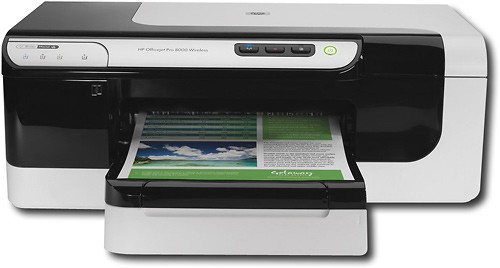
HP Officejet Pro 8000 Wireless Network-Ready Printer
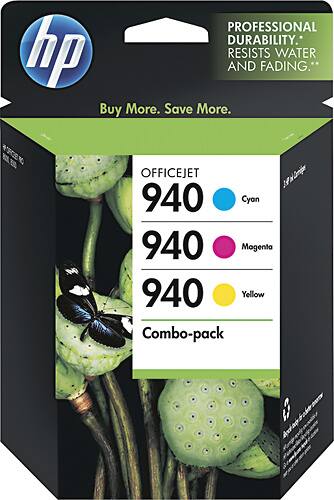
HP 940 black, cyan, magenta and yellow ink cartridges
250-sheet paper tray
Power supply, power cord, USB cable
Software CD-ROM
Owner's manual
Q: Questioncan you scan, print and fax from this printer?can you scan print and fax from this printer?
Asked by Anonymous.
- A:Answer No this is a single function printer. If you are looking for the functions you describe in a similar HP Officejet, consider the HP 8500 wireless. You can view this product below:
I would recommend:
Answered by HP Team

Q: QuestionDoes it need batteries? If so, how many and what kind?
Asked by gordy.
- A:Answer The HP Officejet Pro 8000 Wireless Printer plugs into a 110v outlet, it does not use battries.
Answered by HP Team
Q: QuestionWhat is the range of how close you need to be to the printer?In other words, how close do I need to be to print from my laptop or computer in another room? 20 feet? 40 feet? how far?
Asked by Shane.
- A:Answer The range can be over 100 feet. Typically, you can print from any room in a large house wirelessly. I have a wireless printer. If I wanted to I could print wirelessly from my neighbors house.
Answered by HP Team
Q: Questionwhat ink cartridge does it use?
Asked by ruthie.
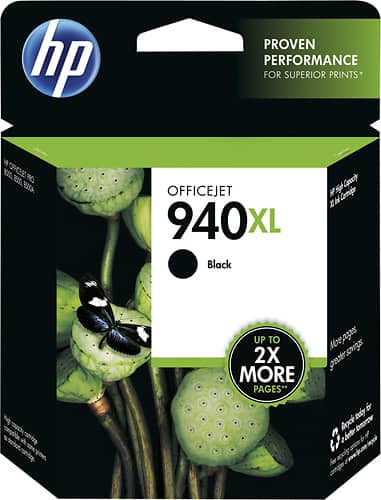
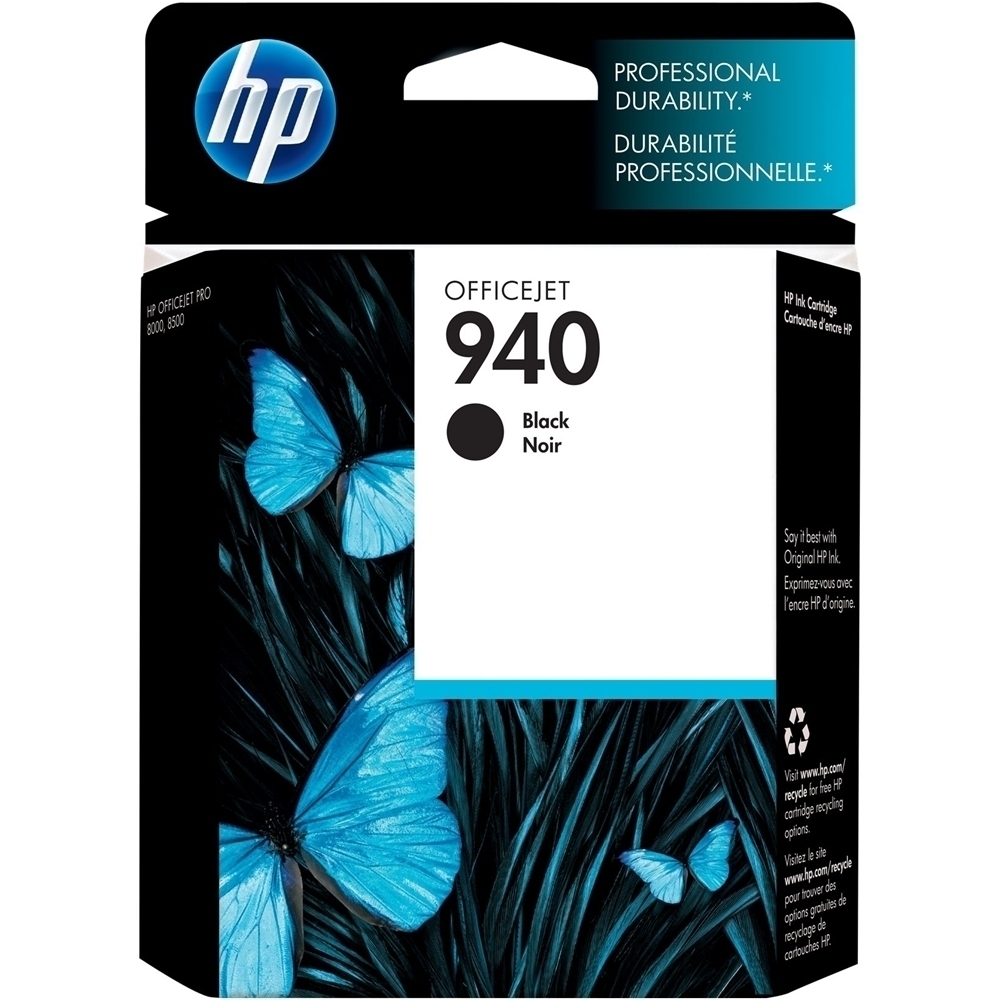
- A:Answer The HP Officejet Pro 8000 Wireless Network-Ready Printer uses the HP 940 and 940XL series ink cartridges.
I would recommend:
Answered by HP Team
Q: QuestionCan I print from a wireless laptop?
Asked by Anonymous.
- A:Answer The HP Officejet Pro 8000 Wireless Network-Ready Printer can print directly from an 802.11 wireless-enabled laptop as long as the correct software and drivers are installed.
Answered by HP Team
Q: QuestionWhat is the print speed for printing pictures in color in the best mode setting?
Asked by Anonymous.
- A:Answer Printing photos in best mode with this printer will have a print speed of approximately 1.5 pages per minute.
Answered by HP Team
Q: QuestionCAN THIS PRINTER PRINT ON 110 LB CARD STOCK?I PRINT CARDS AND USE CARD STOCK SO I AM LOOKING FOR A PRINTER THAT CAN DO THIS! i own a kodak and it drinks ink so I want a printer that does not do this. I NEED ONE EASY TO USE AND EASY TO SEE THE CONTROLS!
Asked by MEP.
- A:Answer The HP Officejet Pro 8000 Wireless Printer A809n will support card stock up to a weight of 110 lb index.
Answered by HP Team
Q: Questionwill this printer be compatible with a mac computer?
Asked by Anonymous.
- A:Answer Yes, this printer is compatible with Mac OS X v 10.4.11, 10.5, and 10.6.
Answered by HP Team