No content
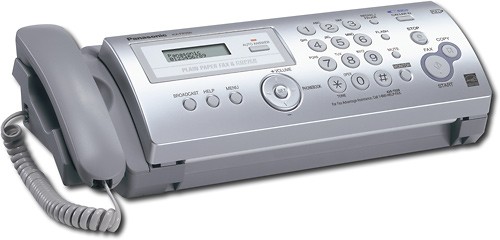
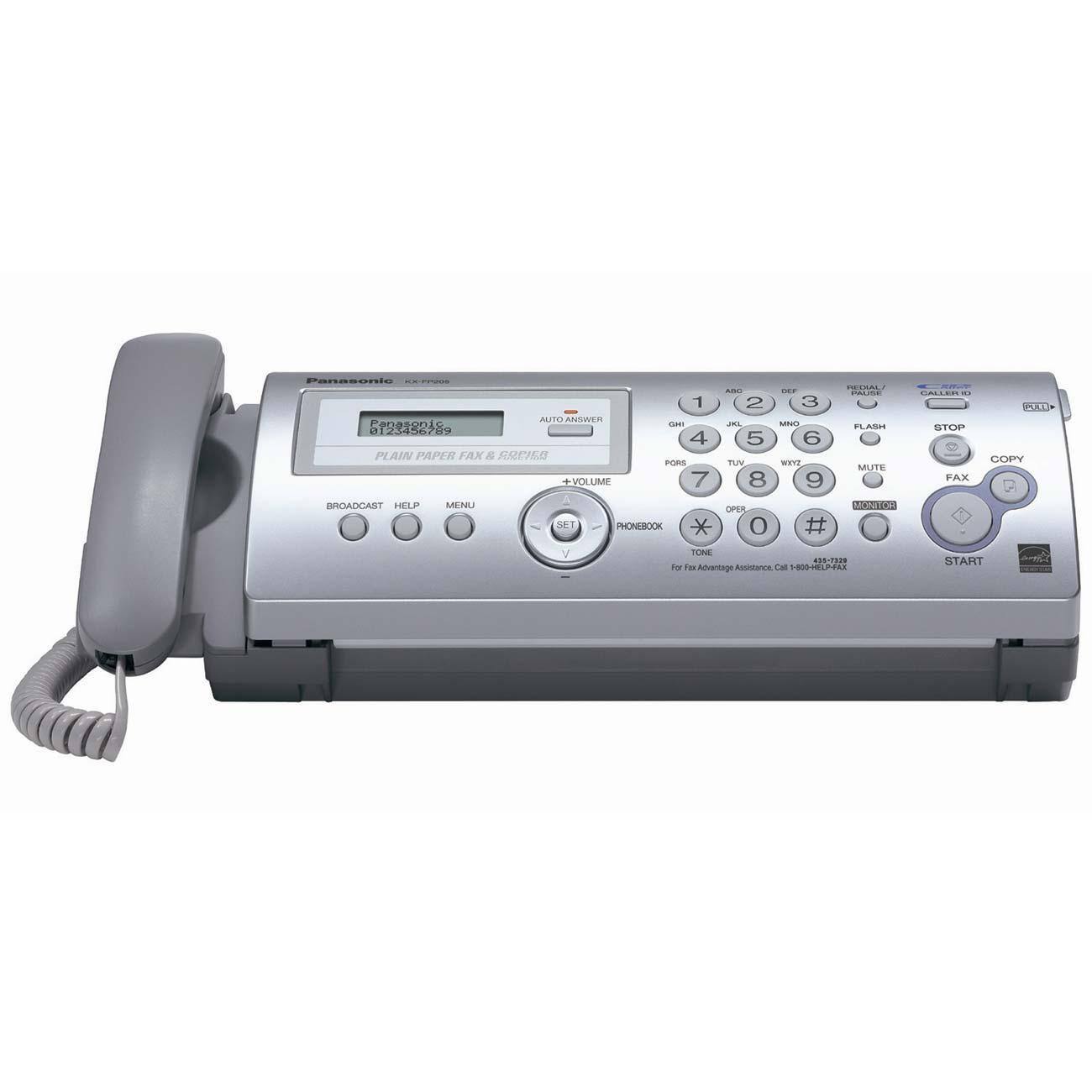
Panasonic - Plain Paper Thermal Transfer Fax/Copier
Model:KX-FP205
SKU:8185607
This item is no longer available in new condition.
See similar items below.
No content
Description
Plain Paper Fax/Copier generates 20 multiple copies, as well as enlarges, reduces and collates. Fax machine is Caller ID compatible with two lines of up to 16 characters available in the display for the name and number of your incoming callers. Automatic fax/phone switching eliminates the need for an extra phone line by connecting an external answering device (sold separately) to receive voice and fax messages on one phone line. Plain Paper Fax/Copier actually distinguishes between fax and voice calls. Offers Caller ID Waiting, monitor speaker phone, 10-sheet automatic document feeder, out-of-paper reception system, modem speed of 9.6Kbps and distinctive ring detection. Fax memory holds up to 24 pages (300KB). Automatic document feeder offers a 10-page capacity. Paper tray holds 20 sheets.
Features
Print Technology: Thermal Transfer
Copy Color: Monochrome
Number of Copies: 20
Fax Type: Plain Paper
Modem Speed: 9.60 Kbps
Media Type: Plain Paper
Media Size: Letter
Height: 4.0"
Width: 14.0"
Depth: 7.1"
Weight (Approximate): 8.50 lb
Recycled: No
Recycled Content: 0%
Post-consumer-waste%: 0%
Assembly Required: No
Country of Origin: Malaysia
Limited Warranty: 6 Month
Page Showing 1-8 of 13 questions
Q: QuestionWhy is a USB cable required?See above
Asked by Paul.
- A:Answer A USB cable is not required to use this as a phone, fax, or copier.
Answered by Panasonic Team

Q: Questiondo i have to have a landline phone service to have a fax machine
Asked by Anonymous.
- A:Answer Hi, Yes, you would still need to have a phone line to get it working. Not unless you just plan to use it as a copier which the machine can do without a phoneline. Hope this helps,
Answered by Panasonic Team
Q: QuestionRing ToneCan the phone be put on "silent" so the ringer is mute and can't be heard?
Asked by Cindy.
- A:Answer Yes, this fax machine's ringer can be turned off.
Answered by Panasonic Team
Q: QuestionFax Compatibility Problem with Telephone Answering Machine SystemI've heard that some fax machines demonstrate an incompatibility with house telephones that have a built-in answering machine system. Can you confirm if the Panasonic KX-FP205 has this problem? Thanks,
Asked by Anonymous.
- A:Answer The KX-FP205 is compatible with an answering machine. Just connect an external telephone answering machine and set the ring count of the answering machine to less than 4 rings and set the ring count in FAX ONLY mode of the fax machine to “5 EXT.TAM”. Doing this procedure will allow the answering machine to still record messages and the fax to receive documents without a problem.
Answered by Panasonic Team
Q: QuestionDoes it have speaker phone feature
Asked by Anonymous.
- A:Answer Hi, Sorry but the KXFP205 doesn't have that feature. The speaker phone feature is commonly found on our models which has a built in answering machine. Hope this helps,
Answered by Panasonic Team
Q: QuestionWhat kind of ink does it take?
Asked by Anonymous.
- A:Answer Hi, The KXFP205 uses a ink film model number KXFA91. Hope this helps,
Answered by Panasonic Team
Q: QuestionDoes it come with an ink cartrige?Or do i have to buy one separatly?
Asked by Anonymous.
- A:Answer Comes with an ink cartridge but with limited use. Replacements are very reasonable, I bought 3 extras.
Answered by GraciousGiver
Sponsored