A:AnswerThank you for the question. We don't know what press machines you're referencing, so we can't explore those system requirements. However, the Cricut Explorer Air2 is compatible when using the Android App (available in the Google App store).
A:AnswerBecause this is a Chromebook, it can only install and run apps that are available on the Google Play store. The Cricut Design Space app is available in the Play Store, so you'll be able to download and install it and use it on this computer.
A:AnswerThanks for your question. Usually you would need to charge a new computer for 4+ hours. Check to make sure the connections are straight and tight, and that the charging light is glowing yellow when you plug in power adapter. When the yellow led for charging change to white, the battery is completely charged. If 4 hours does not work, you may want to take it back to the store, or you can contact HP support at https://support.hp.com or call them at 1-800-INVENT.
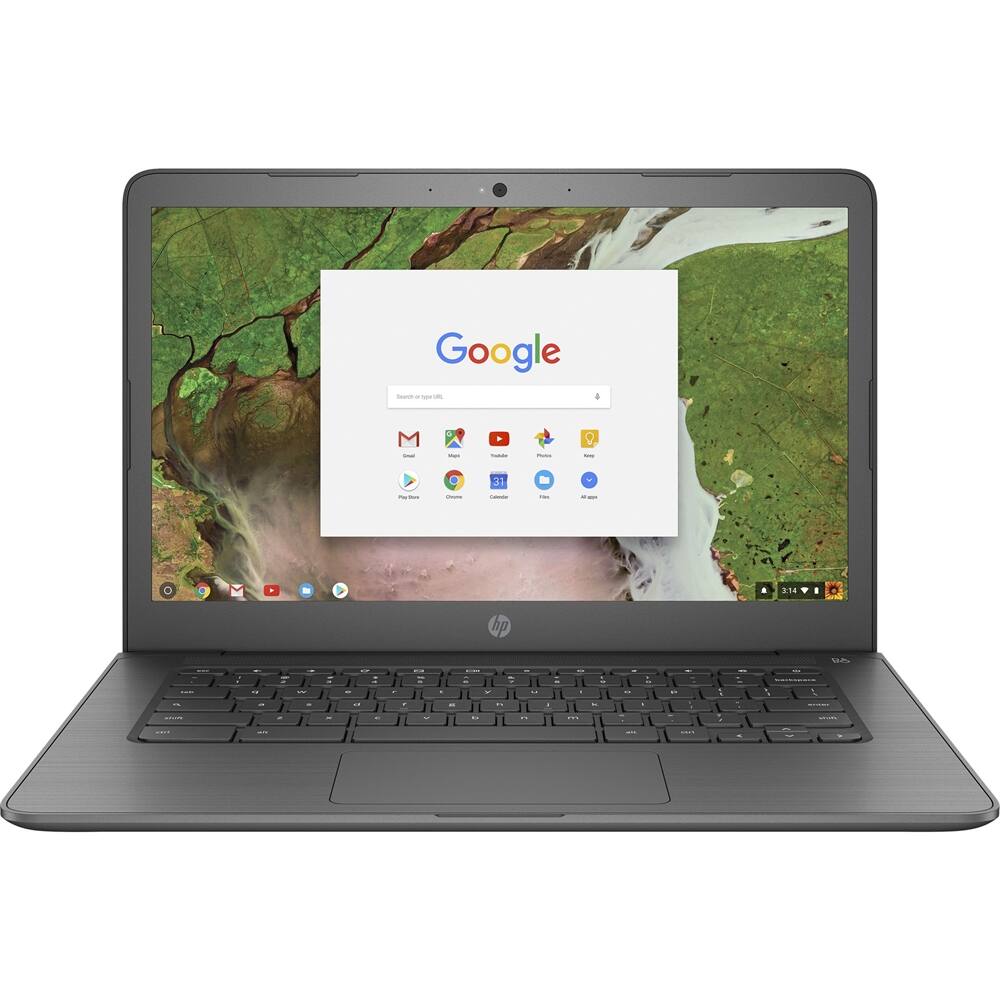
A:AnswerThanks for your question! This HP 14" Touch-Screen Chromebook will be compatible with most Stylus pens. The Chromebook can uses apps located on the Google Play Store for Chromebooks. Please visit the Store for details about available apps.
A:AnswerThank you for asking. Yes you can do this with software that you can download from the Google Play store. There are also various "floor plan" software apps available, as well as online cloud apps.
A:AnswerThe "base frequency" (that's like the idle speed of a car engine) is 1.1 GHz, but it can speed itself up to 2.4 GHz if the load on the computer requires it.